FrameWork Pro - Screenshot
Screenshot with mockup & texts
iPhone, iPad, iPod touch向けに設計
無料 · アプリ内課金
- 対象年齢4+
- カテゴリユーティリティ
- 開発元乐彬 梅
- 言語英語ほか2言語
- サイズ62.1 MB
App Storeの公式ページにリンクしています
Download.orgはFrameWork Pro - Screenshotのファイルを一切ホストしていません。ボタンを押すと、乐彬 梅が公開しているApp Storeのアプリページが開きます。ページの最終確認:2026/11/12。
スクリーンショット

概要
開発元はこのテキストをお使いの言語で提供していません。
[Introduction]
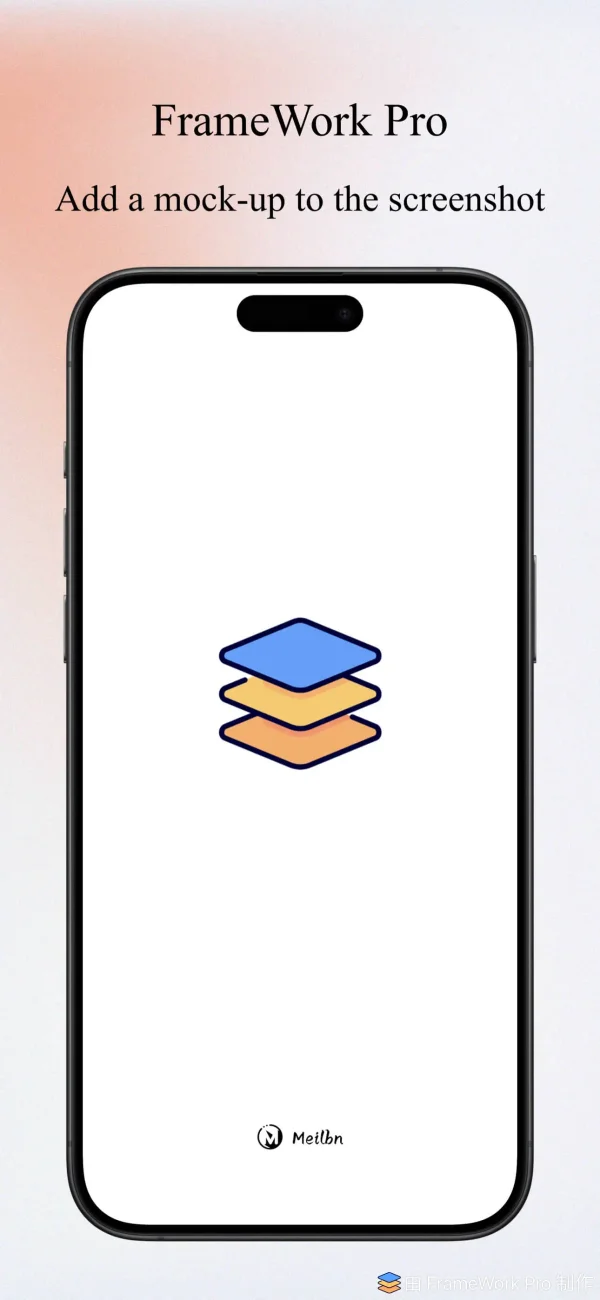
A more flexible, more editing freedom with mockup screenshot tool, quickly create App preview images, can be used for advertising and marketing, upload to App Store, create illustrations and so on.
What you see is what you get. Each item can be freely edited to create a preview image that meets your needs.
The interface is simple, and the toolbar at the bottom can be scroll left and right.
[Functions]
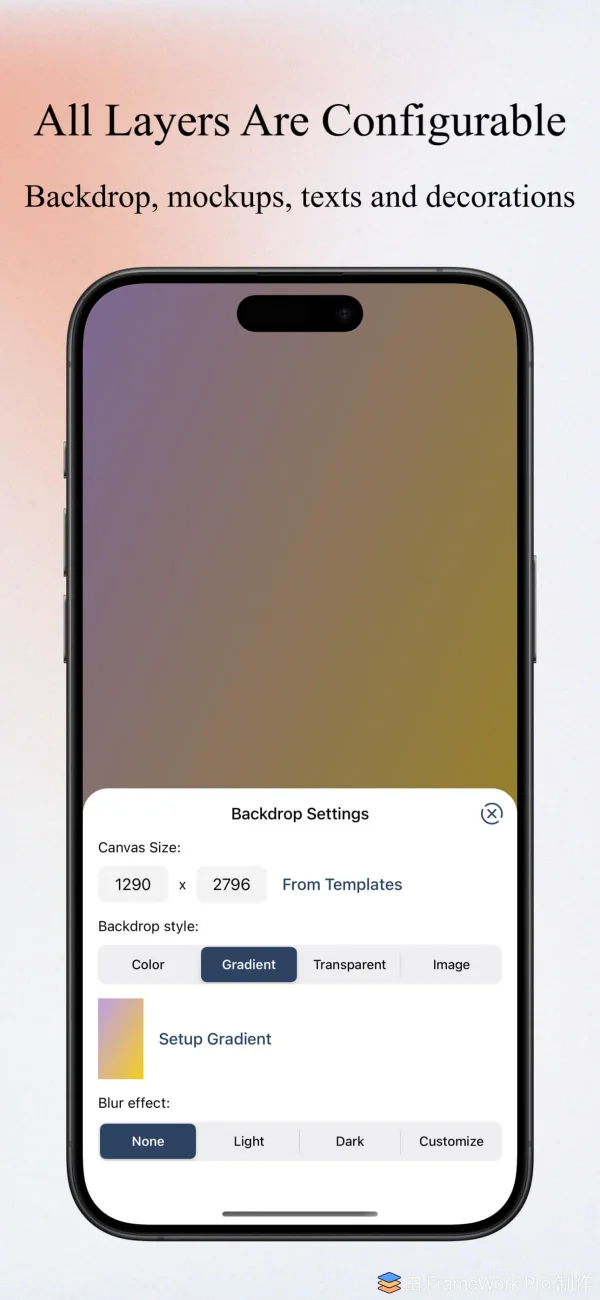
Canvas size can be set freely, similar to Photoshop. Other settings can be viewed in the Backdrop Settings panel.
Mockup position can be dragged with one finger, and the size can be scaled with two fingers. Up to 3 mockups can be added. Other settings can be viewed in the Mockup Settings panel.
Text position can also be dragged with one finger. There is no limit to the number of texts that can be added. Other settings can be viewed in the Text Settings panel.
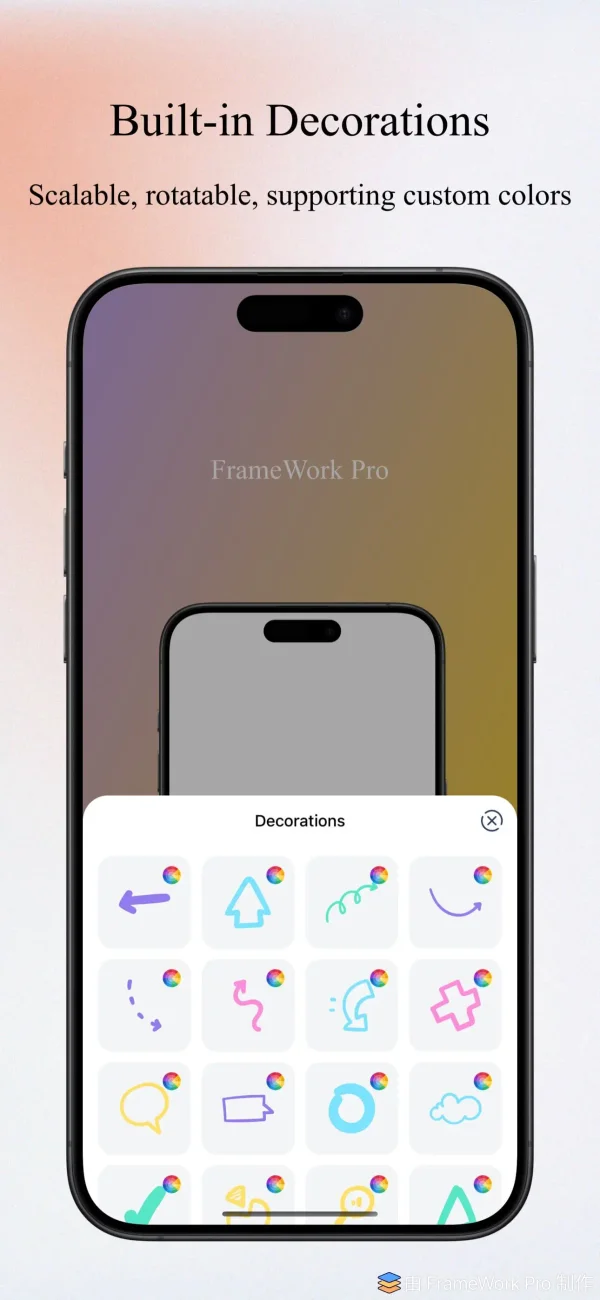
Decoration position can also be dragged with one finger, resized with two fingers, and rotated to any angle with two fingers. There is no limit to the number of decorations can be added. Some decorations support color customization. More settings can be found in the Decoration Settings panel.
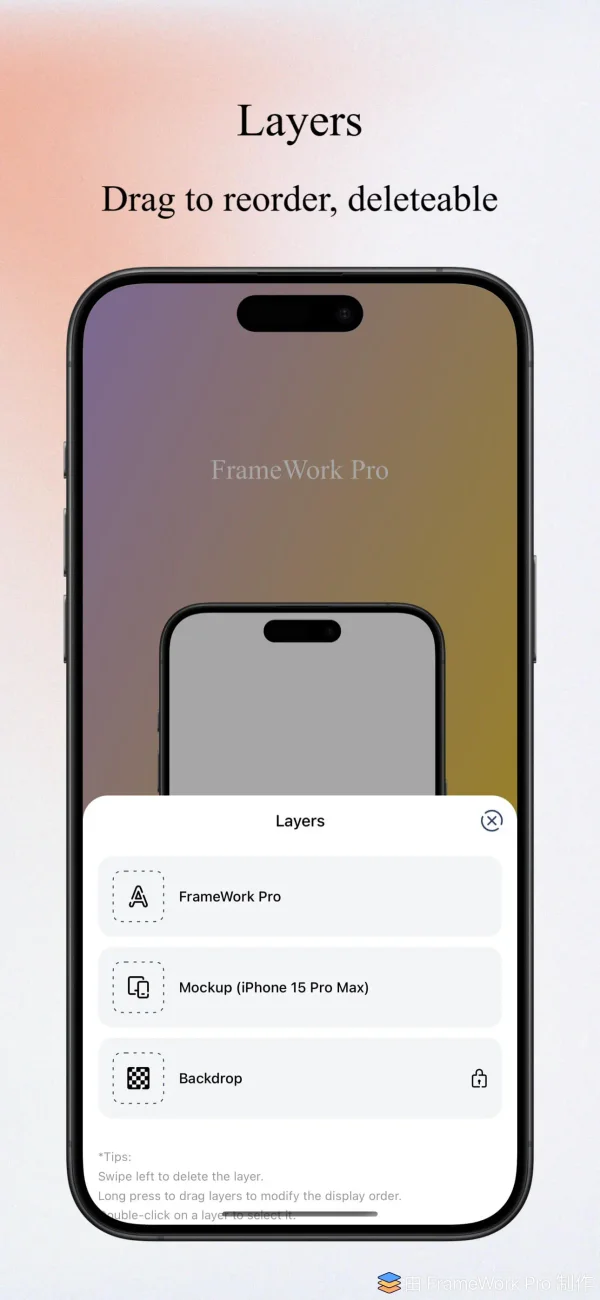
The display hierarchy of canvas, mockup, text and decoration layers can be modified in the Layers panel.
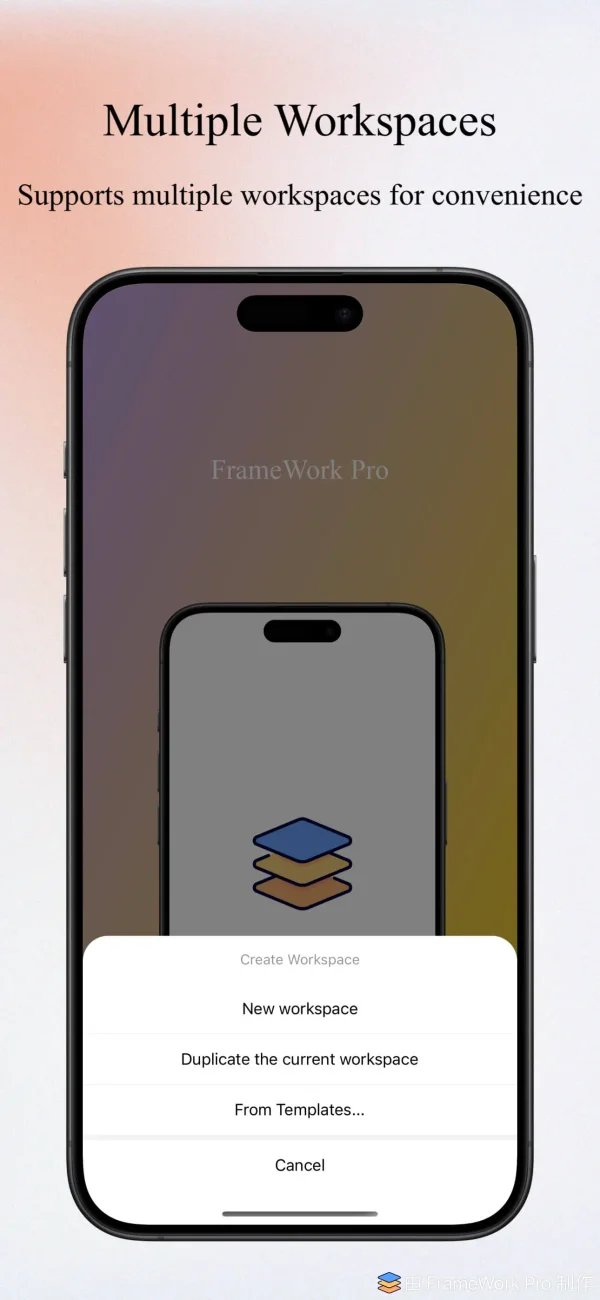
Support to add up to 10 workspaces, each workspace is edited separately.
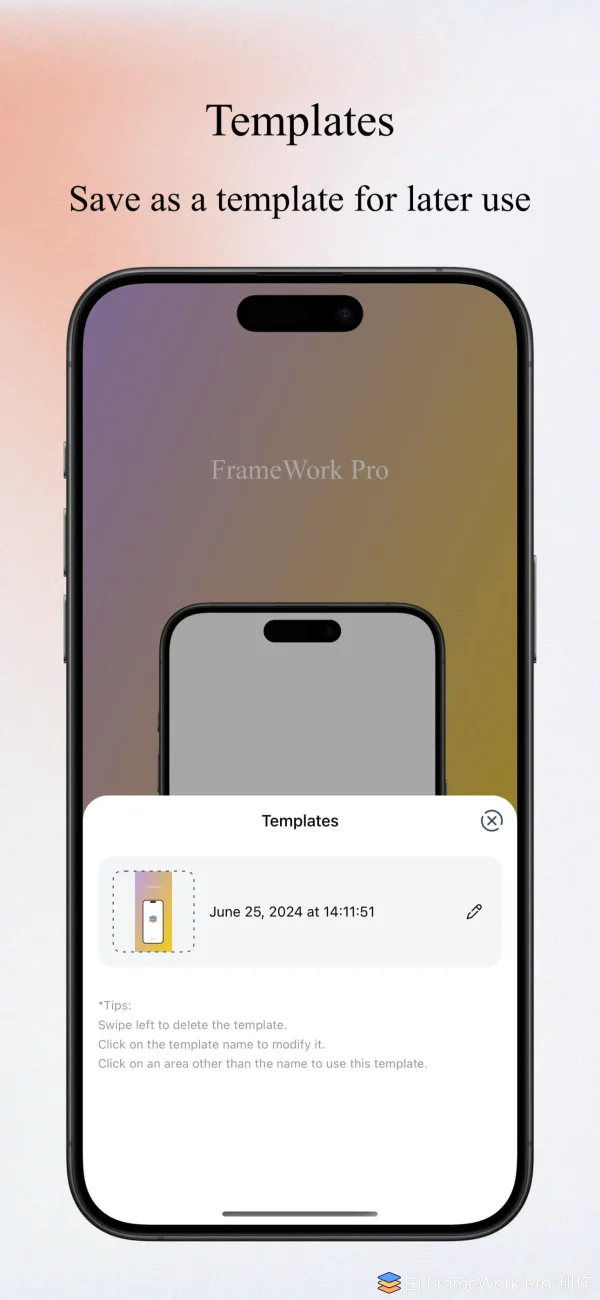
You can save the content of the workspace as a template, or select one from the template to overwrite the current workspace content, which is convenient for making uniform style pictures.
Templates support setting names, easy to remember and use.
Support auto-save workspace content, not afraid of the loss of completed work.
Support to add watermark, watermark text can by modify, support for 9 positions.
[Supported Device Mockups]
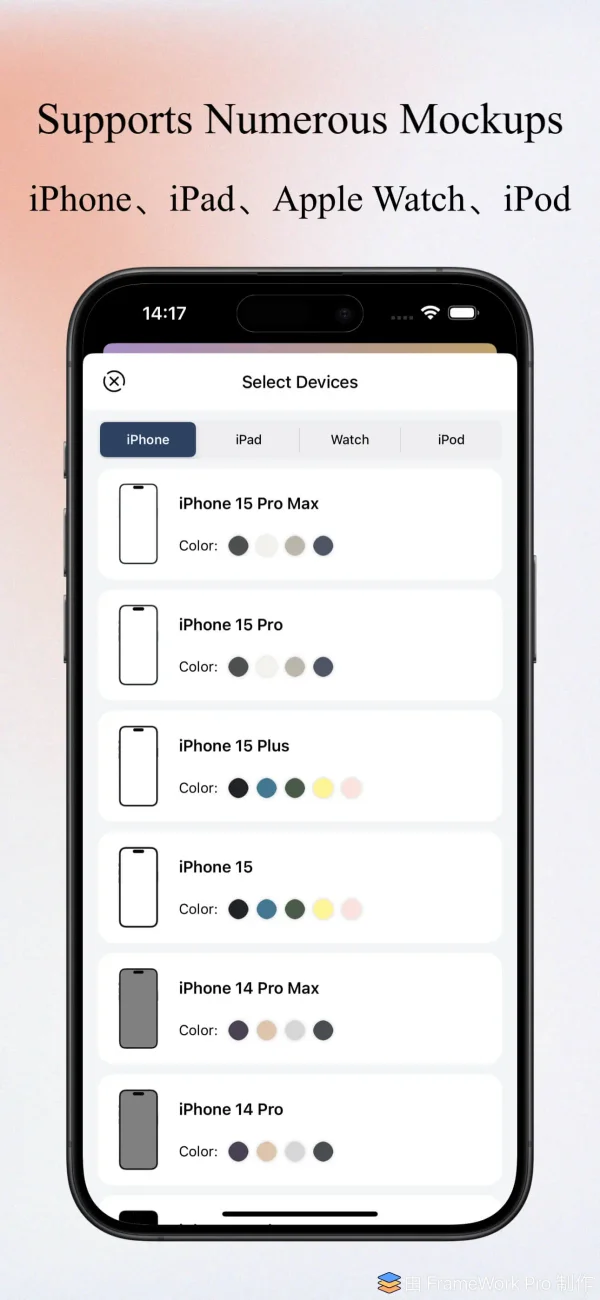
iPhone: iPhone 5 and later
iPad: iPad 5th, iPad 9th, iPad mini 6th, iPad Air 5th, iPad Air M2, iPad Pro 10.5, iPad Pro 12.9 2th, iPad Pro 11 3th, iPad Pro 12.9 5th, iPad Pro M4
Apple Watch: Series 3, Series 4, Series 6, Series 7, Series 8, Series 9, Series 10, Ultra, Ultra 2
iPod Touch: iPod Touch 6th
[Explanation]
If you want to get started quickly, please click the "More" button at the bottom, and then click "Use Tips" to see how to use each function.
You can also directly visit: https://app.meilb.com/framework-pro/use-tips.html
If you have any questions, send me an email and I will listen to any comments, suggestions and criticisms.
If you find this app helpful or you like it, please give it 5 stars~!
Some of the advanced functions need to purchase the Premium before you can use it.
[Contact Me]
You can submit feedback in the App or contact me through several other ways.
Email: codingallnight@gmail.com
----------------------------------
【介绍】
一款更灵活,编辑自由度更高的带壳截屏工具,快速制作 App 预览图,可以用于广告营销、上架 App Store,制作插图等。
所见即所得。各部分元素均可自由编辑,制作符合您自己需求的预览图片。
界面简洁,底部的工具栏可以左右滑动。
【功能】
画布大小可以自由设置,类似 Photoshop;更多设置可以在背景面板中查看。
模型位置可以单指随意拖动,大小可以双指随意缩放;设备模型可以添加最多 3 个;更多设置可以在模型设置面板中查看。
文本位置也可以单指随意拖动;文本添加数量不限制;更多设置可以在文本设置面板中查看。
装饰位置可以单指随意拖动,大小可以双指随意缩放,还可以双指旋转任意角度;装饰可以随意添加;部分装饰支持设置颜色;更多设置可以在装饰设置面板中查看。
画布、模型、文本、装饰图层的显示层级顺序可以在图层面板中修改。
支持添加最多 10 个工作区,每个工作区都是单独编辑的。
可以将工作区的内容保存为模板,也可以从模板中选择一个来覆盖当前的工作区内容,方便制作统一样式的图片。
模板支持设置名称,方便记忆和使用。
支持自动保存工作区内容,不怕做好的内容丢失。
支持添加水印,水印文字支持自定义,支持 9 种水印位置。
【支持的设备型号】
iPhone: iPhone 5 及以后
iPad: iPad 5th, iPad 9th, iPad mini 6th, iPad Air 5th, iPad Air M2, iPad Pro 10.5, iPad Pro 12.9 2th, iPad Pro 11 3th, iPad Pro 12.9 5th, iPad Pro M4
Apple Watch: Series 3, Series 4, Series 6, Series 7, Series 8, Series 9, Series 10, Ultra, Ultra 2
iPod Touch: iPod Touch 6th
【说明】
如想要快速上手,请点击底部 “更多” 按钮,然后点击 “小技巧” 来查看如何使用各个功能。
也可以直接访问:https://app.meilb.com/framework-pro/use-tips.html
如果有任何问题,都可以给我发送邮件,我会悉心听取任何意见、建议和批评。
如果觉得这个 App 对您有帮助或者喜欢的话,请给予五星好评哟~
部分高级功能需要开通高级版之后才可以使用。
【联系我】
可以在 App 内提交意见反馈或者通过其他几种联系方式联系到我。
邮箱:codingallnight@gmail.com
新機能
バージョン 1.3.0 · 2026/9/16
- Support ALL models of iPhone 18 Pro, iPhone 18 Pro Max (Black, Silver, Glacier, Burgundy).
- When saving a workspace as a template, you can enter a group name or select from existing groups; the template list will be displayed grouped by name.
- Long-pressing a mockup opens the mockup settings panel.
- Bug fixes
アプリのプライバシー
このアプリのデータの取り扱いについて、乐彬 梅がApp Storeで申告している内容です。
-
ユーザーに関連付けられたデータ
収集され、ユーザーの識別情報に関連付けられる場合があります。
- ID
-
ユーザーに関連付けられないデータ
収集される場合がありますが、ユーザーの識別情報には関連付けられません。
- 使用状況データ
- 診断
プライバシーの取り扱いは、ご利用の機能やお客様の年齢などに応じて異なる場合があります。
情報
- 販売元
- 乐彬 梅
- カテゴリ
- ユーティリティ
- バージョン
- 1.3.0
- 更新日
- 2026/9/16
- リリース
- 2024/6/25
- サイズ
- 62.1 MB
- 必要条件
- iOS 15.0以降
- 対象年齢
- 4+
- 価格
- 無料
- アプリ内課金
- あり
- 言語
- 英語, 簡体字中国語, 繁体字中国語
- 著作権
- 2024-2026 © Meilbn