- 対象年齢4+
- カテゴリ仕事効率化
- 開発元Eighty Percent Solutions
- 言語英語ほか3言語
- サイズ97.8 MB
App Storeの公式ページにリンクしています
Download.orgはFreedom: Screen Time Controlのファイルを一切ホストしていません。ボタンを押すと、Eighty Percent Solutionsが公開しているApp Storeのアプリページが開きます。ページの最終確認:2026/11/25。
スクリーンショット

概要
開発元はこのテキストをお使いの言語で提供していません。
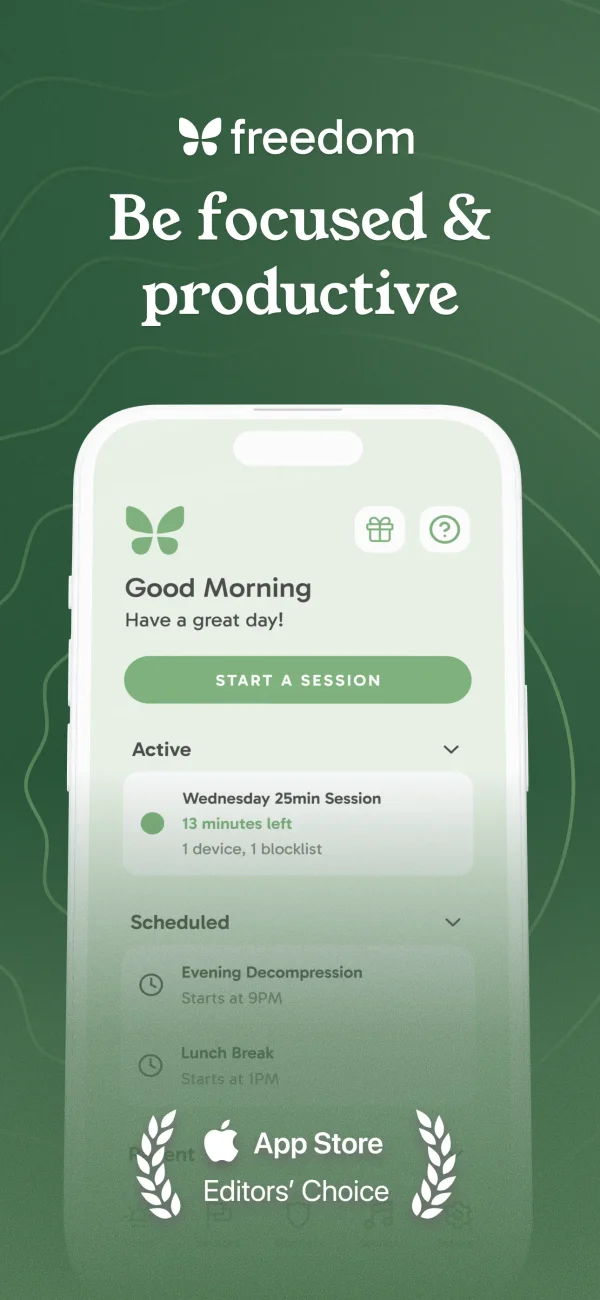
Block distracting apps and websites so you can focus, be more productive, and build better screen time habits. We've built the world's best app and website blocker, trusted by over 3 million individuals and teams to deliver focused attention for the things that matter most.
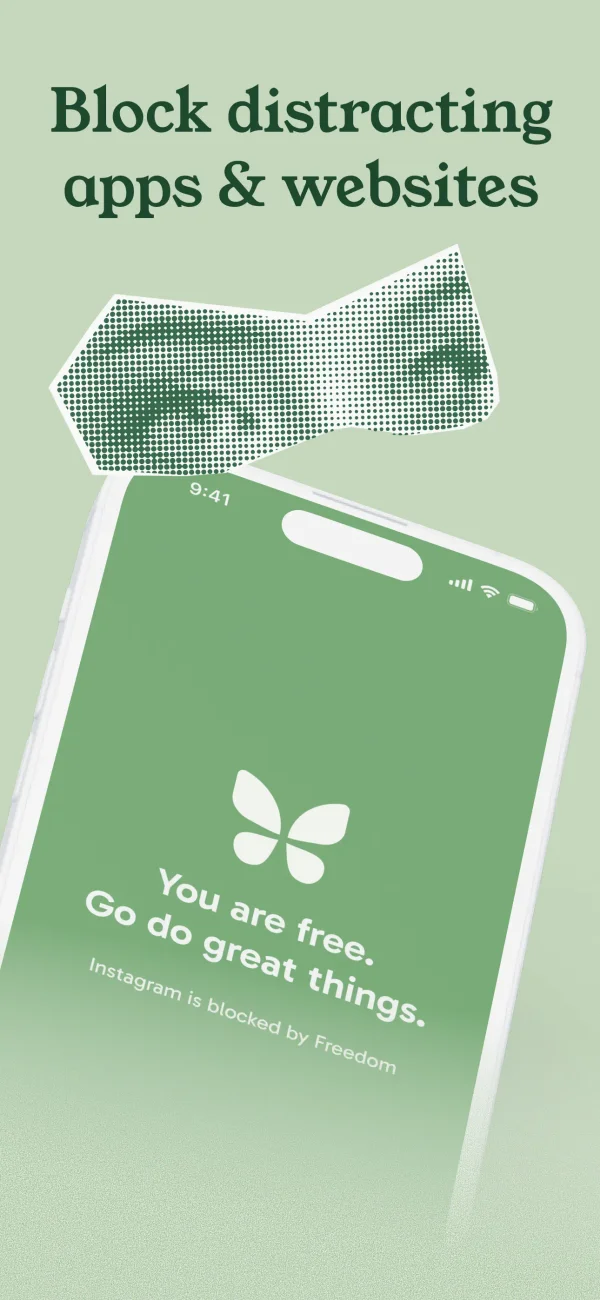
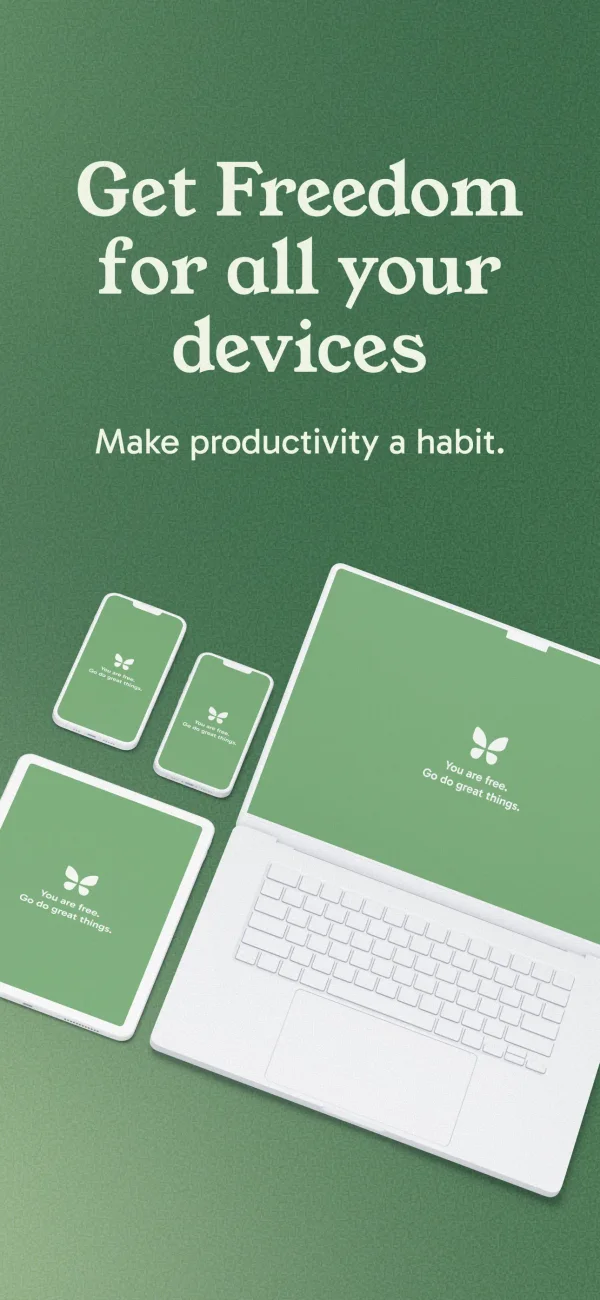
During a Freedom session, when you attempt to open an app or website on your blocklist, Freedom blocks the app from opening and displays a peaceful green screen - reminding you that you're currently free of that distraction. Freedom users report gaining an average of 2.5 hours of productive time every day. They're more fulfilled, happier with work and family life, and have a healthier relationship with their technology.
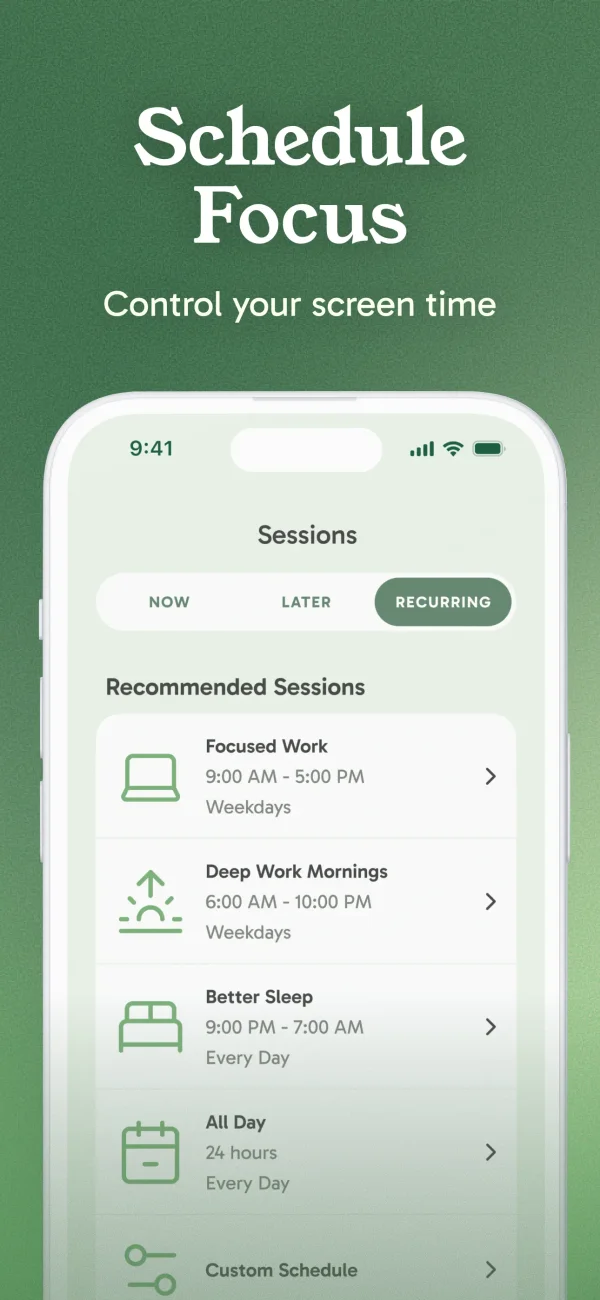
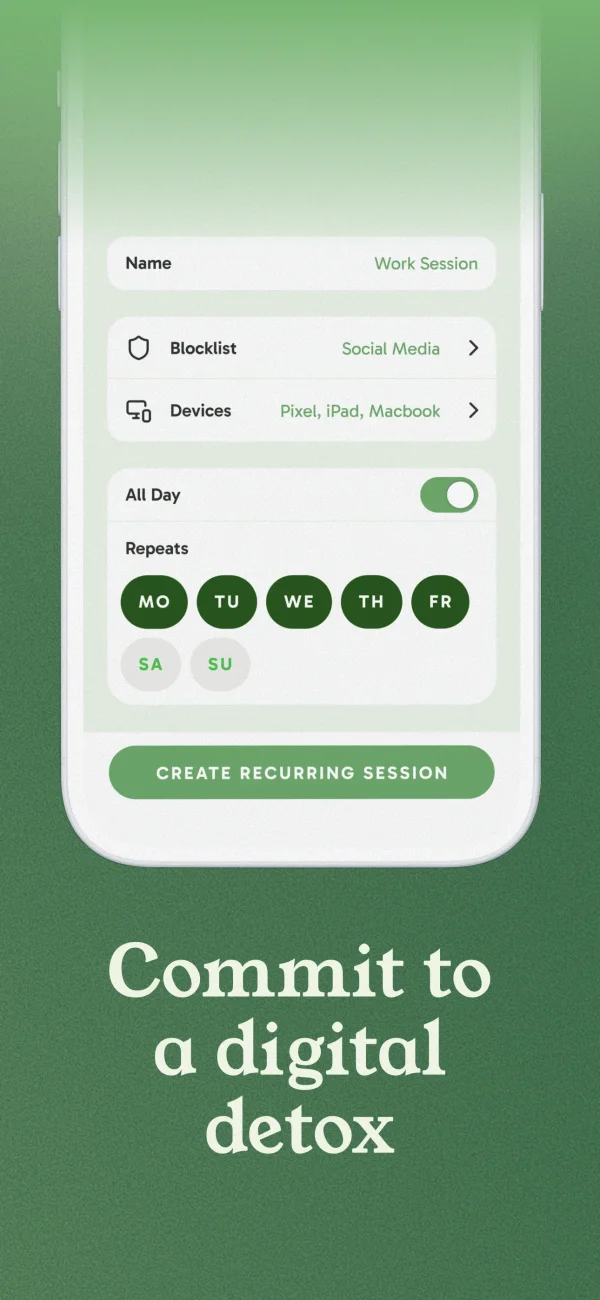
Schedule a Freedom app blocking session to start automatically when you need it – for complete, seamless control over distractions. Because Freedom works across all your devices, you'll feel confident knowing you're in complete control. We call it mindful productivity.
There's no limit to the number of devices (including phones, tablets, and computers) you can connect to Freedom, so you can block apps and websites regardless of where you are or what you're doing. You'll stay focused, productive, and distraction-free.
"Our favorite distraction-killing app blocker." – Lifehacker
"One antidote to the always-on life is Freedom…" – Time Magazine
"As Freedom shows, the solution to the problems created by technology isn't anti-technology, but more and better technology." – Huffington Post
"Freedom has garnered celeb fans like Dave Eggers, Nick Hornby, Seth Godin, and Nora Ephron." – Mashable
PEACE OF MIND - COVER EVERY DEVICE
- For one price, Freedom covers all your devices (phones, tablets, and computers) with our powerful distraction-blocking technology.
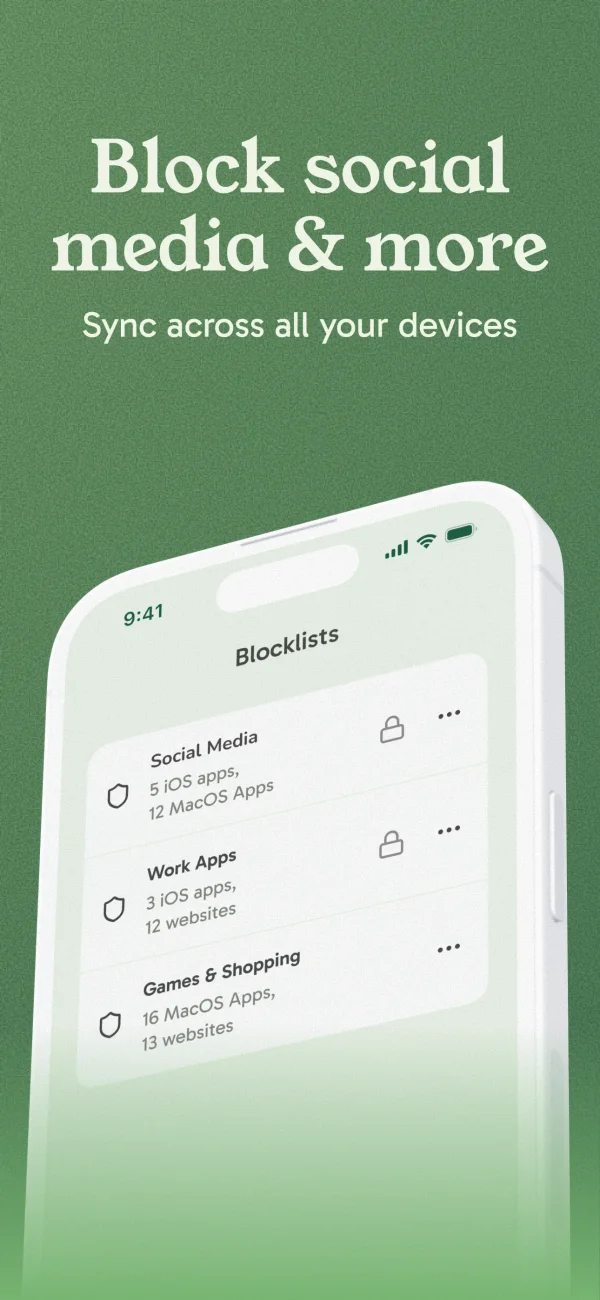
TURN OFF THE NOISE - BLOCK APPS and WEBSITES
- Block distracting apps and websites for as long as you want. Select from a pre-made blocklist or create a custom blocklist of your time-consuming distractions.
EXPERIENCE TOTAL PEACE - BLOCK THE INTERNET
- Block the internet with a single button. Enjoy peace, quiet, and focus, away from all distractions. Freedom won't block important texts or calls, so you can enjoy offline time knowing you can be reached if need be!
SMART COVERAGE - SYNC ACROSS YOUR DEVICES
- Distractions aren't limited to your phone! Sync block sessions to your phones, tablets, and computers. There's no limit to the number of devices you can use.
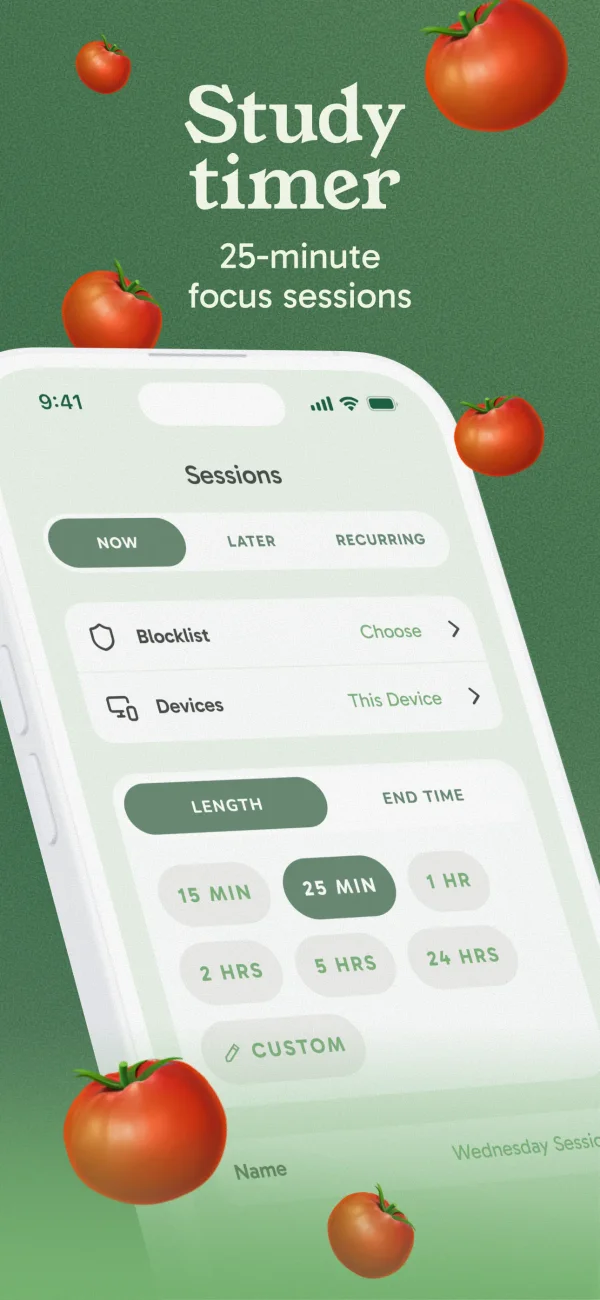
CREATE GOOD HABITS - USE POWERFUL SCHEDULING
- Schedule your blocks now, later, or create recurring blocks to help make focus and productivity a habit.
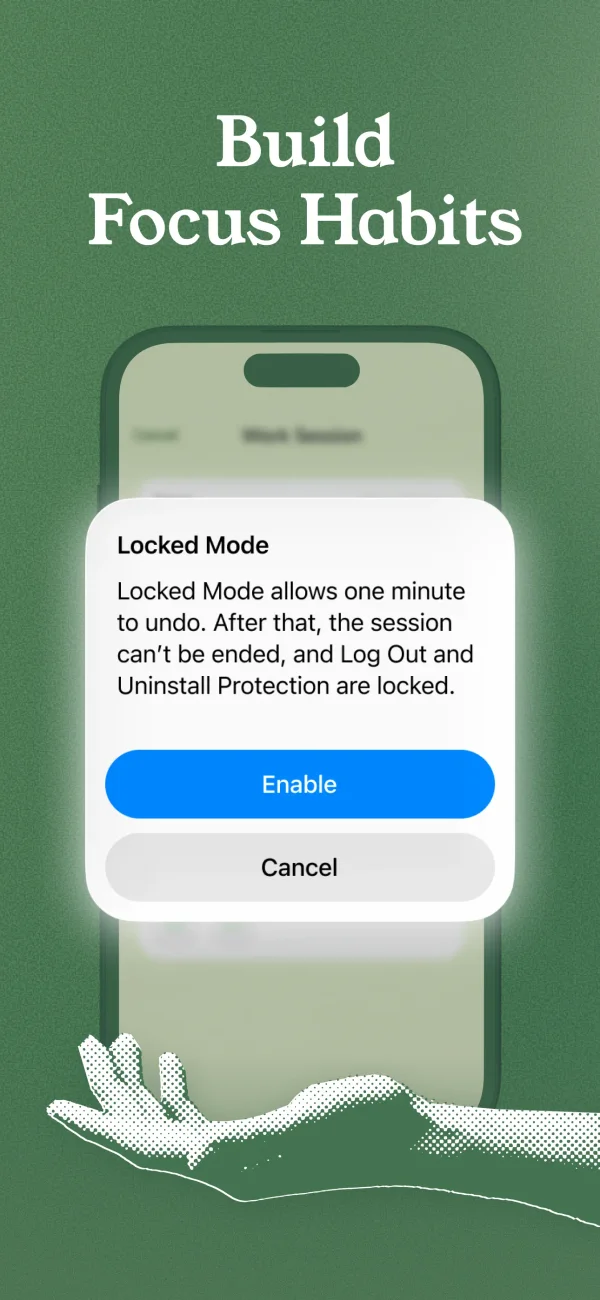
LOCKED MODE
- Use Locked Mode to commit to breaking bad digital habits and addictions.
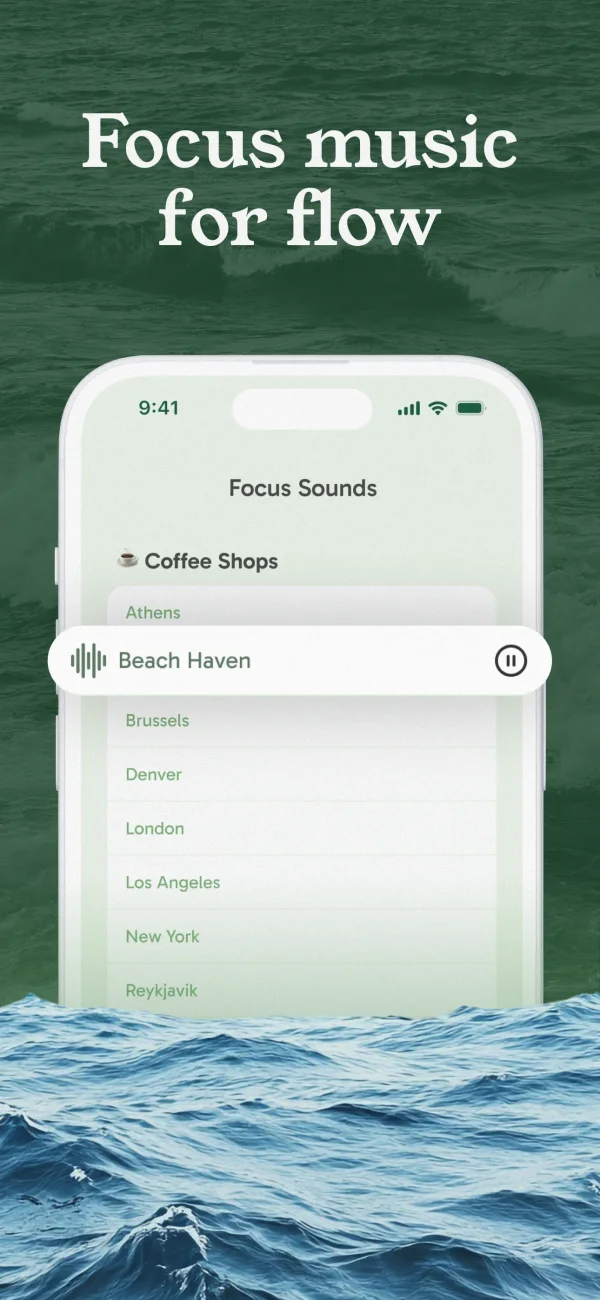
FOCUS SOUNDS
- Free audio tracks give you an assortment of music, café, office, and nature sounds to help you stay focused and productive, no matter where you are.
We're excited about helping you be the best version of yourself. We're continually building new tools - and they're always included in your subscription. We've also got a great Perks program which offers discounts on top productivity products.
SUBSCRIPTION PRICING AND TERMS
We’re confident that you’ll love Freedom, but just so you can be sure, we offer a 7-day free trial of Freedom Premium. After that it’s only $39.99 per year. Many Freedom users tell us it pays for itself within a few days!
These prices are for United States customers. Pricing in other countries may vary and actual charges may be converted to your local currency depending on the country of residence.
Your Freedom subscription will automatically renew at the end of each term and your credit card will be charged through your iTunes account. Your subscription will automatically renew unless auto-renew is turned off at least 24 hours before the end of the current period. You can turn off auto-renew at any time from your iTunes account settings.
Terms and Conditions -
https://freedom.to/terms
Privacy Policy -
https://freedom.to/privacy
Thank you!
新機能
バージョン 7.20 · 2026/11/23
See when your subscription renews in Account & Preferences.
This update also includes fixes for in-app banners, performance improvements, and stability updates.
アプリのプライバシー
このアプリのデータの取り扱いについて、Eighty Percent SolutionsがApp Storeで申告している内容です。
-
ユーザーのトラッキングに使用されるデータ
他社のアプリやウェブサイトを横断してユーザーをトラッキングする目的で使用される場合があります。
- ID
-
ユーザーに関連付けられたデータ
収集され、ユーザーの識別情報に関連付けられる場合があります。
- 連絡先情報
- ユーザーコンテンツ
-
ユーザーに関連付けられないデータ
収集される場合がありますが、ユーザーの識別情報には関連付けられません。
- 位置情報
- ID
- 使用状況データ
- 診断
プライバシーの取り扱いは、ご利用の機能やお客様の年齢などに応じて異なる場合があります。
情報
- 販売元
- Eighty Percent Solutions Corporation
- カテゴリ
- 仕事効率化
- バージョン
- 7.20
- 更新日
- 2026/11/23
- リリース
- 2018/10/27
- サイズ
- 97.8 MB
- 必要条件
- iOS 16.1以降
- 対象年齢
- 4+
- 価格
- 無料
- アプリ内課金
- あり
- 言語
- 英語, フランス語, ドイツ語, スペイン語
- 著作権
- © 2026 Eighty Percent Solutions Corporation
こちらもおすすめ
-
 Refocus: アプリブロック・サイトブロック・アプリ制限ウェブブロッカー・アプリロック・スクリーンタイム・集中
-
 AppBlock アプリ・サイトをブロックしてスマホ依存克服スマホ制限・スクリーンタイム管理。デジタルデトックスで集中力
-
 BlockSite: Block Apps & Focus仕事効率化
-
 ScreenZen- Screen Time Control仕事効率化
-
 Stay Focused 集中・スマホ依存対策勉強タイマー・アプリ/サイトブロック・スマホ制限
-
 one sec ・スマホ 依存 対策・集中タイマー集中タイマー・ぽもどーろ・アプリとサイトをブロック
-
 Jomo - スクリーンタイム、アプリのブロック電話中毒をやめる
-
 Flipd: focus & study timer仕事効率化
-
 Opal: スクリーンタイム管理フォーカス, アプリブロッカー & タイマー
-
 Focus Keeper| ポモドーロ技術 & 勉強時間タスク管理。時間。勉強タイマー。べんきょう時間。時間管理。