- 対象年齢4+
- カテゴリユーティリティ
- 開発元Derrick Keo
- 言語英語
- サイズ48.5 MB
FrunkShowは現在App Storeで入手できない可能性があります
前回の確認時、ストアのページにアクセスできませんでした。リンク先は引き続きApp Storeの公式ページです。
スクリーンショット

概要
開発元はこのテキストをお使いの言語で提供していません。
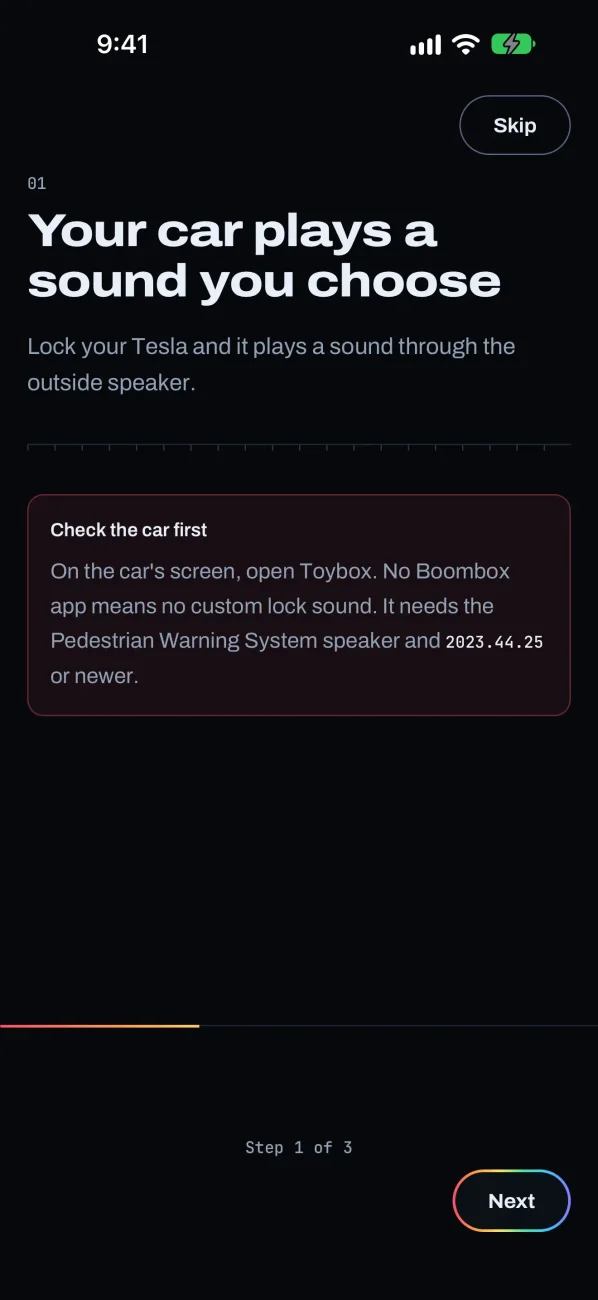
FrunkShow makes two files your car can use, and helps you put them on a USB drive.
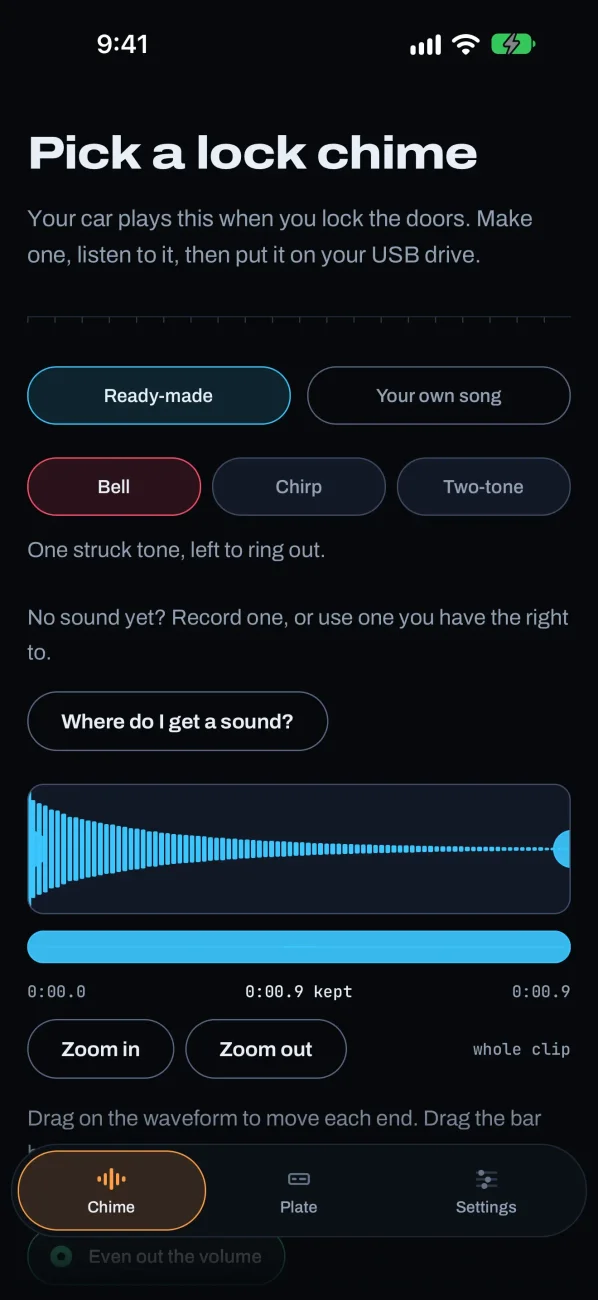
LOCK CHIME
Pick a ready-made chime, or open a song from Files and trim it to the moment you want. Add a fade in or out, even out the volume, and play it back before you save. FrunkShow builds the LockChime.wav file on your phone, under the car's 1 MB limit, in the format the car expects. Your audio is not uploaded when you pick it.
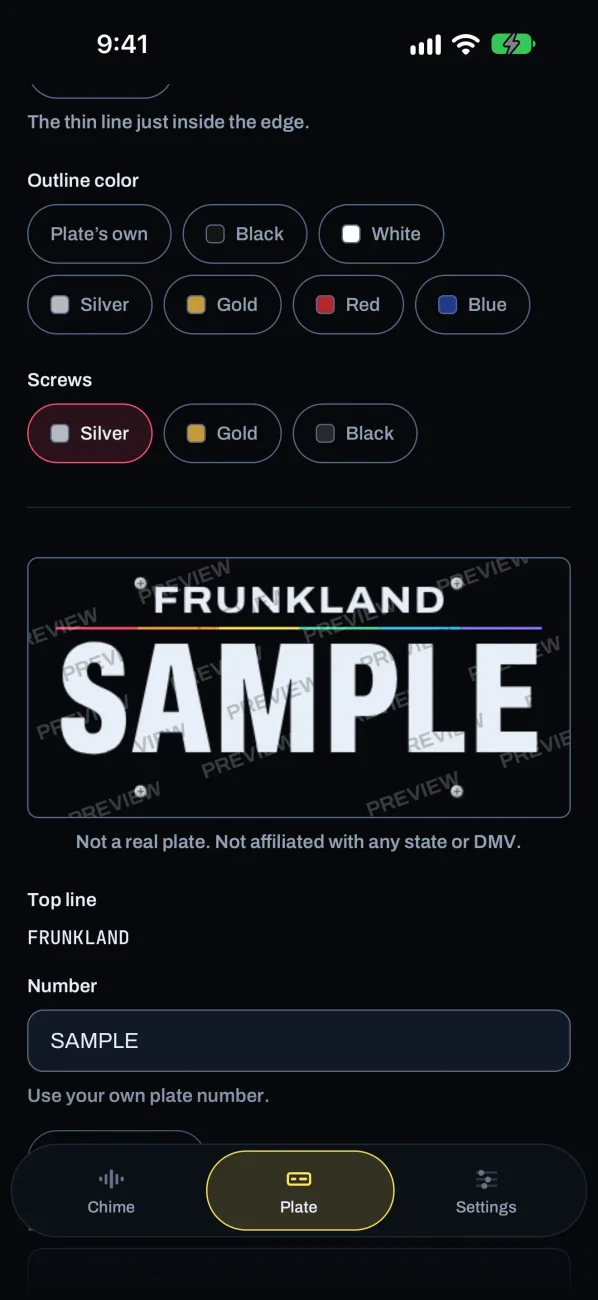
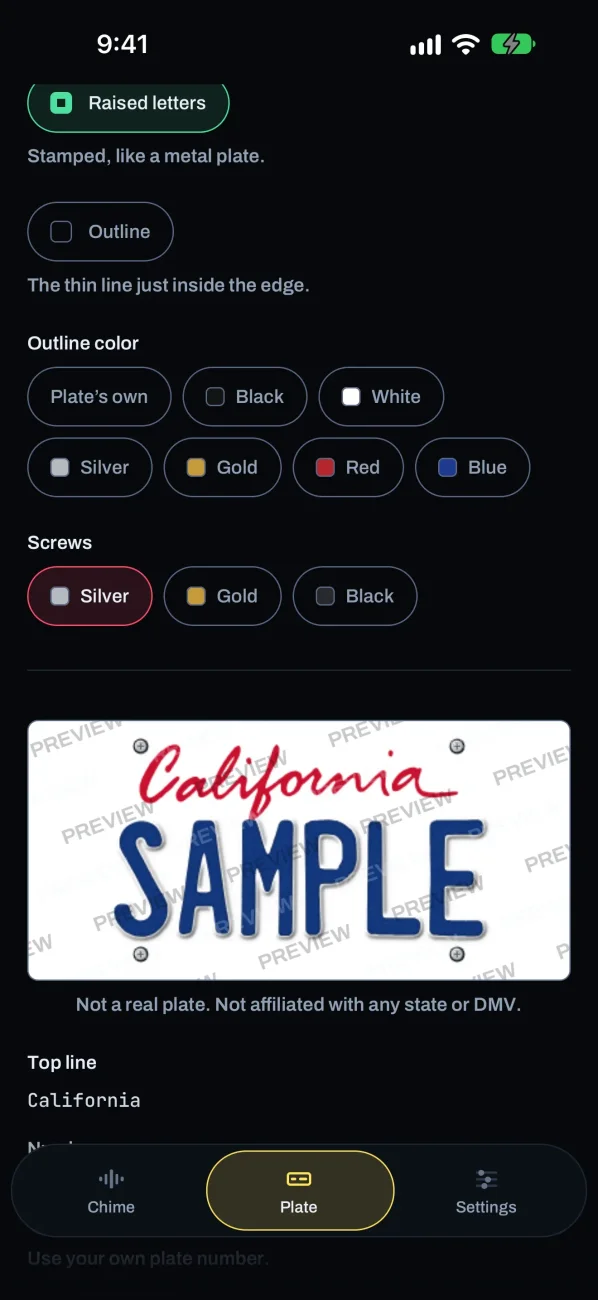
LICENSE PLATE
Design the plate picture your car can show on its screen. Choose a state style, type your lines, set the colors, and add screws and an outline, or use a photo of your own and crop it to the plate. The plate is only a picture the car displays. It is not a registration plate and changes nothing on the road.
ONTO THE DRIVE
"Save to a drive" opens the share sheet. Choose Save to Files and pick your USB drive. The built-in USB guide shows how to set up one drive for everything: which partition, which folder, and what each file must be called.
AN ACCOUNT IS OPTIONAL
Making a chime needs no account. Sign in with just an email address, with no password, to keep your chimes and plates and get them back on another device or on the website.
FrunkShow is an independent app and is not affiliated with, endorsed by or sponsored by Tesla, Inc.
アプリのプライバシー
このアプリのデータの取り扱いについて、Derrick KeoがApp Storeで申告している内容です。
-
ユーザーに関連付けられたデータ
収集され、ユーザーの識別情報に関連付けられる場合があります。
- 連絡先情報
- ユーザーコンテンツ
プライバシーの取り扱いは、ご利用の機能やお客様の年齢などに応じて異なる場合があります。
情報
- 販売元
- Derrick Keo
- カテゴリ
- ユーティリティ
- バージョン
- 1.0
- 更新日
- 2026/11/9
- リリース
- 2026/11/9
- サイズ
- 48.5 MB
- 必要条件
- iOS 18.0以降
- 対象年齢
- 4+
- 言語
- 英語
- 著作権
- © 2026 Derrick Keo