
- 対象年齢17+
- カテゴリ開発ツール
- 開発元Mohamad Youssef
- 言語英語
- サイズ94.3 MB
App Storeの公式ページにリンクしています
Download.orgはGhostex: AI Coding Agentsのファイルを一切ホストしていません。ボタンを押すと、Mohamad Youssefが公開しているApp Storeのアプリページが開きます。ページの最終確認:2026/11/18。
スクリーンショット
概要
開発元はこのテキストをお使いの言語で提供していません。
Ghostex puts the coding agents running on your computer in your pocket. Watch them work, answer their questions, approve their next step and start new work, wherever you are.
This app is the companion to Ghostex, the free desktop workspace for command-line coding agents such as Claude Code, Codex, OpenCode and Cursor. It connects to Ghostex on your own Mac, Windows or Linux computer, so install Ghostex there first: ghostex.dev.
WATCH AND REPLY TO SESSIONS
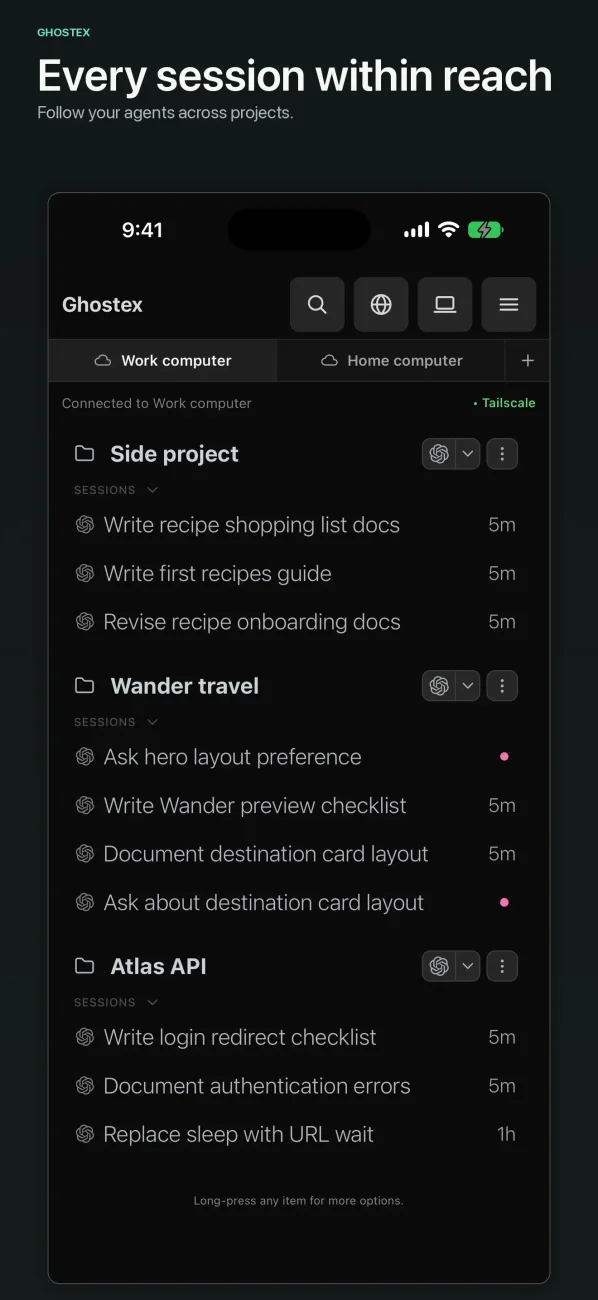
• Every agent session on every connected computer, grouped by project, with live status: working, done, or waiting for you.
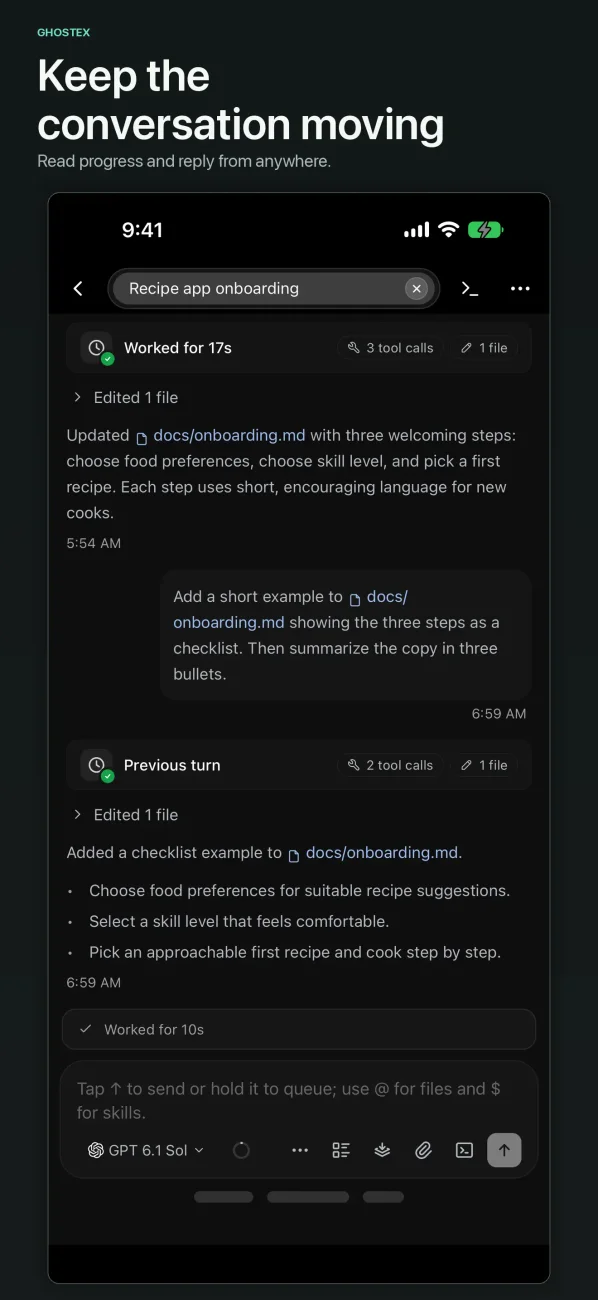
• A chat view of each conversation built for the phone: messages, tool calls, edited files and plans, easy to follow.
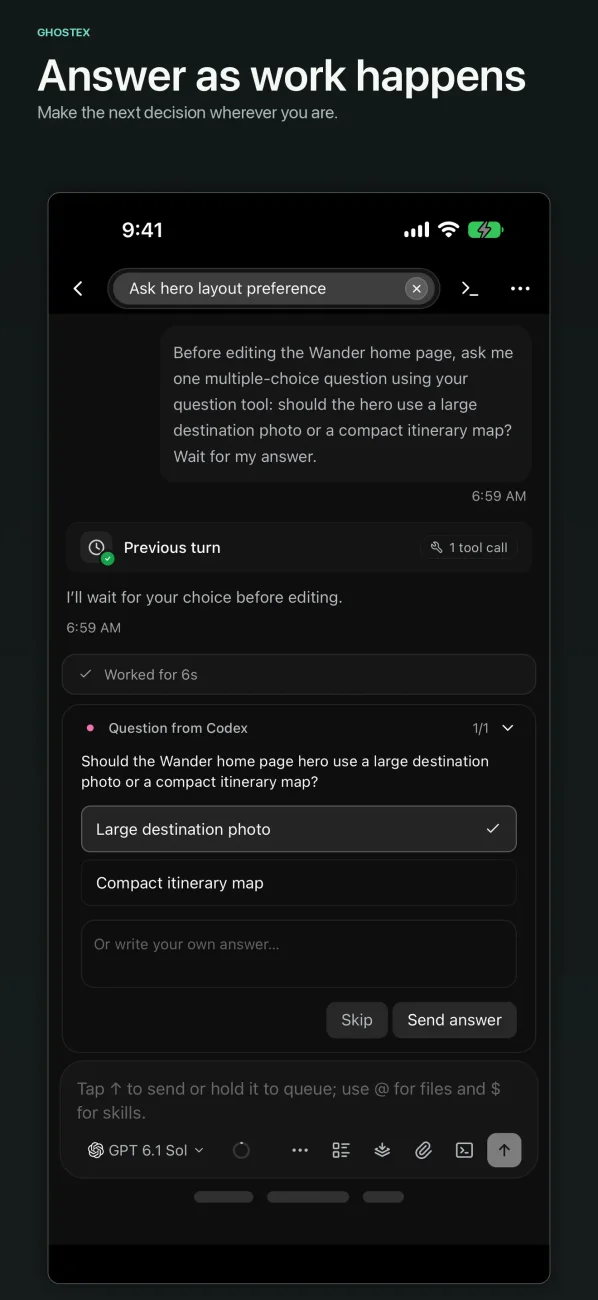
• Answer an agent's questions and approve its next step right in the chat.
• Send follow-ups, dictate, and attach photos, screenshots and files.
• Search the open and closed sessions on all your computers.
OPEN A REAL TERMINAL
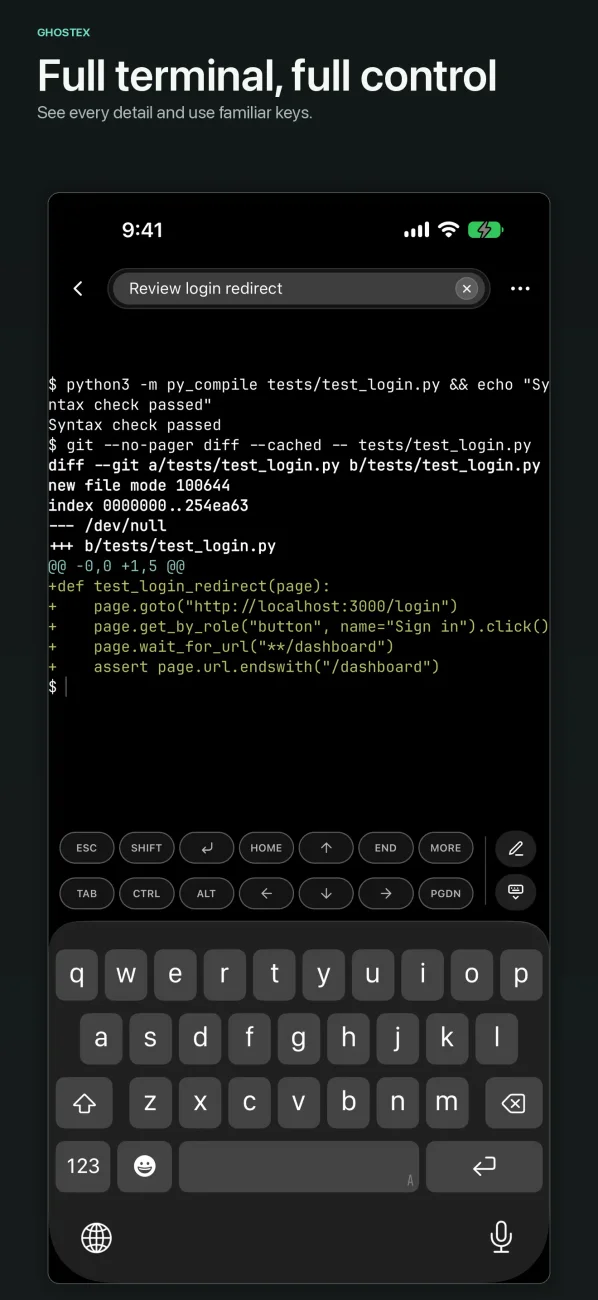
• Attach to any session's terminal, drawn by the Ghostty terminal engine.
• Extra keys for Esc, Ctrl, Tab, arrows and more, laid out for a phone.
• Pinch to zoom, select and copy, and paste safely. External keyboards work too.
START NEW WORK
• Start new agent sessions, add projects and clone repositories without walking back to your desk.
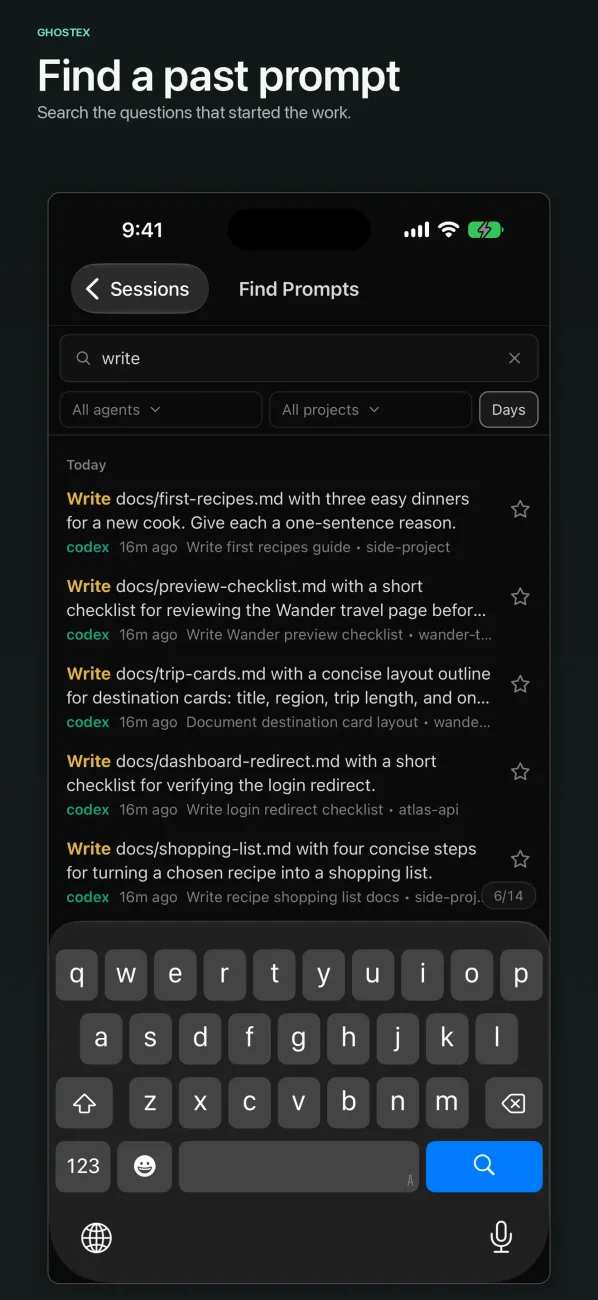
• Find any prompt you sent before and send it again.
SEE WHAT YOUR AGENTS BUILT
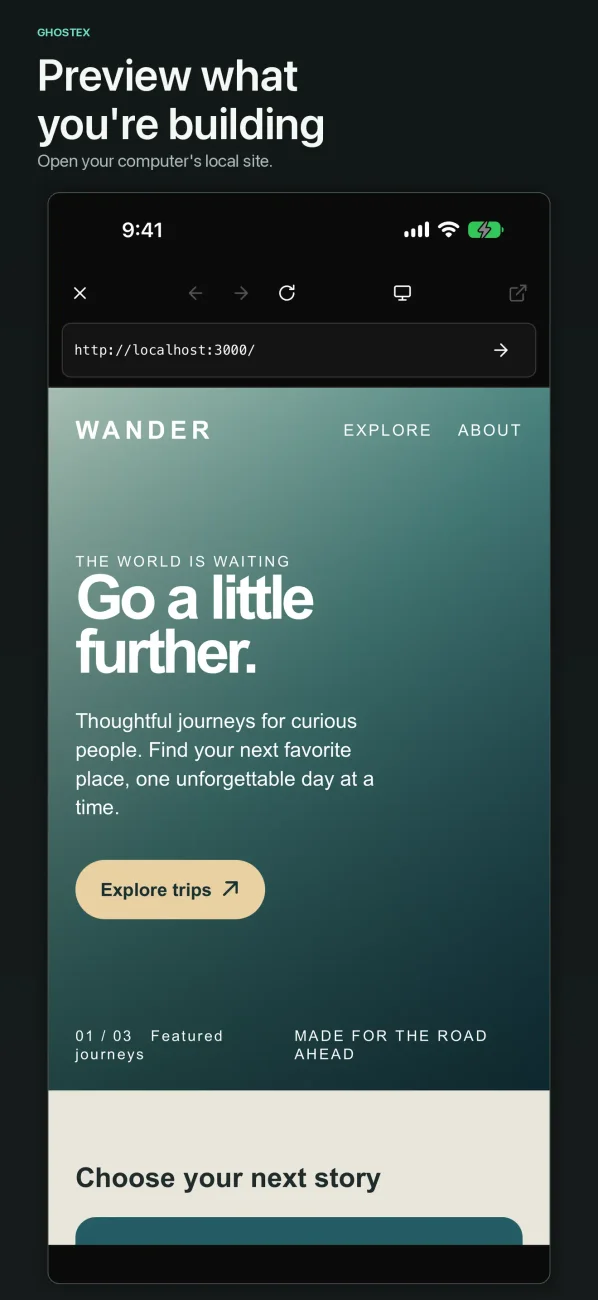
• Web Preview opens the dev servers running on your computer, such as localhost:3000, right on the phone.
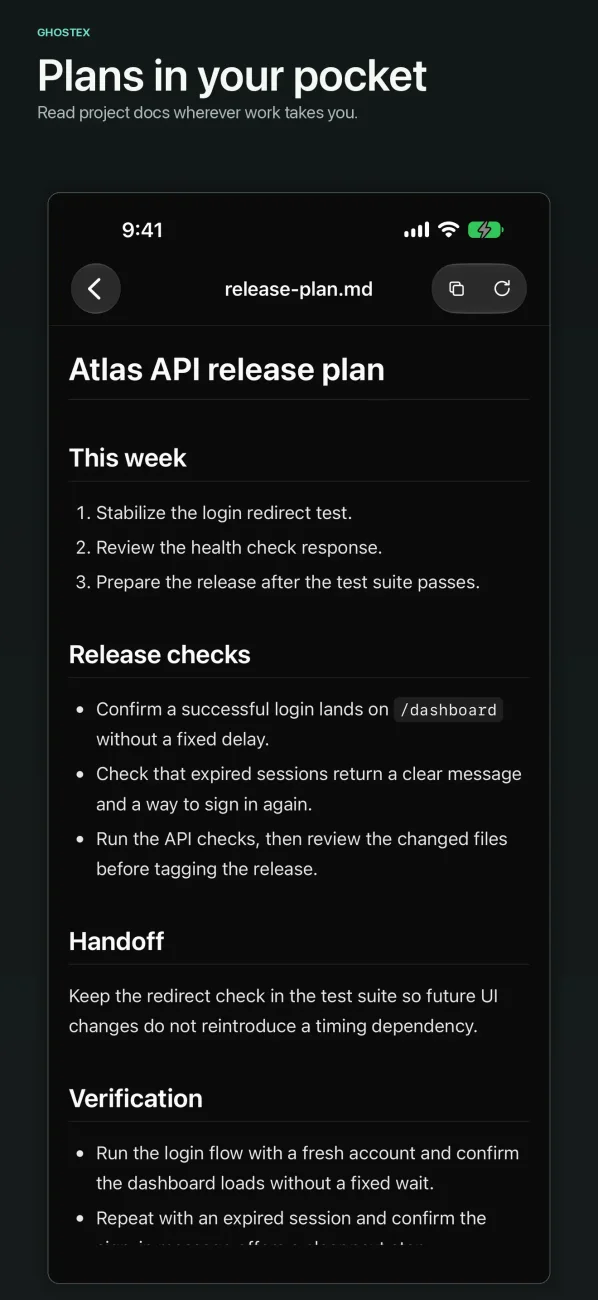
• Read your project's Markdown and HTML docs, plans and notes.
CONNECT IN ABOUT A MINUTE
• Easy Connect: open Mobile & Remote in Ghostex on your computer and scan the code it shows. Nothing else to install.
• Or connect with Tailscale or SSH using an address, username and password.
• Add several computers: work, home, a build server.
PRIVATE BY DESIGN
• No account to create.
• Your code and conversations travel encrypted between your phone and your own computer. The agents run there, under your own accounts.
• Your code, prompts and conversations are never sent to us.
Ghostex is open source. Questions, ideas and bug reports are welcome on GitHub and Discord, linked from ghostex.dev.
新機能
バージョン 11.8.0 · 2026/11/17
• Star a page: Star in a page's ⋯ menu, and Chat Resources' Starred filter lists them.
• The Reply sheet keeps your draft, words and pictures, through a tap away, another session or a restart.
• Approvals: Yes and No stay in reach while a long command scrolls.
• A coordinator's threads stay under it in the Project list, even from another project or computer.
• Linux computers show their distribution's logo, and the icon you picked stays.
• Fixes and polish. Update Ghostex on your computer to 11.8.0 as well.
アプリのプライバシー
このアプリのデータの取り扱いについて、Mohamad YoussefがApp Storeで申告している内容です。
-
ユーザーに関連付けられたデータ
収集され、ユーザーの識別情報に関連付けられる場合があります。
- 使用状況データ
- 診断
プライバシーの取り扱いは、ご利用の機能やお客様の年齢などに応じて異なる場合があります。
情報
- 販売元
- Mohamad Youssef
- カテゴリ
- 開発ツール
- バージョン
- 11.8.0
- 更新日
- 2026/11/17
- リリース
- 2026/11/8
- サイズ
- 94.3 MB
- 必要条件
- iOS 16.4以降
- 対象年齢
- 17+
- 価格
- 無料
- 言語
- 英語
- 著作権
- © 2026 Mohamad Yahia
こちらもおすすめ
-
 afk — AI Coding Agent Remote開発ツール
-
 CodeShell開発ツール
-
 Nomad: AI Coding Agents開発ツール
-
 VibeBuddy: Agent Monitor開発ツール
-
 Codex Meter - Your Codex Usage開発ツール
-
 MiraBridge AI Code RemoteスマホでAIコーディング
-
 Sessix -Mobile Vibe coding AppSupport Claude code & CodeX
-
 Zeron: Coding Agents開発ツール
-
 AFK - AI Code Terminal開発ツール
-
 YoloShell-SSHターミナル・踏み台・VNCHerdr, sshfs & telnet