- 対象年齢4+
- カテゴリ写真/ビデオ
- 開発元All Things AI, Inc
- 言語英語
- サイズ8.0 MB
App Storeの公式ページにリンクしています
Download.orgはGhostFrameのファイルを一切ホストしていません。ボタンを押すと、All Things AI, Incが公開しているApp Storeのアプリページが開きます。ページの最終確認:2026/11/12。
スクリーンショット


概要
開発元はこのテキストをお使いの言語で提供していません。
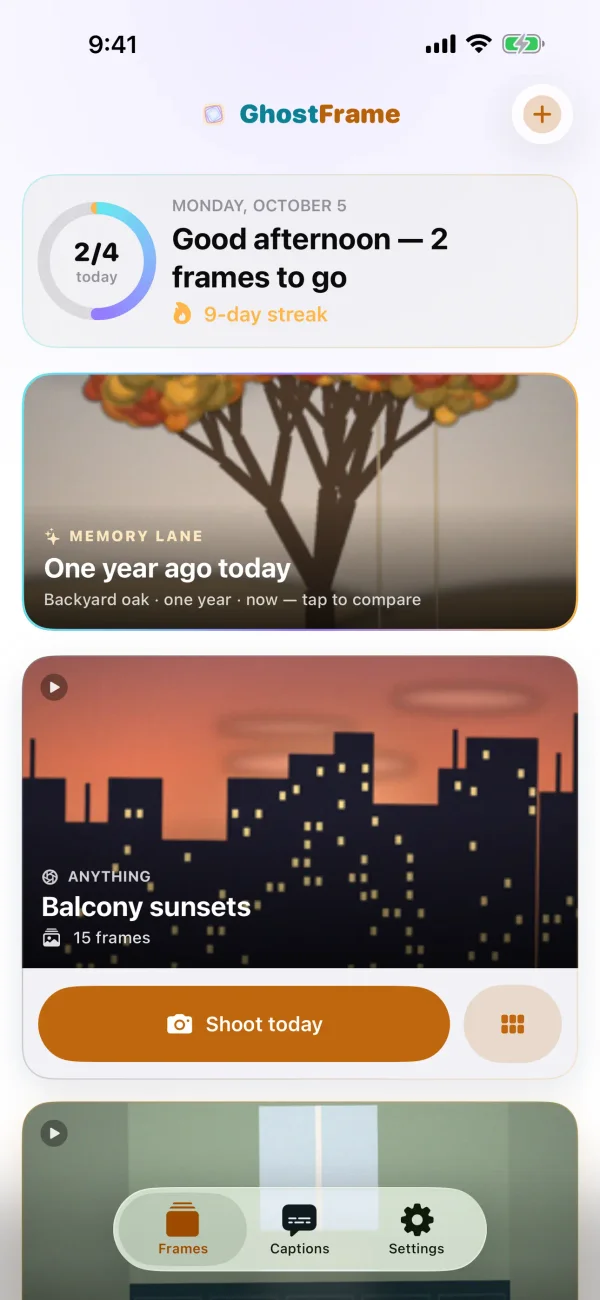
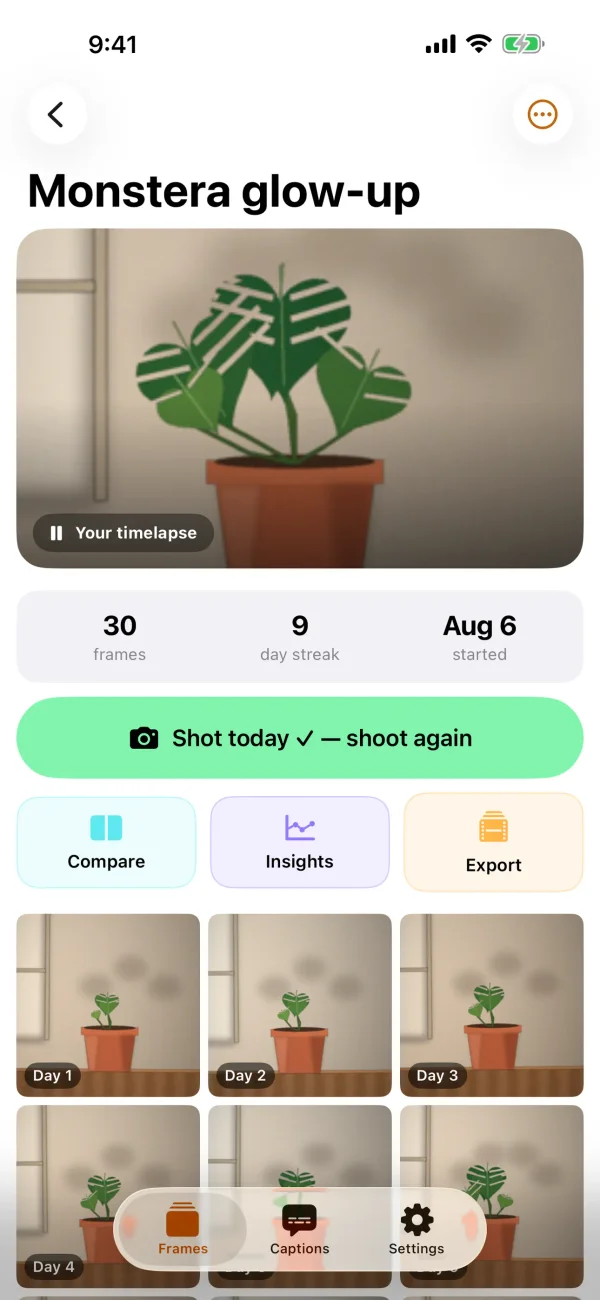
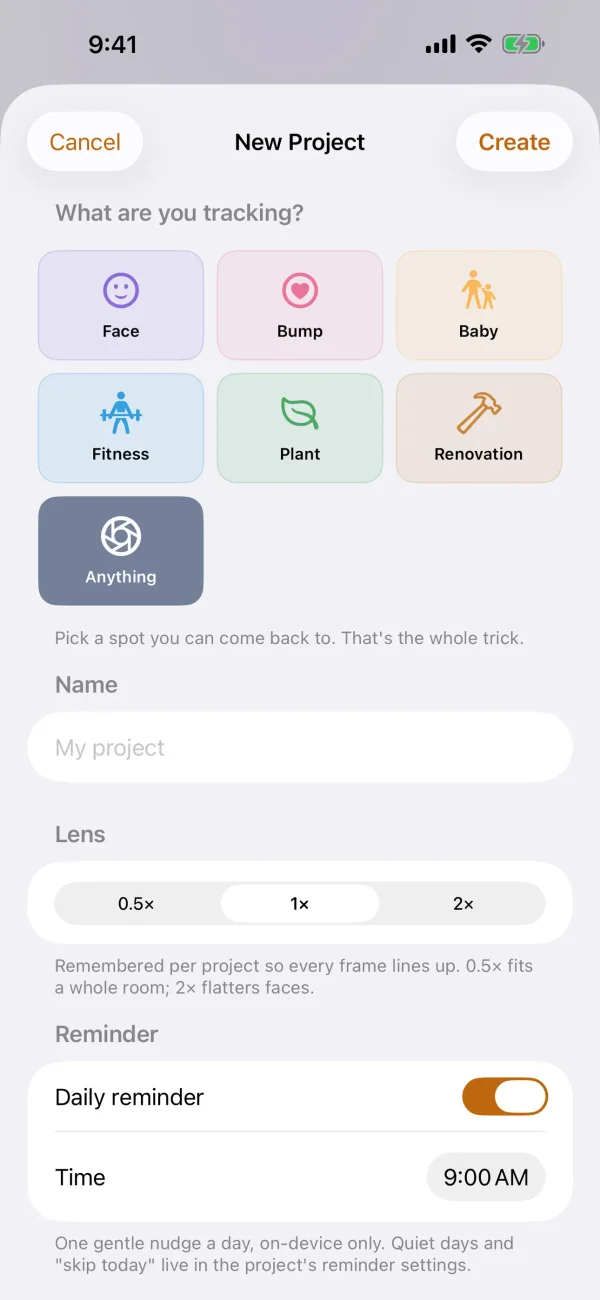
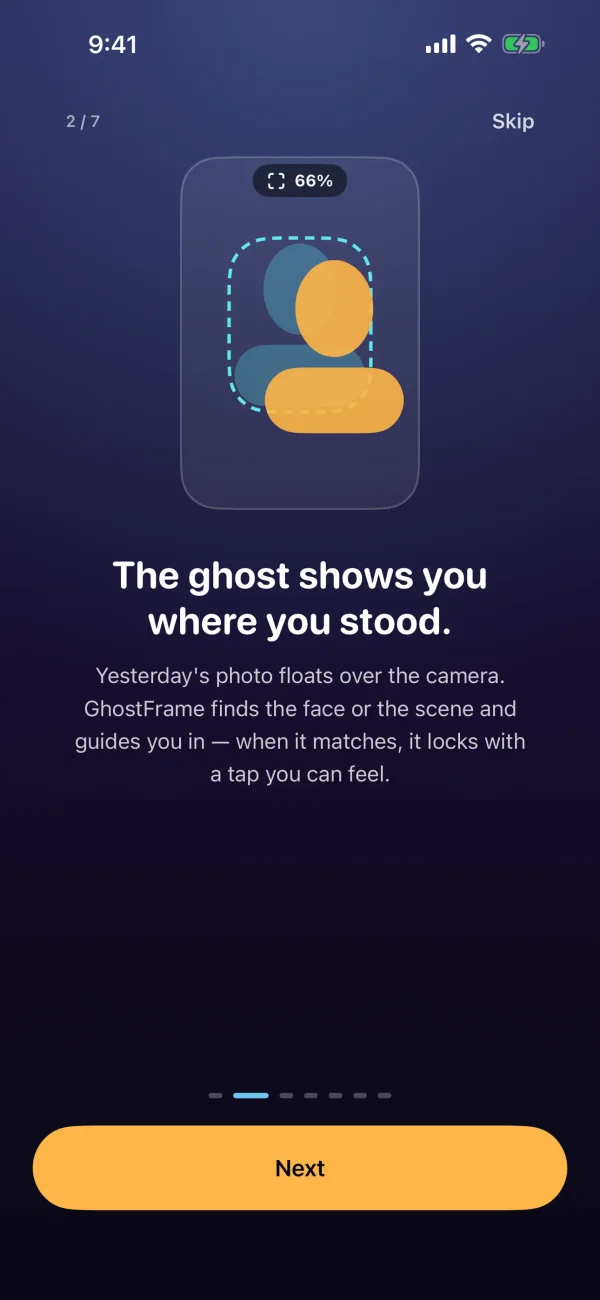
GhostFrame turns one photo a day into a timelapse that actually holds still. Pick a subject — your face, a bump, a baby, a plant, a room mid-renovation — and the camera fades yesterday's shot over the live view. New in 2.0, GhostFrame reads the ghost and the live picture on your iPhone and guides you in: when you're lined up it locks with a tap you can feel, and Auto can take the photo for you.
WHAT'S NEW IN 2.0
• Live ghost guide: face tracking for selfie-style projects, scene alignment for everything else, a match score, one plain hint, and a haptic lock.
• Auto-shoot and a level line.
• Apple Watch: today's frames and streaks, Then vs Now on the Digital Crown, and a remote shutter for the iPhone camera.
• Home Screen widget: your streak and latest frame for the project that still needs today's photo — tap to shoot.
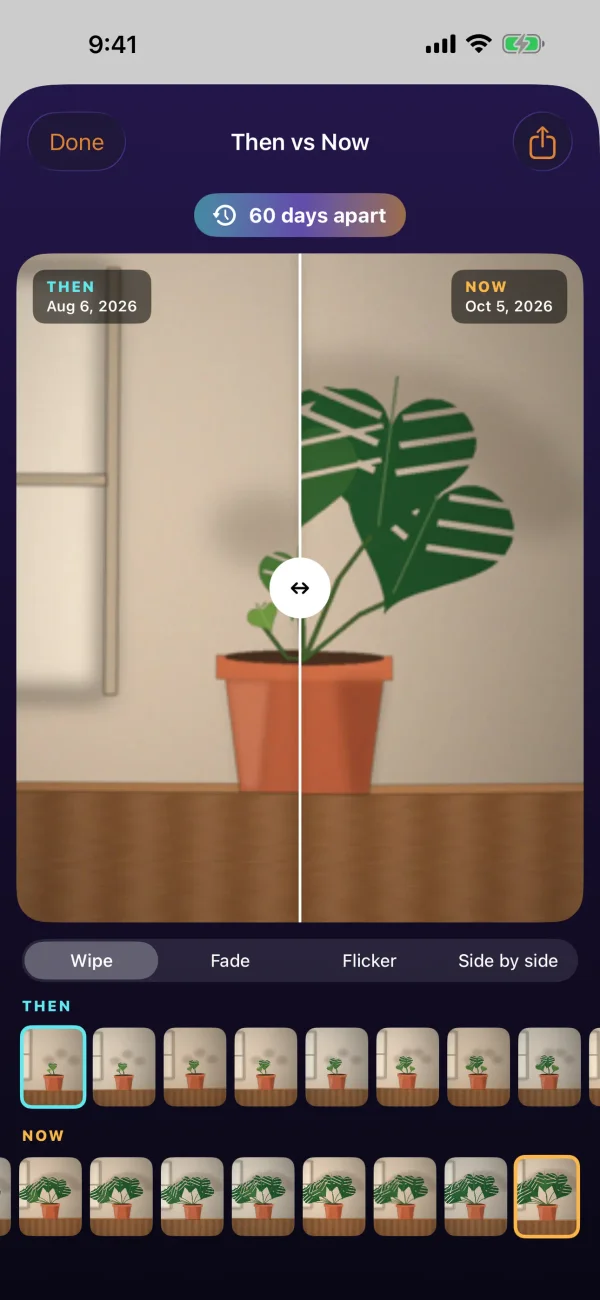
• Then vs Now: wipe, fade, flicker or side by side between any two frames, plus a share card.
• Memory Lane: the photo from a month, 100 days or a year ago today.
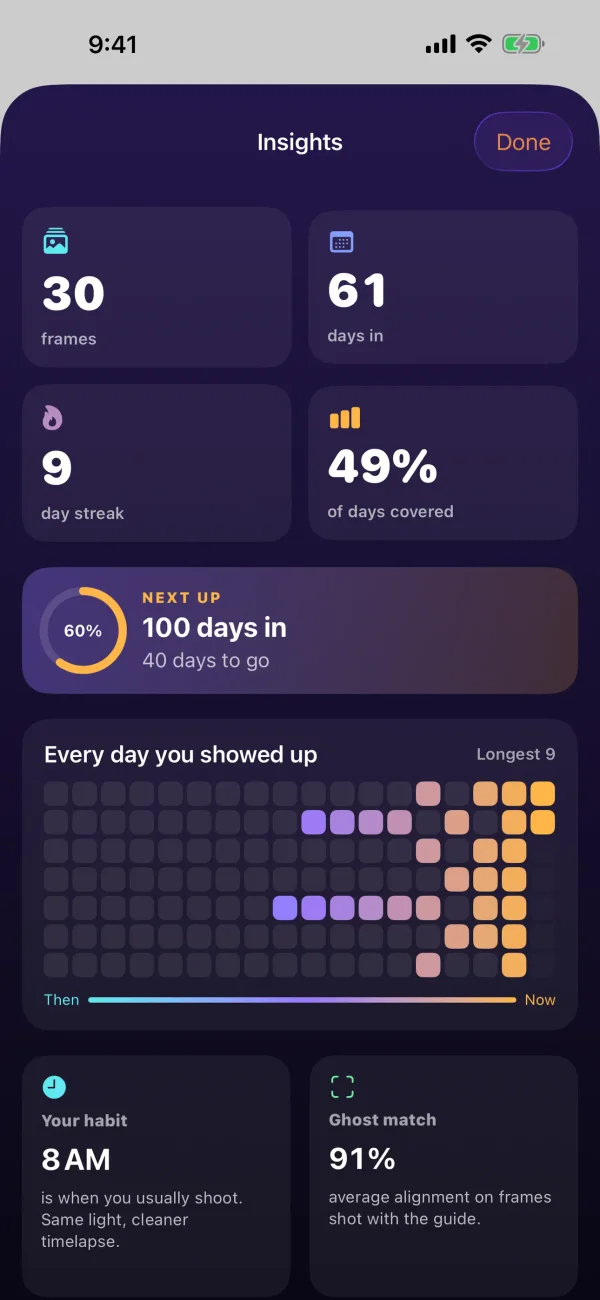
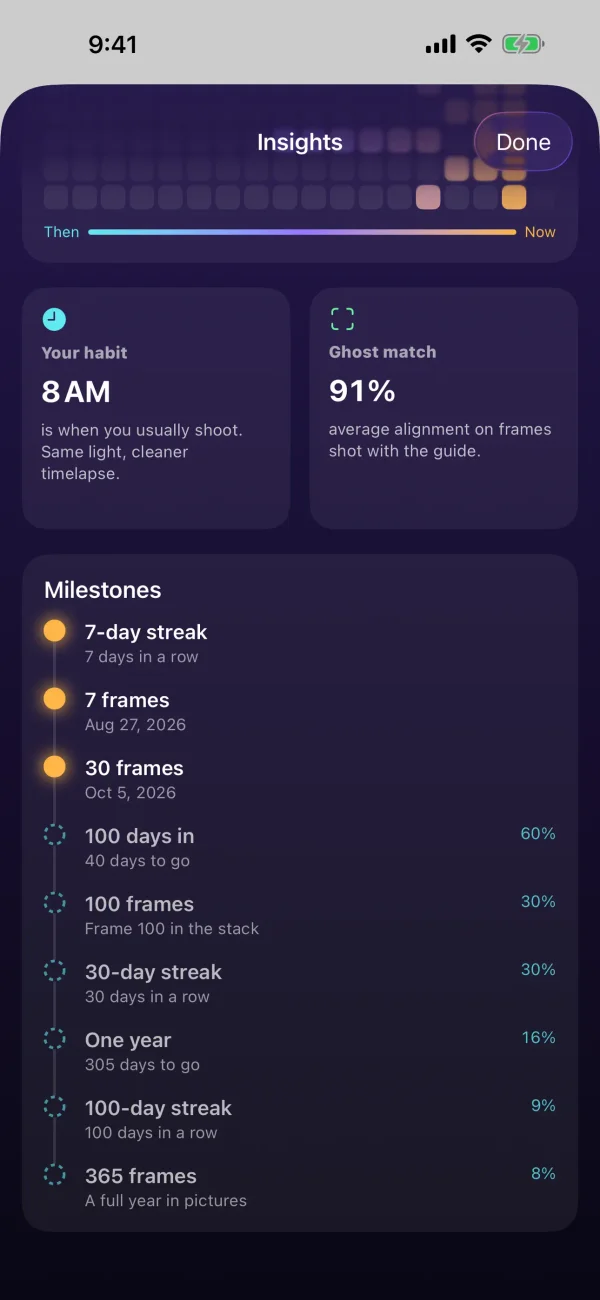
• Insights: streaks, a calendar of every day you showed up, milestones, your usual shooting time, your ghost-match score.
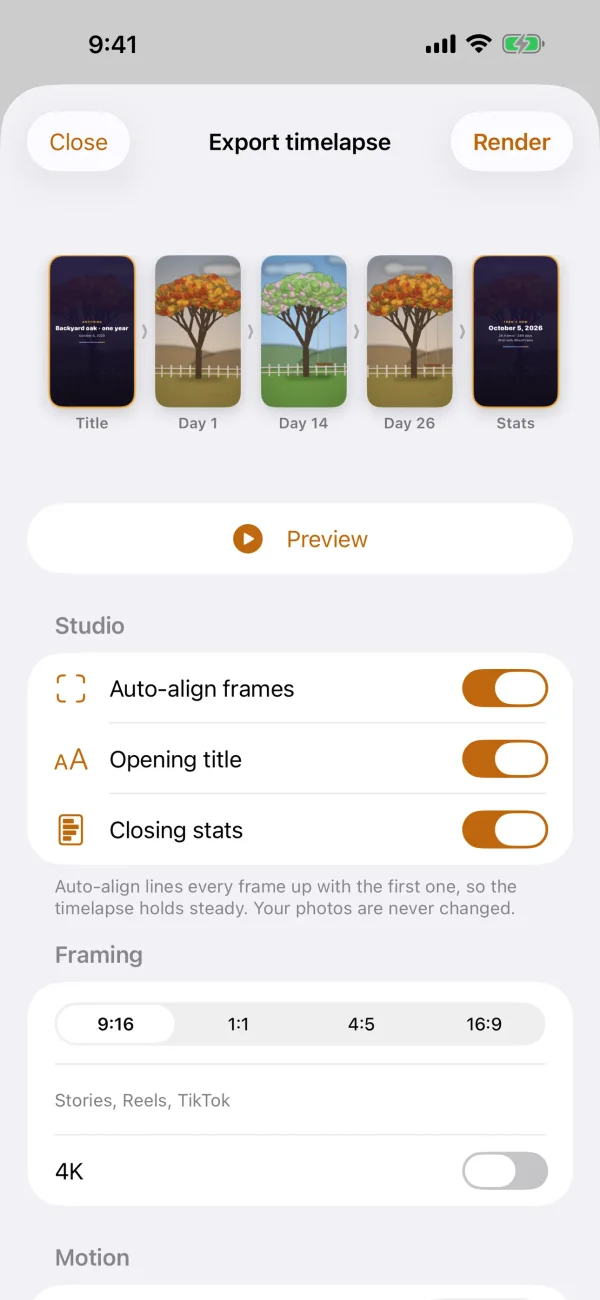
• Export studio: a live storyboard of your video, auto-align steadies every frame; opening title and closing stats; 9:16, 1:1, 4:5, 16:9, 4K and GIF.
• A living home where every project plays its own timelapse, a new icon and a new animated tour.
ALSO INCLUDED
Templates for Face, Bump (week cards), Baby (month cards), Fitness (front/side/back), Plant, Renovation and Anything; import photos you already have on their real dates; ghost from the previous, first or a pinned frame; outline mode; 0.5×/1×/2× lenses; reminders with quiet days that open straight into the camera; zip backups; captions for any video, transcribed on device.
PRIVACY
Photos and projects stay on your device; alignment runs on device. No account. Anonymous usage stats (never photos or names) can be turned off in Settings.
Every feature is included. No subscription, no ads.
新機能
バージョン 2.2 · 2026/10/28
GhostFrame 2.2: small things that make the daily habit easier to keep.
• Tips & what's new: if you allow notifications, GhostFrame can send an occasional tip or news of a new feature. It's optional, and you can switch it off any time in Settings → Notifications. Your daily reminders still work just as before.
• Settings → Notifications shows whether notifications are on and lets you turn them on or off in one place.
• Rate GhostFrame: a new row in Settings, if you'd like to tell others what you think.
• Notification taps are more reliable, including when GhostFrame wasn't already open.
• Under the hood: better anonymous stats about which features you use, so we know what to build next. Never your photos, project names or anything you type.
アプリのプライバシー
このアプリのデータの取り扱いについて、All Things AI, IncがApp Storeで申告している内容です。
-
ユーザーに関連付けられないデータ
収集される場合がありますが、ユーザーの識別情報には関連付けられません。
- ID
- 使用状況データ
プライバシーの取り扱いは、ご利用の機能やお客様の年齢などに応じて異なる場合があります。
情報
- 販売元
- All Things AI, Inc
- カテゴリ
- 写真/ビデオ
- バージョン
- 2.2
- 更新日
- 2026/10/28
- リリース
- 2026/8/5
- サイズ
- 8.0 MB
- 必要条件
- iOS 17.0以降
- 対象年齢
- 4+
- 価格
- 無料
- 言語
- 英語
- 著作権
- © 2026 All Things AI, Inc