- 対象年齢4+
- カテゴリ仕事効率化
- 開発元Gridvision Engineering GmbH
- 言語英語
- サイズ43.7 MB
App Storeの公式ページにリンクしています
Download.orgはGleeo Time Trackerのファイルを一切ホストしていません。ボタンを押すと、Gridvision Engineering GmbHが公開しているApp Storeのアプリページが開きます。ページの最終確認:2026/11/13。
スクリーンショット
概要
開発元はこのテキストをお使いの言語で提供していません。
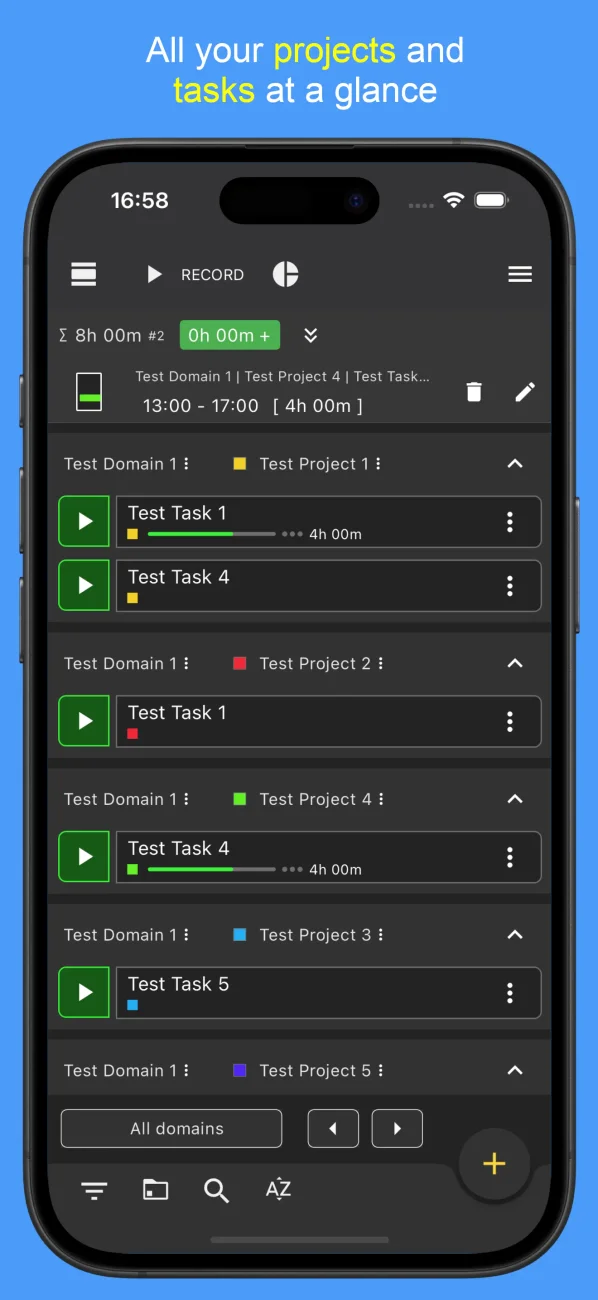
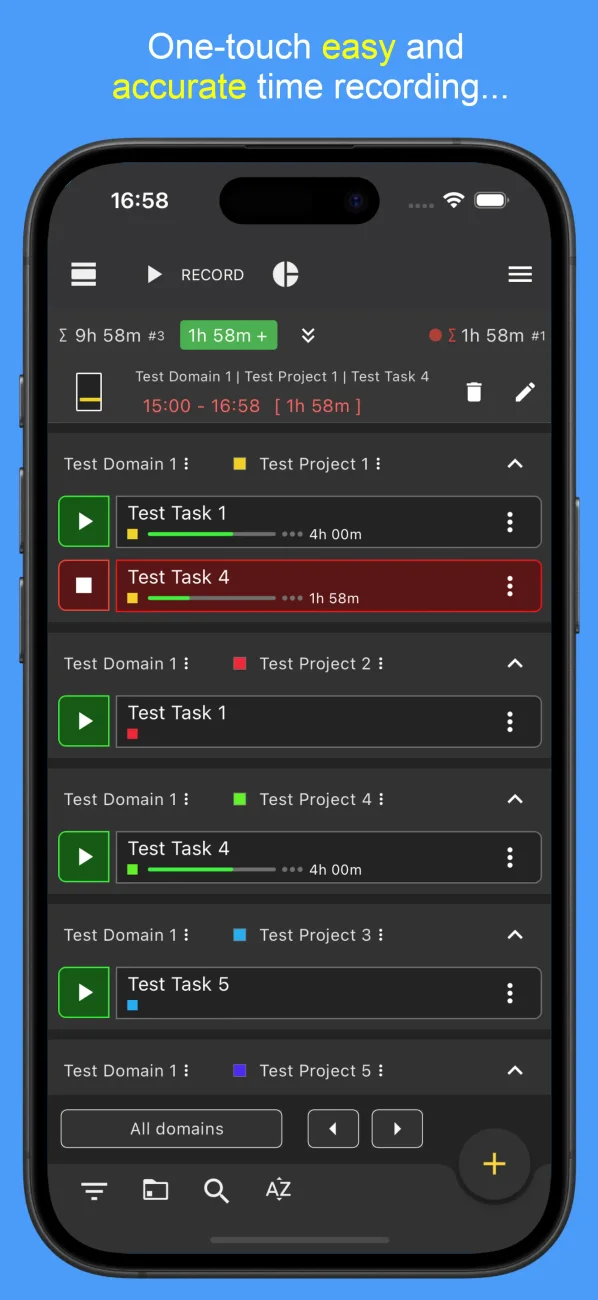
Track time with minimal effort, easily switch between projects and tasks, or access on-the-fly statistics to see your recorded times at a glance.
FEATURES
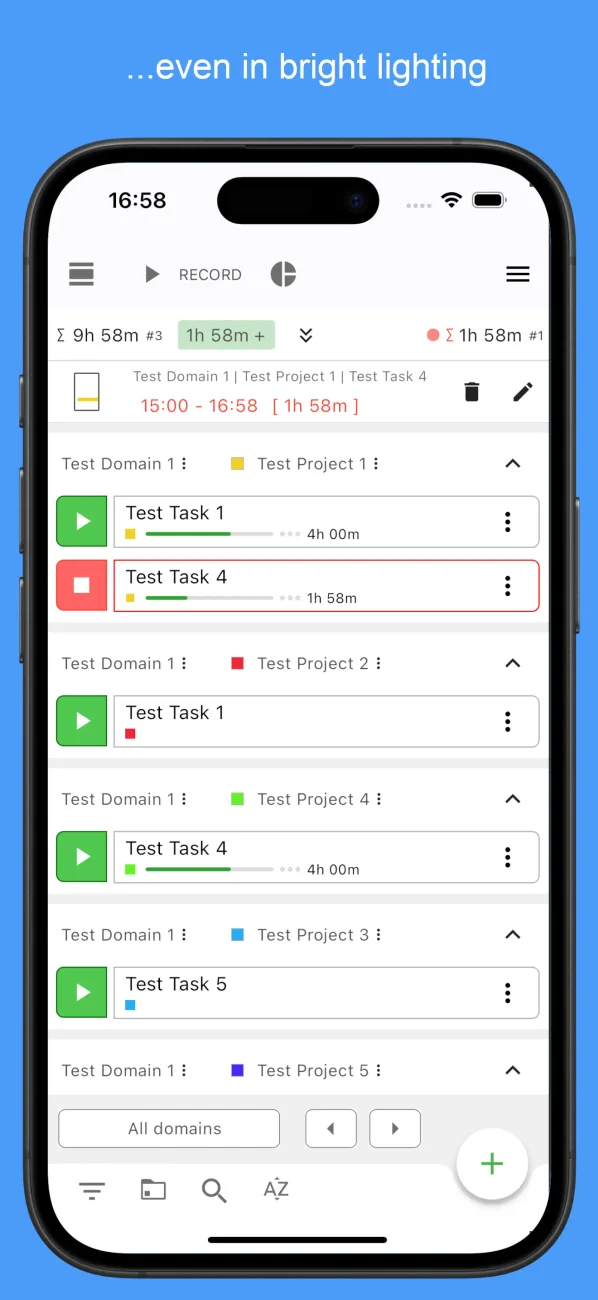
▸ Create Projects and assign Tasks to them.
▸ Enter unique details for each time entry.
▸ Record multiple tasks at the same time.
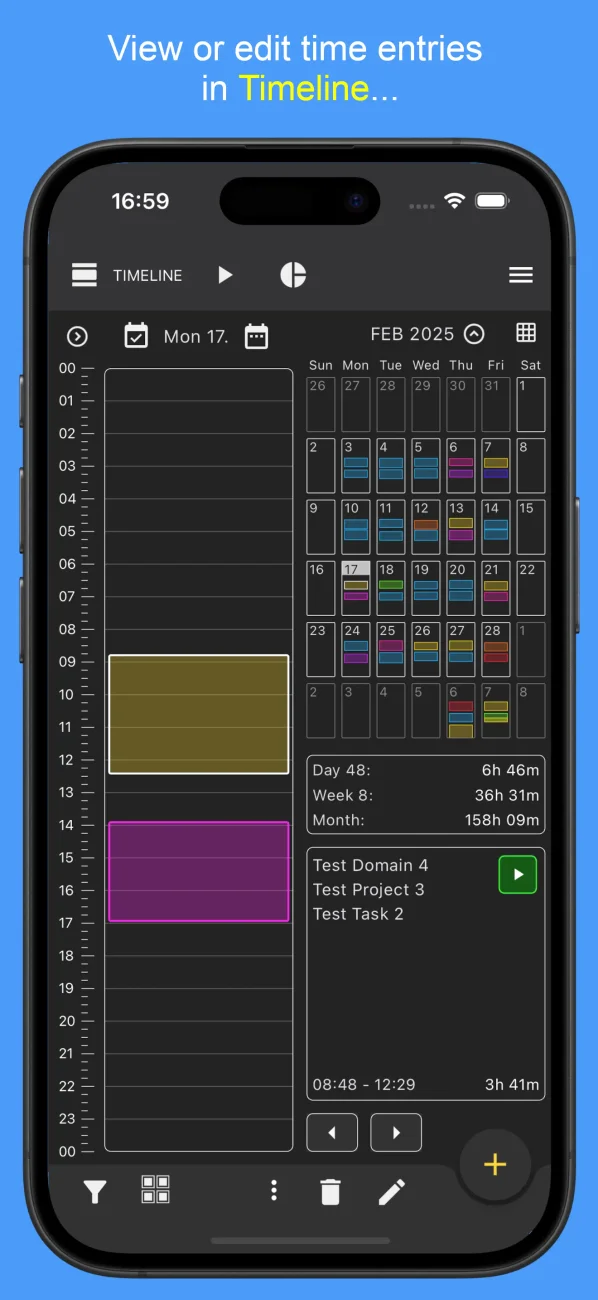
▸ Alternatively enter time ranges manually.
▸ Edit existing data in the timeline.
▸ Organize your entries by high-level domains, projects, and individual tasks.
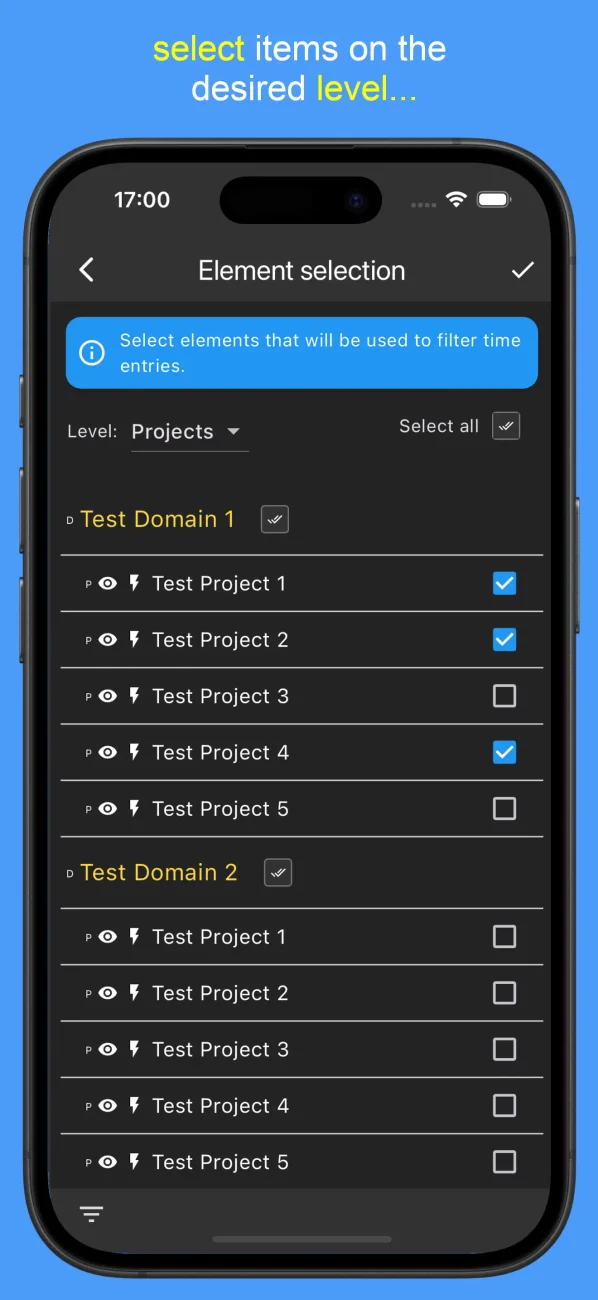
▸ Turn each domain on or off to easily organize and view different kinds of activities.
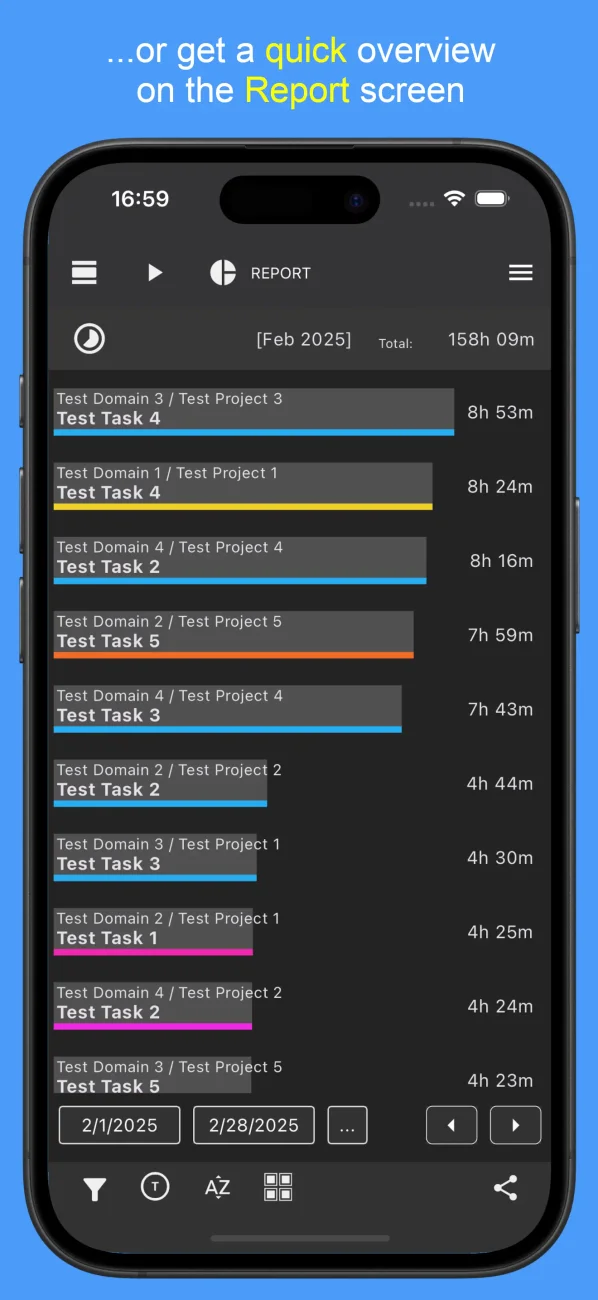
▸ on-the-fly reports for a fast overview.
▸ Optional backup to local memory and external resources.
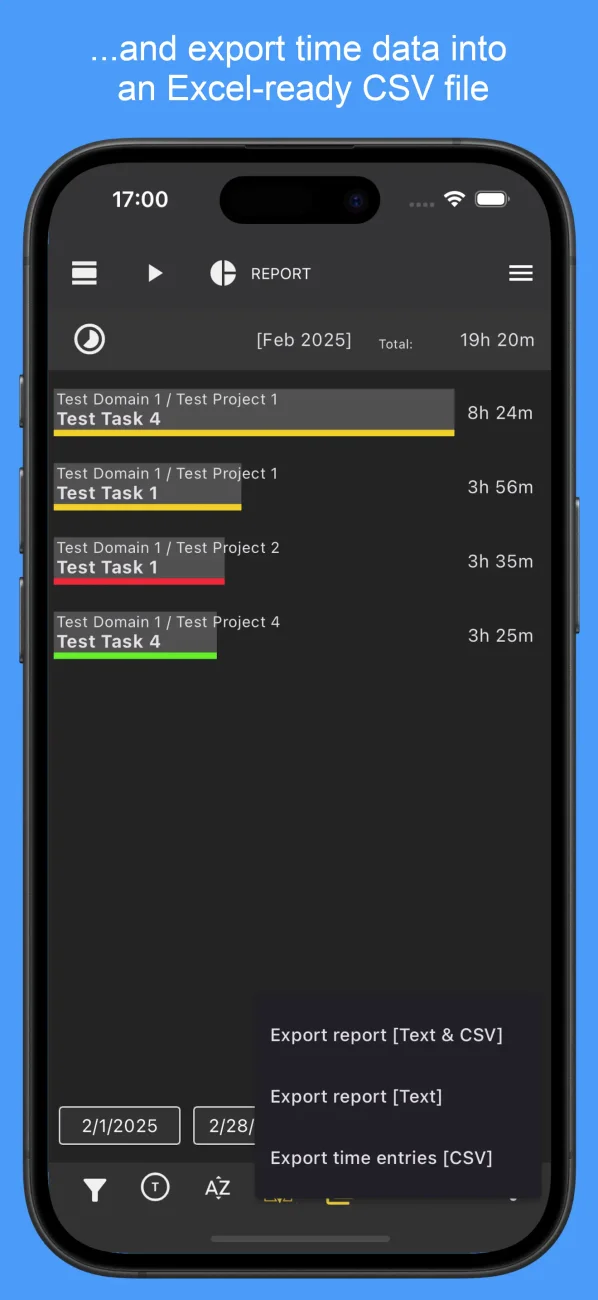
▸ Export and import data in CSV format, and analyze your data using your favorite spreadsheet program.
▸ Time estimation and ongoing calculation of the time spent as a percentage value
▸ Completely Ad Free!
EXTENDED SERVICES
Pro Version
The Pro version allows to have an unlimited number of tasks and to record an unlimited number of time entries. The Pro version also offers other useful features.
▸ Geofencing - automatically record time depending on current location
▸ Working time model - keep track of working hours at all times. The current overtime and minus hours can be permanently calculated and displayed.
▸ NFC tags can be written per task in the task edit dialog and then be used to start/stop time tracking.
Sync&Team™
The Sync&Team monthly subscription service offers professional end-to-end encrypted synchronization between mobile devices, team time recording, web-based data management, and much more.
It is also possible to define locations where the time recording will automatically start and stop when arriving or leaving this locationalso when the app in running in the background. It is also possible to periodically record the location while recording is in progress in order to calculate the length of the trip if needed. This feature can be switched off by the user if the location should not be recorded. Note also that continued use of GPS running in the background can dramatically decrease battery life.
新機能
バージョン 4.1.80 · 2026/10/3
- In the timeline, the filters are now also applied to the table view.
- Expansion of the timeline view to include a tabular overview of time entries.
- Pro Version: Work time model - the weekly working time can now be set up to 168 hours (previously max. 99 h). Daily targets can now be entered directly in hours and minutes, with a hint warning you when they don't add up to your weekly working time (user request).
- Pro Version: Time estimates can now be set simultaneously at the domain, project, and task levels.
- Pro Version: Display of time gaps in the tabular overview of time entries.
- Sync&Team: Completion rate (0–100%) simplified to task for clean reporting on the web app (user request)
- Bugfixes and optimizations
アプリのプライバシー
このアプリのデータの取り扱いについて、Gridvision Engineering GmbHがApp Storeで申告している内容です。
-
データの収集なし
開発元はこのアプリからデータを収集しません。
プライバシーの取り扱いは、ご利用の機能やお客様の年齢などに応じて異なる場合があります。
情報
- 販売元
- Gridvision Engineering GmbH
- カテゴリ
- 仕事効率化
- バージョン
- 4.1.80
- 更新日
- 2026/10/3
- リリース
- 2023/6/23
- サイズ
- 43.7 MB
- 必要条件
- iOS 15.6以降
- 対象年齢
- 4+
- 価格
- 無料
- アプリ内課金
- あり
- 言語
- 英語
- 著作権
- © 2026 Gridvision Engineering GmbH