- 対象年齢4+
- カテゴリユーティリティ
- 開発元JAEMIN LEE
- 言語英語
- サイズ25.9 MB
App Storeの公式ページにリンクしています
Download.orgはGoPiPのファイルを一切ホストしていません。ボタンを押すと、JAEMIN LEEが公開しているApp Storeのアプリページが開きます。ページの最終確認:2026/11/13。
スクリーンショット


概要
開発元はこのテキストをお使いの言語で提供していません。
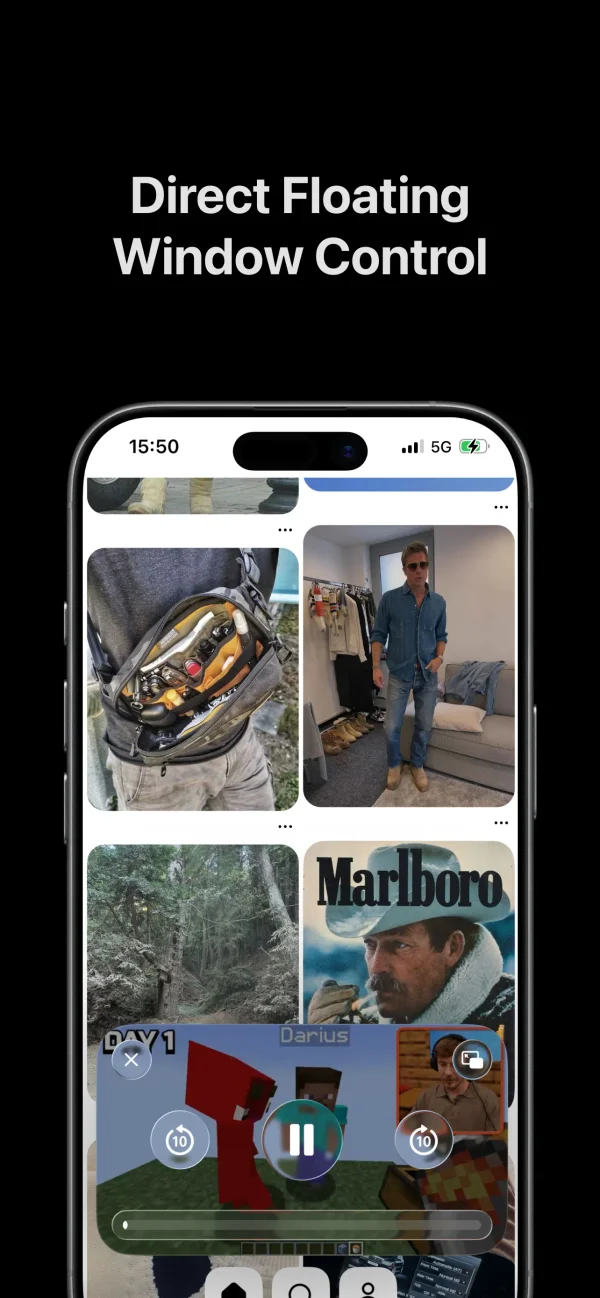
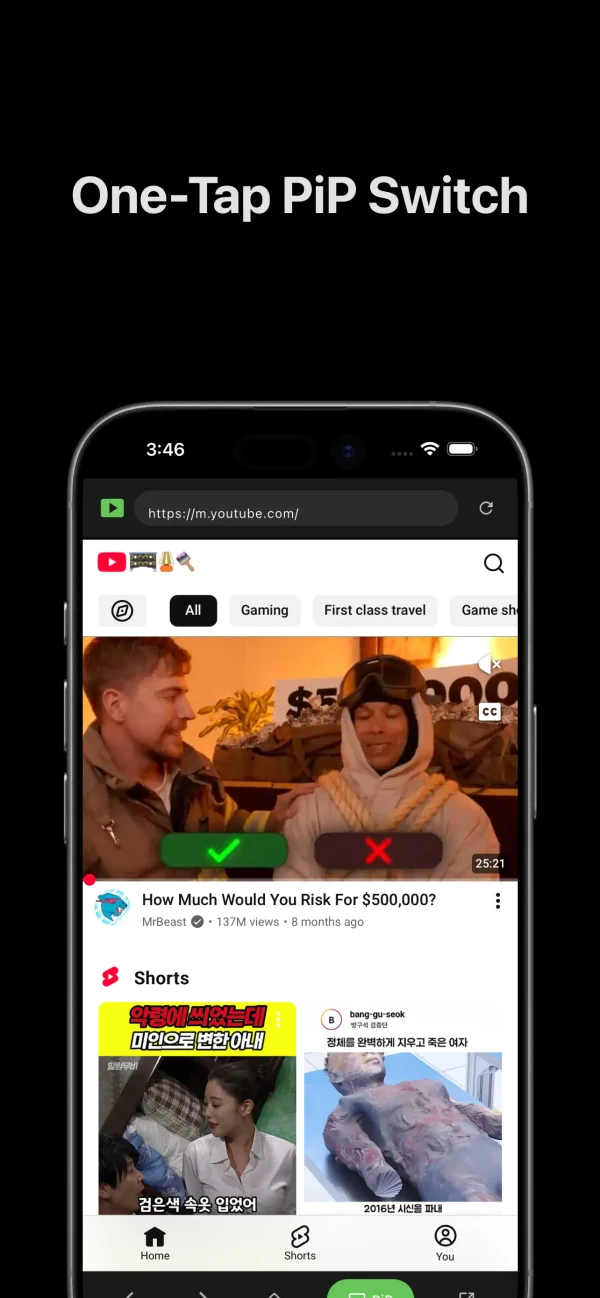
GoPiP is a multitasking browser that allows you to play videos in an in-app browser and instantly switch to a PiP (Picture-in-Picture) floating window with just a single tap.
[Perfect for anyone who wants to:]
• Watch videos while using KakaoTalk, texting, or taking notes at the same time.
• Enjoy videos from various sites like YouTube, Twitch, and Naver TV in PiP mode.
• Have an all-in-one app without needing separate PiP utilities.
[Key Features]
• Access any website instantly via the in-app browser.
• Switch to a floating window with just one tap on the green PiP button.
• Keep videos playing even while on the home screen or using other apps.
• Freely adjust the size and position of the window.
[How to Use]
1. Launch GoPiP and tap [Get Started].
2. Go to your desired website in the browser and play a video.
3. Tap the PiP button at the bottom → Switch to the floating window.
4. Go to the home screen or use other apps—the video keeps playing!
※ PiP mode may be restricted for certain videos depending on device settings and individual service policies.
新機能
バージョン 1.0.1 · 2026/9/3
Updated the privacy policy link.
アプリのプライバシー
このアプリのデータの取り扱いについて、JAEMIN LEEがApp Storeで申告している内容です。
-
ユーザーに関連付けられないデータ
収集される場合がありますが、ユーザーの識別情報には関連付けられません。
- 位置情報
- ID
プライバシーの取り扱いは、ご利用の機能やお客様の年齢などに応じて異なる場合があります。
情報
- 販売元
- JAEMIN LEE
- カテゴリ
- ユーティリティ
- バージョン
- 1.0.1
- 更新日
- 2026/9/3
- リリース
- 2026/6/9
- サイズ
- 25.9 MB
- 必要条件
- iOS 15.0以降
- 対象年齢
- 4+
- 価格
- 無料
- 言語
- 英語
- 著作権
- © 2025 drendrendren. All Right Reserved.