
GPS & Maps: Location Tracker
Find Coordinates, Compass, POI
iPhone, iPod touch向けに設計
無料 · アプリ内課金
- 対象年齢4+
- カテゴリナビゲーション
- 開発元Kraus und Karnath GbR 2Kit Consulting
- 言語英語ほか2言語
- サイズ32.4 MB
App Storeの公式ページにリンクしています
Download.orgはGPS & Maps: Location Trackerのファイルを一切ホストしていません。ボタンを押すと、Kraus und Karnath GbR 2Kit Consultingが公開しているApp Storeのアプリページが開きます。ページの最終確認:2026/11/25。
スクリーンショット
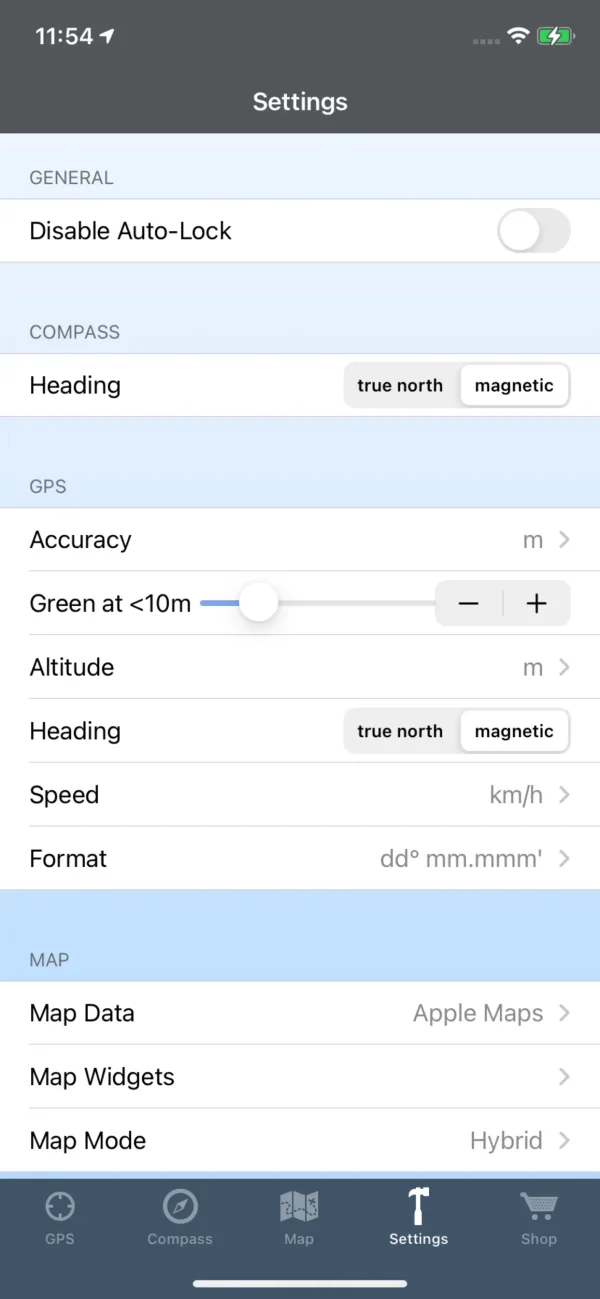
概要
開発元はこのテキストをお使いの言語で提供していません。
GPS & Maps is a simple, yet powerful GPS app for supporting navigation and outdoor activities like geocaching, sailing, skating, trekking, biking or traveling by airplane.
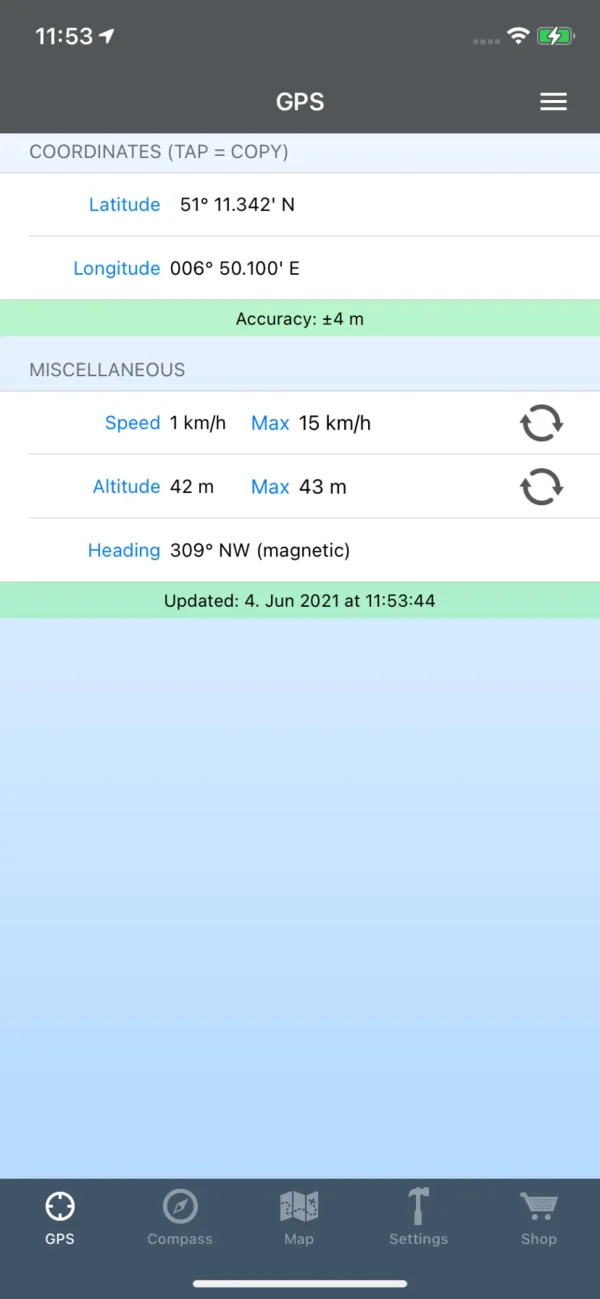
It measures your position, height and acceleration with accuracy information and in different units like feet, meter, miles and kilometers. Your highest altitude and speed will also be logged. You can show and save your current position or other waypoints on a map and pick one of the following formats to view your coordinates:
- GPS Coordinates (Latitude/Longitude)
- Decimal Degrees
- Degrees/Minutes/Seconds
- UTM: Universal Transverse Mercator
- MGRS: Military Grid Reference System
GPS & Maps is a must have for geocachers, due to the easy switching between coordinates and map. The integrated flashlight enables users like geocachers to find targets even in dark environments without having to use a separate device.
Via in-app purchase you can add some useful features to GPS & Maps:
- Premium Edition: Unlock all of the following features.
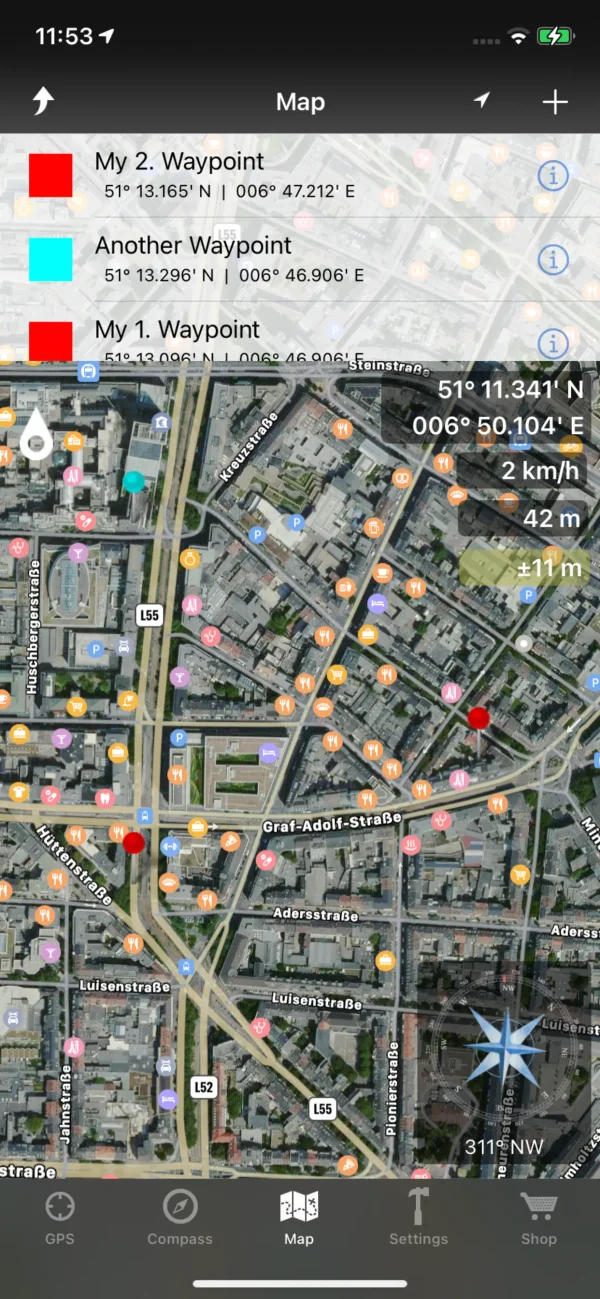
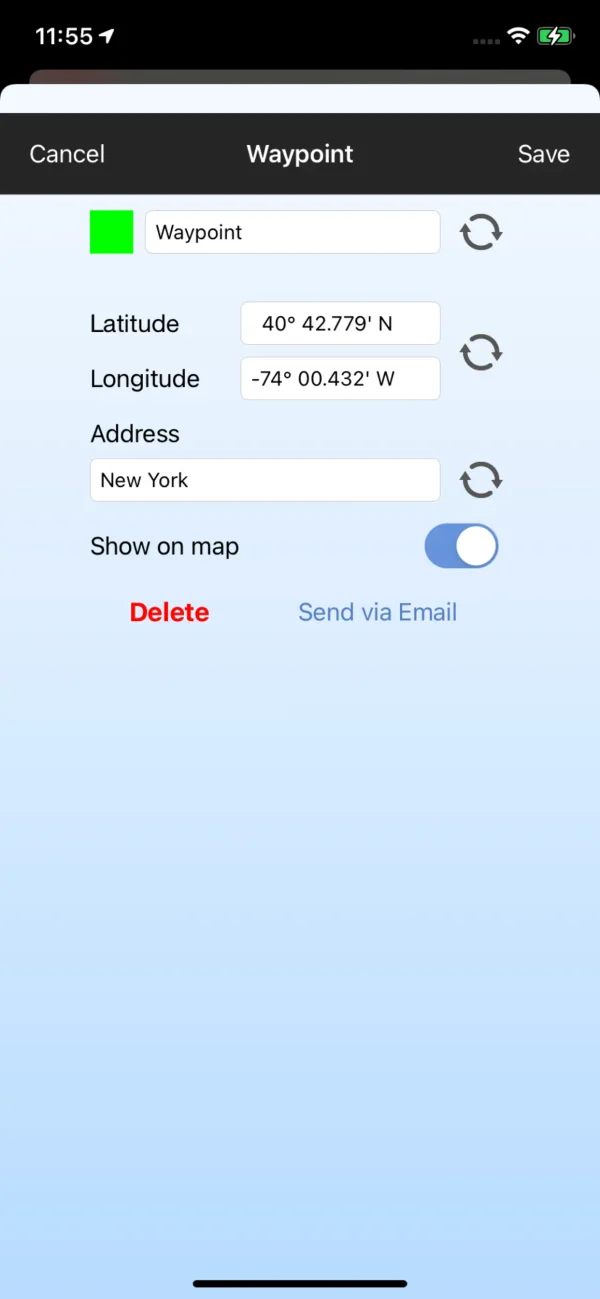
- Waypoints: Save your current location as a marker on the map. Add new locations like geo caches to the map by entering GPS coordinates. Pick different colors for waypoints. Export waypoints via e-mail. Show or hide saved waypoints on the map.
- Map Widgets: The draggable Map Widgets show your location, altitude, speed, address and GPS accuracy directly on the map. You can change the widget transparency and textcolor in the settings to optimize readability on different map tiles and map data sources like Google Maps or Open Street Map.
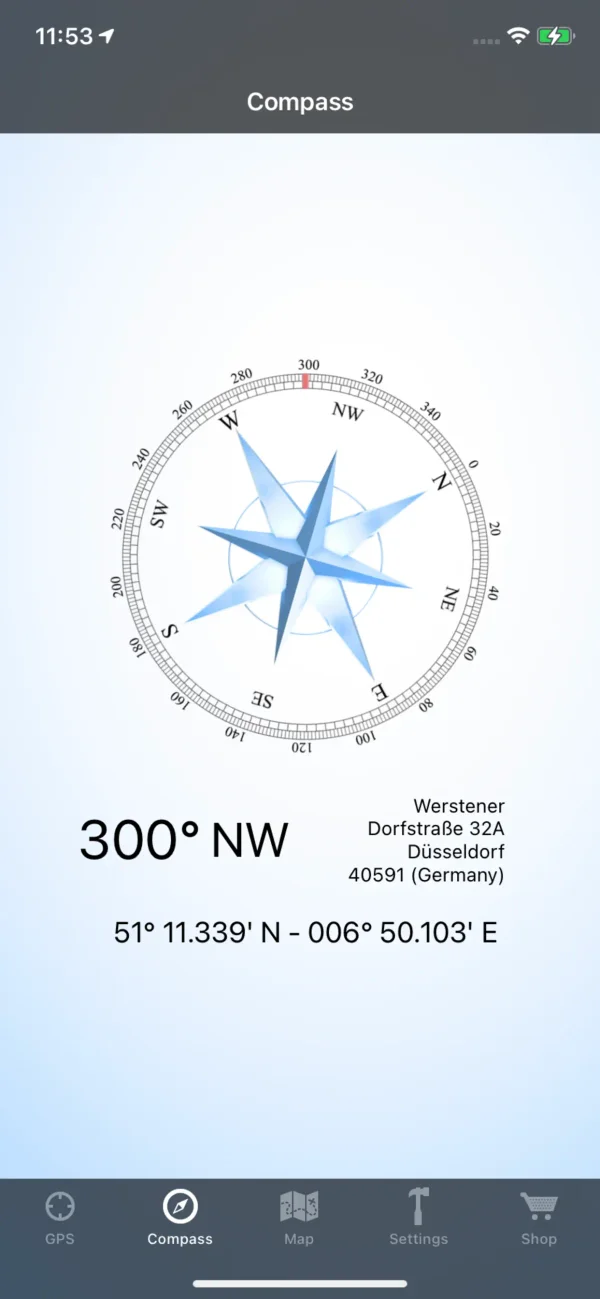
- Compass: The compass shows your heading relative to magnetic north or true north (configurable in the settings) and your current location coordinates. It also shows additional information like street, city and country. If you buy Compass and Map Widgets the Compass will also be displays as a widget on the map.
- Open Street Map: This feature enhances the map with additional map data from Open Street Map.
- Google Maps: This feature enhances the map with additional map data from Google Maps. The map modes 'standard', 'satellite', 'hybrid' and 'terrain' can be selected in the options menu.
- iCloud Backup & Restore
Please keep in mind that the accuracy of your position and acceleration always depends on the intensity of the available GPS signal. Compass and heading information are only available on devices with magnetometer.
新機能
バージョン 4.3 · 2025/8/7
- Bug fixes
アプリのプライバシー
このアプリのデータの取り扱いについて、Kraus und Karnath GbR 2Kit ConsultingがApp Storeで申告している内容です。
-
ユーザーに関連付けられないデータ
収集される場合がありますが、ユーザーの識別情報には関連付けられません。
- 位置情報
- ユーザーコンテンツ
- ID
- 使用状況データ
- 診断
プライバシーの取り扱いは、ご利用の機能やお客様の年齢などに応じて異なる場合があります。
情報
- 販売元
- Kraus und Karnath GbR 2Kit Consulting
- カテゴリ
- ナビゲーション
- バージョン
- 4.3
- 更新日
- 2025/8/7
- リリース
- 2011/11/23
- サイズ
- 32.4 MB
- 必要条件
- iOS 12.0以降
- 対象年齢
- 4+
- 価格
- 無料
- アプリ内課金
- あり
- 言語
- 英語, オランダ語, ドイツ語
- 著作権
- © 2kit consulting
こちらもおすすめ
-
 コーディネート地図:GPSと位置情報の便利ツール緯度経度・UTM・MGRS などの座標単位を相互変換
-
 GPS Coordinates Converter Appナビゲーション
-
 GPS座標と現在地 - 緯度経度と高度オフラインで位置を確認してコピーや保存
-
 コンパス 55。地図・GPS・座標オフライン地図、高度計、方位角
-
 GPS座標計My GPS Coordinates
-
 Tomstrails GPS UTMナビゲーション
-
 GPS TracksGPS Tracker and Offline Maps
-
 GPS データ - GPS DATAGPS、高度、速度、地図
-
 Mgrs & Utm Mapナビゲーション
-
 GPS Tracker: Offline Maps, GPXTracks, Location & Coordinates