- 対象年齢4+
- カテゴリ教育
- 開発元Sriram Mupparapu
- 言語英語
- サイズ36.5 MB
App Storeの公式ページにリンクしています
Download.orgはGradeWay for HACのファイルを一切ホストしていません。ボタンを押すと、Sriram Mupparapuが公開しているApp Storeのアプリページが開きます。ページの最終確認:2026/11/23。
スクリーンショット


概要
開発元はこのテキストをお使いの言語で提供していません。
GradeWay works with any school district that uses Home Access Center for student information.
FEATURES:
STAY LOGGED IN:
You only have to enter your HAC credentials once!
GRADES:
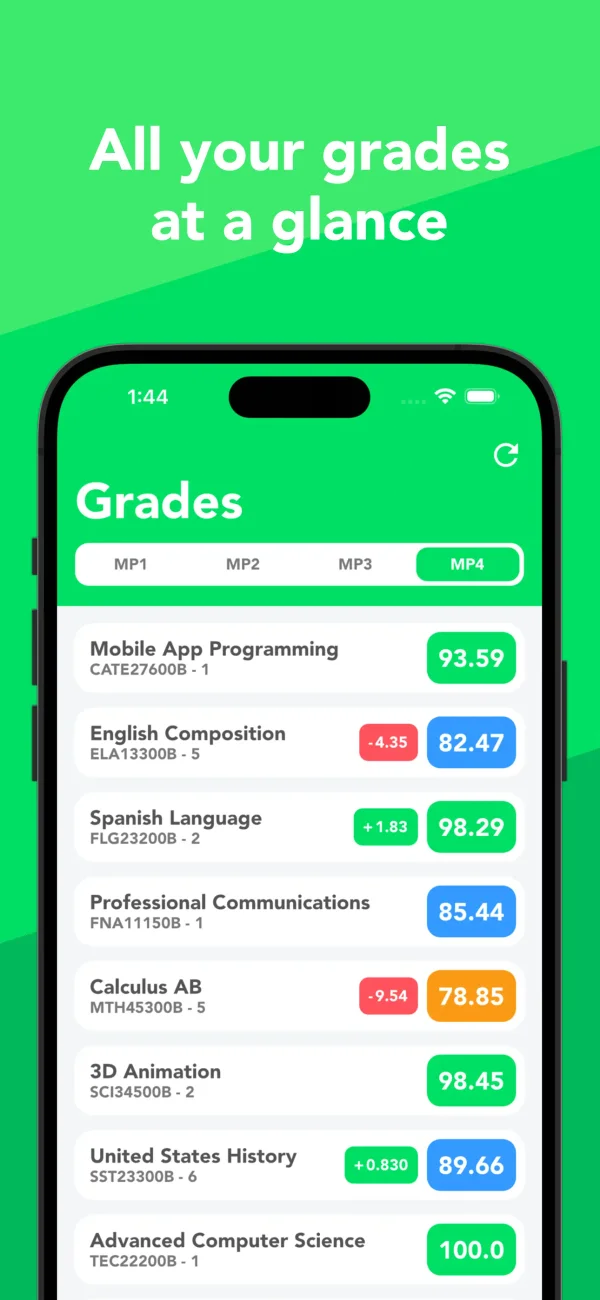
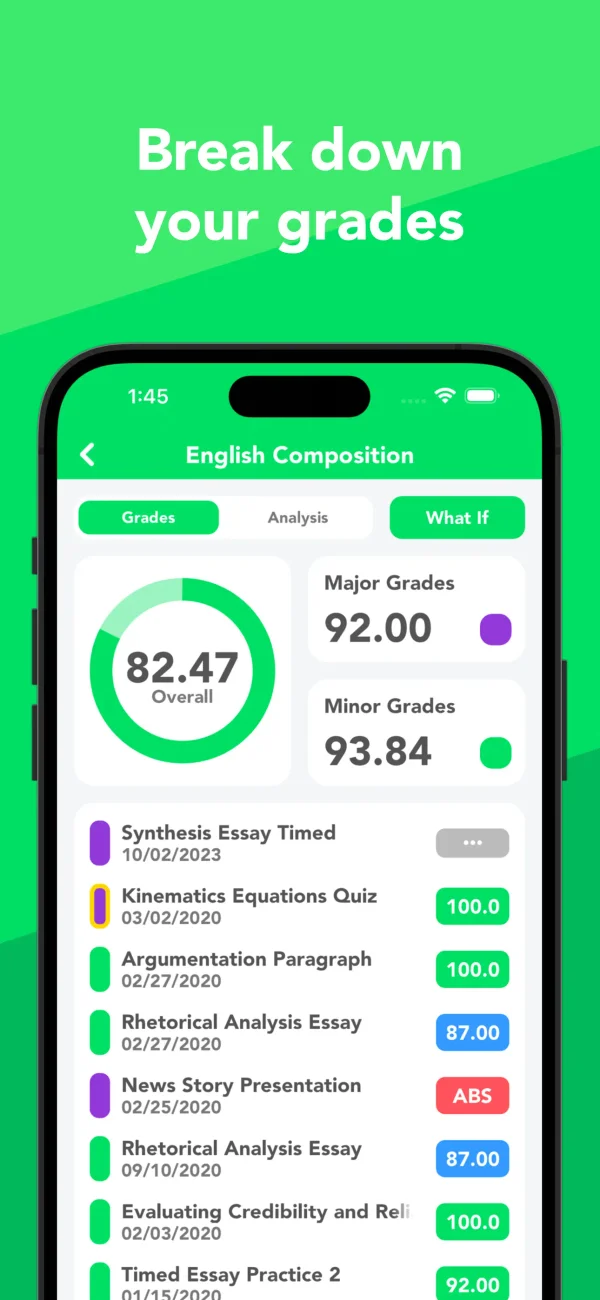
View your color-coded averages for all your courses at a glance, and for every marking period! View all of your individual grades and your class average by category.
GRADE INSIGHTS:
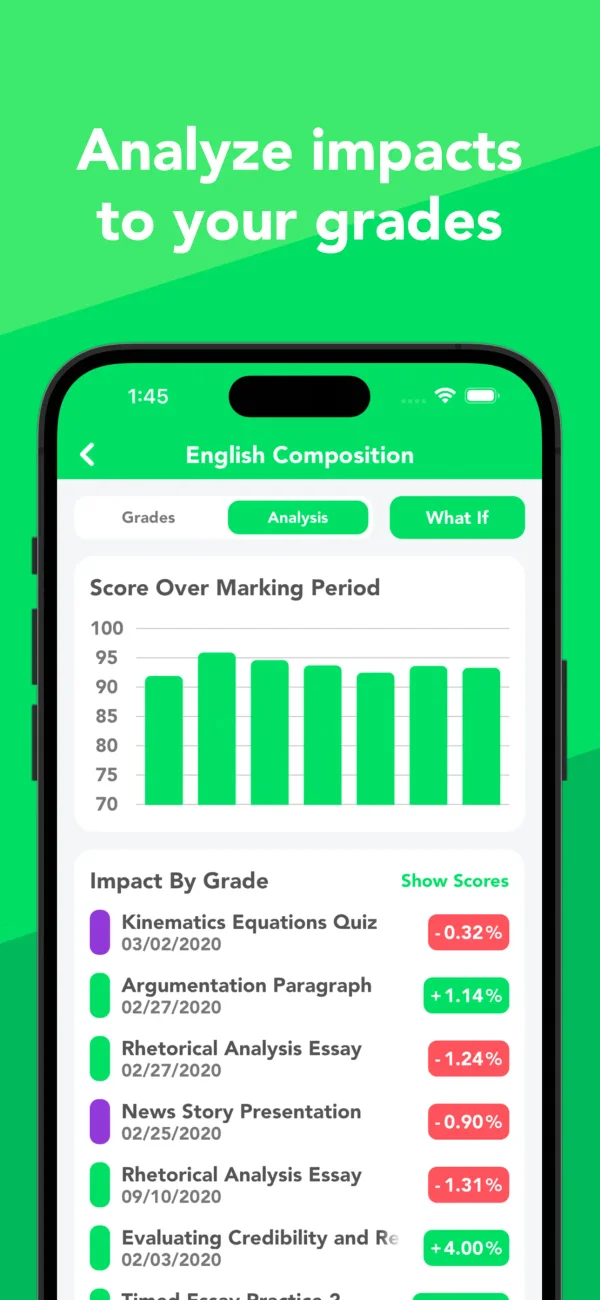
View your class averages over time to see trends and improvements. You can also see how your average has changed since the last time you opened the app, and see which grades have been recently added.
WHAT IF CALCULATOR:
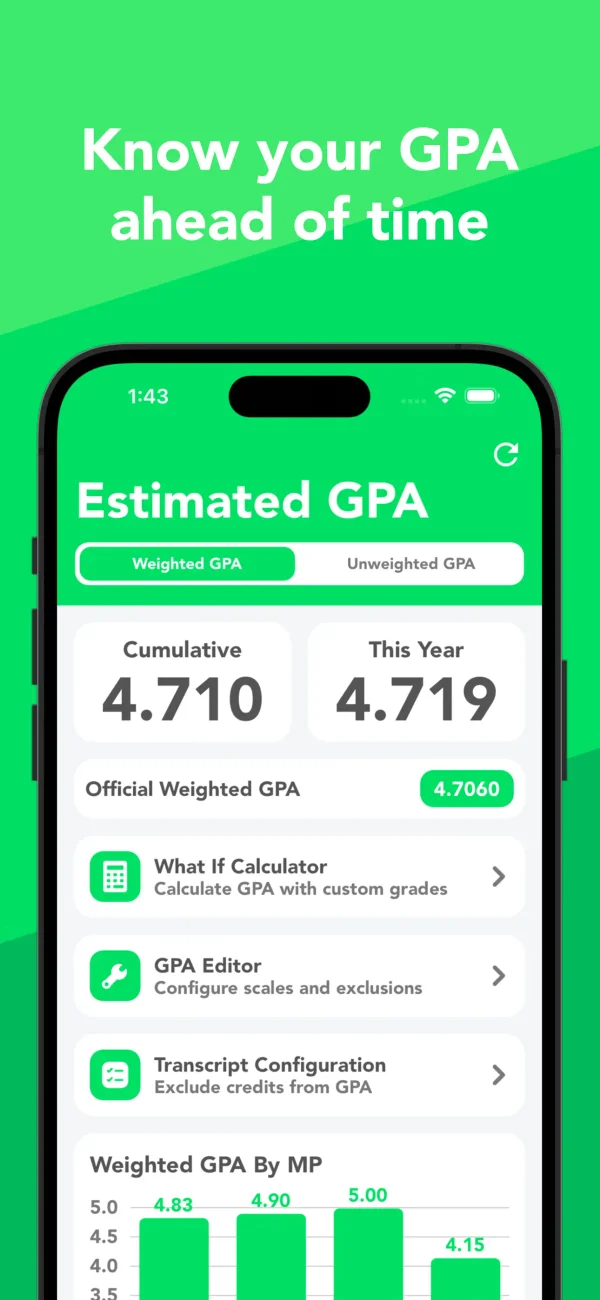
Predict your average by adding mock grades and changing scores to see how it affects your average. This will help you better set goals for the scores you need in the future.
GPA CALCULATOR:
You no longer have to wait for the end of the semester to know your GPA. GradeWay calculates your weighted and unweighted GPA using all of your averages, your transcript, and all your credits. View GPA breakdowns, edit scales, and exclude courses to improve accuracy. Use the built-in what if calculator to predict changes to your GPA.
PLANNER:
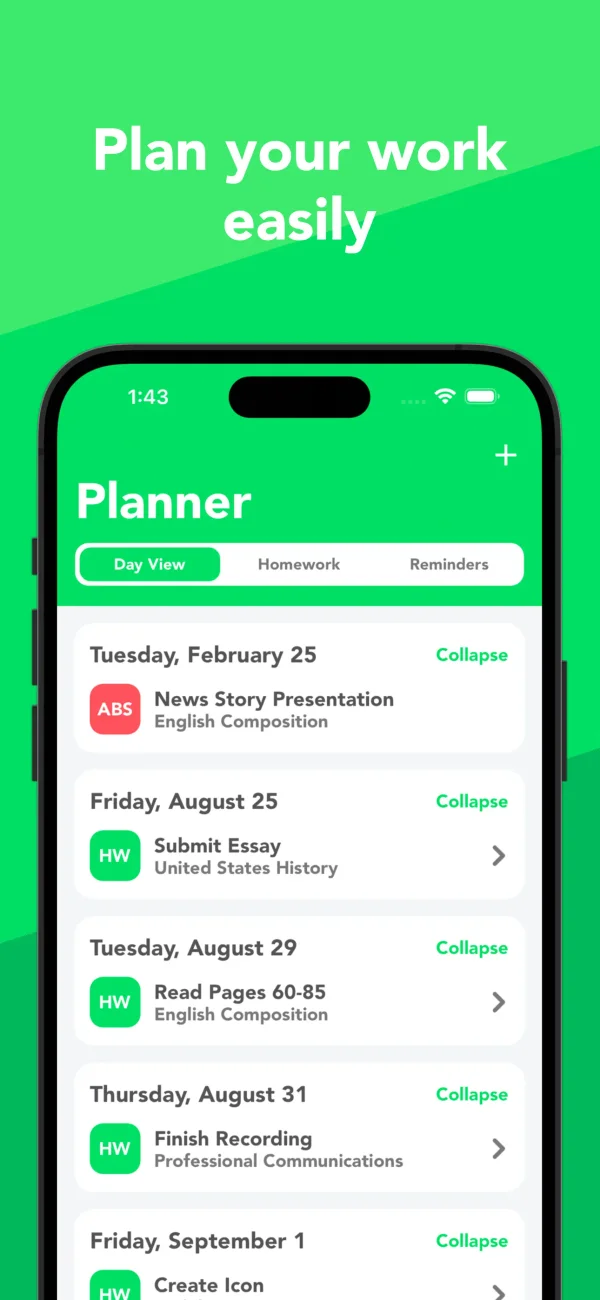
Easily plan your homework out and set reminders for yourself, without needing a notebook or manually entering in courses yourself. Add homework assignments and tasks, seamlessly integrated with your HAC courses. View your work assigned by teachers from HAC and your own work, side by side, day by day, all in the same place. Set push notifications to stay on top of your work.
SIMPLIFIED HAC:
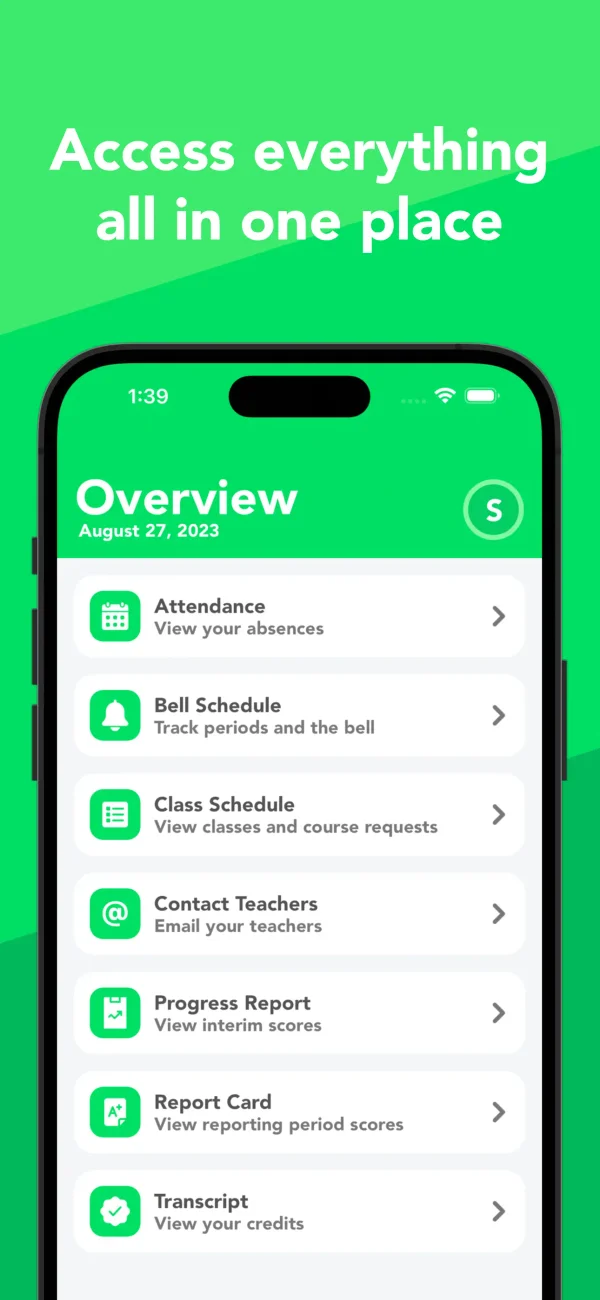
• View your class schedule separated by A and B day and by semester.
• View upcoming and missing assignments on the home screen.
• View your report cards and progress reports easily.
• View your transcript, straight from HAC.
• View your attendance in an easy to understand calendar for each month.
BELL SCHEDULE TRACKER:
Simulate the bell and keep track of time with a custom bell schedule. See how much time is left in each period and get notified before the next one starts so you are never late. Students in online school will be able to follow the same schedule they’re used to, at home!
EMAIL TEACHERS:
Email your teachers from within the app, without having to enter in their email addresses yourself.
MULTIPLE STUDENTS:
Add multiple students on the same device and easily switch between them. Extremely useful if you are a parent with multiple students.
PERSONALIZATION AND MORE:
GradeWay can be used in light and dark mode! Switch between 10 different color themes. You can even login with face or touch ID, give yourself a profile picture, or change your display name!
Disclosures:
GradeWay is not affiliated with or endorsed by PowerSchool LLC and/or its affiliate(s). Home Access Center (the student info system we support) is a trademark of PowerSchool.
License Agreement:
https://www.apple.com/legal/internet-services/itunes/dev/stdeula/
新機能
バージョン 3.0.6 · 2024/10/6
• Bug fix and improvements
アプリのプライバシー
このアプリのデータの取り扱いについて、Sriram MupparapuがApp Storeで申告している内容です。
-
データの収集なし
開発元はこのアプリからデータを収集しません。
プライバシーの取り扱いは、ご利用の機能やお客様の年齢などに応じて異なる場合があります。
情報
- 販売元
- Sriram Mupparapu
- カテゴリ
- 教育
- バージョン
- 3.0.6
- 更新日
- 2024/10/6
- リリース
- 2020/9/5
- サイズ
- 36.5 MB
- 必要条件
- iOS 12.0以降
- 対象年齢
- 4+
- 価格
- 無料
- アプリ内課金
- あり
- 言語
- 英語
- 著作権
- © 2025 Sriram Mupparapu