- 対象年齢4+
- カテゴリ写真/ビデオ
- 開発元Kasimir Szekeres Photography B.V.
- 言語英語
- サイズ4.7 MB
App Storeの公式ページにリンクしています
Download.orgはHDR Easyのファイルを一切ホストしていません。ボタンを押すと、Kasimir Szekeres Photography B.V.が公開しているApp Storeのアプリページが開きます。ページの最終確認:2026/11/16。
スクリーンショット



概要
開発元はこのテキストをお使いの言語で提供していません。
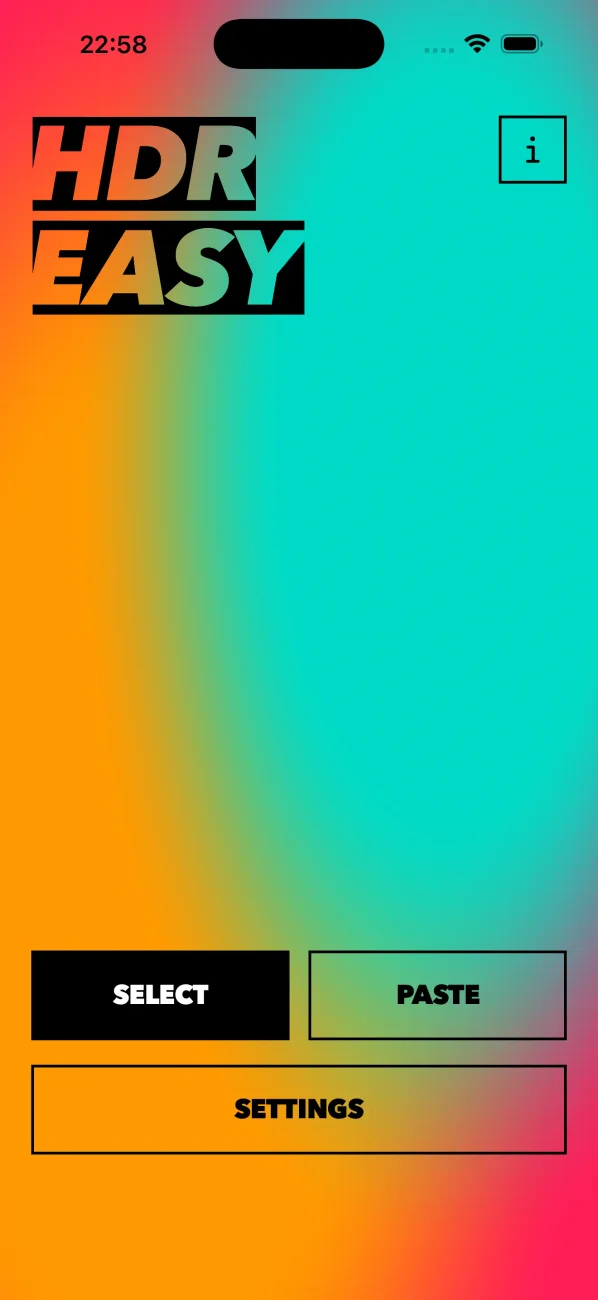
NEW HDR Easy V3!
Turn SDR photos and videos into HDR for HDR-capable displays on recent iPhones, iPads, and Apple Silicon Macs.
This is not a legacy HDR exposure-blending filter. Files use current HDR formats so highlights can go brighter on supported screens.
Note: HDR content will not display when your iPhone is in Low Power Mode, as HDR is disabled.
Key Benefits
• Works well with SDR AI images, DSLR photos, and film scans, especially high-contrast scenes.
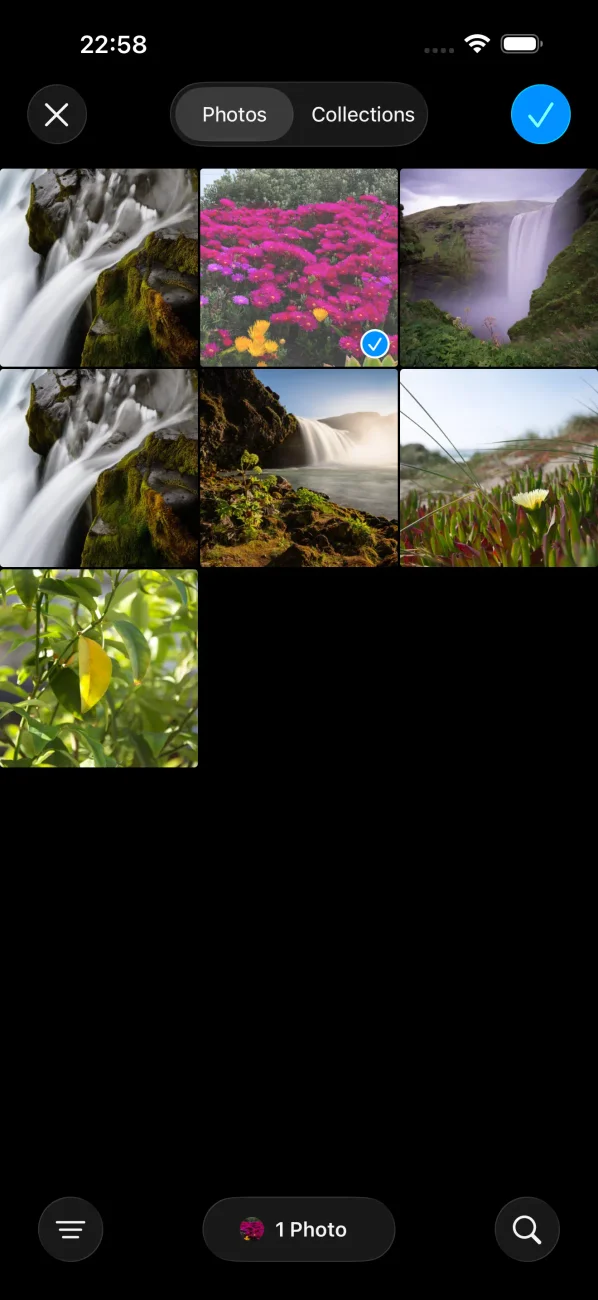
• Simple workflow: pick media (or drag and drop on iPad/Mac) and convert.
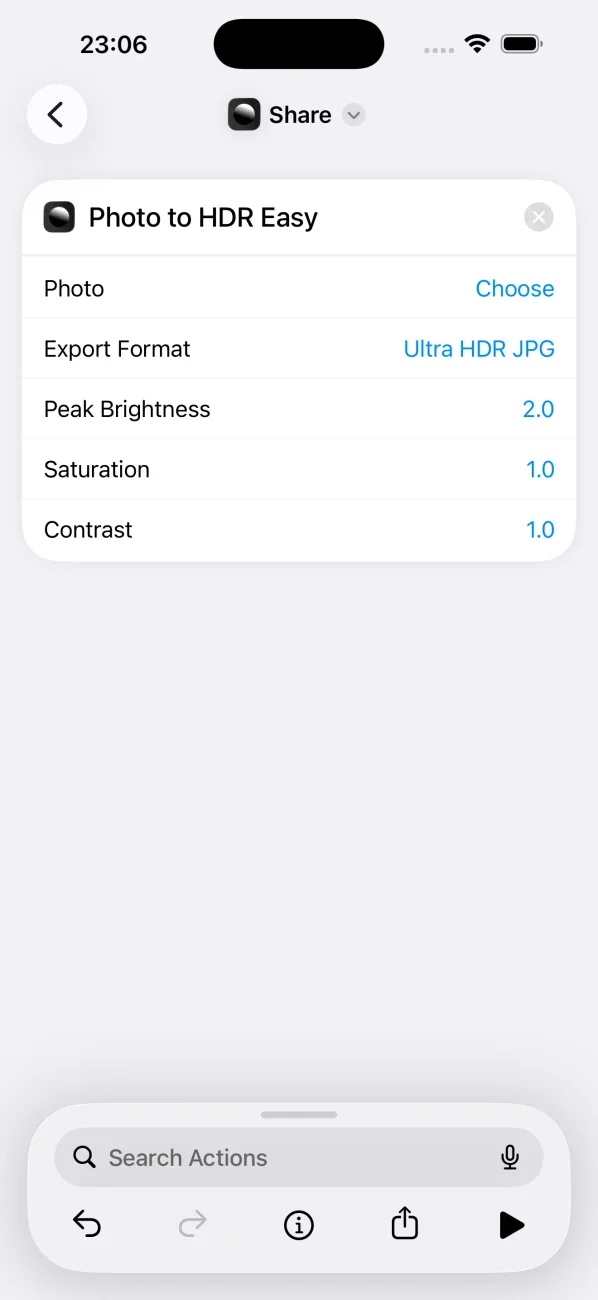
• Share a photo or video from the Photos app to open it in HDR Easy.
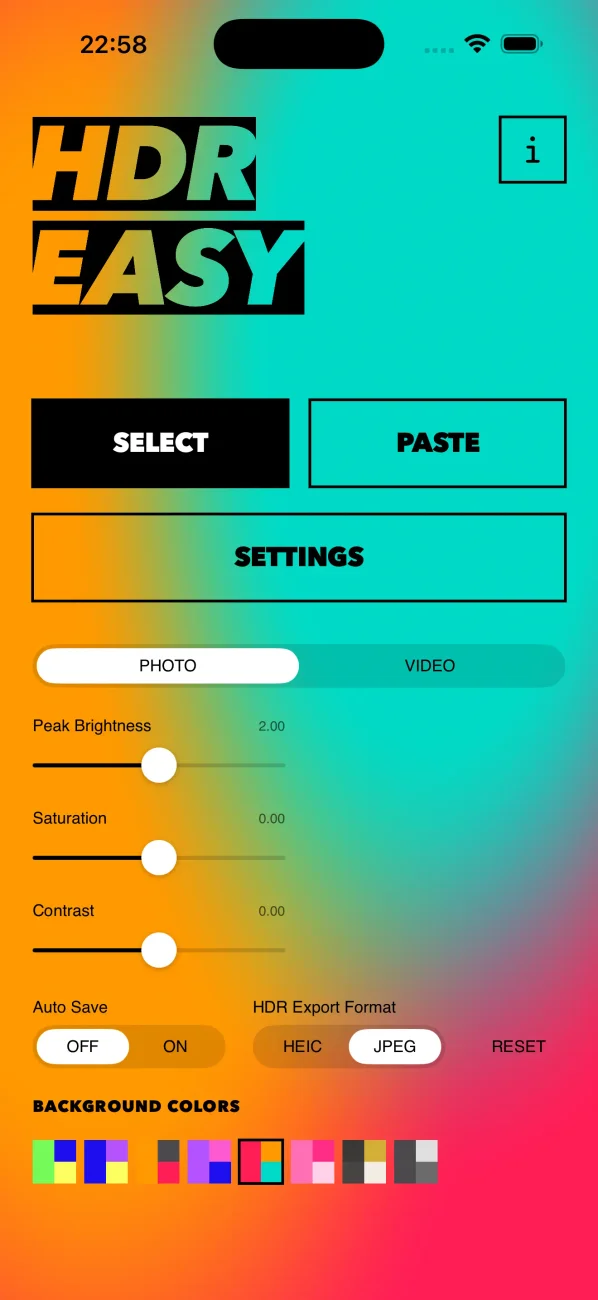
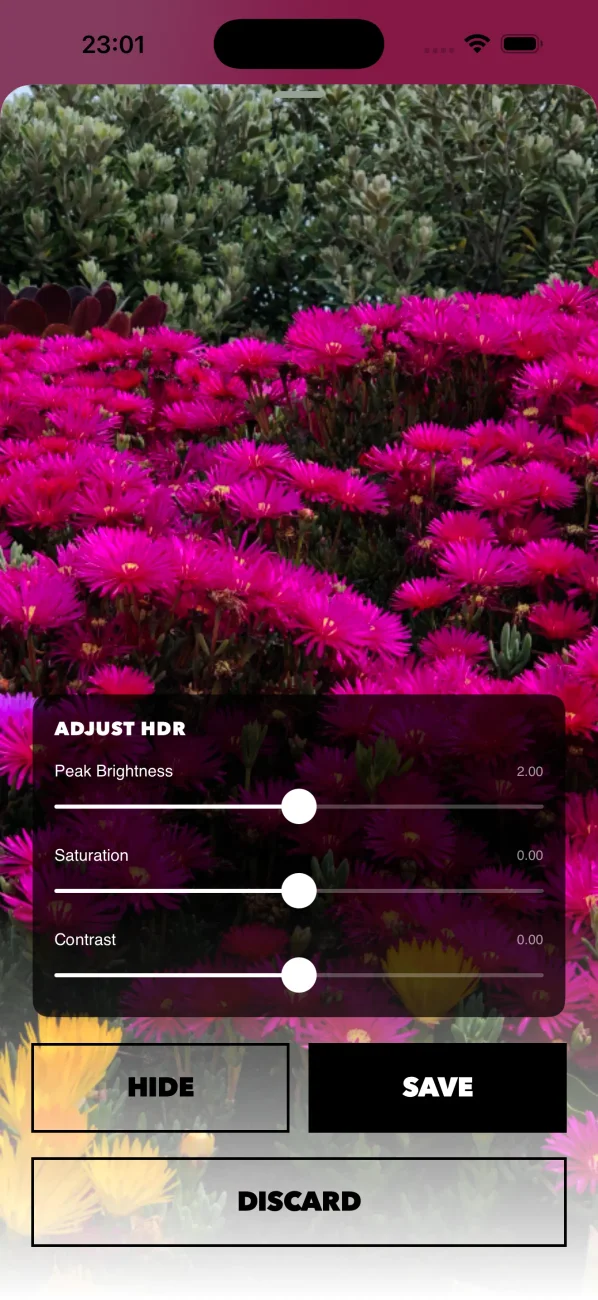
• A preview lets you adjust the look before you save.
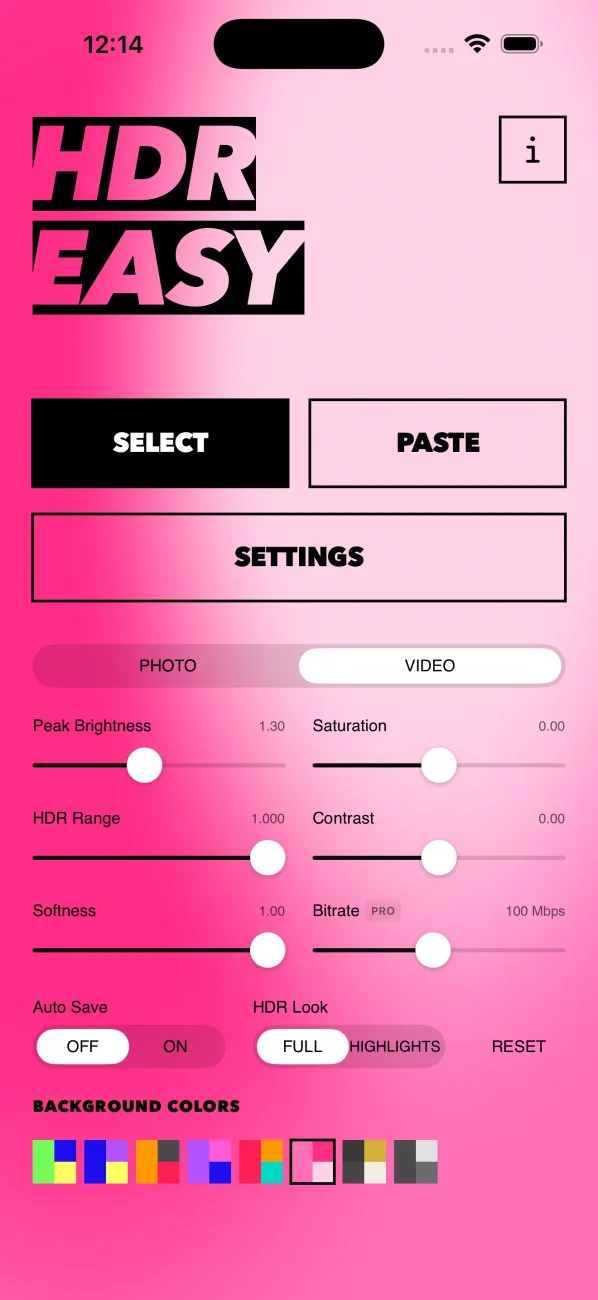
• Tune Peak Brightness, Saturation, and Contrast on photos and videos.
• Videos include highlight masking, with HDR Range and Softness, so HDR can stay in the bright parts.
• Full and Highlights looks for video. Trial can switch them.
• Batch processing and a bitrate slider are available in Pro.
• Includes a new pink color preset for the app.
Device Requirements
• HDR-capable display (for example iPhone 11 Pro or later, iPad Pro with XDR, Apple Silicon Mac with XDR).
• iOS 18.1 or later.
How It Works
• Input: JPEG, PNG, HEIC, TIFF, PSD, RAW, MP4/MOV/M4V (H.264/HEVC)
• Photos: 10-bit HEIC with HDR metadata, or JPEG Ultra HDR
• Video: 10-bit HEVC, HLG HDR (BT.2020). Default target 100 Mbps. Pro can set 10 to 200 Mbps.
• Standards: BT.2020 color, HLG for video
Important
• HDR appearance varies by device, display, OS, and viewing app. Specific results are not guaranteed.
• Some apps show HDR thumbnails over-bright. On non-HDR screens the viewing app tone-maps the video, so it can look different from the source.
• Video Peak Brightness above 2.00 can flatten or darken the picture on some screens and on Instagram.
Feature Highlights by Version
• Free Trial: Watermark. Convert one photo or video at a time. Switch Full and Highlights video looks.
• Starter: No watermark. Unlimited single-file conversions. Highlight masking, Peak, Range, Softness, contrast, and saturation. Paste from clipboard.
• Pro: Everything in Starter, plus bitrate control (10-200 Mbps), batch processing, drag and drop on macOS (designed for iPad), and mixed photos and videos.
新機能
バージョン 3.00 · 2026/9/14
HDR Easy v3: Preview, share, and highlight masking.
• Adjust your photo or video in the preview before you save
• Share a photo or video from Photos straight into HDR Easy
• New highlight masking for video, so HDR can stay in the bright parts
• HDR Range and Softness shape that mask. Softness is in Starter and Pro
• Full and Highlights looks, including in Trial
• New pink color preset for the app
アプリのプライバシー
このアプリのデータの取り扱いについて、Kasimir Szekeres Photography B.V.がApp Storeで申告している内容です。
-
データの収集なし
開発元はこのアプリからデータを収集しません。
プライバシーの取り扱いは、ご利用の機能やお客様の年齢などに応じて異なる場合があります。
情報
- 販売元
- Kasimir Szekeres Photography B.V.
- カテゴリ
- 写真/ビデオ
- バージョン
- 3.00
- 更新日
- 2026/9/14
- リリース
- 2025/8/4
- サイズ
- 4.7 MB
- 必要条件
- iOS 18.1以降
- 対象年齢
- 4+
- 価格
- 無料
- アプリ内課金
- あり
- 言語
- 英語
- 著作権
- © Kasimir Szekeres Photography BV 2026