- 対象年齢17+
- カテゴリ仕事効率化
- 開発元Travis Heryford
- 言語英語
- サイズ36.7 MB
HEC Fieldは現在App Storeで入手できない可能性があります
前回の確認時、ストアのページにアクセスできませんでした。リンク先は引き続きApp Storeの公式ページです。
スクリーンショット
概要
開発元はこのテキストをお使いの言語で提供していません。
HEC Field
The field companion app for HEC Bore crews. Capture bore data, GPS waypoints, utilities, and more — right from the
jobsite.
Login credentials are provided by your HEC Bore administrator
Bore Logging
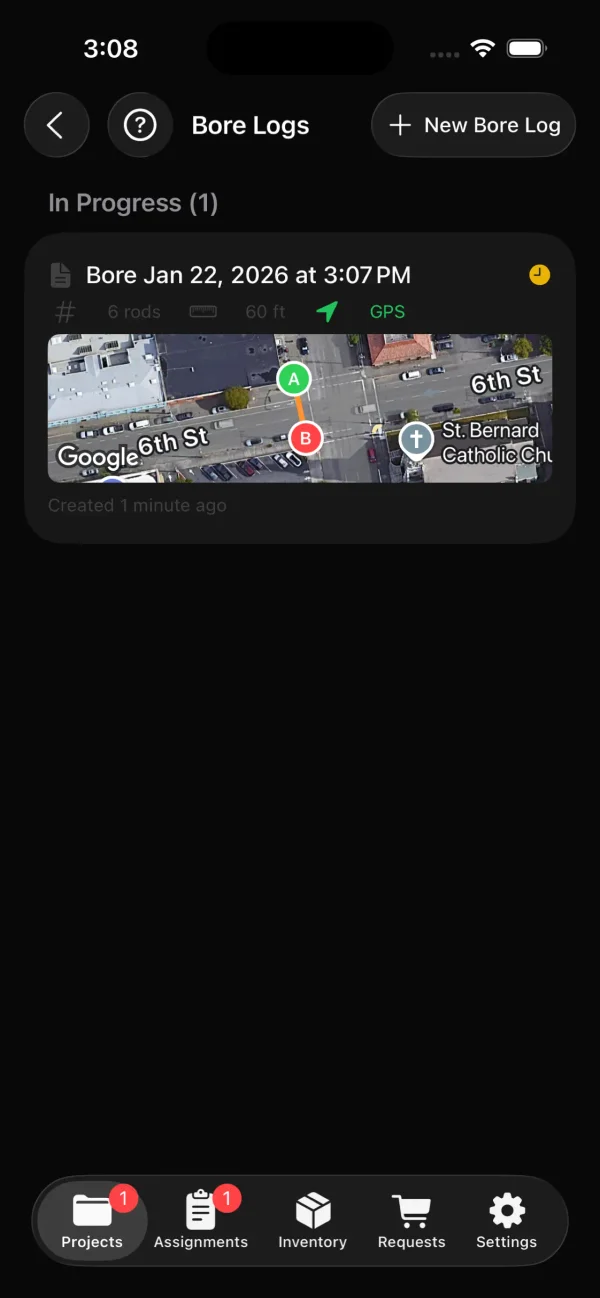
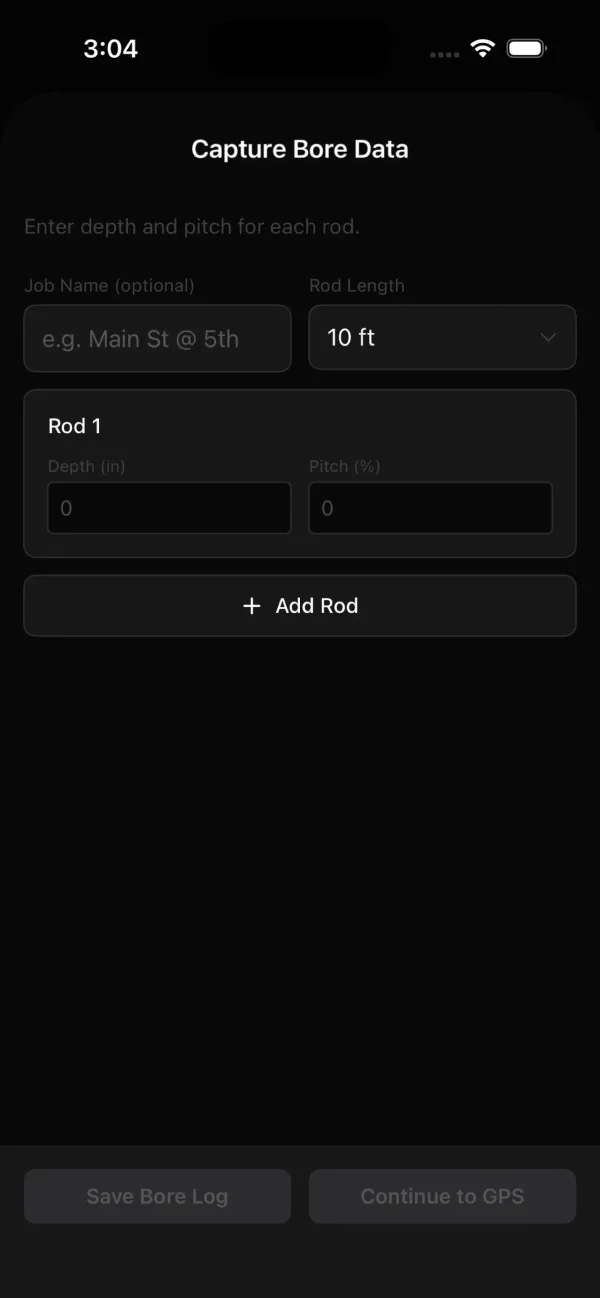
Record rod-by-rod depth and pitch data with automatic rod numbering. Continue to GPS capture to map waypoints
along your bore path. Edit existing logs anytime to update rod data or GPS coordinates.
Utility Marking
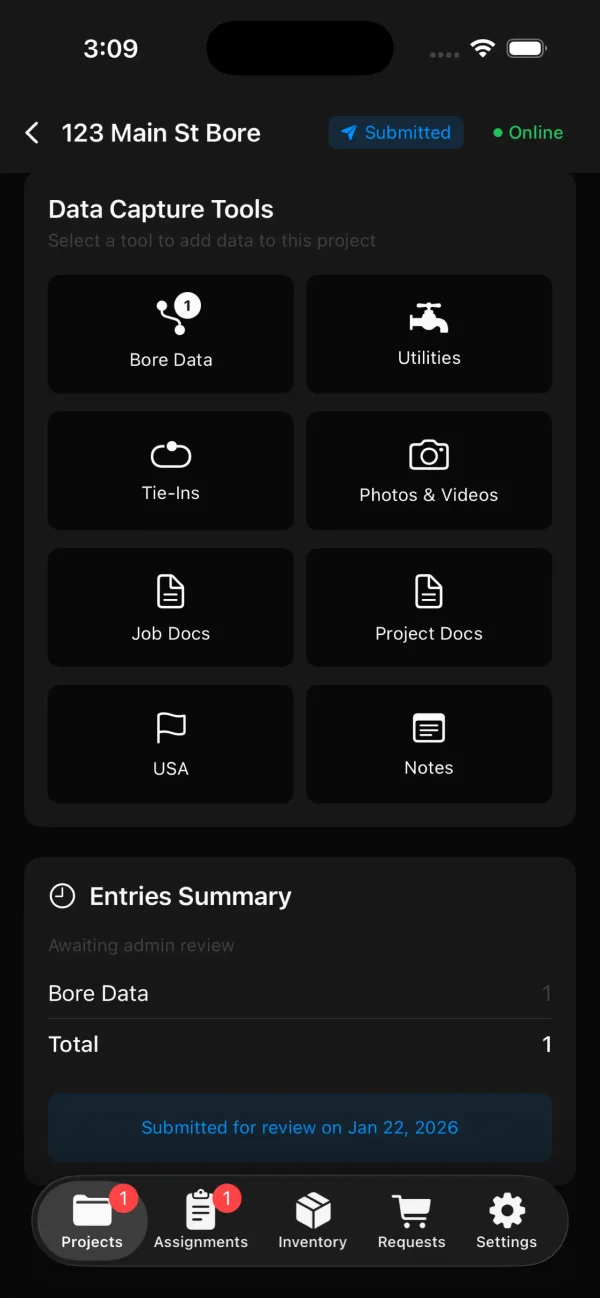
Document underground utilities with type, owner, depth, alignment, and photo evidence. Mark whether utilities
exist, are affected, identified, or potholed.
Tie-In Tracking
Capture tie-in points with GPS coordinates, length measurements, and color coding.
Vaults, Traffic Safety & Restorations
Full capture forms for vault inspections, traffic control plans, and surface restorations — each with photo
documentation.
Project Sharing
Share entire projects with teammates via a secure link. Recipients get a complete clone including bore logs,
utilities, tie-ins, photos, documents, and GPS data.
Works Offline
All data saves locally first. Submissions sync automatically when you're back online — nothing is lost if you lose
signal in the field.
Documents & Files
Store jobsite files locally with folder organization. Import from other apps via the Share Extension, or browse
your documents directly from the iOS Files app.
Calendar & Time Tracking
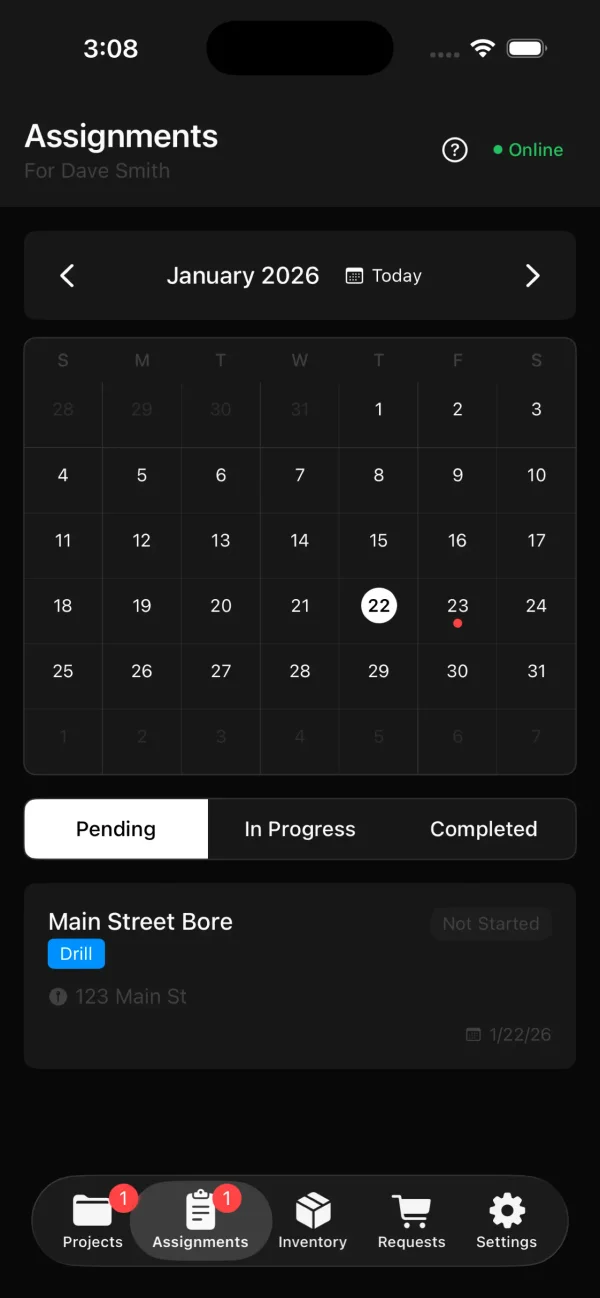
Log time entries, PTO, sick days, and notes from the Assignments tab.
Learn more at hecbore.com
Read our Terms of Service at hecbore.com/terms
Read our Privacy Policy at hecbore.com/privacy-policy
新機能
バージョン 1.6.0 · 2026/11/21
Now you can add per project depth units of measure. Don't want to use whole inches? You can select Feet & Inches for example. Found inside project settings.
アプリのプライバシー
このアプリのデータの取り扱いについて、Travis HeryfordがApp Storeで申告している内容です。
-
ユーザーに関連付けられたデータ
収集され、ユーザーの識別情報に関連付けられる場合があります。
- 位置情報
- 連絡先情報
- ユーザーコンテンツ
- ID
- 診断
プライバシーの取り扱いは、ご利用の機能やお客様の年齢などに応じて異なる場合があります。
情報
- 販売元
- Travis Heryford
- カテゴリ
- 仕事効率化
- バージョン
- 1.6.0
- 更新日
- 2026/11/21
- リリース
- 2026/1/5
- サイズ
- 36.7 MB
- 必要条件
- iOS 17.6以降
- 対象年齢
- 17+
- 言語
- 英語
- 著作権
- © Heryford Electric & Communications