- 対象年齢4+
- カテゴリ写真/ビデオ
- 開発元Prajwal naik
- 言語英語
- サイズ10.9 MB
App Storeの公式ページにリンクしています
Download.orgはHelios Cameraのファイルを一切ホストしていません。ボタンを押すと、Prajwal naikが公開しているApp Storeのアプリページが開きます。ページの最終確認:2026/11/18。
スクリーンショット

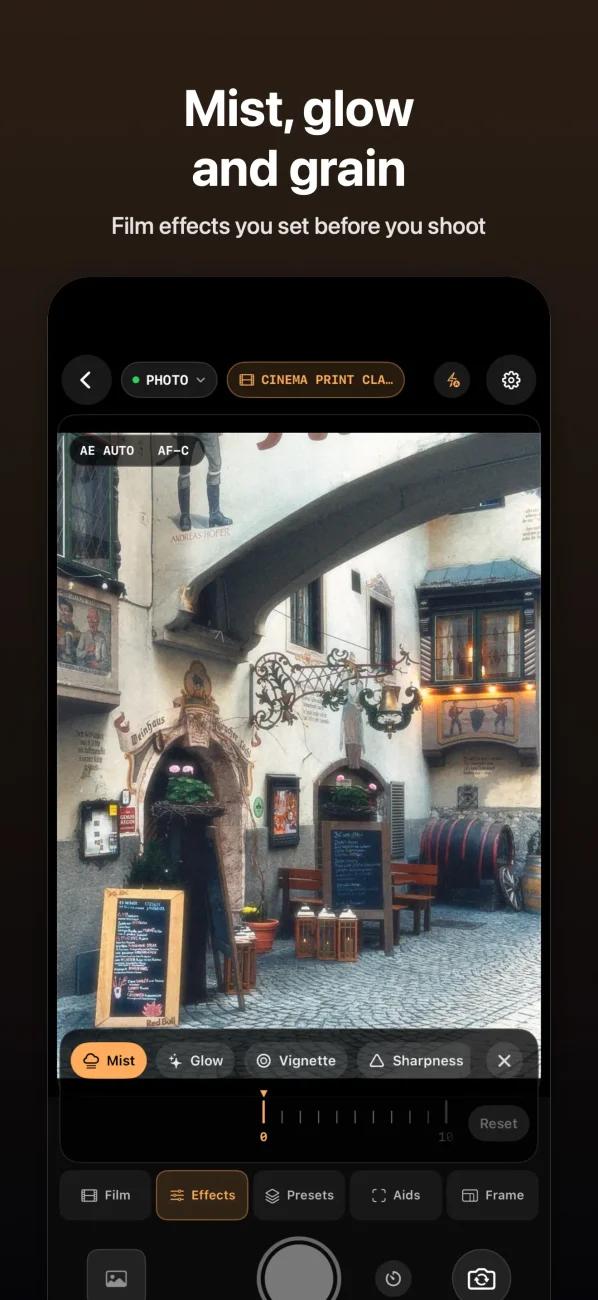
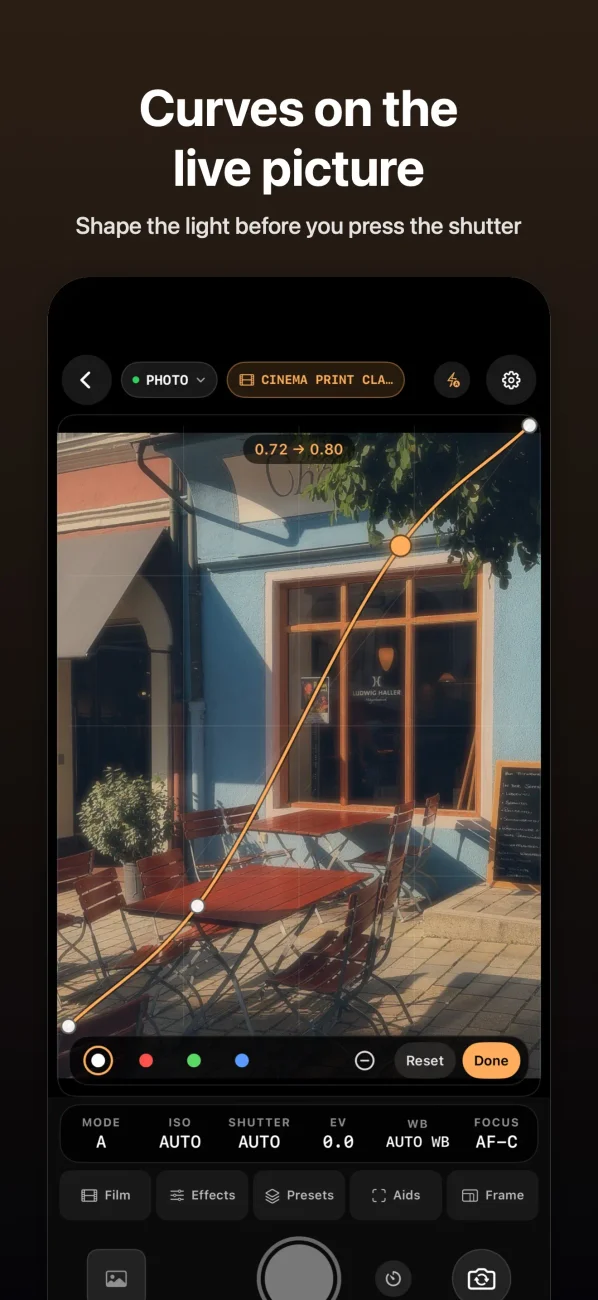
概要
開発元はこのテキストをお使いの言語で提供していません。
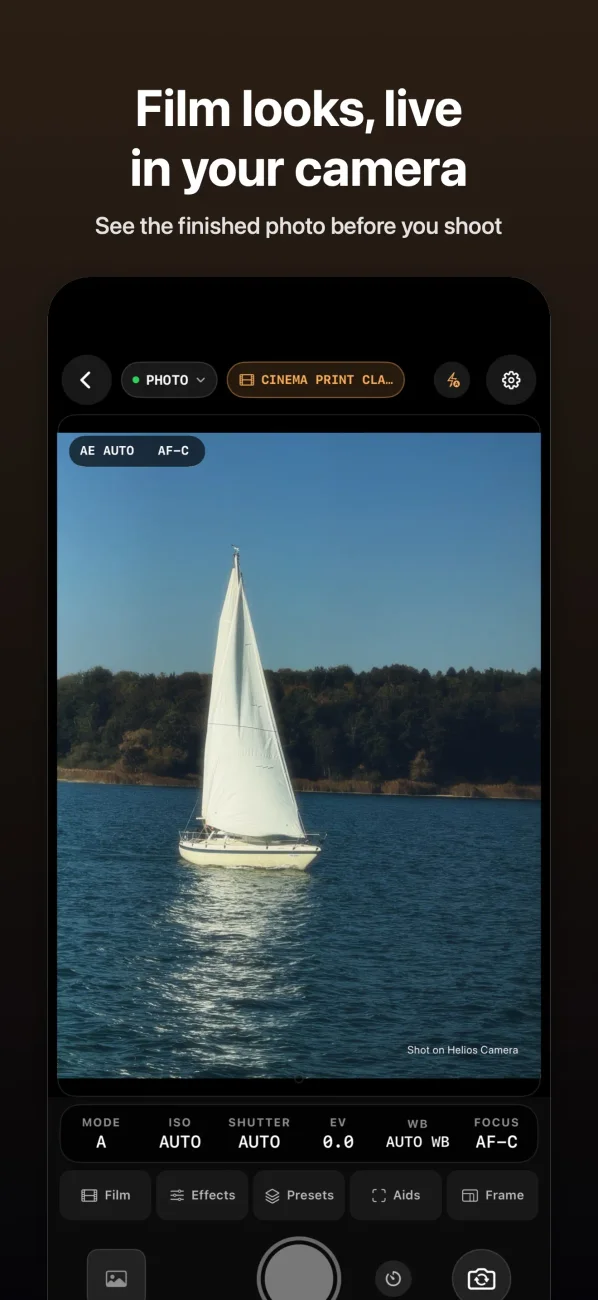
Helios Camera shows your film grade live in the viewfinder, so the photo you see is the photo you take — and it keeps the untouched original beside it.
FILM, LIVE
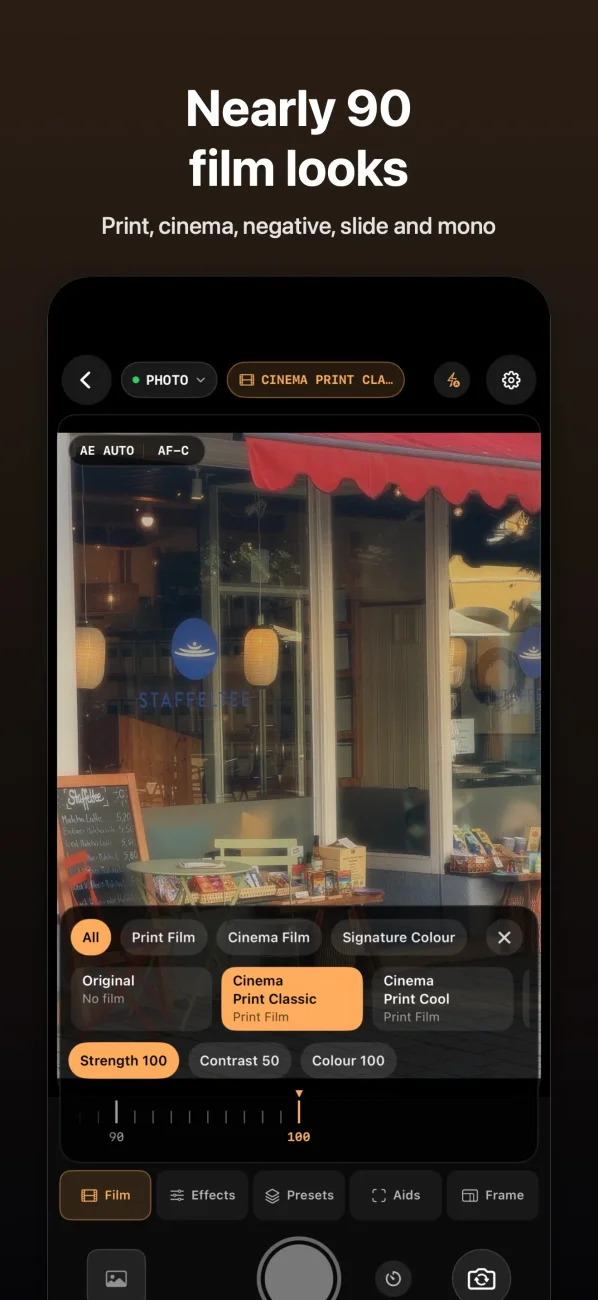
• Nearly 90 film profiles in ten families: print, cinema, colour negative, slide and chrome, monochrome, soft and faded, lab processes and more
• Strength, print contrast and print colour for every film
• The same film science as the Helios Grade plugin for DaVinci Resolve
EFFECTS THAT BEHAVE LIKE LIGHT
• Grain with stock and size
• Halation with threshold and edge isolation
• Mist, glow, glaze, vignette, clarity and chroma
• Curves drawn right over the live picture
• Every panel sits below the picture, so the whole frame stays in view while you adjust
MANUAL CONTROL
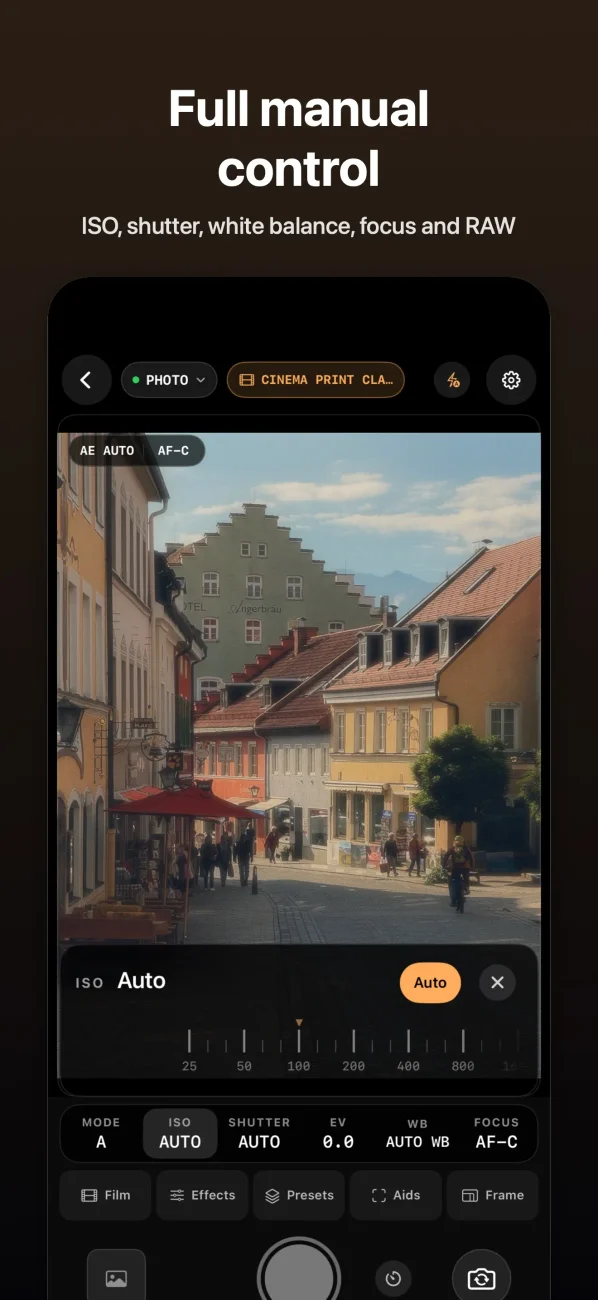
• ISO, shutter, exposure compensation, white balance and focus, each on its own dial
• White-balance shift on a colour grid, amber to blue and green to magenta, saved with your looks
• Tap a face to track it: focus and exposure follow that person, even with several faces in view
• Touch and hold to lock exposure, focus or white balance
• Lens marks and a zoom dial in real focal lengths
VIEWFINDER AIDS
• Grids, a level that works shooting straight down, focus peaking, zebras, a histogram and clipping warnings
• None of them is ever written into a photo
ORIGINALS KEPT
• Every photo keeps its untouched original
• RAW DNG on iPhones with ProRAW; the look is finished from the RAW
• Apple Log and Apple Log 2 stills as 16-bit TIFFs on iPhones that record log, ready for DaVinci Resolve
• Finished photos as JPEG or HEIF, at 12 or 48 MP where the camera offers it
LOOKS
• 15 ready-made looks in seven categories: Portrait, Street, Cinema, Travel, Night, Black & White and Retro. Each mixes a film with grain, halation, softness, glaze and tone. Delete any of them and restore them later
• Turn the look dial and the viewfinder follows, look by look
• Save your own film and effects as a look and apply it before you shoot
• Share looks as .heliosios files, or open one from Files or Messages
• Choose which effects appear in the Effects panel, and put them in your order
• An optional "Shot on Helios Camera" caption for finished photos, off unless you turn it on
EDIT ANY PHOTO
• A full editor for any photo in your library. Every tool is open to try; after the trial, 10 edits a day are free (an edit is one finished photo exported from the editor)
FREE, THEN YOURS FOR GOOD
Your first 30 days are unlimited. After that, ten finished photos and ten edits a day are free. A one-time purchase removes both daily limits for good — no subscription. Family Sharing is supported.
PRIVATE BY DESIGN
No account, no cloud, no AI service, no ads, no analytics and no third-party code. Your photos, edits and looks stay on your iPhone.
Helios Camera's film looks are original designs, inspired by the character of classic photographic films and processes.
新機能
バージョン 1.1.0 · 2026/11/14
• Blend: put up to three shots together into one photo, right in the camera
• Before and after: see the picture with or without the look, or both at once with a line you drag. In the camera and the editor
• The editor's presets are now the camera's presets: see your photo in every look, save your edit as a look, import looks
• Undo and Redo in the editor, with a small note saying what changed
• Reset All Edits, and touch and hold the photo to see the original
• Softness in the editor's Effects, as in the camera
• A bigger Curves graph
• 28 ready-made looks, with new soft portrait and landscape looks
• Tap the heart on a look to keep your favourites next to All, in the order you choose
• Add a "Shot on Helios Camera" mark to your photos, in six styles. It is off until you turn it on
• Shutter priority and ISO priority: set one, the camera meters the other
• Drag up or down on the picture to make it brighter or darker
• Take a photo with the volume buttons or the Camera Control button
• Timer, bracketing, burst and interval shooting beside the shutter
• Tap your last photo to check it: swipe, zoom, share, edit or delete
• Add the Helios Camera control to Control Center, the Lock Screen or the Action button
• The shutter now goes up to 60 seconds for smooth water and light trails
• More accurate focus peaking, zebra and clipping warnings
• A cleaner Curves screen, and the picture no longer shrinks when a dial opens
• The free trial is now 30 days
アプリのプライバシー
このアプリのデータの取り扱いについて、Prajwal naikがApp Storeで申告している内容です。
-
データの収集なし
開発元はこのアプリからデータを収集しません。
プライバシーの取り扱いは、ご利用の機能やお客様の年齢などに応じて異なる場合があります。
情報
- 販売元
- Prajwal naik
- カテゴリ
- 写真/ビデオ
- バージョン
- 1.1.0
- 更新日
- 2026/11/14
- リリース
- 2026/11/5
- サイズ
- 10.9 MB
- 必要条件
- iOS 18.0以降
- 対象年齢
- 4+
- 価格
- 無料
- アプリ内課金
- あり
- 言語
- 英語
- 著作権
- © 2026 Colormetric Labs
こちらもおすすめ
-
 Tyniy 写真・動画圧縮画質そのまま、容量を空ける
-
 PlugView: カメラモニターLUT・波形・ピーキングをUSBで
-
 EditMe:ネガ反転・フィルム風粒子とレトロ加工、暗室タイマー
-
 False Color Viewer露出計
-
 Lucent: プロ動画カメラアプリ・Vlogプロンプター付き 4K・RAW・Logシネマカメラ
-
 Locaflash写真/ビデオ
-
 Licht アナログフィルムカメラ10種のフィルム、粒状感とハレーション
-
 写真圧縮・リサイズ容量節約&最適化
-
 Wedding Mellows写真/ビデオ
-
 CineMeter Pro: 色温度計・露出計ホワイトバランス・NDフィルター計算・ゴールデンアワー