- 対象年齢4+
- カテゴリ仕事効率化
- 開発元Mikolaj Adamowicz
- 言語英語
- サイズ9.3 MB
App Storeの公式ページにリンクしています
Download.orgはHelix Plannerのファイルを一切ホストしていません。ボタンを押すと、Mikolaj Adamowiczが公開しているApp Storeのアプリページが開きます。ページの最終確認:2026/11/17。
スクリーンショット


概要
開発元はこのテキストをお使いの言語で提供していません。
Helix Planner — Your smart, multilingual planner for Phone, Watch, and CarPlay
Plan, organize, and complete your tasks with ease. Categorize tasks, add locations with geofenced reminders, sync to your Watch, share lists, bulk import items with visualization on the Map, customize the app’s look with beautiful themes—and now enjoy a safer, glanceable CarPlay experience that mirrors your iPhone filters in the car.
What Helix Planner does
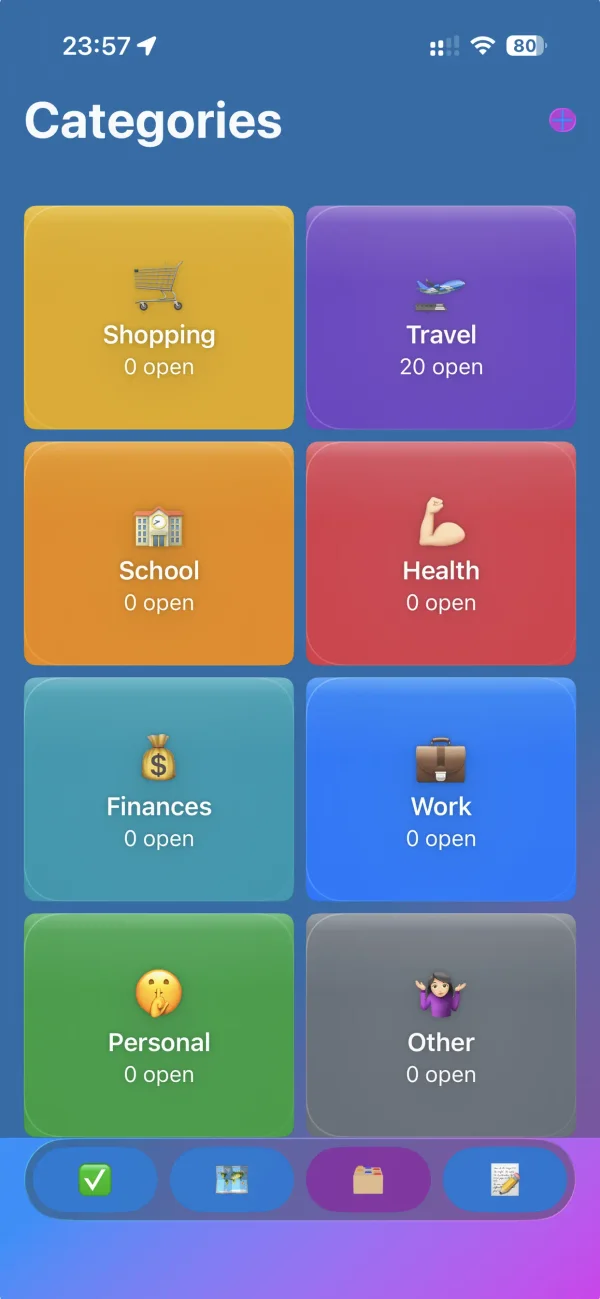
• Organize tasks into categories with colors and emojis
• Add notes, attachments, and optional GPS coordinates
• Set location-based reminders (arrival or departure)
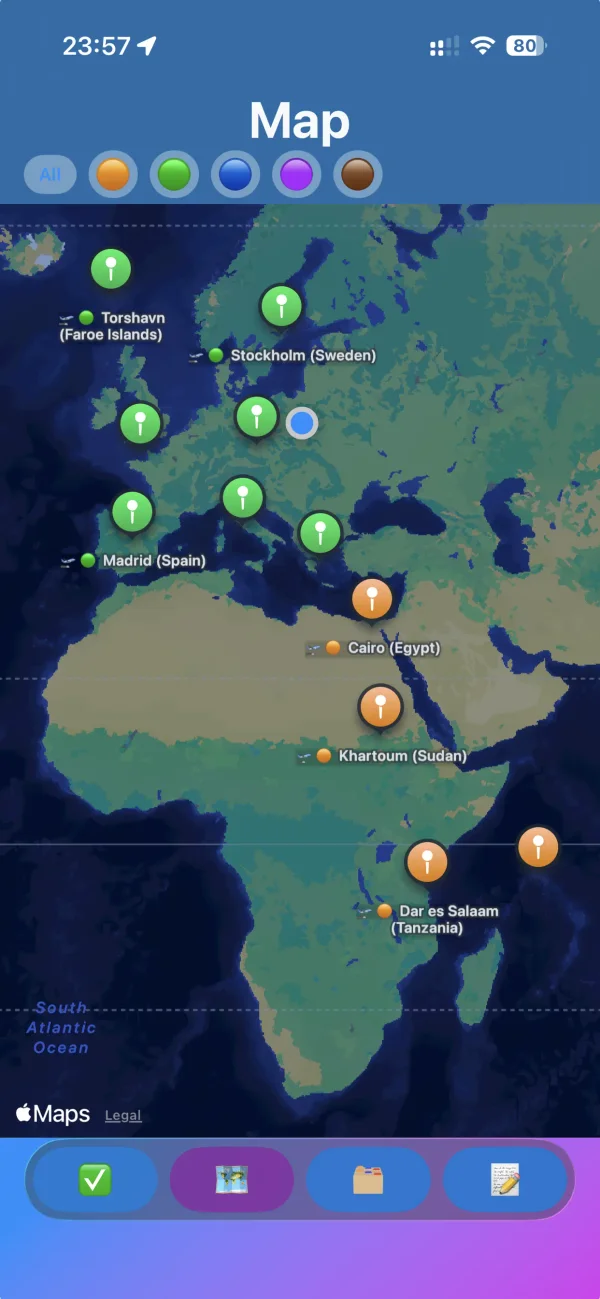
• View tasks on an interactive map and filter by category or pin color
• Sync open tasks to your Watch for quick access (ex shopping list)
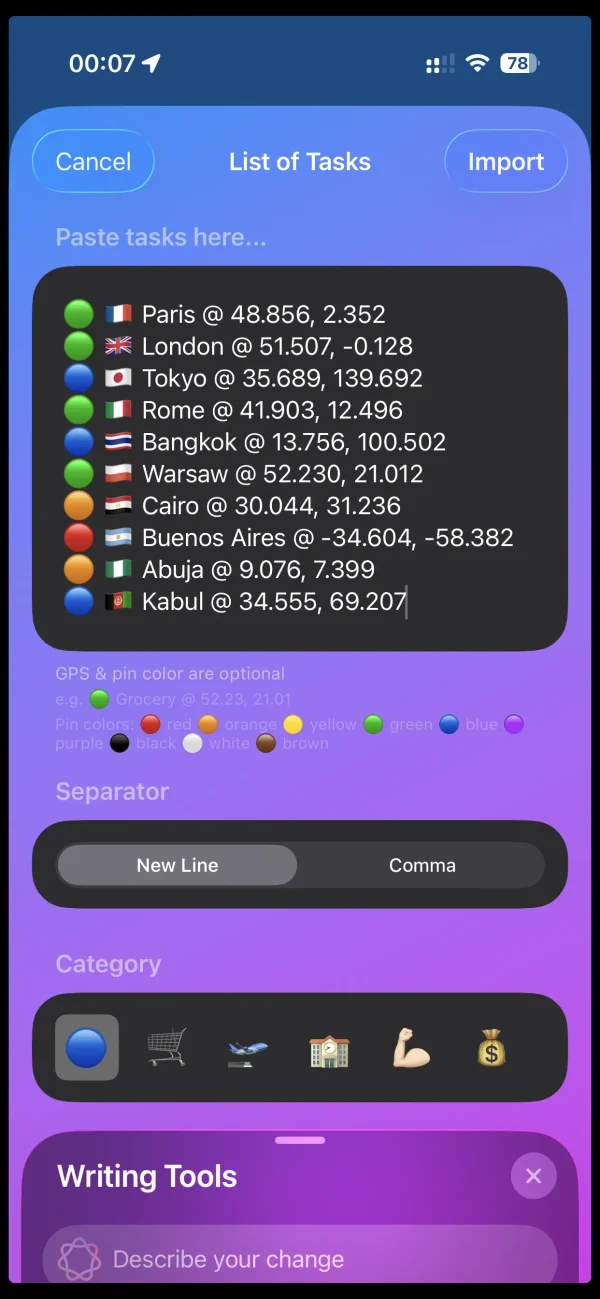
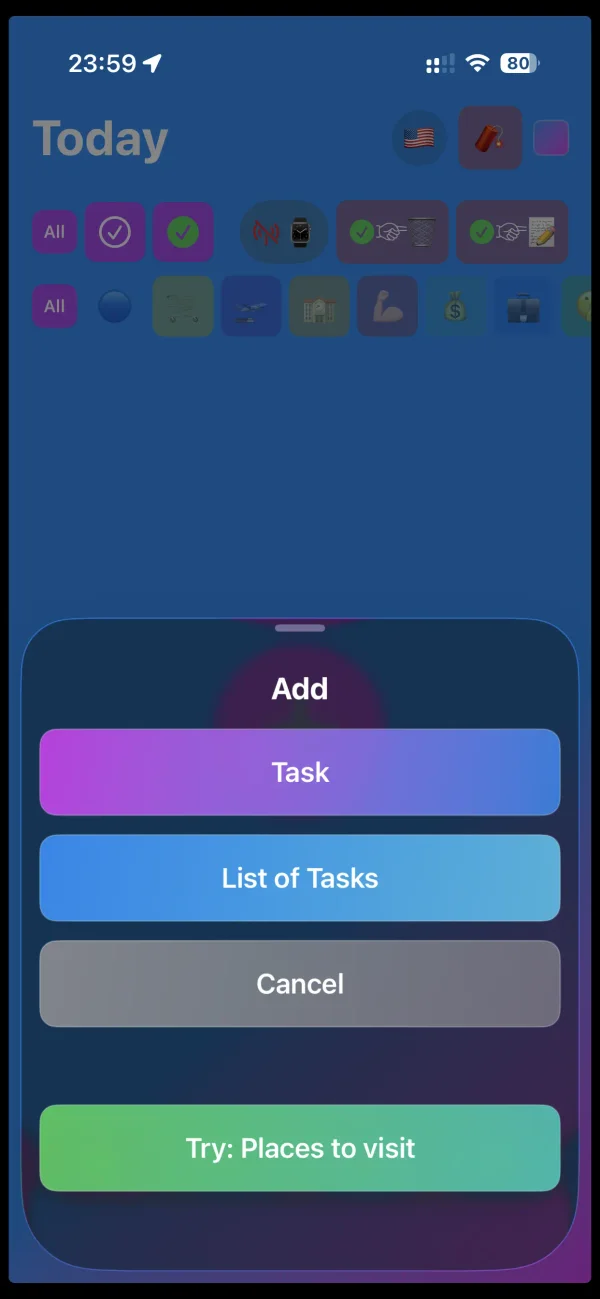
• Import multiple tasks at once from pasted text
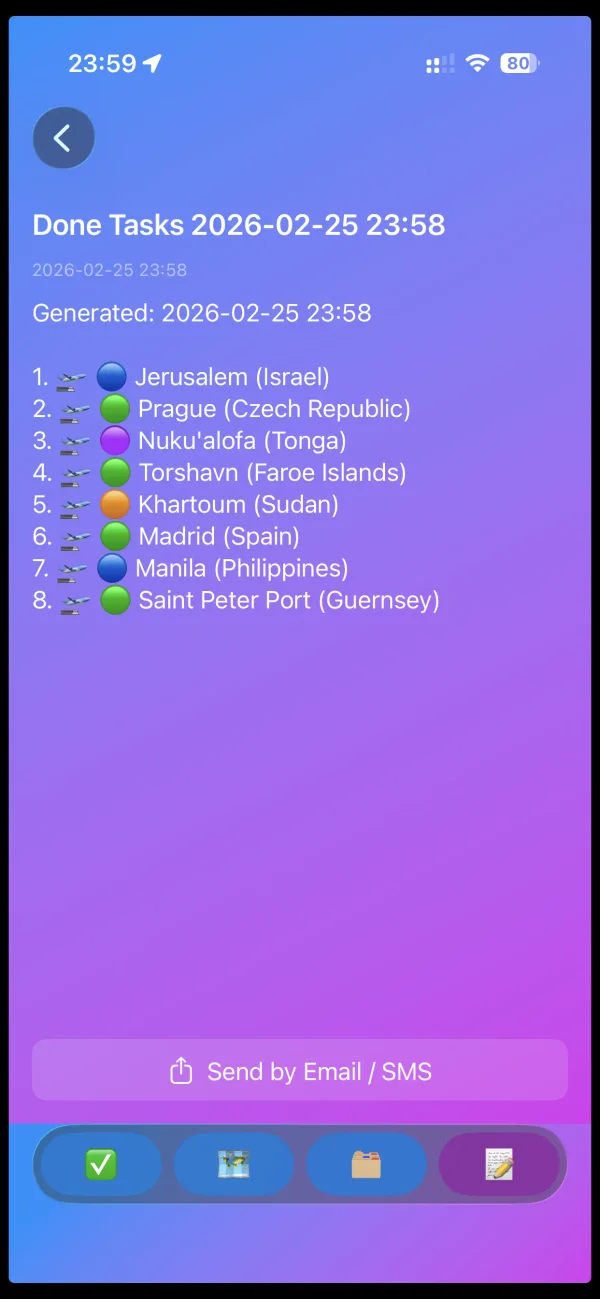
• Share completed tasks as a neatly formatted file
• Personalize with multiple color compositions and a glass-like UI
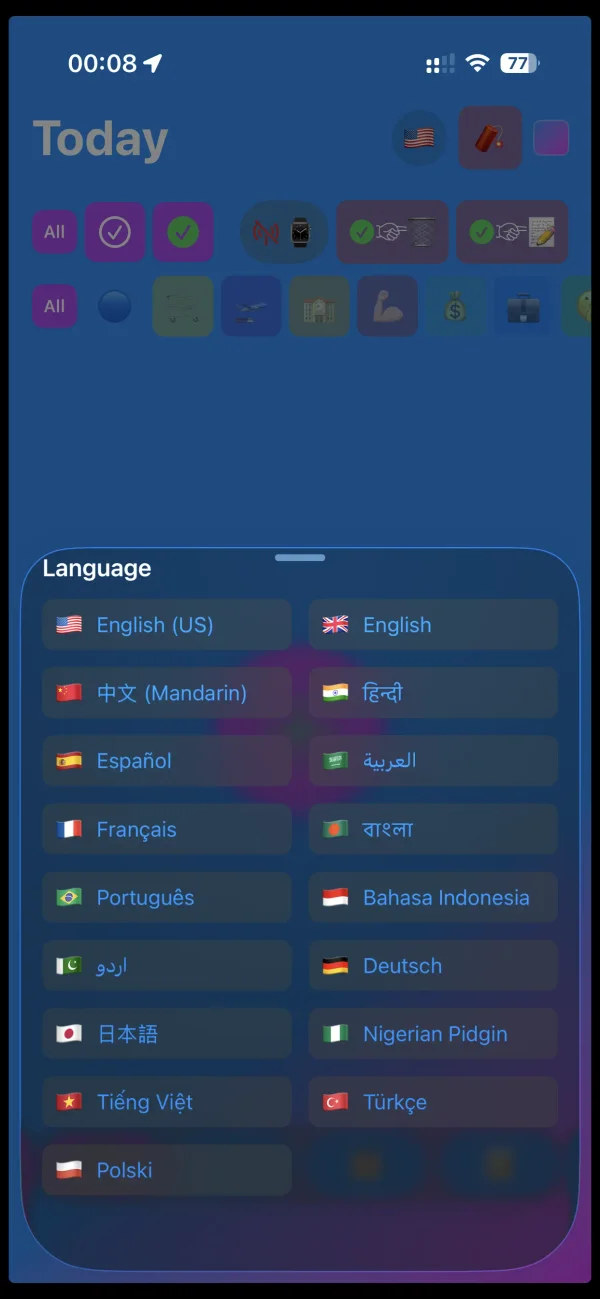
• Enjoy multilingual support for a global experience
• Drive smarter with CarPlay: See your filtered “Open” tasks in a streamlined, distraction-aware interface
• Keep filters in sync: Your iPhone’s current task filters automatically reflect on CarPlay when you connect
Core Features and Functionality
• Task Management
• Create, edit, and reorder tasks with a simple, fast UI
• Mark tasks as open or done; snooze workflow is supported in the data model
• Add notes and optional attachments for extra context
• Organize with categories, each having an emoji and color
• Drag-and-drop reordering for both tasks and categories
• Location Reminders
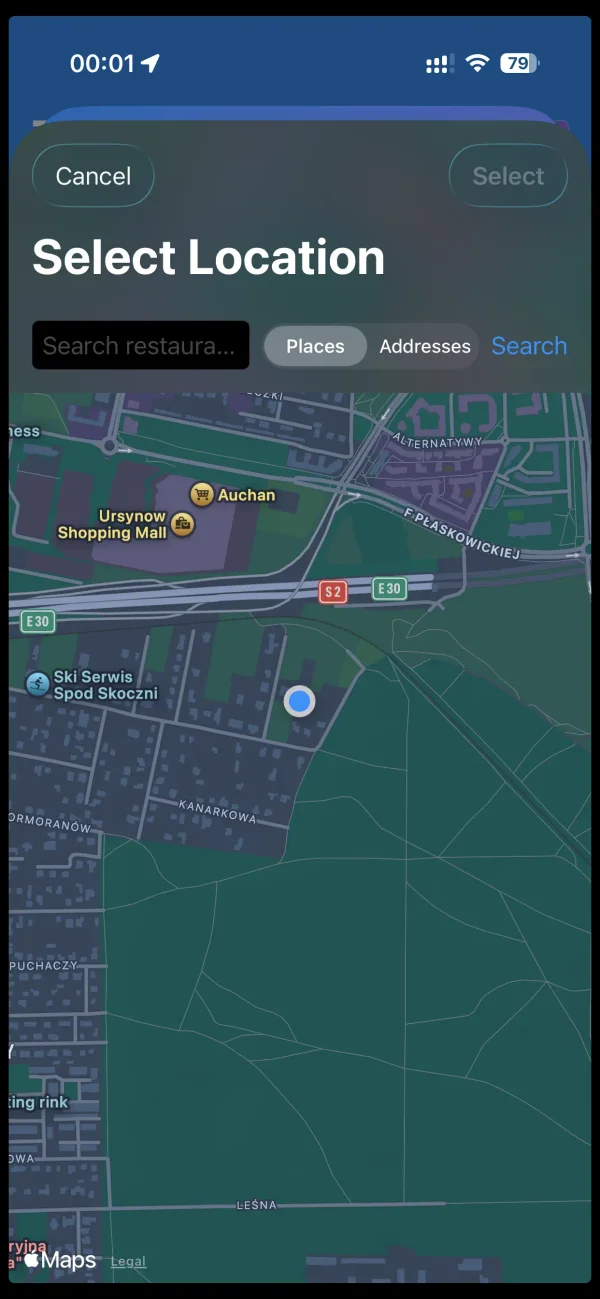
• Add a location trigger to any task with a chosen radius
• Choose between “on arrival” or “on departure” alerts
• Optional pin color emojis for map markers
• Smart region monitoring to conserve battery and reduce churn
• Reverse geocoding for friendly addresses
• Map View
• See all tasks with locations on a map
• Filter by category and pin color
• Tap any pin to open task details and edit quickly
• Watch Integration
• Sync your open tasks to Watch for quick glances
• Theme colors are shared so your Watch list matches your Phone style
• Reliable background updates keep your list fresh
• CarPlay Integration
• Streamlined, distraction-aware task view tailored for the car
• Automatic filter sync: CarPlay mirrors your iPhone’s current “Open” tasks
• Background-safe updates keep your in-car list aligned without extra taps
• Localized safety disclaimer available from the Today screen for clear guidance
• Bulk Import & Sharing
• Paste multiple tasks at once (newline or comma separated)
• Optional inline GPS parsing (e.g., “Grocery @ 52.23, 21.01”) — easy to generate with AI
• Export done tasks as a timestamped, readable list
• Save shared files in-app and share via system Share Sheet
• Personalization & Design
• Choose from curated color compositions (themes)
• Polished glass effect with subtle depth and highlights
• Motion-aware gradient that responds gently to device orientation
• Multilingual Experience
• Built-in translations for key labels and flows
• Quick language switcher with country flags
• Category names localized for supported languages
• Privacy & Performance
• Efficient location monitoring and geocoding usage
• Debounced searches and updates to keep the UI smooth
• SwiftData-powered storage—fast and reliable
Helix Planner brings together powerful organization tools, intuitive location reminders, rich import/export options, Watch syncing, and a refined CarPlay experience—wrapped in a thoughtful, elegant interface that adapts to your preferences and language.
新機能
バージョン 1.0.2 · 2026/3/25
Unleash your productivity on the road with fresh CarPlay magic—your filtered “Open” tasks now glide seamlessly into your car’s dashboard for a safer, smarter, zero-fuss experience. Navigate like a pro with turbocharged maps: colorful pins, lightning-fast search, and silky-smooth geofence reminders that just work. All wrapped in a refined, glassy design that feels premium, performs faster, and keeps you effortlessly in control.
アプリのプライバシー
このアプリのデータの取り扱いについて、Mikolaj AdamowiczがApp Storeで申告している内容です。
-
データの収集なし
開発元はこのアプリからデータを収集しません。
プライバシーの取り扱いは、ご利用の機能やお客様の年齢などに応じて異なる場合があります。
情報
- 販売元
- Mikolaj Adamowicz
- カテゴリ
- 仕事効率化
- バージョン
- 1.0.2
- 更新日
- 2026/3/25
- リリース
- 2026/2/26
- サイズ
- 9.3 MB
- 必要条件
- iOS 26.0以降
- 対象年齢
- 4+
- 価格
- ¥1,000
- 言語
- 英語
- 著作権
- © 2026 Mikolaj Adamowicz
こちらもおすすめ
-
 Gamu Neko: ポモドーロタイマー眠る猫の集中勉強アプリ
-
 PDFコンバーター - PDFの変換、結合、圧縮、印刷PDF Converter
-
 SovereignAI仕事効率化
-
 Contact Archive : Clear Guide仕事効率化
-
 P2V: PNG JPG HEIC を SVGピクセルをベクターに変換
-
 Cadence - Task Planner仕事効率化
-
 PDFSwift仕事効率化
-
 Burn List:ToDoとリマインダータスクは最大5つ。何度でも通知
-
 TextMender: 貼り付け文を整えるAI・PDF・OCRの文字を整形
-
 TDP - Trading Day Plan仕事効率化