
- 対象年齢4+
- カテゴリユーティリティ
- 開発元PAYEXCHANGE
- 言語英語ほか16言語
- サイズ104.3 MB
App Storeの公式ページにリンクしています
Download.orgはHero Authenticatorのファイルを一切ホストしていません。ボタンを押すと、PAYEXCHANGEが公開しているApp Storeのアプリページが開きます。ページの最終確認:2026/11/18。
スクリーンショット




概要
開発元はこのテキストをお使いの言語で提供していません。
Hero Authenticator makes the six-digit codes your accounts ask for when you log in - and makes sure the phone they live on isn't a single point of failure.
Codes are generated on your device with the standard TOTP algorithm, so they work with any service that supports authenticator-app two-factor sign-in, and they work with no connection at all.
ADD ACCOUNTS HOWEVER SUITS YOU
- Scan the QR code a service shows you
- Import a QR from a screenshot already in your photo library
- Paste or type a setup key
- Fill everything in by hand - issuer, label, digits, period, algorithm
- Move in from Google Authenticator using its export QR
A LOCK THAT STAYS SHUT
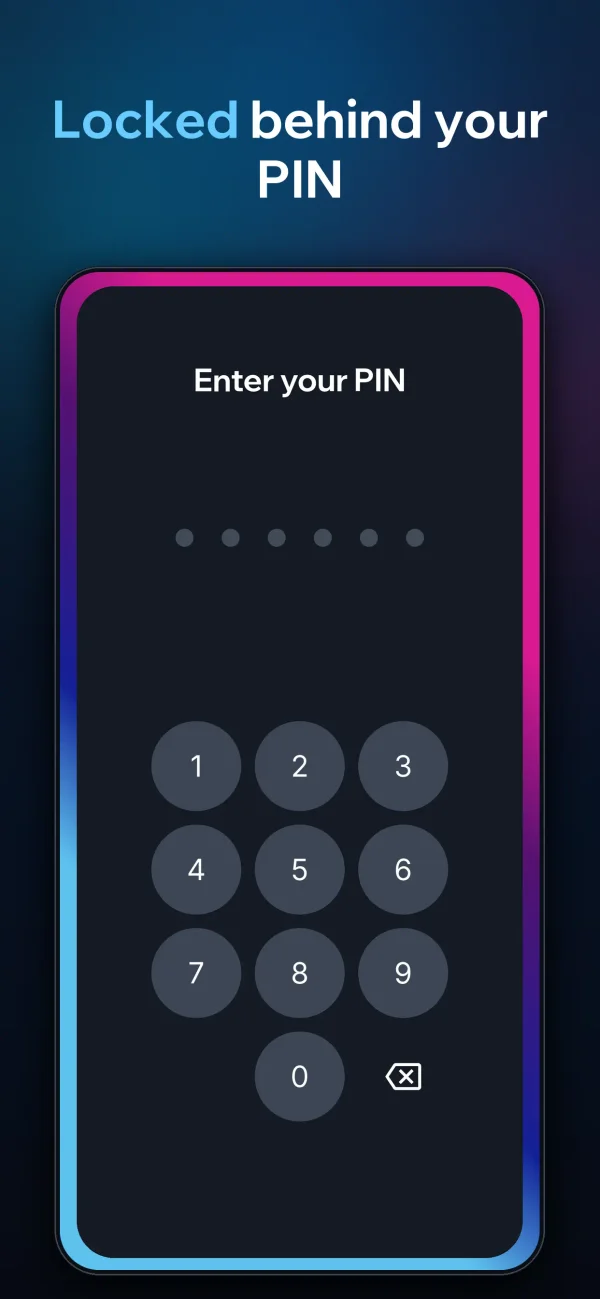
Set a 4- or 6-digit PIN and add Face ID or Touch ID. Choose when the app re-locks: the moment you leave it, after 30 seconds, a minute, five minutes, or not at all. Wrong PINs trigger a lockout that grows each time and survives restarting the app. Your PIN is stored as a salted PBKDF2 hash, never as the PIN.
A WAY BACK
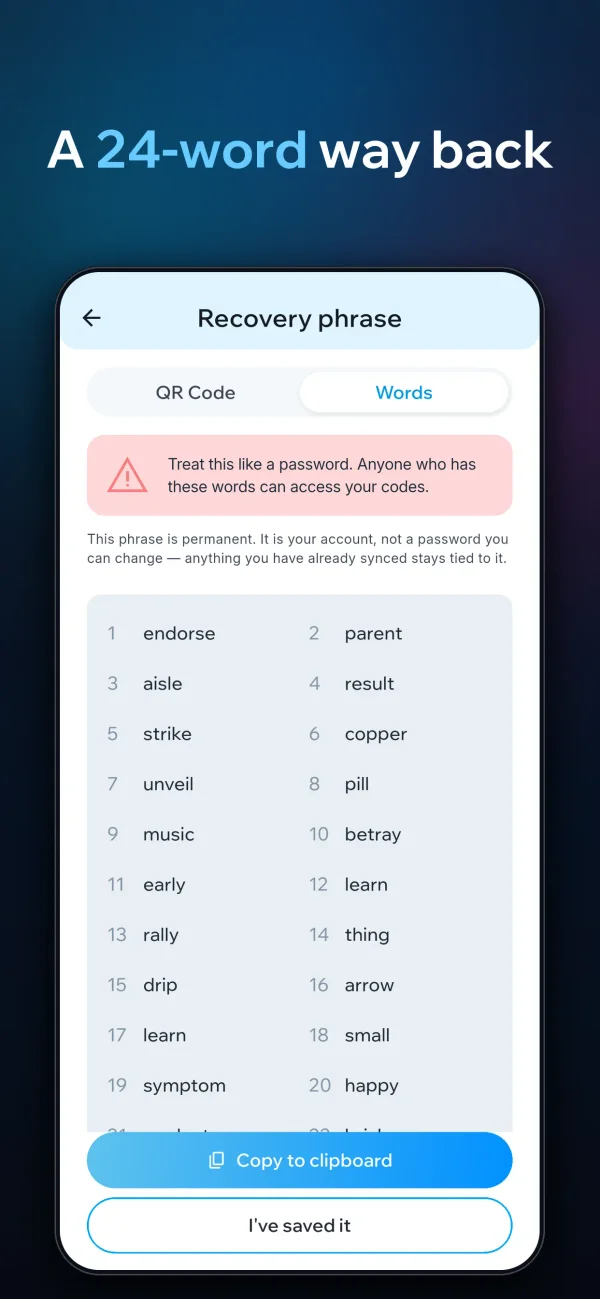
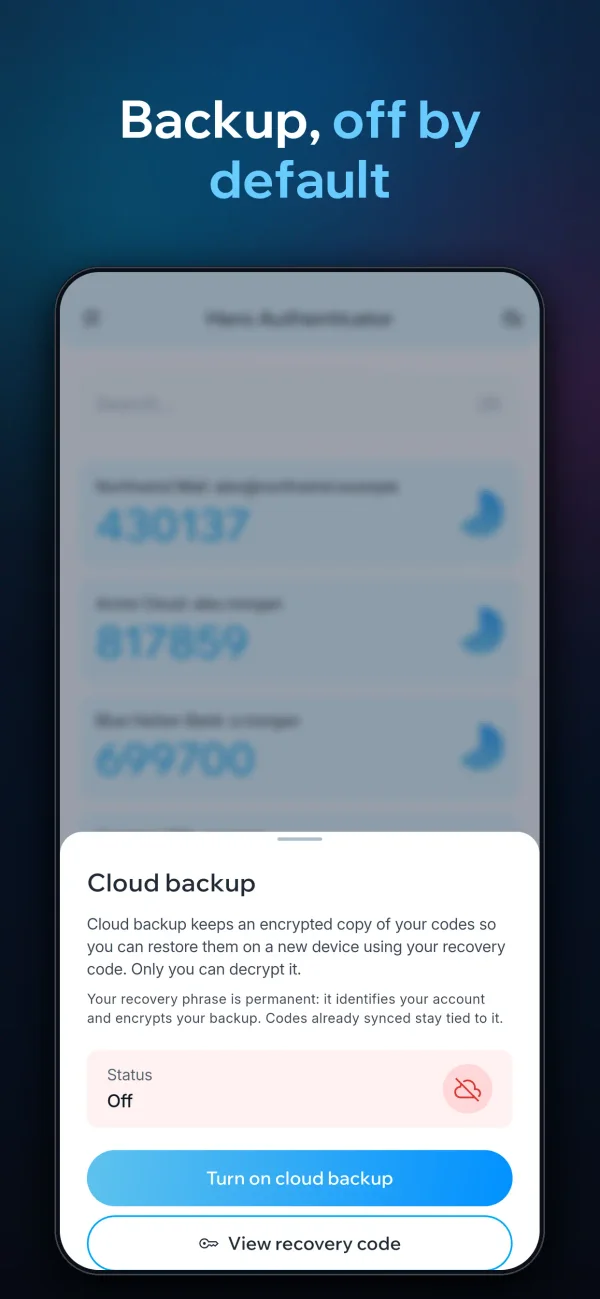
Your install gets a 24-word recovery phrase. Write it down and keep it offline. Turn on cloud backup and your codes go to Hero's servers, with each account's secret encrypted under a key derived from that phrase - we cannot read them - then type the phrase on a new phone and your accounts come back. One thing to know before you switch it on: service and account names are not encrypted, so Hero can see which services you hold two-factor on, but never the codes themselves.
Cloud backup stays off until you switch it on. Leave it off and nothing about your accounts ever leaves the phone.
DAY TO DAY
- A live countdown on every code, so you know whether to wait for the next one
- Search across issuers and account names
- Tap a code to copy it
- Edit labels and delete what you no longer use
- Export selected accounts as a QR or through the share sheet
- Light and dark themes
- 17 languages
WHAT IT DOESN'T DO
No ads. No advertising SDK. Nothing that follows you between apps. No account, no email address, no phone number, nothing to sign up for.
WHAT LEAVES THE PHONE
Two things, both limited. Cloud backup, if you turn it on - your accounts, with each secret encrypted under a key derived from your recovery phrase. And a crash report if the app falls over: a stack trace, the device model and a random per-install identifier, passed first through a scrubber that redacts anything shaped like a TOTP secret, an otpauth link or a recovery phrase. Nothing else.
One thing worth saying plainly: your recovery phrase is the only way back into a backup. If you lose it, nobody - including us - can restore your accounts for you. That is the trade a phrase-based backup makes, and it is why the app asks you to write it down.
アプリのプライバシー
このアプリのデータの取り扱いについて、PAYEXCHANGEがApp Storeで申告している内容です。
-
ユーザーに関連付けられたデータ
収集され、ユーザーの識別情報に関連付けられる場合があります。
- ユーザーコンテンツ
- ID
- 使用状況データ
- 機密情報
- その他のデータ
-
ユーザーに関連付けられないデータ
収集される場合がありますが、ユーザーの識別情報には関連付けられません。
- 診断
プライバシーの取り扱いは、ご利用の機能やお客様の年齢などに応じて異なる場合があります。
情報
- 販売元
- PAYEXCHANGE, UAB
- カテゴリ
- ユーティリティ
- バージョン
- 1.0.1
- 更新日
- 2026/9/17
- リリース
- 2026/9/16
- サイズ
- 104.3 MB
- 必要条件
- iOS 15.5以降
- 対象年齢
- 4+
- 価格
- 無料
- 言語
- 英語, アラビア語, フィリピン語, フランス語, ドイツ語, ヒンディー語, インドネシア語, イタリア語, 日本語, 韓国語, マレー語, ポーランド語 ほか5言語
- 著作権
- © 2026 Hero
こちらもおすすめ
-
 TUKTUKVPN:高速で安全なVPN高速・プライベートVPN
-
 Clean Up Storage: Nimo Cleanerユーティリティ
-
 AIDojo - AIチャットクライアントユーティリティ
-
 TERMinator - BBS Terminalユーティリティ
-
 Teleport WEB - Proxy Browserユーティリティ
-
 EasyAcc Accessユーティリティ
-
 Crumbs: DNS Privacyユーティリティ
-
 Santa Browser: Smart Rewardsユーティリティ
-
 DNS Benchmark: Speed Testユーティリティ
-
 Backblazeユーティリティ