
- 対象年齢4+
- カテゴリ仕事効率化
- 開発元Jiri Kluciar
- 言語英語ほか1言語
- サイズ21.2 MB
App Storeの公式ページにリンクしています
Download.orgはHonestScanのファイルを一切ホストしていません。ボタンを押すと、Jiri Kluciarが公開しているApp Storeのアプリページが開きます。ページの最終確認:2026/11/20。
スクリーンショット



概要
開発元はこのテキストをお使いの言語で提供していません。
Scan → check and correct → shrink → export.
HonestScan turns receipts, documents, contracts and study notes into text you can edit and send on with the original scan. It works on its own – you do not need DashBase to use it.
FROM PAPER TO EDITABLE TEXT
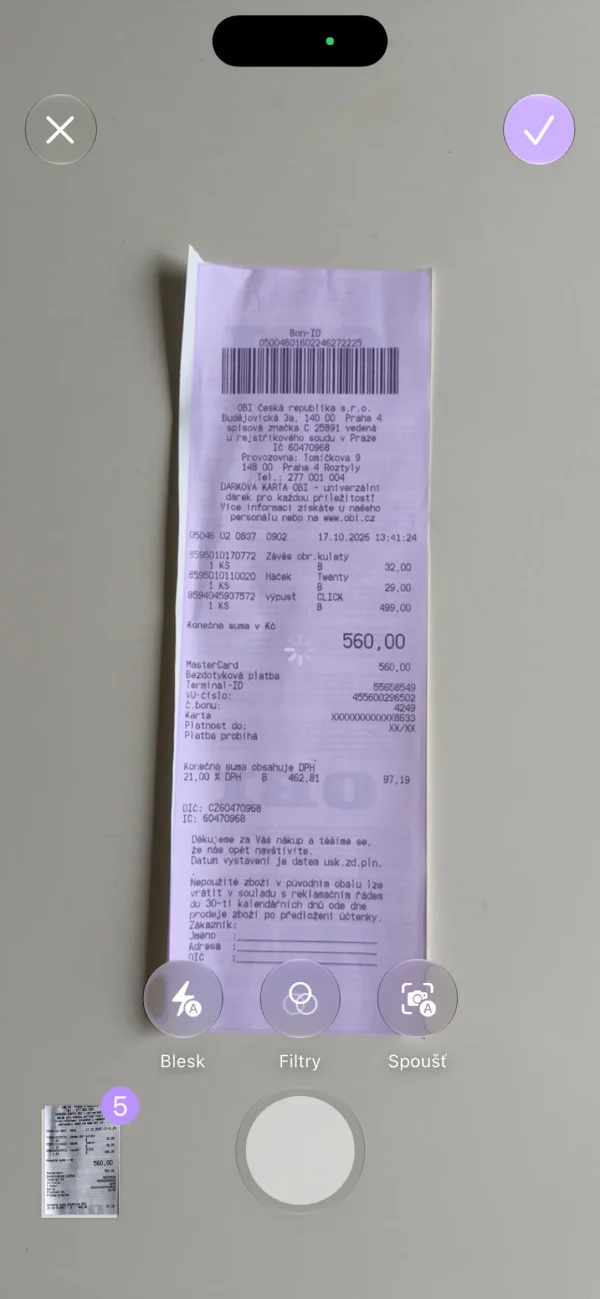
• Scan with edge detection and perspective correction, or import photos.
• Import PDFs and images from Files. A multi-page PDF becomes the pages of one document.
• Send a photo or PDF to HonestScan straight from Mail, Safari, Photos or Files using the Share menu.
• Let the app recognise the content type. Process several photos separately or as pages of one document.
• OCR runs on your device. Markdown retains headings, paragraphs, lists and recognised tables, with page boundaries to help you navigate.
CHECK AND CORRECT
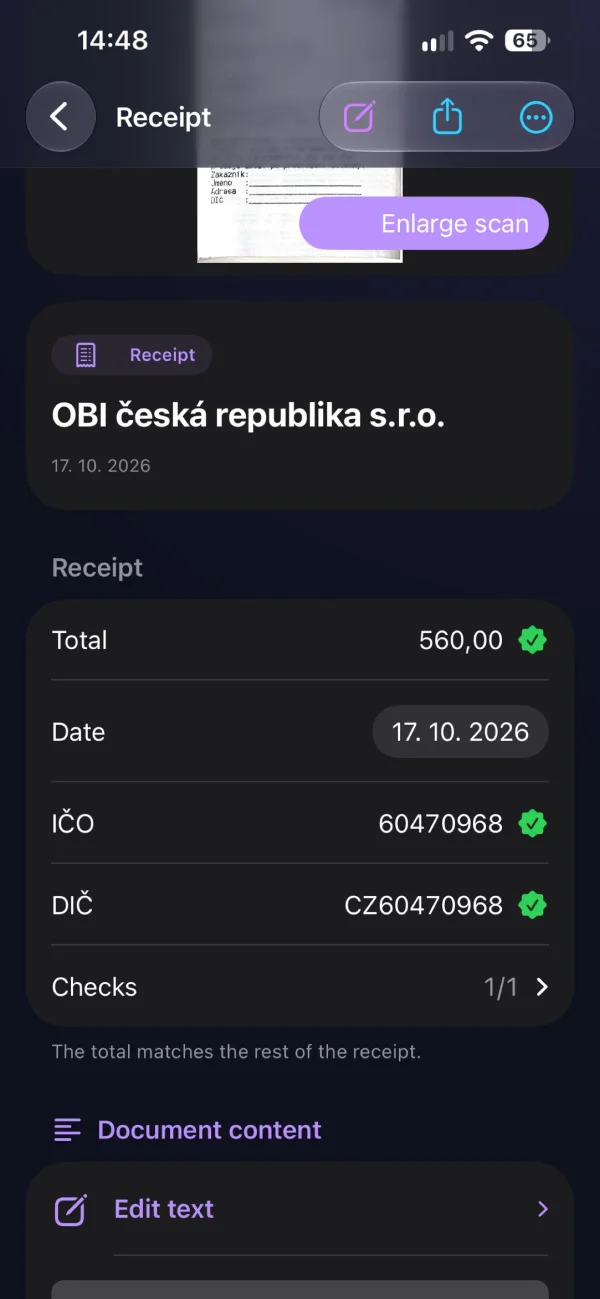
• Edit text alongside the original scan. Adjust the split, enlarge the original and pan around it.
• Format headings, bold text and lists, then check the preview. Undo and Redo also reverse formatting.
• Czech and English dictionaries underline unknown words. Keep a personal allowed-word list for names and specialist terms.
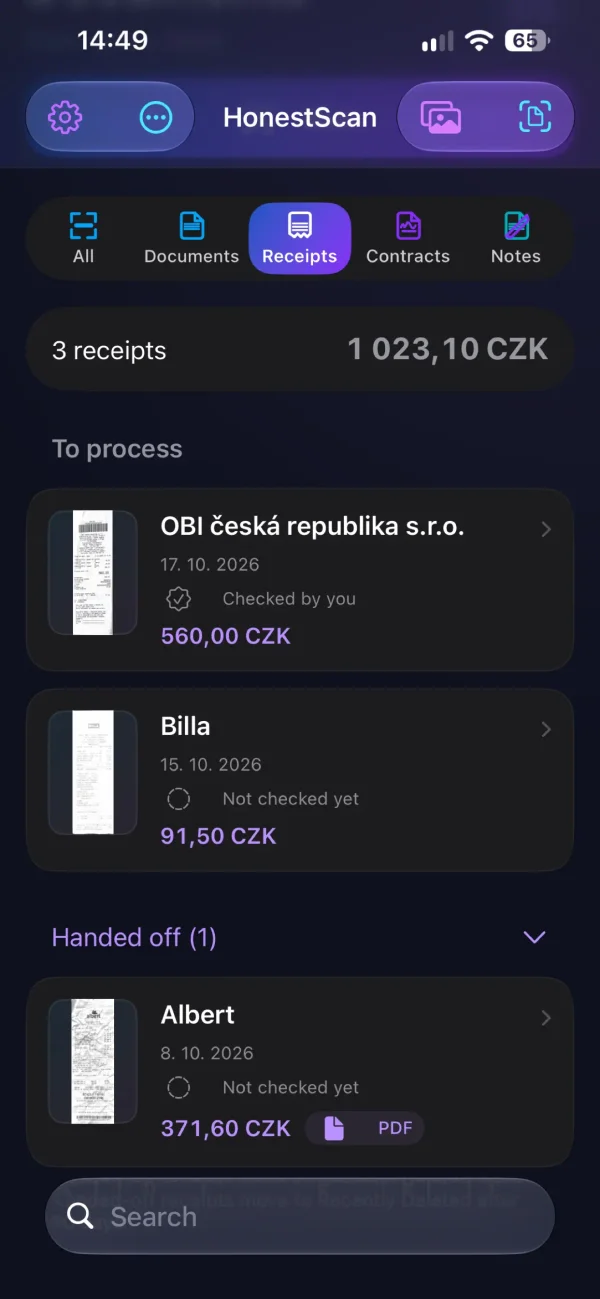
• Check receipt amounts and warnings about inconsistent totals and VAT.
• Check uncertain formulas against the original. Detected diagrams are preserved as images with their original labels, between text and formulas.
• Recognise a saved document again without importing it twice. Your manual edits stay intact, with automatic recognition shown separately.
SHRINK AND SEND ON
• Choose scan compression and preview the result before exporting.
• Save a PDF, corrected Markdown or both. The PDF includes the scan and a searchable text layer.
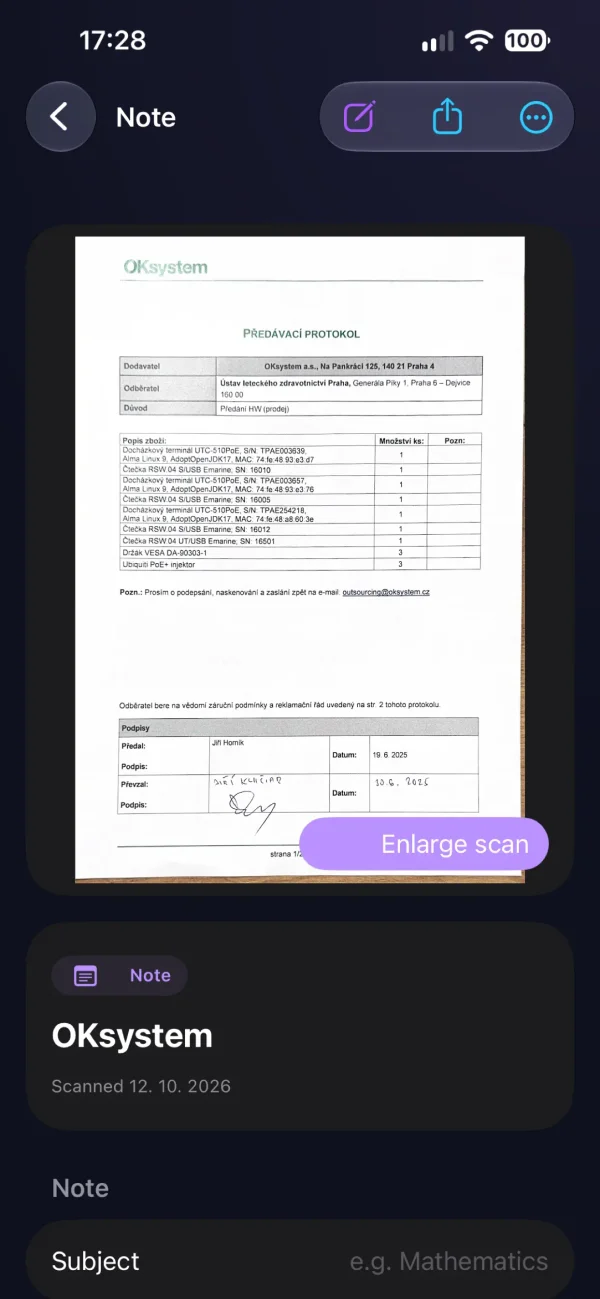
• Save a portable ZIP to Files with the original scan, corrected text and related images. Notes with diagrams also include an offline preview showing text and pictures together.
• Choose a folder on your iPhone, iCloud Drive or another provider in Files.
• Find exported packages inside the app. Select several to forward, move or delete together.
• Export a receipt overview as CSV for your accountant.
OPTIONALLY SEND TO DASHBASE
• Transfer corrected text, every scan page and diagrams to DashBase on iOS or Mac. There you can manage purchases, warranties, claims and contract dates.
• Save the same content to Files or share it elsewhere instead. You choose where it goes.
MAKE IT YOURS
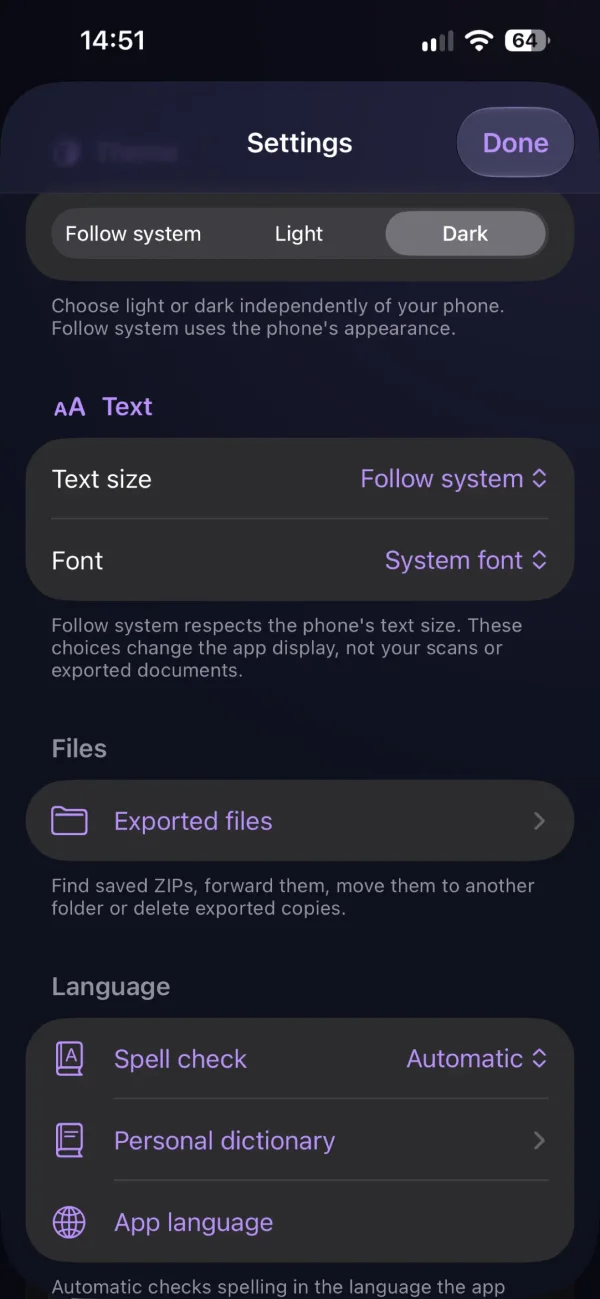
• Choose a light or dark theme independently of the system, plus text size and font style.
• Group notes by subject, search, review handed-off documents and restore items from the bin.
• Czech and English interface.
HonestScan is for capture, checking and handing off. You choose where to keep things long term.
IDEAS, FEEDBACK AND BUG REPORTS
Help improve HonestScan. Share your ideas, feedback and any bugs you find on the developer Discord:
https://discord.com/invite/UeJEAZWG8T
新機能
バージョン 1.1 · 2026/11/17
What's new in 1.1:
• Import from Files – bring PDFs and images in straight from Files. A multi-page PDF becomes the pages of one document.
• HonestScan in the Share menu – send a photo or PDF from Mail, Safari, Photos or Files directly to HonestScan. The text is recognised the next time you open the app.
• Undo and Redo in the editor – new buttons above the keyboard reverse typos and formatting (headings, bold text, lists).
Thank you for using HonestScan. Share your ideas, feedback and bugs on the developer Discord:
https://discord.com/invite/UeJEAZWG8T
アプリのプライバシー
このアプリのデータの取り扱いについて、Jiri KluciarがApp Storeで申告している内容です。
-
データの収集なし
開発元はこのアプリからデータを収集しません。
プライバシーの取り扱いは、ご利用の機能やお客様の年齢などに応じて異なる場合があります。
情報
- 販売元
- Jiri Kluciar
- カテゴリ
- 仕事効率化
- バージョン
- 1.1
- 更新日
- 2026/11/17
- リリース
- 2026/10/19
- サイズ
- 21.2 MB
- 必要条件
- iOS 18.0以降
- 対象年齢
- 4+
- 価格
- 無料
- 言語
- 英語, チェコ語
- 著作権
- © Jiří Klučiar
こちらもおすすめ
-
 HabitSet: Habit Tracker AppYour Healthy Habits Builder
-
 Lockoon仕事効率化
-
 Duet: PDF Reader仕事効率化
-
 PDFSwift仕事効率化
-
 Kizami: My Chosen TimeKeep the time you chose.
-
 Cove: ローカルAIアシスタントオフラインで使えるプライベートAIチャット
-
 WristBrief - Watch録音・文字起こしボイスレコーダー・話者分離・AI議事録・リアルタイム字幕
-
 Dienstmappe: Site Photo Log仕事効率化
-
 Eliora Life OS仕事効率化
-
 FlashTranslate·AI翻訳5スタイル自分のLLMで翻訳·敬語から口語まで