- 対象年齢4+
- カテゴリグラフィック/デザイン
- 開発元Mario Geneau
- 言語英語
- サイズ32.3 MB
App Storeの公式ページにリンクしています
Download.orgはHueHarborのファイルを一切ホストしていません。ボタンを押すと、Mario Geneauが公開しているApp Storeのアプリページが開きます。ページの最終確認:2026/11/20。
スクリーンショット

概要
開発元はこのテキストをお使いの言語で提供していません。
HueHarbor: Unleash Endless Color—Now with Personalized Wallpaper Creation!
HueHarbor isn’t just another color picker—it's a vibrant playground for designers, artists, and color enthusiasts. Effortlessly discover, organize, and transform colors into unique wallpapers and creative palettes using an intuitive, interactive interface.
What Makes HueHarbor Stand Out?
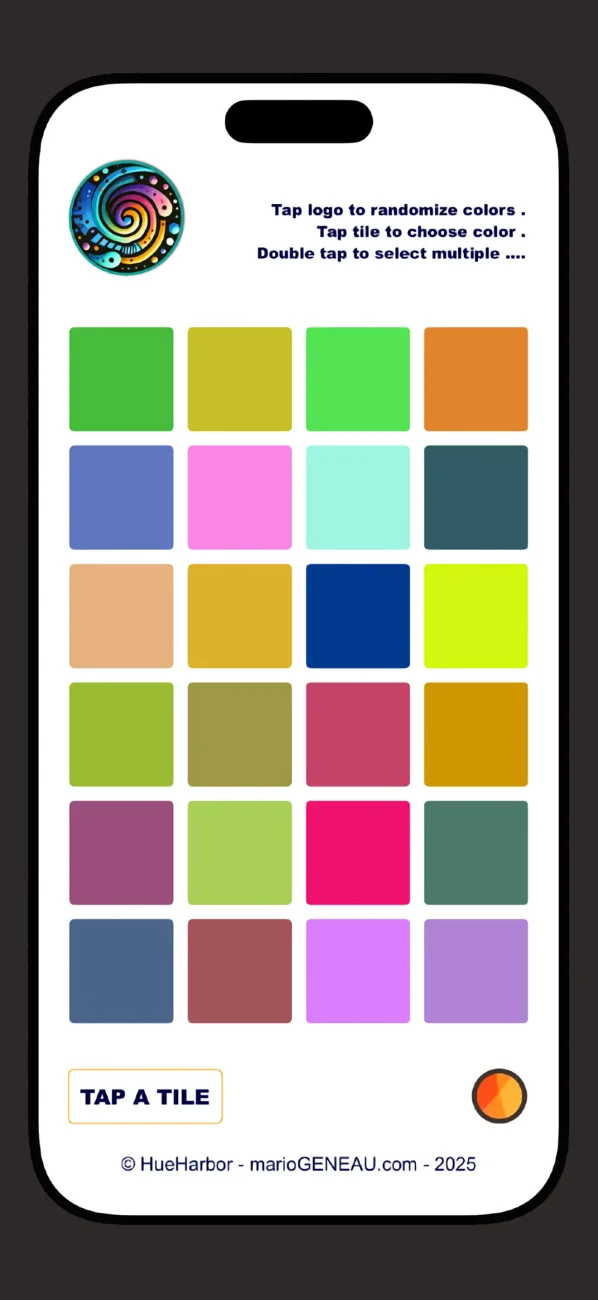
• Instant Color Inspiration: Tap the logo for a fresh batch of randomized colors—perfect for sparking creativity and jumpstarting any project.
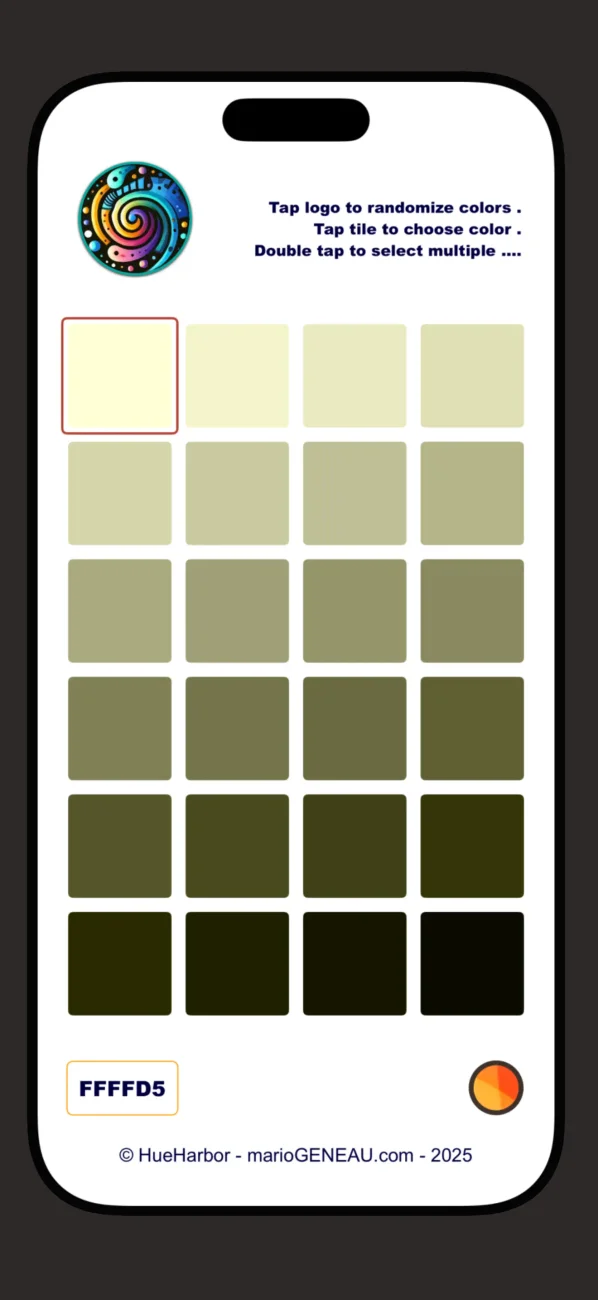
• Effortless Color Selection: Tap a color tile to instantly reveal its hex code, ideal for use in digital art, design, or web development.
• Visual Organization: Double-tap to select and group multiple colors. Easily compare shades and build harmonious palettes.
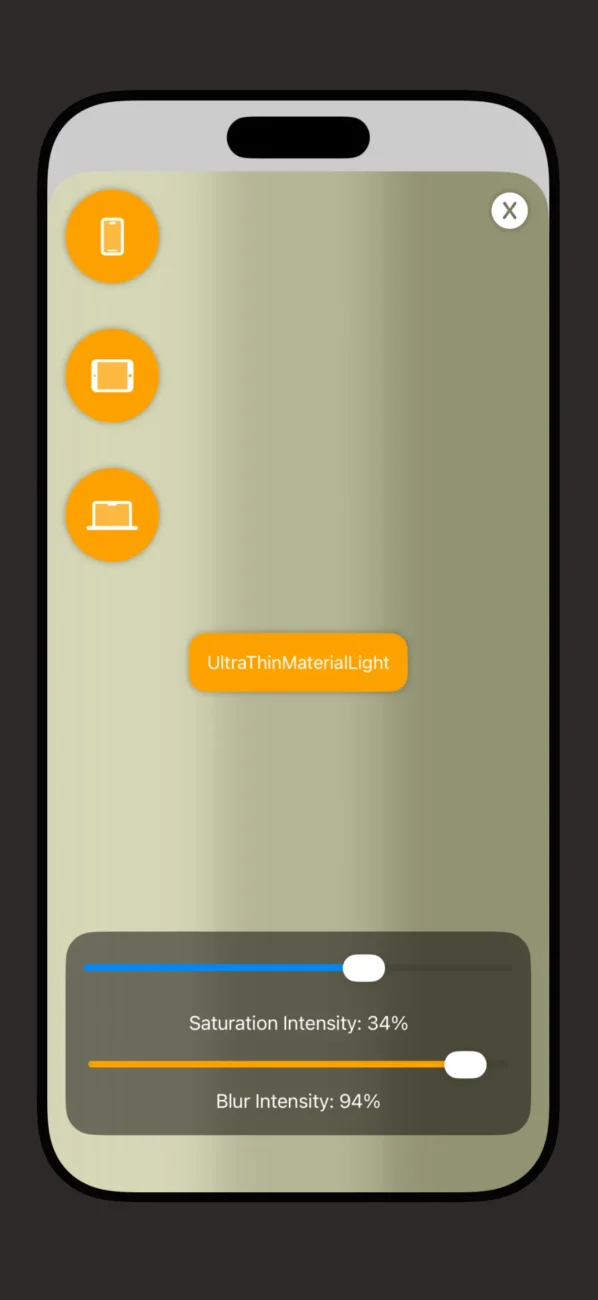
• Advanced Wallpaper Creation: Seamlessly blend favorite colors to craft custom wallpapers for phone, tablet, or Mac. Fine-tune the look using adjustable blur and saturation effects.
• Drag & Drop Simplicity: Rearrange grouped colors with intuitive drag-and-drop gestures.
• Clipboard Integration: One-tap copying of single or grouped hex codes—making it easy to use your palettes anywhere.
• User-Friendly Experience: Enjoy a clean, distraction-free design with helpful tips always at hand.
Perfect For:
• Web and graphic designers
• Digital artists
• Interior decorators
• DIY creators
• Anyone who loves exploring color!
Why Choose HueHarbor?
• Designed for both professionals and hobbyists
• Streamlines creative workflows and color discovery
• Empowers you to turn inspiration into shareable, beautiful wallpapers
• Makes color experimentation fun, visual, and productive
Bring your color ideas to life—download HueHarbor and let your creativity flow!
新機能
バージョン 4.0 · 2025/9/1
What’s New in HueHarbor
• Wallpaper Creation: Transform your favorite color groups into custom wallpapers for iPhone, iPad, or Mac with just a tap!
• Advanced Blur & Saturation Effects: Personalize your wallpapers with adjustable blur and saturation controls for a truly unique look.
• Drag & Drop Palettes: Effortlessly rearrange grouped colors to perfect your palette using intuitive drag-and-drop gestures.
• Quick Copy: Instantly copy single or grouped hex codes to the clipboard for use in your favorite design tools.
• Improved Tips & Guidance: Helpful instructions and alerts make color exploration even easier for everyone.
• Performance & UI Improvements: Enjoy a smoother, more responsive experience with refined visuals and subtle polish throughout.
Bring your creative color ideas to life—update now and start building your own stunning wallpapers!
アプリのプライバシー
このアプリのデータの取り扱いについて、Mario GeneauがApp Storeで申告している内容です。
-
データの収集なし
開発元はこのアプリからデータを収集しません。
プライバシーの取り扱いは、ご利用の機能やお客様の年齢などに応じて異なる場合があります。
情報
- 販売元
- Mario Geneau
- カテゴリ
- グラフィック/デザイン
- バージョン
- 4.0
- 更新日
- 2025/9/1
- リリース
- 2024/1/1
- サイズ
- 32.3 MB
- 必要条件
- iOS 16.0以降
- 対象年齢
- 4+
- 価格
- 無料
- 言語
- 英語
- 著作権
- © 2025, Mario Geneau
こちらもおすすめ
-
 Inanimate Artグラフィック/デザイン
-
 COULER: Your Fashion Workflowグラフィック/デザイン
-
 who raised yaグラフィック/デザイン
-
 Open UIAccessible app builder
-
 Color Palettes - Borealグラフィック/デザイン
-
 Palettteグラフィック/デザイン
-
 Caviar: AI Graphic Designグラフィック/デザイン
-
 Color Picker: RGB HEX Codesグラフィック/デザイン
-
 Color Palette Designerグラフィック/デザイン
-
 Neon:カラーピッカー・配色写真から色を抽出、配色を作成