
- 対象年齢4+
- カテゴリユーティリティ
- 開発元天从 何
- 言語繁体字中国語ほか2言語
- サイズ13.8 MB
App Storeの公式ページにリンクしています
Download.orgはiDeveloper - 190+ toolsのファイルを一切ホストしていません。ボタンを押すと、天从 何が公開しているApp Storeのアプリページが開きます。ページの最終確認:2026/11/12。
スクリーンショット
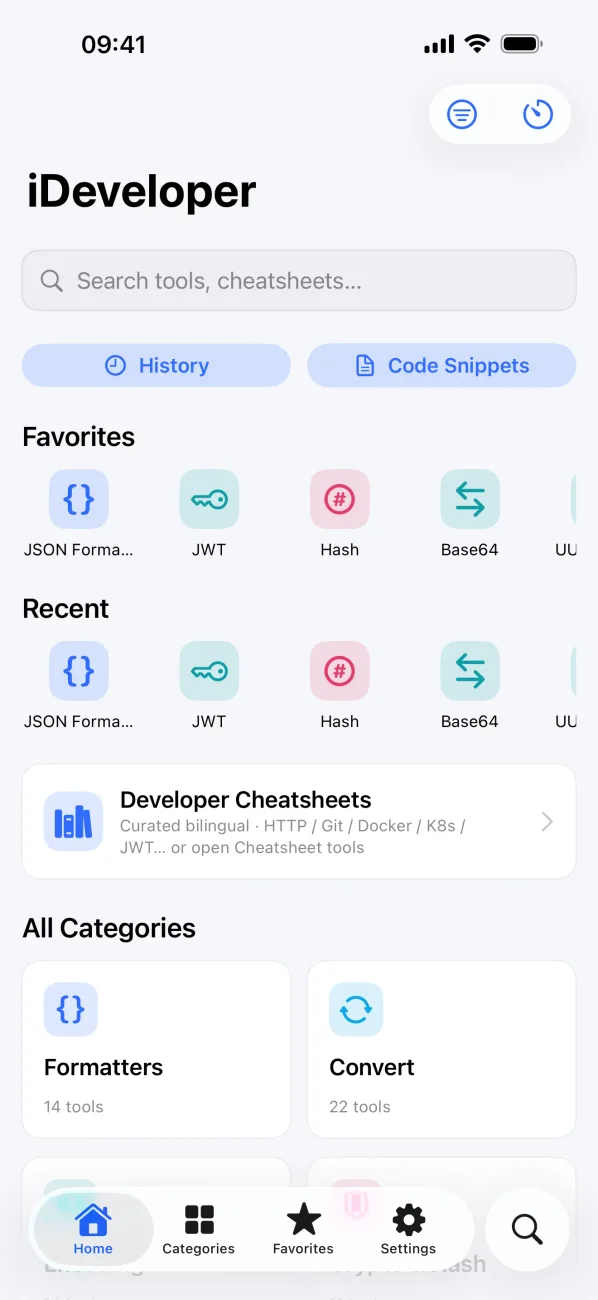
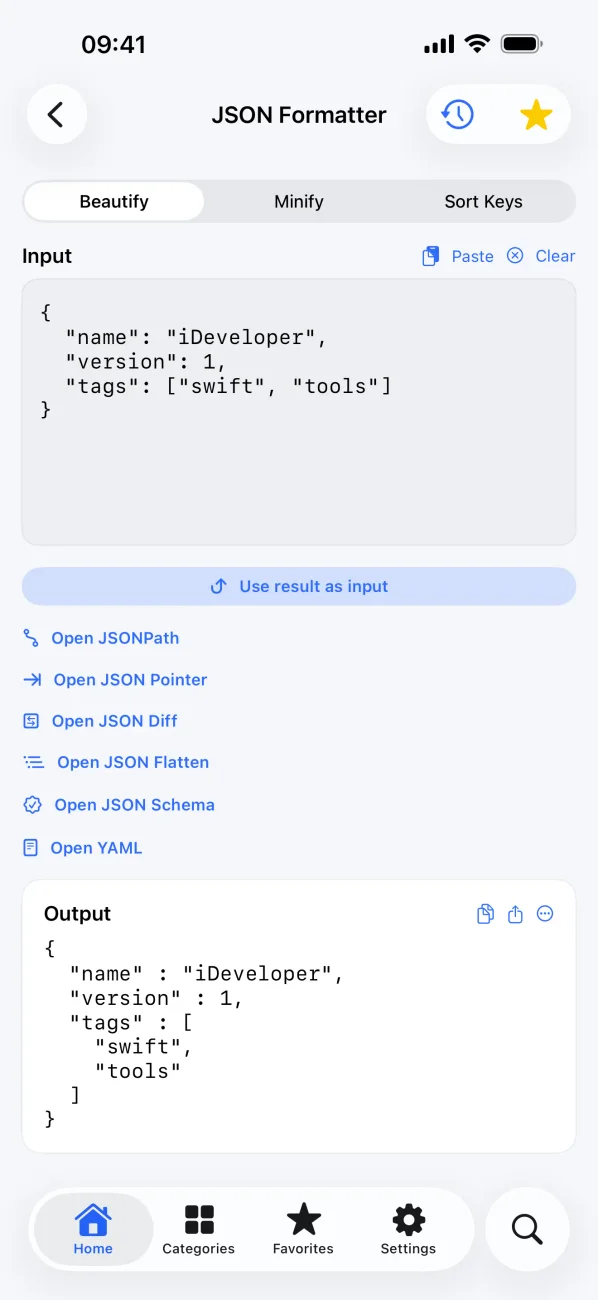

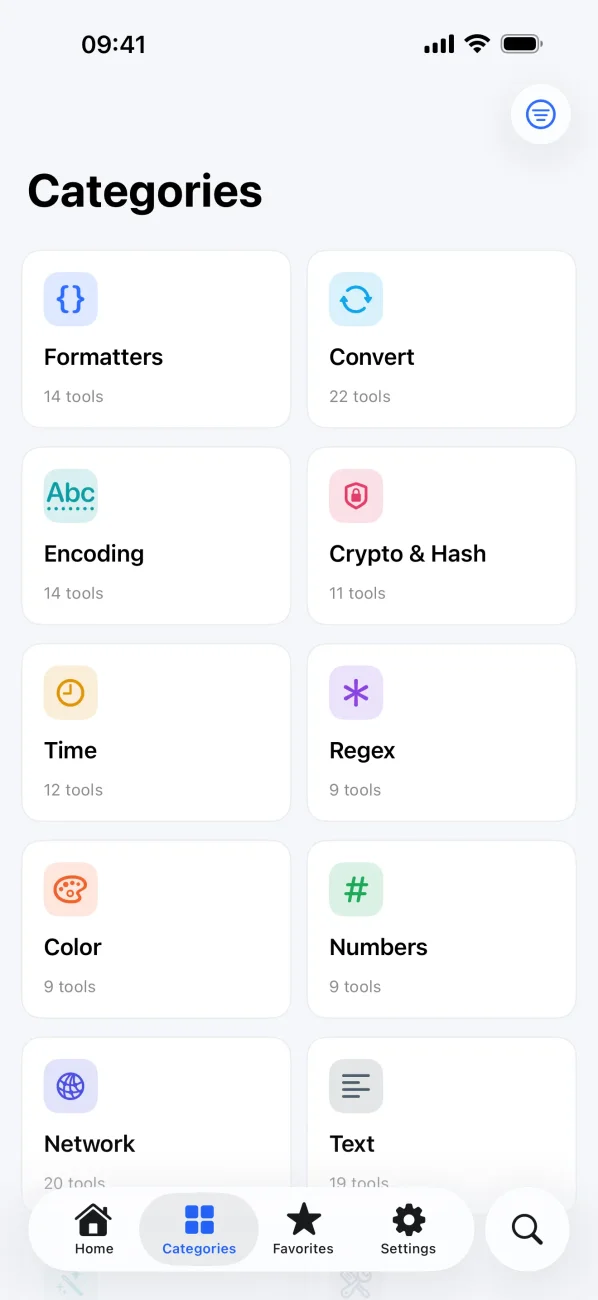
概要
開発元はこのテキストをお使いの言語で提供していません。
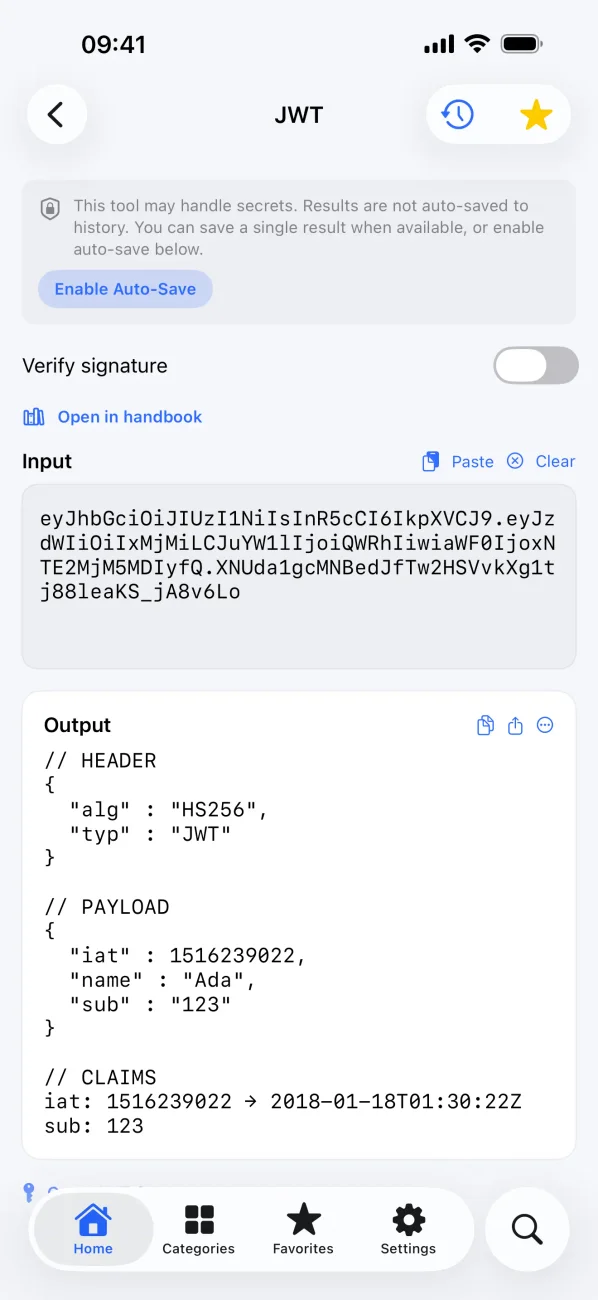
iDeveloper is an offline-first developer workstation for iOS and macOS. One native app for coding helpers, converters, and lookups. No account required. On-device tools, offline cheatsheets, workflow memory, plus widgets, Live Activity, Share Extension, Control Center, Siri, Shortcuts, Spotlight, and deep links.
Why iDeveloper
- On-device first: format, encode, hash, regex, color, and most conversions run locally
- Offline handbook: about 14 topics and about 420 bilingual entries
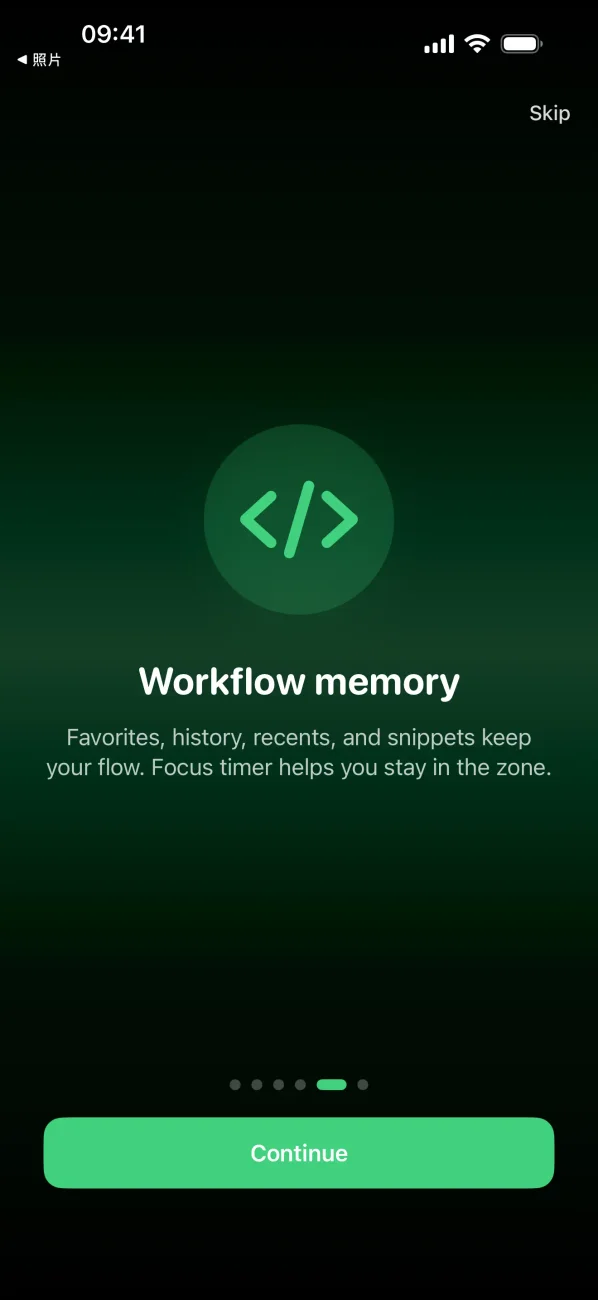
- Workflow memory: favorites, history, snippets, send-to-tool, and share delivery
- Native surface: widgets, Live Activity, Share Extension, Control Center, Siri, Shortcuts, Spotlight
- Privacy by design: no third-party ads or analytics SDKs, no forced sign-in; network tools only when you start them
190-plus tools for daily development
Format: JSON, XML, YAML, TOML, CSV, SQL, HTML, CSS, JavaScript, GraphQL, INI, Properties, JSONPath.
Encode: Base64, Base64 image and Data URI, URL encoding, Unicode, HTML entities, Hex, JWT, Base32, Gzip, Punycode.
Crypto: MD5 and SHA hashes, HMAC, AES, password tools, TOTP, CRC32, Base58, PEM, JWT signing, SSH fingerprint.
Time: Unix timestamp, timezones, Cron, duration, date diff, workdays, relative time, ICS, RRULE.
Regex: test, escape, extract, split, filter, count, Glob, wildcard-to-regex, regex cheatsheet.
Color: HEX, RGB, HSL, WCAG contrast, gradients, named colors, mix.
Numbers: base convert, file size, unit convert.
Network: HTTP request that sends only when you tap send, cURL convert, raw messages, HAR, URL parse and build, headers, Cookie, CORS, CSP, status codes, MIME, CIDR, IPv6, Wi-Fi QR. IP lookup only when you start it.
Text: case styles, sort and dedupe, word count, Diff, find and replace, Markdown, slugify, JSON Diff, list compare, extract URLs and emails, strip HTML.
Generators: UUID, ULID, NanoID, Mongo ObjectId, Snowflake, random bytes, QR generate and scan on iOS, Focus timer with Dynamic Island.
Convert: JSON to Swift, TypeScript, Go, Kotlin, Python; XML and JSON; Markdown and HTML; QueryString; Plist; OpenAPI; Schema; XPath; SQL INSERT.
DevOps: SemVer, dotenv, env diff, EditorConfig, gitignore, Git URL, Dockerfile, Kubernetes YAML, PKCE, OAuth URL.
Apple: app icon sizes, Bundle ID, screen points, SF Symbols, Entitlements, Info.plist, ATS exceptions, APNs payload, Privacy Manifest, AASA helpers.
Offline handbook
Curated bilingual handbook in Chinese and English, with Traditional Chinese via conversion. Topics include HTTP, headers, MIME, Git, Docker, Kubernetes, Linux, Cron, SQL, Regex, SSH, npm, JWT, and TLS. Home shows a daily tip; widgets can show daily cheatsheet content.
Workflow that connects tools
- Favorites, recent tools, history, snippets, search, and Spotlight
- Share Extension: send text from Notes, Safari, Xcode, and more into a tool
- Suggested / Recent tool picker; send to tool for the next step
Native Apple capabilities
- Widgets: daily cheatsheet, quick tools, timestamp, favorites
- Focus Live Activity on Lock Screen and Dynamic Island
- Control Center, Siri, Shortcuts, Home Screen quick actions, and ideveloper deep links
Privacy, appearance, and platforms
- No ads, no forced registration; optional tips via Apple In-App Purchase
- Themes, accent colors, text size, alternate app icons
- Languages: English, Simplified Chinese, Traditional Chinese
- iOS 17 or later, with macOS support; sensitive tools limit auto history by default
Who it is for
Mobile, backend, frontend, QA, and DevOps developers who need JSON, tokens, regex, or command notes quickly. Getting started: finish onboarding, favorite what you use, add a Quick Tools widget, then share JSON or cURL into iDeveloper and open the best Suggested tool.
A lasting home-screen workstation: tools nearby, handbook offline, workflow connected, privacy respected. Thanks for choosing iDeveloper.
新機能
バージョン 1.3.0 · 2026/8/26
iDeveloper v1.3.0 Major Update
Search is now a real workstation entry. Type once to land on a tool, handbook entry, or a common developer entity. Your Home Screen icon can match paper, dusk, or a terminal desk.
1. Global search is fully upgraded. One query searches tools, offline cheatsheets, Apple device models, HTTP status codes, MIME types, named colors, and SF Symbols, with results grouped by category.
2. Tap a hit to go straight there. Status codes and MIME types open the matching cheatsheet. Device models, colors, and symbols open the matching tool with the query already filled in.
3. Search is faster and more precise. Queries like 403, iPhone16,2, or json surface entity results first. You can still filter by All, Tools Only, or Cheatsheets Only.
4. New alternate app icons. Paper, Graphite, Dusk, Amber, and Cyan join Midnight and Terminal, for 8 icons in total. In Settings, Appearance, expand the list, tap a thumbnail to preview, and tap the name to switch.
5. Traditional Chinese cheatsheets read more naturally. The handbook now uses system-quality conversion, so body text and search glyphs stay consistent in Traditional Chinese.
We welcome your feedback in the app. If you enjoy this update, a rating and review on the App Store will help more developers find iDeveloper.
アプリのプライバシー
このアプリのデータの取り扱いについて、天从 何がApp Storeで申告している内容です。
-
データの収集なし
開発元はこのアプリからデータを収集しません。
プライバシーの取り扱いは、ご利用の機能やお客様の年齢などに応じて異なる場合があります。
情報
- 販売元
- 天从 何
- カテゴリ
- ユーティリティ
- バージョン
- 1.3.0
- 更新日
- 2026/8/26
- リリース
- 2026/8/11
- サイズ
- 13.8 MB
- 必要条件
- iOS 17.0以降
- 対象年齢
- 4+
- 価格
- ¥50
- アプリ内課金
- あり
- 言語
- 繁体字中国語, 簡体字中国語, 英語
- 著作権
- © @iHTCboy