- 対象年齢4+
- カテゴリナビゲーション
- 開発元American Printing House for the Blind (APH)
- 言語英語ほか5言語
- サイズ52.8 MB
Indigo Navは現在App Storeで入手できない可能性があります
前回の確認時、ストアのページにアクセスできませんでした。リンク先は引き続きApp Storeの公式ページです。
スクリーンショット

概要
開発元はこのテキストをお使いの言語で提供していません。
Indigo is a fully accessible turn-by-turn GPS app.
It has all the outdoor navigation features you expect plus unique offerings you cannot get
anywhere else including extra verbosity for blind users.
Features:
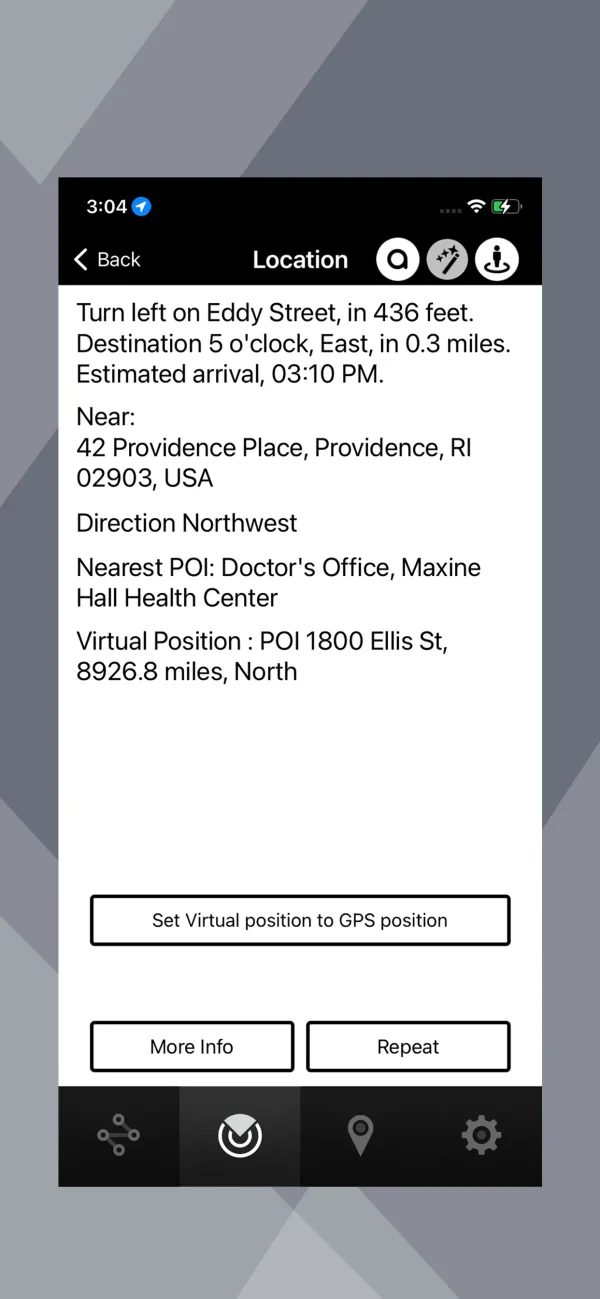
Four main tabs are easy to access at the bottom of the screen.
Routes, Location, POIs and settings
Indigo has the option to explore POIs or route turning points virtually.
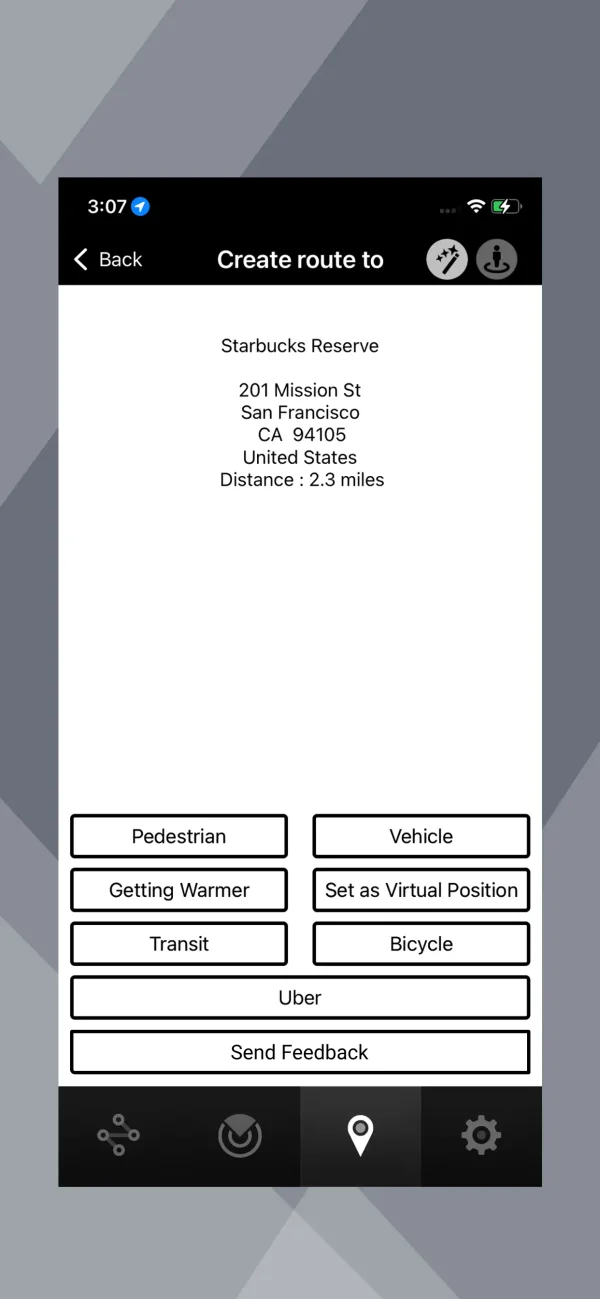
Transit Routes can be created and nearby transit stops will be announced.
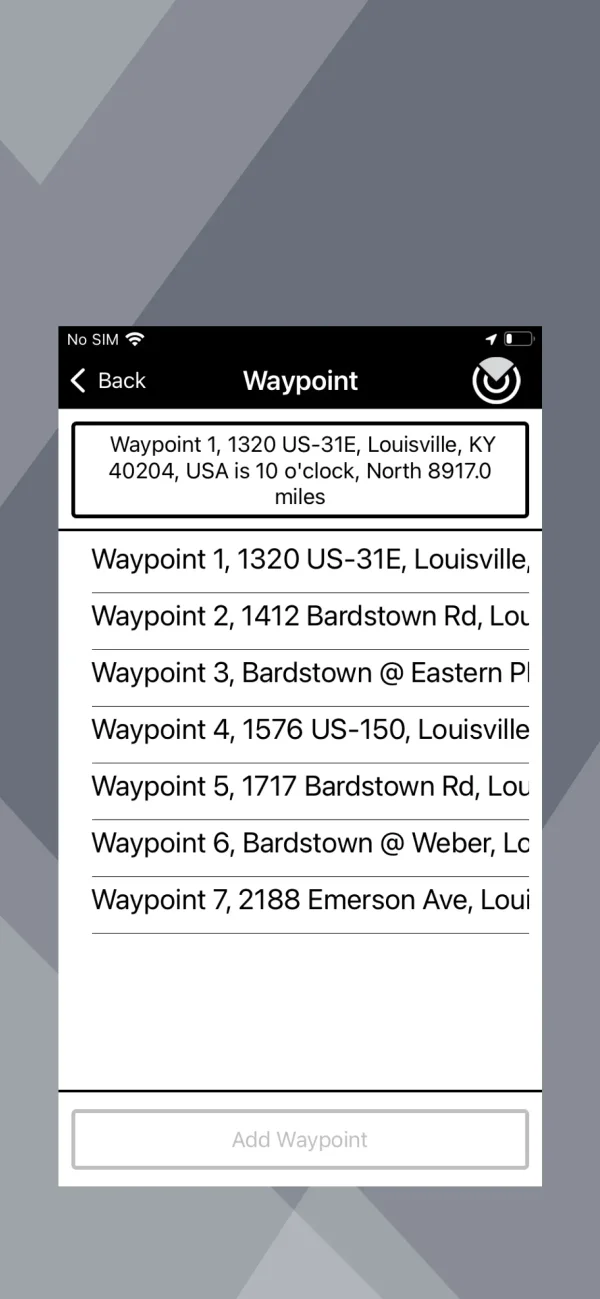
A unique Indigo feature: record a route using breadcrumbs called Waypoints. No other accessible
app has this. You can add these waypoints with the Add Button or you can shake the phone to
create a waypoint. It also automatically records a point after you have gone a certain distance.
These waypoint routes can be saved for future use.
The LookAround Wand in the upper right corner tells you what is in the direction your phone is
pointing. The More Info button on the Location screen gives the altitude and speed.
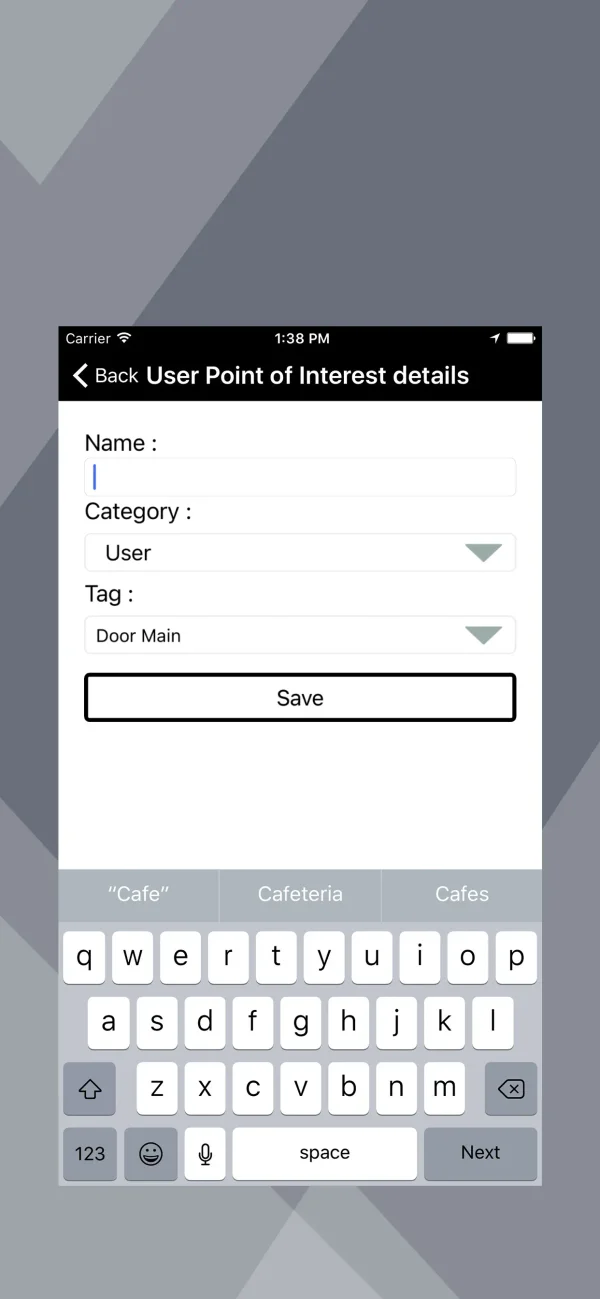
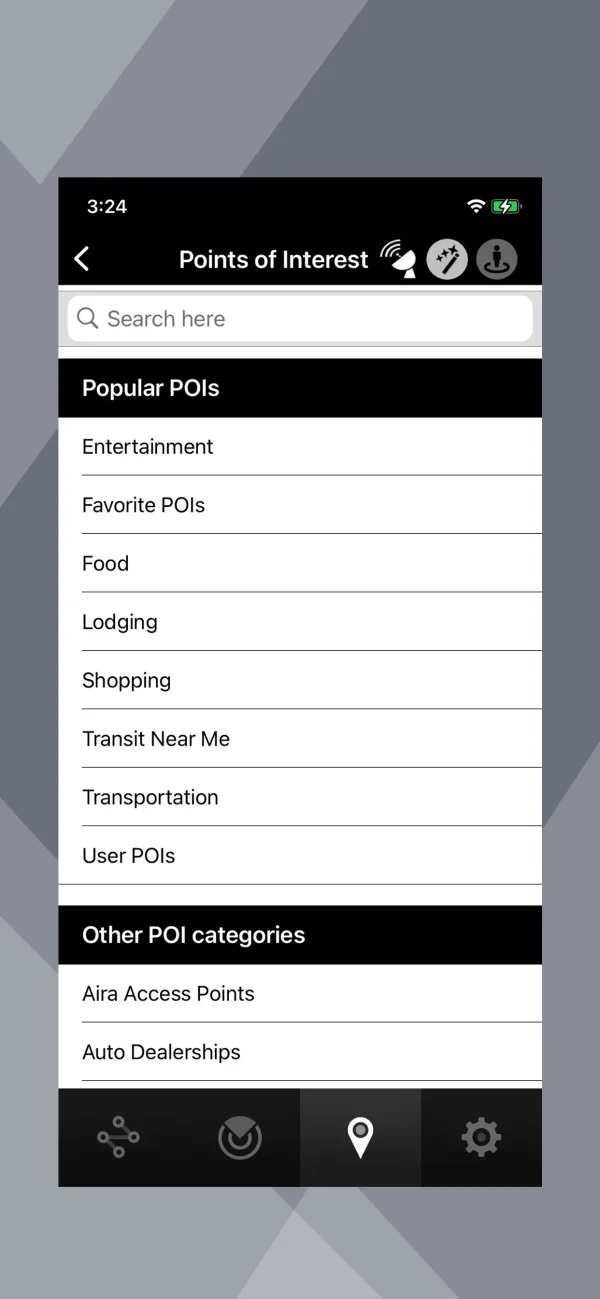
Create your own POIs and share your POIs with others or keep them private with a shortcut on
the Location page or from the POIs page. POI categories are announced with search results and
make finding your destination easier.
Audio tones and vibrations give feedback throughout the app letting you know about upcoming
turns, critical intersection information and when search is loading
A robust route menu includes multiple methods of choosing a destination starting with a POI
and an address from your contact list, your route history and many more.
Settings include many customization options like vibrations, vision contrast, color settings and
distance units.
There are announcement options like right/left, clockface, or both.
新機能
バージョン 6.2.0 · 2026/7/1
Indigo Nav 6.2 New Features, June 26, 2026
Find the free Indigo Nav in the app stores. Make sure to use both words, Indigo Nav when
searching.
There are several improvements in Indigo under the hood in addition to the following new
features:
You now have a choice of Google Places for Points of Interest. Foursquare POIs is the default.
You can change to Google POIs in the Settings LookAround menu.
In addition to calling Aira for visual assistance, you now have the option to call a Be My Eyes
volunteer. These buttons are at the top of the Routes screen. When Indigo gets you near your
final destination, you have both services for visual assistance to pinpoint your destination.
Location, intersection and turn-around announcements have been improved. You will get one
intersection announcement when approaching an intersection and another when you are near it.
You can shake the phone to trigger the Location screen announcements.
You can “favorite” a point of interest by flicking up on the action list. You also have “set as
Virtual Position” and Activate in this action list. There is now a Favorite POIs category where
these favorites can be found. Tap on Favorite to add it to the list.
When you create a User point of interest, the city where you are located is automatically added
to that User POI name.
A few reminders:
You can find the Indigo User Guide and Audio Tutorial in English and Spanish at
http://www.APH.org/Indigo under the downloads section. Links in English are also under Indigo
Settings, Help in the app.
You can launch Indigo routes using Siri. It is essential to use exact language in your prompt
based on the Siri Configuration under Settings. Important! If you check your Settings Siri
Configuration and the shortcuts refer to GoodMaps Outdoors, remove those old versions , close
and reopen Indigo and check that the shortcuts now say Indigo.
The shortcut to create a User POI is to double tap and hold with one finger on the Location
screen Info button.
The shortcut to generate a full list of nearby POIs in all categories is double tap and hold with
one finger on the POI Tab.
To contact Customer Service about Indigo,
Email support@aph.org
アプリのプライバシー
このアプリのデータの取り扱いについて、American Printing House for the Blind (APH)がApp Storeで申告している内容です。
-
データの収集なし
開発元はこのアプリからデータを収集しません。
プライバシーの取り扱いは、ご利用の機能やお客様の年齢などに応じて異なる場合があります。
情報
- 販売元
- American Printing House for the Blind
- カテゴリ
- ナビゲーション
- バージョン
- 6.2.0
- 更新日
- 2026/7/1
- リリース
- 2014/12/9
- サイズ
- 52.8 MB
- 必要条件
- iOS 15.0以降
- 対象年齢
- 4+
- 言語
- 英語, フランス語, ドイツ語, ヘブライ, セルビア語, スペイン語
- 著作権
- © 2025 American Printing House