
Inkflow Plus Visual Notebook
Handwritten notes and sketches
iPhone, iPad, iPod touch向けに設計
¥3,000
- 対象年齢4+
- カテゴリビジネス
- 開発元Qrayon, LLC
- 言語英語
- サイズ52.9 MB
App Storeの公式ページにリンクしています
Download.orgはInkflow Plus Visual Notebookのファイルを一切ホストしていません。ボタンを押すと、Qrayon, LLCが公開しているApp Storeのアプリページが開きます。ページの最終確認:2026/11/20。
スクリーンショット
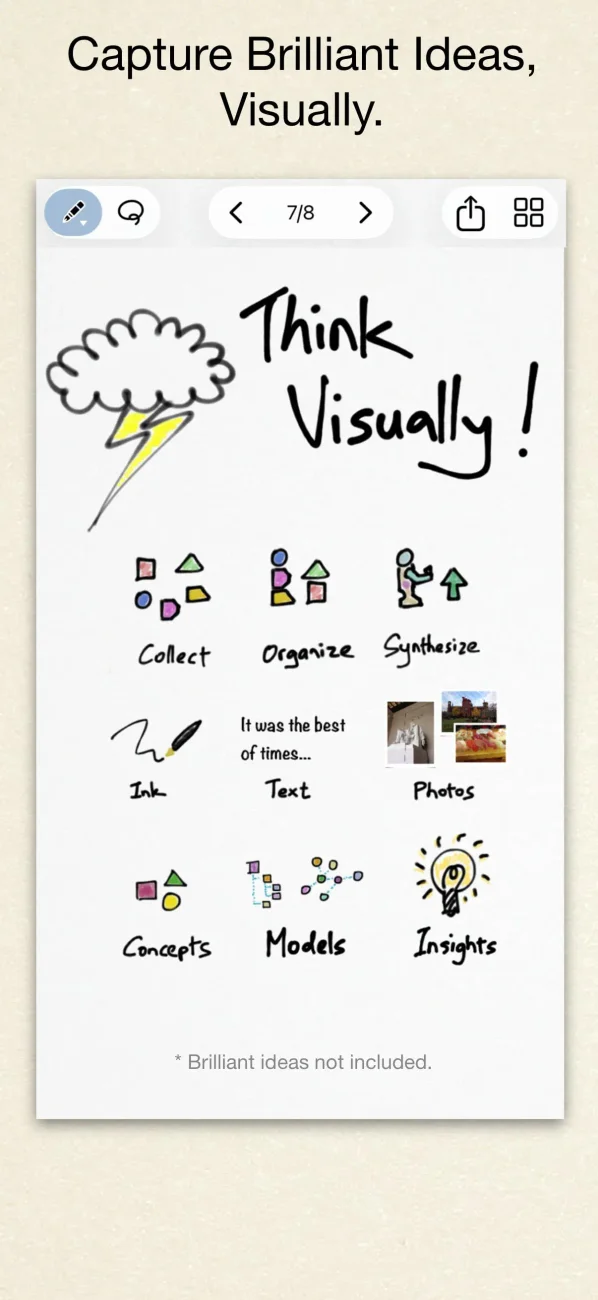
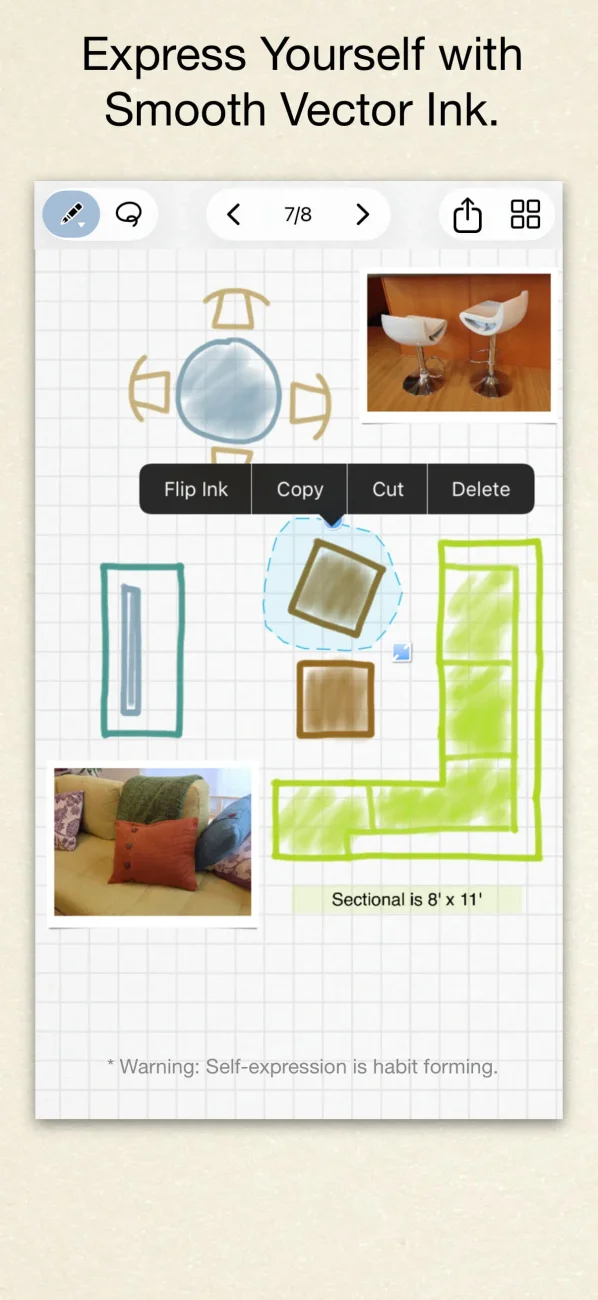
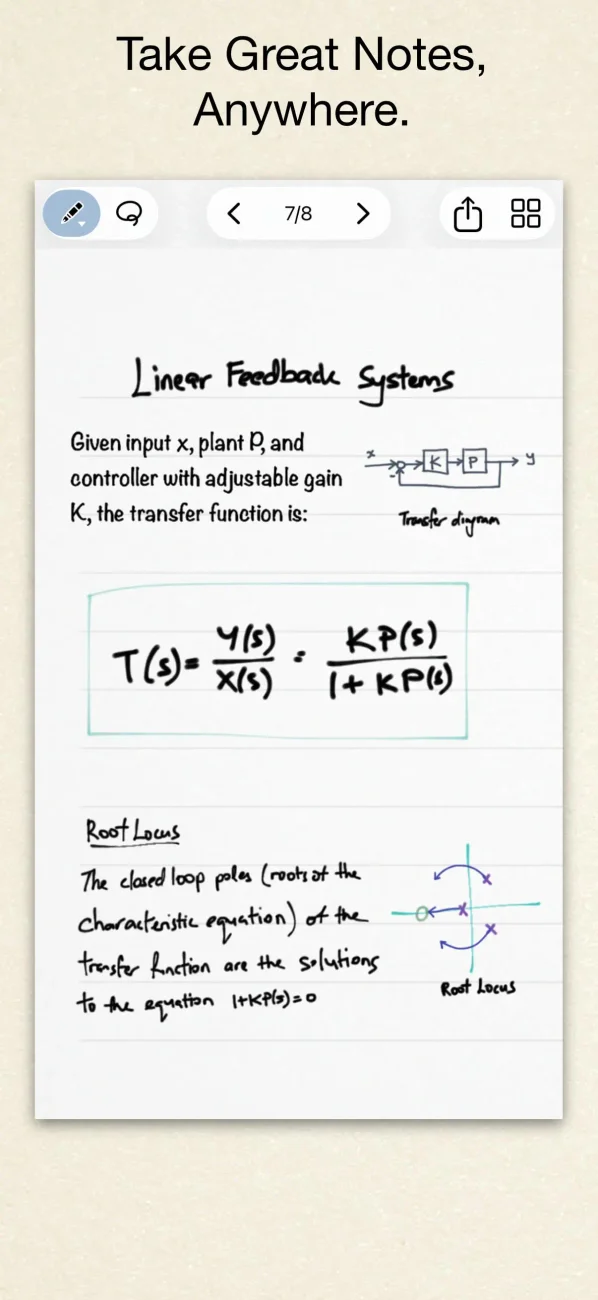
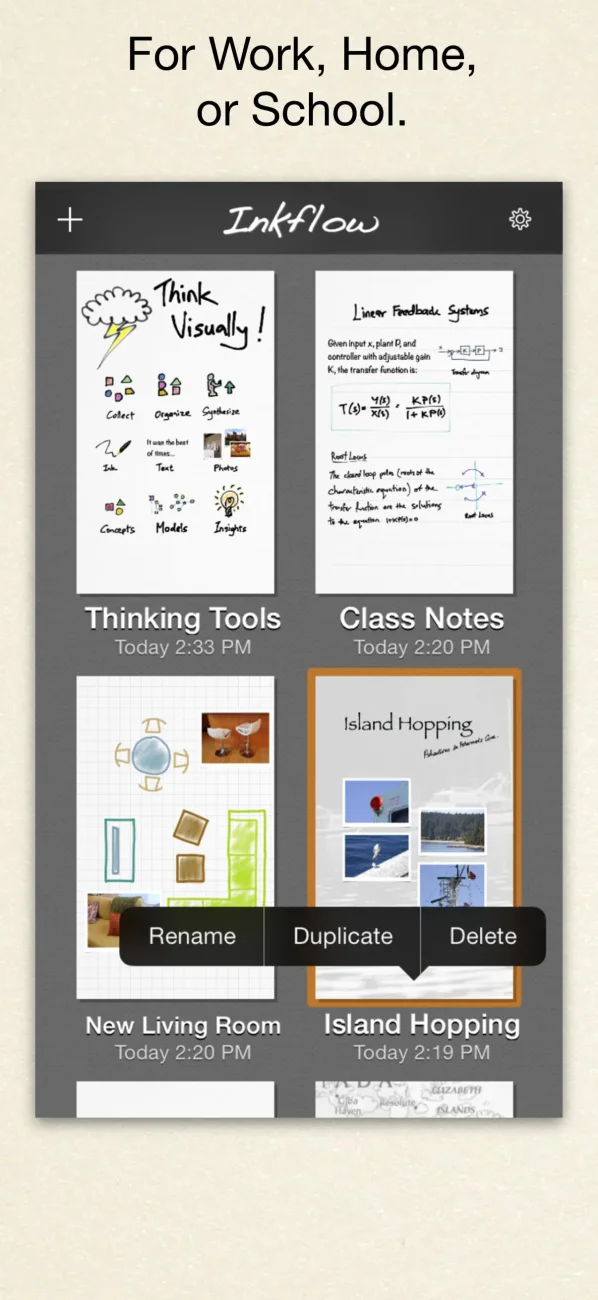
概要
開発元はこのテキストをお使いの言語で提供していません。
Visual Thinkers Rejoice!
Inkflow works like a word-processor for visual thinking. Capture your ideas as easily as with pen and paper, then arrange and reorganize them with your fingers!
INKFLOW PLUS
This is the full featured Plus Edition of Inkflow. It is the same as the in-app purchase from the basic edition Inkflow. Please download this only if you haven't already upgraded in-App.
DIGITAL WRITING DONE RIGHT
Inkflow's ink feels like a really smooth fountain pen. Great for expressive writing or sketching. Effortlessly scale or move anything you select. This will change the way you think about ink: Jot down a list of concepts then rearrange them to fit into the bigger picture. literally move your thoughts around the page, and assemble big ideas with your fingers. This works great for brainstorming and planning. It's also perfect for prototyping layouts, sketching, and drawing.
FULL RESOLUTION ZOOM
Zoom and pan with two fingers. Inkflow's ink stays sharp no matter how much you zoom in, so you can add fine details at full quality. It's also lightning fast and lag free. This allows writing and drawing with incredible precision, with or without a stylus.
INKPORT: COPY AND PASTE FROM THE REAL WORLD
Only Inkflow Plus includes the revolutionary Inkport tool. Inkport uses your iPad's camera to instantly convert your written notes and sketches into Inkflow's native vector ink. Easily pull in materials from multiple sources and go from paper to iPad without missing a beat. Inkport is going to change the way you use paper in your workflow.
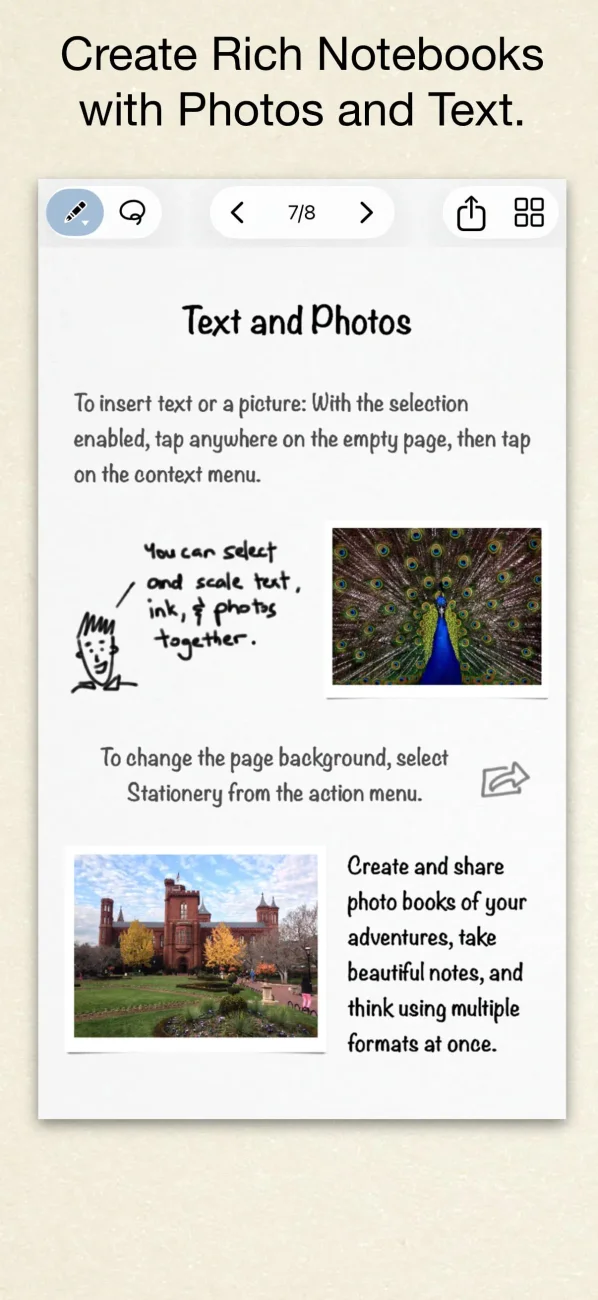
TEXT, PHOTOS, and PAPER BACKGROUNDS TOO
Insert text boxes and photos anywhere on the page and resize them seamlessly with the ink. You can also choose from a selection of different paper backgrounds.
EASILY CREATE and SHARE
Inkflow let's you export your books to PDF, high-resolution JPEG, and share them via Twitter, Email, or with other Apps.
PLUS FEATURES
This edition includes the full set of expanded features, including:
- Inkport
- Search for handwriting
- iCloud sync
- Dozens of beautiful stationery designs
- Multiple grid, dotted, lined, and hex paper templates
- A customizable, full color palette,
- Pencil, Eraser, and Paint Brush tools,
- Rotate, Cut, Copy, Paste Ink,
- Page Management,
- Notebooks with unlimited pages,
- An additional 50+ fonts on the iPad,
- Custom paper backgrounds,
- And more!
Universal App for iPad, iPhone and iPod Touch: Upgrade once and get Inkflow Plus on all your compatible devices connected to your iTunes account!
GREAT FOR CLASS
We built a standalone Plus Edition mainly so that Educational institutions can take advantage of the volume purchase program (check with your school's Apple rep for details).
A PLATFORM FOR CREATIVITY
We strongly believe that the iPad is not just a consumption device. It's a creativity device. Thanks for supporting us in our journey of building Creative Apps like Inkflow. We hope you enjoy it!
新機能
バージョン 8.3 · 2026/11/18
+ Search
アプリのプライバシー
このアプリのデータの取り扱いについて、Qrayon, LLCがApp Storeで申告している内容です。
-
ユーザーに関連付けられないデータ
収集される場合がありますが、ユーザーの識別情報には関連付けられません。
- ID
- 使用状況データ
- 診断
プライバシーの取り扱いは、ご利用の機能やお客様の年齢などに応じて異なる場合があります。
情報
- 販売元
- Qrayon, LLC
- カテゴリ
- ビジネス
- バージョン
- 8.3
- 更新日
- 2026/11/18
- リリース
- 2012/8/13
- サイズ
- 52.9 MB
- 必要条件
- iOS 15.6以降
- 対象年齢
- 4+
- 価格
- ¥3,000
- 言語
- 英語
- 著作権
- © 2026 Qrayon, LLC
こちらもおすすめ
-
 Be Focused Pro: Pomodoro Timer仕事と勉強に集中するためのポモドーロタイマー
-
 GoodHacks AI: Zen Productivity仕事効率化
-
 Passport Photo Maker ID Photo仕事効率化
-
 Habit & To Do List: Motidayt仕事効率化
-
 Watermark Maker & Creator Proビジネス
-
 Goal Tracker - Illumtori仕事効率化
-
 Visual To-Do List仕事効率化
-
 Printer App・Smart Printビジネス
-
 Goal Tracker: Track Progress仕事効率化
-
 Stratword - Script Writing脚本・シナリオ執筆ガイド