- 対象年齢4+
- カテゴリ開発ツール
- 開発元NeuralQuark
- 言語英語
- サイズ8.4 MB
App Storeの公式ページにリンクしています
Download.orgはInternet Speed Limiterのファイルを一切ホストしていません。ボタンを押すと、NeuralQuarkが公開しているApp Storeのアプリページが開きます。ページの最終確認:2026/11/25。
スクリーンショット


概要
開発元はこのテキストをお使いの言語で提供していません。
Limit your internet speed using this simple app.
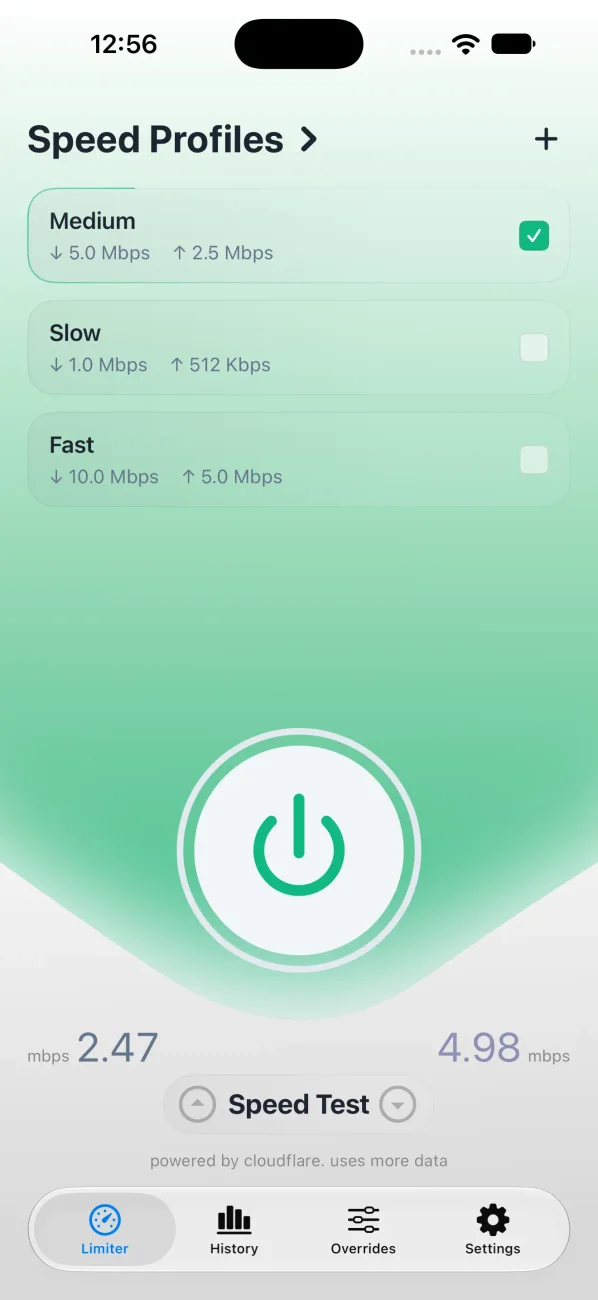
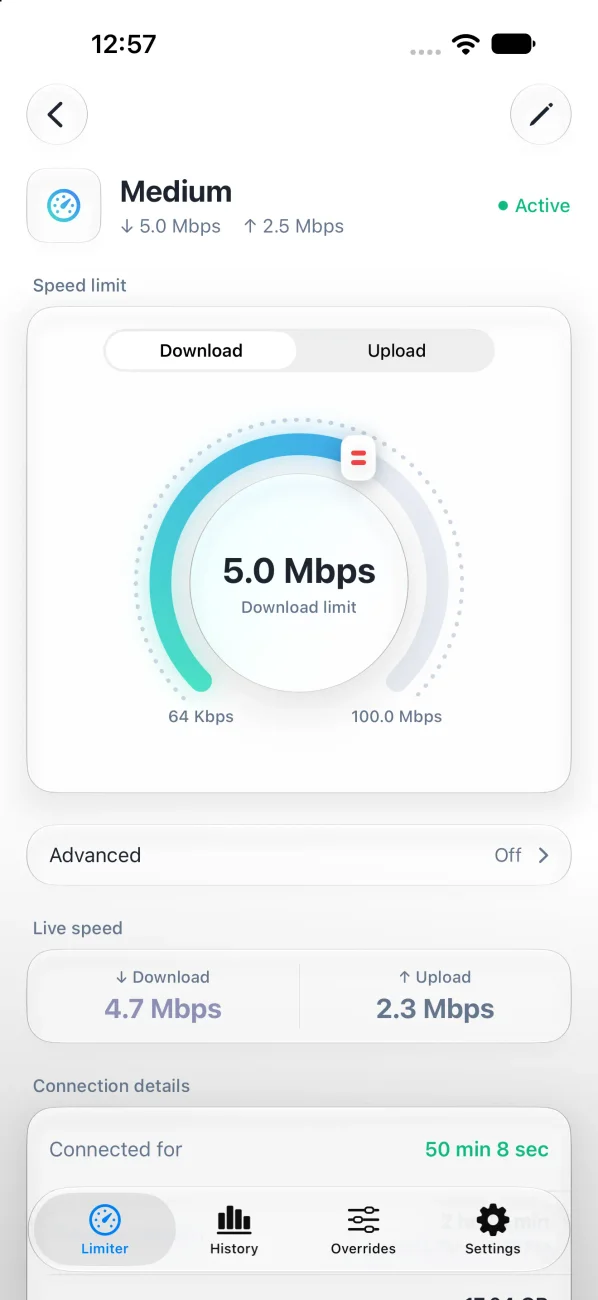
* It's simple to use and activate in one click. You can also add and manage different speed profiles and switch between them seamlessly.
* Internet Speed Limiter lets you throttle the bandwidth of your Apple Device. Finely control download and upload speed on your device.
* It works by creating a local VPN that intelligently throttles all your internet traffic right on the device. Because the VPN is created and runs entirely locally, no data is ever sent to any third-party server. Your connection stays completely private. 100% safe and 100% under your control.
* Real Time Internet Usage
Analyse what service / IP is using more data with live history of entire Internet Traffic going through your device. Find out what are hidden services that use data in background.
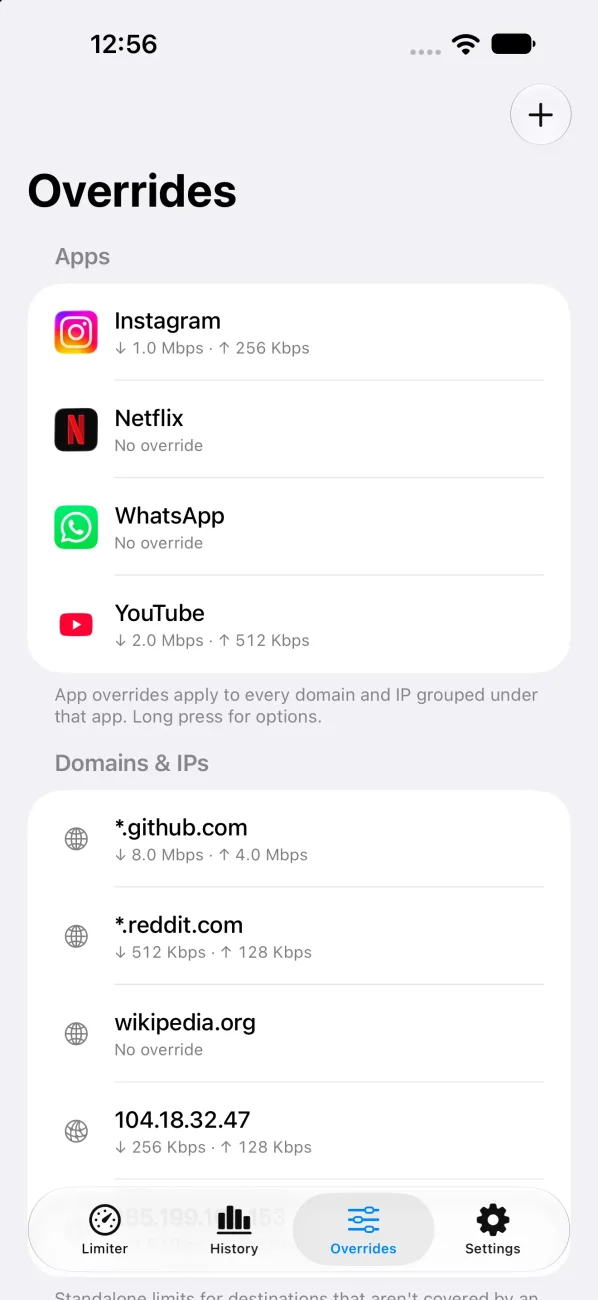
* Overrides - Per app, per website, and per IP limits
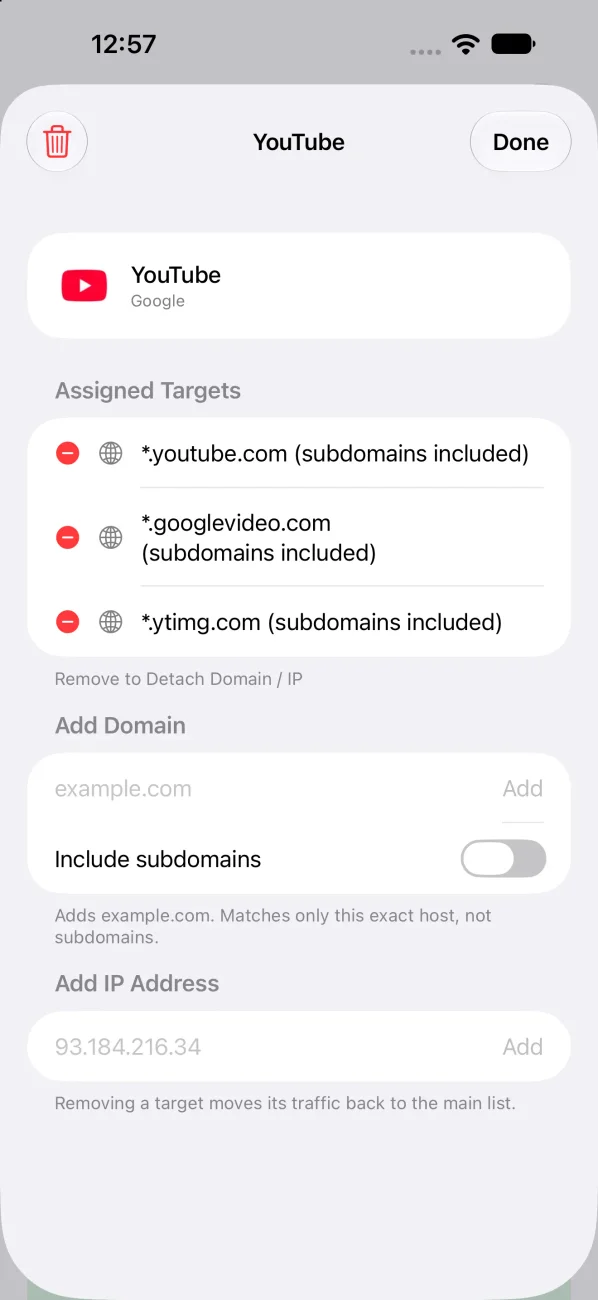
Identify domains / services / IP address used by certain App from real time history and group them together into one app. Then put override on that entire app for limiting its upload or download speed.
* Restrict - Stop an app, website or IP completely
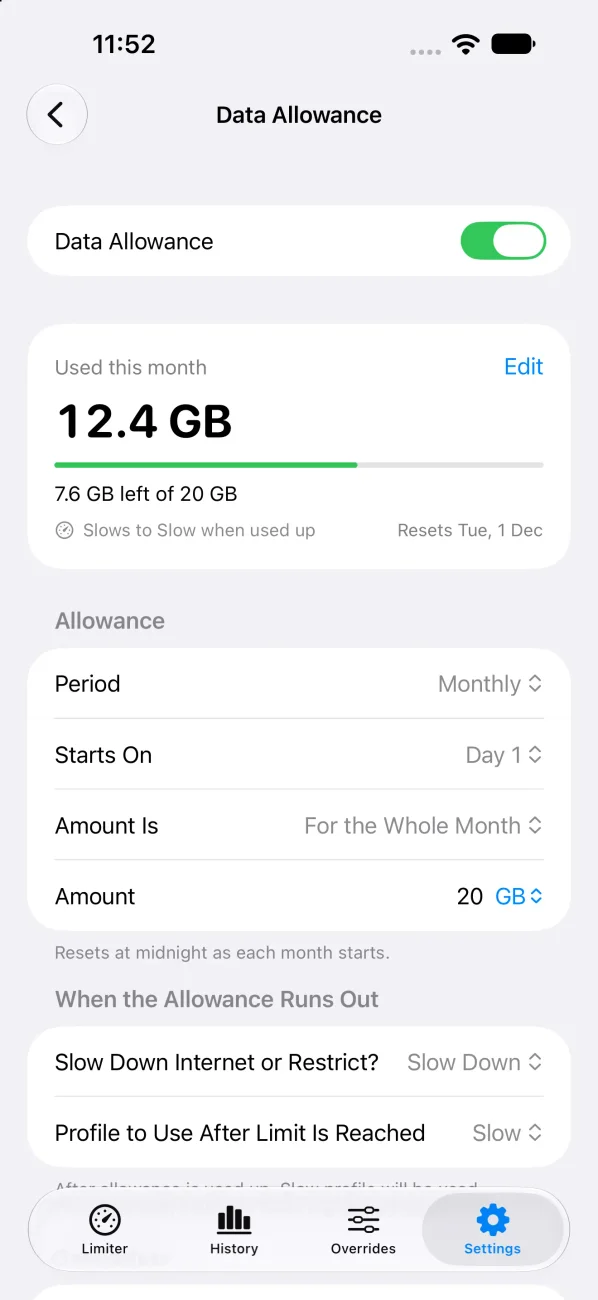
* Advance Data Saving Options - Track data usage and switch to slower speed or completely restrict internet on device after data allowance is used up. Get reminders about data usage.
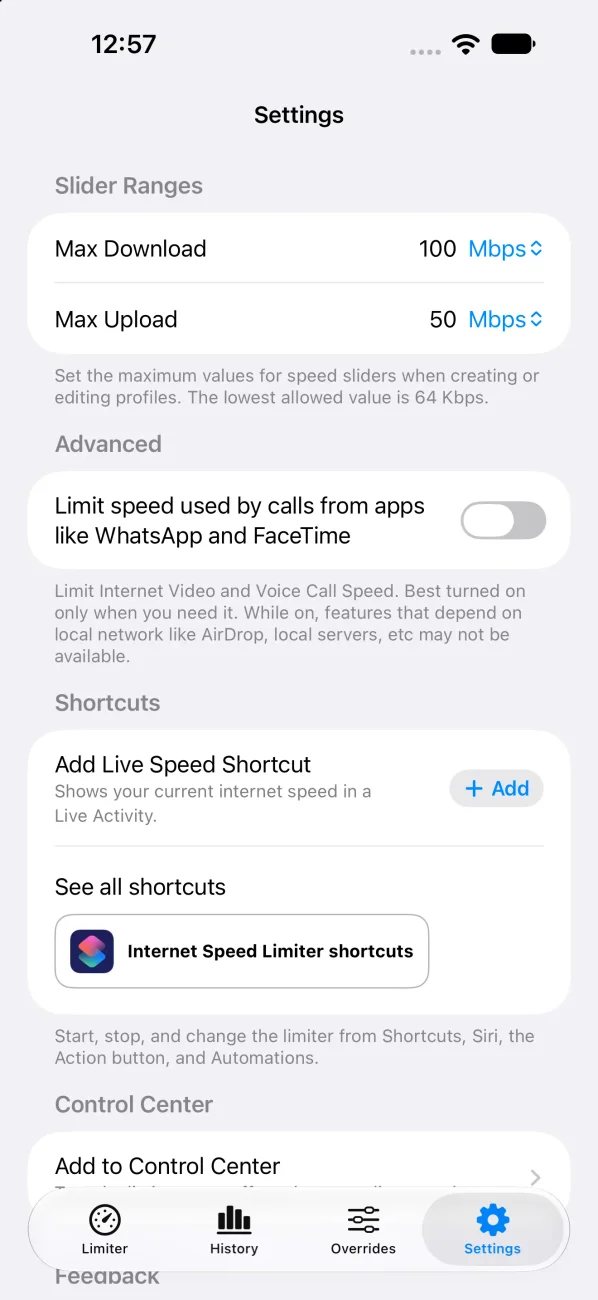
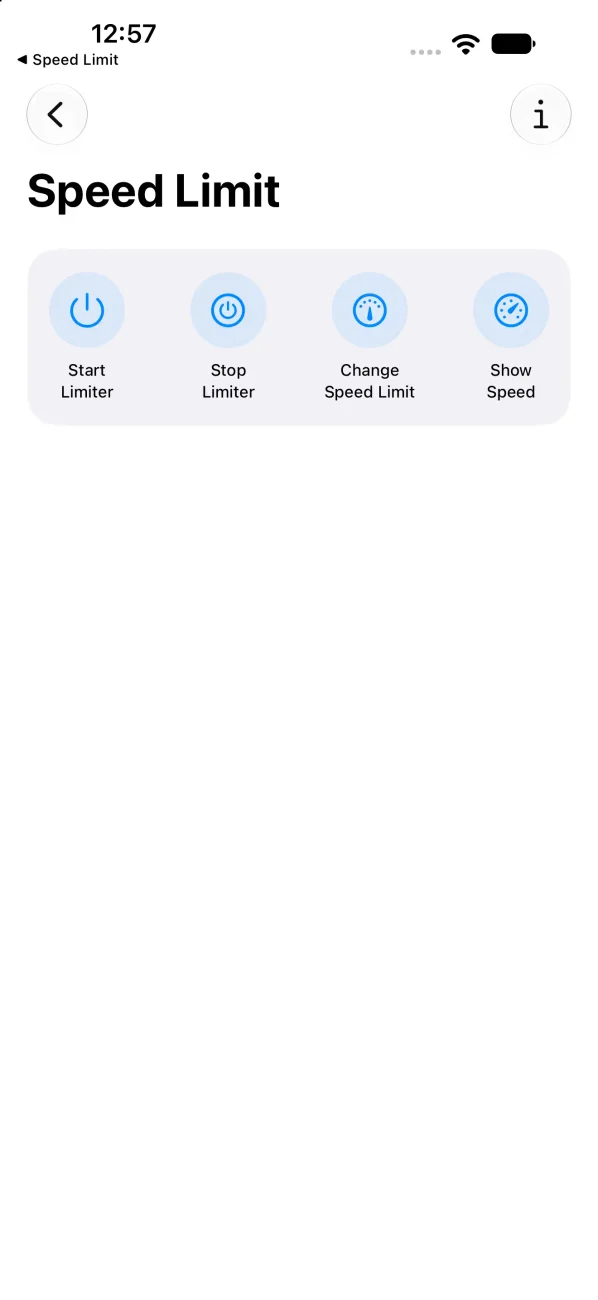
* Shortcuts, Control Centre and Automations
Start or stop a speed profile from Control Centre, or start, stop, and switch profiles using the Shortcuts app. Trigger automatically by location (office, home, port, vessel), by time of day, or by any other Shortcut automation you already use. No need to open the app every time the network or other conditions should change. Use speed limiter smartly with complex shortcuts and automations to save even more data seamlessly.
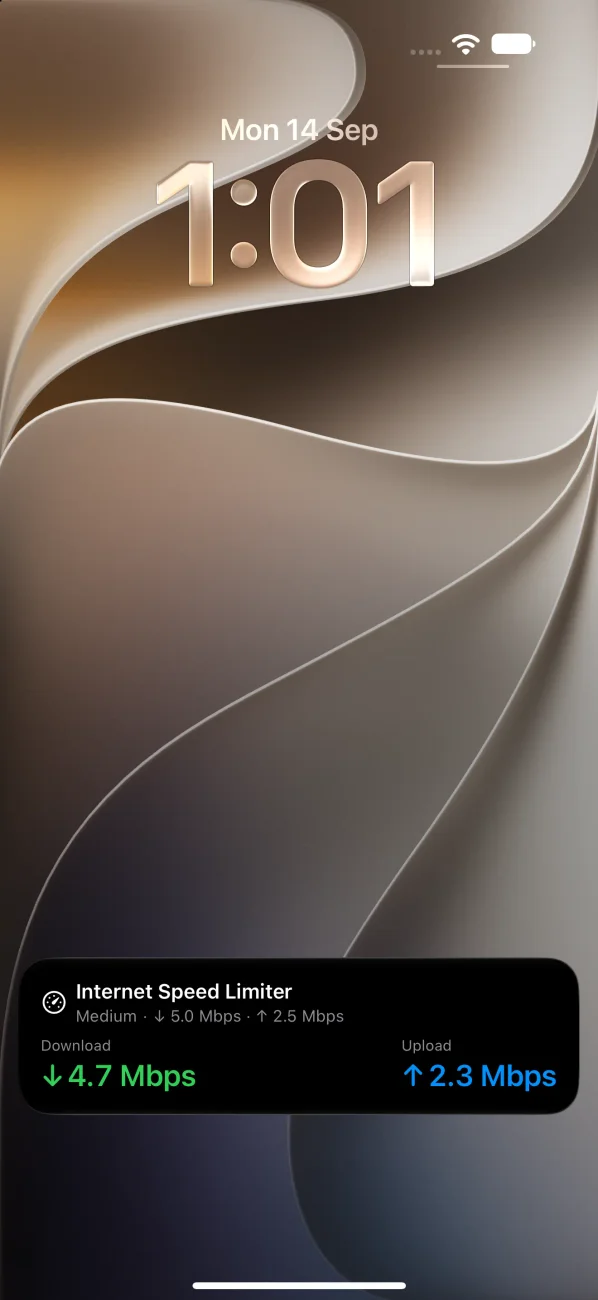
There is also a shortcut to trigger Live Activity that shows real time speed usage.
* Live Activity on Dynamic Island and Lock Screen
Live Activity puts your real-time download and upload speed on Dynamic Island and the Lock Screen.
iOS has no built-in place that shows current internet speed while you use other apps. Only this app can pin that live rate on the Island and the lock screen, so you see usage without unlocking or opening Settings.
Glance once, know how fast the phone is running, and catch a spike before it burns through your data.
* Use Cases
Developers can use it to simulate how real word speeds affect their apps, websites and services for iOS. They can also add latency to packets to simulate users.
Seafarers, Mariners and other users for whom data is expensive and limited.
Set a download and upload cap so streaming apps, social apps, and background updates uses less data instead of burning a prepaid SIM, roaming pack, shared hotspot, or shipboard allotment. For seafarers, mariners and anyone else on metered connection, crew WiFi, or a tight monthly plan - this limiter keeps email, messaging, and essential tools usable while one video stream no longer finishes the quota.
Useful for Developers who want to Simulate and test their app or service under real speeds on iPhone or iPad itself without Mac, proxy or Network Link Conditioner. Choose any Data Speed, add latency and watch live throughput while every service on the device runs through that pipe. It’s useful for testing application behaviour under limited throughput, and getting a clearer picture of per-device or per-app bandwidth use.
Developers and QA can troubleshoot timeouts, broken loaders, and poor offline behaviour on a physical iPhone, then turn the limiter off in one tap.
新機能
バージョン 2.0.6 · 2026/11/4
Restrict - Stop an app, website or IP completely.
Advance Data Saving Options - Track data usage and switch to slower speed or completely restrict internet on device after data allowance is used up. Get reminders about data usage.
アプリのプライバシー
このアプリのデータの取り扱いについて、NeuralQuarkがApp Storeで申告している内容です。
-
データの収集なし
開発元はこのアプリからデータを収集しません。
プライバシーの取り扱いは、ご利用の機能やお客様の年齢などに応じて異なる場合があります。
情報
- 販売元
- Neuralquark Computing LLP
- カテゴリ
- 開発ツール
- バージョン
- 2.0.6
- 更新日
- 2026/11/4
- リリース
- 2026/3/14
- サイズ
- 8.4 MB
- 必要条件
- iOS 16.2以降
- 対象年齢
- 4+
- 価格
- ¥3,000
- 言語
- 英語
- 著作権
- © 2026 NeuralQuark Computing LLP