
- 対象年齢4+
- カテゴリ写真/ビデオ
- 開発元Thi My Tam Truong
- 言語英語
- サイズ28.8 MB
App Storeの公式ページにリンクしています
Download.orgはiResize Video Compressorのファイルを一切ホストしていません。ボタンを押すと、Thi My Tam Truongが公開しているApp Storeのアプリページが開きます。ページの最終確認:2026/11/26。
スクリーンショット

概要
開発元はこのテキストをお使いの言語で提供していません。
iResize Video Compressor
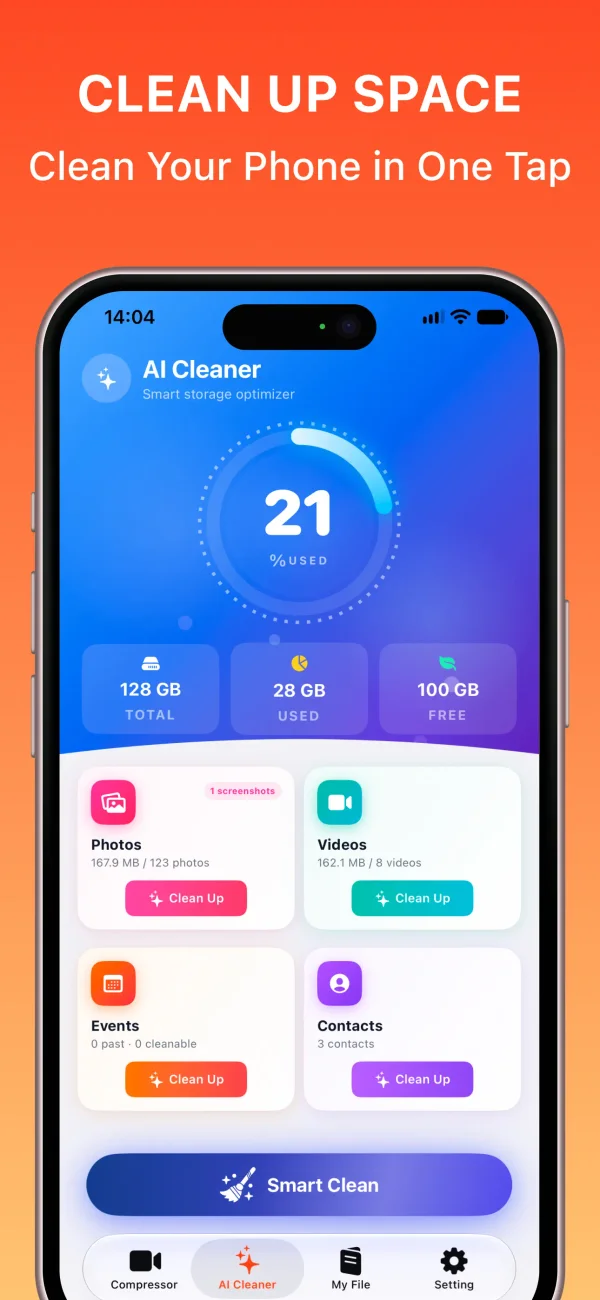
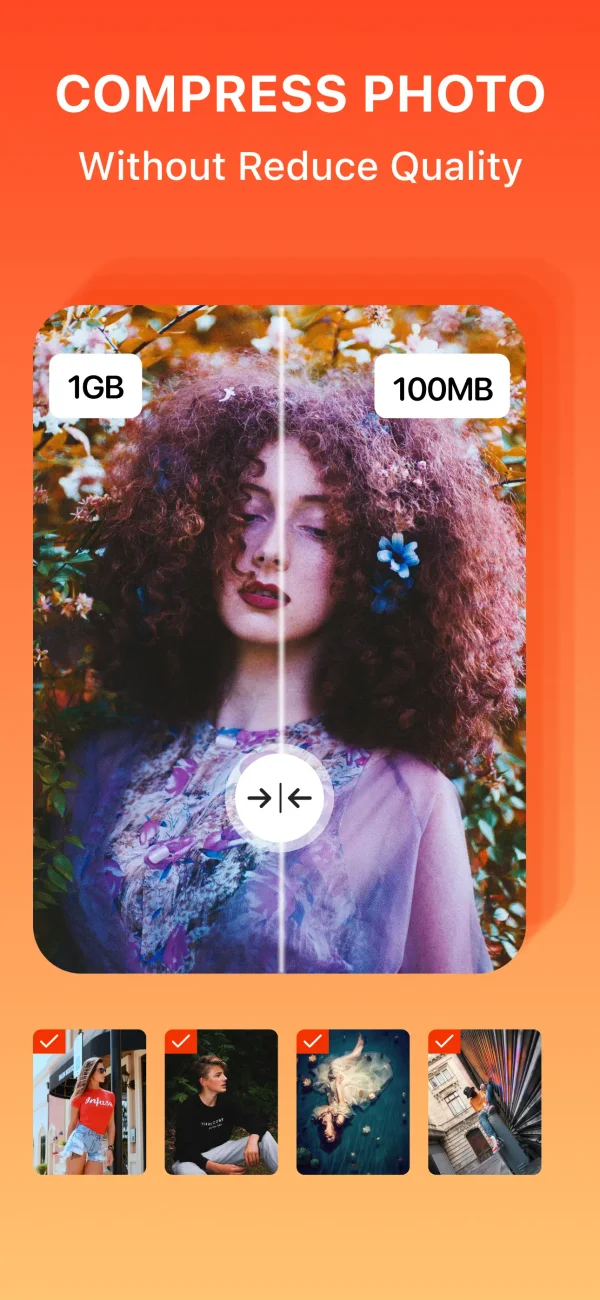
Reduce video file sizes without losing quality! Our app not only helps you compress large video files quickly and efficiently but also lets you edit videos and photos with ease—right in one place.
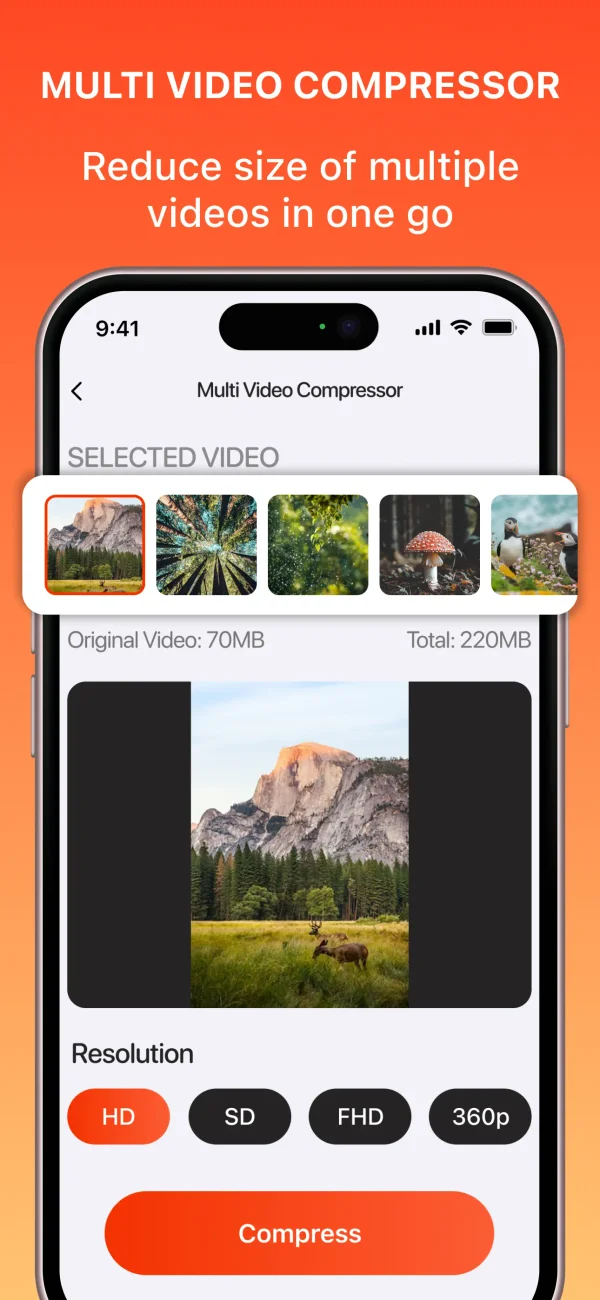
New! Batch Compression:
Now you can compress multiple videos at once — simply select a group of videos, choose your preferred settings, and let the app compress them all in one go. It's perfect for saving time when dealing with multiple large files.
Key Features:
• Fast Video Compression – Shrink video files while keeping top quality.
• Compress for Social Media – Optimize size and settings for sharing to social platforms.
• Batch Compression – Compress multiple videos at once with a single tap.
• Compress for Email – Create smaller files that are easier to attach and send.
• Compress for Social Media – Optimize size and settings for sharing to social platforms.
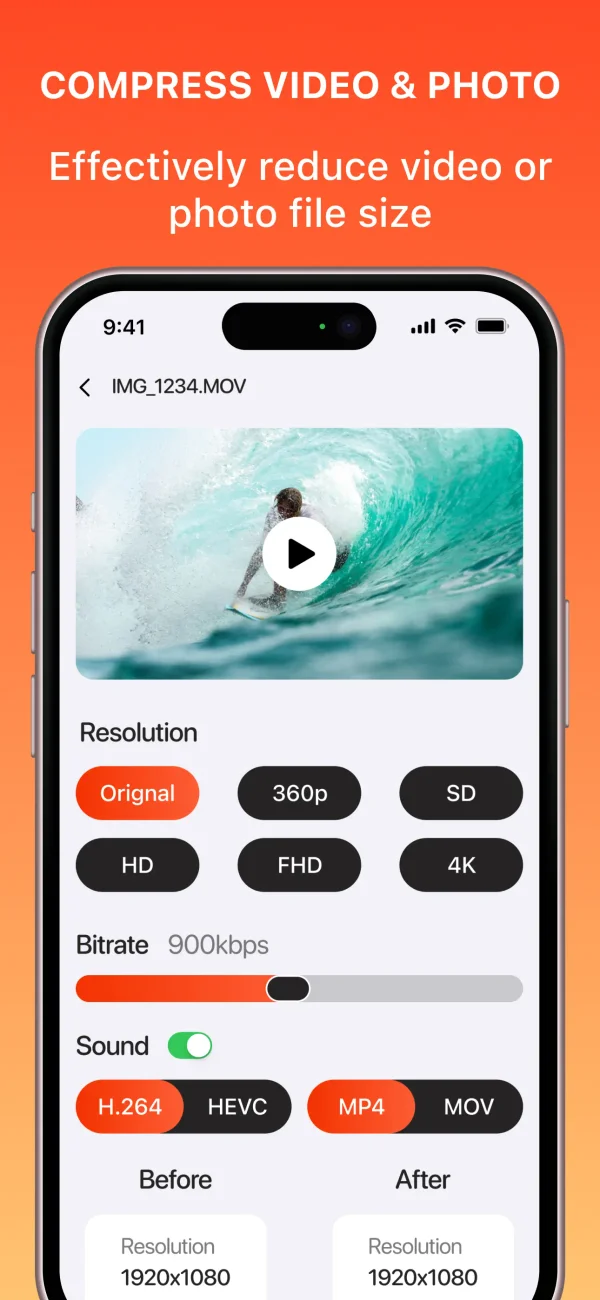
• Custom Compression Settings – Adjust resolution, bitrate, and format to your needs.
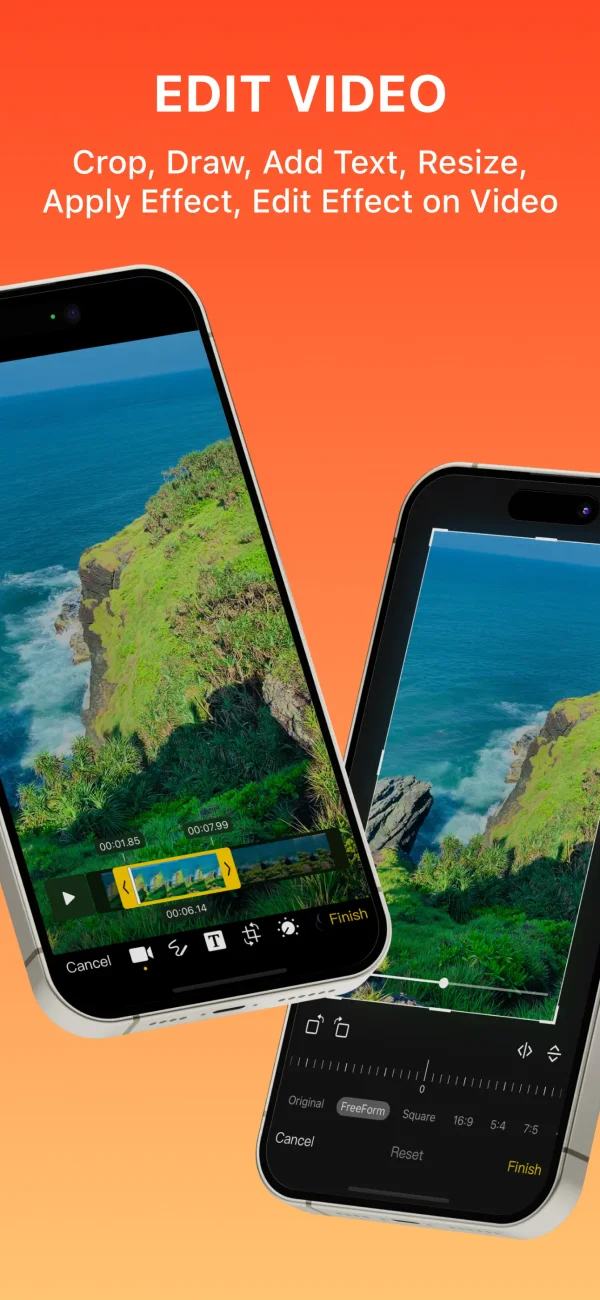
• Video Editing Tools – Rotate, crop, trim, enhance color, brightness, sharpness, and more.
• Photo Editing Tools – Crop, rotate, adjust lighting, colors, and apply filters.
• Preview Before Saving – See the results of your edits or compression before exporting.
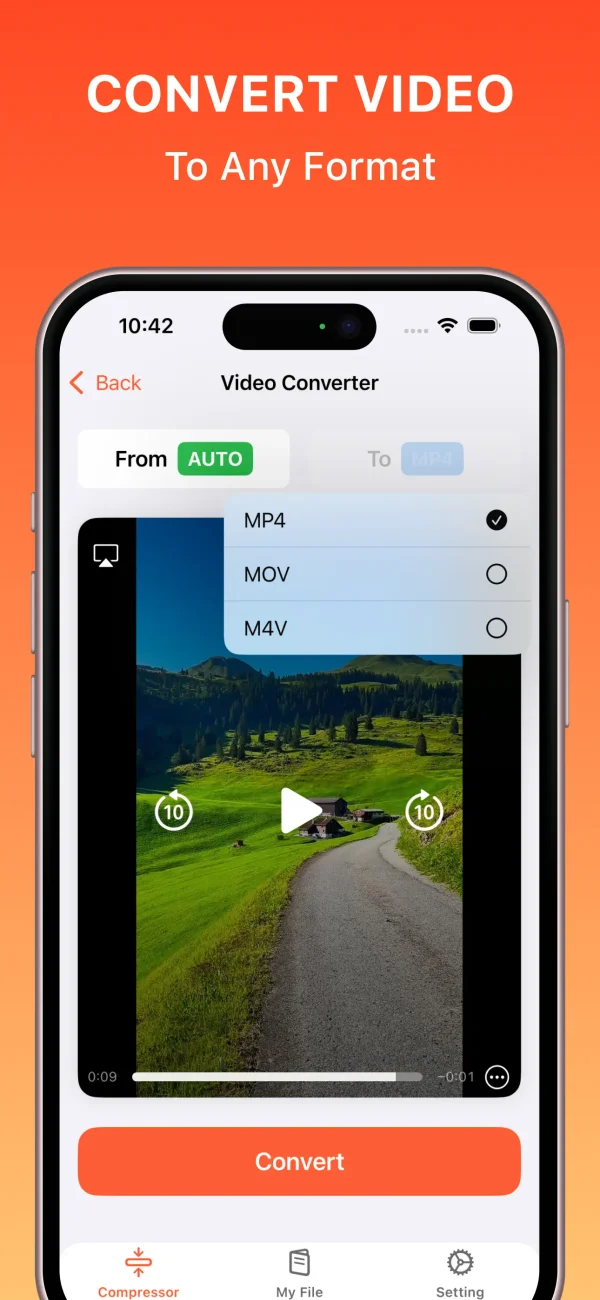
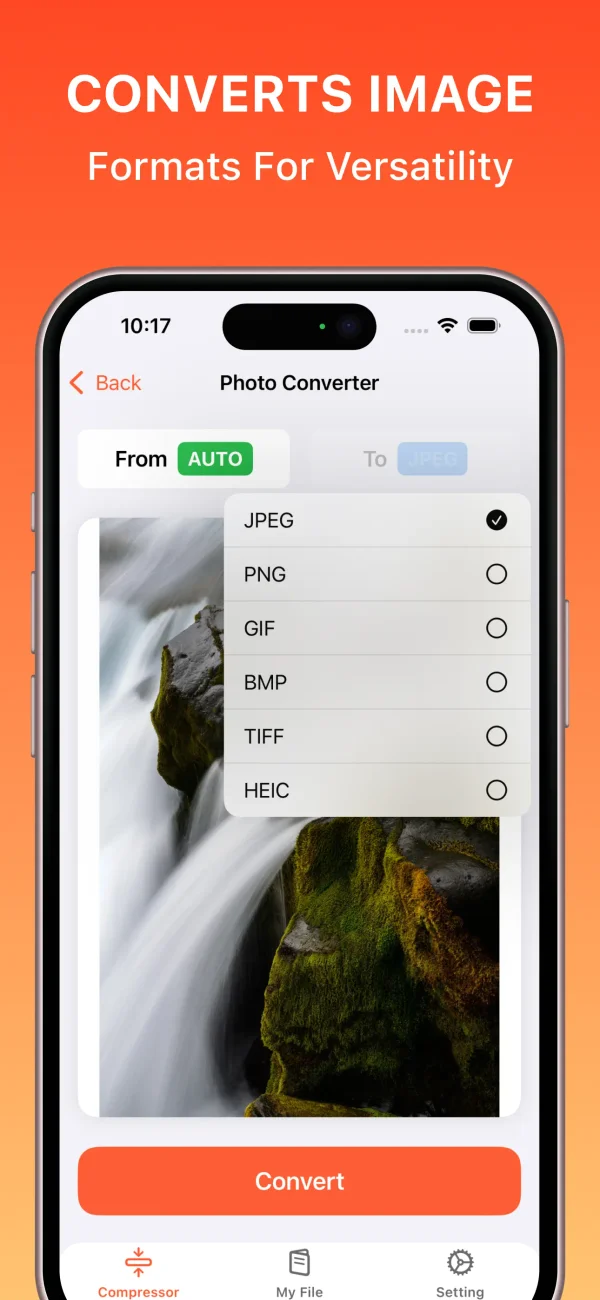
• Multiple Formats Supported – Compatible with MP4, MOV, AVI, and popular image formats.
• Easy Sharing – Save or share directly to social media and messaging apps.
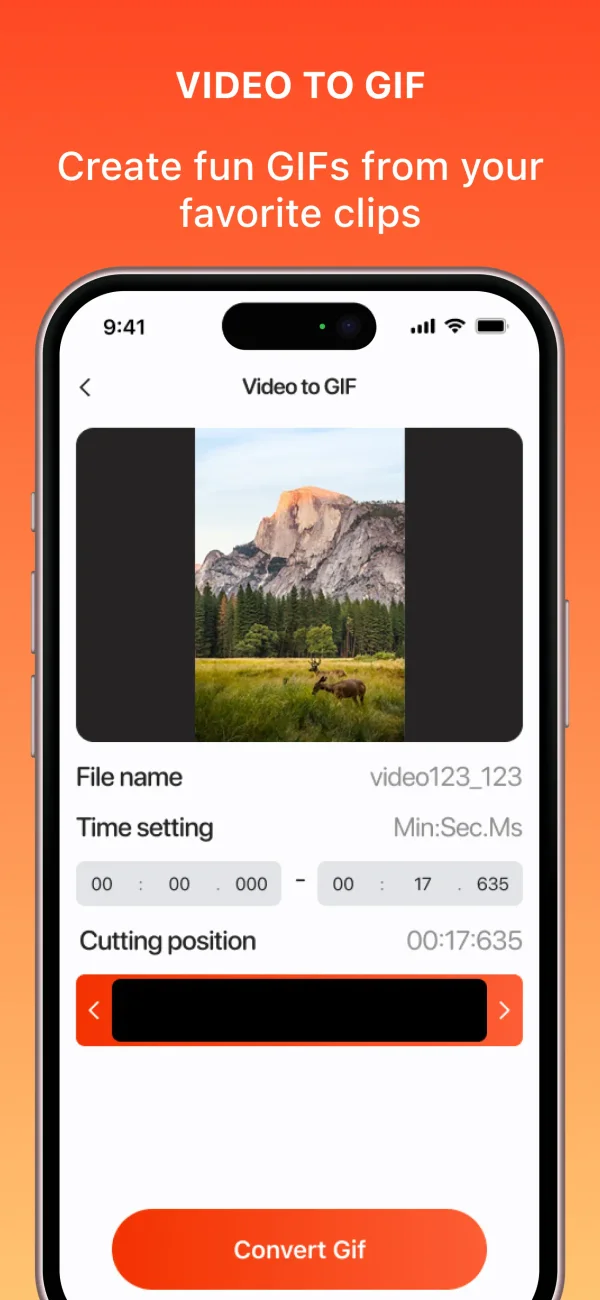
• Video to GIF – Convert any video into a fun, shareable GIF in seconds.
• Video to Ringtone (iOS 26) – Create personal ringtones from videos on supported devices.
Whether you're managing storage or preparing content for social media, iResize Video Compressor helps you get the job done—fast and with great results.
Download now and experience powerful video compression and editing in one easy-to-use app.
Ringtone Feature Copyright Notice
The ringtone feature is intended for creating personal ringtones from your own videos/audio or content you have permission to use.
Please respect copyright laws and avoid using copyrighted music or audio without authorization.
Terms of Use: https://sites.google.com/view/terms-of-use-mt-software
Privacy Policy: https://sites.google.com/view/privacy-policy-mt-software
新機能
バージョン 2.3 · 2026/11/25
Introducing new Photo Tools!
- Convert photos to PDF documents.
- Create beautiful photo collages.
- Extract text from images.
- Remove photo metadata for better privacy.
- Add custom text or logo watermarks.
- Blur selected areas of your photos.
Thank you for using iResize Video Compressor!
アプリのプライバシー
このアプリのデータの取り扱いについて、Thi My Tam TruongがApp Storeで申告している内容です。
-
ユーザーのトラッキングに使用されるデータ
他社のアプリやウェブサイトを横断してユーザーをトラッキングする目的で使用される場合があります。
- 使用状況データ
- 診断
-
ユーザーに関連付けられたデータ
収集され、ユーザーの識別情報に関連付けられる場合があります。
- 使用状況データ
- 診断
プライバシーの取り扱いは、ご利用の機能やお客様の年齢などに応じて異なる場合があります。
情報
- 販売元
- Thi My Tam Truong
- カテゴリ
- 写真/ビデオ
- バージョン
- 2.3
- 更新日
- 2026/11/25
- リリース
- 2025/3/28
- サイズ
- 28.8 MB
- 必要条件
- iOS 17.1以降
- 対象年齢
- 4+
- 価格
- 無料
- アプリ内課金
- あり
- 言語
- 英語
- 著作権
- © MT Software
こちらもおすすめ
-
 Video Compress, Resize, Shrinkスマートビデオコンプレッサー。 ビデオ圧縮、サイズ変更、縮小
-
 動画圧縮 - 動画サイズを小さく・容量を軽くビデオ縮小・軽量化でストレージ節約
-
 Compress Videos & Resize Video写真/ビデオ
-
 ビデオコンプレッサービデオサイズを小さくする
-
 Video Compress - Shrink Videos写真/ビデオ
-
 VideoFlex - Video Converter写真/ビデオ
-
 Video Compressor: 動画を圧縮動画の容量削減・サイズ変更
-
 Video Compressor - HQ Compress写真/ビデオ
-
 ビデオコンプレスサイズの軽減やビデオ・アルバム全体を縮小してメモリ容量を節約
-
 動画圧縮 - HEVCut写真を圧縮して容量を節約