
- 対象年齢4+
- カテゴリビジネス
- 開発元BPMobile
- 言語英語ほか20言語
- サイズ297.1 MB
iScanner: PDF Document Scannerは現在App Storeで入手できない可能性があります
前回の確認時、ストアのページにアクセスできませんでした。リンク先は引き続きApp Storeの公式ページです。
スクリーンショット

概要
開発元はこのテキストをお使いの言語で提供していません。
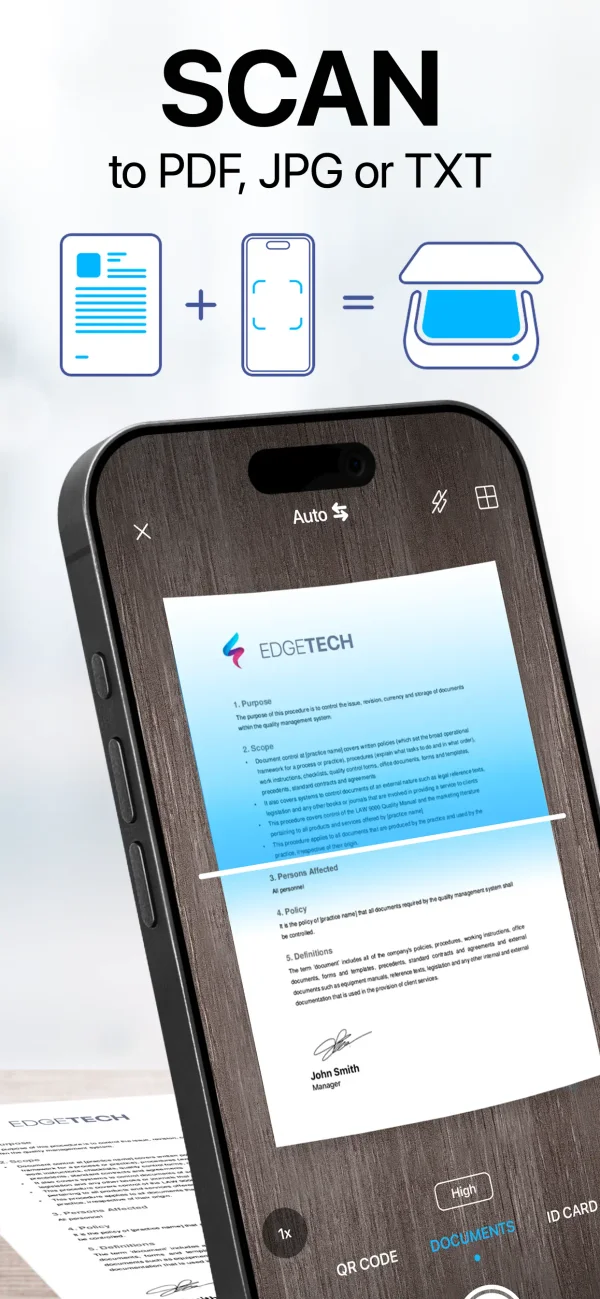
Meet iScanner—the AI-powered document scanner trusted by 145M+ users to scan, edit, and manage files.
Students, professionals, remote workers, teachers. For many, important documents still exist on paper when they should be digital. Built on 10+ years of scanning experience, iScanner solves that. Just point your camera at a contract, a receipt, or a handwritten note and get a clean file back.
With iScanner, you can:
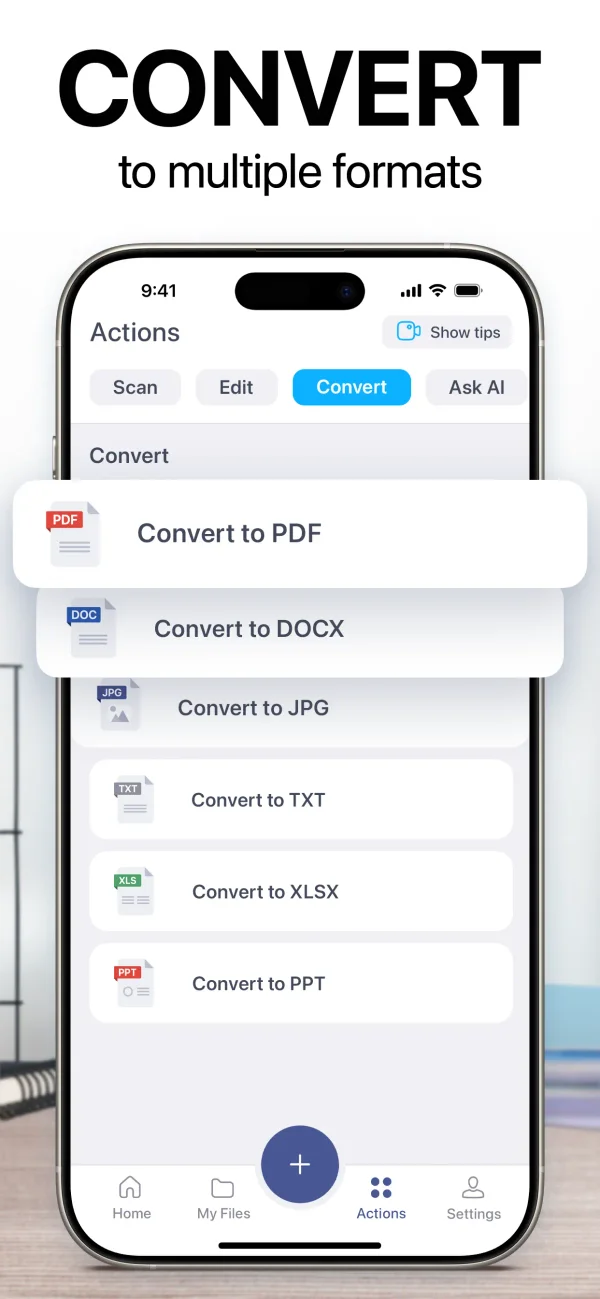
• Scan documents to PDF, JPG, DOC, or other formats with automatic quality correction.
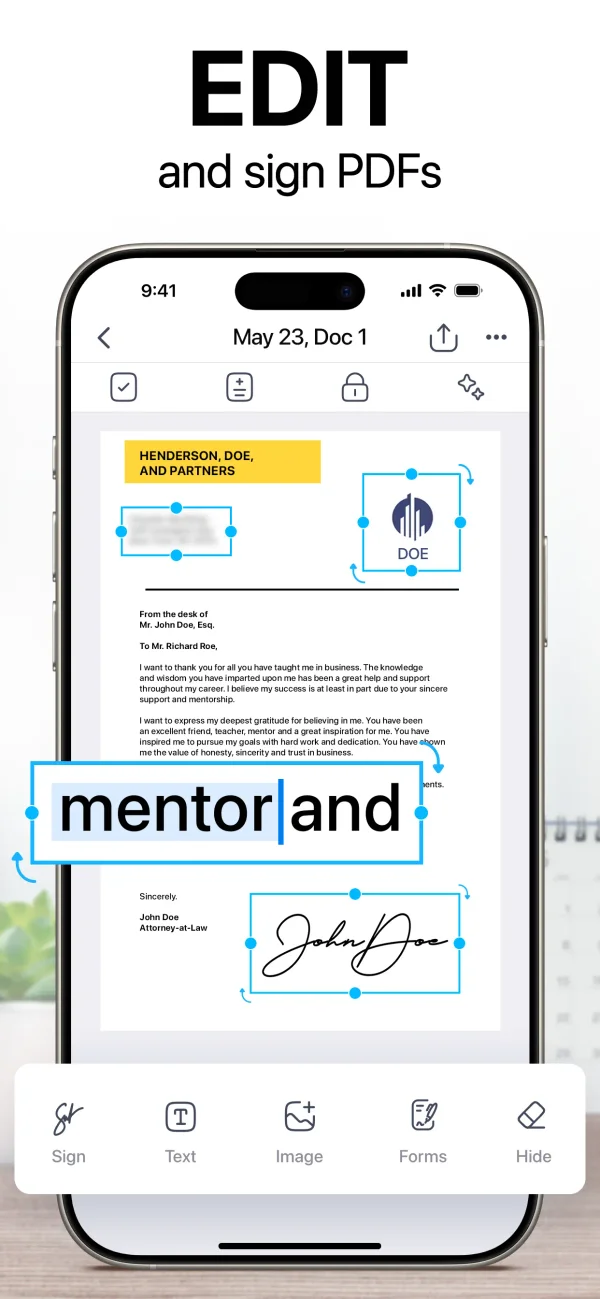
• Sign PDFs, fill out forms, and annotate documents without switching apps.
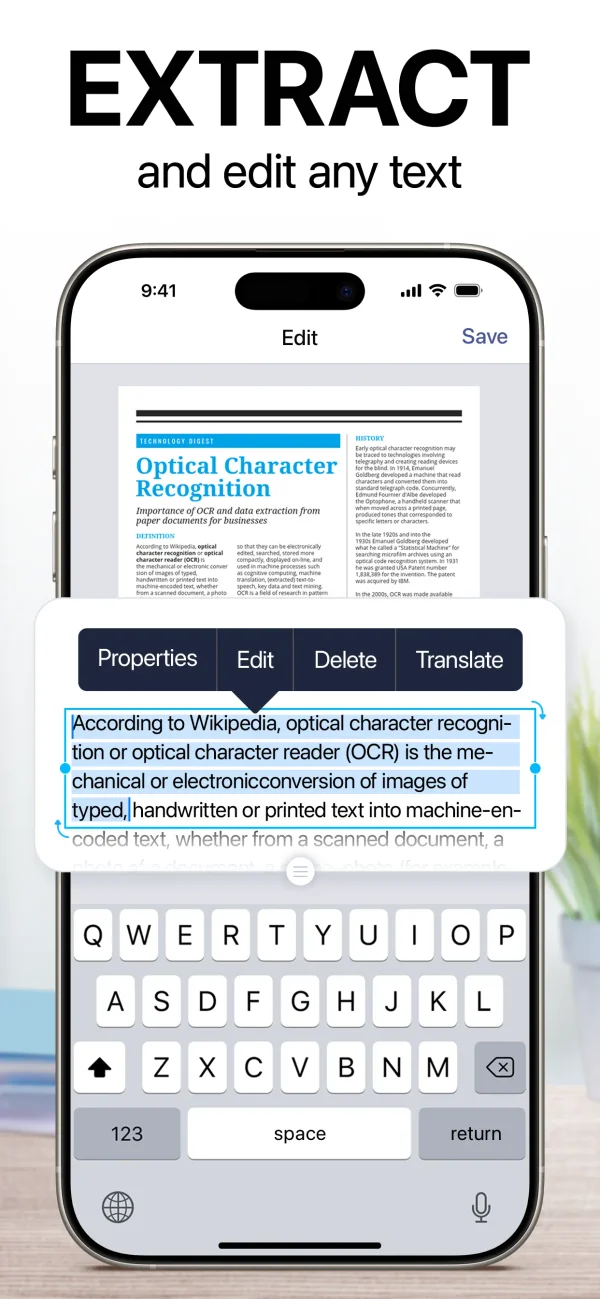
• Extract text from any scan using built-in OCR in 20+ languages.
Here's what you get:
AI-POWERED DOCUMENT SCANNER
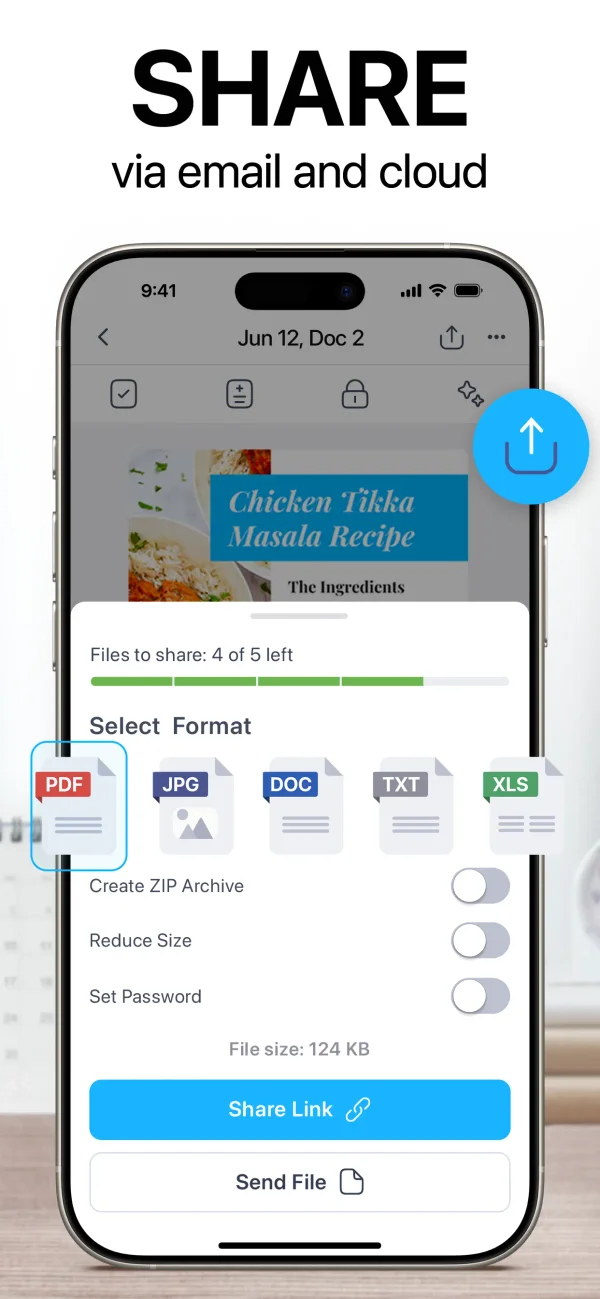
Got a crumpled receipt or a contract shot at an angle? iScanner's in-house AI automatically detects borders, straightens skewed pages, corrects colors, and removes shadows, fingerprints, and noise. The result looks like it was produced by a flatbed scanner. Export as PDF, JPG, DOC, XLS, PPT, or TXT.
ALL-IN-ONE DOCUMENT EDITOR
Unlike most scanner apps that stop at the scan, iScanner handles every step of document management. Sign by hand or from a photo, fill out forms, annotate pages, and redact sensitive text. Merge several scans into one file, split pages, send a fax, and organize them into folders with drag and drop.
OCR & AI PDF ASSISTANT
Built-in OCR turns printed text into editable content in 20+ languages—copy it, convert the scan to a DOC or TXT file, or search any PDF. Got a dense contract or a document in a foreign language? AI Chat can summarize, translate, rewrite, or answer specific questions about it.
PRIVACY & DOCUMENT SECURITY
Passports, medical records, financial documents. Some files belong on your device, not a shared cloud. iScanner keeps them there by default, with no third-party access. Lock the app with a PIN, Face ID, or Touch ID. Password-protect PDFs, set expiration dates on shared links, and add a decoy password that opens a fake version of the app.
SPECIALIZED SCANNING MODES
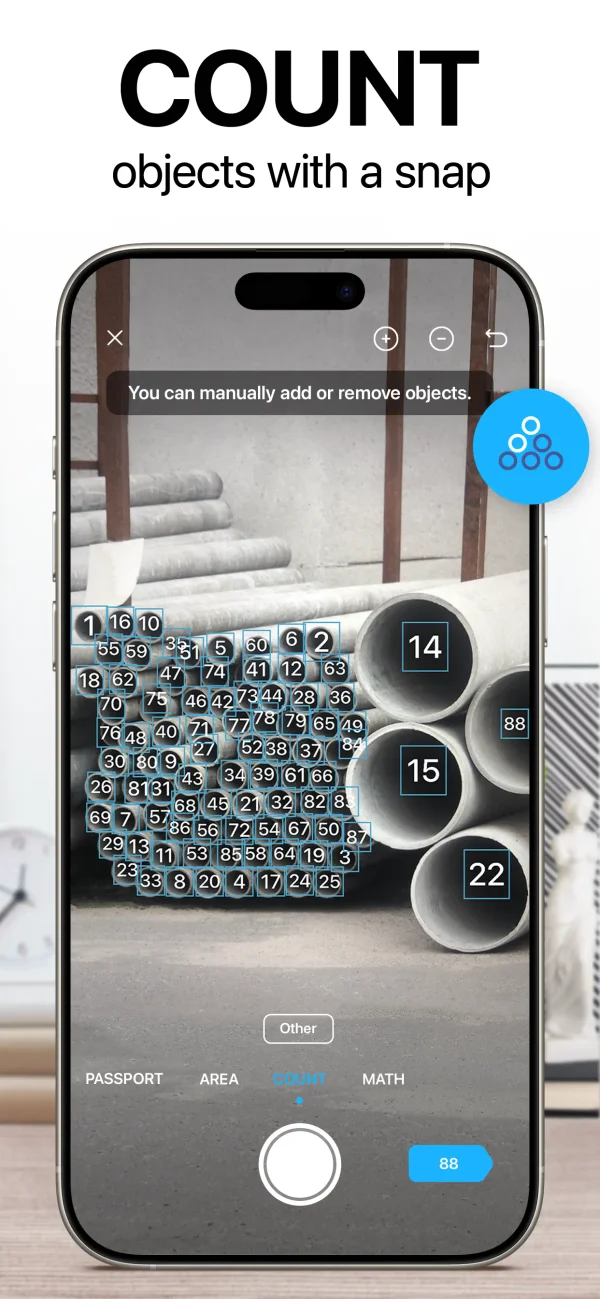
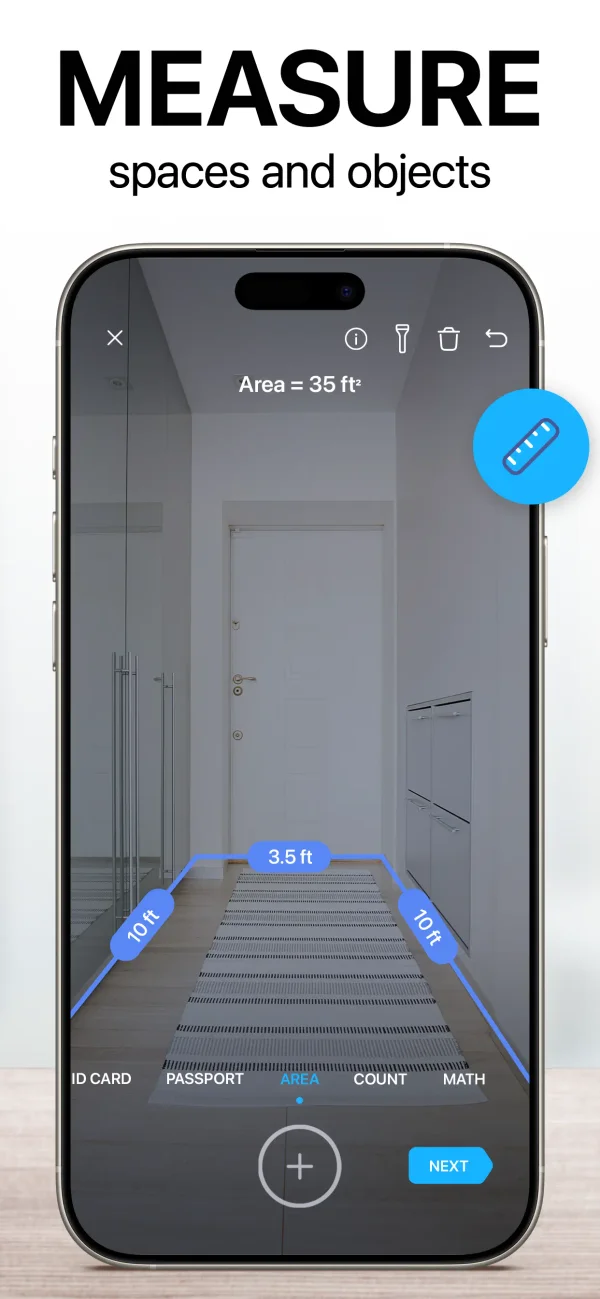
Beyond everyday documents: create secure digital copies of passports, ID cards, and driver's licenses. Photograph a math equation and solve it instantly. Measure object dimensions, count similar objects, and read QR codes—all in one app.
CROSS-DEVICE ACCESS
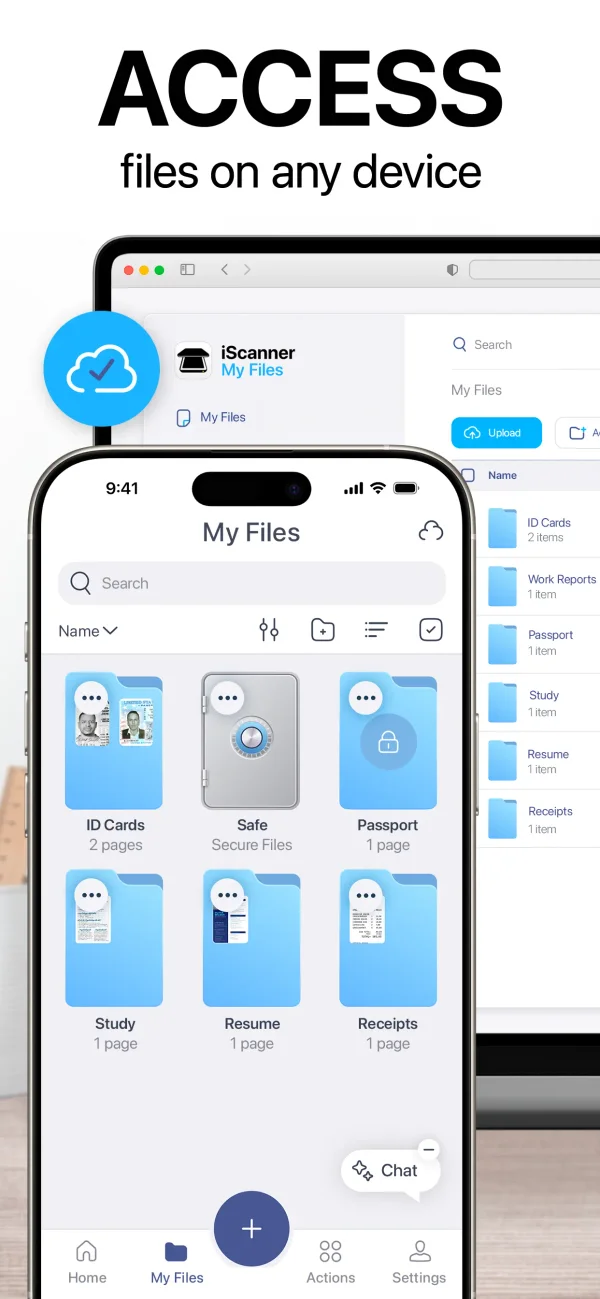
Files sync through secure AWS cloud storage and are available to manage from any browser using the web version. Import from Gmail, Google Drive, and Apple Files.
PAPERLESS IMPACT
Since 2015, iScanner has helped millions of people replace printouts with digital files. Track your real environmental impact inside the app and earn eco certificates for going paperless.
Download iScanner—the AI-powered document scanner that handles everything from the first scan to the final signature.
FAQ
Q: Can I scan multiple pages into one PDF?
A: Yes—scan as many pages as you need and combine them into a single file.
Q: Does iScanner work without an internet connection?
A: Yes—scanning, editing, and viewing files all work offline; only cloud sync and backups need a connection.
Q: How do I transfer my documents to a new phone?
A: Sign in on your new device and everything restores automatically from iScanner's cloud storage.
SUBSCRIPTION DETAILS
• iScanner Pro unlocks all scanner features
• You won’t be charged until your purchase is confirmed
• Your subscription will auto-renew 24 hours before its expiration date
• Manage or cancel your subscription anytime in your App Store settings
Privacy Policy: http://iscanner.com/mobileapp/privacy
Terms of Use: http://iscanner.com/mobileapp/terms
We’d love to hear from you! Please leave a review to help us make our document scanner even better. You can also get in touch with us at http://iscannerapp.com/scanner/support.
新機能
バージョン 6.20 · 2026/11/12
In this version, you'll find:
– Minor bug fixes and design improvements
Enjoying the app? Leave us a review—it helps us improve.
アプリのプライバシー
このアプリのデータの取り扱いについて、BPMobileがApp Storeで申告している内容です。
-
ユーザーのトラッキングに使用されるデータ
他社のアプリやウェブサイトを横断してユーザーをトラッキングする目的で使用される場合があります。
- 購入
- 位置情報
- ID
- 使用状況データ
- 診断
- その他のデータ
-
ユーザーに関連付けられたデータ
収集され、ユーザーの識別情報に関連付けられる場合があります。
- 購入
- 位置情報
- ユーザーコンテンツ
- ID
- 使用状況データ
- 診断
- その他のデータ
プライバシーの取り扱いは、ご利用の機能やお客様の年齢などに応じて異なる場合があります。
情報
- 販売元
- BP Mobile LLC
- カテゴリ
- ビジネス
- バージョン
- 6.20
- 更新日
- 2026/11/12
- リリース
- 2015/9/23
- サイズ
- 297.1 MB
- 必要条件
- iOS 18.0以降
- 対象年齢
- 4+
- アプリ内課金
- あり
- 言語
- 英語, デンマーク語, オランダ語, フランス語, ドイツ語, ヒンディー語, インドネシア語, イタリア語, 日本語, 韓国語, マレー語, ノルウェー語 (ブークモール) ほか9言語
- 著作権
- © BP Mobile, LLC
こちらもおすすめ
-
 Tiny Scanner: スキャン、PDF変換、OCRドキュメントをスキャン、PDF変換と編集、名刺と領収書を管理
-
 Scanner – スキャン PDF 文書編集, 署名, 変換 PDF
-
 マイ スキャナー - 文書や写真をスキャンするスキャンアプリ - 各種文書と写真のスキャン、PDF変換
-
 Docutain: Scan, OCR 付 スキャナーアプリPDFドキュメント、ドキュメントアーカイブのスキャンと管理
-
 PDF Converter - Word to PDF仕事効率化
-
 スキャンアプリ - 書類 スキャン + OCRモバイルスキャナー: PDF スキャナー & テキストスキャ
-
 Scan to PDF: Converter Scannerビジネス
-
 スキャナー プロ (Scanner Pro)書類をカメラでスキャン & 写真をPDFに変換
-
 Photo to PDF Converter Scannerビジネス
-
 Mobile Scanner - 書類やフォトスキャン文書や名刺を写真に撮って PDF 保存