- 対象年齢4+
- カテゴリユーティリティ
- 開発元ITNS, LLC
- 言語英語ほか17言語
- サイズ67.7 MB
ITNS Connectは現在App Storeで入手できない可能性があります
前回の確認時、ストアのページにアクセスできませんでした。リンク先は引き続きApp Storeの公式ページです。
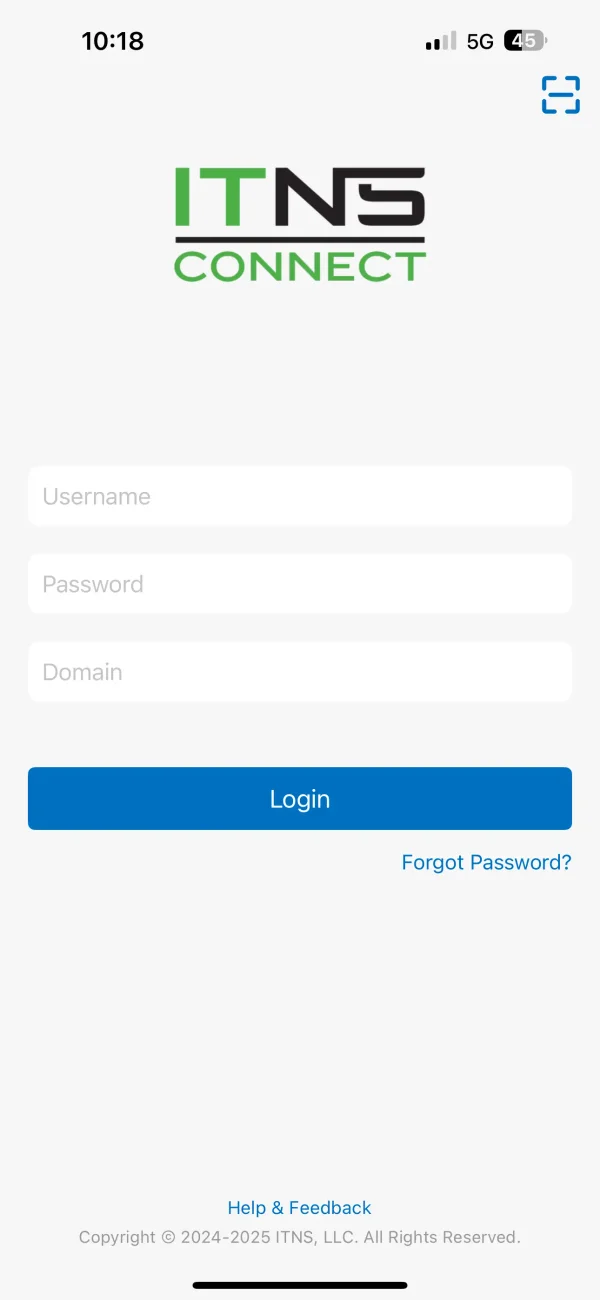
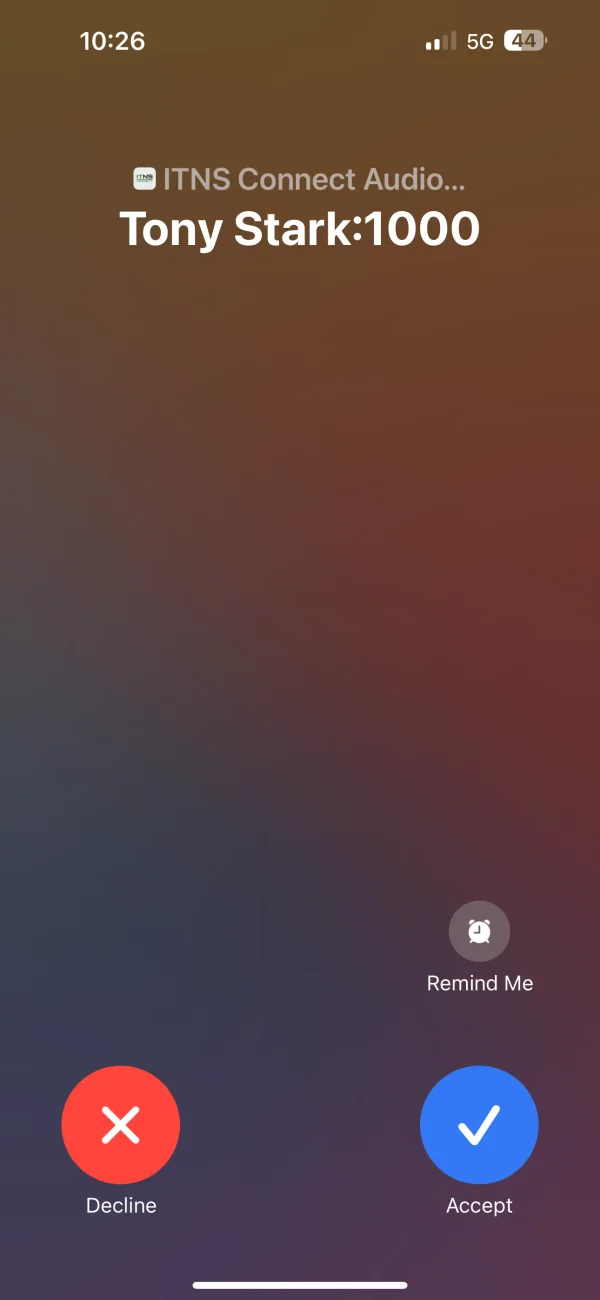
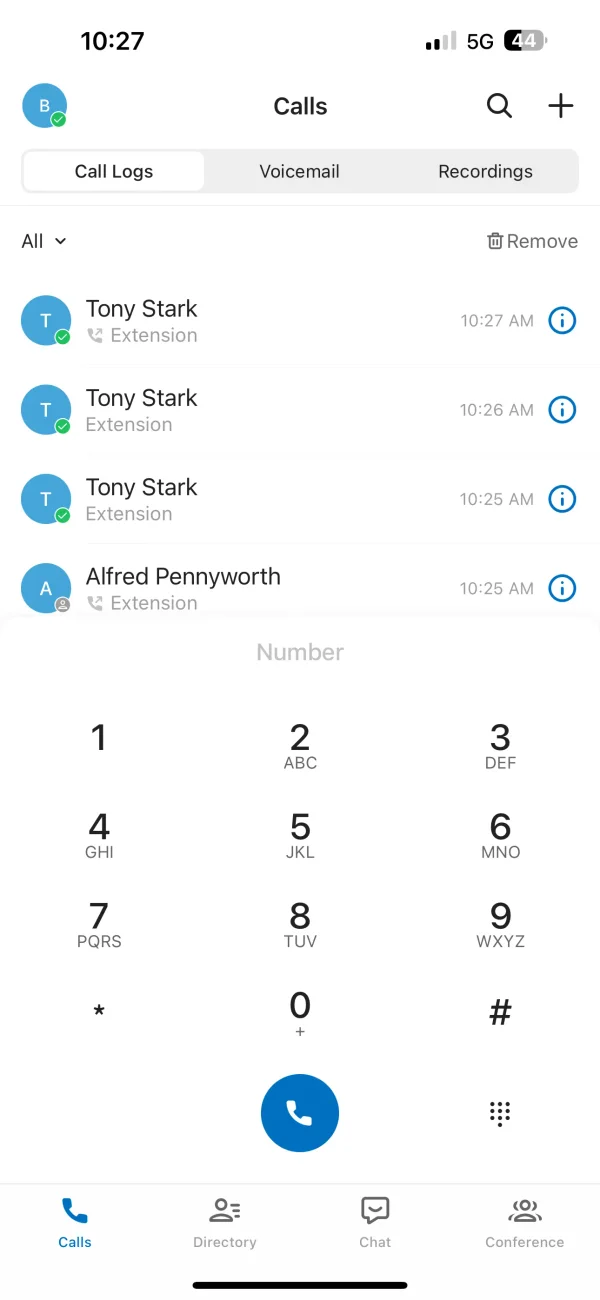
スクリーンショット


概要
開発元はこのテキストをお使いの言語で提供していません。
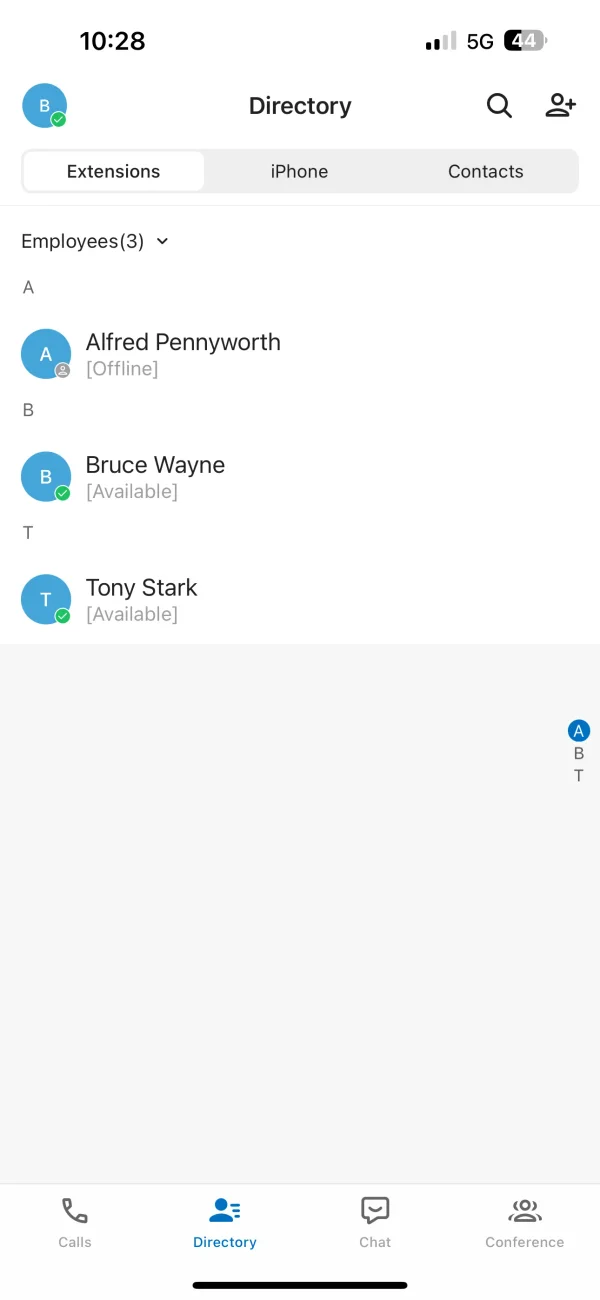
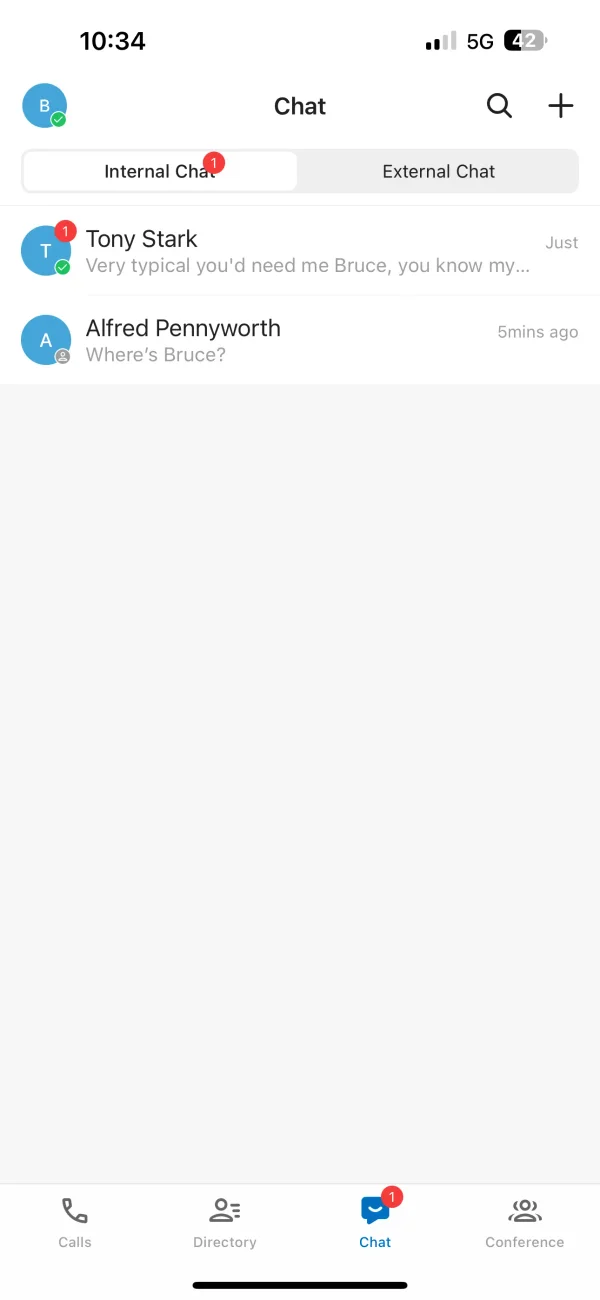
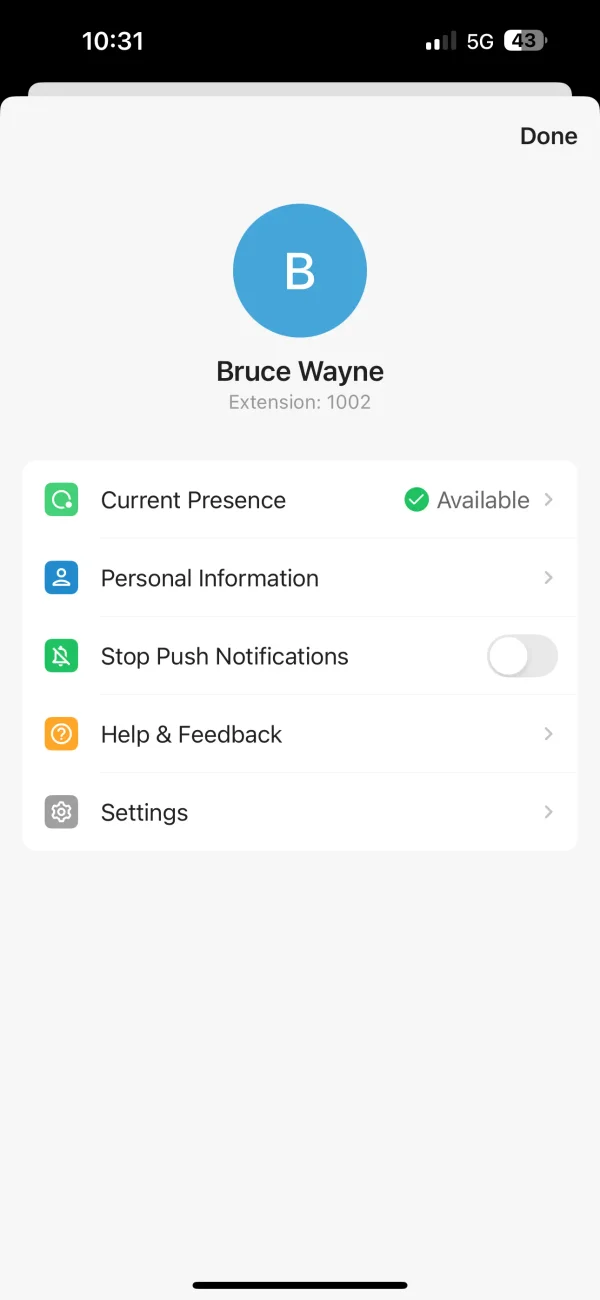
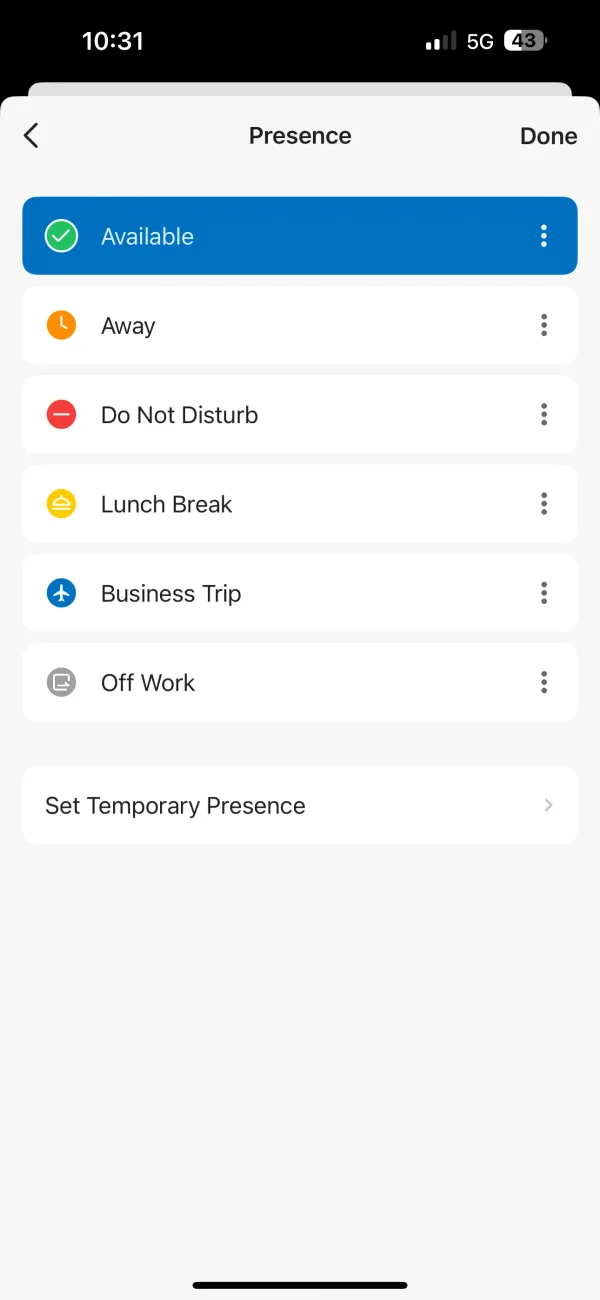
ITNS Connect is a SIP soft client that extends VoIP functionality beyond the land line or desktop. It brings features of the ITNS Connect platform directly to end-user's mobile devices as a Unified Communications solution. With ITNS Connect, users are able to maintain the same identity when making or receiving calls from any location, regardless of their device. They are also able seamlessly send an ongoing call from one device to another and continue that call without interruption. ITNS Connect grants users the ability to manage contacts, voicemail, call history and configurations in a single location. This includes the management of answering rules. greetings, and presence which all contribute to more efficient communication.
***NOTICE: You must have an existing account with a supported service provider in order for ITNS Connect to work***
新機能
バージョン 9.5.31 · 2026/5/28
1. Added compatibility with the following system-level configurations.
* Added support for logging in to Linkus client using your extension number when connected to a P-Series Cloud PBX, depending on the allowed login method configured by the system administrator.
* When you receive a call forwarded from another extension, the original extension's name and number may be displayed on the call screen based on the Caller ID display strategy configured by the system administrator.
* When you create a session on an SMS or WhatsApp channel, but another session with the same sender and receiver already exists on the channel, a prompt may appear based on the system administrator's messaging channel settings. If you continue, you will take over the session from the original handler, along with the complete chat history.
2. Added support for setting Linkus client as the default calling app on devices running iOS 18.2 or later. Once set, you can tap a phone number recognized by your mobile device and select Call to initiate the call directly via the Linkus client.
3. Optimized Voicemail feature:
* Added support for forwarding voicemails to specified extensions.
* When you dial feature code to play a voicemail forwarded from another extension, the Linkus client will play a voice prompt that includes the number of the extension from which the voicemail was forwarded.
4. Optimized Chat feature:
* If a text message is recognized as a phone number, tapping the number will show two call options (Linkus and Dial through Mobile). You can select Linkus to make a call via the Linkus client using your extension number, or select Dial through Mobile to make a call using the mobile's default calling app.
* If a text message is recognized as a link, tapping the link will automatically redirect to the corresponding web page in Linkus client.
5. Optimized incoming call display policy: When Focus Mode is enabled on your iOS device, Linkus incoming calls will appear as silent notifications in the Notification Center to notify you.
アプリのプライバシー
このアプリのデータの取り扱いについて、ITNS, LLCがApp Storeで申告している内容です。
-
データの収集なし
開発元はこのアプリからデータを収集しません。
プライバシーの取り扱いは、ご利用の機能やお客様の年齢などに応じて異なる場合があります。
情報
- 販売元
- ITNS, LLC
- カテゴリ
- ユーティリティ
- バージョン
- 9.5.31
- 更新日
- 2026/5/28
- リリース
- 2025/3/31
- サイズ
- 67.7 MB
- 必要条件
- iOS 15以降
- 対象年齢
- 4+
- 言語
- 英語, チェコ語, オランダ語, フランス語, ドイツ語, ギリシャ語, ハンガリー語, イタリア語, 日本語, ポーランド語, ポルトガル語, ロシア語 ほか6言語
- 著作権
- © 2026 ITNS, LLC