
- 対象年齢4+
- カテゴリ仕事効率化
- 開発元Nanjing IvyScience Information Technology Co., Ltd.
- 言語英語ほか3言語
- サイズ66.4 MB
App Storeの公式ページにリンクしています
Download.orgはivySCIのファイルを一切ホストしていません。ボタンを押すと、Nanjing IvyScience Information Technology Co., Ltd.が公開しているApp Storeのアプリページが開きます。ページの最終確認:2026/11/14。
スクリーンショット


概要
開発元はこのテキストをお使いの言語で提供していません。
ivySCI is dedicated to providing thoughtful and intelligent literature reading and management tools for researchers, helping them save valuable time and focus more effectively on their research, rather than getting bogged down in time-consuming literature management, especially the tedious task of formatting references for graduate theses.
As your helpful assistant, ivySCI offers a comprehensive range of services from the outset, including:
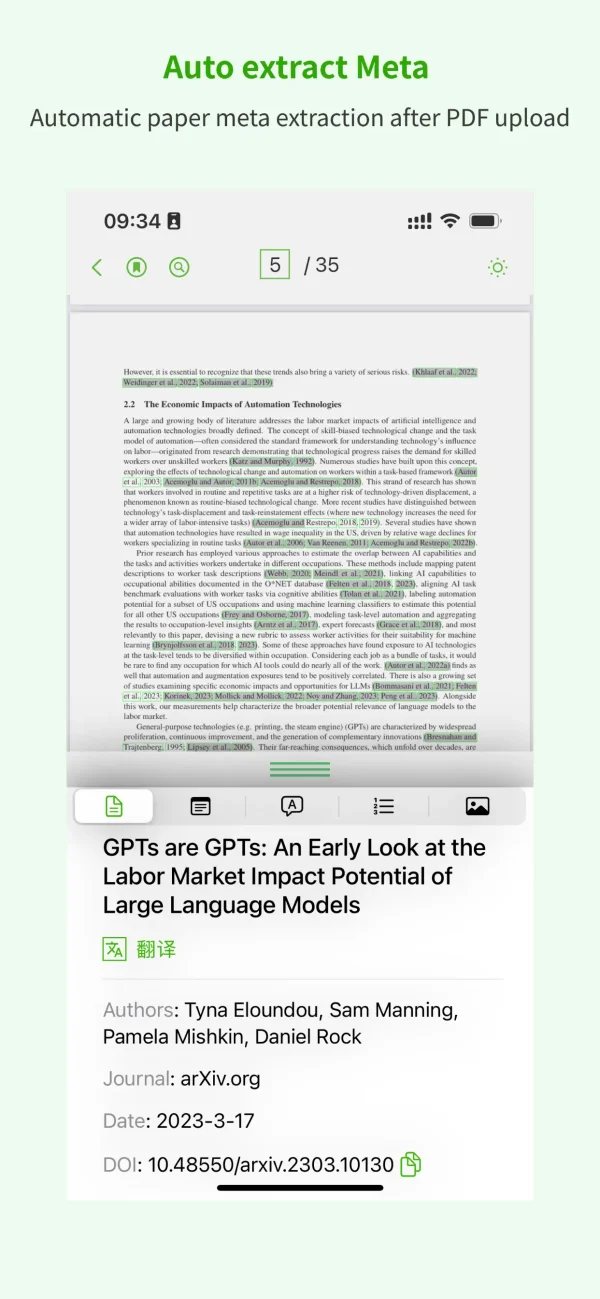
1. After you import PDF documents, we automatically identify the metadata of each paper, including titles, authors, abstracts, DOIs, journals, and important journal impact factors (CiteScore).
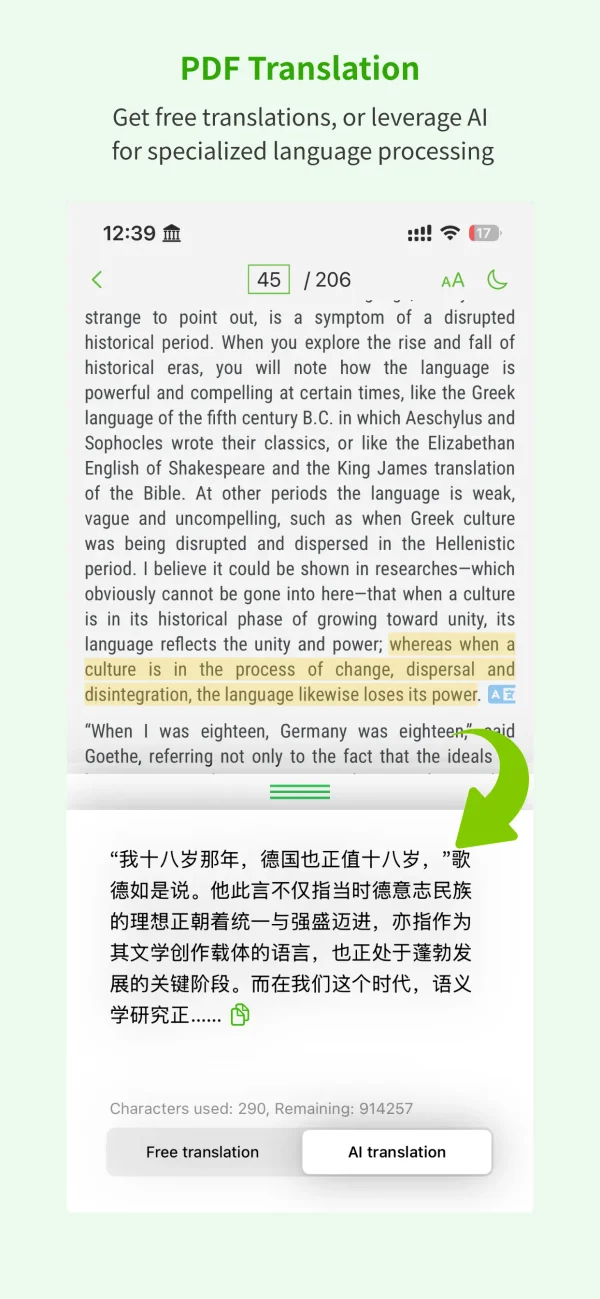
2. For each document, we provide built-in translation and dictionary lookup to overcome language barriers.
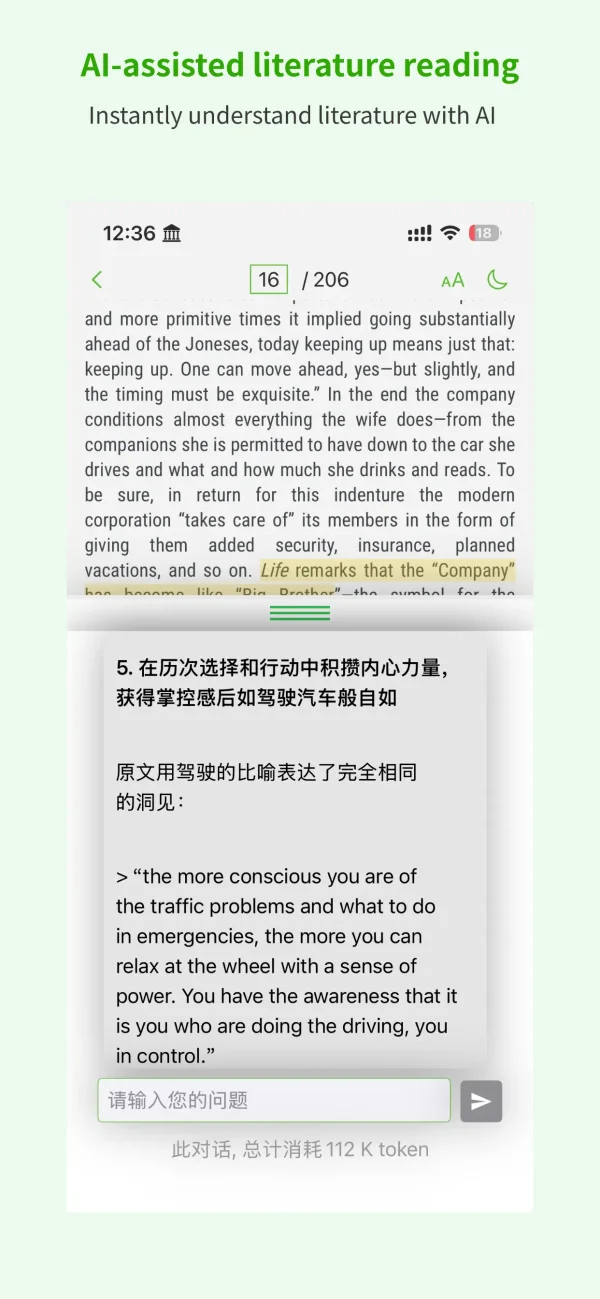
3. We offer AI-assisted reading for each document, providing quick answers to your questions. In the Mac version, we also provide AI proofreading and translation functions.
4. We analyze each document so that you can access references directly when needed, without flipping to the end of the paper. After viewing the references, you can decide whether to download them. You can customize the download engine to provide more channels to help you find the required literature faster.
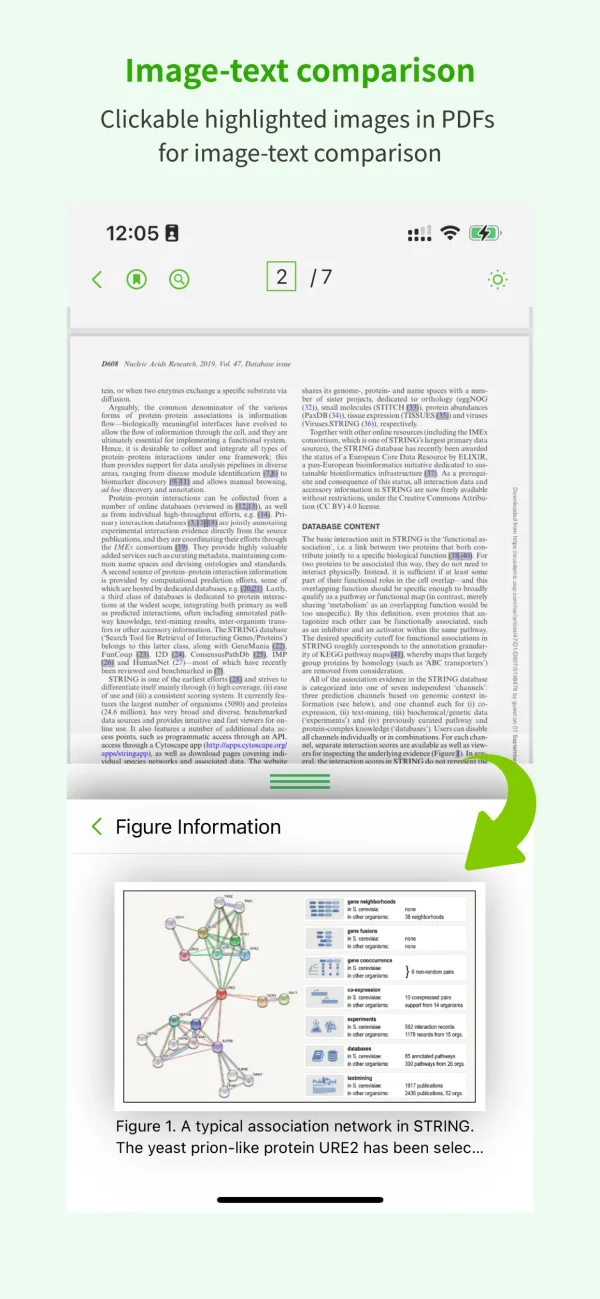
5. We extract images from papers and provide side-by-side text and image viewing when necessary. You can zoom in or out on images to focus on specific details.
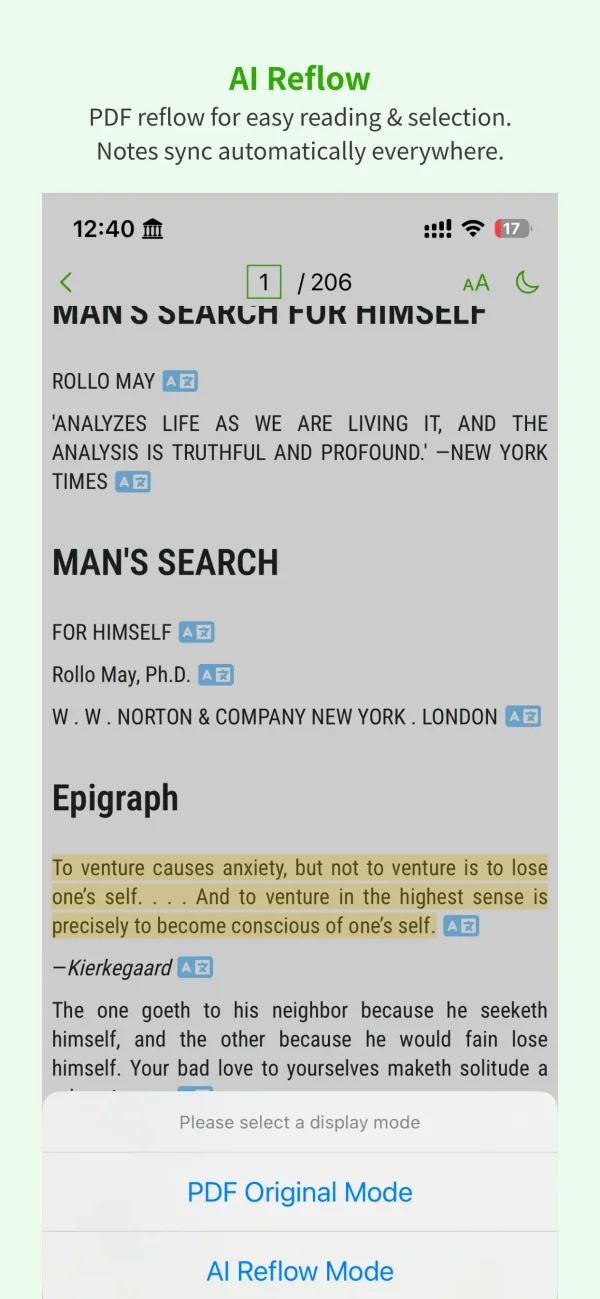
6. We analyze the PDF structure and present it in an outline format. Thumbnails are also available for viewing.
7. You can create notes on any device, and these notes are shared via the cloud for easy access anytime, anywhere.
8. Your literature and notes are associated with your account, so you can use them on any device (including iPhone, iPad, and Mac) after logging in.
9. When writing in Word or WPS, you can cite literature and notes at any time using the ivyCite plugin provided by ivySCI. This ensures that your thought process remains uninterrupted.
ivySCI offers various client options tailored to research needs, including Mac and PC, iPad, and iPhone. Each device serves a different purpose, with desktop versions offering comprehensive management capabilities, iPad versions focused on reading and basic operations, and iPhone versions providing basic information access.
Depending on the intelligence analysis capabilities and the limitations of different PDF formats, some features may not be available, but we continuously optimize the engine.
新機能
バージョン 4.2.0 · 2026/9/30
1. You can now mark papers as unread, so unfinished reading is easy to find and resume.
2. Fixed an issue where WeChat login could get stuck.
アプリのプライバシー
このアプリのデータの取り扱いについて、Nanjing IvyScience Information Technology Co., Ltd.がApp Storeで申告している内容です。
-
ユーザーに関連付けられないデータ
収集される場合がありますが、ユーザーの識別情報には関連付けられません。
- 診断
プライバシーの取り扱いは、ご利用の機能やお客様の年齢などに応じて異なる場合があります。
情報
- 販売元
- Nanjing IvyScience Information Technology Co. Ltd
- カテゴリ
- 仕事効率化
- バージョン
- 4.2.0
- 更新日
- 2026/9/30
- リリース
- 2022/1/11
- サイズ
- 66.4 MB
- 必要条件
- iOS 15.5以降
- 対象年齢
- 4+
- 価格
- 無料
- アプリ内課金
- あり
- 言語
- 英語, 日本語, 簡体字中国語, 繁体字中国語
- 著作権
- Copyright © 2020-2025 版权所有:南京青藤格致信息科技有限公司