
- 対象年齢4+
- カテゴリ仕事効率化
- 開発元ASAKIRA CONSULTANTS LLP
- 言語英語ほか6言語
- サイズ176.9 MB
App Storeの公式ページにリンクしています
Download.orgはJolt: Screen Time Controlのファイルを一切ホストしていません。ボタンを押すと、ASAKIRA CONSULTANTS LLPが公開しているApp Storeのアプリページが開きます。ページの最終確認:2026/11/17。
スクリーンショット

概要
開発元はこのテキストをお使いの言語で提供していません。
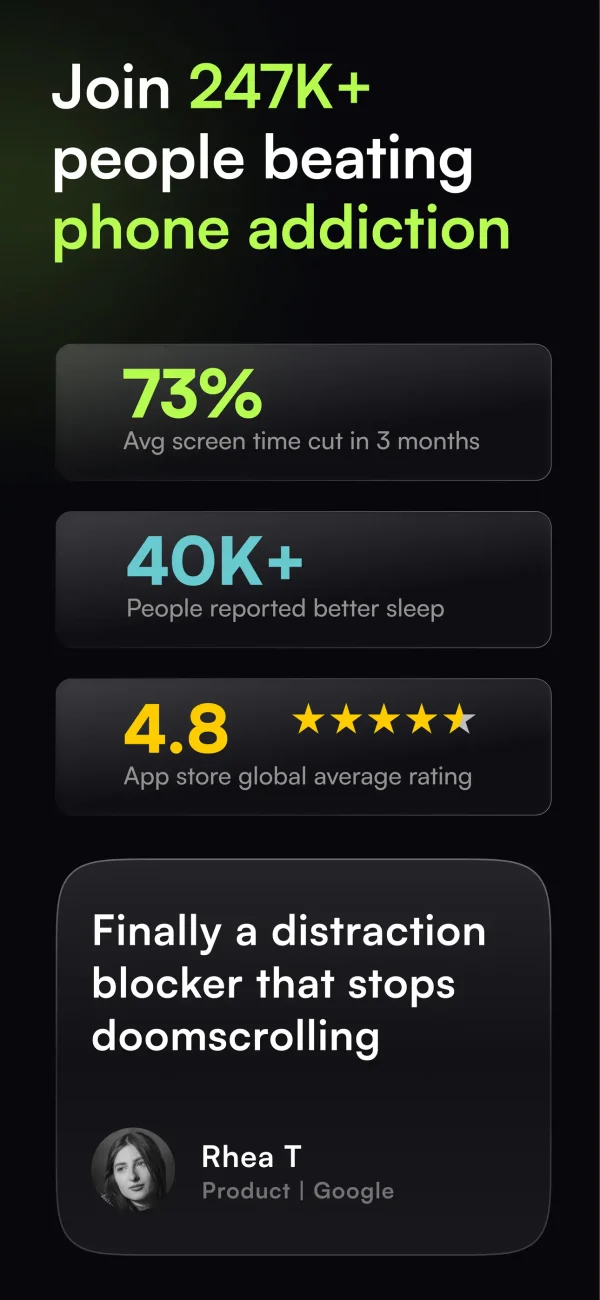
You know exactly what you should be doing right now. So does your phone - and it's betting you'll check it anyway. Jolt is built for people who are done losing that bet.
——
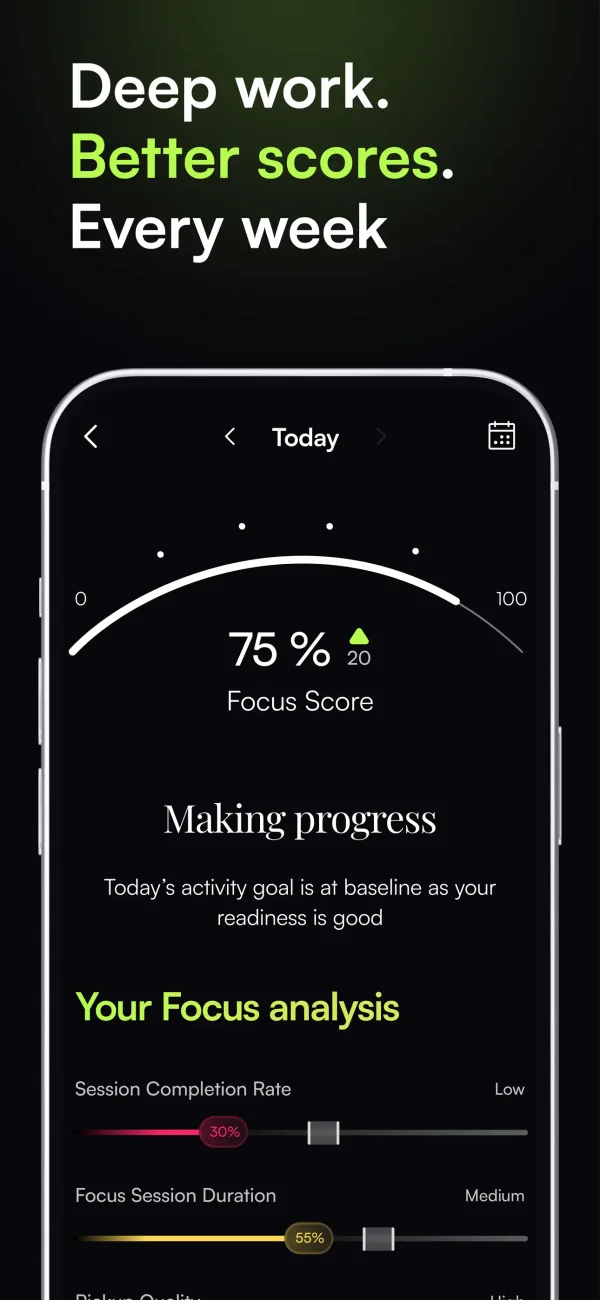
KNOW IF YOU'RE ACTUALLY IMPROVING
Attention Forecast - New Before your day starts, Jolt tells you how it's likely to go. One predictive score built from last night's sleep, your 28-day usage trend, your streak, and your blocking discipline.
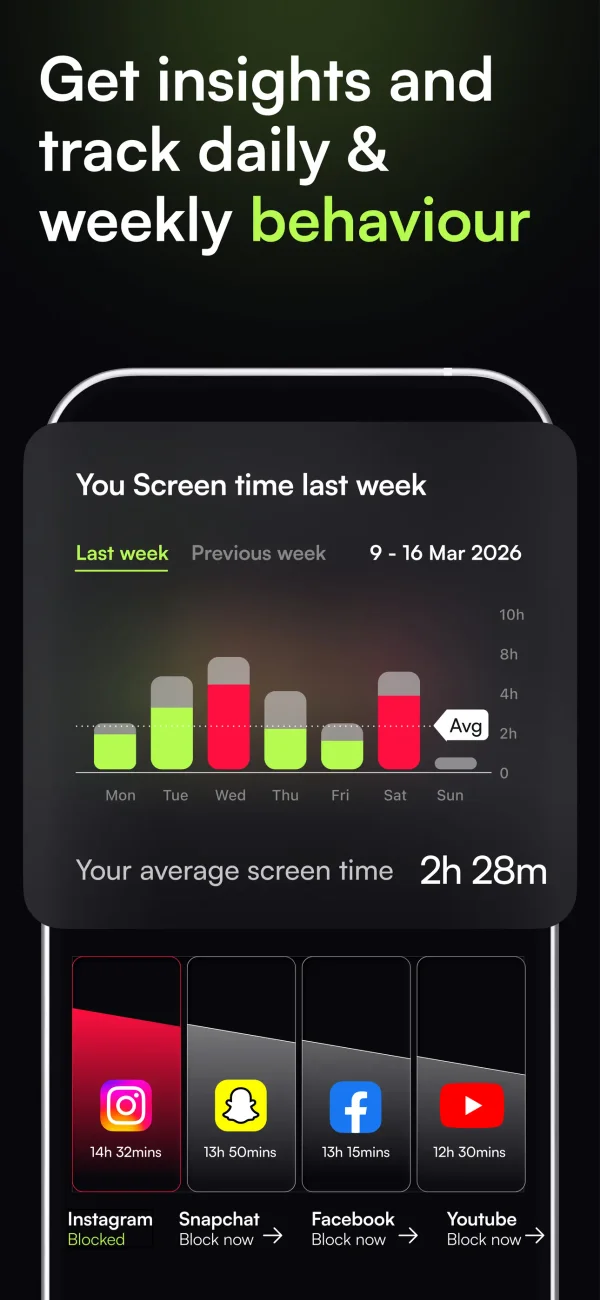
Attention Score: One number. Every day. Your Focus, Sleep, and Discipline combined. It rises when all three do - it won't let one good habit carry the weight of two bad ones. Watch it over 7, 14, 30 days. The direction it moves is the most honest feedback you'll get.
Discipline Score: The gap between the limits you set and the limits you actually held. Not whether you blocked Instagram - whether you stayed blocked when it counted. Most people are surprised by this number. That's the point.
Focus Score: Most people think they're focused. The Focus Score measures whether they actually were - how much deep work you completed, how many sessions you finished without quitting, how little you touched your phone mid-session. The score doesn't round up.
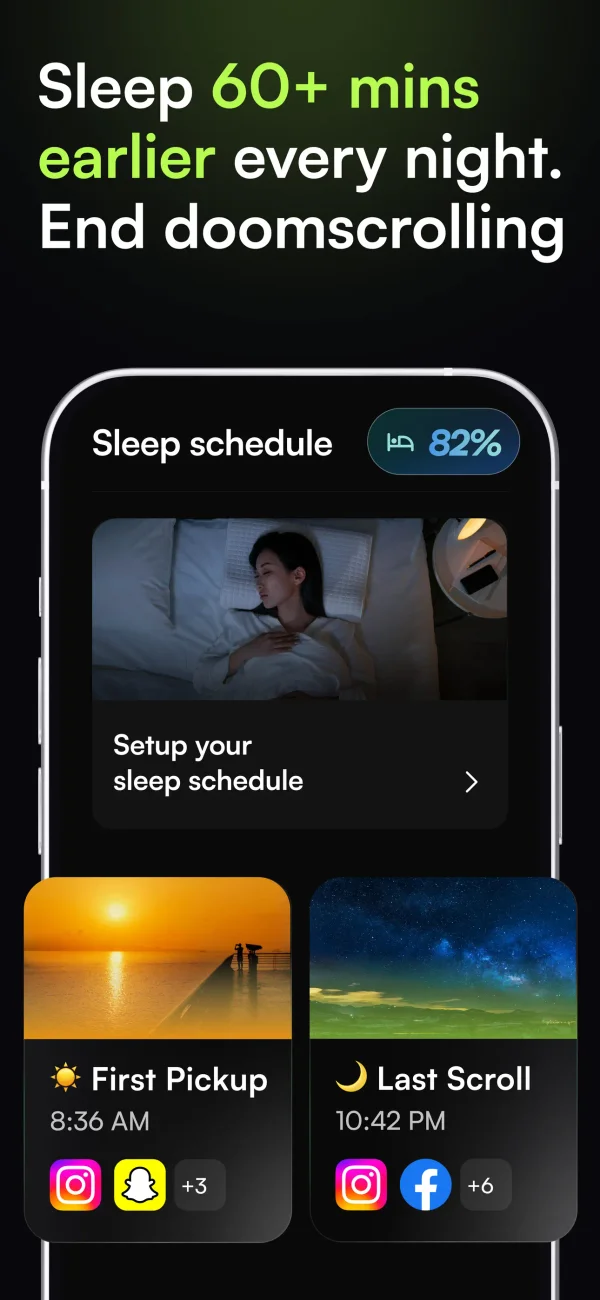
Sleep Score: Your last pickup before bed. Your first reach in the morning. How many times you interrupted your own sleep. Tracked, scored, shown back to you every day.
——
SET LIMITS THAT ACTUALLY HOLD
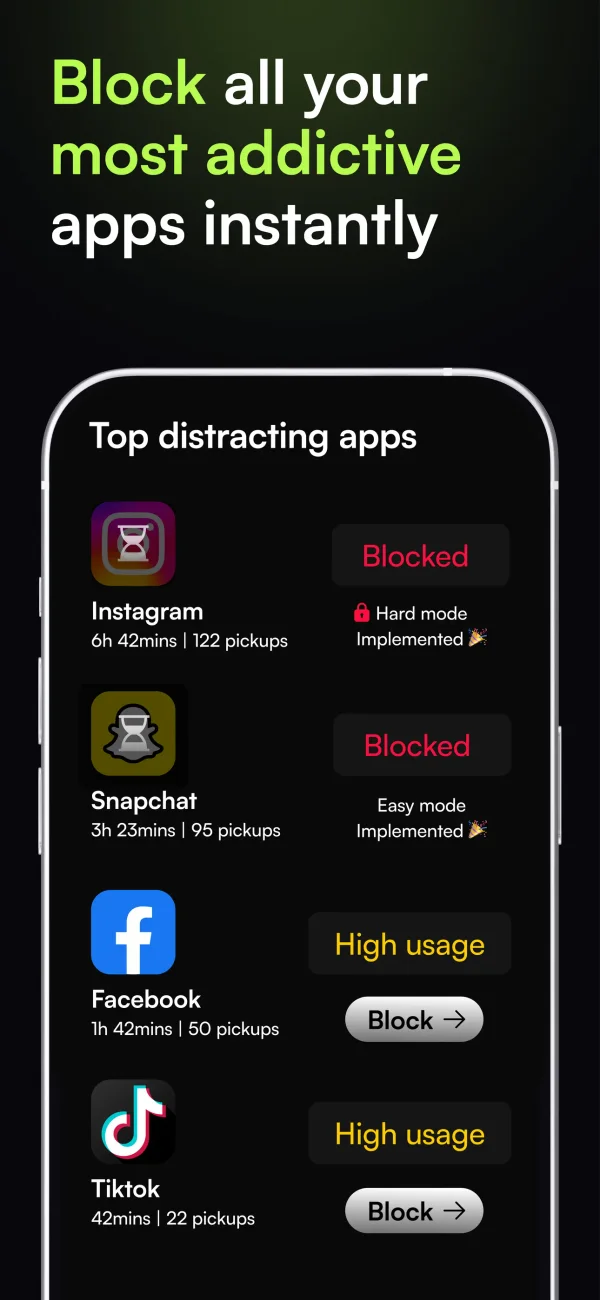
Duration Limit: Daily time cap on any app - 30 minutes on Instagram, 20 on YouTube. When it hits, it locks. No snooze, no exceptions.
Open Limit: Cap how many times you open an app each day. Three opens on Twitter. Five on Reddit. Once you've hit the number, it's done.
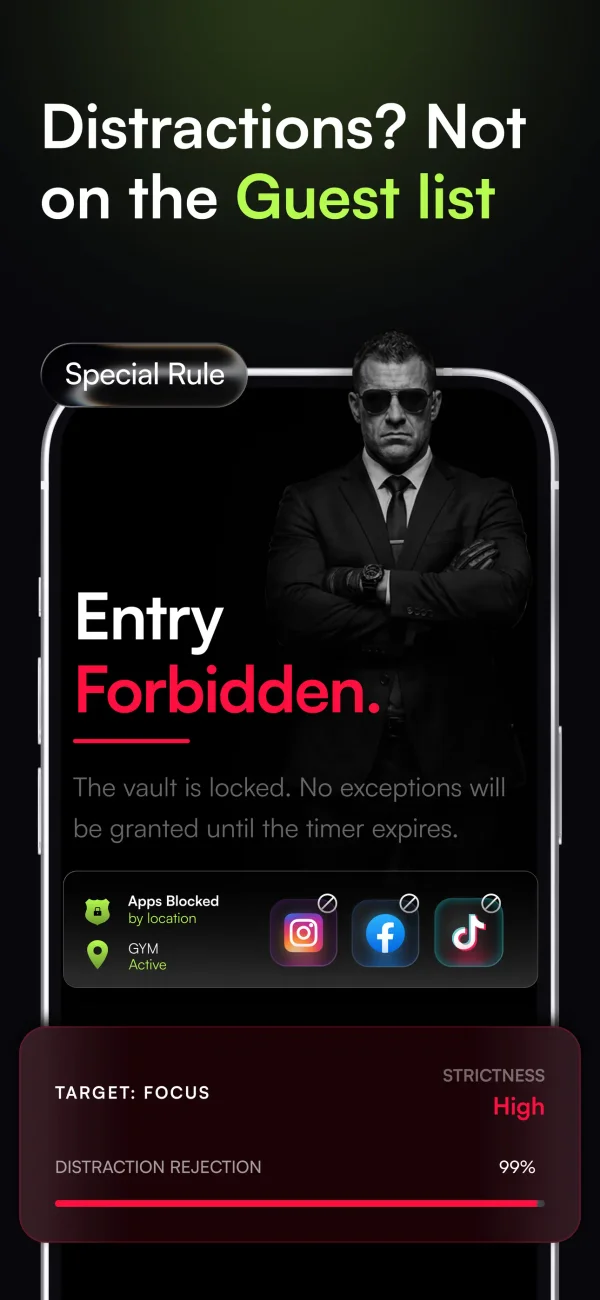
Blocking Modes: Easy: a breathing pause before the app opens. Medium: rapid taps or a timed challenge - your brain earns the unlock. Hard: nothing gets through.
Hard Mode: Set it once. Can't edit, delete, or override it until the next day. Your morning self makes the rules. Your evening self lives with them.
——
FOCUS SESSIONS
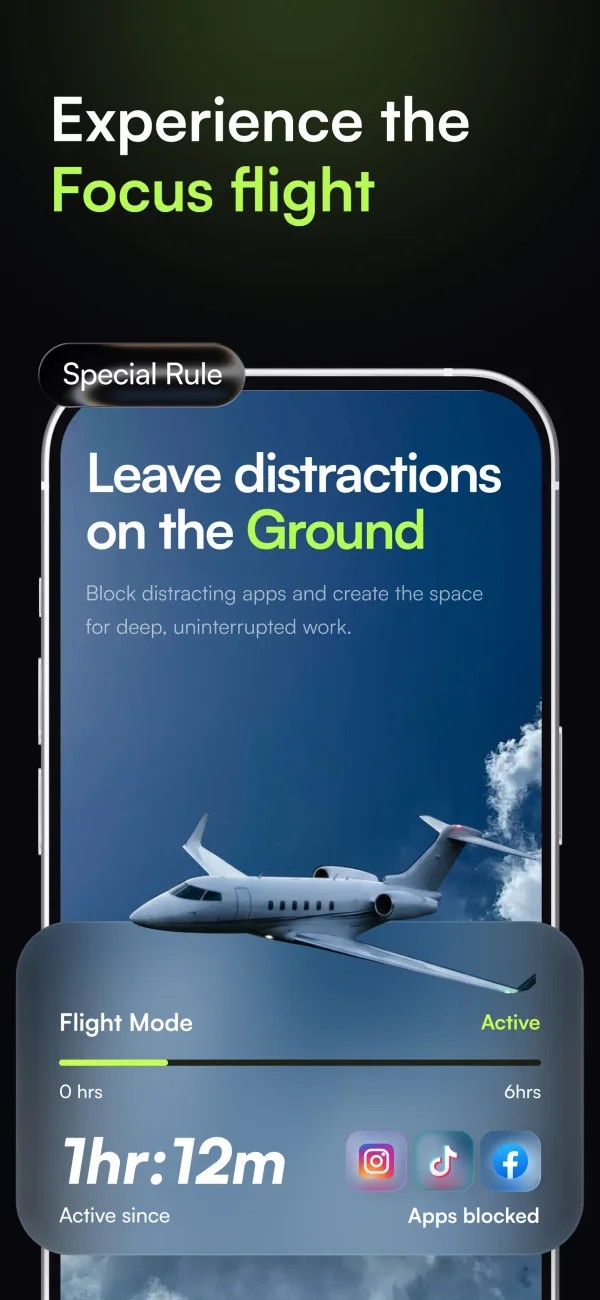
Focus Flights - New: You don't start a timer anymore. You book a flight.
Pick a destination reachable in your focus window. Choose your seat: First Class seals the cabin - no early exit. Business puts a challenge between you and the door. Economy lets you tap out.
Board, take off, block your apps. Land and it logs as a completed flight. Quit early and it goes down as a crash - distance credited for how far you got. Every flight lives in your Flight Wallet.
Focus Sessions Block every distracting app for a set window - deep work, exam session, meeting hour. 20+ templates or build your own. Everything else disappears until you're done.
Quick Sessions: One tap. Immediate block. Zero setup. Focus right now, not after configuring anything.
——
CLOSE EVERY LOOPHOLE
Sleep Schedule: Set your bedtime and wake-up time. Every distracting app locks automatically. You choose which essentials stay on - everything else is off until morning, with full tracking of every pickup.
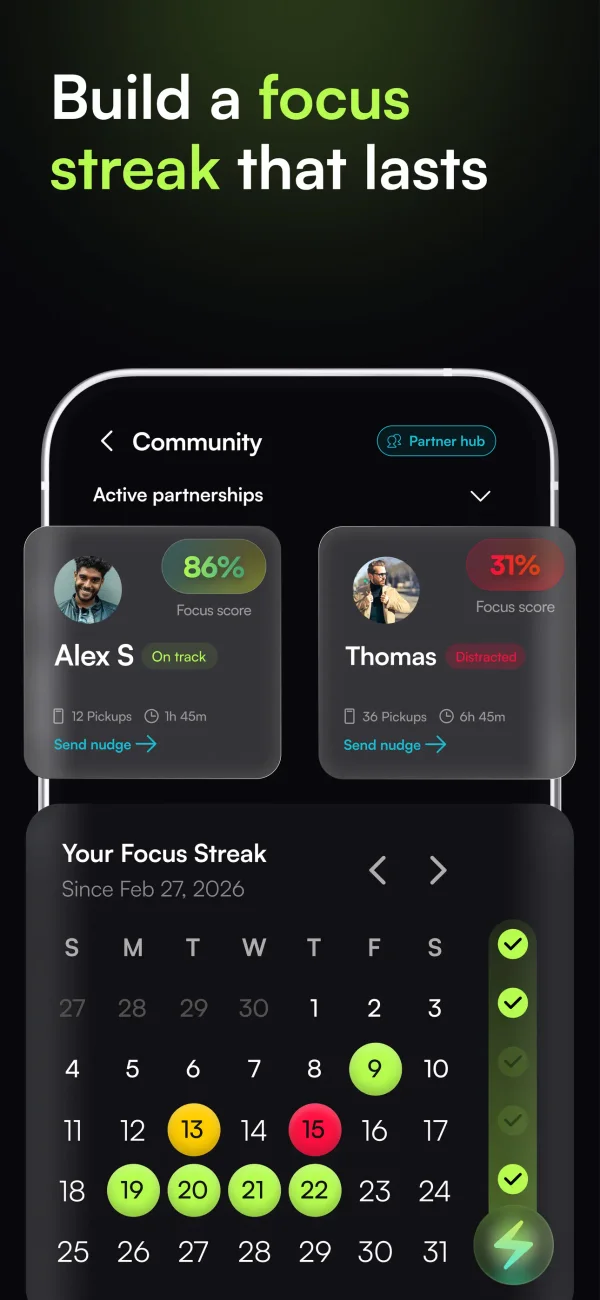
Accountability Partner: A real person who sees your screen time and must approve every override. Not an algorithm. A human who will actually push back.
GPS Blocking: Set your office, library, or gym. The moment you arrive, Jolt activates. The environment does what willpower can't.
Good Apps First: Use your journal, reading app, or workout tracker first. Once you do, the distracting apps unlock. Focus becomes the price of entry.
Block 18+ One toggle. Every adult site and app - off.
Shield Customisation - New: The screen that blocks you now looks how you want it. Choose a persona or build your own: custom text, colors, and icon. Turn on Randomized Experience, and it changes every time a block fires.
——
PRIVACY FIRST: All blocking runs locally via Apple's Screen Time API. No personal data leaves your device.
Download free. Block your first app in 30 seconds.
Support: hello@thejoltapp.com
Terms: thejoltapp.com/terms & https://www.apple.com/legal/internet-services/itunes/dev/stdeula/
Privacy: thejoltapp.com/privacy
新機能
バージョン 2.0.4 · 2026/9/29
Jolt 2.0.4 is here.
——
ONBOARDING FLOW
Made onboarding easier and smoother for new users.
——
ADULT BLOCKING
Updated the Adult Blocking flow for a better experience.
——
NOTIFICATION SETTINGS
Added new notification settings to give you more control over notifications.
Fixed some blocking notification bugs reported by users.
——
BOUNCER MODE
Improved the Bouncer Mode UX and made app selection easier.
アプリのプライバシー
このアプリのデータの取り扱いについて、ASAKIRA CONSULTANTS LLPがApp Storeで申告している内容です。
-
ユーザーのトラッキングに使用されるデータ
他社のアプリやウェブサイトを横断してユーザーをトラッキングする目的で使用される場合があります。
- ID
- 使用状況データ
-
ユーザーに関連付けられたデータ
収集され、ユーザーの識別情報に関連付けられる場合があります。
- 連絡先情報
- 連絡先
- ユーザーコンテンツ
- ID
-
ユーザーに関連付けられないデータ
収集される場合がありますが、ユーザーの識別情報には関連付けられません。
- ID
- 使用状況データ
プライバシーの取り扱いは、ご利用の機能やお客様の年齢などに応じて異なる場合があります。
情報
- 販売元
- ASAKIRA CONSULTANTS LLP
- カテゴリ
- 仕事効率化
- バージョン
- 2.0.4
- 更新日
- 2026/9/29
- リリース
- 2025/1/24
- サイズ
- 176.9 MB
- 必要条件
- iOS 17.0以降
- 対象年齢
- 4+
- 価格
- 無料
- アプリ内課金
- あり
- 言語
- 英語, フランス語, ドイツ語, イタリア語, ロシア語, 簡体字中国語, スペイン語
- 著作権
- © 2025 ASAKIRA CONSULTANTS LLP
こちらもおすすめ
-
 Pattrn - Discipline Tracker仕事効率化
-
 LockMyApps Screen Time Control仕事効率化
-
 One Thing: Earn Screen Time仕事効率化
-
 YLAG: Daily Habits Tracker仕事効率化
-
 No Scroll - Limit Screen Time仕事効率化
-
 2FA Authenticator Password App仕事効率化
-
 Hidden Camera Scanner Find Spy仕事効率化
-
 Sign Documents PDF Signature仕事効率化
-
 log off - unrot your brain仕事効率化
-
 Rewired: Screen Time Blocker仕事効率化