
- 対象年齢4+
- カテゴリ写真/ビデオ
- 開発元万朋 于
- 言語英語
- サイズ5.5 MB
App Storeの公式ページにリンクしています
Download.orgはKeepFlow Cut: Video Editorのファイルを一切ホストしていません。ボタンを押すと、万朋 于が公開しているApp Storeのアプリページが開きます。ページの最終確認:2026/11/6。
スクリーンショット
概要
開発元はこのテキストをお使いの言語で提供していません。
The best moments in a long video are often only a few seconds. KeepFlow Cut helps you find and save them quickly, without complicated timelines or tedious editing.
Capture the moments that matter
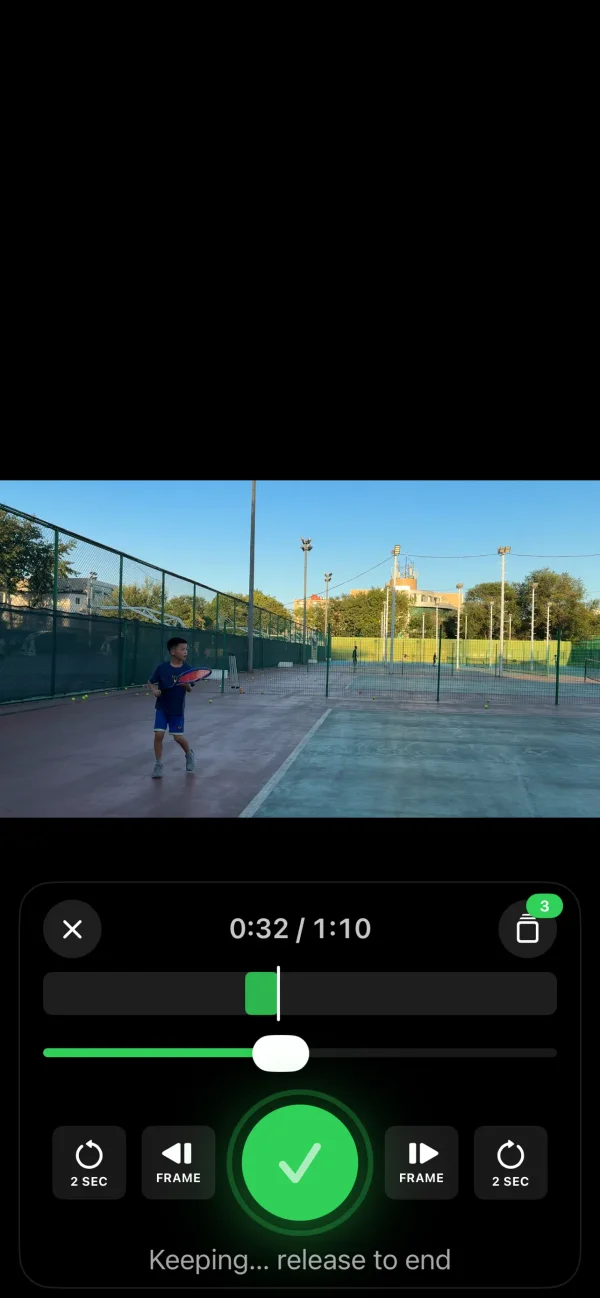
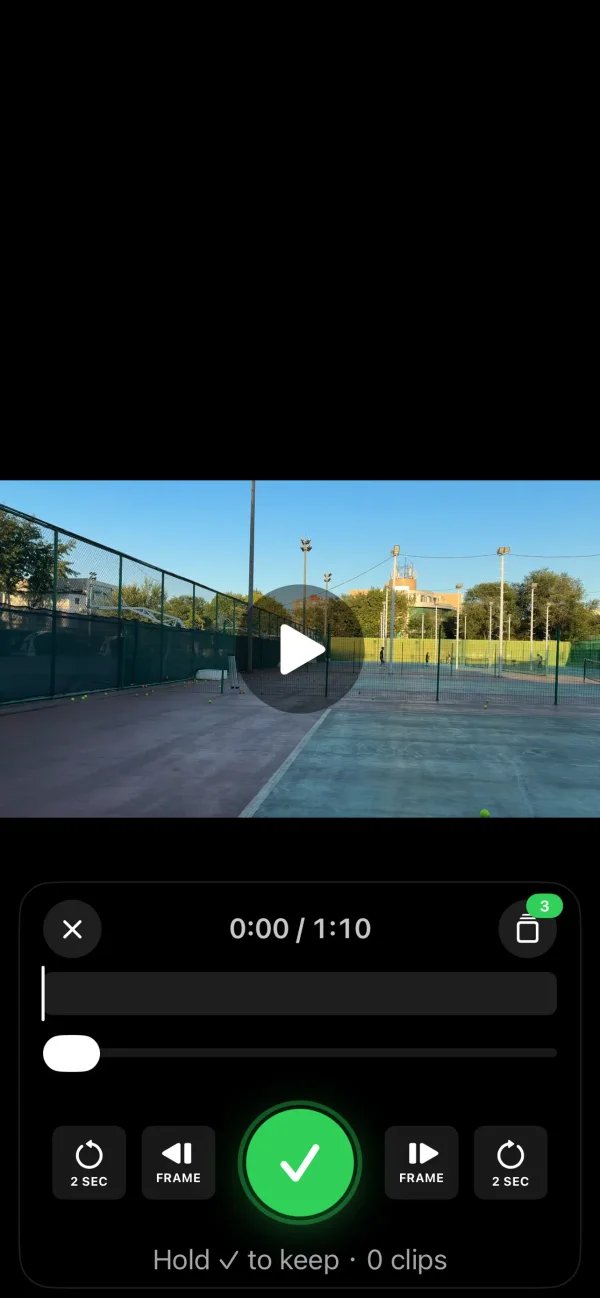
Play your video and hold KEEP whenever something worth saving happens.
Mark clips in real time with one simple gesture
Adjust clip boundaries frame by frame
Jump backward or forward by two seconds
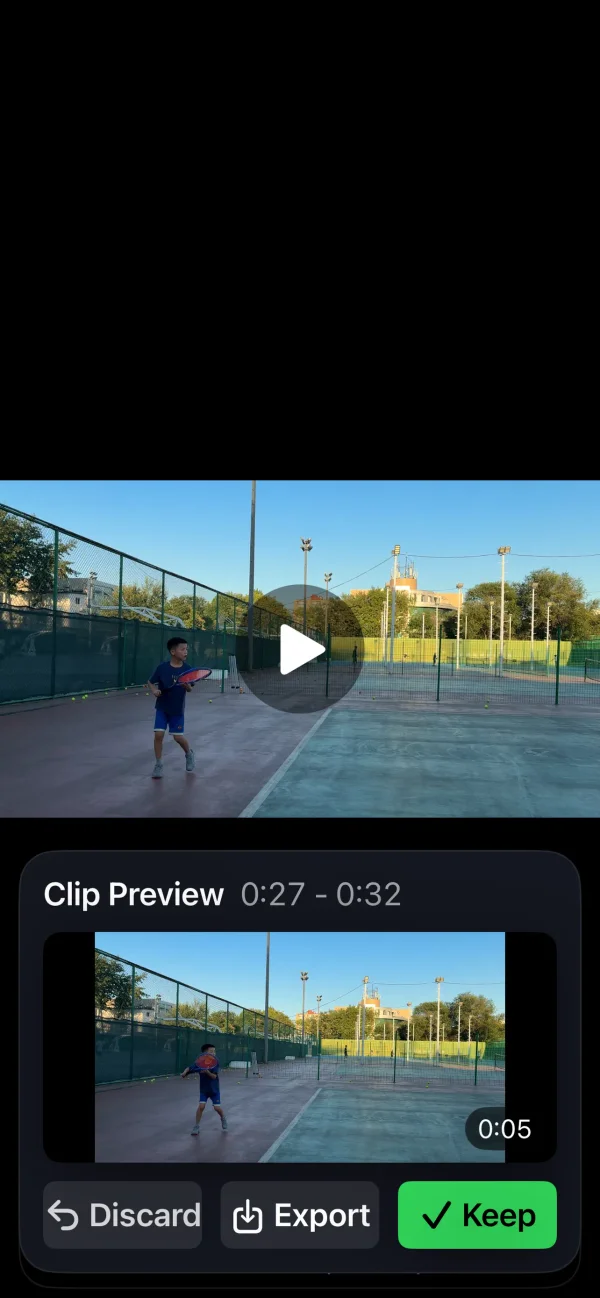
Preview every clip before keeping it
Discard clips that do not make the cut
Build a project across multiple videos
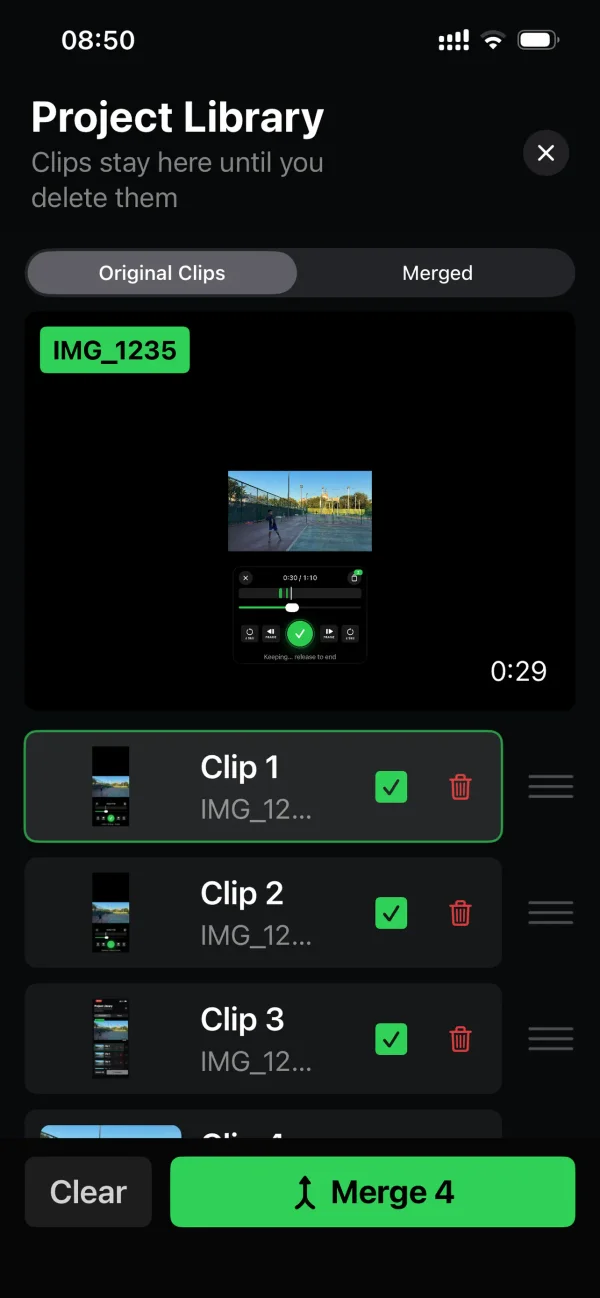
KeepFlow Cut lets you collect clips from different videos in one persistent project library. Your saved clips remain available when you switch videos or reopen the app.
Collect moments from multiple source videos
Organize clips in your preferred order
Select several clips for editing or merging
Keep original clips and merged videos separate
Delete project assets only when you choose to
Merge and export with ease
Combine clips from one or multiple videos into a new, independent video.
Create cross-video compilations
Preserve the original audio
Preview merged results instantly
Export multiple merged videos at once
Save finished videos directly to Photos
Your original videos stay untouched
KeepFlow Cut never modifies your original videos. Your source footage remains safely in your Photos library while you experiment, select, rearrange, and combine your favorite moments.
Perfect for travel memories, family videos, sports highlights, gaming clips, vlogs, and any moment you want to keep without spending hours editing.
KeepFlow Cut
Fast editing. Only the moments that matter.
アプリのプライバシー
このアプリのデータの取り扱いについて、万朋 于がApp Storeで申告している内容です。
-
データの収集なし
開発元はこのアプリからデータを収集しません。
プライバシーの取り扱いは、ご利用の機能やお客様の年齢などに応じて異なる場合があります。
情報
- 販売元
- 万朋 于
- カテゴリ
- 写真/ビデオ
- バージョン
- 1.0
- 更新日
- 2026/10/7
- リリース
- 2026/10/7
- サイズ
- 5.5 MB
- 必要条件
- iOS 18.6以降
- 対象年齢
- 4+
- 価格
- 無料
- 言語
- 英語
- 著作権
- © @WANPENG YU
こちらもおすすめ
-
 Crank - 映像スクラッチダイヤルを回して、映像をプレイ。
-
 Adagio: カクつかないスローモーション動画のスロー再生とフレーム補間
-
 SlowCam - Create SloMo Videos写真/ビデオ
-
 Automatic Capture SlowMo Video写真/ビデオ
-
 Video Filmmaker - Movie Maker写真/ビデオ
-
 Video Speed Control Vmotion写真/ビデオ
-
 LiveMaker: 動画を動く写真に動画から動く壁紙を作成
-
 反転動画 - 上下左右の反転・回転動画ダンスの練習に使える動画反転ツール。スローモーション機能付き
-
 スローシャッターカメラ :LightyCam長時間露光撮影を簡単手軽に
-
 Boomerang: Loop & GIF Maker写真/ビデオ