
- 対象年齢4+
- カテゴリ仕事効率化
- 開発元Kun Da WU
- 言語英語ほか1言語
- サイズ2.8 MB
App Storeの公式ページにリンクしています
Download.orgはKept Clipboardのファイルを一切ホストしていません。ボタンを押すと、Kun Da WUが公開しているApp Storeのアプリページが開きます。ページの最終確認:2026/11/20。
スクリーンショット
概要
開発元はこのテキストをお使いの言語で提供していません。
Kept is a private, encrypted library for the text, links, and images you deliberately choose to save. Nothing is captured in the background — you decide what goes in.
SAVE ONLY WHAT YOU CHOOSE
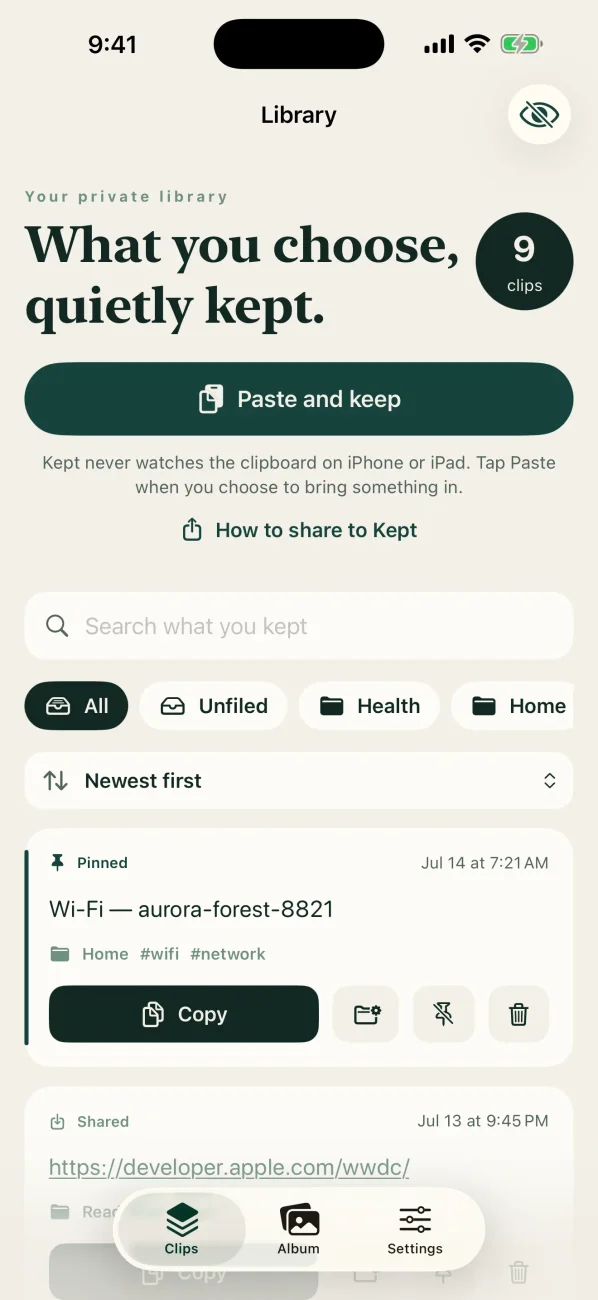
Kept never watches the clipboard. Add an item with the visible Paste button, the Share Sheet from any app, or a Shortcut you run yourself. Shortcuts can save without unlocking, and the item appears the next time you open Kept.
ENCRYPTED, THEN LOCKED
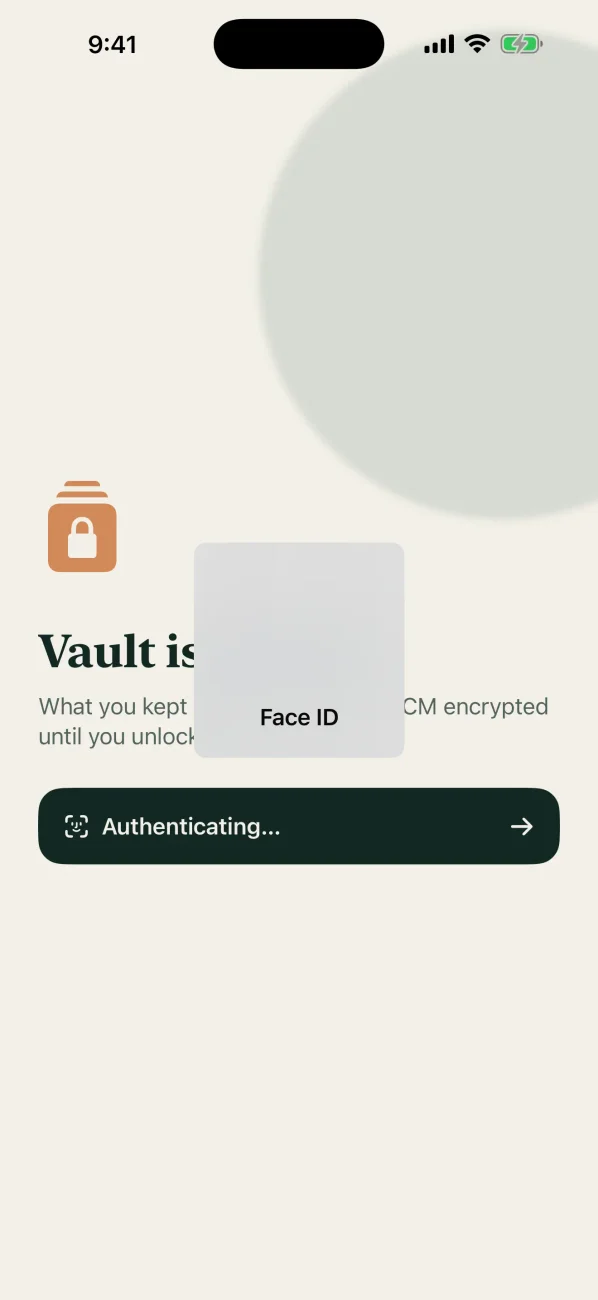
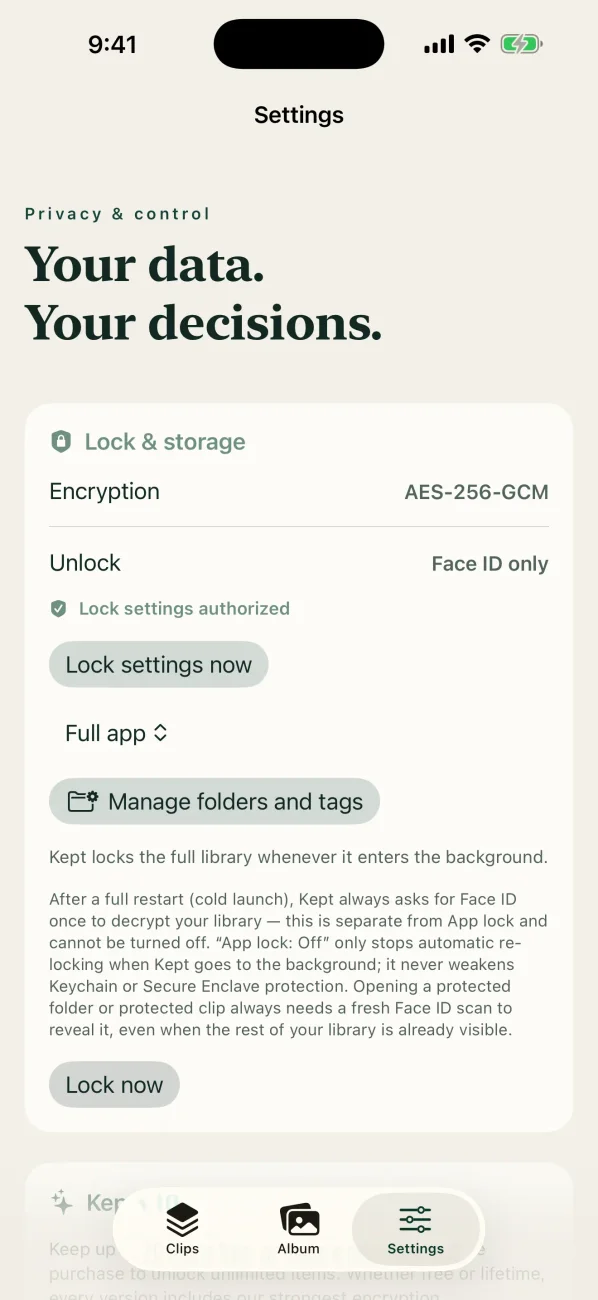
Every item is encrypted on device with AES-256-GCM. The key is protected by the Secure Enclave, and a cold launch always requires Face ID or Touch ID — with no passcode fallback. Choose what the lock covers: the whole app, selected folders, or a single clip. Changing any lock setting requires biometrics again.
ORGANIZE THE WAY YOU THINK
• Folders and tags, sortable by name or your own manual order
• Pin, search, copy, edit, and sort saved items
• Nest sub-items under a clip for related notes and images
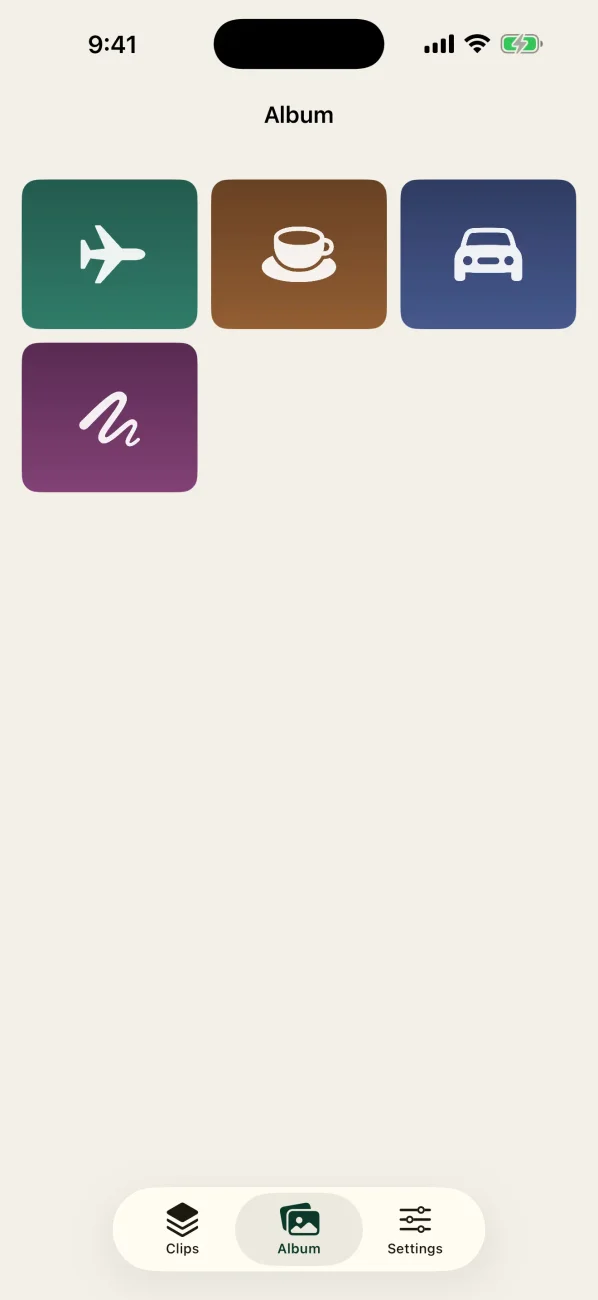
• Album view gathers every saved image in one grid; swipe between them full screen
HIDDEN MODE
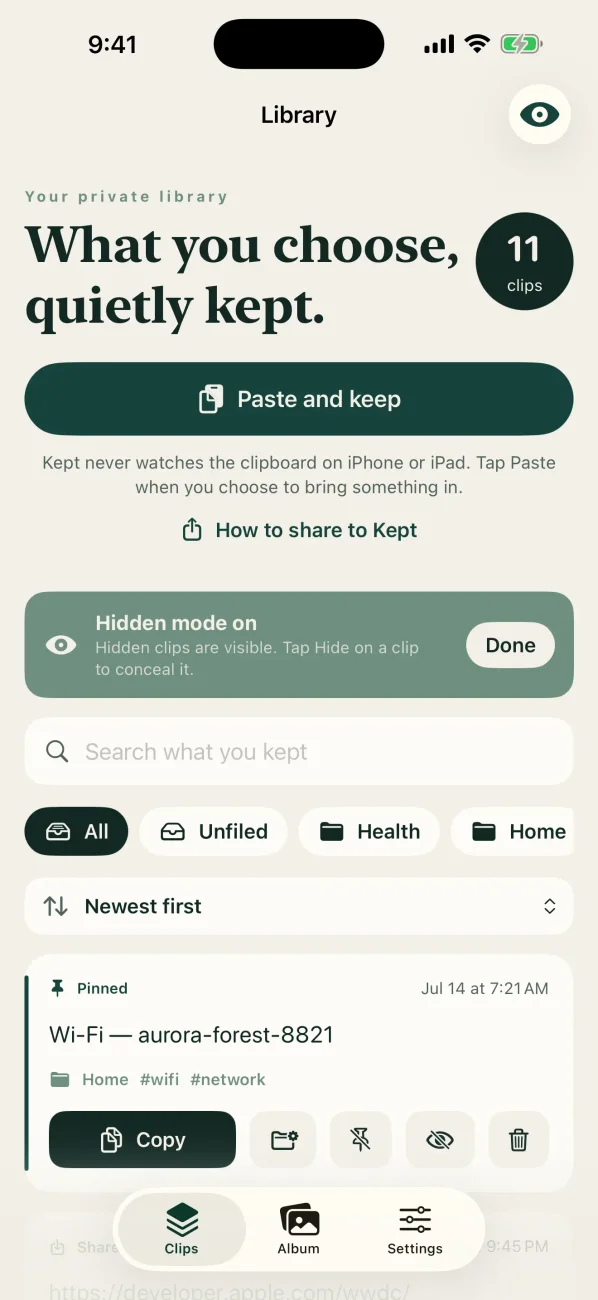
Mark sensitive clips as hidden and they disappear completely from the library, search, and counts. Unlock Hidden mode with biometrics to reveal or manage them; it re-hides automatically when you leave or background Kept.
IMAGES & RICH TEXT
Save images and formatted text, keep them under a clip, and copy or share them whenever you need.
PRIVATE BY DESIGN
• No account
• No advertising
• No analytics or tracking SDKs
• No background clipboard monitoring
• No cloud upload in this version
Kept is free for up to 20 saved items. A one-time Kept Pro purchase unlocks unlimited encrypted items — no subscription.
新機能
バージョン 1.0.1 · 2026/9/18
• Items now have a Tags section: add or remove tags directly inside an item, and see which folder it belongs to.
• Tag filters in the home category bar. Paste while a tag or folder is selected and the new item is filed there automatically, with a hint shown before you tap.
• Pasting content that already exists now merges tags instead of overwriting them, and never moves the existing folder.
• Fixed the scroll position and selected tab resetting when returning to the app.
アプリのプライバシー
このアプリのデータの取り扱いについて、Kun Da WUがApp Storeで申告している内容です。
-
データの収集なし
開発元はこのアプリからデータを収集しません。
プライバシーの取り扱いは、ご利用の機能やお客様の年齢などに応じて異なる場合があります。
情報
- 販売元
- Kun Da WU
- カテゴリ
- 仕事効率化
- バージョン
- 1.0.1
- 更新日
- 2026/9/18
- リリース
- 2026/7/17
- サイズ
- 2.8 MB
- 必要条件
- iOS 17.0以降
- 対象年齢
- 4+
- 価格
- 無料
- アプリ内課金
- あり
- 言語
- 英語, 繁体字中国語
- 著作権
- © 2026 Kept
こちらもおすすめ
-
 TypeHelper仕事効率化
-
 リンク・写真を保存して整理気になる記事もアイデアも、すぐ見つかる
-
 DayKit: 総合ライフログ毎日のトラッキングと整理
-
 ブックマークセーフ安全、同期、整理整頓
-
 copycopy: コピー&ペースト履歴ローカルのクリップボード管理
-
 Do it! やることリスト&四象限シンプルなタスク管理と優先度整理
-
 CopyNow - クリップボード管理定型文を保存、キーボードですぐ貼り付け
-
 FragNote - メモ, 日記, メモ , 付箋今を記録し、過去を振り返る。
-
 Quick Paste: Clipboard Historyコピー, クリップボード履歴&キーボード,Copy Text
-
 World Radio League仕事効率化