- 対象年齢4+
- カテゴリ仕事効率化
- 開発元Farren Domenici
- 言語英語
- サイズ12.4 MB
App Storeの公式ページにリンクしています
Download.orgはKey Retrieveのファイルを一切ホストしていません。ボタンを押すと、Farren Domeniciが公開しているApp Storeのアプリページが開きます。ページの最終確認:2026/11/18。
スクリーンショット
概要
開発元はこのテキストをお使いの言語で提供していません。
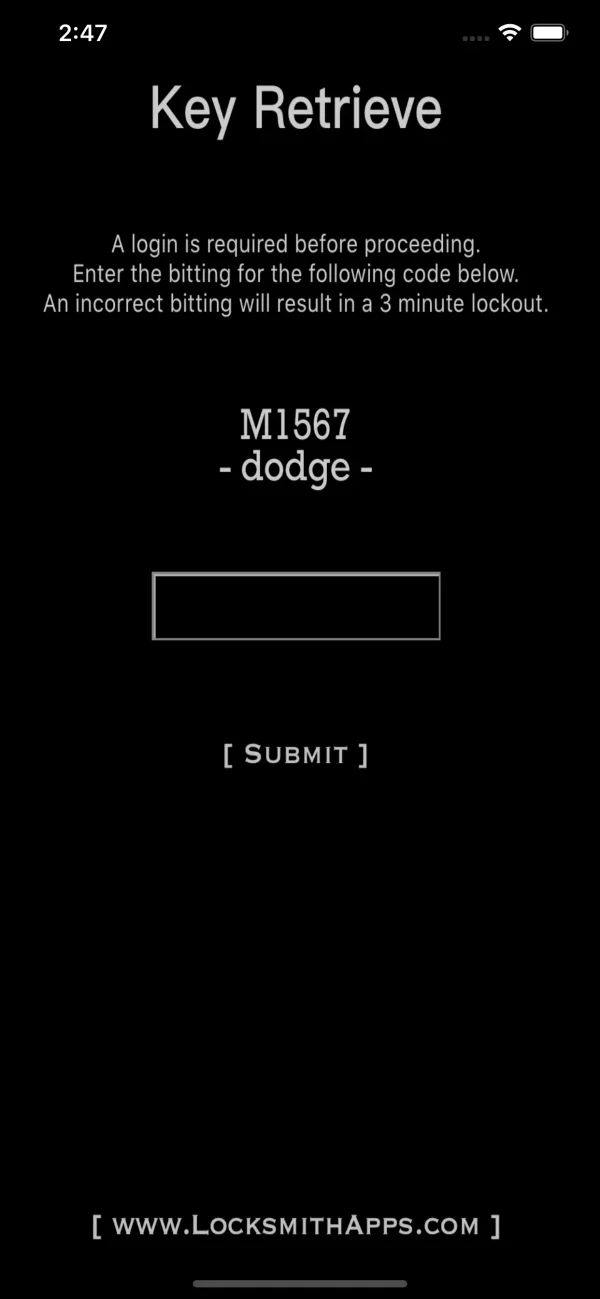
***Important: Key Retrieve requires a login each and every time before using. The login will generate a random lock code in which the correct bitting will need to be provided. If you are not in the locksmith industry you will be unable to use this app.***
Have a customer who lost the combination to their push button lock box? Then this tool will help you retrieve your customer's keys and allow the ability to reuse their lock box.
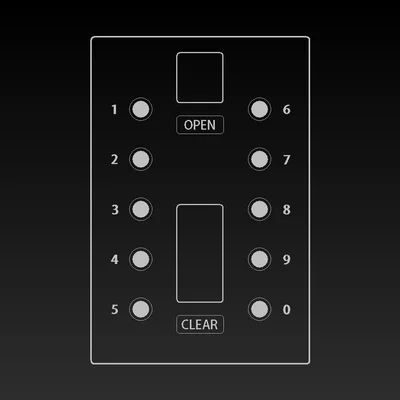
This tool was made specifically for the style lock boxes that have mechanical push buttons numbered one through five along the left side, 6 through zero along the right side, a vertical slider in the top-middle to open, and a vertical slider in the bottom-middle to clear all the buttons that may have been pressed. These lock boxes allow any combination of the ten numbers to be set from simply no combination at all to using all ten numbers, barring that no number can be repeated and the order in which the numbers are pressed do not matter.
There are two different methods in which Key Retrieve uses: lock boxes that cannot be manipulated and lock boxes that can. This tool will not help manipulate nor will it show which method to use, but instead facilitates the process by eliminating wasted attempts and removes possibilities that would never exist.
Overview:
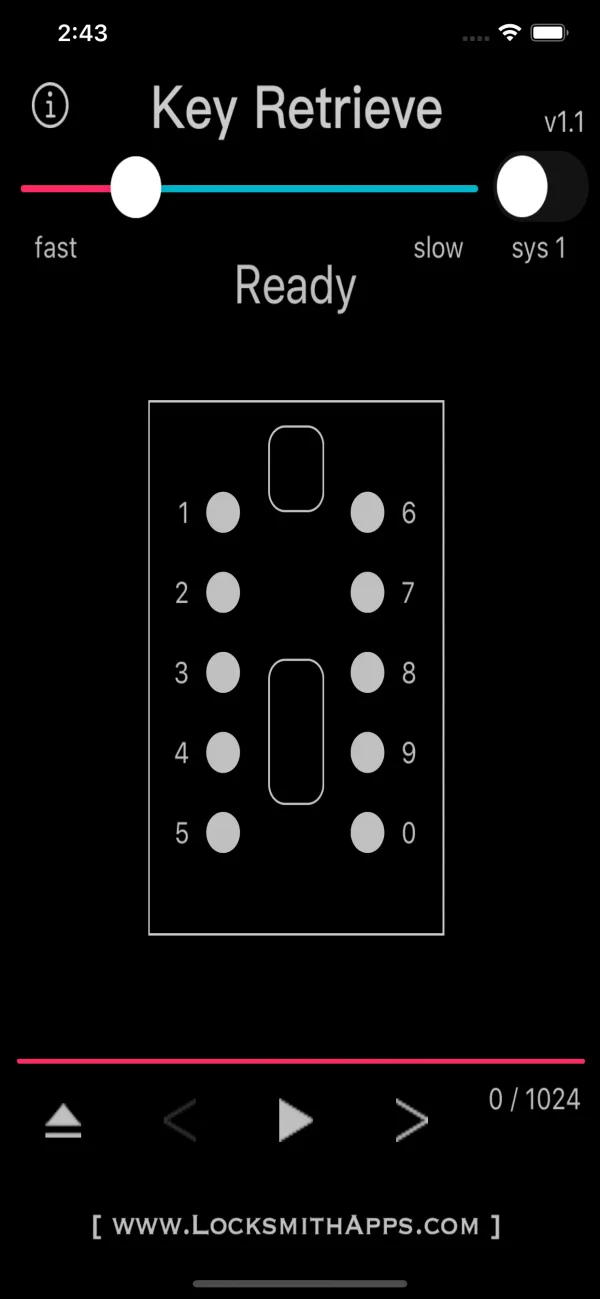
Key Retrieve consists of two different methods for opening which are simply named System 1 and System 2. You can toggle between the systems using the switch in the upper right hand corner. Both systems are executed using the controls at the bottom: Eject resets everything to default. Left Arrow moves back a step. Play begins the sequence automatically. Pause stops the sequence. And Right Arrow moves forward a step. (moving back a step is infinite for System 1 but limited to one step for System 2).
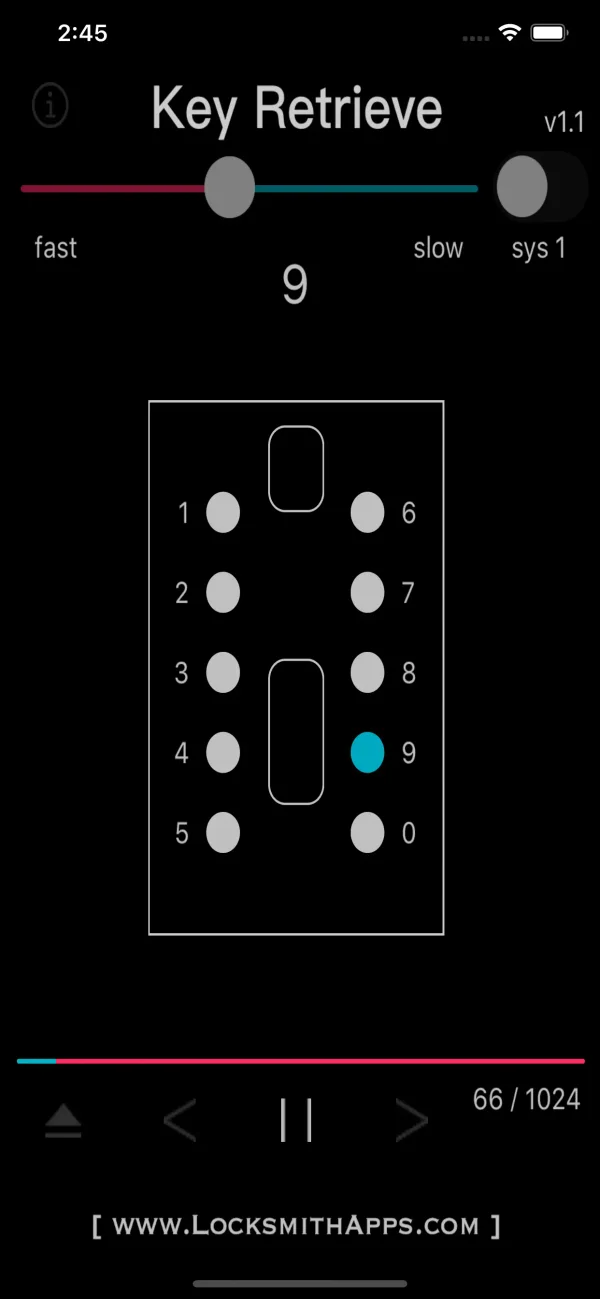
Right above the controls is a progress bar that displays the amount of combinations tried out of the combinations available, as well at the very top is a slider to control the speed when using the automatic sequence (play control). Lastly, in the middle displays the combination to be tried in text as well as a graphic representation of the lock where the corresponding numbers/buttons will highlight to help as a visual aid.
System 1:
This system is only used on locks that cannot be manipulated and/or when no prior knowledge exists. Use System 2 if any part of the combination is known. Because these locks do not care about order and numbers cannot be repeated, there are only 1,024 possibilities (including no combination). This system will exhaust all 1,024 if needed, which with no strategy amounts to pressing over 7,000 buttons. However, only about a third of this 7,000+ total will be required for this system's method.
To start, press Play or use the Next control repeatedly. The app will tell you one by one which button to press that you will simply copy onto the lock. You can set your speed by using the slider at the top if utilizing the Play control to run automatically.
Tip: Before starting set the speed at various settings to calibrate your comfort.
System 2:
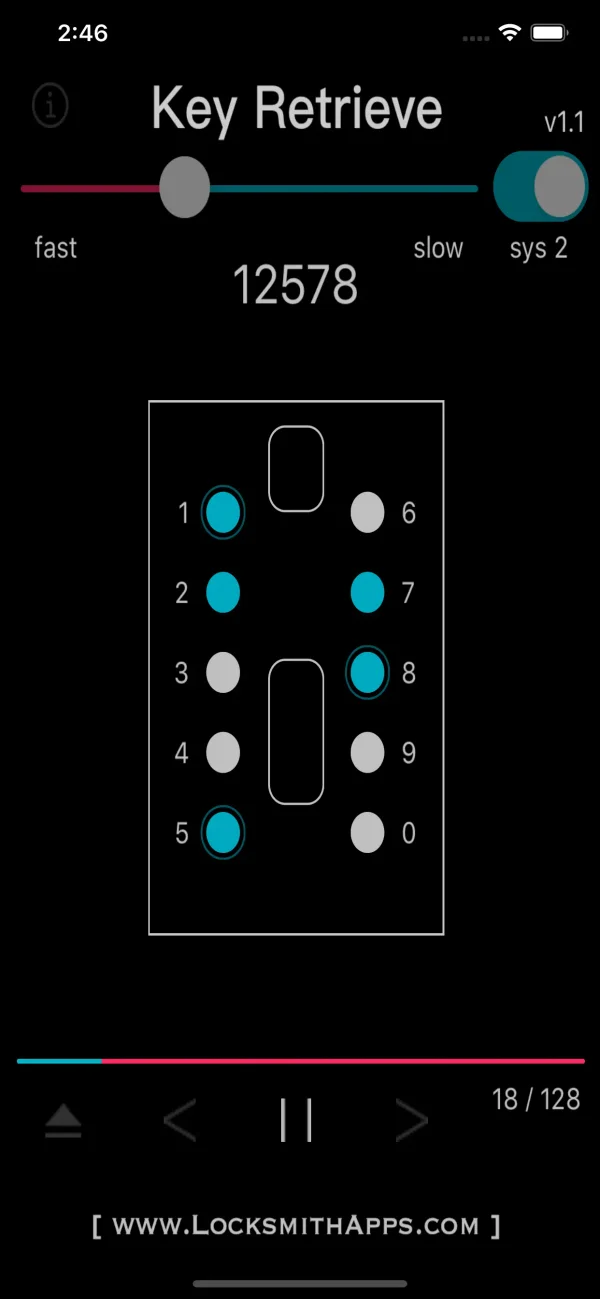
This system is only used when you have at least one known number in the combination, which is typically achieved from manipulation. Every number that is known in advance cuts the total possibilities in half.
To start, tap on each number that is known and one at a time the number will be highlighted with a blue halo (tap again to turn off). After all known numbers have been selected, begin by using the Play or Next controls similar to System 1, except instead of a single button being displayed, the entire combination followed by Open and Clear will result as a single cycle. Remember that order does not matter: if the combination displayed contains a 1, 5, and an 8, then pressing 8 then 1 then 5 will result the same.
Tip: Take your time manipulating the lock before using the app. Spending an extra minute or two up front can save much more later on.
新機能
バージョン 1.1.3 · 2026/3/12
-Under the hood repairs
アプリのプライバシー
このアプリのデータの取り扱いについて、Farren DomeniciがApp Storeで申告している内容です。
-
データの収集なし
開発元はこのアプリからデータを収集しません。
プライバシーの取り扱いは、ご利用の機能やお客様の年齢などに応じて異なる場合があります。
情報
- 販売元
- Farren Domenici
- カテゴリ
- 仕事効率化
- バージョン
- 1.1.3
- 更新日
- 2026/3/12
- リリース
- 2018/8/4
- サイズ
- 12.4 MB
- 必要条件
- iOS 12.0以降
- 対象年齢
- 4+
- 価格
- ¥1,500
- 言語
- 英語
- 著作権
- © 2012-2026 Farren Domenici