- 対象年齢4+
- カテゴリユーティリティ
- 開発元Appwared
- 言語英語
- サイズ1.5 MB
App Storeの公式ページにリンクしています
Download.orgはKino Controllerのファイルを一切ホストしていません。ボタンを押すと、Appwaredが公開しているApp Storeのアプリページが開きます。ページの最終確認:2026/11/14。
スクリーンショット
概要
開発元はこのテキストをお使いの言語で提供していません。
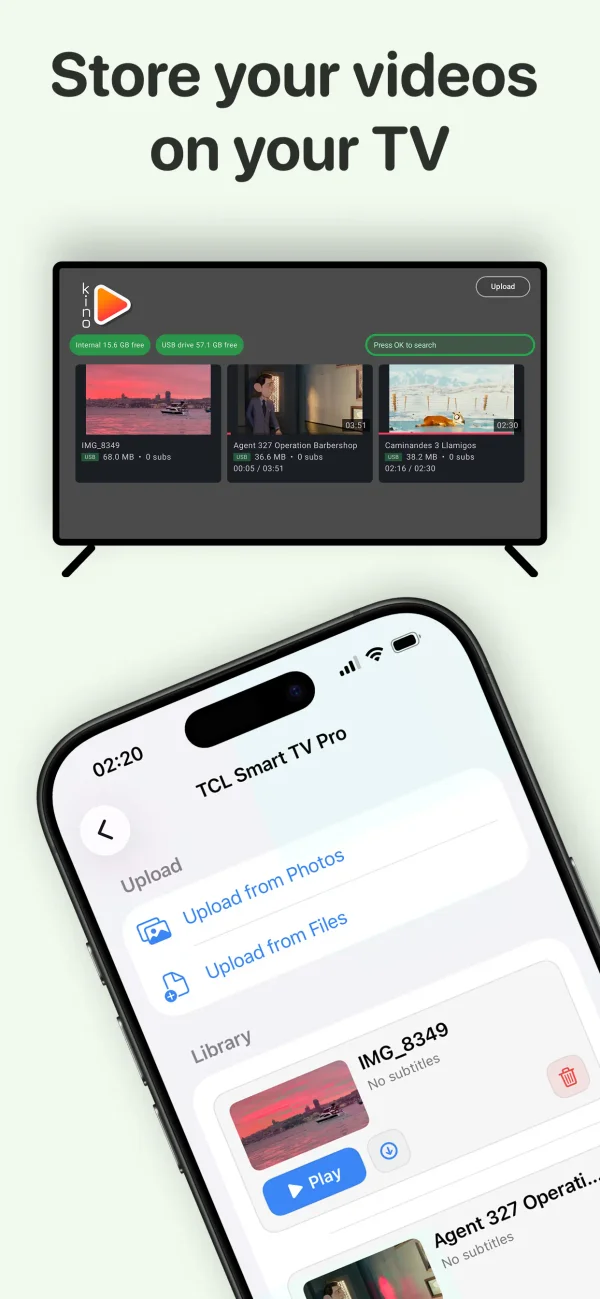
Kino for iPhone is your companion for Kino TV. Kino TV app is an app for your smart TV that turns your TV into a media server where you can store and play your videos.
Designed for speed and clarity, Kino Controller for iOS gives you precise control over your TV media experience from your iPhone or iPad, with no clutter and no setup friction.
What you can do:
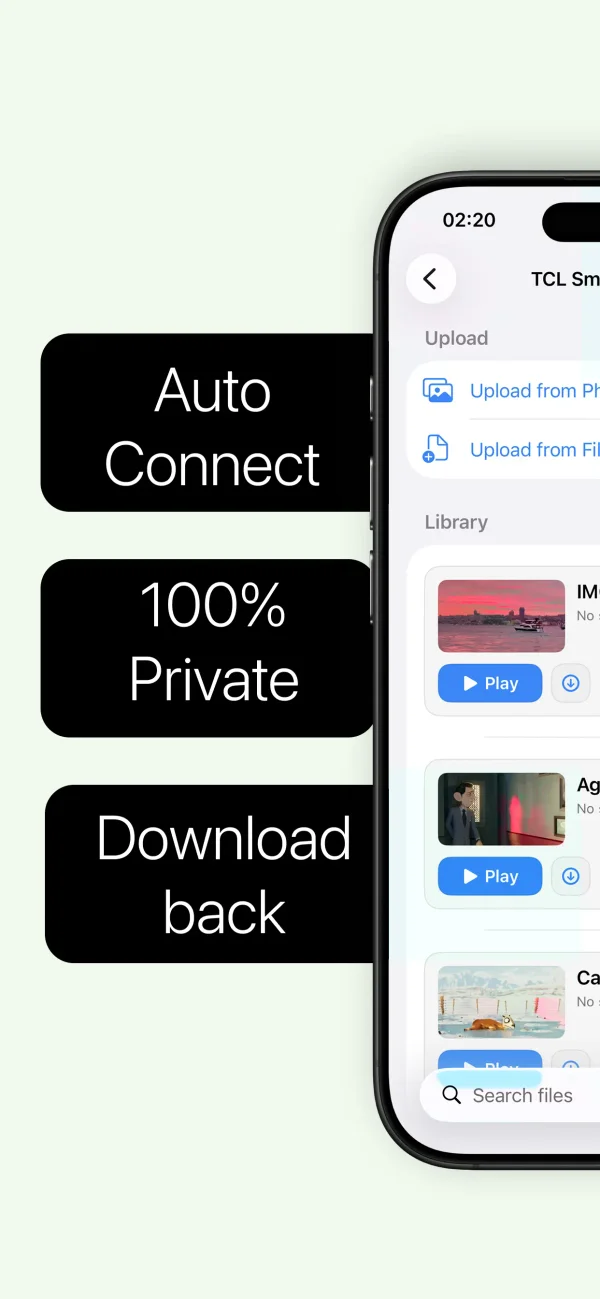
Connect to your Kino TV app automatically on your local network
Upload videos from Photos and Files
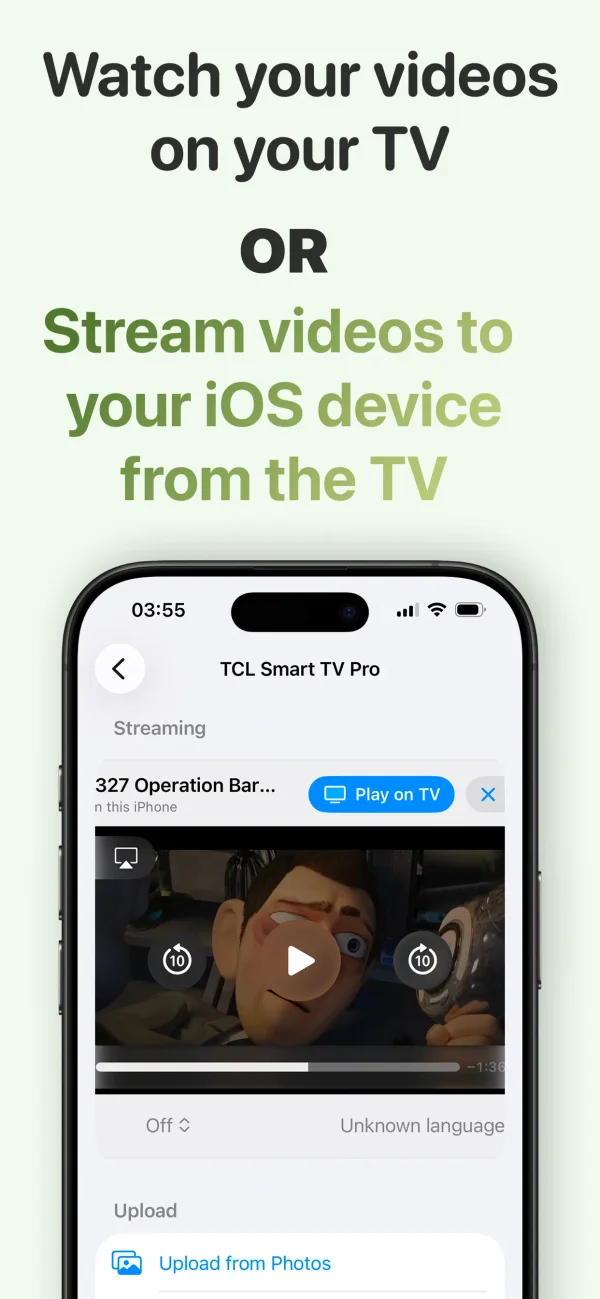
Stream those videos in your iOS device without wasting disk space
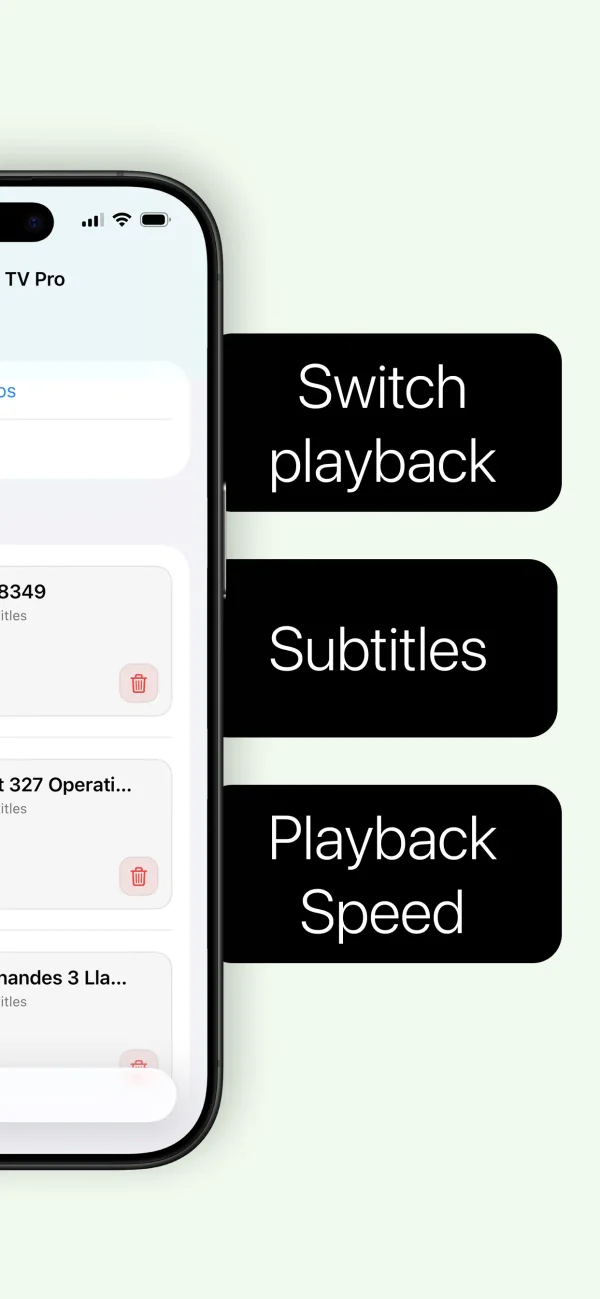
Control playback with precision: play, pause, stop, seek
Move between iPhone and TV playback with a seamless flow
Built for everyday use:
Fast, reliable local transfers
Clean interface focused on what matters
Smooth control from browsing to playback
Kino for iPhone requires Kino TV app on your television. Kino TV app allows you to store your video files in your TV's memory or the USB memory stick you can plug in your TV.
Connect both devices to the same Wi‑Fi network and enjoy a polished, unified viewing workflow.
Kino TV app is currently available for Google TV.
How to use:
1) Install and open the Kino TV app from this link: https://play.google.com/store/apps/details?id=com.mrtksn.kino
2) Launch Kino Controller for iOS, it should detect your TV automatically. Click on the TV to select if not already selected
3) The TV app will give you 3 digits code and the Kino Controller will prompt you to enter this 3 digit code. After you enter the code and click verify, this app and your TV will be paired and won't ask you again for this code unless re-install the app or don't use the app for long time. The next time you launch the app it will seamlessly connect.
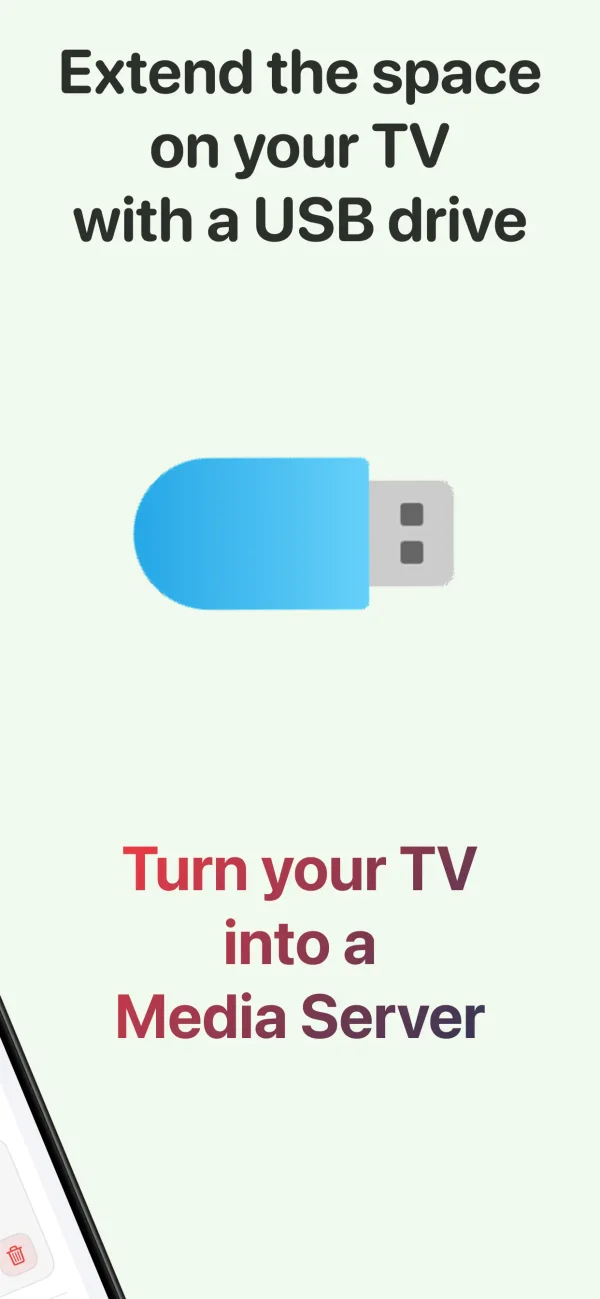
4) Upload your videos that you want to be stored on your TV memory. You can extend the space available on the Kino TV app by plugging a USB disk to your TV. If your TV asks you if you want to extend the TV storage with that disk, cancel that. The Kino TV app will ask you if you want to use the USB drive, select yes to use the USB to store your video files on the USB drive. You can move your files between the USB drive and the Internal storage of your TV using the Kino Controller for macOS or directly on your Kino TV app.
5) You can play the videos stored in your TV directly on your TV but you can also stream these videos from your TV using the Kino Controller iOS app without using disk space. You can download the videos stored in the TV back to your iOS device.
Kino is %100 private, we do not track or store any data about you.
See our privacy policy: https://appwared.com/misc/kino-privacy-policy
No ads.
The ability to use USB with the Kino TV app depends on your TV to support USB drives.
Free version of Kino allows you to store up to 10 videos in your TV, you can unlock unlimited(as your storage allows) video files storage by making an in app purchase from this macOS app. Each purchase activates the full version of the currently connected Kino TV app permanently, you can unlock full version for as many Kino TVs as you like by making a purchase for each one when connected.
Kino Controller offers sign in with Apple(optional). We recommend using this functionality, it allows you to restore and re-unlock your previously unlocked Kino TV apps in case of a reset or re-install. Using sign in with Apple to restore previous purchases requires storing some data, please check our privacy policy.
新機能
バージョン 1.2.0 · 2026/11/13
Added support for video grouping
アプリのプライバシー
このアプリのデータの取り扱いについて、AppwaredがApp Storeで申告している内容です。
-
データの収集なし
開発元はこのアプリからデータを収集しません。
プライバシーの取り扱いは、ご利用の機能やお客様の年齢などに応じて異なる場合があります。
情報
- 販売元
- Appwared LTD
- カテゴリ
- ユーティリティ
- バージョン
- 1.2.0
- 更新日
- 2026/11/13
- リリース
- 2026/4/25
- サイズ
- 1.5 MB
- 必要条件
- iOS 18.0以降
- 対象年齢
- 4+
- 価格
- 無料
- アプリ内課金
- あり
- 言語
- 英語
- 著作権
- © Appwared LTD
こちらもおすすめ
-
 Nota6ユーティリティ
-
 スワイプカウンター - ジェスチャー計数シンプルで美しい 手首専用カウンター
-
 WattPulse Proユーティリティ
-
 OBD2 Dashboards: Car Scannerユーティリティ
-
 E3 Controllerユーティリティ
-
 期限トラッカー-保証更新サブスク保険コスト日次通知保証保険サブスク更新リマインダーカレンダー日次通知
-
 AI Detect: USB-C to HD OutAI Detect: Type-C DP Alt Mode
-
 Battery Life Widgetsユーティリティ
-
 Mobile Mouse USB Remoteユーティリティ
-
 Frame Rateユーティリティ