- 対象年齢4+
- カテゴリユーティリティ
- 開発元Y Phic Hdok
- 言語英語
- サイズ3.7 MB
App Storeの公式ページにリンクしています
Download.orgはKoho Keyboardのファイルを一切ホストしていません。ボタンを押すと、Y Phic Hdokが公開しているApp Storeのアプリページが開きます。ページの最終確認:2026/11/20。
スクリーンショット
概要
開発元はこのテキストをお使いの言語で提供していません。
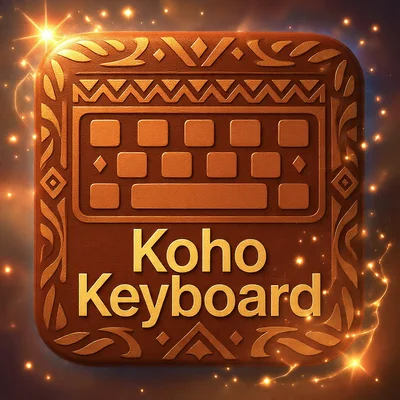
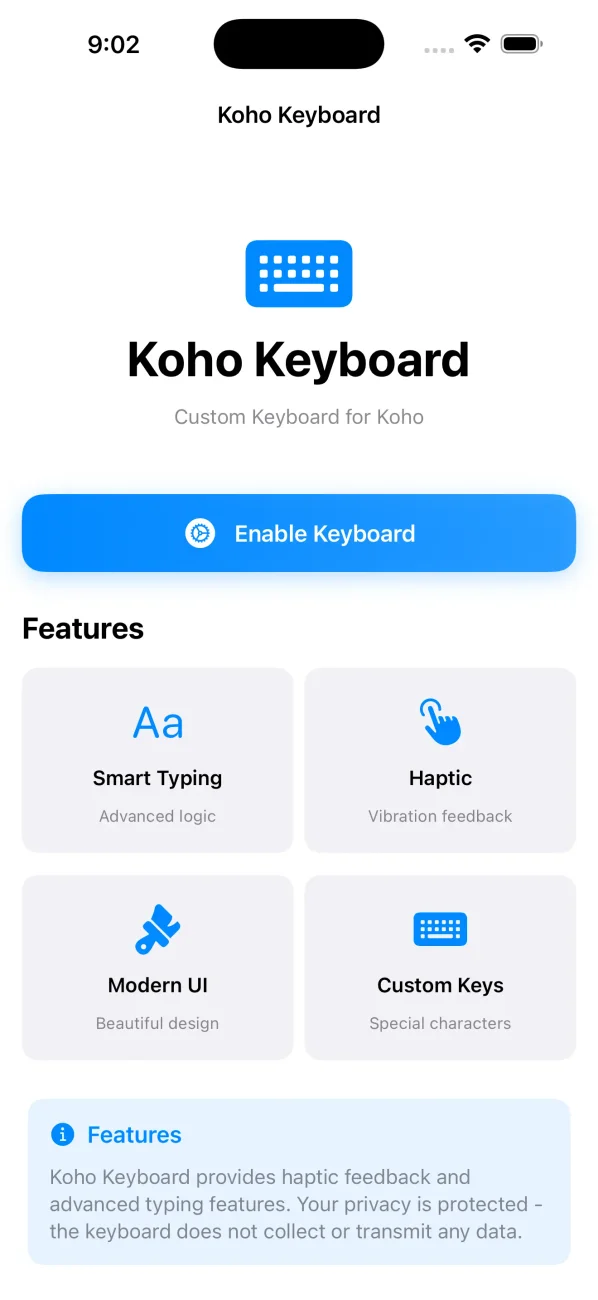
Koho Keyboard – A custom iOS keyboard with advanced typing features, special character transformations, haptic feedback, and a modern design.
Koho Keyboard
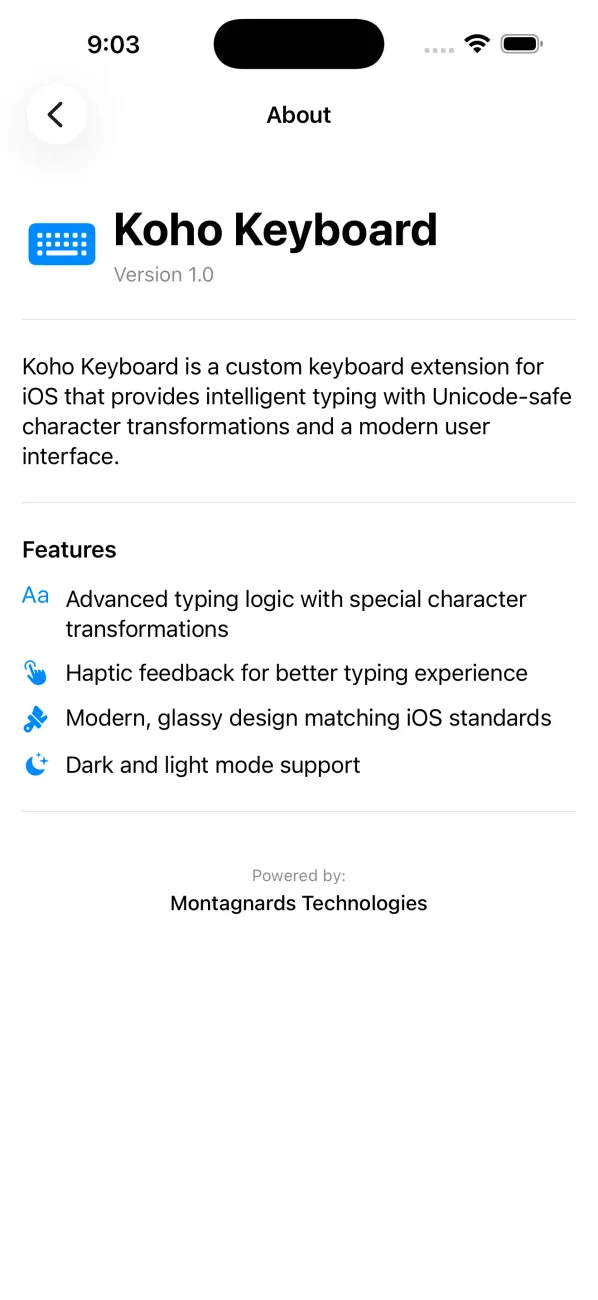
Koho Keyboard is a powerful and elegant custom keyboard extension for iOS that brings advanced typing capabilities to your device. With a modern, glassy interface that matches iOS design standards, Koho Keyboard delivers intelligent character transformations, smooth performance, and an exceptional typing experience.
Key Features
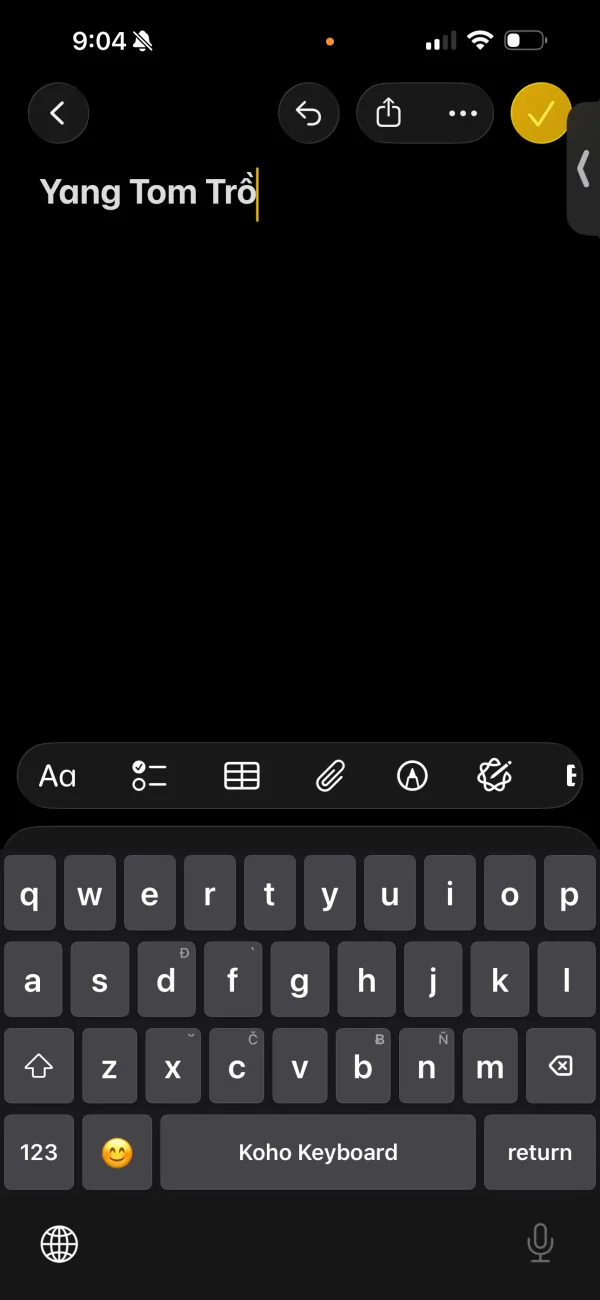
Advanced Typing Logic Type special characters effortlessly using intuitive key combinations. Koho Keyboard automatically transforms your input into the correct diacritics, including breve marks, circumflex accents, horn vowels, and grave accents.
Special Character Transformations
Breve vowels: vowel + x → ă, ĕ, ĭ, ŏ, ŭ
Circumflex vowels: type the vowel twice → â, ê, ô
Horn vowels: o + w → ơ, u + w or u + u → ư
Grave accent: vowel + f → à, è, ì, ò, ù
Special consonants: double the consonant → č, đ, ƀ, ñ
Supports combined characters even when a vowel already has a diacritic
Modern Design A clean, glassy interface that integrates seamlessly with iOS. Automatically adapts to light and dark mode for a consistent, native look and feel.
Performance Optimized Built for speed and responsiveness. Zero‑delay character transformations, instant shift response, and smooth animations ensure a fast and fluid typing experience.
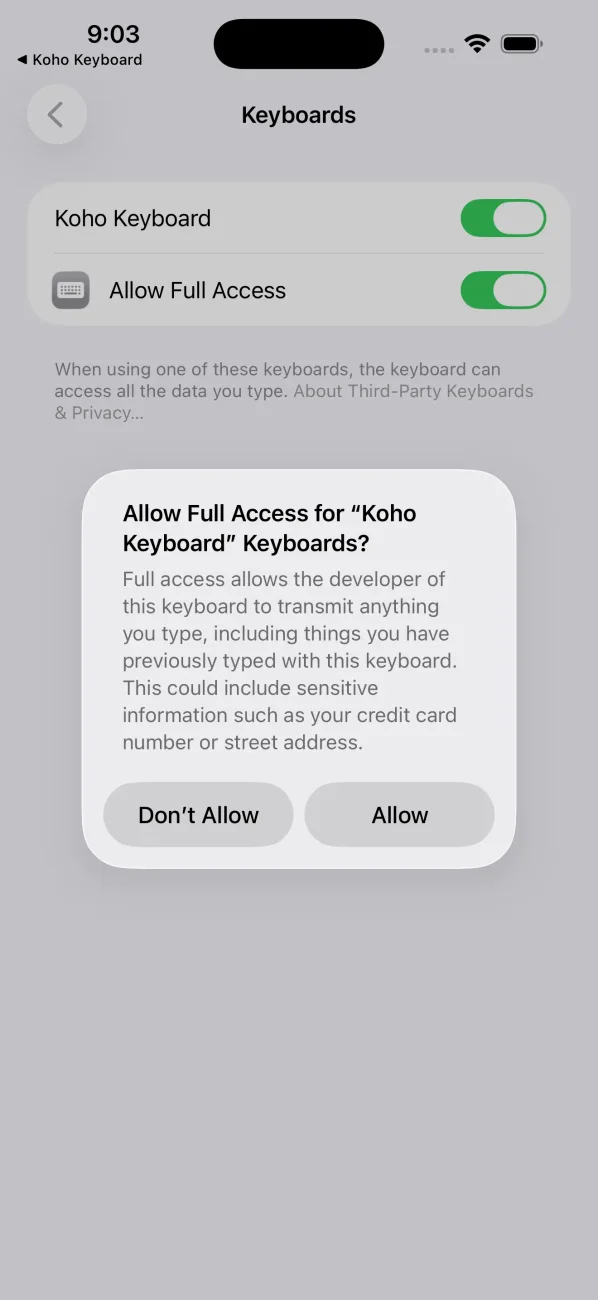
Haptic Feedback Provides satisfying tactile feedback on every keypress. Medium‑intensity haptics enhance the typing feel. Full Access is required for haptic feedback.
Privacy First Koho Keyboard operates entirely offline. No data collection, no tracking, and no internet access. All typing stays on your device. Full Access is required only for haptic feedback and advanced features, never for data collection.
Smart Features
Auto‑capitalization
Double‑space for period insertion
Smart keyboard switching
Context‑aware capitalization
Caps lock via double‑tap
Emoji keyboard support
Numbers and symbols mode
Perfect For
Users who type special characters and diacritics
Anyone looking for a modern, elegant keyboard alternative
Privacy‑focused users who prefer offline functionality
People who enjoy haptic feedback while typing
Getting Started
Install Koho Keyboard from the App Store
Open Settings > General > Keyboard > Keyboards
Tap Add New Keyboard and select Koho Keyboard
Tap Koho Keyboard again and enable Allow Full Access for haptic feedback
Start typing with advanced character transformations
Privacy and Security Koho Keyboard does not collect, store, or transmit any personal data. All typing happens locally on your device. The keyboard does not access the internet or share any information. Full Access is required only for haptic feedback and advanced features.
Support For questions, feedback, or support, please contact us through the app or visit our support page.
Version 1.0 Initial release with full feature set, including advanced character transformations, haptic feedback, and a modern UI design.
アプリのプライバシー
このアプリのデータの取り扱いについて、Y Phic HdokがApp Storeで申告している内容です。
-
データの収集なし
開発元はこのアプリからデータを収集しません。
プライバシーの取り扱いは、ご利用の機能やお客様の年齢などに応じて異なる場合があります。
情報
- 販売元
- Y Phic Hdok
- カテゴリ
- ユーティリティ
- バージョン
- 1.0
- 更新日
- 2025/12/16
- リリース
- 2025/12/15
- サイズ
- 3.7 MB
- 必要条件
- iOS 26.1以降
- 対象年齢
- 4+
- 価格
- ¥300
- 言語
- 英語
- 著作権
- © Montagnards Technologies