- 対象年齢4+
- カテゴリユーティリティ
- 開発元MAURI JUHANI SNELLMAN
- 言語英語
- サイズ22.9 MB
App Storeの公式ページにリンクしています
Download.orgはKuvariのファイルを一切ホストしていません。ボタンを押すと、MAURI JUHANI SNELLMANが公開しているApp Storeのアプリページが開きます。ページの最終確認:2026/11/18。
スクリーンショット





概要
開発元はこのテキストをお使いの言語で提供していません。
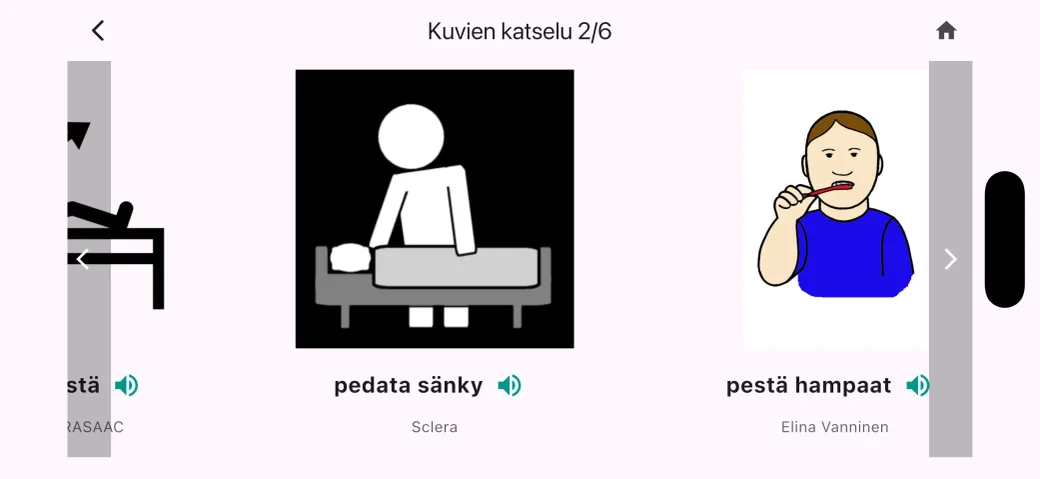
Kuvari is an intuitive tool for visual communication and Augmentative and Alternative Communication (AAC). It is designed to simplify daily interactions by providing quick access to clear symbols and the ability to string them into meaningful messages.
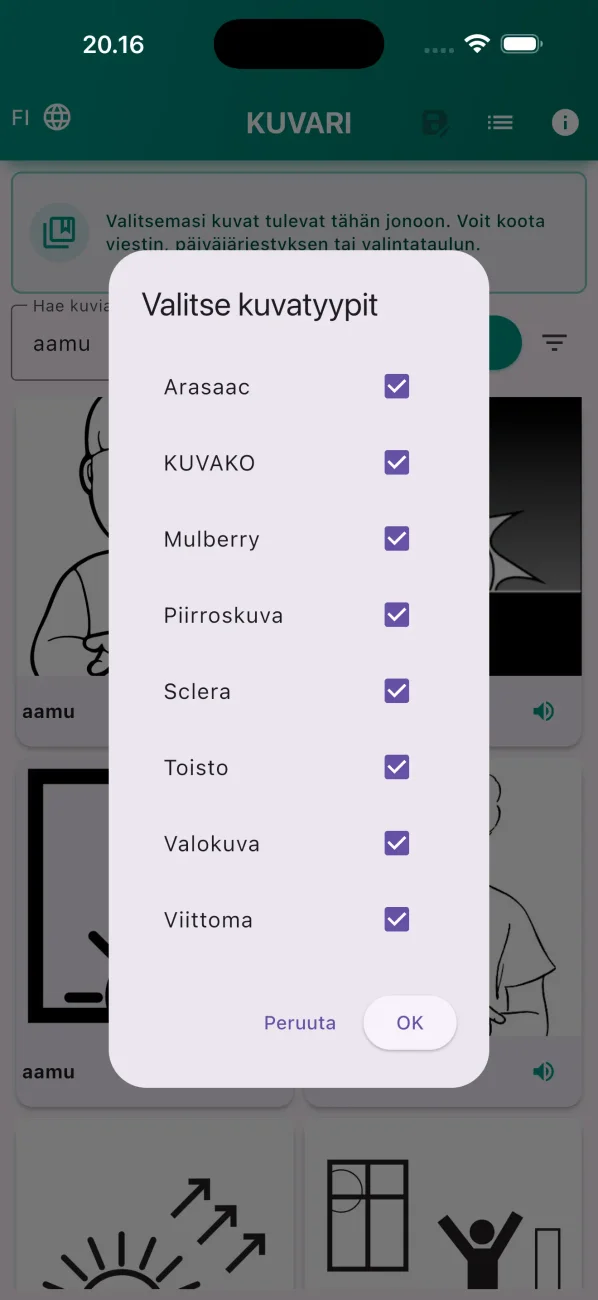
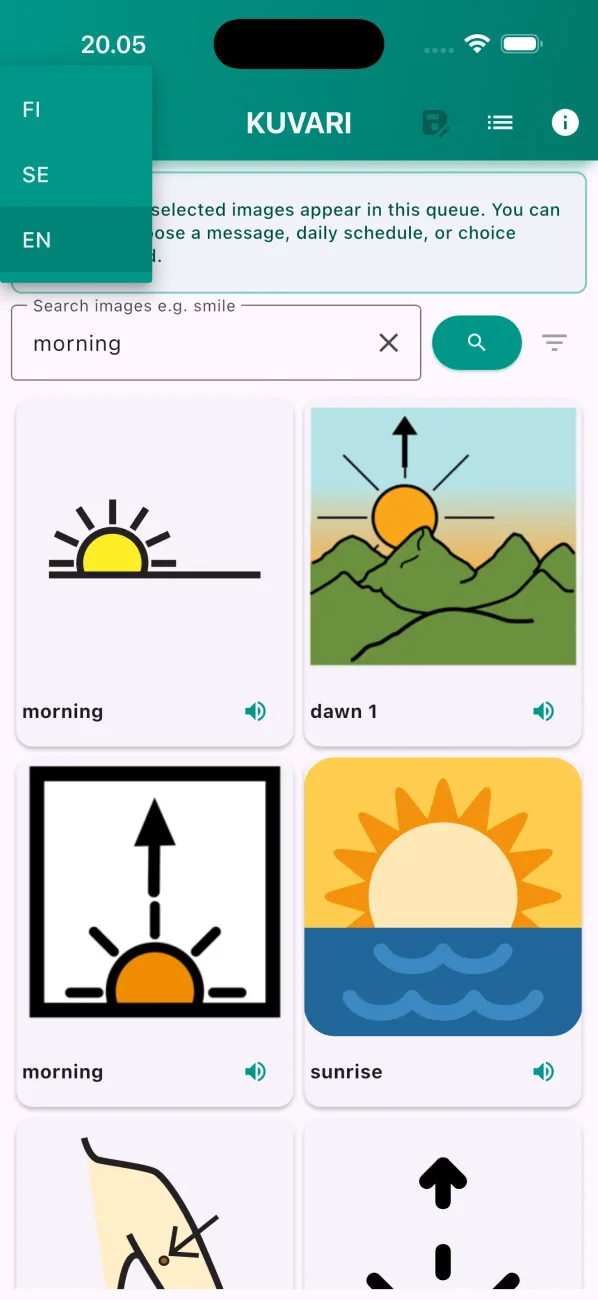
When used in English, Kuvari integrates with the extensive OpenSymbols library, giving you access to thousands of professionally designed icons from world-class collections (such as Sclera, Mulberry, and more).
Why choose Kuvari?
- OpenSymbols Integration: Access a vast world of diverse symbols and icons to find exactly what you need.
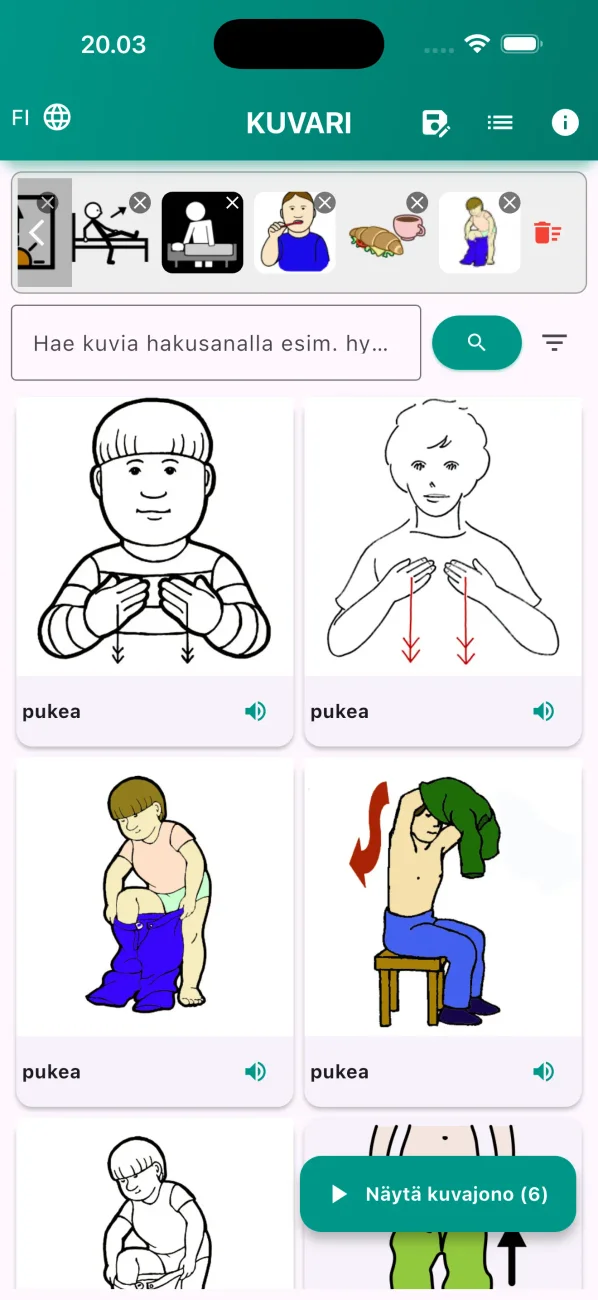
- Build Image Sequences: Select multiple images to form sentences, instructions, or visual schedules.
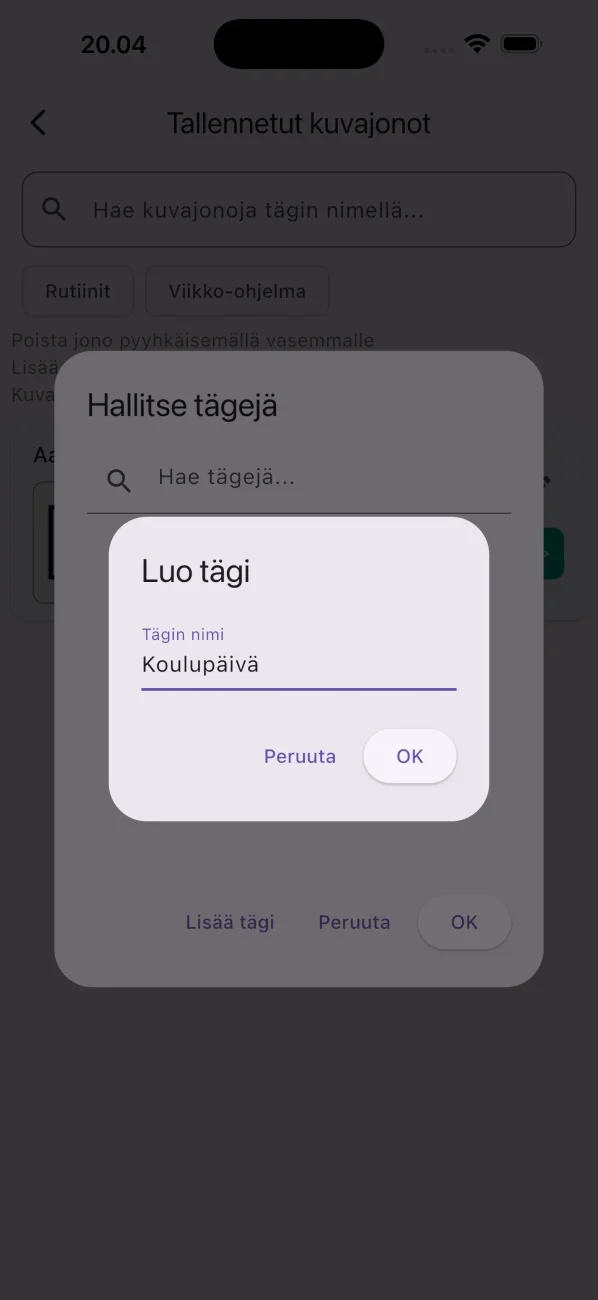
- Save & Reuse: Save your most frequent phrases and display them instantly during conversations.
- Accessible & Minimalist: A clean, distraction-free interface suitable for users of all ages and abilities.
- Open Source & Free: Kuvari is a non-profit hobby project. No ads, no subscriptions—just a tool to help people connect.
Kuvari is an excellent aid for:
- Professionals using visual communication in their work
- Non-verbal individuals or those with speech impairments.
- Children supporting their language development.
- Language learners (ESL/ELL).
新機能
バージョン 1.6.0 · 2026/9/15
What's New in Kuvari 1.6.0:
This release introduces story editing along with substantial usability, visual clarity, and accessibility enhancements:
• Edit saved stories on the Home Page: Easily open any saved image story back into the main collection queue to add, remove, reorder images, or rename the
story.
• Safe dual-mode saving: Choose whether to update the existing story (preserving its ID and tags) or save it as a new copy.
• Protected browsing: The saved stories list is now completely protected against accidental drag-reordering or deletion gestures while swiping.
• Instructive collection queue: The home queue is always visible with helpful onboarding guidance and an extended action button displaying the current image
count.
• Native text-to-speech (TTS): Low-latency speech engine that speaks symbol labels reliably even when silent mode is active.
• High-resolution symbols: Crisp, sharp Papunet and OpenSymbols rendering on modern high-DPI displays.
• Practical AAC guidance: Explore the updated Info page for concrete tips on choice-making, daily visual schedules, and modeling communication.
アプリのプライバシー
このアプリのデータの取り扱いについて、MAURI JUHANI SNELLMANがApp Storeで申告している内容です。
-
ユーザーに関連付けられないデータ
収集される場合がありますが、ユーザーの識別情報には関連付けられません。
- 使用状況データ
- 診断
プライバシーの取り扱いは、ご利用の機能やお客様の年齢などに応じて異なる場合があります。
情報
- 販売元
- MAURI JUHANI SNELLMAN
- カテゴリ
- ユーティリティ
- バージョン
- 1.6.0
- 更新日
- 2026/9/15
- リリース
- 2026/2/16
- サイズ
- 22.9 MB
- 必要条件
- iOS 15.0以降
- 対象年齢
- 4+
- 価格
- 無料
- 言語
- 英語
- 著作権
- © 2026 Juhani Snellman