- 対象年齢4+
- カテゴリユーティリティ
- 開発元Julian Petermaier
- 言語英語
- サイズ3.3 MB
App Storeの公式ページにリンクしています
Download.orgはLabelo Printのファイルを一切ホストしていません。ボタンを押すと、Julian Petermaierが公開しているApp Storeのアプリページが開きます。ページの最終確認:2026/11/7。
スクリーンショット





概要
開発元はこのテキストをお使いの言語で提供していません。
Labelo Print turns your iPhone into a proper label designer for Bluetooth thermal printers.
Built because I was tired of the ads and upsells. Same hardware, better tool: no account, no cloud, no sign-up — Labelo Print talks to your printer directly.
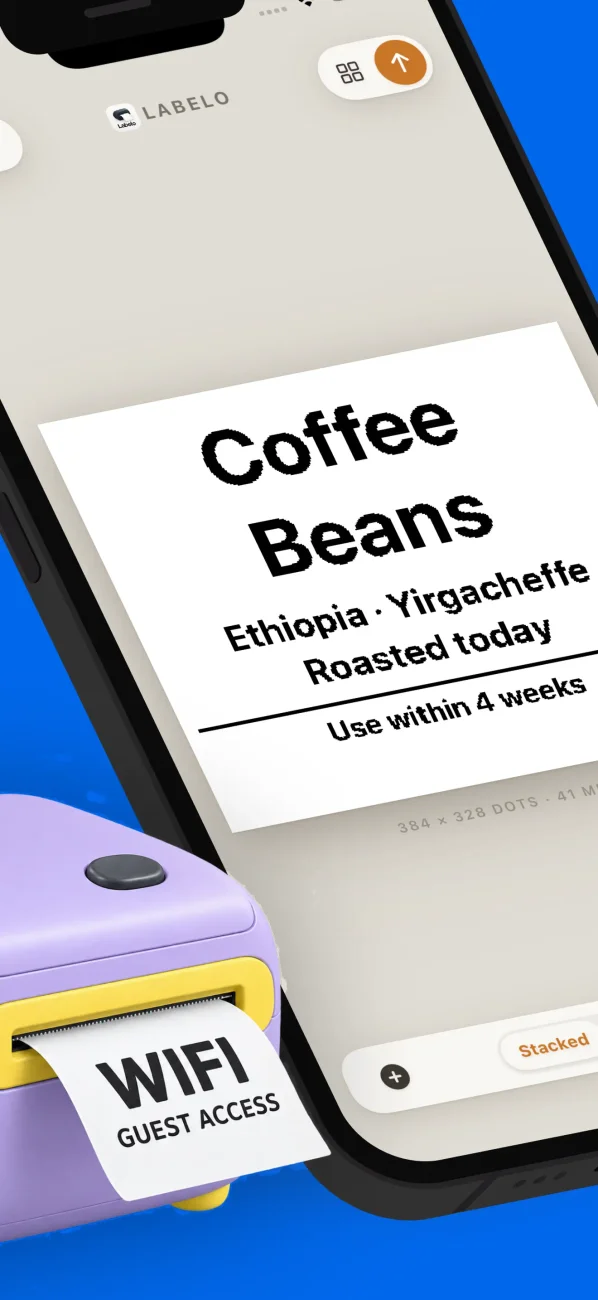
WHAT YOU SEE IS WHAT PRINTS
The label on screen is not an approximation. Labelo Print renders the exact 1-bit bitmap your printer will burn, dot for dot, and shows you that. What you arrange is what comes out.
Text is rasterised at 3x and downsampled before thresholding, so letters stay crisp instead of the blown-out, ragged type thermal printing is known for.
NO NONSENSE
No ads. No forced login. No account. No tracking, no analytics, no "rate us", no pop-up begging you to come back tomorrow. Nothing leaves your phone, because there is no server to send it to.
No ads, no subscriptions, no paying for a second font — all included, and no shenanigans.
Just labels, and a perfect print.
DESIGN
• Ten typefaces, chosen per line — System, Rounded, Serif, Mono, Avenir, Futura, Georgia, Typewriter, Marker and Chalkboard. Only faces that survive a 203 dpi print head are included.
• Five sizes, from fine print to 60-dot headlines
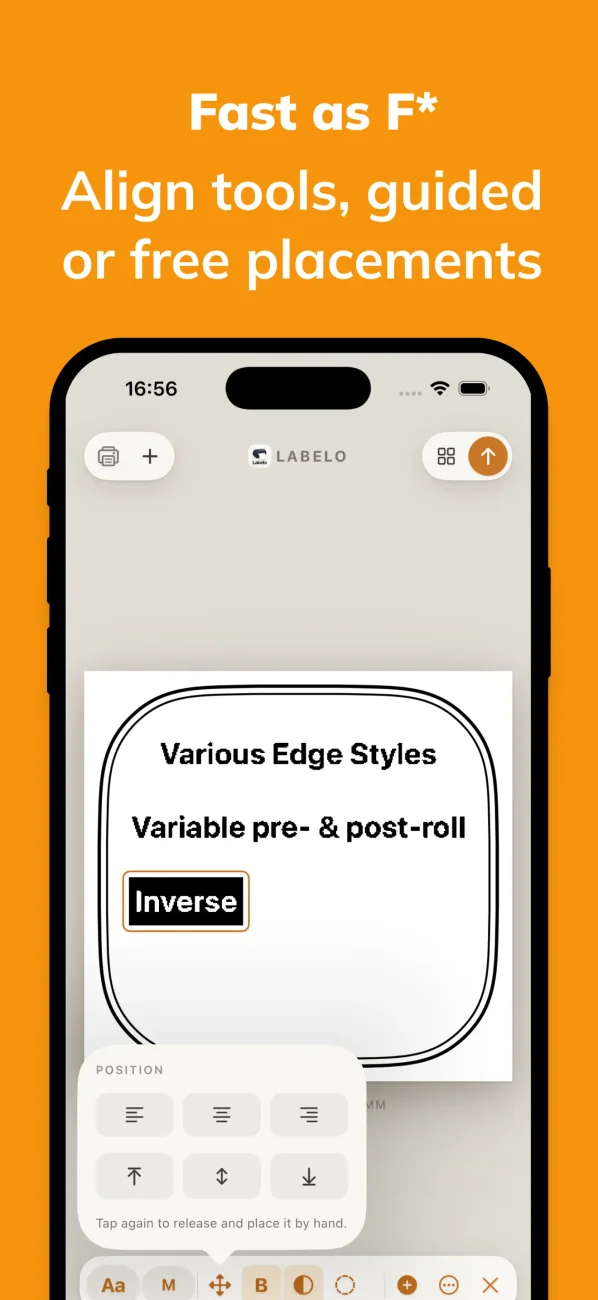
• Bold and inverted text — white on a solid black bar
• Left, centre and right alignment per line
• Bend any line along a circle, from straight to a full turn
• Add a QR code to make a label people can scan
• Rules and spacers to structure a label
• Borders: none, top-and-bottom rules, a frame with corners you can slide from square all the way to a pill, or an oval. Add a dashed or double line. Pick by looking at it, not by reading its name.
TWO WAYS TO LAY OUT
• Stacked — blocks flow top to bottom. Drag one to reorder it.
• Free-form — place every element by hand. Drag to move, twist to rotate, pinch to resize. Switching between the two never changes how your label looks.
RECENT LABELS
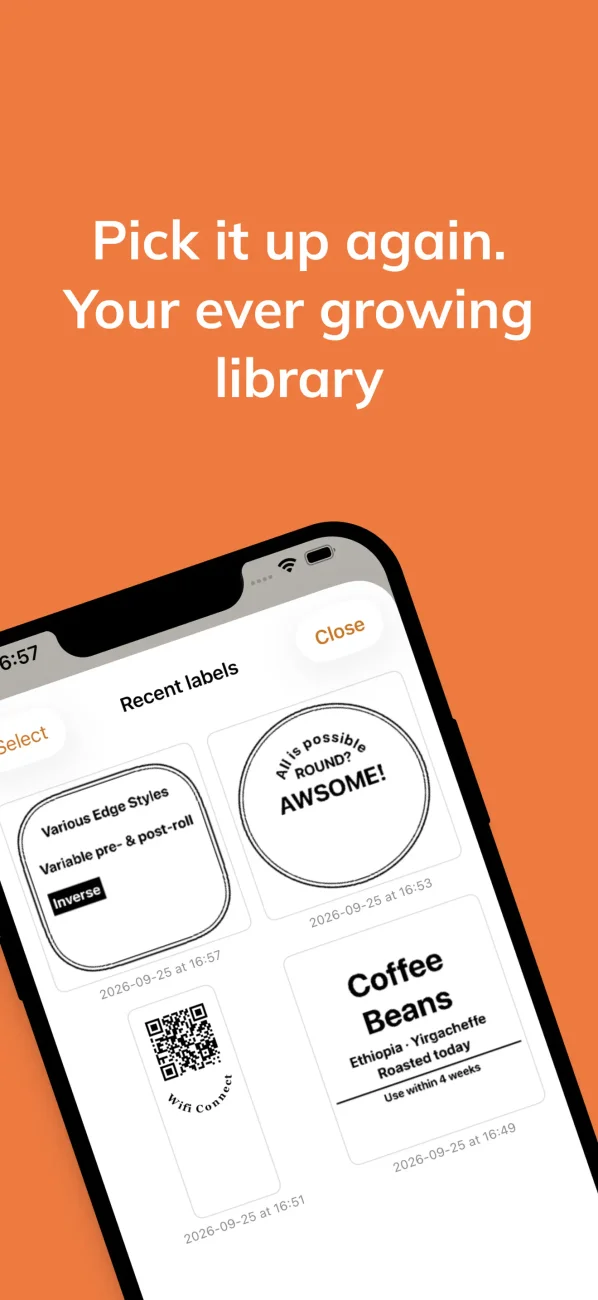
Every label you print or replace is kept. Browse them as a gallery, tap one to load it back, long-press to delete, or select several at once. Loading an old label never overwrites it.
PRINTERS
Verified on hardware:
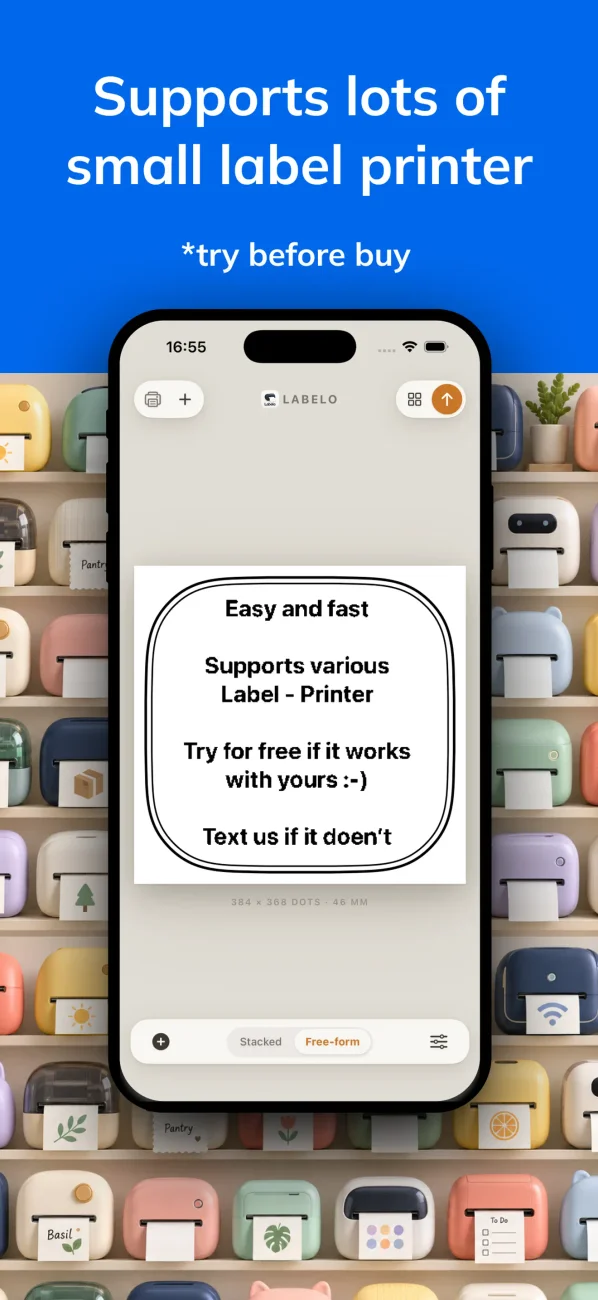
• M02 (53 mm · 384 dots)
Same protocol, should work — model selectable in the app:
• M02S and M02 Pro (53 mm · 384 dots)
• T02 (53 mm · 384 dots)
• M03 and M04 (80 mm · 576 dots)
• Generic 58 mm ESC/POS Bluetooth printers (384 dots)
• Generic 80 mm ESC/POS Bluetooth printers (576 dots)
The M02 is the printer used for hardware testing. The other listed models use the same documented ESC/POS raster protocol and differ in head width and init sequence. The model is detected from the printer's Bluetooth name, and can be set by hand for anything unlisted.
Not supported: NIIMBOT (D11, D110, B21) and the small "cat" printers (GB01, GT01) — those use entirely different protocols.
Includes a test pattern — a ruler, checkerboard and bar sweep — for checking print head health and paper alignment.
PRICE
Test the editor for free and see compatibility and quality with your first five prints. After that, unlimited printing is a single purchase — one payment, not a subscription, and nothing expires. All future updates included.
0.99 is an introductory launch price. Buy it now and it stays yours forever, whatever the price does later.
Labelo Print is independent software and is not affiliated with or endorsed by any printer manufacturer. Model identifiers are included only to describe tested or intended compatibility. The app icon and store screenshots use Labelo branding and do not depict printer manufacturers or their products.
アプリのプライバシー
このアプリのデータの取り扱いについて、Julian PetermaierがApp Storeで申告している内容です。
-
データの収集なし
開発元はこのアプリからデータを収集しません。
プライバシーの取り扱いは、ご利用の機能やお客様の年齢などに応じて異なる場合があります。
情報
- 販売元
- Julian Petermaier
- カテゴリ
- ユーティリティ
- バージョン
- 1.0.0
- 更新日
- 2026/10/9
- リリース
- 2026/10/8
- サイズ
- 3.3 MB
- 必要条件
- iOS 17.0以降
- 対象年齢
- 4+
- 価格
- 無料
- アプリ内課金
- あり
- 言語
- 英語
- 著作権
- © 2026 Julian Petermaier