- 対象年齢4+
- カテゴリユーティリティ
- 開発元EastTechAgency GbR
- 言語英語
- サイズ57.0 MB
App Storeの公式ページにリンクしています
Download.orgはLaserliner MeasureNoteのファイルを一切ホストしていません。ボタンを押すと、EastTechAgency GbRが公開しているApp Storeのアプリページが開きます。ページの最終確認:2026/11/24。
スクリーンショット


概要
開発元はこのテキストをお使いの言語で提供していません。
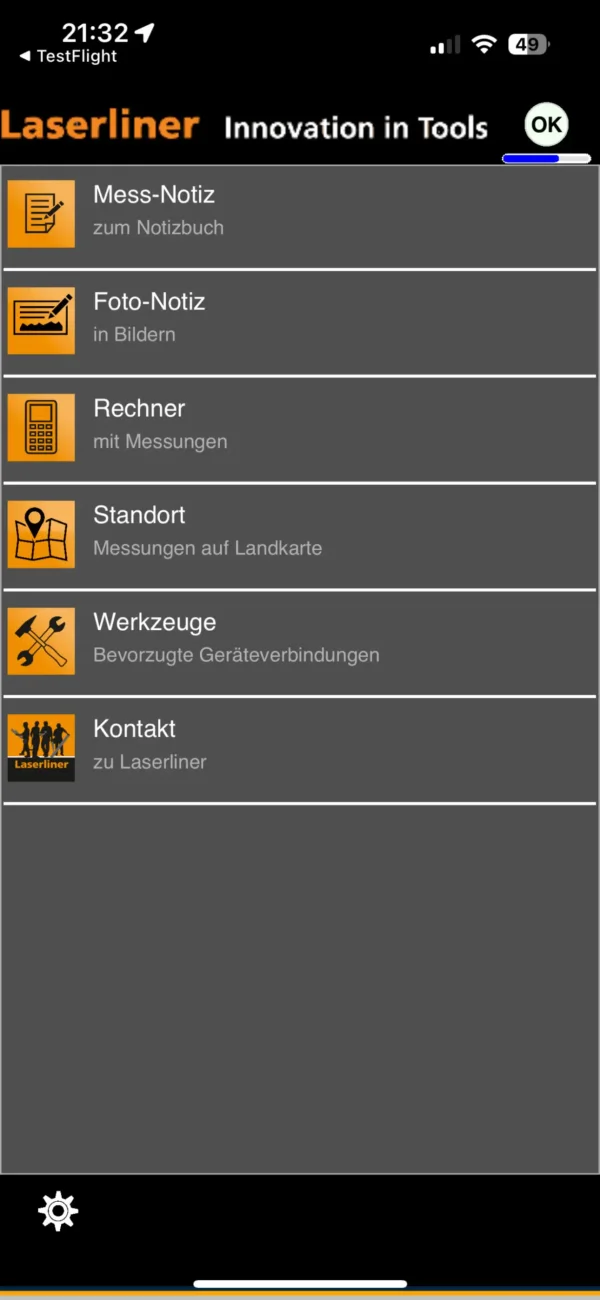
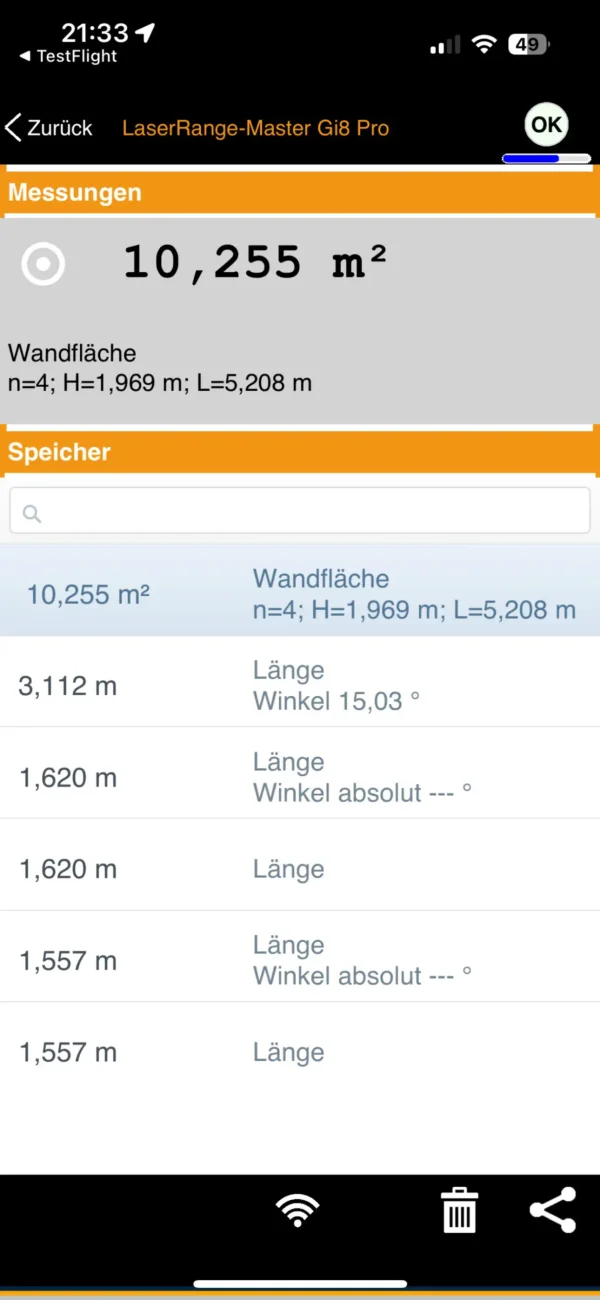
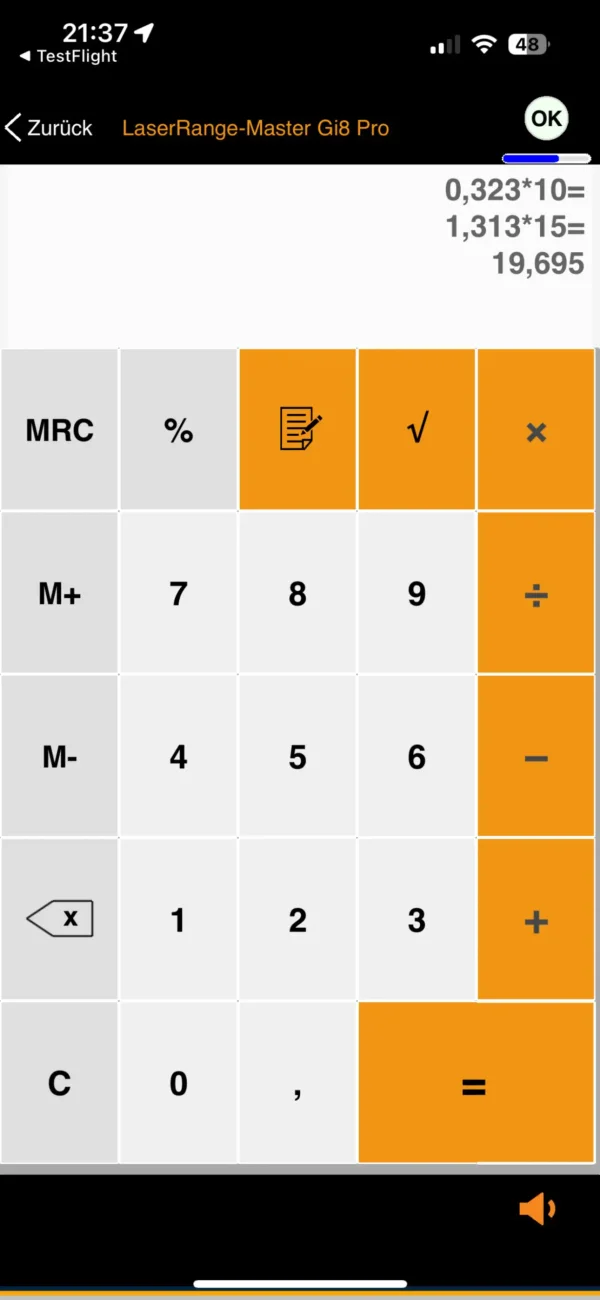
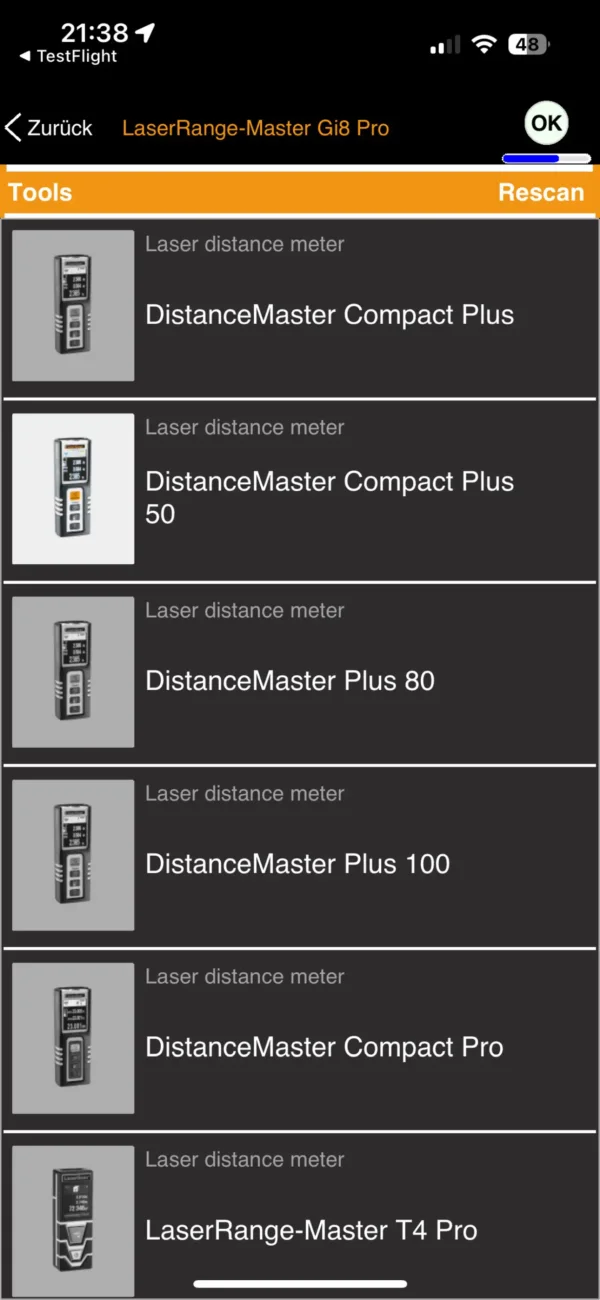
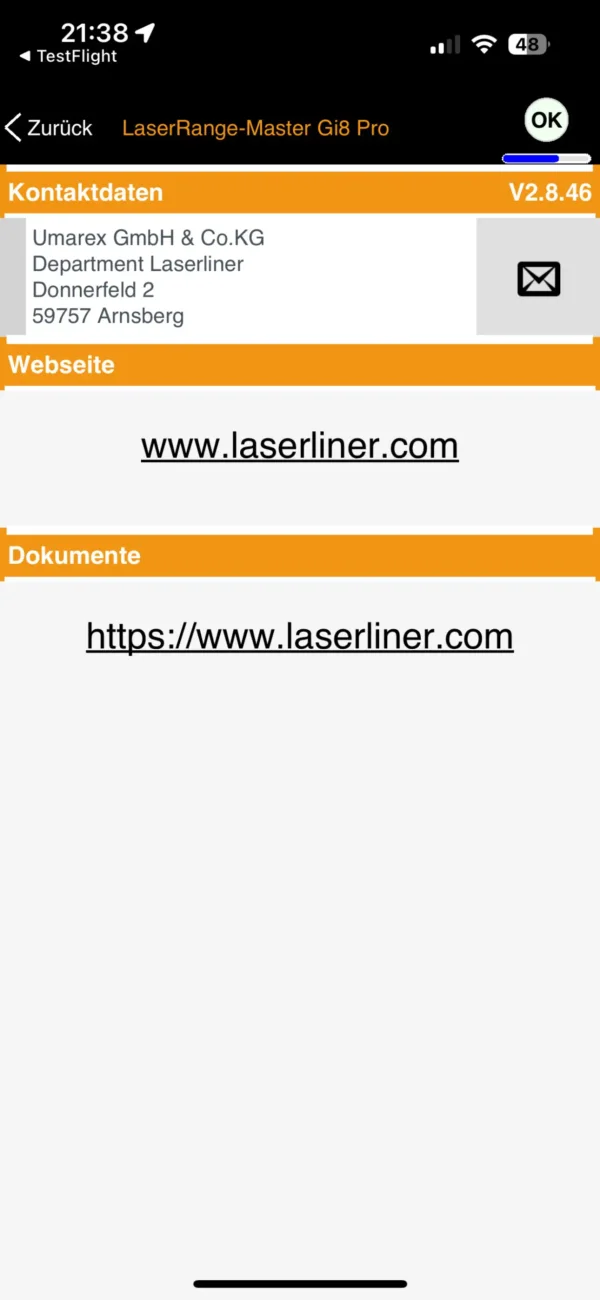
A measuring application that supports Laserliner measuring devices for easy reading and documentation of measured values.This application supports laser range finder, hygrometer, protractor, inclinometer, electric multimeter and various other instruments, which allows directly connecting and reading values from the remote measuring device into the apps notebook, FotoNote and calculator.Moisture meter readings can be selected and converted to desired building materials in real time, improving material selection.Added quick commenting and editing options to easily and directly take notes on each individual measurement, usable for documentation, communication, reporting and data sharing.The LargeView mode with dynamic symbols improves and simplifies the quick reading and visualization of dynamic measurement data.The FotoNote function: for taking pictures, adding measurements with the laser distance meter and documenting your work. The addition of visual timestamps allows monitoring and visualization of measurements on a construction site over time.The option of free drawing in images and photos with a time stamp is used for documentation and for comparing multiple measurement points in a single image.Value editing and sharing views allow user input and geo-locations to be saved for each measurement.By storing in an internal database, it is possible to easily search, collect and manage many measurement projects.The calculator function, together with the notebook history, allows easy calculation with existing measurements.All measurements are supported by the VoiceOutput function to focus on the actual measurement tasks while comfortably listening to the results.The remote control functions for Laserliner laser distance measuring devices and many other devices enable direct control and triggering of new measurements even in difficult environmental situations.Quick and easy connection and handling with your Laserliner Bluetooth devices.The location functions allow easy management of your measurements and devices.With the MeasureLocation function, each measurement can be provided with a GeoTag to refer to the locations of the construction site and to manage them in a map view.The Lost&Found feature helps you track your devices when they log out or go out of range to find their last known position in the map view.Localized user interface and language feature, with language support for English, German, French, Dutch, Finnish, Swedish, Norwegian, Danish, Polish and JapaneseThe following Laserliner products are currently supported:
Distance-Master Compact Plus, Distance-Master Compact Pro, LaserRange-Master T4 Pro, LaserRange-Master Gi7 Pro, DistanceMaster-LiveCam, MasterLevel Box Pro, MasterLevel Compact Plus, DampFinder Compact Plus, DampMaster-Compact Plus, DampMaster Plus, MoistureMaster-Compact Plus, MoistureMaster Plus, MultiWet-Master Compact Plus, MultiWet-Finder Plus, CondenseSpot Pro, CondenseSpot XP, ThermoSpot XP, MultiMeter Pocket XP, MultiMeter XP, ClampMeter XP, ThermoControl Duo, ThermoControl Air, ThermoMaster Plus.
新機能
バージョン 2.8.66 · 2026/11/24
Internal optimizations, bugfixes.
アプリのプライバシー
このアプリのデータの取り扱いについて、EastTechAgency GbRがApp Storeで申告している内容です。
-
ユーザーに関連付けられないデータ
収集される場合がありますが、ユーザーの識別情報には関連付けられません。
- 位置情報
- ユーザーコンテンツ
- その他のデータ
プライバシーの取り扱いは、ご利用の機能やお客様の年齢などに応じて異なる場合があります。
情報
- 販売元
- Rolf Wadewitz und Olga Bulanova
- カテゴリ
- ユーティリティ
- バージョン
- 2.8.66
- 更新日
- 2026/11/24
- リリース
- 2015/8/22
- サイズ
- 57.0 MB
- 必要条件
- iOS 15.0以降
- 対象年齢
- 4+
- 価格
- 無料
- 言語
- 英語
- 著作権
- © (c) 2015-2026 EastTechAgency GbR
こちらもおすすめ
-
 INTELLIGENT MULTIMETERユーティリティ
-
 Distance Laser Meterユーティリティ
-
 Distance Laserユーティリティ
-
 H2O Precision Moisture Sensorユーティリティ
-
 Pocket Laser Level 360ユーティリティ
-
 EasyMeasure –カメラ定規距離、高さ、幅を測定する
-
 レーザーレベリング装置 - 水準器垂直、水平、任意の角度を測定する際のレーザー精度
-
 写真マーク助手 PhotosMeasure便利な量尺マークツール
-
 定規 AR 間取りシュミレーション・3d採寸家部屋レイアウトスキャン・サイズ測定・家具配置・カメラ距離計測アプリ
-
 CamToPlan - 計測 3D 定規距離測定, 計 測 アプリ, 長さを測るアプリ!