Learn Bootstrap 5 Tutorials
Bootstrap Tutorials Guide
iPhone, iPad, iPod touch向けに設計
¥300
- 対象年齢4+
- カテゴリ教育
- 開発元Saqib Masood
- 言語英語
- サイズ29.4 MB
App Storeの公式ページにリンクしています
Download.orgはLearn Bootstrap 5 Tutorialsのファイルを一切ホストしていません。ボタンを押すと、Saqib Masoodが公開しているApp Storeのアプリページが開きます。ページの最終確認:2026/11/18。
スクリーンショット

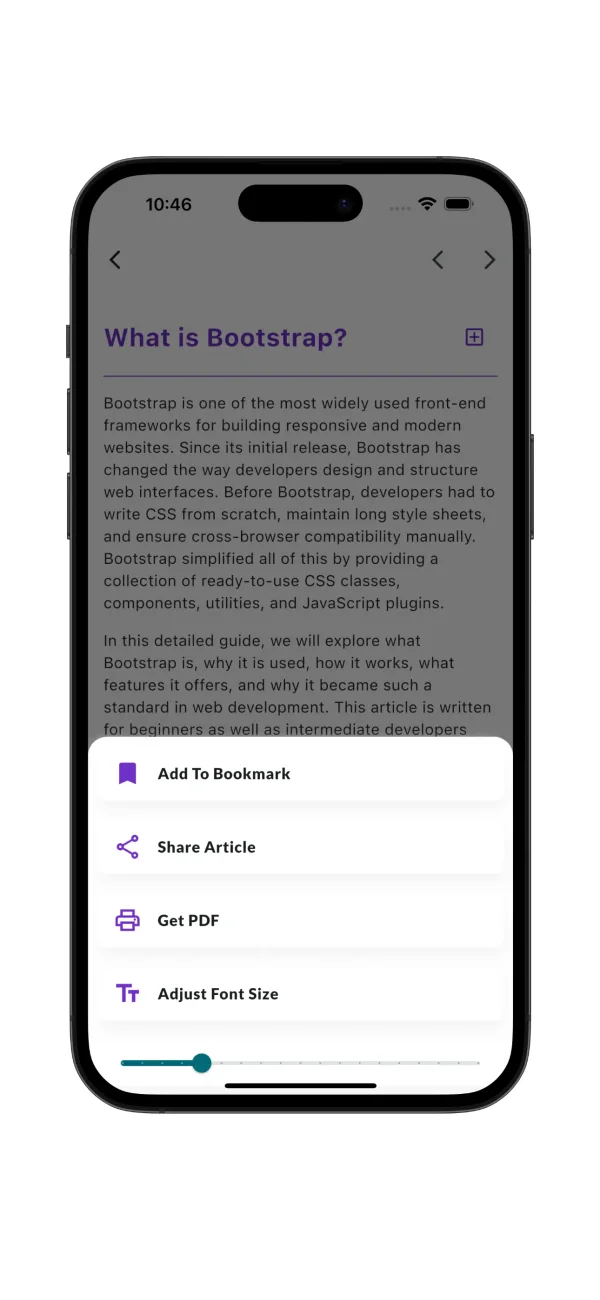
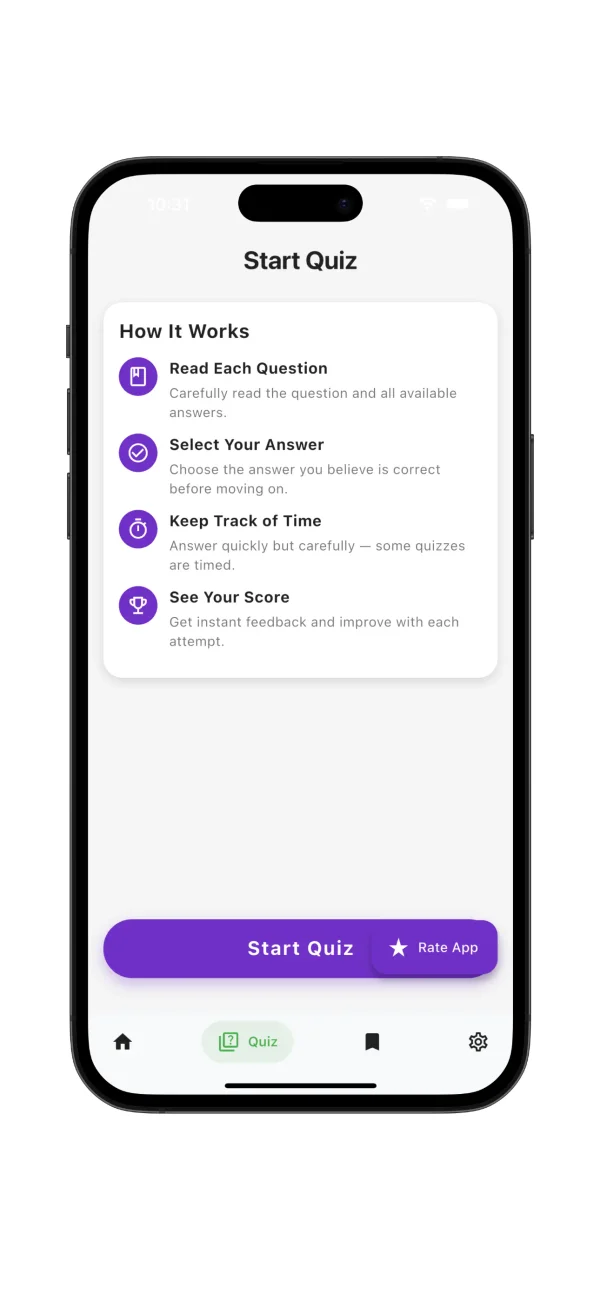
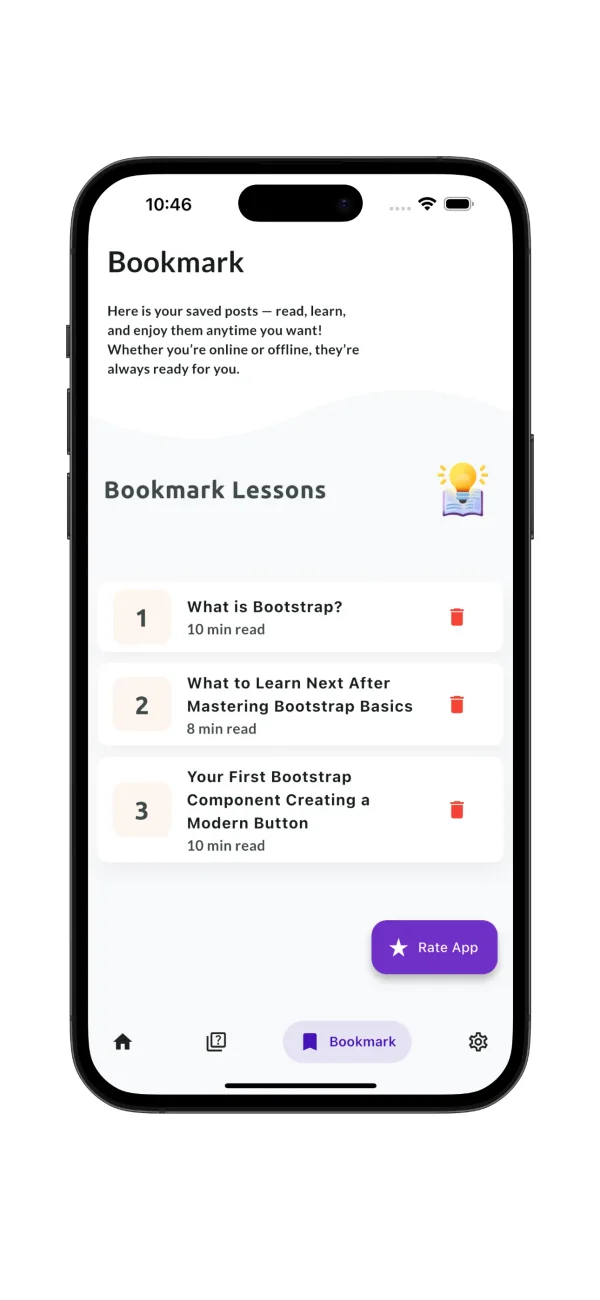
概要
開発元はこのテキストをお使いの言語で提供していません。
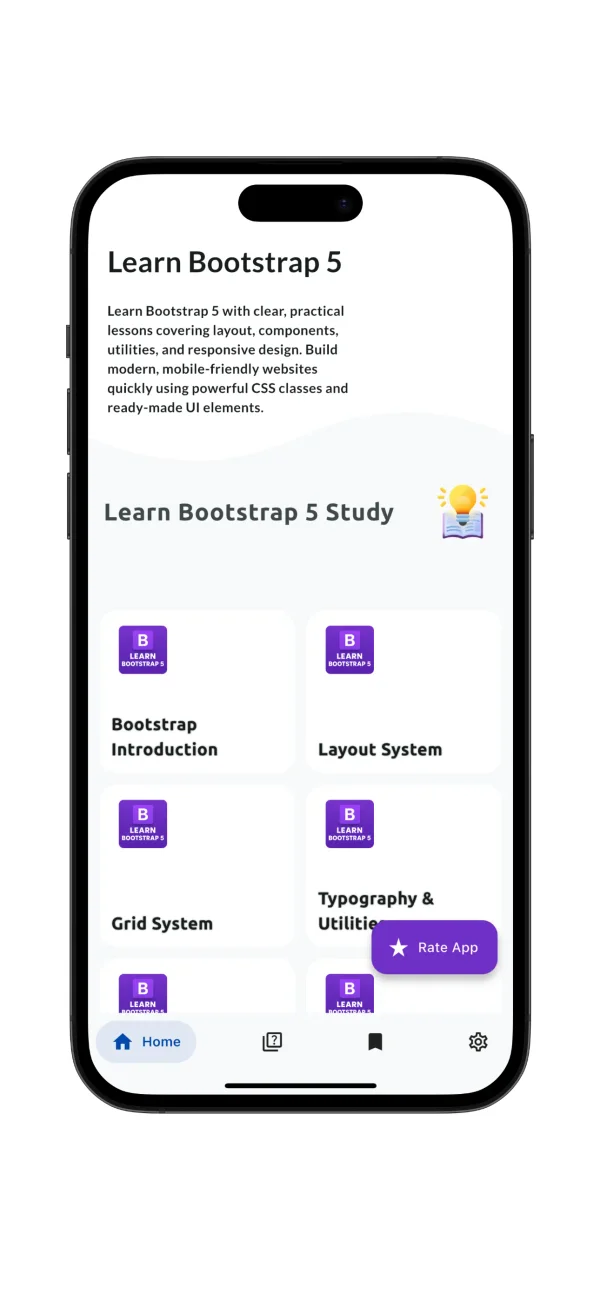
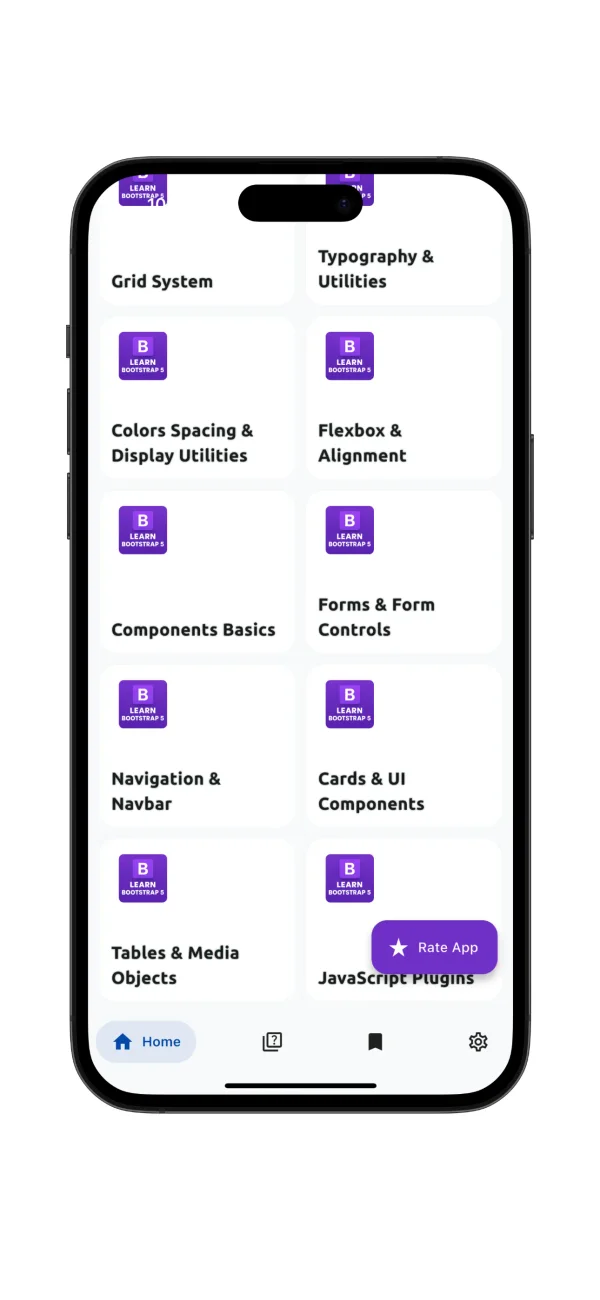
Bootstrap 5 is the latest version of the popular front-end framework used for building responsive and mobile-first websites and web applications. It provides a collection of tools, utilities, and pre-designed components to streamline the web development process, allowing developers to create visually appealing and functional designs with ease.
Getting started with Bootstrap 5 is quick and easy, thanks to its comprehensive documentation and starter templates. In this chapter, we'll walk through the process of setting up a new project with Bootstrap 5, including installation, project structure, and basic usage. We'll also explore some common customization options and best practices for working with Bootstrap 5.
Bootstrap 5 introduces several improvements and new features compared to its predecessors, including:
Utility-First CSS: Bootstrap 5 embraces utility-first CSS, allowing developers to apply styles directly to HTML elements using predefined utility classes. This approach offers more flexibility and customization options while keeping the codebase lightweight.
No jQuery Dependency: Unlike previous versions, Bootstrap 5 no longer depends on jQuery for its JavaScript components. Instead, it utilizes modern JavaScript features and relies on libraries like Popper.js for tooltip and popover functionality.
Customizable Components: Bootstrap 5 provides a wide range of customizable components, including navigation bars, buttons, forms, cards, modals, and more. Developers can easily modify these components to suit their project requirements by overriding default styles or using utility classes.
Improved Grid System: The grid system in Bootstrap 5 has been enhanced to offer more flexibility and control over layout designs. It supports both flexbox and CSS grid layouts, allowing developers to create complex grid structures with ease.
Responsive Design: Bootstrap 5 emphasizes responsive design principles, ensuring that websites and applications look and function seamlessly across various devices and screen sizes. It includes responsive breakpoints and utility classes for building adaptive layouts.
Accessibility: Accessibility is a key focus in Bootstrap 5, with improvements made to ensure that components are accessible to users with disabilities. This includes proper semantic HTML markup, keyboard navigation support, and ARIA attributes.
Modular Architecture: Bootstrap 5 follows a modular architecture, allowing developers to include only the components they need in their projects. This helps reduce file sizes and improve page load times.
Understanding Bootstrap
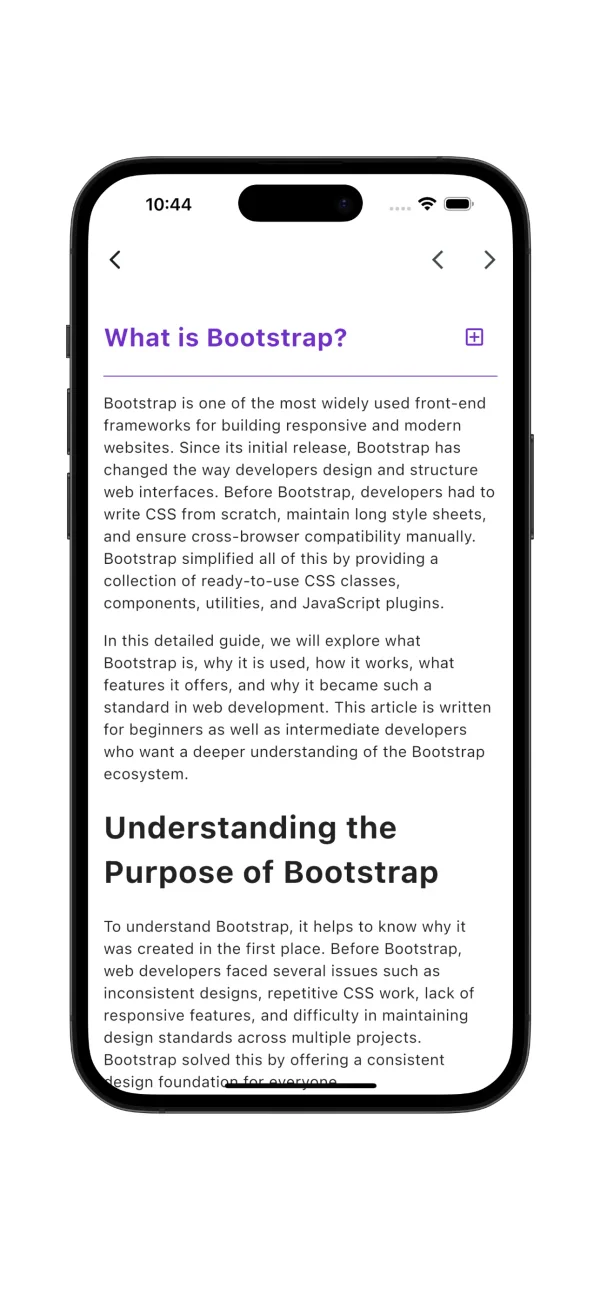
Bootstrap is a free and open-source front-end framework for developing responsive and mobile-first websites. Developed by Mark Otto and Jacob Thornton at Twitter in 2011, Bootstrap was initially known as Twitter Blueprint. It was later renamed Bootstrap and released as an open-source project in 2011. The framework gained widespread popularity due to its simplicity, flexibility, and extensive collection of pre-designed components. With Bootstrap, developers can create beautiful and functional websites with minimal effort.
Bootstrap has undergone several major updates since its initial release. Each version introduced new features, improvements, and enhancements to make web development easier and more efficient. Bootstrap 5, the latest version of the framework, builds upon the success of its predecessors while introducing significant changes and improvements. In this chapter, we'll explore the evolution of Bootstrap from its early days to the cutting-edge features of Bootstrap 5.
Bootstrap 5 brings a host of new features and enhancements to the table. From a revamped grid system to utility-first CSS, Bootstrap 5 is packed with tools and utilities to streamline the web development process. In this chapter, we'll take a closer look at the key features of Bootstrap 5, including its grid system, typography, forms, buttons, navigation components, and more.
新機能
バージョン 7.0.0 · 2026/7/19
- Fix Bugs
- Improve UI
- Add More Content
アプリのプライバシー
このアプリのデータの取り扱いについて、Saqib MasoodがApp Storeで申告している内容です。
-
ユーザーに関連付けられないデータ
収集される場合がありますが、ユーザーの識別情報には関連付けられません。
- ID
プライバシーの取り扱いは、ご利用の機能やお客様の年齢などに応じて異なる場合があります。
情報
- 販売元
- Saqib Masood
- カテゴリ
- 教育
- バージョン
- 7.0.0
- 更新日
- 2026/7/19
- リリース
- 2024/5/10
- サイズ
- 29.4 MB
- 必要条件
- iOS 12.0以降
- 対象年齢
- 4+
- 価格
- ¥300
- 言語
- 英語
- 著作権
- © Saqib Masood