- 対象年齢4+
- カテゴリ写真/ビデオ
- 開発元Eyvin Studios AB
- 言語英語
- サイズ330.7 MB
App Storeの公式ページにリンクしています
Download.orgはLensetのファイルを一切ホストしていません。ボタンを押すと、Eyvin Studios ABが公開しているApp Storeのアプリページが開きます。ページの最終確認:2026/11/23。
スクリーンショット


概要
開発元はこのテキストをお使いの言語で提供していません。
Lenset is a director’s viewfinder for iPhone and iPad. Pick the cinema camera, sensor format and lens you’ll shoot with and frame through them. An overlay shows how that lens vignettes on that camera, the first real zoom control for iPhone zooms the way you would on set, and every capture keeps its sun data.
DIRECTOR’S VIEWFINDER
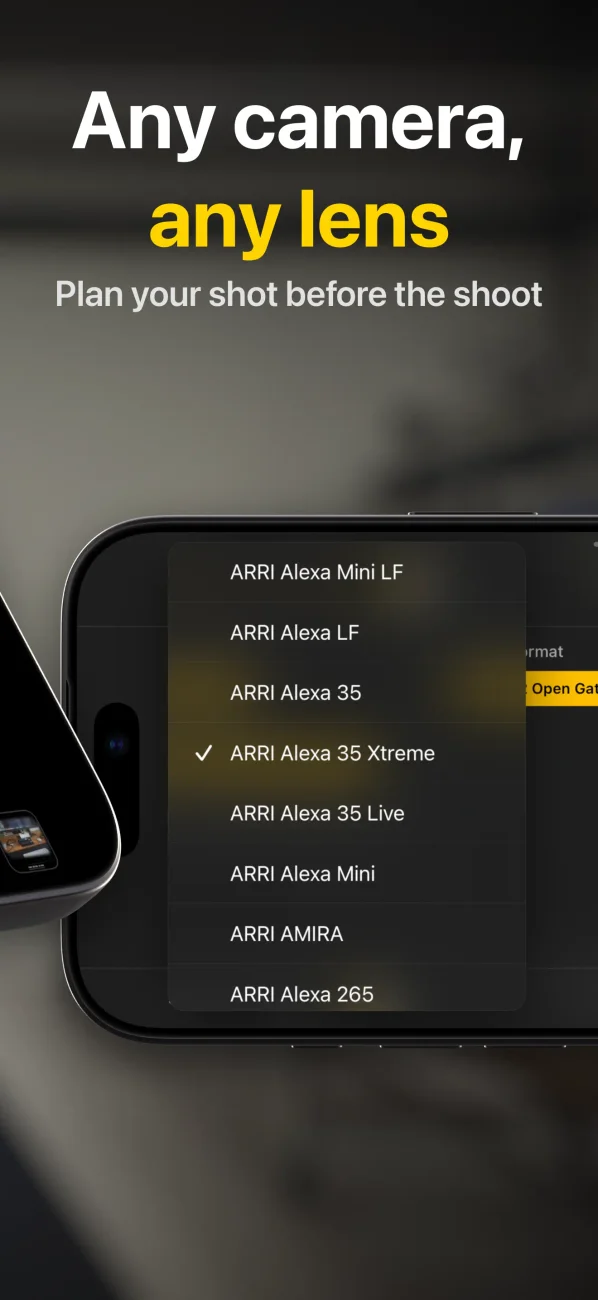
• 214 cinema cameras: ARRI, RED, Sony, Canon, Blackmagic, Panavision, Panasonic, Fujifilm, Phantom, Z CAM, Kinefinity, DJI and IMAX, plus film cameras like Arriflex and Panaflex.
• Sensor formats from Super 16 to Open Gate, VistaVision and 65mm.
• 835 lens sets: primes, zooms and anamorphics from Panavision, Cooke, ARRI, Zeiss, Angénieux, Canon, Leitz, Vantage, Laowa, DZOFilm and many more.
• The preview scales to match, with focal length, 35mm equivalent and coverage ratio. Primes wider than the iPhone can go get a grey border around the frame.
• Up to three frame lines at once, any ratio, each in its own colour, with the area outside shaded.
• Lens kits: the cameras and lenses you carry, one tap away on the camera screen.
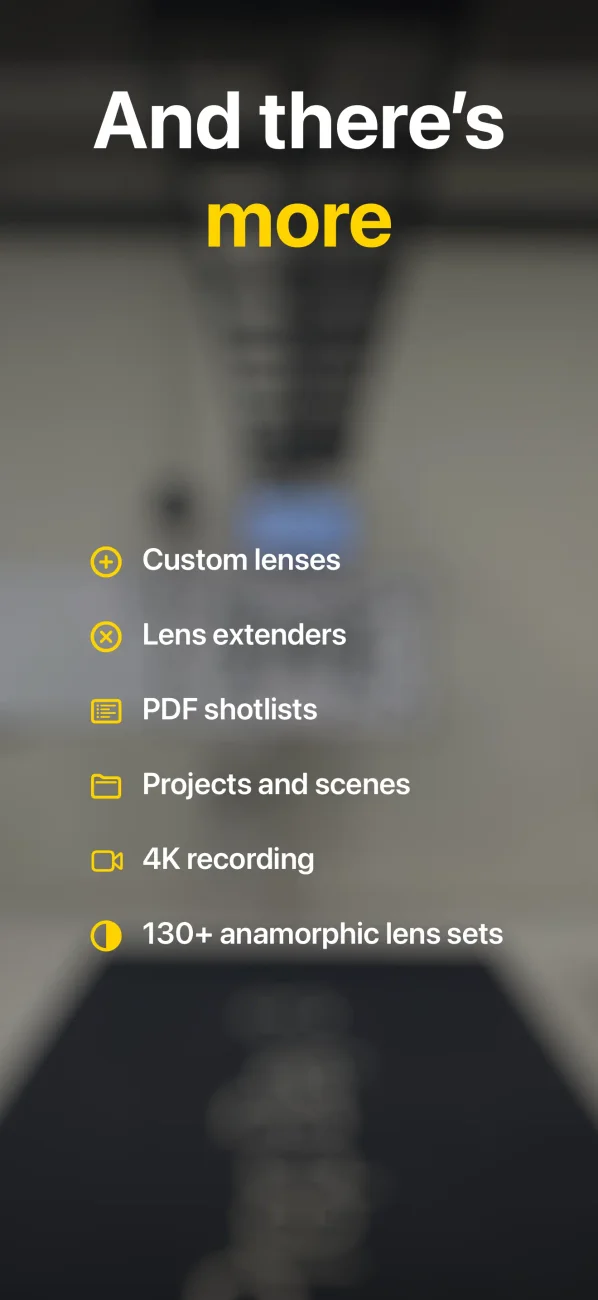
• Lens extenders from 1.4× to 2×, picked in the Director’s Viewfinder or set for each lens in a kit.
• Custom lenses: add your own prime or zoom when a lens isn’t in the list.
LENS VIGNETTES
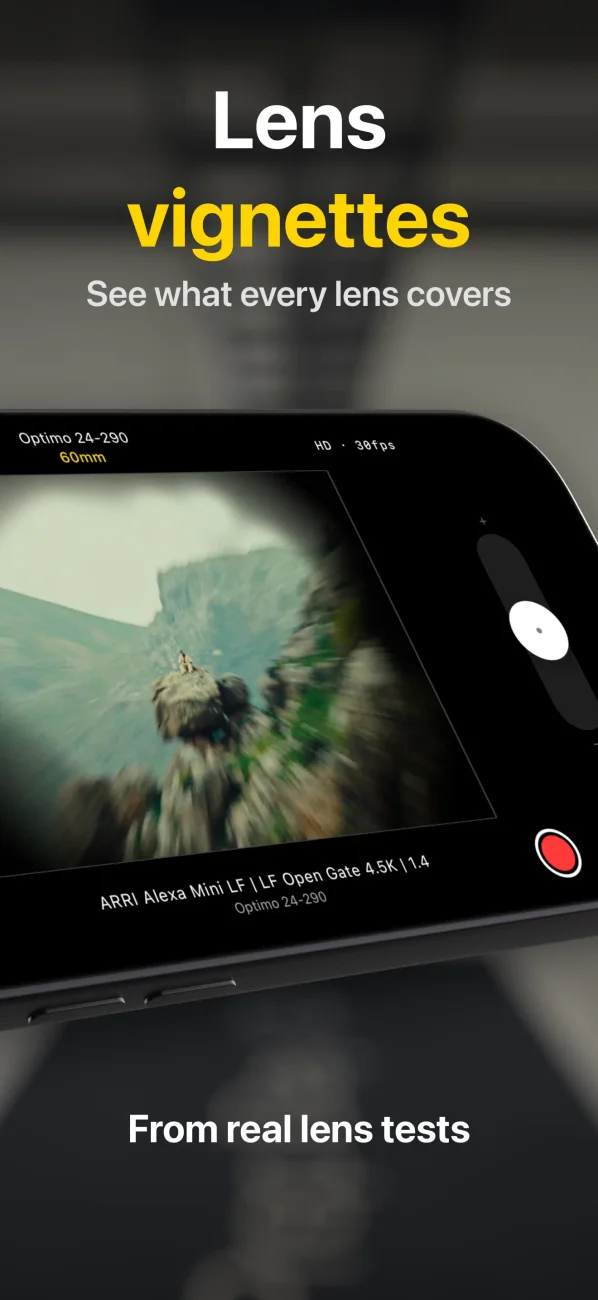
• See if and how a lens vignettes on your camera and format, live in the viewfinder and recorded into your photos and videos.
• Vignettes for 335 lenses, each measured from a real lens tested at Ljud & Bildmedia rental house in Stockholm. The lens picker shows which sets have one, and every update adds more.
ZOOM CONTROL
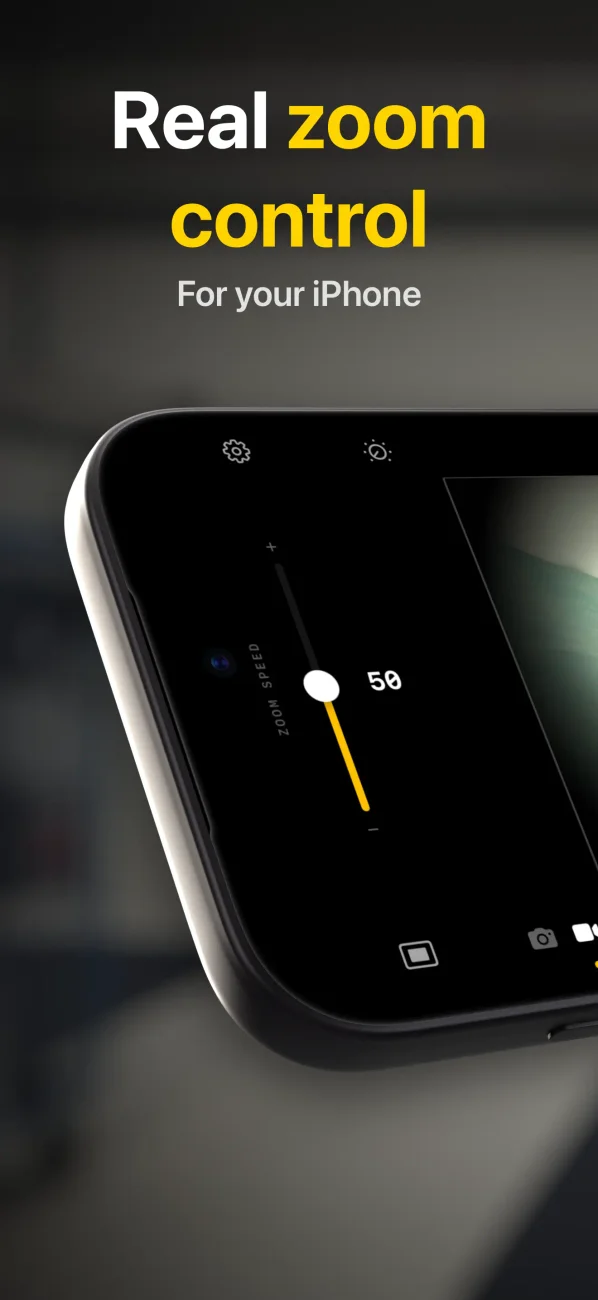
• The first real zoom control for iPhone: a thumb joystick with speed from 0 to 100, from a slow creep to a crash zoom.
• Seven zoom curves, including two Cine Expo curves.
• Logarithmic or linear zoom, with optional feathering for smooth starts and stops.
• Zooms across all of the iPhone’s cameras, and Lenset steadies the framing when it switches between them.
• With prime sets, step through the focal lengths with the arrows, a swipe or a pinch.
SUN DATA AND LOCATION
• Every capture saves where it was taken and which way the camera faced, with its field of view drawn on a map.
• The sun path for that place and day: sunrise, sunset, golden hour and blue hour, worked out on your device.
LUTS
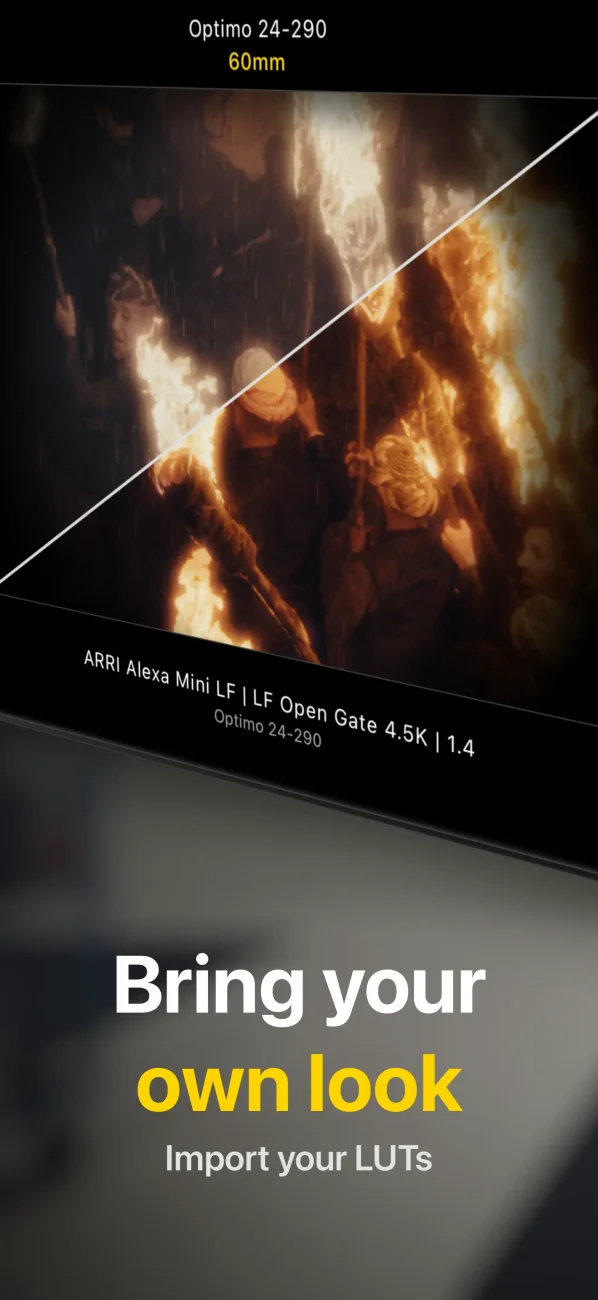
• Import .cube LUTs, preview them live and record them into your videos and photos.
CAPTURE
• 4K or HD video (HEVC) at 24, 25, 30, 50 or 60 fps, and HEIF photos.
• Camera, lens, format and time in an info bar below the picture. Videos save the moment you stop recording.
• Tap to focus, hold to lock focus and exposure, exposure compensation, manual white balance, histogram, grid, centre marker and torch.
PROJECTS AND GALLERY
• Sort captures into projects and numbered scenes, drag them into order, like and filter them.
• Send a project as a PDF shotlist with thumbnails, or as files named after the project.
• Save to Lenset’s own gallery, to Photos, or both. Lenset works without access to Photos.
PRIVACY
No accounts, no tracking. Footage stays on your device. If Lenset closes unexpectedly, it can send an anonymous crash report so it can be fixed. No photos, videos or locations are sent. Turn it off in Settings → Advanced → Privacy.
Made by a cinematographer, for filmmakers.
新機能
バージョン 1.4 (19) · 2026/11/21
Lens extenders
• Put a 1.4×, 1.5×, 1.7× or 2× extender on your lens in the Director's Viewfinder. The screen and the info bar show the real lens first, then the result: 50mm + 2× = 100mm.
• In a lens kit, each lens set keeps its own extender.
Custom lenses
• Add a focal length a lens set doesn't have, or your own zoom, to a lens kit. They show as Custom Lens with their focal length.
Cameras and lenses
• Panavision Panaflex (1972), with Academy 4-perf and Academy Anamorphic.
• ARRI Master Primes 25mm, with its measured vignette.
Older videos
• Sharing and exporting older videos works reliably. Update them once from Settings, or just share one, and they share instantly.
Crash reports
• If Lenset ever closes unexpectedly, it sends an anonymous report so it can be fixed quickly. No photos, videos or locations are sent. Turn it off in Settings → Advanced → Privacy.
Improvements
• Lenset works without access to Photos. Everything saves in the Lenset gallery.
• While recording, the lens arrows stay on lenses your iPhone camera can frame, so a take is never cut short by a camera switch.
• Photos at the longest zoom save every time.
Tutorials
• See how extenders, custom lenses and the older-videos update work in Settings → Guided Tour.
アプリのプライバシー
このアプリのデータの取り扱いについて、Eyvin Studios ABがApp Storeで申告している内容です。
-
ユーザーに関連付けられないデータ
収集される場合がありますが、ユーザーの識別情報には関連付けられません。
- 診断
プライバシーの取り扱いは、ご利用の機能やお客様の年齢などに応じて異なる場合があります。
情報
- 販売元
- Eyvin Studios AB
- カテゴリ
- 写真/ビデオ
- バージョン
- 1.4 (19)
- 更新日
- 2026/11/21
- リリース
- 2026/5/8
- サイズ
- 330.7 MB
- 必要条件
- iOS 17.0以降
- 対象年齢
- 4+
- 価格
- ¥3,000
- 言語
- 英語
- 著作権
- © 2026 Eyvin Studios AB