- 対象年齢4+
- カテゴリヘルスケア/フィットネス
- 開発元Ulrik Vadstrup Johannessen
- サイズ10.7 MB
App Storeの公式ページにリンクしています
Download.orgはLightMyWattsのファイルを一切ホストしていません。ボタンを押すと、Ulrik Vadstrup Johannessenが公開しているApp Storeのアプリページが開きます。ページの最終確認:2026/11/23。
スクリーンショット
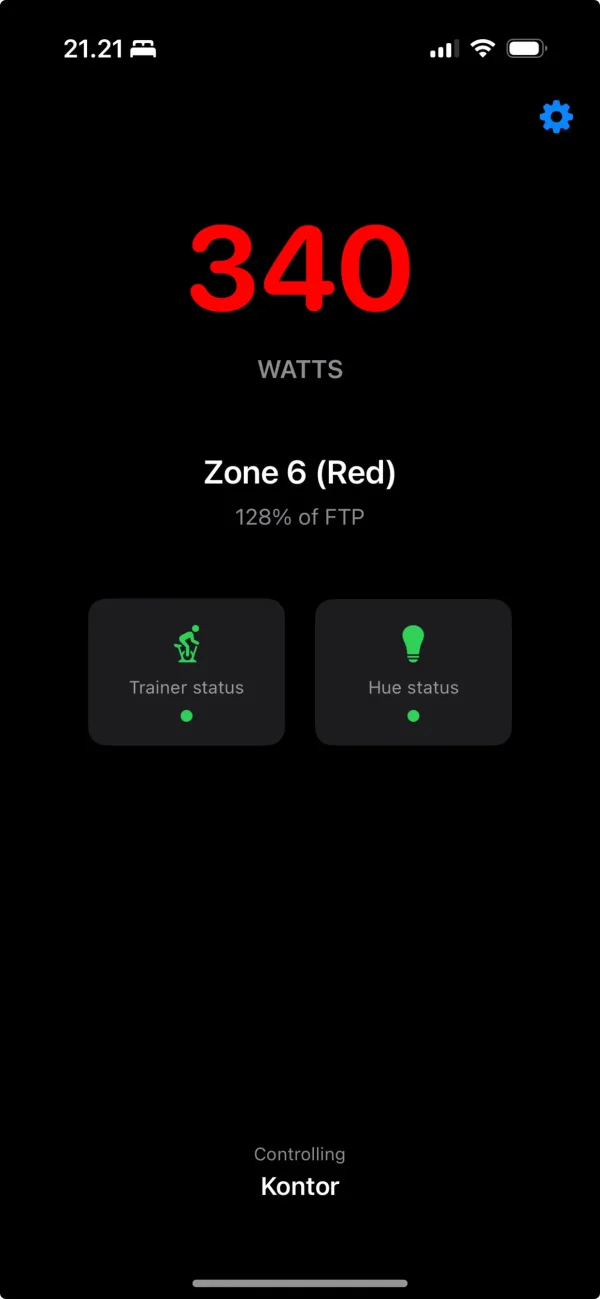
概要
開発元はこのテキストをお使いの言語で提供していません。
See your training zones light up the room.
LightMyWatts turns live power or heart rate into color on your smart lights. Settle into an endurance ride with a steady blue glow, then watch the room change color as you move through your intervals. Customize the colors for each zone and see how hard you’re working at a glance.
Train by power or heart rate
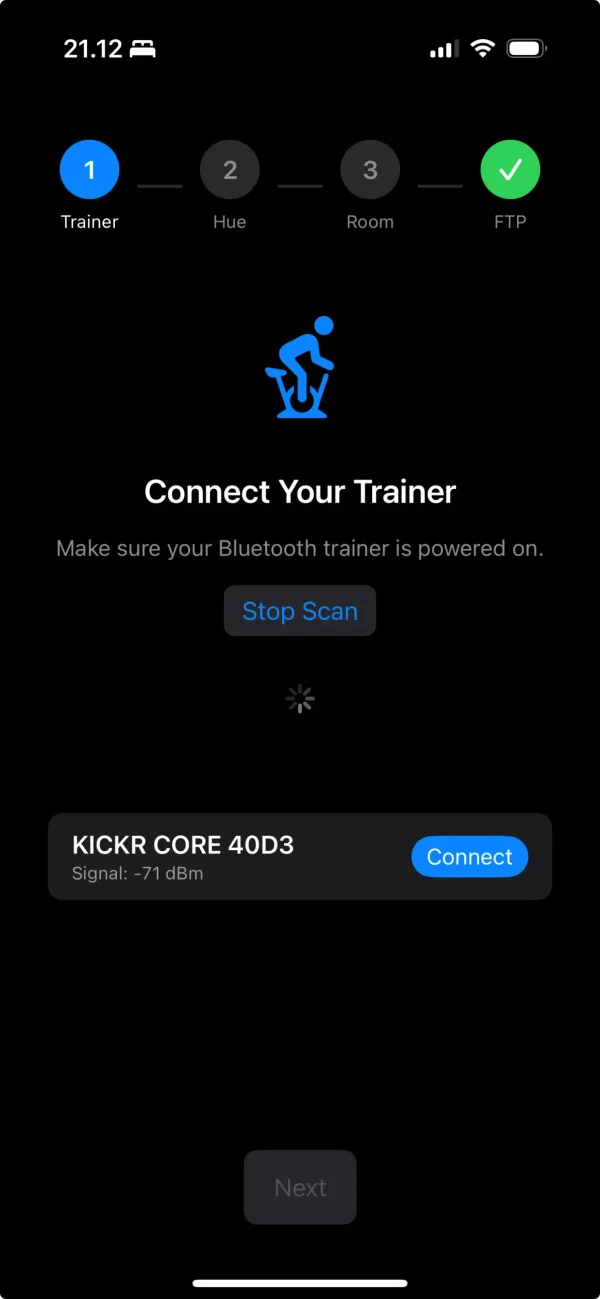
Connect a compatible Bluetooth smart trainer, power meter, or heart rate monitor. Use power zones for your indoor rides or switch to heart rate zones for treadmill sessions, other indoor workouts, or rides without a power meter.
Choose how your lights respond
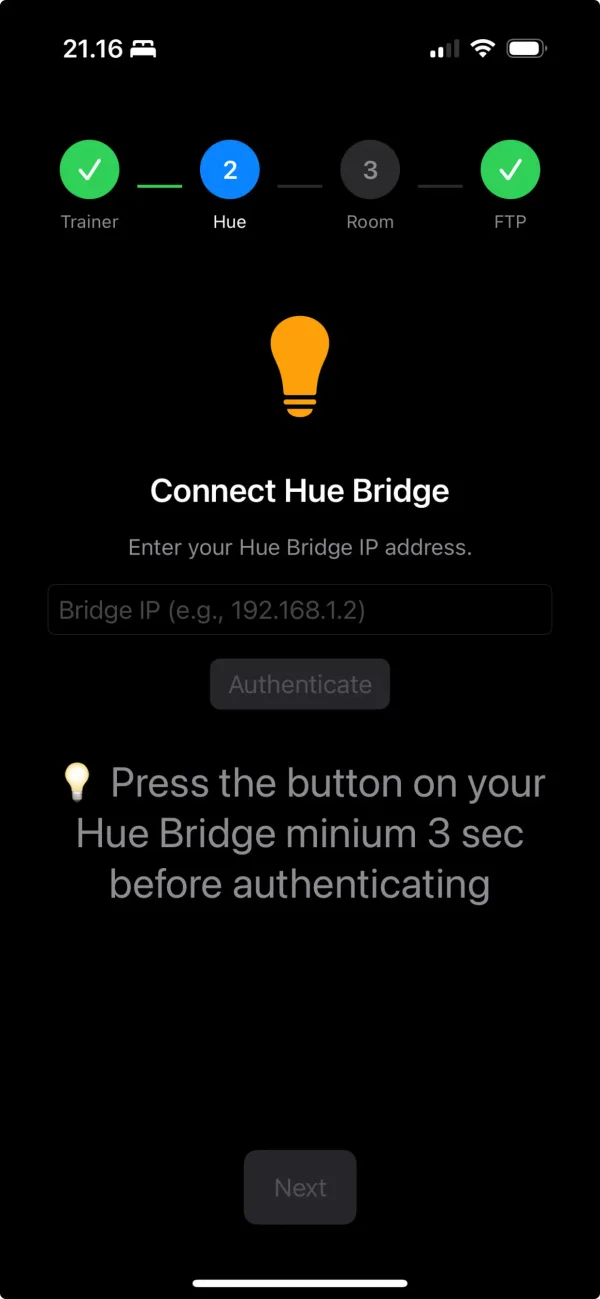
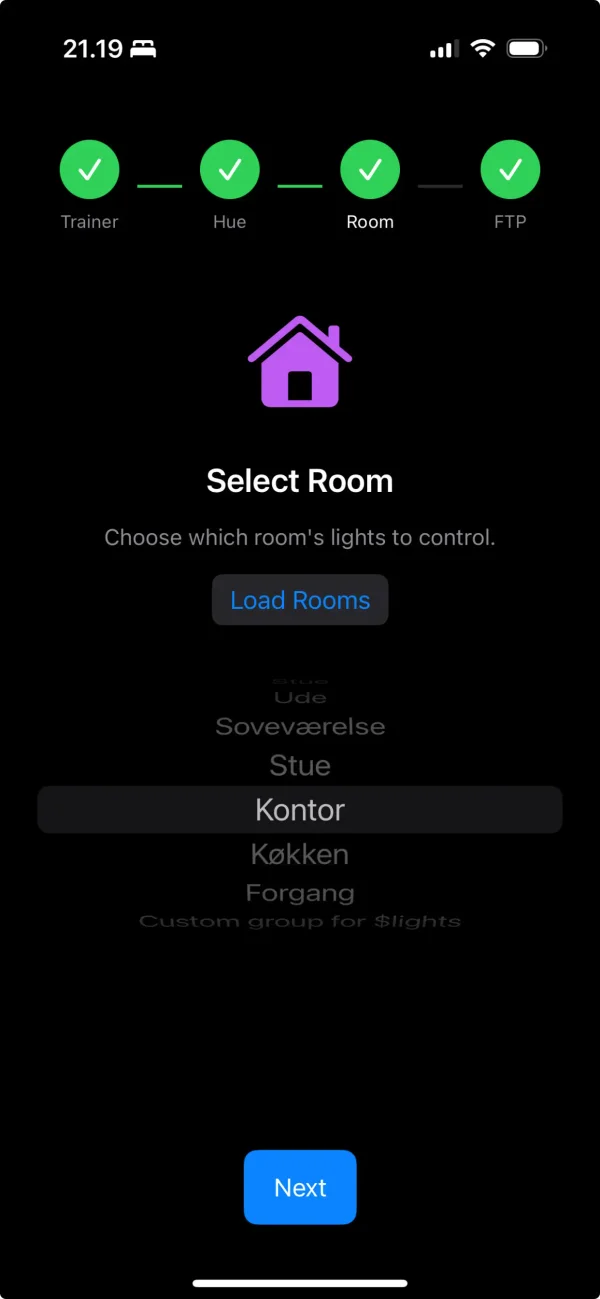
LightMyWatts works with compatible Philips Hue, IKEA DIRIGERA, Govee, Home Assistant, and Homey Pro setups. Philips Hue support includes the standard Hue Bridge and Hue Bridge Pro. Compatible Govee lights can connect over Bluetooth or your local network.
On supported Govee segment lights, choose from five lighting modes:
• Classic shows your current zone color across the entire light.
• Zone Fill brings in the next zone color from the base as your effort rises.
• Speedometer stacks the colors of the zones you’ve reached, leaving higher zones dark.
• Star fills the light outward from the center.
• Running Light sends a single lit segment back and forth in your current zone color.
Turn on Shuffle to cycle through lighting modes in sync across compatible Govee lights, with an interval you set. Gradient Fill is also available on compatible Philips Hue gradient lights.
Share one trainer connection with your cycling app
Does your smart trainer only support one Bluetooth connection? With Bluetooth Bridge, your iPhone connects to the trainer and relays power, cadence, and heart rate to a compatible indoor cycling app on another device while LightMyWatts controls your lights. Trainer resistance control and virtual shifting depend on your trainer and cycling app. Keep LightMyWatts open in the foreground and your iPhone unlocked while pairing and riding.
Let your fan respond to your effort
Add a compatible smart plug to control your fan manually or let LightMyWatts switch it on automatically based on your power or heart rate. Your lights and fan can use different smart home systems.
On Mac, you can also connect compatible ANT+ trainers, power meters, and heart rate monitors using a supported ANT+ USB dongle.
Have feedback? Tell us which trainer, sensors, and lights you use. We’d love to hear how LightMyWatts works in your setup.
新機能
バージョン 4.7 · 2026/11/18
Bluetooth Bridge
Use LightMyWatts alongside a compatible indoor cycling app, even if your smart trainer only supports one Bluetooth connection.
LightMyWatts connects to your trainer and relays power, cadence, and heart rate to your cycling app on another device while your lights follow your training zones. Resistance control and virtual shifting are available with compatible setups.
To get started, turn on Bluetooth Bridge under Settings → Connections. Keep LightMyWatts open and your iPhone unlocked while pairing and riding.
アプリのプライバシー
このアプリのデータの取り扱いについて、Ulrik Vadstrup JohannessenがApp Storeで申告している内容です。
-
データの収集なし
開発元はこのアプリからデータを収集しません。
プライバシーの取り扱いは、ご利用の機能やお客様の年齢などに応じて異なる場合があります。
情報
- 販売元
- Ulrik Vadstrup Johannessen
- カテゴリ
- ヘルスケア/フィットネス
- バージョン
- 4.7
- 更新日
- 2026/11/18
- リリース
- 2025/11/24
- サイズ
- 10.7 MB
- 必要条件
- iOS 16.6以降
- 対象年齢
- 4+
- 価格
- ¥1,000
- 著作権
- © Vadstrup 2025
こちらもおすすめ
-
 ProBikeGarage: Bicycle trackerヘルスケア/フィットネス
-
 Hexis Liveヘルスケア/フィットネス
-
 Bike Fast Fit EZヘルスケア/フィットネス
-
 Saturday: プロのエネルギー補給バイク・ラン・トライのあなた専用補給
-
 Favero Assiomaヘルスケア/フィットネス
-
 Bike Fast Fit Eliteヘルスケア/フィットネス
-
 JOIN Cycling Coach Appヘルスケア/フィットネス
-
 TrainingPeaks Virtual Cyclingヘルスケア/フィットネス
-
 Sonar - 健康とパフォーマンス運動、睡眠、回復
-
 ECHO: 時計心拍モニター心拍数をZwiftやサイコンに送信