- 対象年齢4+
- カテゴリヘルスケア/フィットネス
- 開発元Possibility Outpost Inc.
- 言語英語ほか3言語
- サイズ8.4 MB
App Storeの公式ページにリンクしています
Download.orgはLive CCのファイルを一切ホストしていません。ボタンを押すと、Possibility Outpost Inc.が公開しているApp Storeのアプリページが開きます。ページの最終確認:2026/11/15。
スクリーンショット
概要
開発元はこのテキストをお使いの言語で提供していません。
Hard of hearing? Live CC can help. How?
Live CC turns speech into text in real time, so you can read what people are saying as they say it. It's made for people who are deaf or hard of hearing and need help following conversations in everyday situations.
Let me tell you a story... one day my Aunt Joy—an awesome lady—wrote this on Facebook:
"Question: why can't anyone come up with an app for your phone for the hearing impaired? Say you're shopping and the sales associate asks you a question, you point your phone at them and it automatically shows up on your screen like a text, or, when you're in a social situation, point your phone to the person talking and bam! conversation! Just a thought."
I thought, "Hey, I'm a programmer. I can do that!" So I made Live CC.
HOW DO YOU USE LIVE CC?
Imagine you need to understand what someone is saying, but it's hard to hear. Like ordering from a barista. Or talking with a friend. Or sitting in a meeting or at the doctor's office.
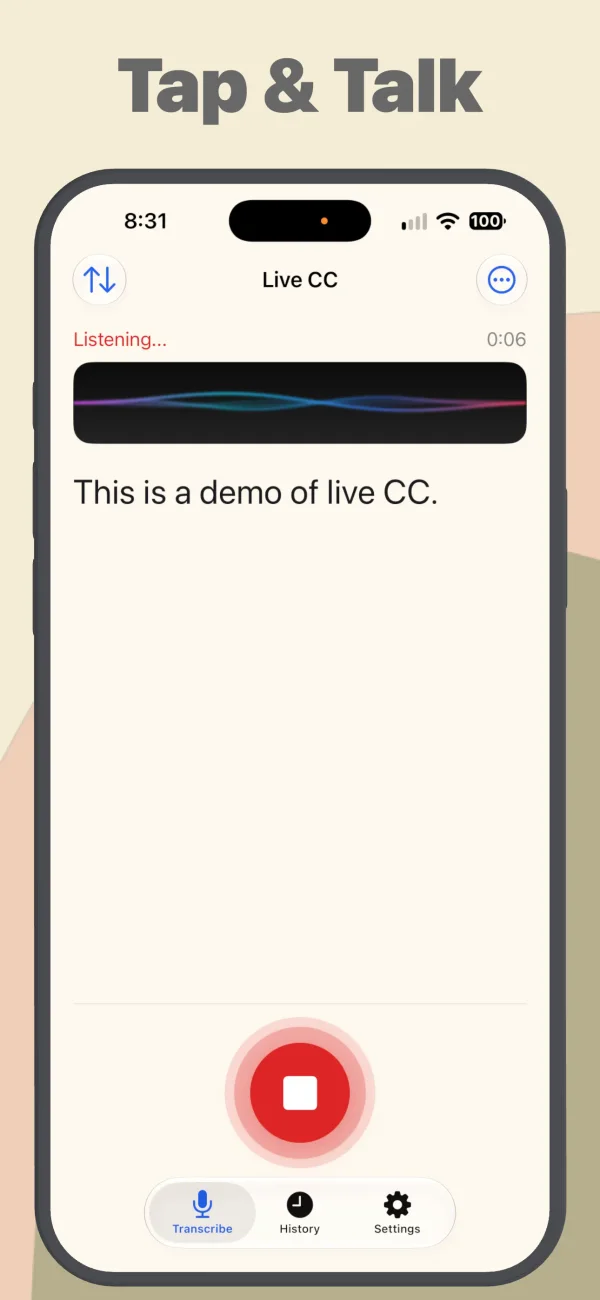
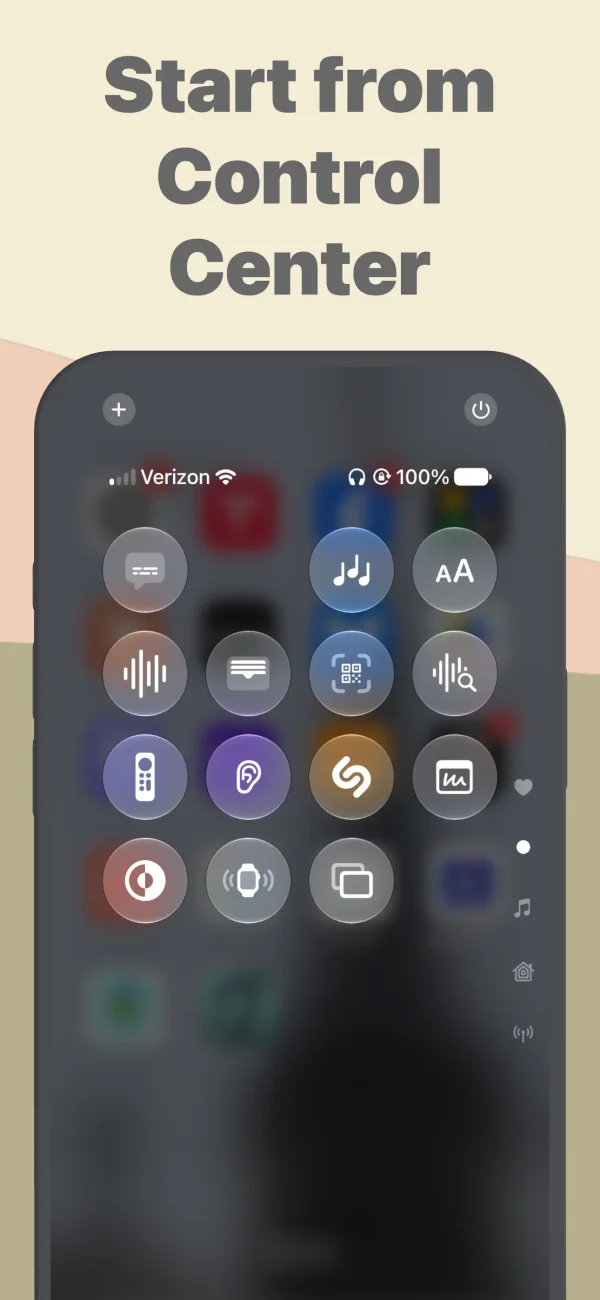
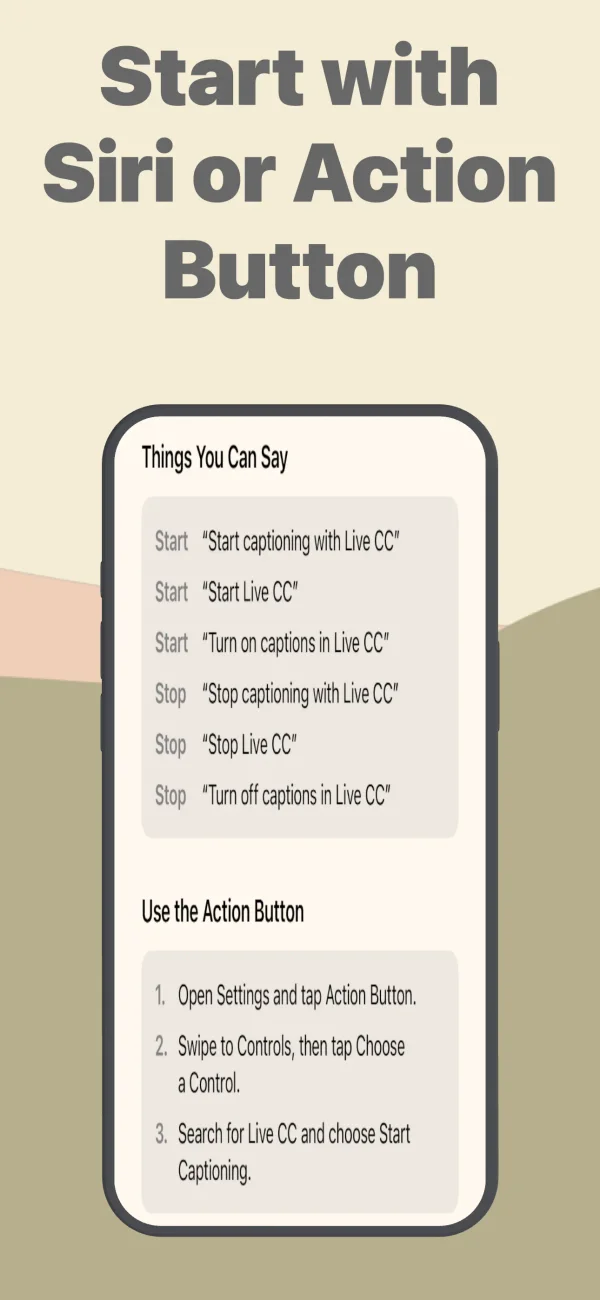
• Tap the microphone button, or say "Hey Siri, start captioning with Live CC." You can also start it from Control Center, the Lock Screen, or the Action button.
• Point your iPhone's microphone (or an external mic) toward the person speaking.
• Their words appear on your screen as they talk.
• When you're done, tap the button again, or say "Hey Siri, stop captioning with Live CC."
NEW: CAPTIONS THAT KEEP GOING
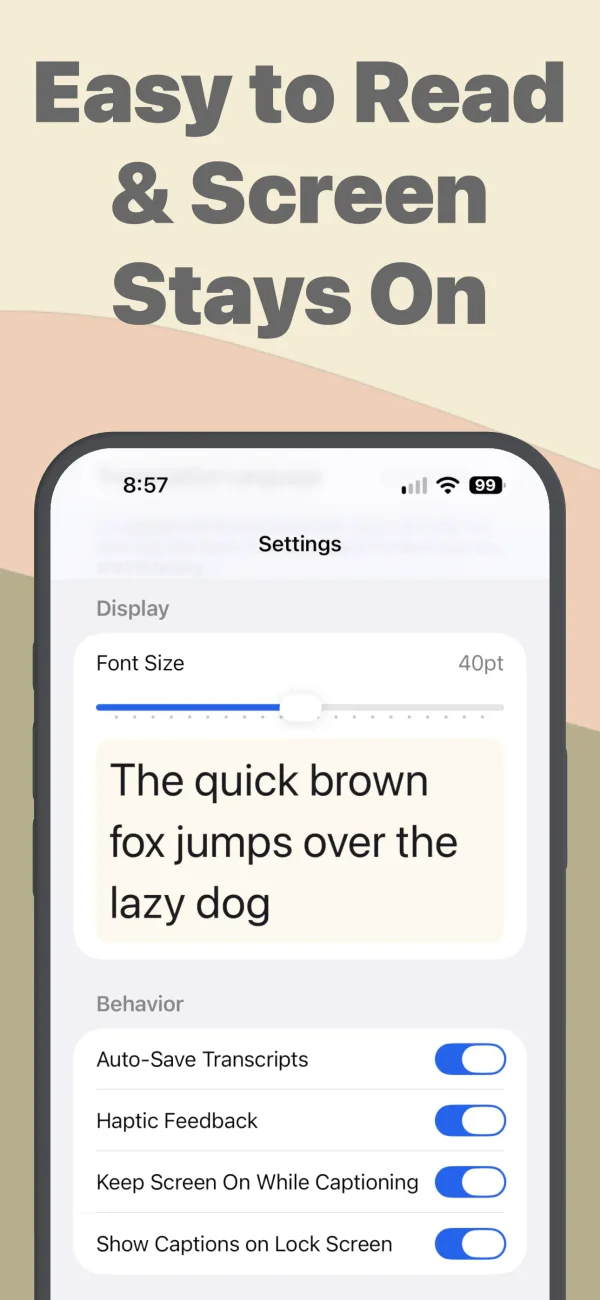
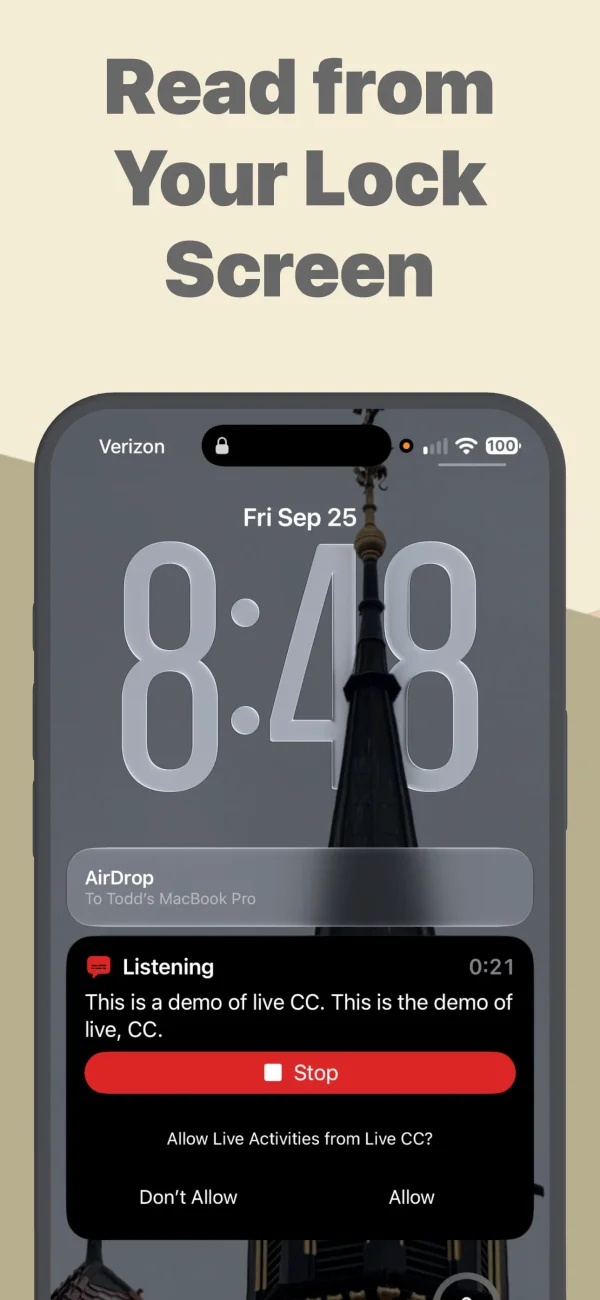
Your screen stays on while you're captioning, so it won't lock in the middle of a conversation. And if your phone does lock, captioning keeps going. The latest caption shows on the Lock Screen and in the Dynamic Island, with a Stop button right there.
HOW WELL DOES IT WORK?
Live CC isn't perfect, but it usually works well enough that you can understand what people are saying.
Here's what Aunt Joy said:
"And, it works!!!!, the Patient Care Coordinator at U.W.M.C., was very impressed!!!. Love you, Todd, for coming up with this & helping your poor Aunt out"
And...
"It helps a lot, tried it with my barista this morning & she loved it. Even with the app replacing words, we can still get the gist of the conversation."
You may notice the newest words change as someone is still talking. That's normal. Live CC refines its best guess with every new word, then locks the text in once a phrase is finished.
PRIVATE BY DESIGN
All speech recognition happens right on your iPhone. Your conversations are never sent to the cloud, and once your language is downloaded, Live CC works without an internet connection. There's no time limit, so you can caption a whole conversation.
MORE FEATURES
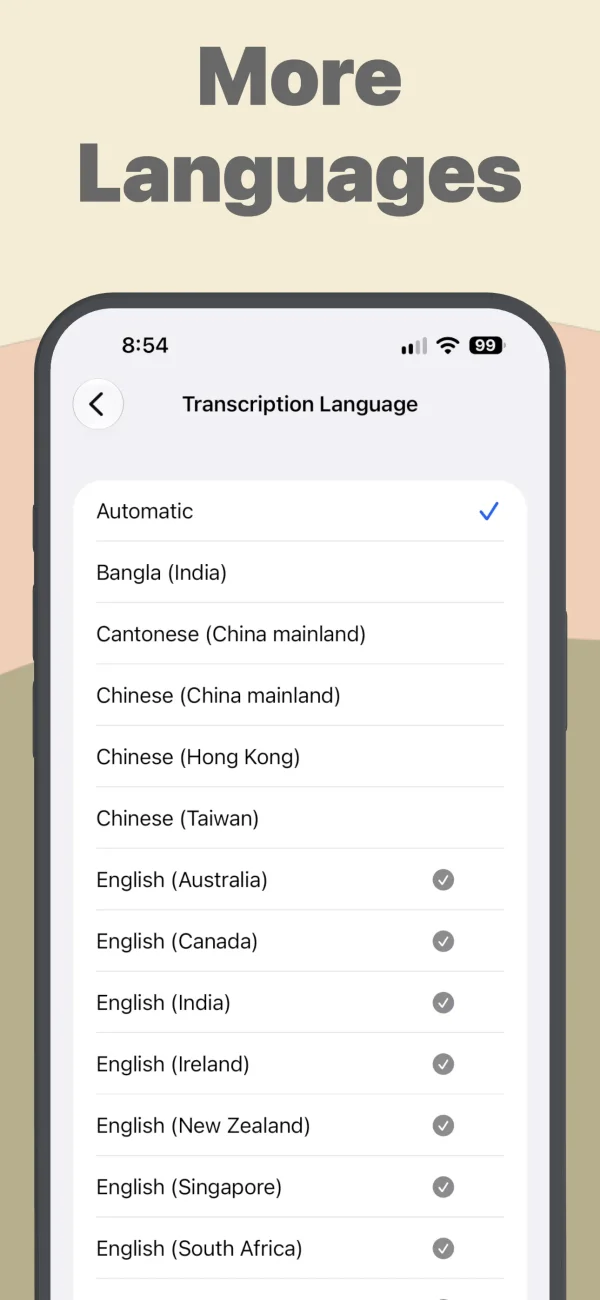
• Many languages. Pick yours in Settings. New languages download the first time you use them.
• Flip the text so the person across the table can read it too.
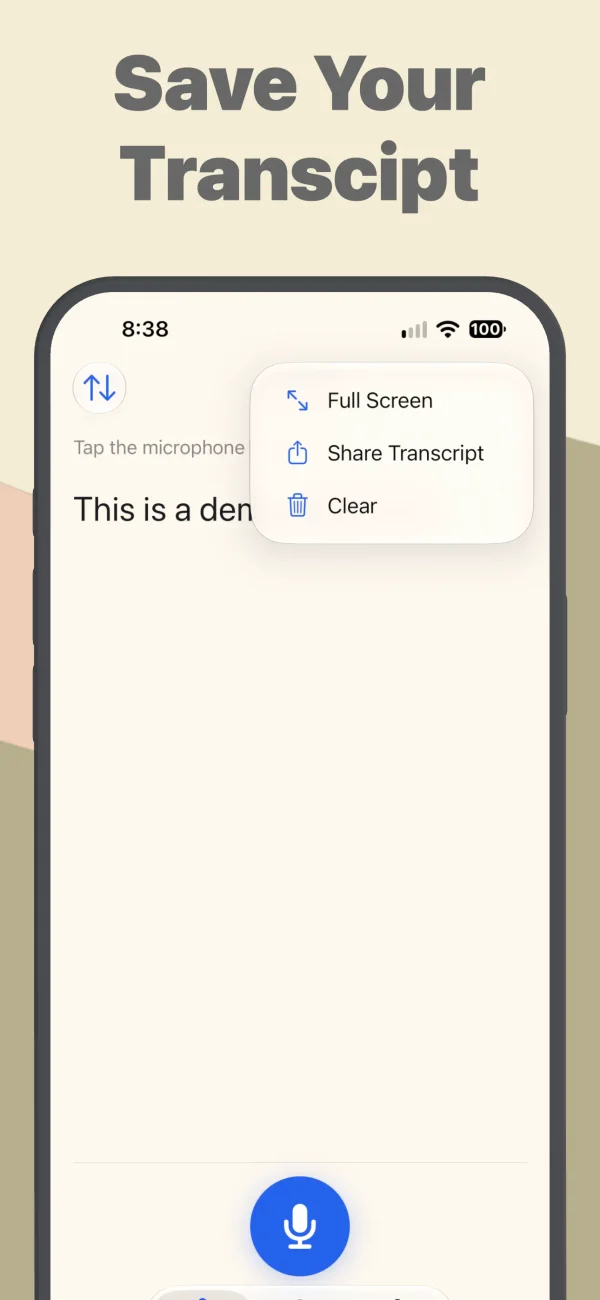
• Full-screen mode and adjustable text size for easy reading.
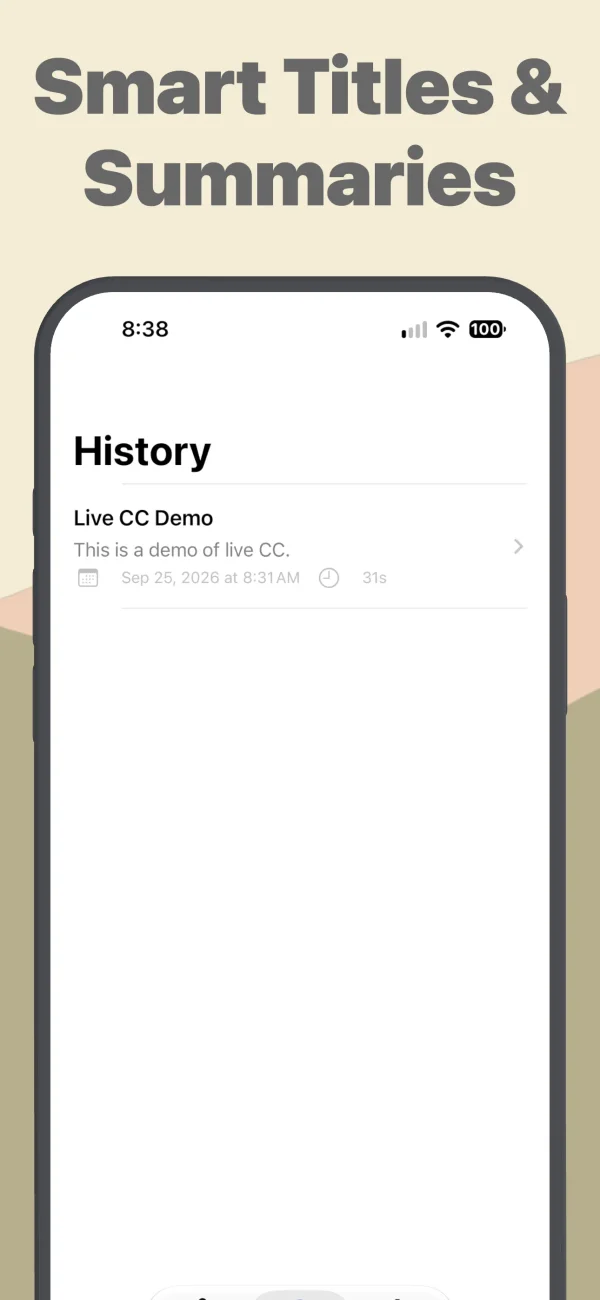
• Transcripts save automatically to History, with a title and summary created on your device (on supported devices). Search, reread, or share them anytime.
• Works with VoiceOver, including braille displays, and supports large text sizes.
• Available in English, Spanish, French, and German.
TIPS FOR BEST RESULTS
• Point the microphone toward the person speaking.
• Closer is better. A quieter spot helps too.
• For the best accuracy, consider an external microphone. The better the microphone, the better the result.
I hope Live CC can help you like it helped my Aunt Joy.
新機能
バージョン 2.10 · 2026/9/25
Live CC 2.10 is our biggest update yet.
• Captions on the Lock Screen: captioning keeps going when your phone locks. See the latest caption on the Lock Screen and in the Dynamic Island, and stop anytime without unlocking.
• Screen stays on while you're captioning, so it won't lock mid-conversation. You can change this in Settings.
• More languages: caption conversations in many more languages. Pick yours in Settings; new languages download the first time you use them.
• Smart titles and summaries: saved transcripts get a title and summary, generated entirely on your device (on supported devices).
• Siri and Shortcuts: say "Start captioning with Live CC", or add it to the Action button.
• Control Center: start captions with one tap from Control Center or the Lock Screen.
• Now available in Spanish, French, and German.
• Improved accessibility: finished captions are sent to braille displays through VoiceOver, Magic Tap starts and stops captioning, and layouts adapt better to large text sizes.
• A new animated waveform that responds to your voice.
• Fewer interruptions: Live CC now asks only for microphone access.
• Fixes: saved transcripts no longer miss the last few words, and colors are easier to read in Dark Mode.
As always, all speech processing happens on your device. Your conversations never leave your phone.
アプリのプライバシー
このアプリのデータの取り扱いについて、Possibility Outpost Inc.がApp Storeで申告している内容です。
-
データの収集なし
開発元はこのアプリからデータを収集しません。
プライバシーの取り扱いは、ご利用の機能やお客様の年齢などに応じて異なる場合があります。
情報
- 販売元
- Possibility Outpost Inc.
- カテゴリ
- ヘルスケア/フィットネス
- バージョン
- 2.10
- 更新日
- 2026/9/25
- リリース
- 2018/11/21
- サイズ
- 8.4 MB
- 必要条件
- iOS 27.0以降
- 対象年齢
- 4+
- 価格
- 無料
- 言語
- 英語, フランス語, ドイツ語, スペイン語
- 著作権
- © Possibility Outpost Inc.