- 対象年齢4+
- カテゴリ写真/ビデオ
- 開発元英武 宋
- 言語英語ほか1言語
- サイズ468.7 MB
App Storeの公式ページにリンクしています
Download.orgはLutRecのファイルを一切ホストしていません。ボタンを押すと、英武 宋が公開しているApp Storeのアプリページが開きます。ページの最終確認:2026/11/18。
スクリーンショット


概要
開発元はこのテキストをお使いの言語で提供していません。
**LutRec — Turn Your iPad into a Professional Real-Time LUT External Recording Monitor**
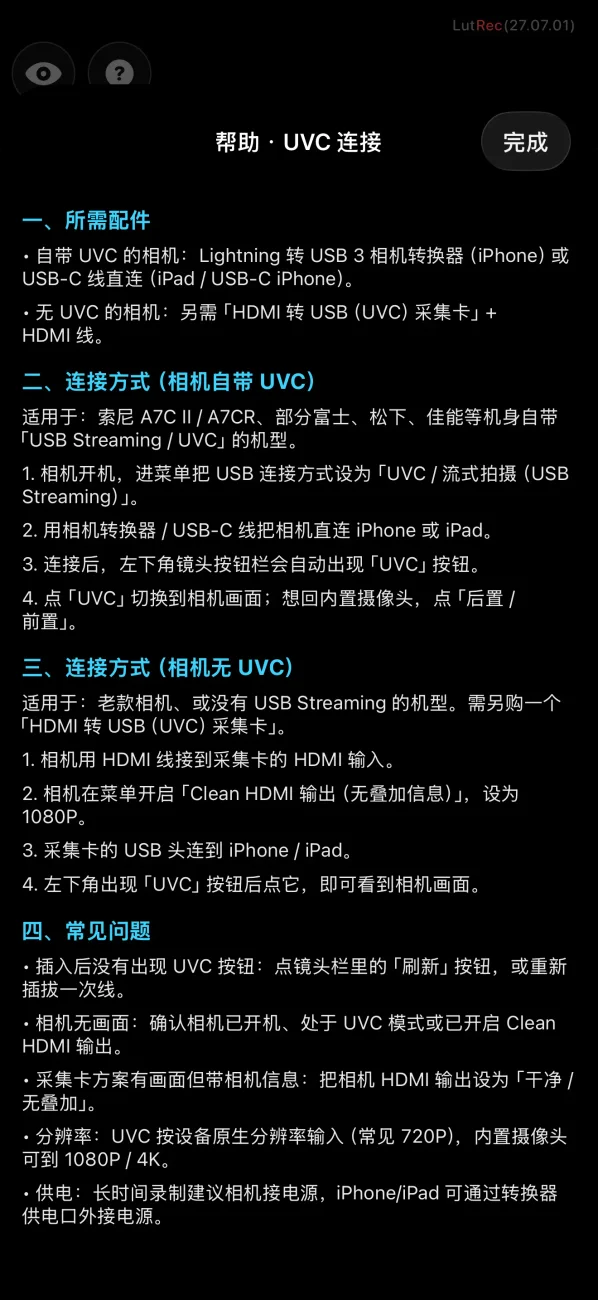
On set, how the picture looks shouldn't have to wait until post-production to be revealed. LutRec transforms your iPad/iPhone into a professional-grade real-time color grading external recorder: connect a UVC camera (such as the Sony A7C II), apply LUT color grading in real time, and see exactly what you get. You can record or capture the graded result directly, eliminating tedious post-production work.
**Real-Time LUT Grading Preview**
Powered by Metal + Core Image hardware acceleration, the preview runs smoothly without frame drops. Both the working and output color spaces are unified to Rec.709, delivering professional color management and reliable color accuracy.
**Full .cube LUT Compatibility**
Import .cube LUT files with a single tap, supporting 1D/3D LUTs. Oversized LUTs are automatically downsampled, ensuring stable compatibility with mainstream color grading files.
**Camera Log Pre-Restoration**
A two-stage professional workflow designed for Log footage such as S-Log3: first use a restoration LUT to convert flat footage back to Rec.709, then layer a stylistic LUT on top — all in one step.
**Adjustable LUT Intensity**
Real-time blending from 0–100% opacity lets you fine-tune while you watch, finding the perfect look for your shot.
**Recording / Photo / Live Photo**
During video recording, LUTs are burned into the footage in real time with efficient HEVC encoding. Photo and Live Photo capture are supported, with results saved directly to the system album.
**Stabilization & Multi-Lens**
Toggle stabilization on or off with one tap. Freely switch between front, telephoto, main, ultra-wide, and external cameras to suit various shooting setups.
**Flexible Audio Input**
Supports the iPad's built-in microphone as well as external UAC audio devices, so you can choose the recording setup that fits your needs.
**Custom Watermark**
Edit watermark text freely and overlay it with one tap, giving your finished work built-in copyright identification.
**iPhone Remote Control for iPad**
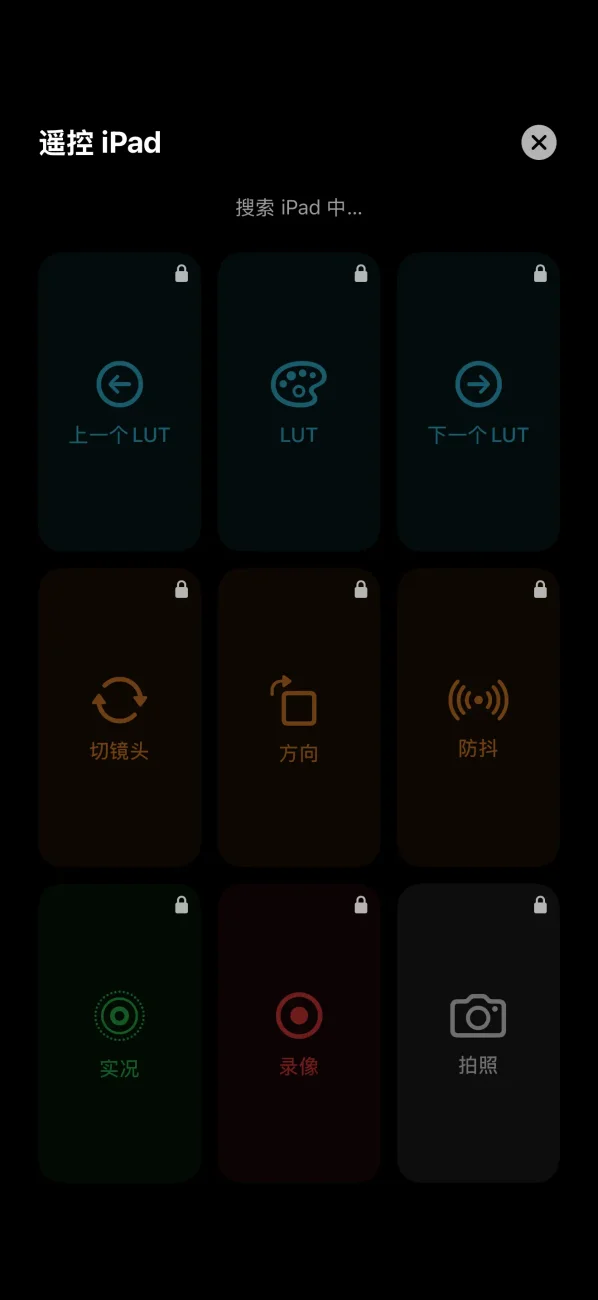
Bonjour automatically discovers devices on the same local network, letting you control iPad shooting from your iPhone: start/stop recording, take photos, capture Live Photos, switch LUTs, toggle stabilization, and change lenses — a one-person crew can work just as smoothly.
**Minimalist Professional Interface**
Full-screen, distraction-free preview with large, touch-friendly buttons — anyone can pick it up and shoot on set.
Experience real-time LUT grading preview for free. Upgrade to the Pro version to unlock all professional features including video recording, photo capture, Live Photos, and stabilization.
新機能
バージョン 27.55.05 · 2026/11/11
1. Fixed the issue where the network streaming video would freeze after switching to the background.
2. Fixed the issue where recording failed during network streaming video.
アプリのプライバシー
このアプリのデータの取り扱いについて、英武 宋がApp Storeで申告している内容です。
-
データの収集なし
開発元はこのアプリからデータを収集しません。
プライバシーの取り扱いは、ご利用の機能やお客様の年齢などに応じて異なる場合があります。
情報
- 販売元
- 英武 宋
- カテゴリ
- 写真/ビデオ
- バージョン
- 27.55.05
- 更新日
- 2026/11/11
- リリース
- 2026/2/17
- サイズ
- 468.7 MB
- 必要条件
- iOS 18.0以降
- 対象年齢
- 4+
- 価格
- 無料
- アプリ内課金
- あり
- 言語
- 英語, 簡体字中国語
- 著作権
- © 2026 Yingwu song. All rights reserved.