- 対象年齢4+
- カテゴリ写真/ビデオ
- 開発元通 刘
- 言語英語
- サイズ187.6 MB
App Storeの公式ページにリンクしています
Download.orgはMagic Eraser: Object Removerのファイルを一切ホストしていません。ボタンを押すと、通 刘が公開しているApp Storeのアプリページが開きます。ページの最終確認:2026/11/17。
スクリーンショット
概要
開発元はこのテキストをお使いの言語で提供していません。
Erase anything you don’t want — instantly.
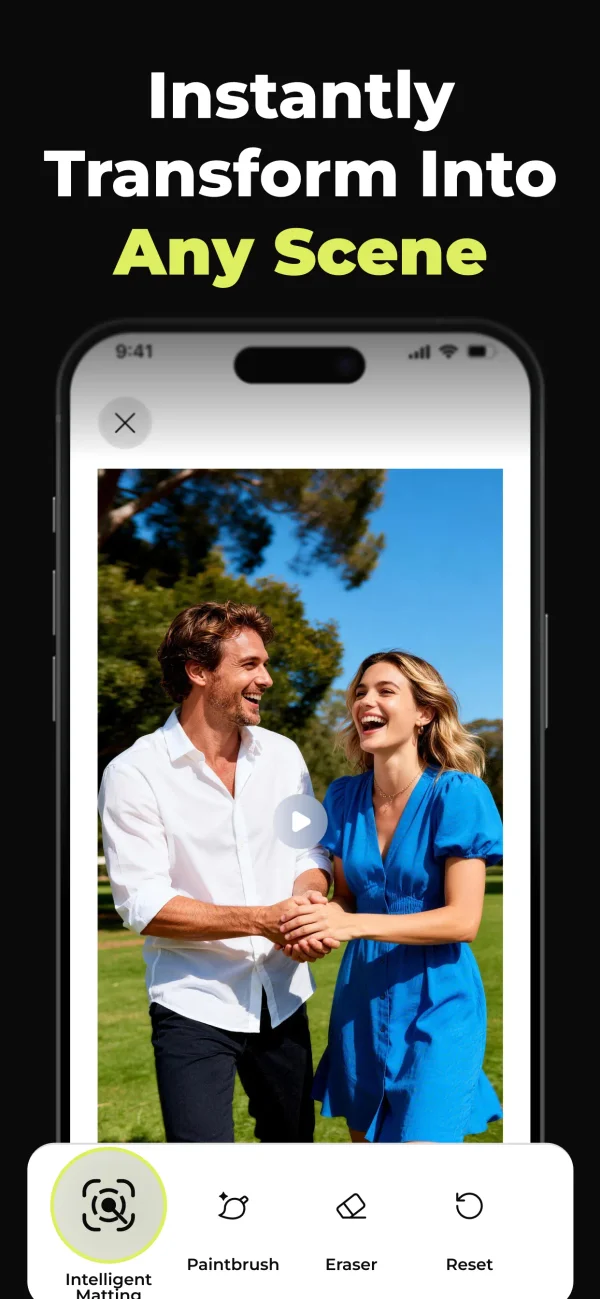
Magic Eraser is an all-in-one video editing tool designed to help you remove, replace, and transform unwanted elements in photos and videos.
From removing objects and changing hairstyles to replacing backgrounds and protecting privacy, powerful AI makes editing fast, effortless, and natural-looking.
Clean up distractions. Fix mistakes. Create better content.
Key Features
· AI Object Remover
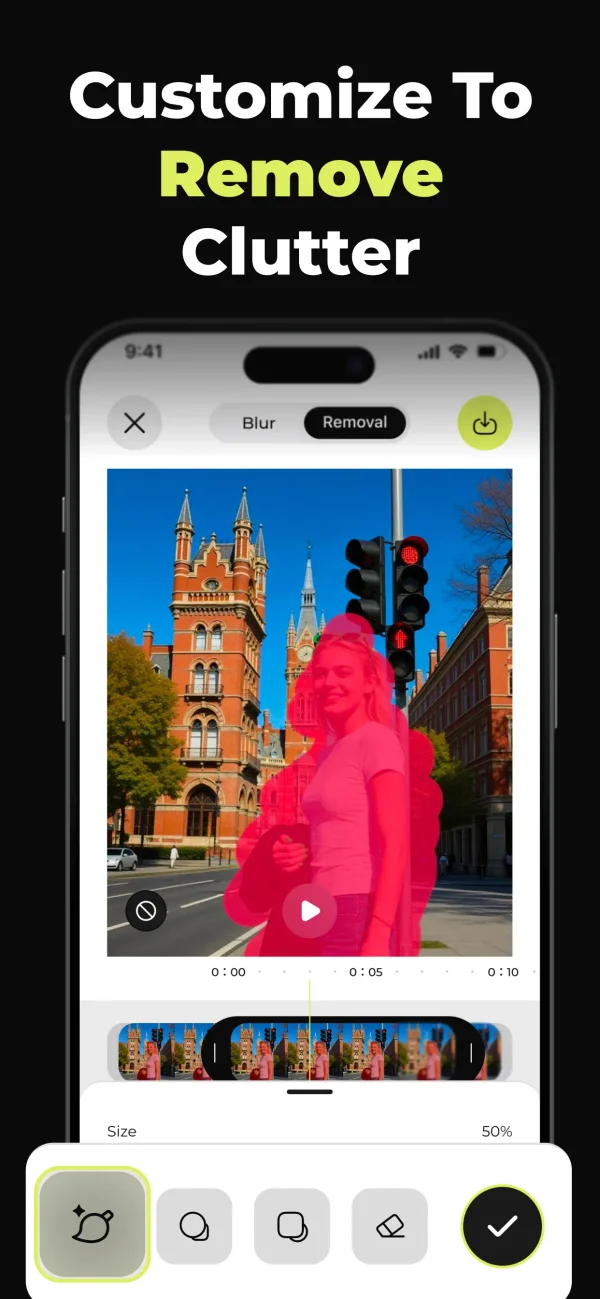
Remove unwanted people, objects, text, logos, clutter, or distractions from photos and videos effortlessly.
· Background Remover & Replacement
Instantly erase or replace backgrounds using smart AI cutout for clean, professional-looking results.
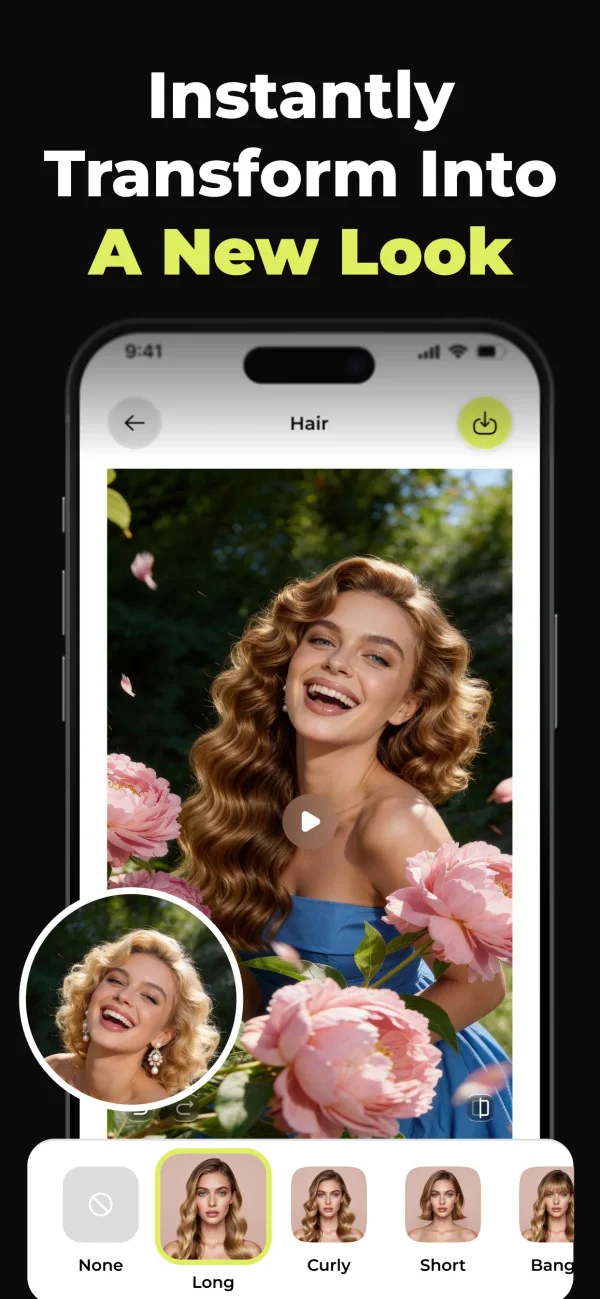
· AI Hairstyle Changer
Try different hairstyles and hair colors in seconds to preview new looks and styles.
· Blur & Mosaic Tools
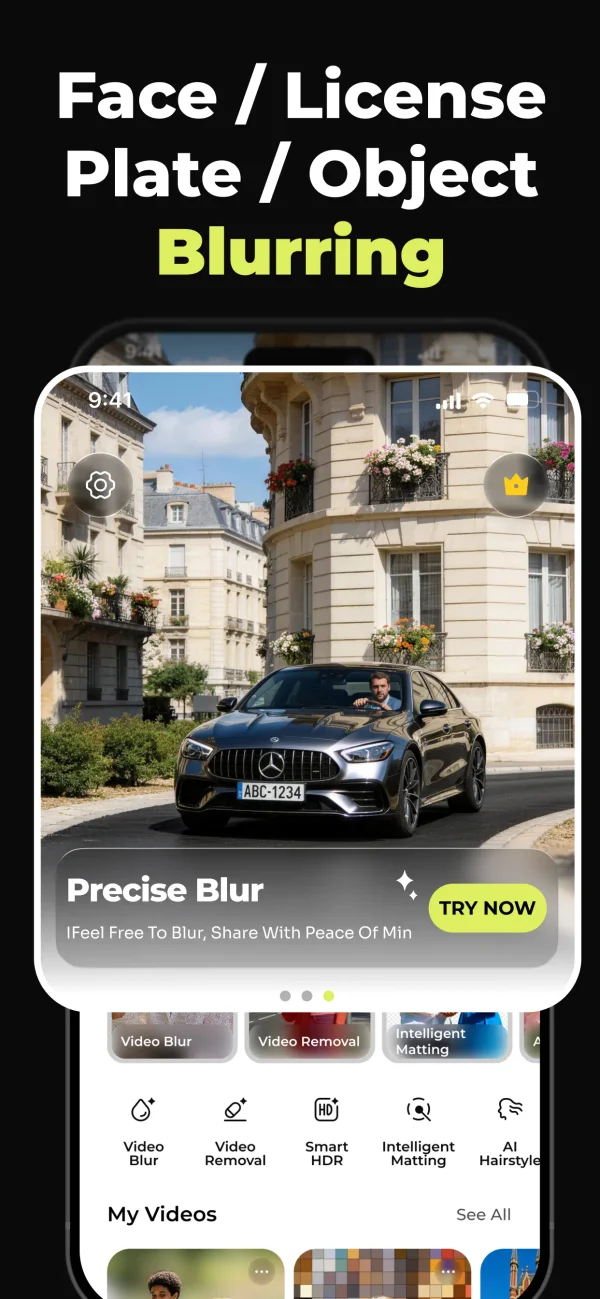
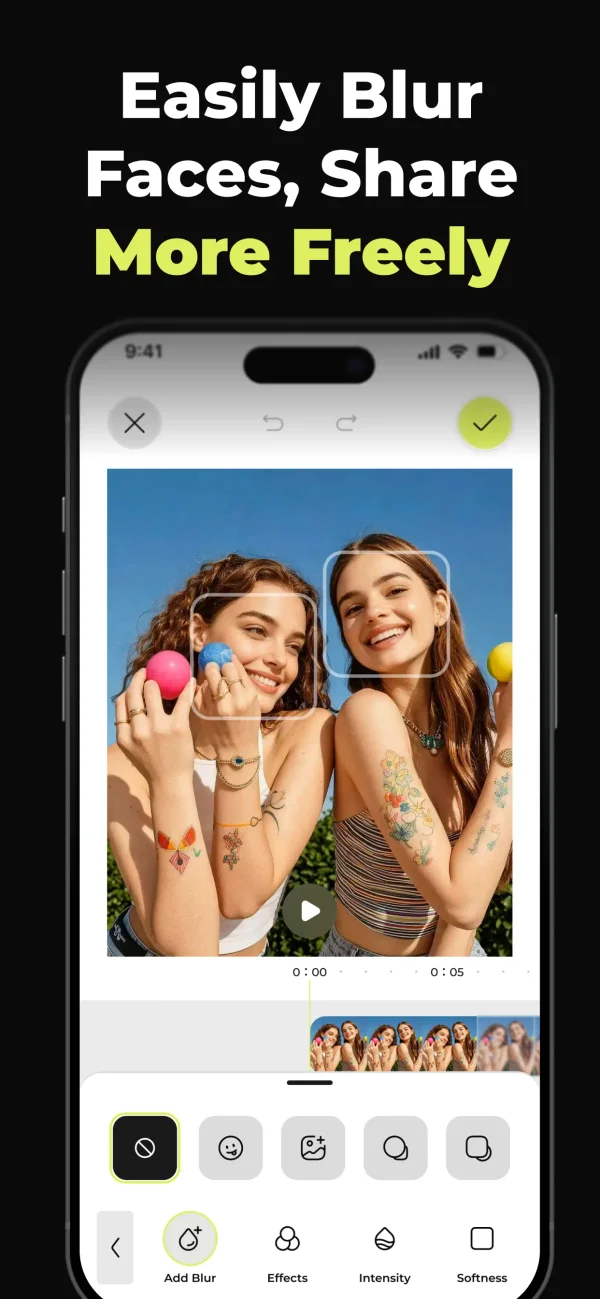
Protect privacy by blurring faces, license plates, sensitive information, or unwanted areas in photos and videos.
· Smart Cutout & Stickers
Precisely cut out people, pets, or objects to create stickers and creative edits.
· 3D Figure Magic
Turn photos and videos into fun 3D-style characters with AI-powered effects.
· Smart HDR Enhancement
Automatically improve brightness, contrast, and details for sharper, cleaner visuals.
Perfect For
• Remove unwanted objects or distractions
• Erase messy backgrounds instantly
• Try new hairstyles before making changes
• Blur faces and protect privacy
• Create clean content for social media
• Upgrade photos and videos effortlessly
Privacy Notice:
We value your privacy. Photos and videos selected in the app are used only for editing purposes, such as mosaic and blur effects. We do not collect, store, or share facial data, personal media, or user content. Your information is not retained or shared with third parties.
Edit smarter. Remove anything. Create effortlessly.
Blur and mosaic videos easily with powerful editing tools. – download now.
Please note that the subscription will auto-renew at the end of the subscription period. If you wish to cancel your subscription, you must do so 24-hours in advance before the current period ends. The subscription fee will be charged to your iTunes account upon confirmation of purchase. Apple policy prohibits cancellation during an active subscription period, and no refunds will be provided for any unused portion of the term.
Terms https://magiceraser.top/terms
Policy https://magiceraser.top/privacy
新機能
バージョン 1.0.4 · 2026/7/21
Stability improvements and bug fixes
アプリのプライバシー
このアプリのデータの取り扱いについて、通 刘がApp Storeで申告している内容です。
-
データの収集なし
開発元はこのアプリからデータを収集しません。
プライバシーの取り扱いは、ご利用の機能やお客様の年齢などに応じて異なる場合があります。
情報
- 販売元
- 通 刘
- カテゴリ
- 写真/ビデオ
- バージョン
- 1.0.4
- 更新日
- 2026/7/21
- リリース
- 2026/8/3
- サイズ
- 187.6 MB
- 必要条件
- iOS 18.0以降
- 対象年齢
- 4+
- 価格
- 無料
- アプリ内課金
- あり
- 言語
- 英語
- 著作権
- © Blur Video @2026 Copyright
こちらもおすすめ
-
 Remove Objects From Photo: RBQ写真/ビデオ
-
 Photo Eraser – Object Remover写真/ビデオ
-
 写真消しゴム:人消し・不要物を削除文字消し・古い写真の復元・高画質化
-
 Captions for Video: AI Subs写真/ビデオ
-
 Screen Recorder: Save & Share写真/ビデオ
-
 EraserDuck- AI Object removal写真/ビデオ
-
 AIによる消去とオブジェクトの削除オブジェクトの削除と人の削除
-
 写真消去: オブジェクト除去1タップで人物などを削除
-
 HD Photo - Photo Enhancer写真/ビデオ
-
 写真の不要物を消去AIで写真の不要な物や人物を自然に消去