- 対象年齢4+
- カテゴリグラフィック/デザイン
- 開発元Omee Ganatra
- 言語英語
- サイズ4.0 MB
App Storeの公式ページにリンクしています
Download.orgはMapKraftのファイルを一切ホストしていません。ボタンを押すと、Omee Ganatraが公開しているApp Storeのアプリページが開きます。ページの最終確認:2026/11/17。
スクリーンショット
概要
開発元はこのテキストをお使いの言語で提供していません。
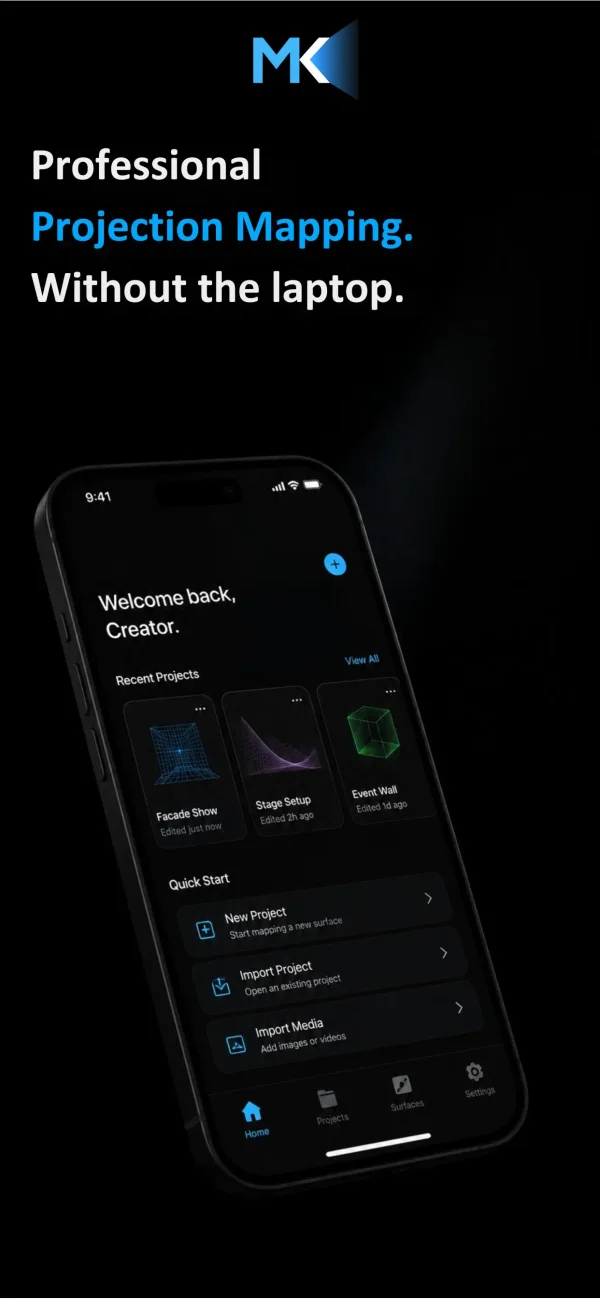
Turn walls, boxes, furniture, or any flat or curved surface into a moving, glowing canvas. MapKraft is a projection mapping app built for creators who want professional results without professional pricing or a bulky laptop setup.
Most mapping software is built for editing suites and studios. MapKraft is built for your phone. Point your projector, open the app, and start warping visuals onto real surfaces in minutes.
WHAT YOU CAN DO WITH MAPKRAFT:
Corner-pin mapping
Drag the corners of your projection to match any surface, no matter the angle you're projecting from. Perfect for quick setups where your projector isn't perfectly centered.
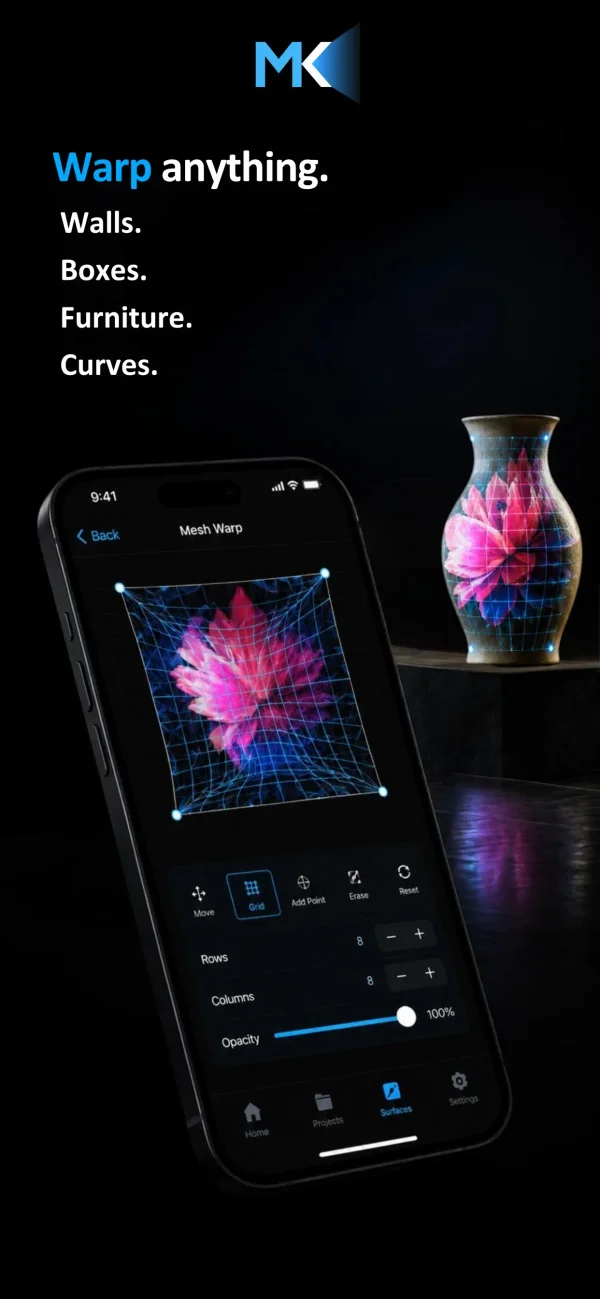
Mesh warp
Curved surfaces, uneven walls, sculptures, and irregular objects stop being a problem. Adjust a full warp grid to bend your visuals exactly onto the shape in front of you.
Edge blending
Running more than one projector? Blend the overlapping edges so your final image looks like one continuous surface instead of two separate projections fighting each other.
Multiple surfaces, one project
Map several shapes within a single scene and keep everything organized without juggling separate files.
Real-time preview
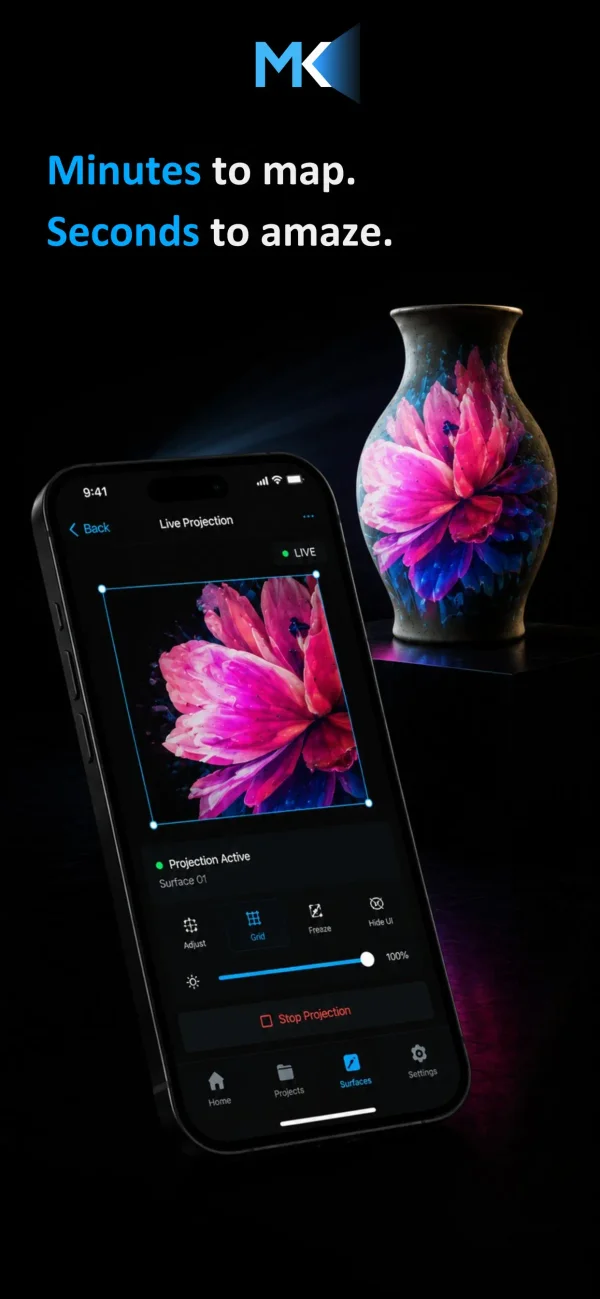
See your changes as you make them. No render queue, no waiting, no guessing what it'll look like once it's live.
Built for speed
MapKraft is light, fast, and made to run smoothly without eating your battery or your patience. Open it, set it up, and get to the actual creative part.
WHO IT'S FOR:
Artists doing live visuals and VJ sets
Event and wedding decorators adding a bit of spectacle
Students and hobbyists experimenting with light and space
Small studios and freelancers who don't want to pay for a full production suite just to map one wall
Anyone curious about what projection mapping actually looks like once you try it yourself
WHY MAPKRAFT:
Projection mapping used to mean expensive desktop software, steep learning curves, and tools priced for studios with a budget. MapKraft strips that down. You get the core tools that actually matter, corner-pin, warp, and blend, in an app that fits in your pocket and doesn't ask you to sit through a tutorial series before your first project.
We built MapKraft because we wanted to map a surface on a Tuesday afternoon without opening a $400 program first. If that sounds like you, this app was made for exactly that moment.
GETTING STARTED:
Open the app, connect or point your projector, pick a surface, and start dragging corners or adjusting the warp grid. Most first projects take less time to map than it took to read this description.
Whether you're prepping visuals for a small gig, decorating a room for an event, working on a school project, or just want to see your favorite animation wrapped around a lampshade, MapKraft gets you there without the overhead.
Download MapKraft and start mapping.
Terms of Use (EULA): https://www.mapkraft.in/terms
Privacy Policy: https://www.mapkraft.in/privacypolicy
新機能
バージョン 1.1 · 2026/7/23
performance fixes
アプリのプライバシー
このアプリのデータの取り扱いについて、Omee GanatraがApp Storeで申告している内容です。
-
データの収集なし
開発元はこのアプリからデータを収集しません。
プライバシーの取り扱いは、ご利用の機能やお客様の年齢などに応じて異なる場合があります。
情報
- 販売元
- Omee Ganatra
- カテゴリ
- グラフィック/デザイン
- バージョン
- 1.1
- 更新日
- 2026/7/23
- リリース
- 2026/7/21
- サイズ
- 4.0 MB
- 必要条件
- iOS 17.0以降
- 対象年齢
- 4+
- 価格
- 無料
- アプリ内課金
- あり
- 言語
- 英語
- 著作権
- © Omee Ganatra
こちらもおすすめ
-
 PicoMap:プロジェクションマッピング壁・舞台・オブジェを映像化
-
 NEO-F: Projection Mappingグラフィック/デザイン
-
 Redrawing Reality: プロジェクターAIプロジェクションマッピング&VFX
-
 BeamSpace:プロジェクションマッピングプロジェクターで壁や物体にVJ映像
-
 EasyMapper プロジェクションマッピングクリスマスのイルミネーションをプロジェクターで
-
 Surfaces in Spaceグラフィック/デザイン
-
 Meshora 3D : AI Model Makerグラフィック/デザイン
-
 Pro Mapper Projection Mappingグラフィック/デザイン
-
 Morphonグラフィック/デザイン
-
 ProjectX - Projection Mappingグラフィック/デザイン