- 対象年齢4+
- カテゴリ仕事効率化
- 開発元Bravely Studios
- サイズ20.3 MB
App Storeの公式ページにリンクしています
Download.orgはMarkdly - Markdown Editorのファイルを一切ホストしていません。ボタンを押すと、Bravely Studiosが公開しているApp Storeのアプリページが開きます。ページの最終確認:2026/11/23。
スクリーンショット
概要
開発元はこのテキストをお使いの言語で提供していません。
The markdown editor that respects your output.
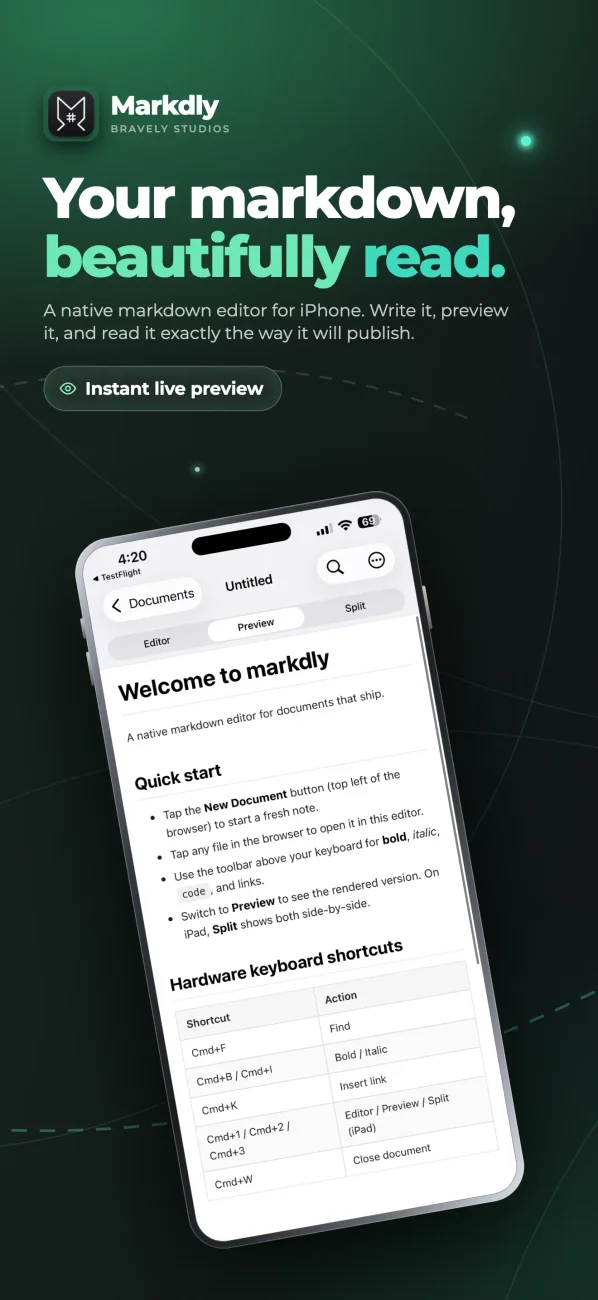
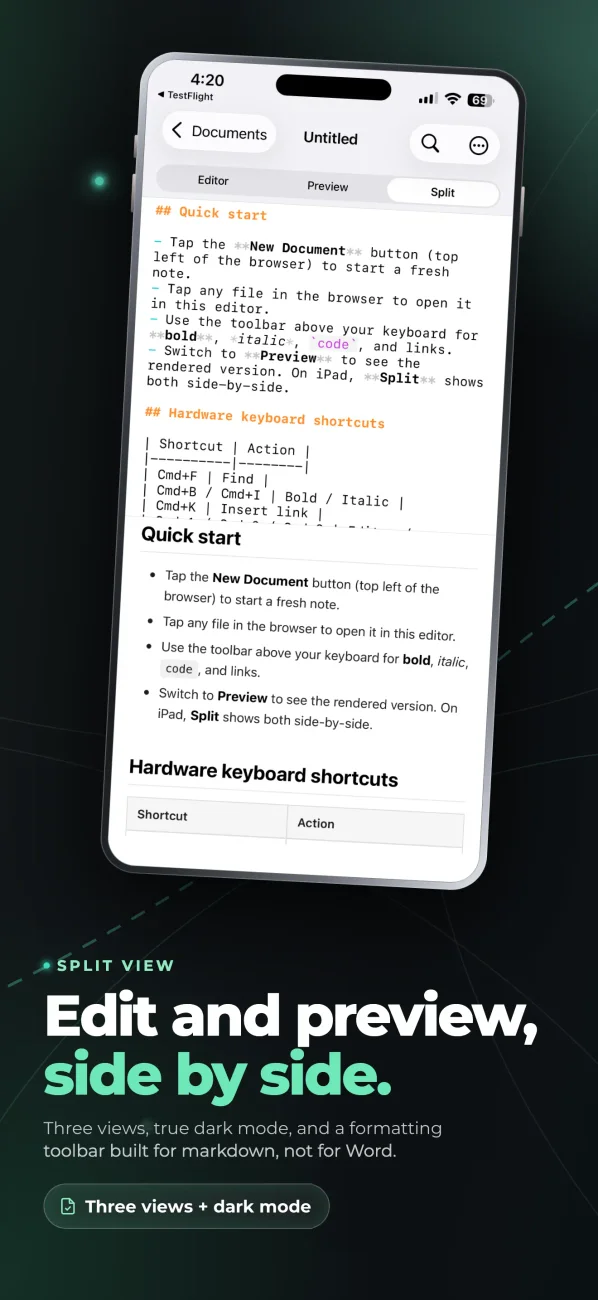
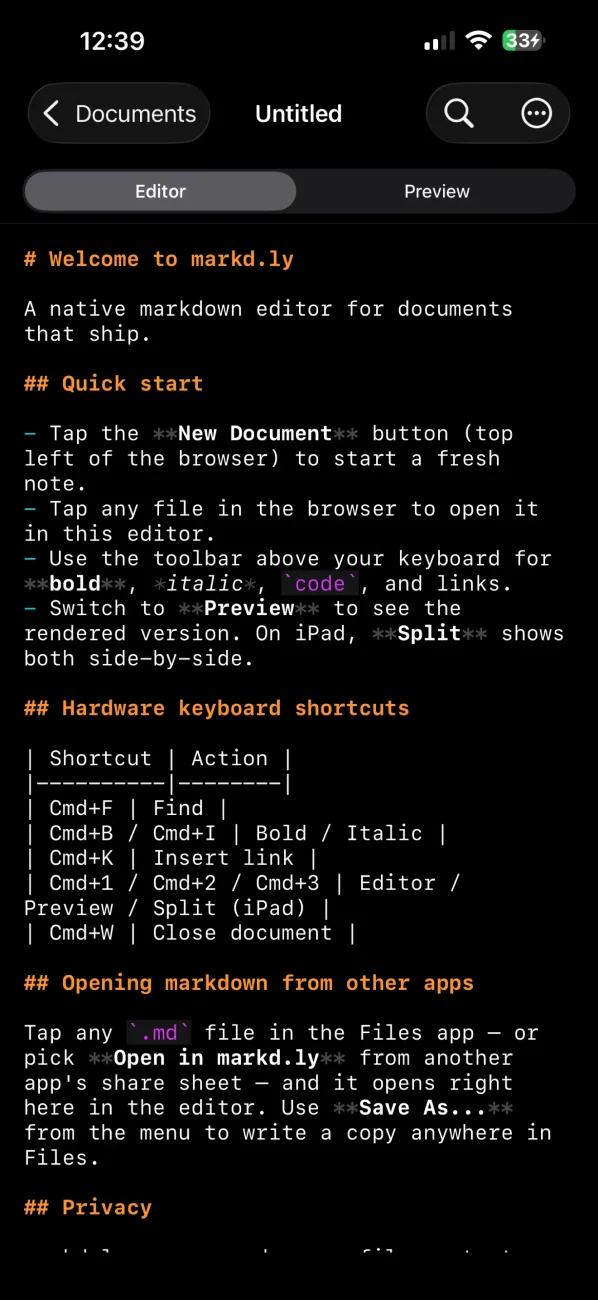
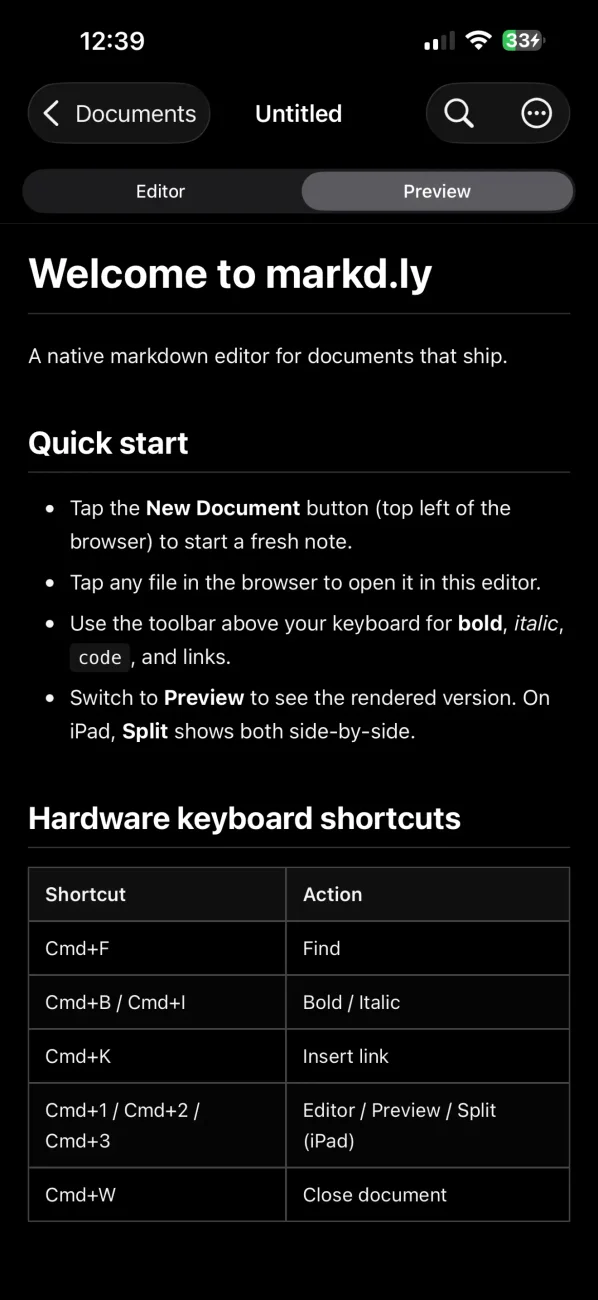
Markdly is a native Markdown editor for iPhone and iPad with live preview, built for people who write in plain .md and ship a real deliverable. Open a file, write, and watch the preview render as you type. The same Bravely Account unlocks Markdly on Mac, Windows, and Linux too, so the document you start on your phone is waiting on your desktop.
WRITE & EDIT
• Native SwiftUI editor with adjustable font size and syntax highlighting
• Live preview with multiple themes, side by side
• Mermaid diagrams render right inside the preview
• KaTeX math, inline and block
• Open .md, .markdown, .mdown, .mkd, and .mkdn files from anywhere
DOCUMENT INTEGRATION
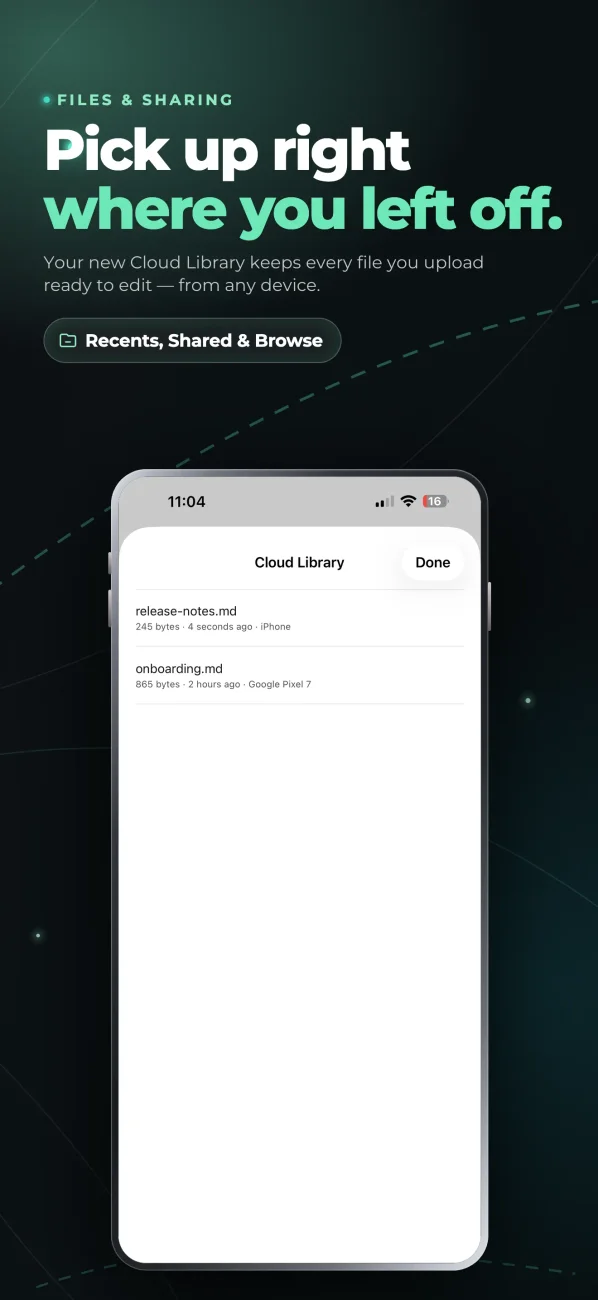
• Open files from the Files app and from any Markdown share
• Save back to iCloud Drive, Files, or any document provider
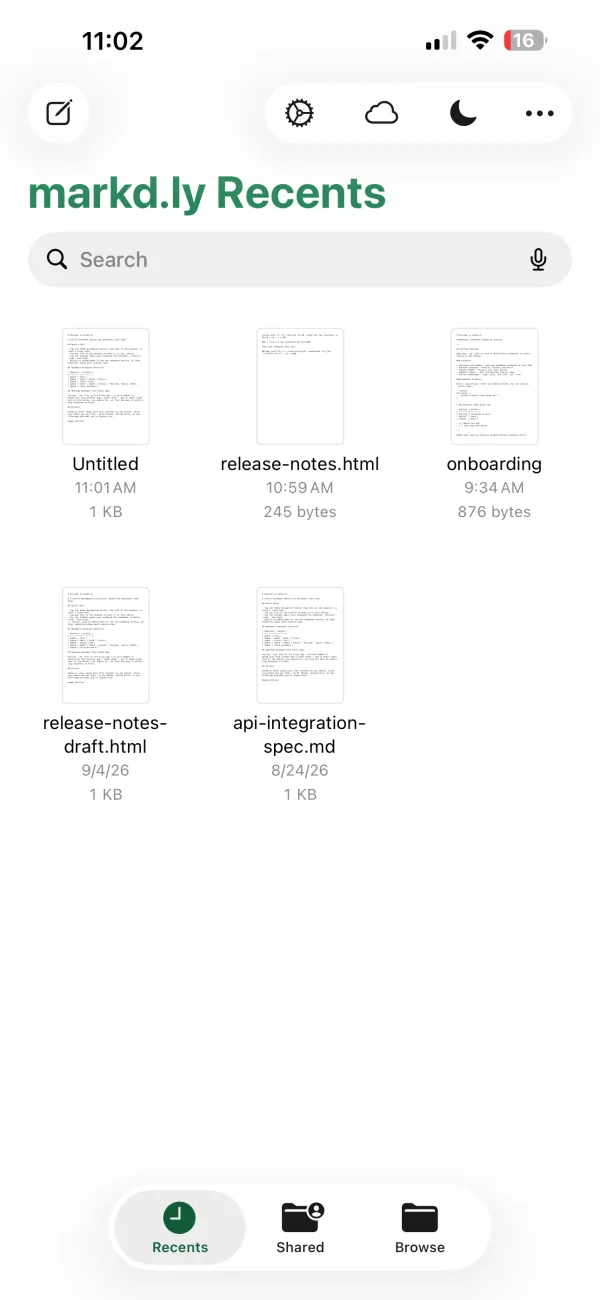
• Multi-document tabs to switch between drafts
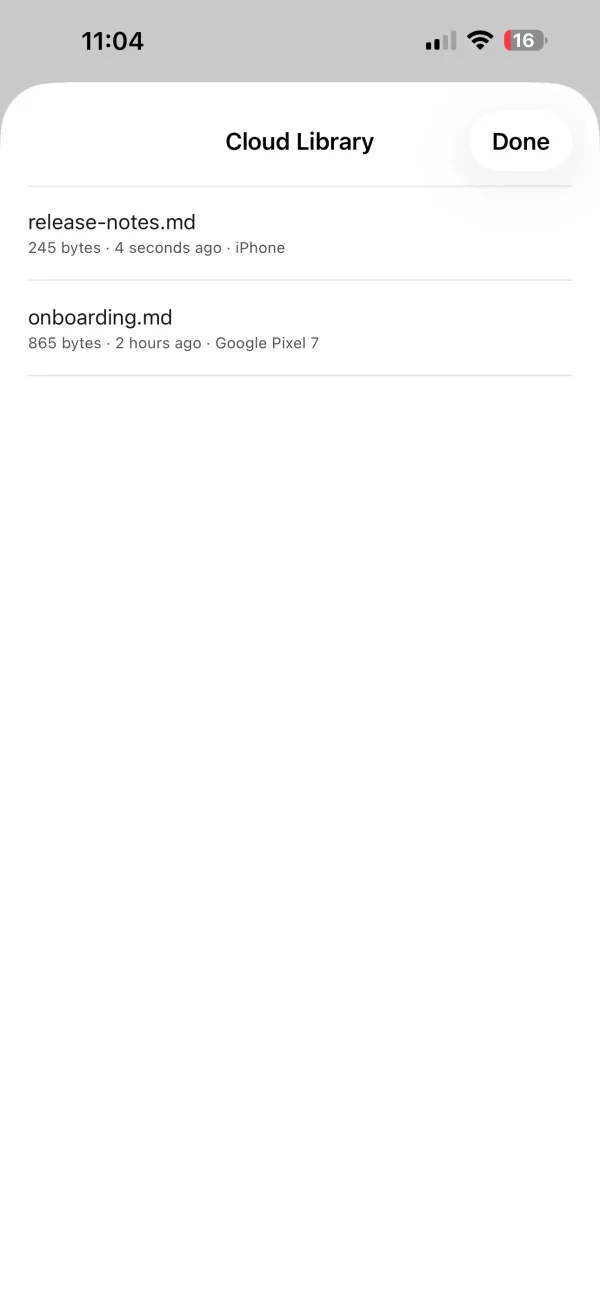
• Recent files for one-tap return
FOLDER-BASED, NO LOCK-IN
Your files stay plain .md on disk — no vault, no proprietary format, nothing to migrate out of later. Git-friendly, and the same files open everywhere else you use Markdly.
WHAT MARKD.LY IS FOR
Blog posts. README files. Documentation. Technical writing. Markdly is for writing that lives in markdown but leaves the app as something polished — not a note-graph or a second brain. If you need wikilinks and a graph, use a vault tool. If you want documents that look great when you ship them, this is the editor.
ONE PURCHASE, EVERY PLATFORM
Markdly is a tool, not a service. A single one-time purchase unlocks the complete app on every platform — iPhone, iPad, Mac, Windows, and Linux — carried by your Bravely Account. Buy it once on any platform and the rest unlock automatically, with no per-feature paywalls. The deeper export pipeline — Pandoc to DOCX, EPUB, LaTeX, and slides, a custom CSS editor, a snippet library, vim mode, encrypted documents, the command-line tool, and an MCP server for AI agents — lives on the desktop builds, included in the same one purchase.
SIGN IN
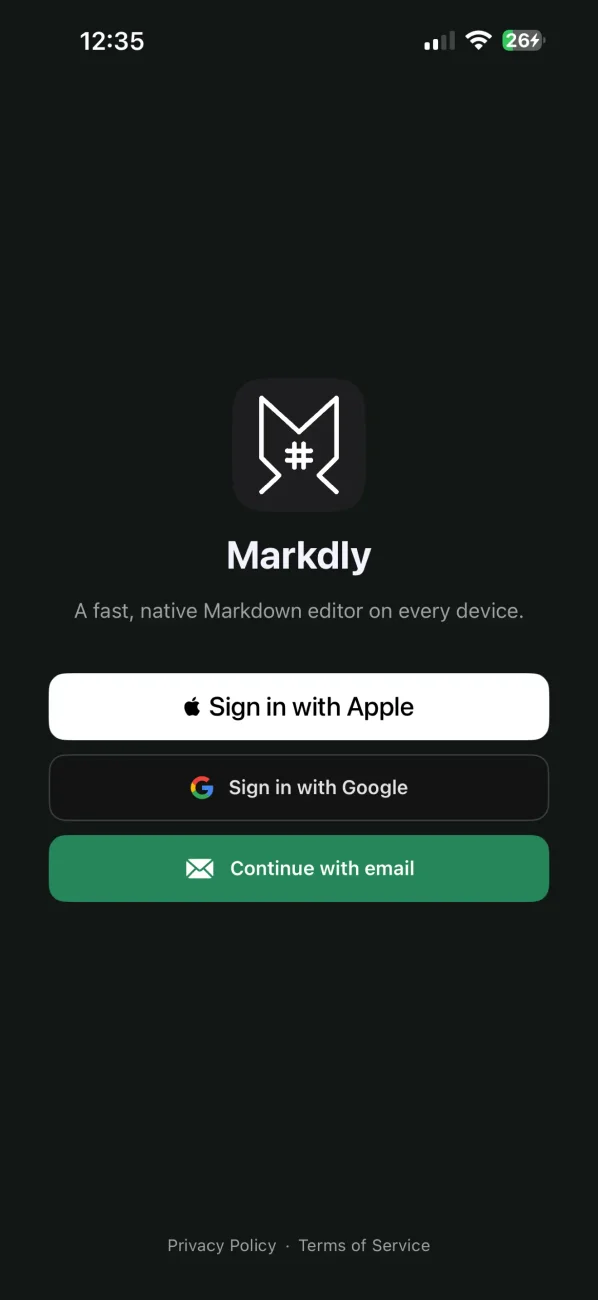
Signing in is free. Sign in with Apple, Google, or email — the same sign-in works on every Markdly app you install. Try it free, then a single one-time purchase unlocks everything. Already bought Markdly on another platform? Sign in to restore it here at no extra charge.
SUPPORT
Questions, bug reports, and feature requests: support@bravely.dev
Privacy: https://bravely.dev/privacy/markdly
Terms: https://bravely.dev/terms
新機能
バージョン 1.13.6 · 2026/11/21
Lists keep going when you press Return, and numbered lists renumber themselves. Code Block wraps the lines you select, and code blocks stay shaded while you scroll. New documents ask for a name and a place, and Rename, Move and Delete are in the document menu. Your last document reopens when you come back, Split scrolls both sides together, and the Markdown view shows plain text with colored marks. Plus pictures, tables and footnotes now look the same on screen and in your PDFs.
アプリのプライバシー
このアプリのデータの取り扱いについて、Bravely StudiosがApp Storeで申告している内容です。
-
ユーザーに関連付けられたデータ
収集され、ユーザーの識別情報に関連付けられる場合があります。
- 連絡先情報
- ユーザーコンテンツ
- ID
- 使用状況データ
-
ユーザーに関連付けられないデータ
収集される場合がありますが、ユーザーの識別情報には関連付けられません。
- 診断
プライバシーの取り扱いは、ご利用の機能やお客様の年齢などに応じて異なる場合があります。
情報
- 販売元
- Bravely Studios LLC
- カテゴリ
- 仕事効率化
- バージョン
- 1.13.6
- 更新日
- 2026/11/21
- リリース
- 2026/7/22
- サイズ
- 20.3 MB
- 必要条件
- iOS 17.0以降
- 対象年齢
- 4+
- 価格
- 無料
- アプリ内課金
- あり
- 著作権
- © 2026 Bravely Studios LLC