- 対象年齢4+
- カテゴリファイナンス
- 開発元SIBS FPS
- 言語英語ほか1言語
- サイズ233.4 MB
App Storeの公式ページにリンクしています
Download.orgはMB WAYのファイルを一切ホストしていません。ボタンを押すと、SIBS FPSが公開しているApp Storeのアプリページが開きます。ページの最終確認:2026/11/19。
スクリーンショット




概要
開発元はこのテキストをお使いの言語で提供していません。
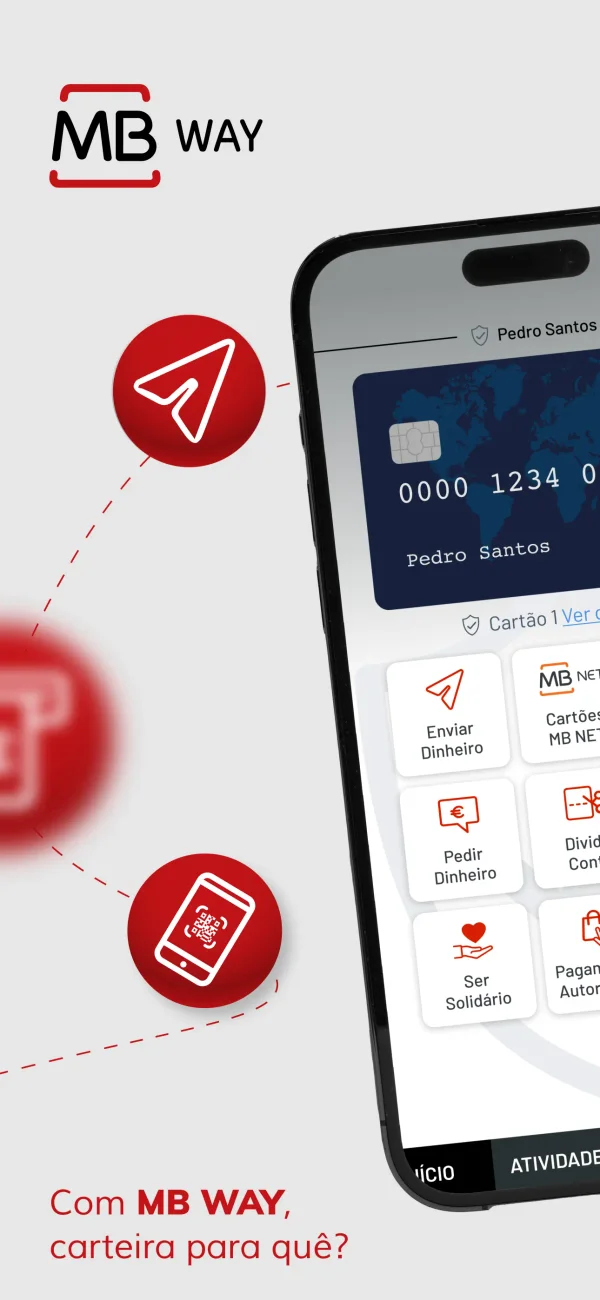
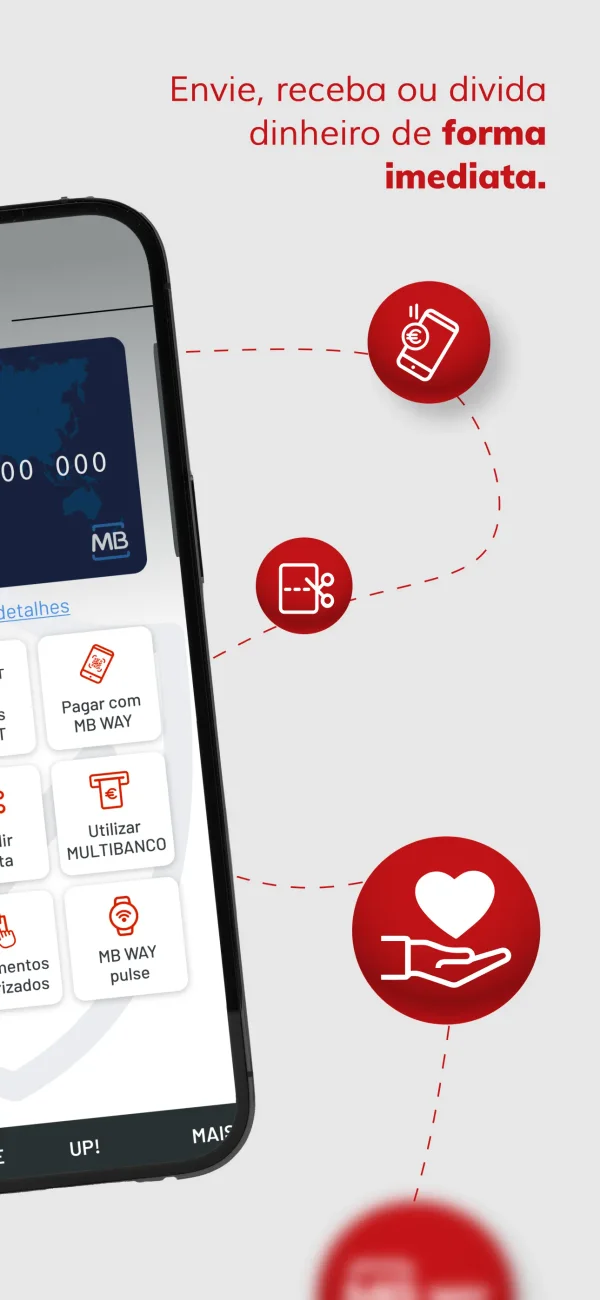
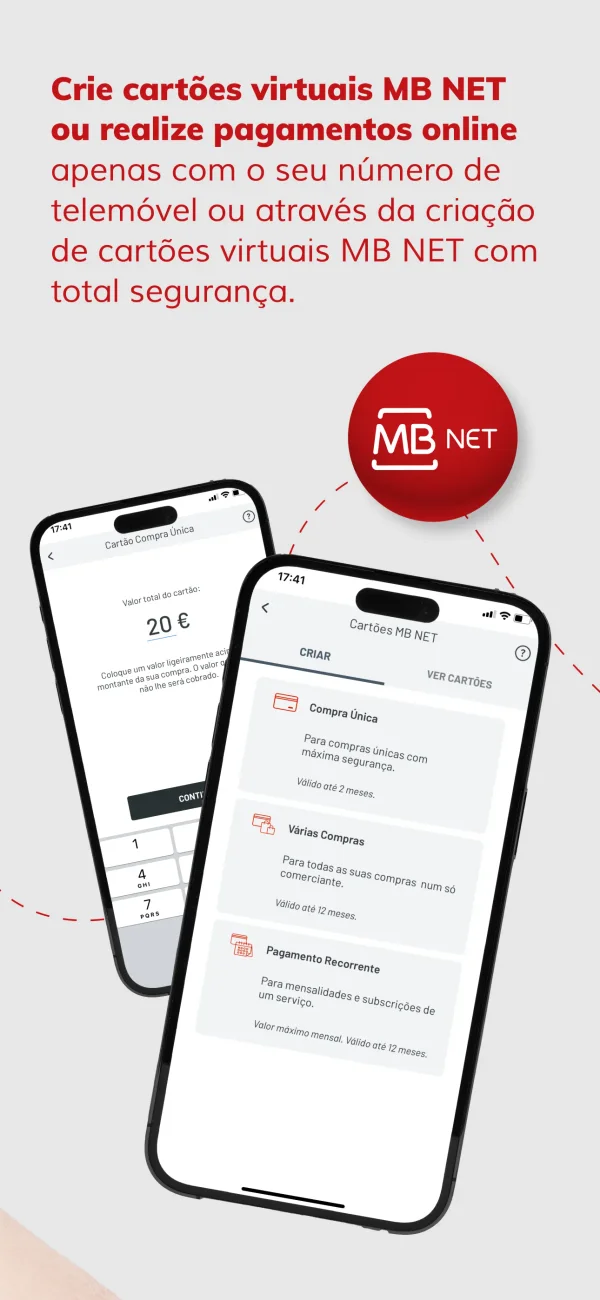
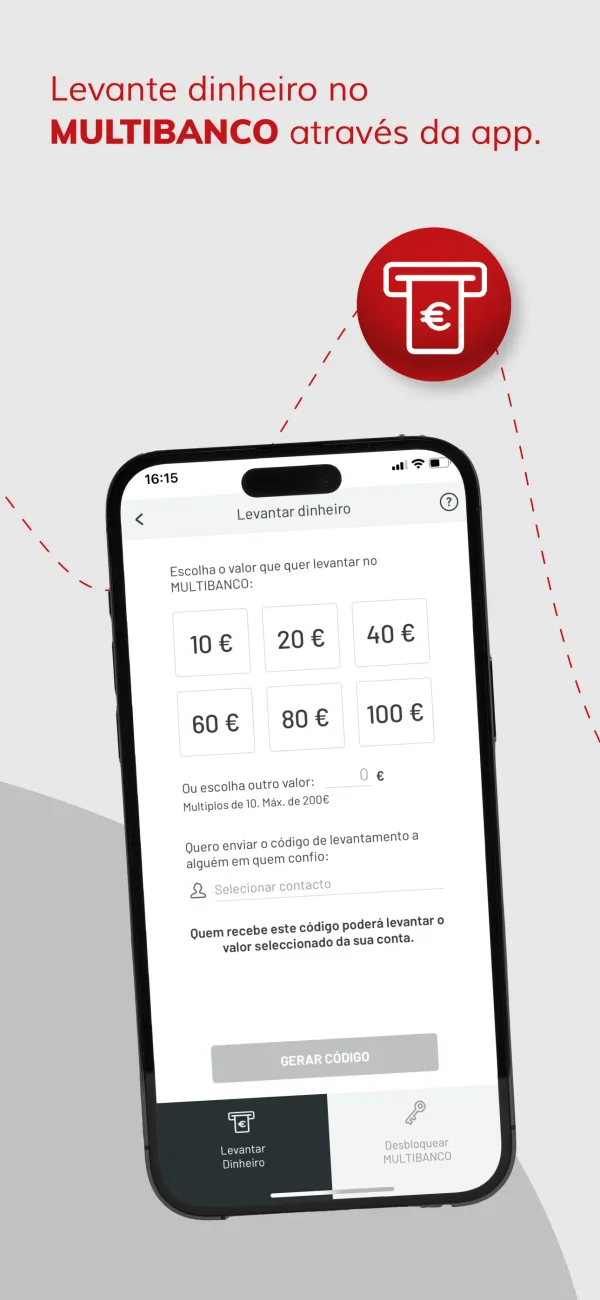
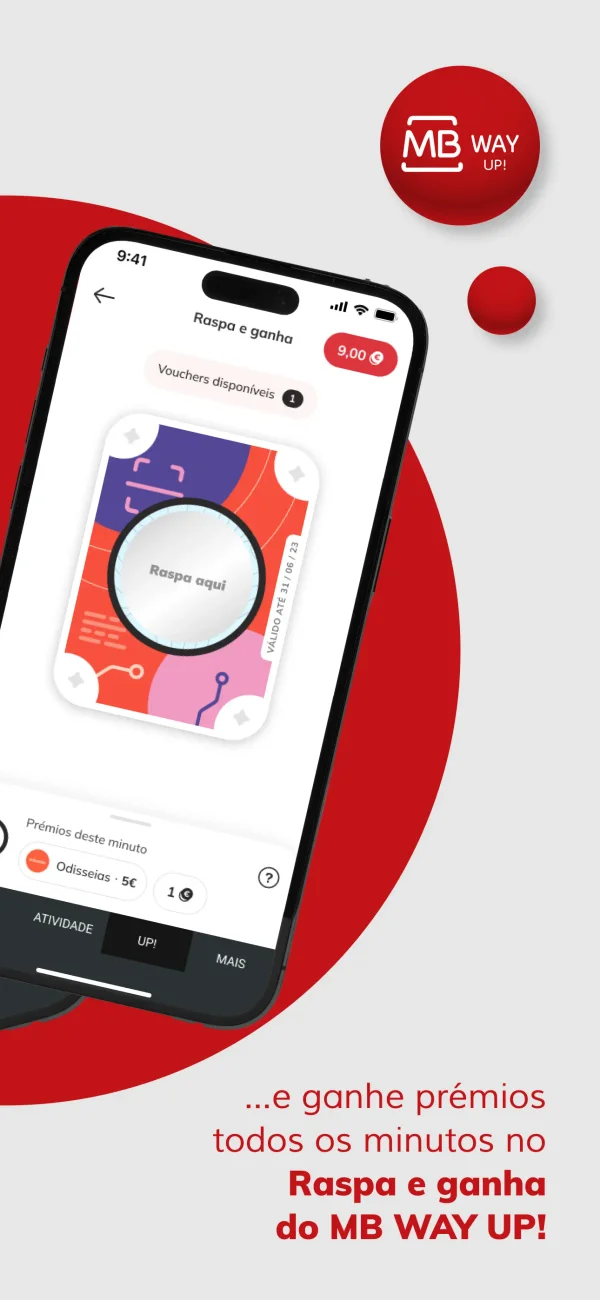
The MB WAY app is SIBS' digital solution that simplifies payments in one place! Link your mobile number to your bank card to Send, Request, and Receive money, Split bills, Generate MB NET virtual cards, shop online and in-store with QR Code or NFC, and earn rewards. Track subscriptions and recurring payments, withdraw cash, and use MULTIBANCO with MB WAY. With MB WAY Pulse, pay even when your phone is off, without battery, or without internet.
All of this always with SIBS security guarantee. The MB WAY app is the No.1 payment app in Portugal and already a reference, with more than 6,5 million users who use its advantages daily, making it the favorite payment app of the Portuguese.
FUNCTIONALITIES
How to pay with MB WAY?
To pay in-store, when paying for your purchases in physical shops, simply select "Pagar com MB WAY" button and choose the "QR Code" or "NFC" option.
- QR Code: After the merchant enters the amount, scan the QR code. If the amount exceeds the PIN limit, confirm with your MB WAY PIN, touch ID, or face ID.
- NFC: Tap your phone on the terminal. If the amount exceeds the limit, confirm in the app and tap again.
To pay online, select MB WAY as the payment method, enter your mobile number, and confirm the payment via notification and your MB WAY PIN.
How to buy with MB NET?
When paying for your online purchases, access the MB WAY app and generate an MB NET card in the "Cartões MB NET" option. Then, on the merchant's website, select pay with card and enter the details of the MB NET card you generated.
How to use MULTIBANCO?
To use the "Utilizar MULTIBANCO” option with the MB WAY app, you must choose the amount you want to withdraw and enter your MB WAY PIN or touch ID. Then, with the generated code, go to a MULTIBANCO ATM, press the green key and choose the "Withdraw Money" option. You can also generate a code for someone else to go to MULTIBANCO to withdraw. You can also use this option “Utilizar MULTIBANCO” to carry out other operations available at MULTIBANCO.
How to send money?
Simply tap "Send Money," select a contact, enter the amount, and confirm the transaction. The money will be available immediately in the recipient's account.
For amounts over €2,000, you must join MB WAY Verified and authenticate the transactions with facial recognition.
How to request money?
To request money, simply select the "Pedir Dinheiro" button in the app, select the contact you want to request money from, indicate the amount, and confirm the operation. You can also request the amount through your personal QR Code.
How to split an account?
To split an account, simply select the "Dividir Conta" button. Then, select the contacts with whom you want to split the bill, indicate the amount of the bill, and confirm the operation.
How to join authorized payments?
To manage your subscriptions or recurring payments through "Pagamentos Autorizados", simply select this payment method on the participating partner, enter your mobile phone number, confirm on your MB WAY, enter your PIN for confirmation and you're done!
How to activate MB WAY?
1. Link your bank card at an ATM (MULTIBANCO)
2. Download the app for free and activate it with your mobile number MB WAY is the only official digital payments app from SIBS, accepted by all major banks in Portugal.
How to activate MB WAY pulse?
Use MB WAY pulse to make contactless payments through another device: bracelet, key ring or clip for your watch, but with the cards you have associated with MB WAY. You can now make purchases with MB WAY pulse without having to have your smartphone with you.
How to activate MB WAY Verified?
Joining MB WAY Verified is part of the MB WAY activation process. You can also activate it in the "MAIS - DEFINIÇÕES" menu or during a money transfer. The process is simple: just submit an ID document (ID Card, Passport, or Residence Permit) and complete facial recognition.
新機能
バージョン 2.37.0 · 2026/11/11
Improvements to overall app performance and some adjustments to the experience.
アプリのプライバシー
このアプリのデータの取り扱いについて、SIBS FPSがApp Storeで申告している内容です。
-
ユーザーのトラッキングに使用されるデータ
他社のアプリやウェブサイトを横断してユーザーをトラッキングする目的で使用される場合があります。
- ID
-
ユーザーに関連付けられたデータ
収集され、ユーザーの識別情報に関連付けられる場合があります。
- 位置情報
- 連絡先情報
- 連絡先
- ID
- 診断
プライバシーの取り扱いは、ご利用の機能やお客様の年齢などに応じて異なる場合があります。
情報
- 販売元
- SIBS FORWARD PAYMENT SOLUTIONS, S.A.
- カテゴリ
- ファイナンス
- バージョン
- 2.37.0
- 更新日
- 2026/11/11
- リリース
- 2014/10/27
- サイズ
- 233.4 MB
- 必要条件
- iOS 15.6以降
- 対象年齢
- 4+
- 価格
- 無料
- 言語
- 英語, ポルトガル語
- 著作権
- © SIBS FORWARD PAYMENT SOLUTIONS