- 対象年齢4+
- カテゴリ仕事効率化
- 開発元Studio 7 Creative
- 言語英語
- サイズ18.7 MB
App Storeの公式ページにリンクしています
Download.orgはMiinder: Notes & Second Brainのファイルを一切ホストしていません。ボタンを押すと、Studio 7 Creativeが公開しているApp Storeのアプリページが開きます。ページの最終確認:2026/11/23。
スクリーンショット
概要
開発元はこのテキストをお使いの言語で提供していません。
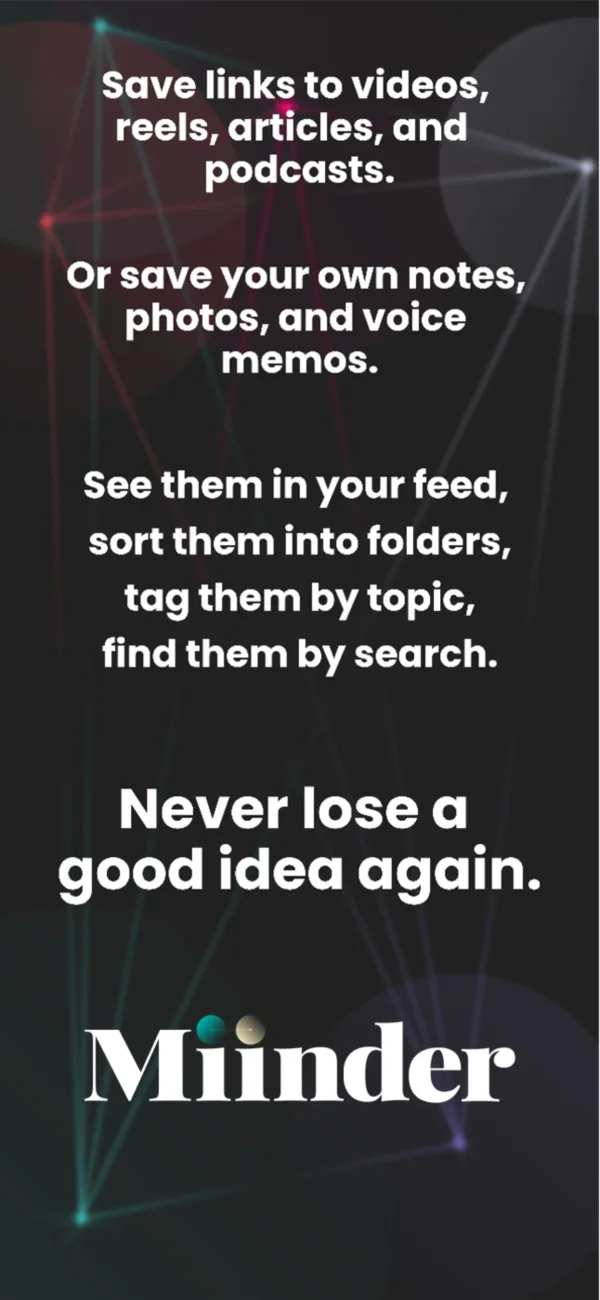
Save it before it's gone. Find it when you need it.
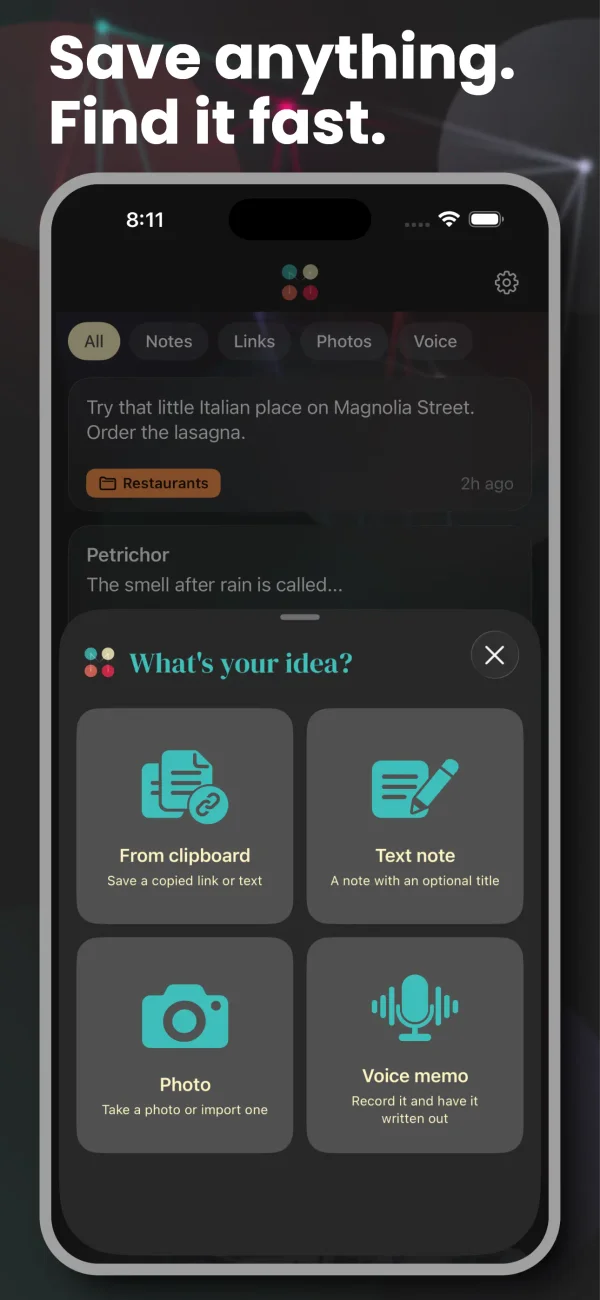
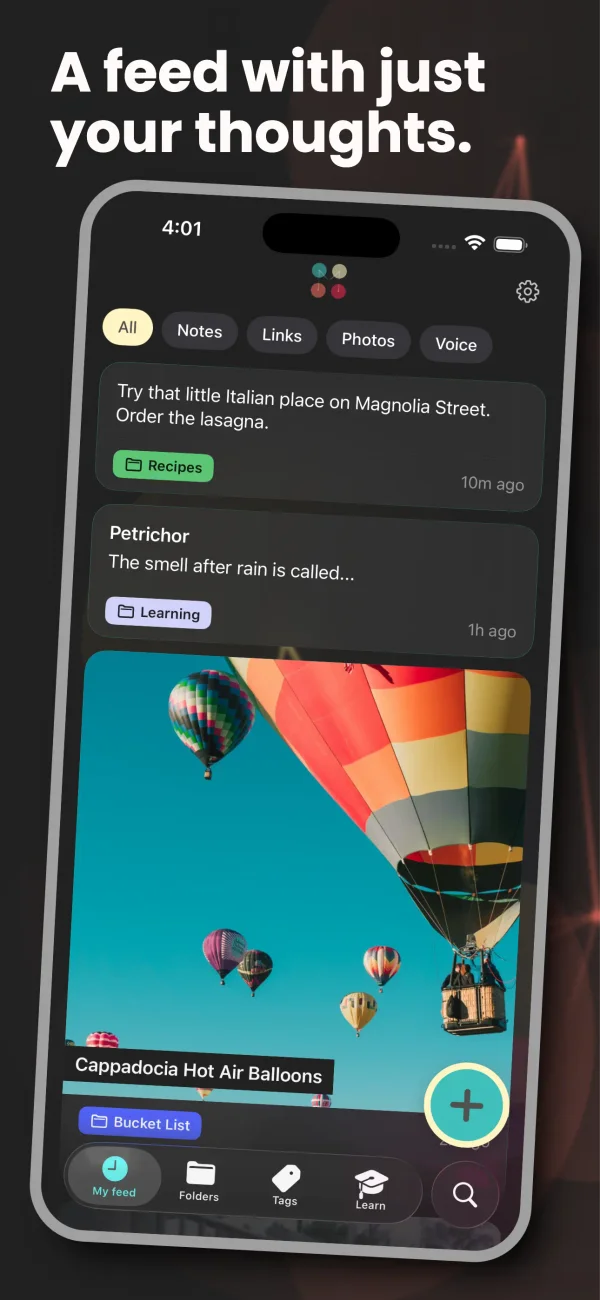
Miinder is a calm, fast second brain for everything you want to remember: quick notes, links, photos and voice memos. Capture in a couple of taps, sort it later, and find it again in seconds.
CAPTURE ANYTHING
• Notes: jot a thought down, with a title if you like.
• Links: paste a link you've copied, or send one from any app with the share sheet. Miinder fetches the title and preview image for you, whether it's a video, a post, a podcast or a web page.
• Photos: pick one from your library or take one with the camera, and give it a name. Photos taken in Miinder stay in Miinder, not in your camera roll.
• Voice memos: tap record and talk. Miinder turns your recording into text right on your device, so what you say stays with you.
ORGANIZE WITHOUT THE WORK
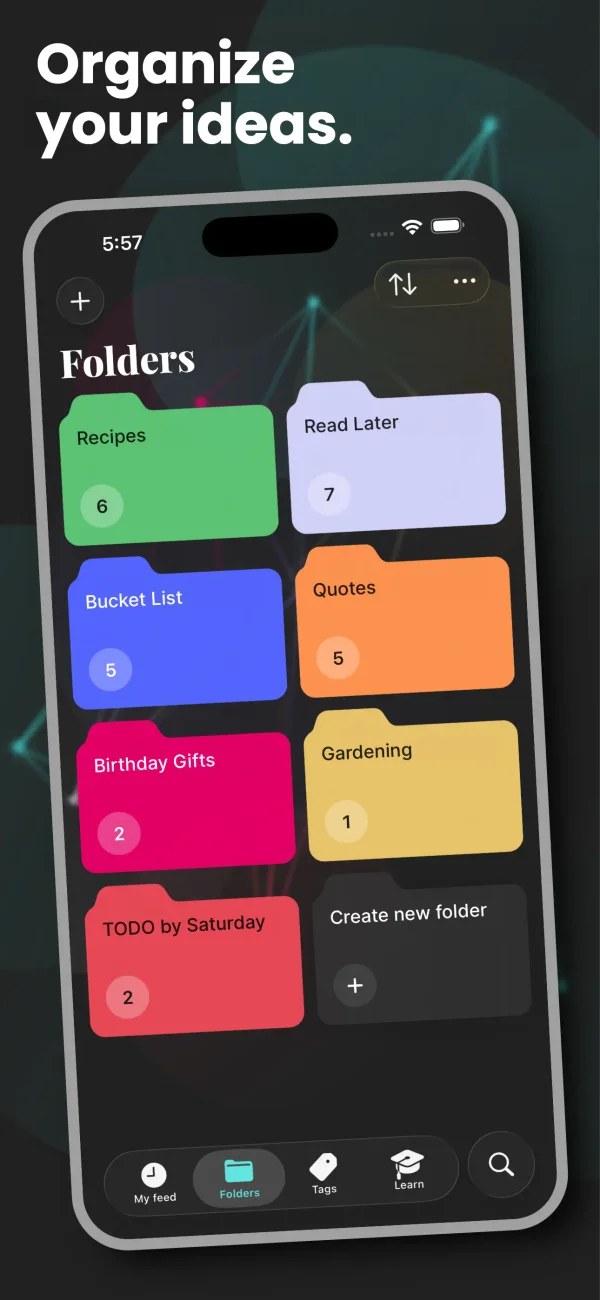
• Folders with customizable colors for things that belong together.
• Tags for the things that cut across folders.
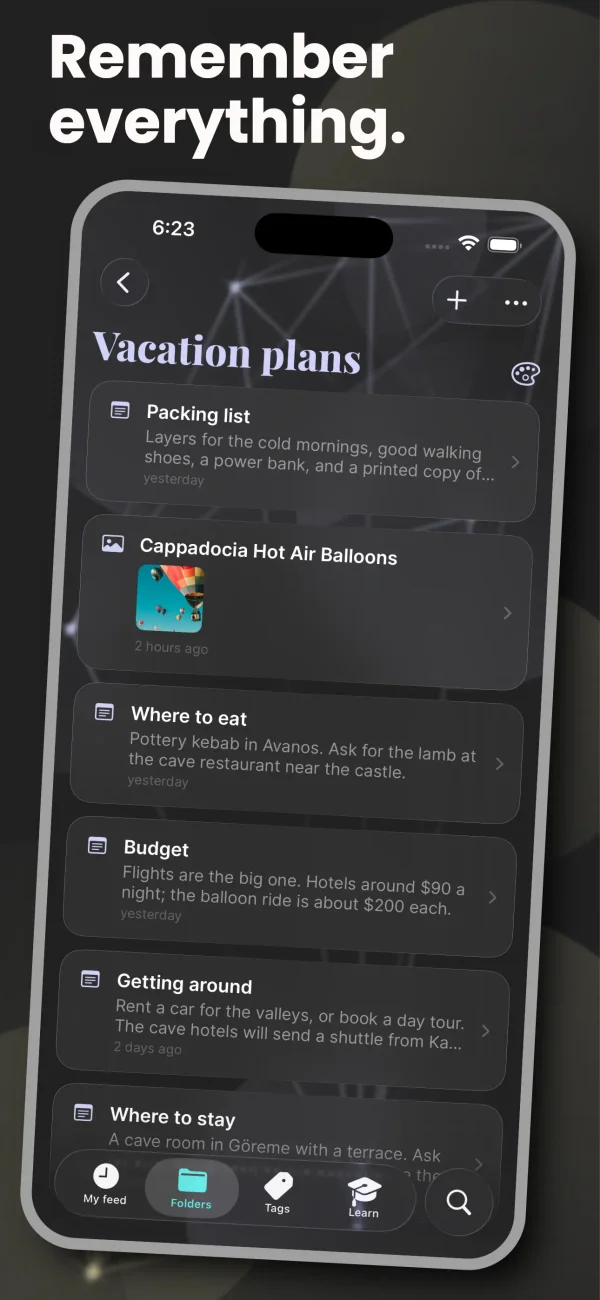
• Your own feed of ideas, newest first, with filters for notes, links, photos and voice memos. Swipe to hide something from your feed without deleting it.
• Search your notes, links and photos by title, text or web address.
SAY IT, IT'S FILED
While you're recording, say "give this memo the title…", "assign this to the folder…" or "tag this memo…" and Miinder does the filing for you.
LEARN FROM YOUR OWN NOTES
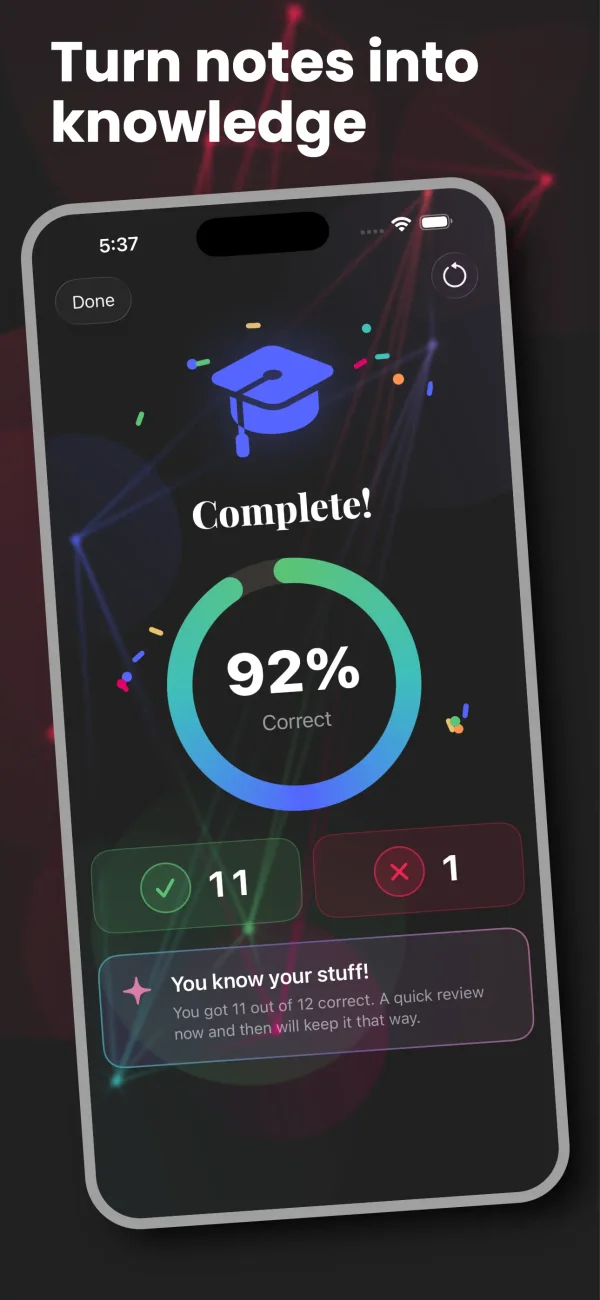
Give a note a title and some text, tag it by topic, and it becomes a flash card in the Learn tab. Choose a topic, flip through the cards and see how you did. It's a quiz made from your own words.
KEEPS OUT OF YOUR WAY
• No account or sign-up. Open it and start saving and organizing your ideas.
• Light and dark mode.
FREE TO START
Miinder is free, with up to 5 folders and 10 tags. Unlock everything (including iCloud sync with all your Apple devices) with a monthly subscription or a one-time lifetime purchase, including unlimited folders and tags.
Subscriptions renew automatically unless canceled at least 24 hours before the end of the current period. Your Apple Account is charged at confirmation of purchase, and you can manage or cancel your subscription any time in your account settings.
Terms of Use: https://studio7creative.co/miinder/eula.html
Privacy Policy: https://studio7creative.co/miinder/privacy.html
新機能
バージョン 1.0.1 · 2026/11/12
Minor bug fixes. Thanks for trying Miinder!
アプリのプライバシー
このアプリのデータの取り扱いについて、Studio 7 CreativeがApp Storeで申告している内容です。
-
ユーザーに関連付けられないデータ
収集される場合がありますが、ユーザーの識別情報には関連付けられません。
- 使用状況データ
プライバシーの取り扱いは、ご利用の機能やお客様の年齢などに応じて異なる場合があります。
情報
- 販売元
- Studio 7 Creative LLC
- カテゴリ
- 仕事効率化
- バージョン
- 1.0.1
- 更新日
- 2026/11/12
- リリース
- 2026/11/6
- サイズ
- 18.7 MB
- 必要条件
- iOS 26.0以降
- 対象年齢
- 4+
- 価格
- 無料
- アプリ内課金
- あり
- 言語
- 英語
- 著作権
- © 2026 Studio 7 Creative