- 対象年齢4+
- カテゴリユーティリティ
- 開発元WONJI HA
- 言語英語ほか1言語
- サイズ25.1 MB
App Storeの公式ページにリンクしています
Download.orgはMillisecondTimerのファイルを一切ホストしていません。ボタンを押すと、WONJI HAが公開しているApp Storeのアプリページが開きます。ページの最終確認:2026/11/16。
スクリーンショット

概要
開発元はこのテキストをお使いの言語で提供していません。
MillisecondTimer is an all‑in‑one app that lets you use a countdown timer, stopwatch, and
clock with millisecond (0.001 second) precision.
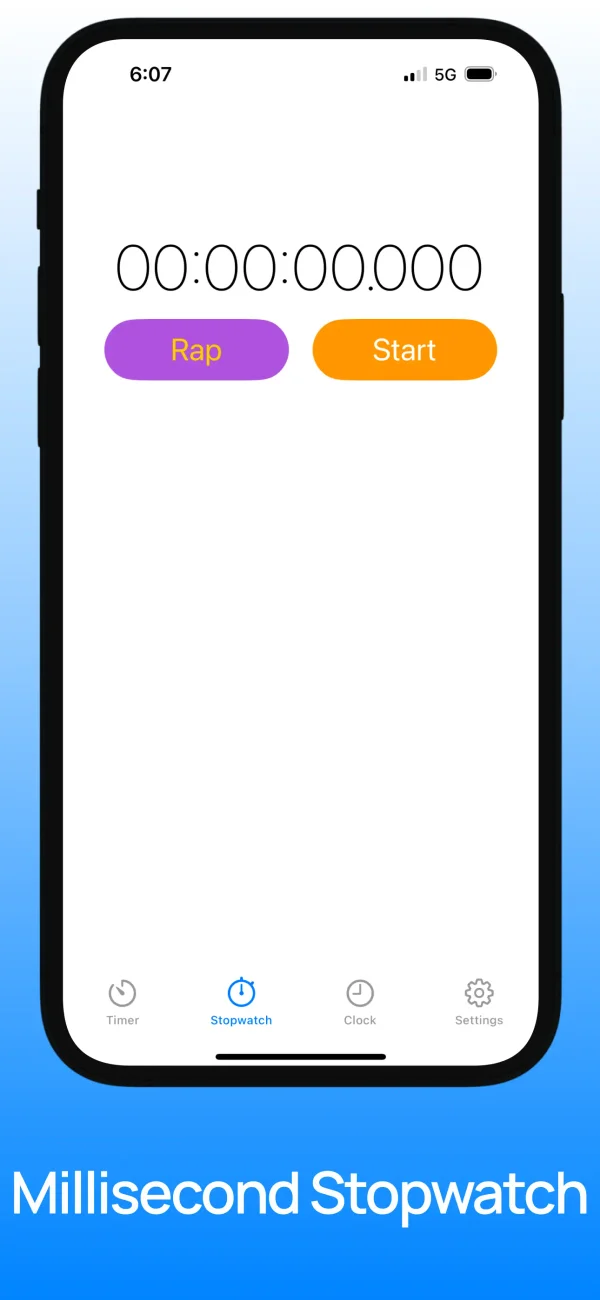
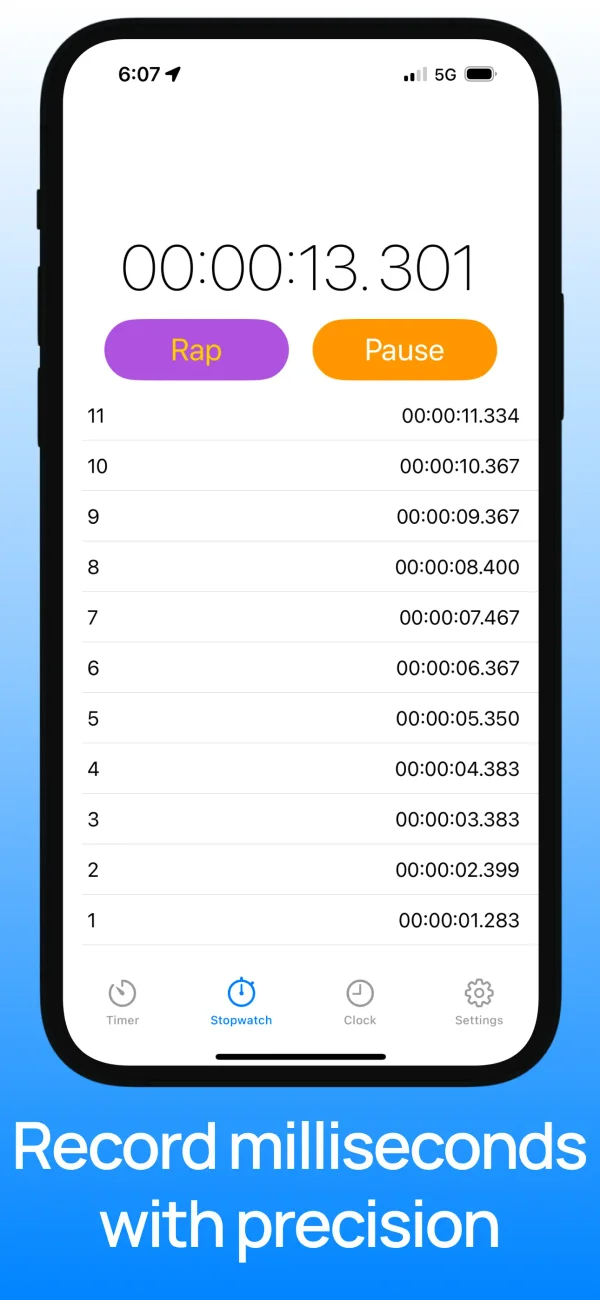
Millisecond Stopwatch records your time accurately down to the millisecond, and
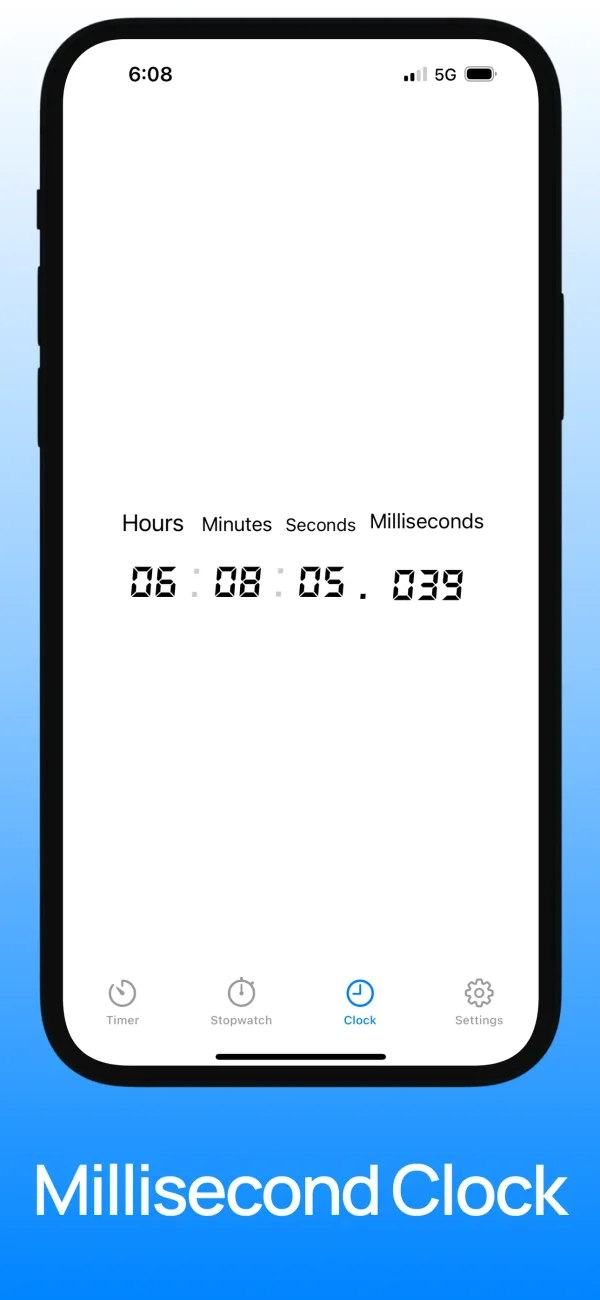
Millisecond Clock shows the current time with millisecond precision.
When you first install the app, a simple tutorial appears automatically so you can learn
how it works and start using it right away.
Use Millisecond Timer and Millisecond Stopwatch in situations like these
- Measuring workout intervals and exercise times that need accurate records (running,
marathon training, etc.)
- Everyday situations where you need a precise countdown
- Events or games that require millisecond‑level countdowns
- Timer challenge games with friends, such as “Who can stop closest to 2.785 seconds?”
or for fair draws and random picks
【Millisecond Timer】
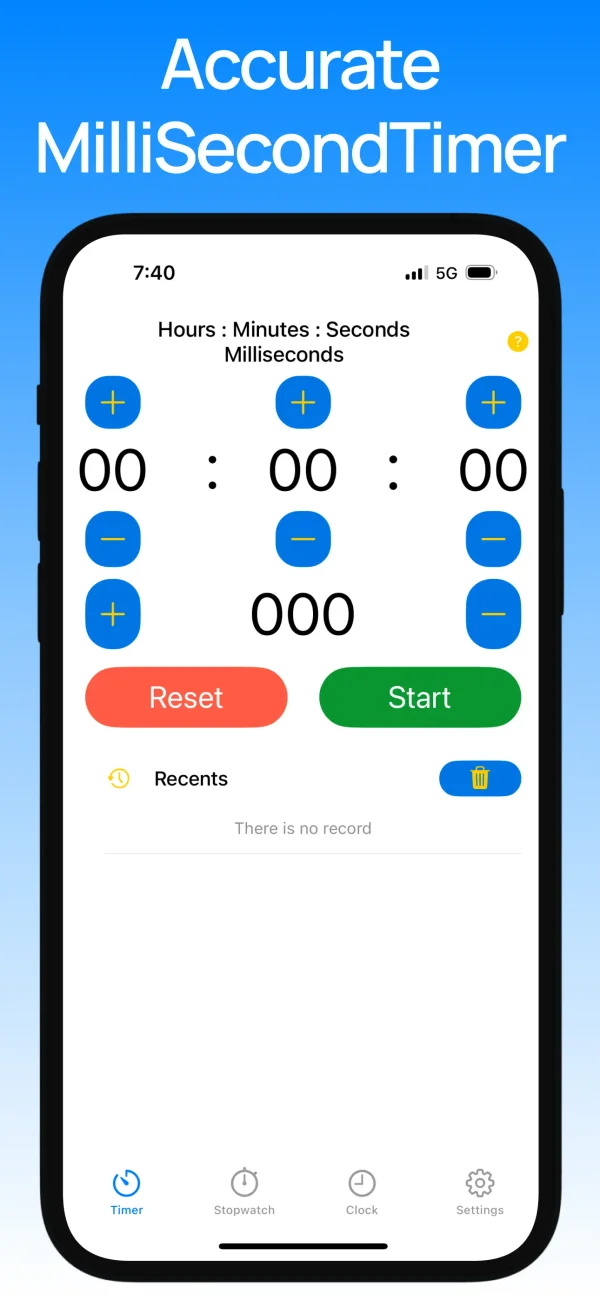
- Set timers in hours, minutes, seconds, and milliseconds.
- Easily increase or decrease the time using the + and − buttons.
- Press and hold the + or − button to quickly set the exact time you want.
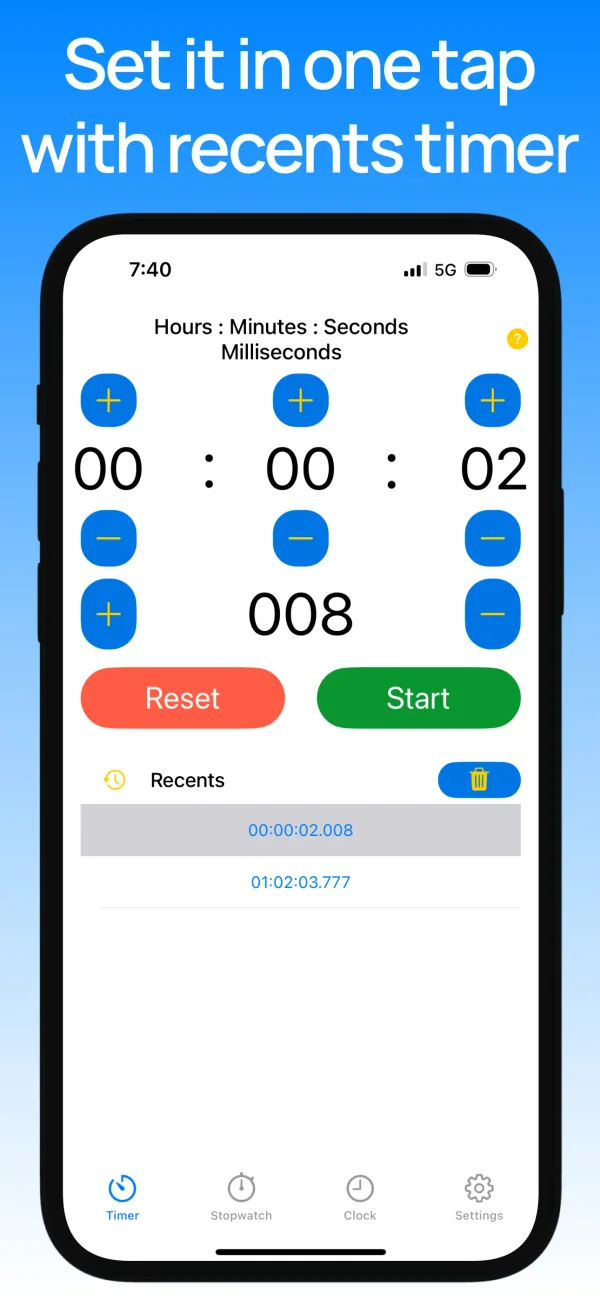
- Instantly reuse your recent timers from the Recent Timers list.
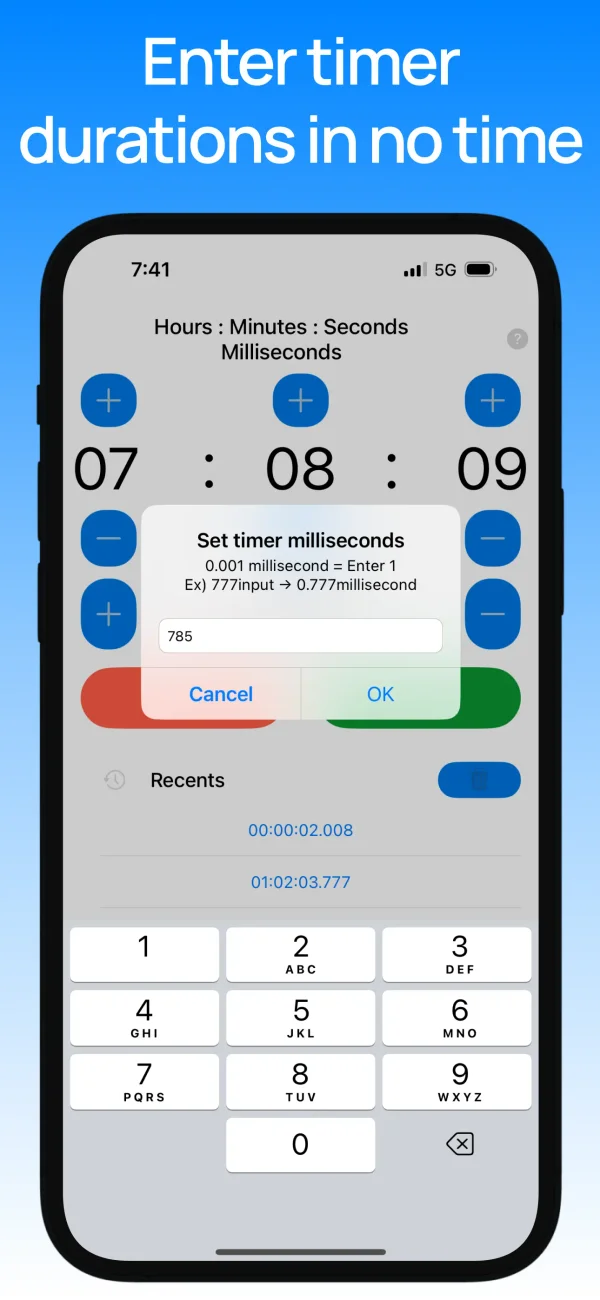
- Tap the displayed time to type in a value faster than using buttons.
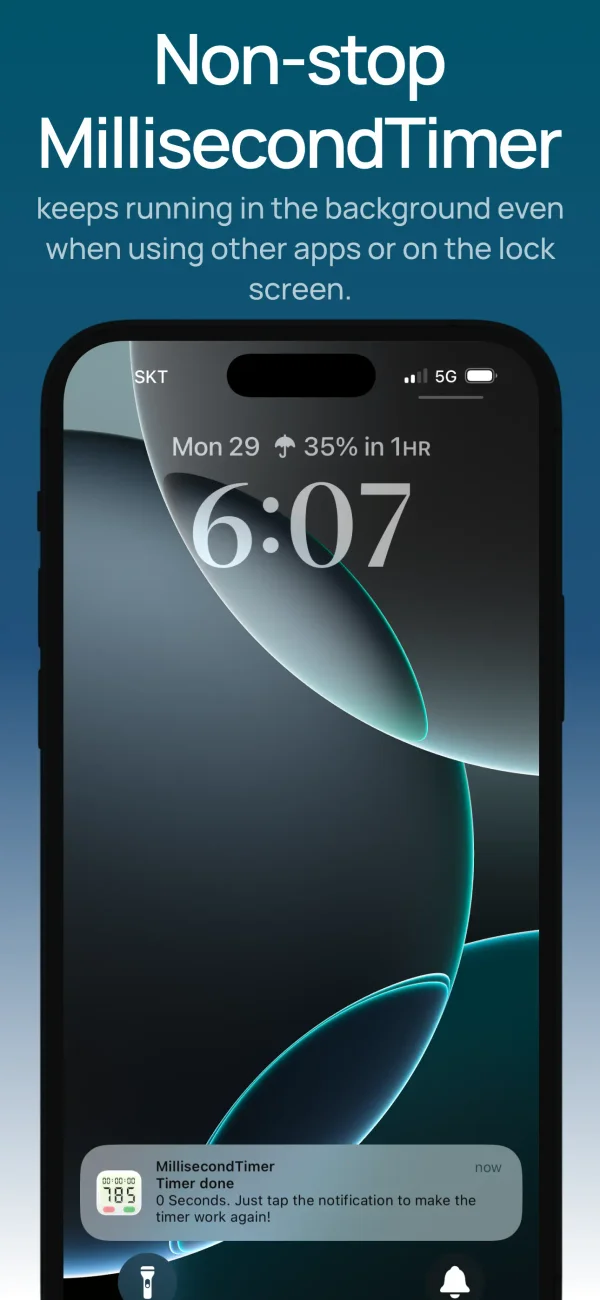
- Get notified when the timer finishes, even if you’re using another app (background) or
your device is locked.
- If the timer is running and you switch to another app, it will keep counting and resume
seamlessly when you return.
【Millisecond Stopwatch】
- Record times one by one with millisecond precision.
【Millisecond Clock】
- See the current time in real time, down to the millisecond.
- Choose between 12‑hour and 24‑hour formats in Settings.
- Enjoy a clean digital clock design with a digital‑style font.
If you find a bug or have a feature request, go to Settings in the app and use “Send Bug Report & feedback” to contact the developer.
【Pro Version】
Pro is available as a monthly or yearly subscription, as well as a lifetime purchase.
- Subscriptions are charged to your Apple ID.
- You can manage or cancel your subscription at any time in your Apple Account settings.
- If you do not cancel at least 24 hours before the next billing date, your subscription
may renew automatically.
- All subscription terms follow Apple’s App Store policies.
• Terms of Use: https://comdori.tistory.com/179
• Privacy Policy: https://comdori.tistory.com/161
新機能
バージョン 2.2 · 2026/11/13
◆ MillisecondTimer Pro Now Available
• Ad banners have been removed. It's time to focus on your timer and time management!
• Quickly set up timers you've used before with Recent Timers!
• The Pro purchase screen now scrolls more smoothly!
◆ Millisecond Timer
• See more of your Recent Timers at a glance on the wider iPhone Duo display!
◆ Millisecond Stopwatch
• See more of your records at a glance on the wider iPhone Duo display!
◆ Millisecond Clock
• Check the current time down to the millisecond on the wider iPhone Duo display!
◆ Other
• Free up space by deleting unnecessary data in Settings → App Storage.
• Bug fixes and performance improvements!
We're committed to making this app even better!
アプリのプライバシー
このアプリのデータの取り扱いについて、WONJI HAがApp Storeで申告している内容です。
-
ユーザーのトラッキングに使用されるデータ
他社のアプリやウェブサイトを横断してユーザーをトラッキングする目的で使用される場合があります。
- ID
- 使用状況データ
-
ユーザーに関連付けられないデータ
収集される場合がありますが、ユーザーの識別情報には関連付けられません。
- ID
- 使用状況データ
プライバシーの取り扱いは、ご利用の機能やお客様の年齢などに応じて異なる場合があります。
情報
- 販売元
- WONJI HA
- カテゴリ
- ユーティリティ
- バージョン
- 2.2
- 更新日
- 2026/11/13
- リリース
- 2023/8/26
- サイズ
- 25.1 MB
- 必要条件
- iOS 15.6以降
- 対象年齢
- 4+
- 価格
- 無料
- アプリ内課金
- あり
- 言語
- 英語, 韓国語
- 著作権
- © COMDORI.
こちらもおすすめ
-
 Millisecond stopwatch & timerユーティリティ
-
 Second Stopwatchユーティリティ
-
 StartWatch - Instant Timersユーティリティ
-
 大きな数字のストップウォッチ | カウントダウン機能付きシンプルで使いやすいストップウォッチ
-
 ビッグタップ デジタルストップウォッチカスタマイズ可能な大型タップ表示
-
 タイマー ®カウントダウンクロック
-
 Disco Timer: Visual Countdownユーティリティ
-
 ストップウォッチ.Stopwatch
-
 キッチンタイマー - シンプルで使いやすい料理・調理をもっと快適に。すぐ時間設定
-
 Hasen Stopwatchユーティリティ