- 対象年齢4+
- カテゴリ写真/ビデオ
- 開発元Alex Fox
- 言語英語
- サイズ46.6 MB
App Storeの公式ページにリンクしています
Download.orgはmood.cameraのファイルを一切ホストしていません。ボタンを押すと、Alex Foxが公開しているApp Storeのアプリページが開きます。ページの最終確認:2026/11/23。
スクリーンショット



概要
開発元はこのテキストをお使いの言語で提供していません。
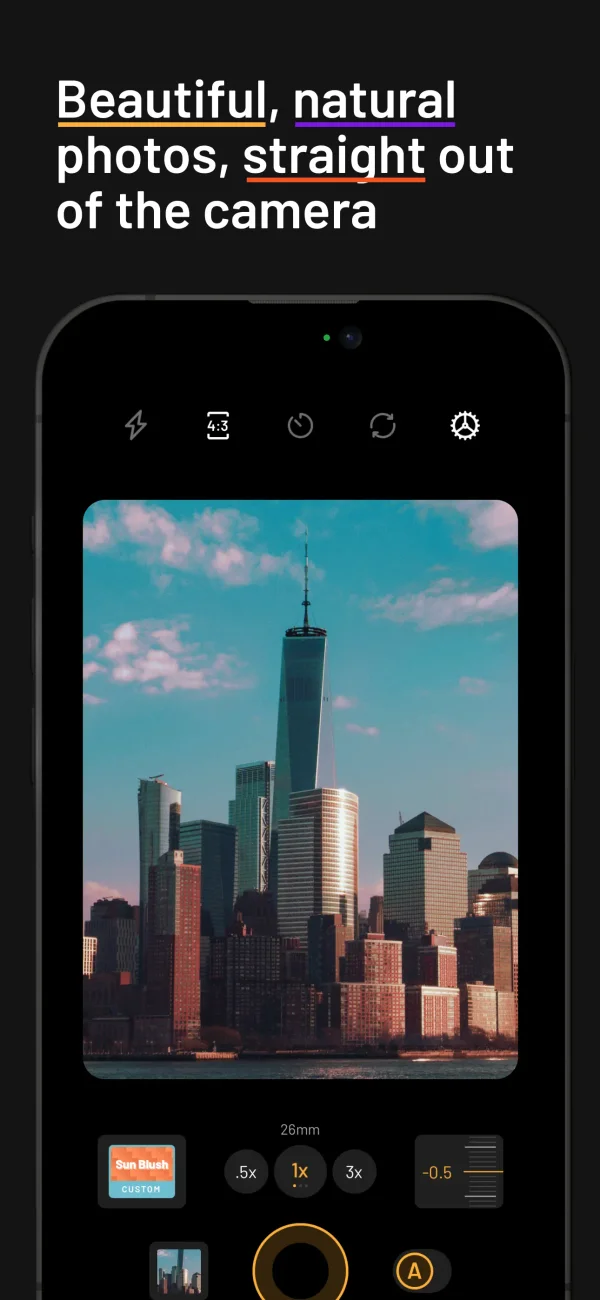
mood.camera is a point-and-shoot camera that captures natural photos full of character, straight out of your iPhone, without any editing. Instead of chasing ever-sharper and perfectly exposed images, mood.camera focuses on making photography fun and giving your photographs soul.
The custom image processing pipeline gives you photos with realistic film grain, cinematic halation and a rich colour palette. mood.camera also has no live "filter" preview or editing tools within the app, encouraging you to enjoy taking photos without worrying about flipping between effects or making the perfect edit.
mood.camera wasn't built to evoke nostalgia, it was built to bring character and serendipity back to the mobile photography experience.
—
“This Camera App Gives Your iPhone Photos Soul.” - New York Times
"It’s Hard to Believe the Photos From Mood.Camera’s New Portrait Mode Were Shot on iPhone" - PetaPixel
"mood.camera emulates the feeling of taking photos on camera film" - Tech Radar
—
TRY FOR 7 DAYS FREE
Please note, mood.camera is not free. We offer a 7-day unrestricted free trial for new users, no subscription required. After your trial you can continue to use the app for free but you will be limited to the “random” emulation mode. To continue using the full version of the app after your trial period you can either purchase a lifetime membership or pay a monthly subscription.
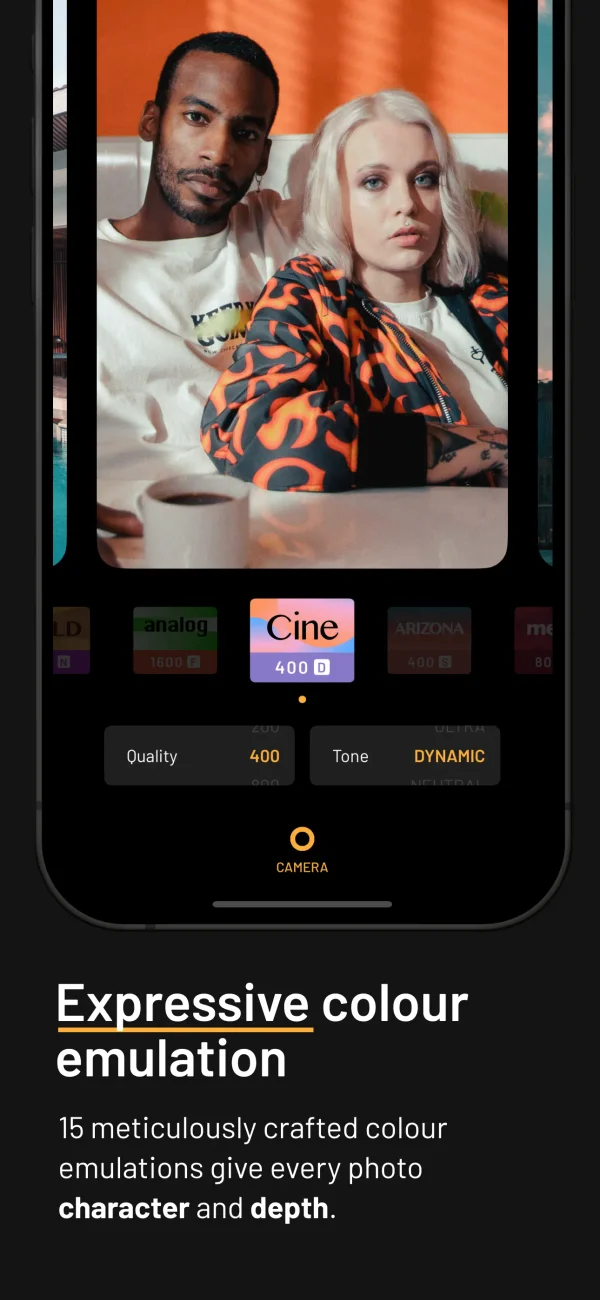
EXPRESSIVE COLOUR EMULATION
Each of the 14 colour emulations have been meticulously crafted to give every photo character and a rich colour palette.
FILMIC DYNAMIC RANGE
Naturally compressed shadows and highlights create images with more contrast, more atmosphere, and a look that feels closer to film.
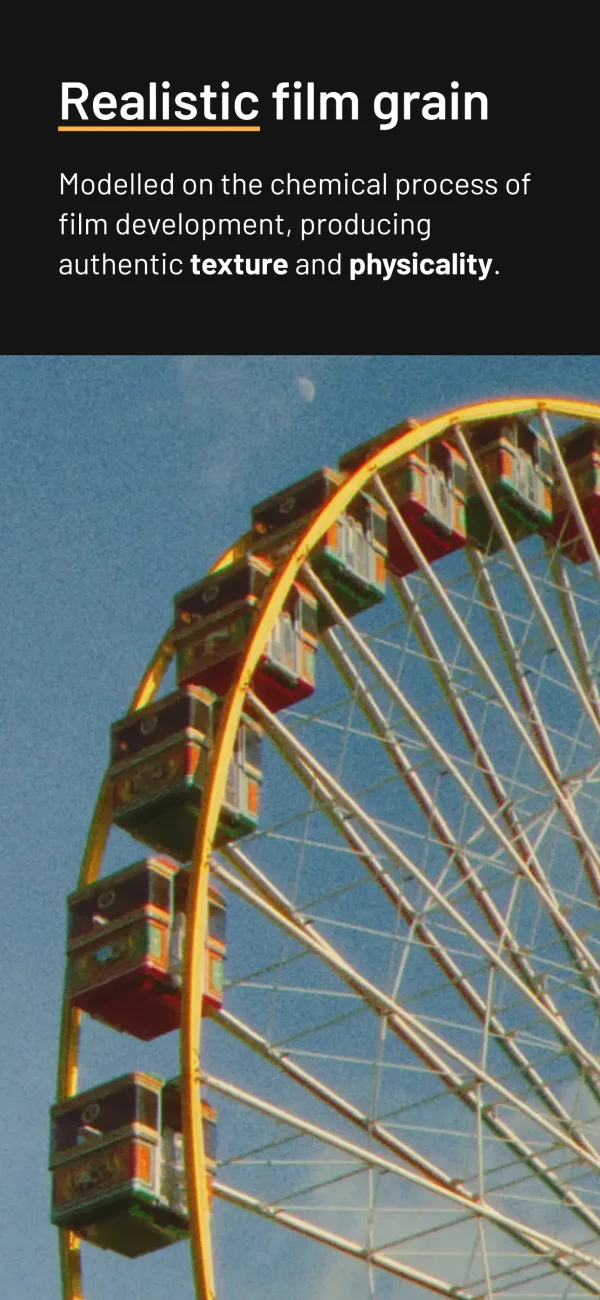
REALISTIC FILM GRAIN
Film grain algorithms modelled on the physical development process, add texture and physicality to your photos whilst retaining detail.
CUSTOM PRESETS
Add a touch of warmth to your favourite preset, or start from scratch to create an original style.
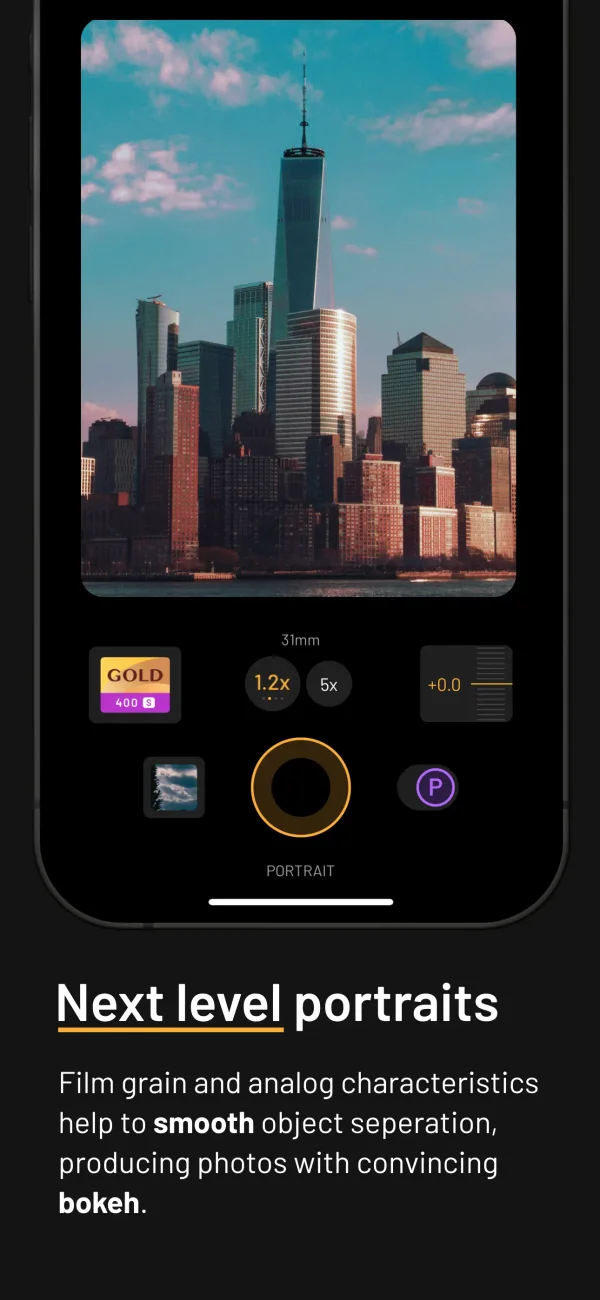
NEXT LEVEL PORTRAITS
Choose from 7 lenses, each modelled on the physical properties of real optics, producing unique bokeh shapes, swirl and aberration. (Available on iPhone 11 or newer).
DOUBLE EXPOSURE MODE
7 unique ways to blend photos unlocks new creative possibilities with your photography.
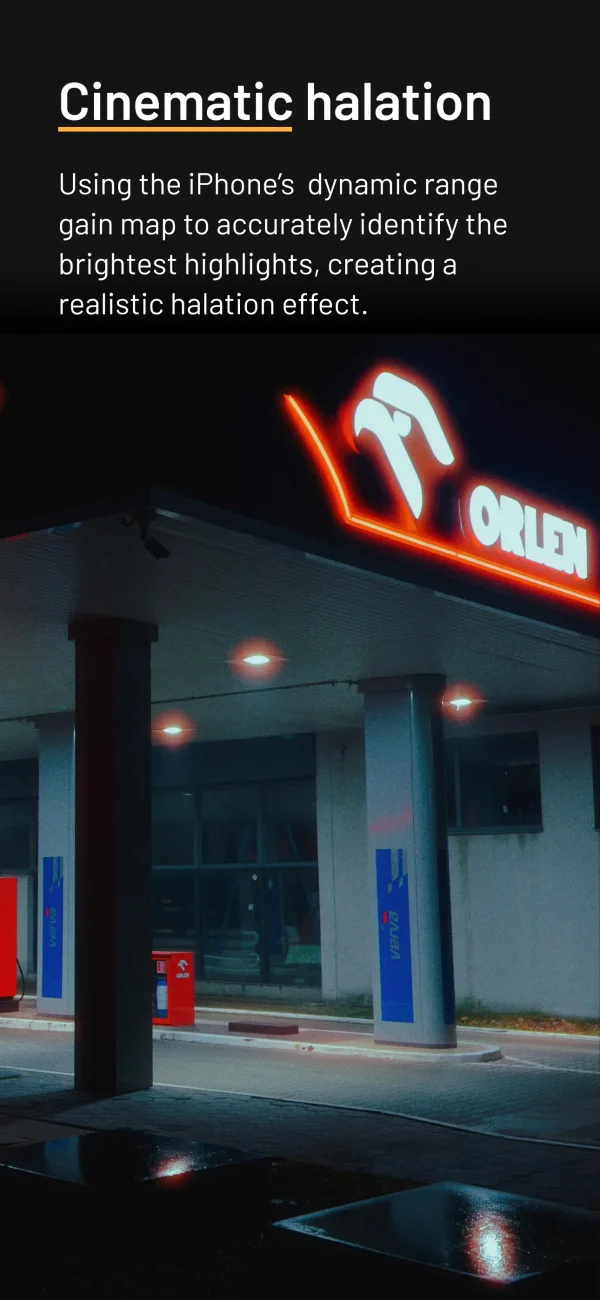
CINEMATIC HALATION
Using the iPhone’s dynamic range gain map to accurately identify the brightest highlights, creating a realistic halation effect. (Available on iPhone 12 or newer).
CUSTOM FRAMES
Elevate your photos with a custom frame, automatically added when you snap a photo.
LESS TWEAKING, MORE SNAPPING
Mirroring the classic film camera experience, there is no live preview of your selected film, letting you focus on capturing the moment instead of flipping between filters. After each capture, the element of suspense as you reveal the processed photo is another nod to the analog experience.
INTUITIVE CONTROLS FOR CREATIVITY
At its core, mood.camera is designed to echo the ease of use of a point-and-shoot camera but retains some controls to inspire creativity and personal expression:
- Set the default focal lengths for each lens, giving you quick access to your favourites.
- An on-screen exposure dial, makes it easy to achieve different styles with under and over exposed images.
- Select from multiple aspect ratios to suit the scene.
- An optional grid & level indicator gives you confidence when composing.
- High resolution 24MP photos on compatible devices. (Available on iPhone 14 Pro, 15 Pro & 16 Pro).
- Customise the dynamic range of your camera. (Available on iPhones capable of ProRaw capture).
More info: https://mood.camera
Privacy Policy: https://mood.camera/privacy
End User Licensee Agreement: https://www.apple.com/legal/internet-services/itunes/dev/stdeula/
新機能
バージョン 2.5.2 · 2026/11/22
This version adds a new White Balance control for the viewfinder. Choose from six presets, or lock it to the current temperature and tint. To enable this option, go to Photo settings > White balance.
アプリのプライバシー
このアプリのデータの取り扱いについて、Alex FoxがApp Storeで申告している内容です。
-
ユーザーに関連付けられないデータ
収集される場合がありますが、ユーザーの識別情報には関連付けられません。
- 位置情報
- 使用状況データ
- 診断
プライバシーの取り扱いは、ご利用の機能やお客様の年齢などに応じて異なる場合があります。
情報
- 販売元
- Alex Fox
- カテゴリ
- 写真/ビデオ
- バージョン
- 2.5.2
- 更新日
- 2026/11/22
- リリース
- 2024/4/12
- サイズ
- 46.6 MB
- 必要条件
- iOS 16.0以降
- 対象年齢
- 4+
- 価格
- 無料
- アプリ内課金
- あり
- 言語
- 英語
- 著作権
- © Alex Fox 2026
こちらもおすすめ
-
 Dehancer Film Emulation写真/ビデオ
-
 写真・動画編集ソフト - PeekLutカラーグレーディング・色調補正・LUT
-
 LUT Studio: 動画編集・フィルター & フィルム色調補正・エフェクト・プリセット・レトロ・ビデオ・4K
-
 Luminar 写真編集・AI加工簡単フォト編集と美肌補正
-
 Obscura — プロカメラ - Pro Camera手動コントロール, ProRAW, DSLR
-
 ProCamera. 一眼レフそしてマニュアルカメラRAW & 高画質 撮影そして動画撮影 for iPhone
-
 zerocamゼロ加工カメラ
-
 Snap Pro Camera: 高画質カメラアプリ露出計・マクロ・タイムラプス・ポートレート・ミニチュア
-
 FujiStyle - Film Recipes FrameSOOC Community 富士カラー & 透かしフレーム
-
 Darkroom: Photo & Video Editorフィルム風プリセット・高画質化・動画