- 対象年齢12+
- カテゴリブック
- 開発元炜杰 苏
- 言語英語ほか2言語
- サイズ63.6 MB
App Storeの公式ページにリンクしています
Download.orgはMoonread: TXT Readerのファイルを一切ホストしていません。ボタンを押すと、炜杰 苏が公開しているApp Storeのアプリページが開きます。ページの最終確認:2026/11/23。
スクリーンショット

概要
開発元はこのテキストをお使いの言語で提供していません。
Moonread is a free, ad-free TXT reader for the books you bring with you. Pick a font and a page color that feel comfortable, open your novel, and settle back in at the line where you left off.
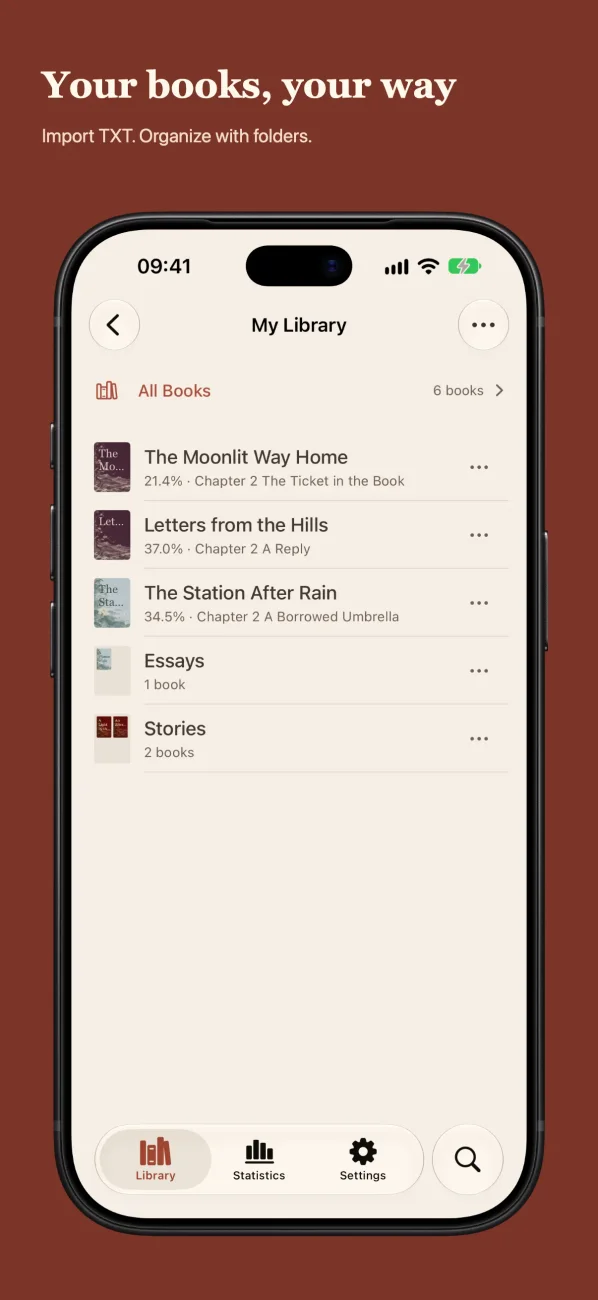
Give the books you love their own shelf
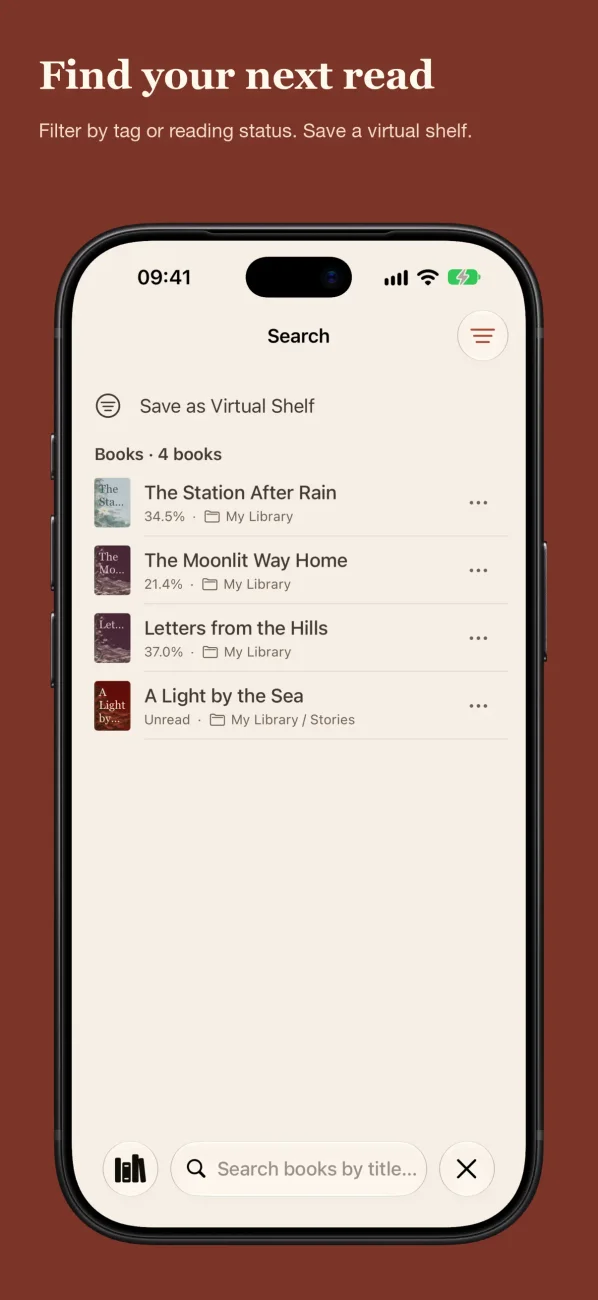
Keep your TXT files in folders or share a book to Moonread from another app. If your mysteries are scattered across folders, filter by tag and reading status, choose a sort order, and save the filter as a virtual shelf. Open it from Home whenever you like. The shelf shows the books that match, and your files stay where you put them.
Read at your own pace
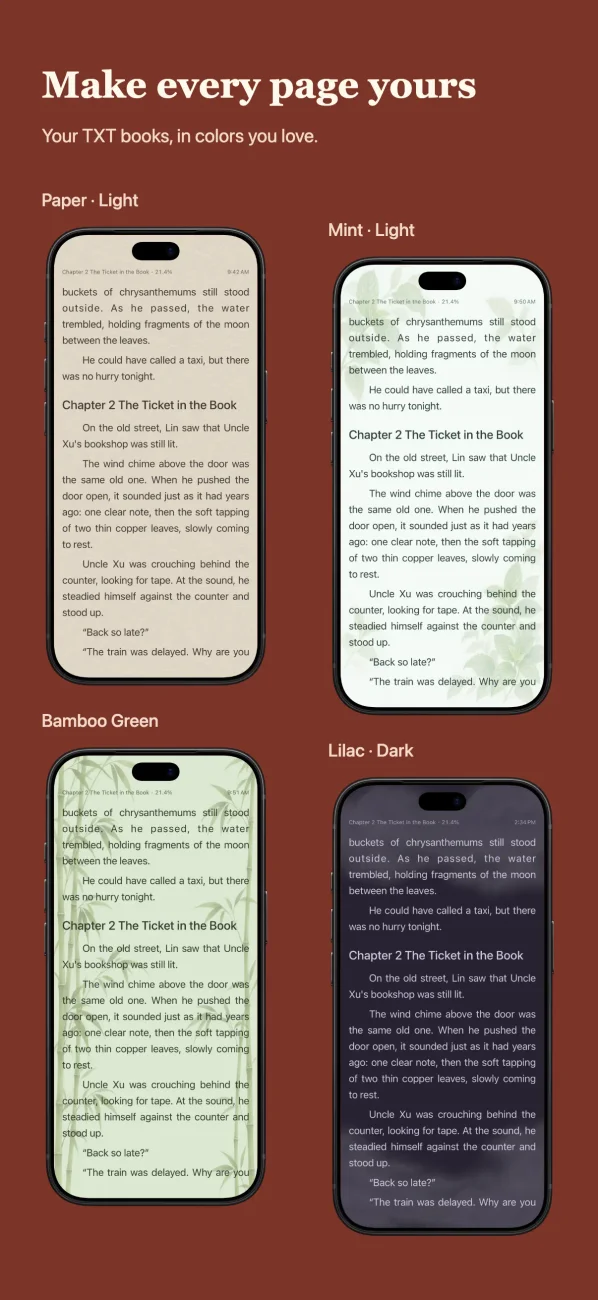
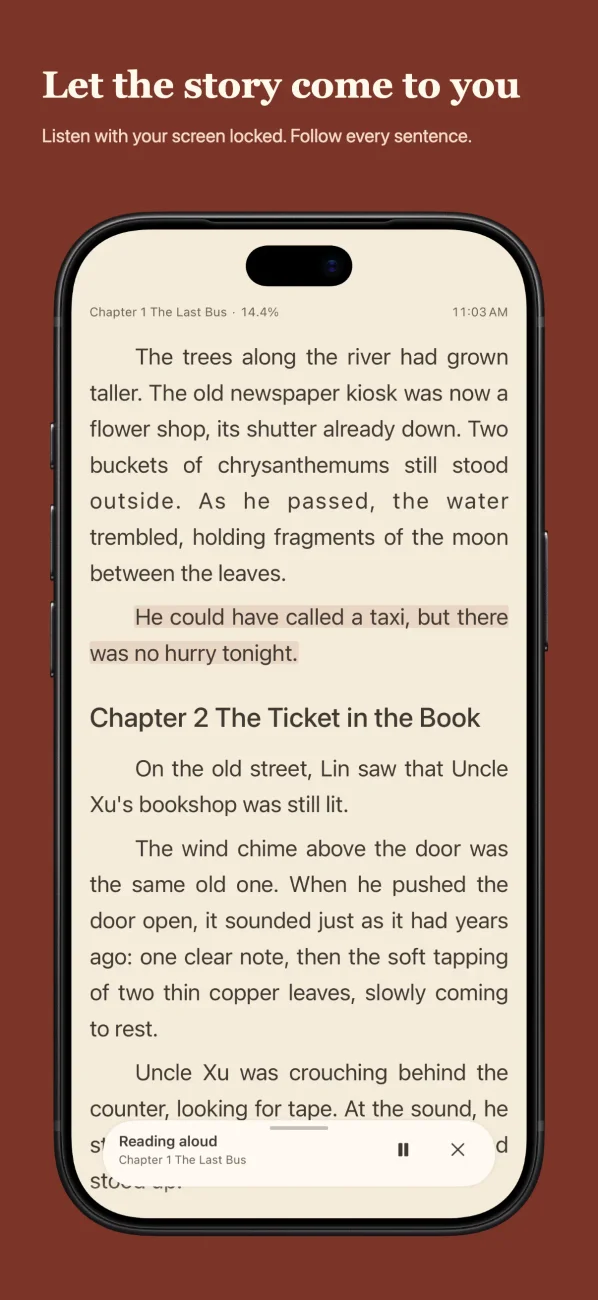
Bring your own fonts, adjust line spacing, and choose a light or dark page with paper grain, mint leaves, or bamboo shadows. Turn pages, let the text scroll slowly, or spread a book across two pages on a wide iPad screen. When your eyes need a break, have the story read aloud, even with the screen locked.
Remember what a passage meant to you
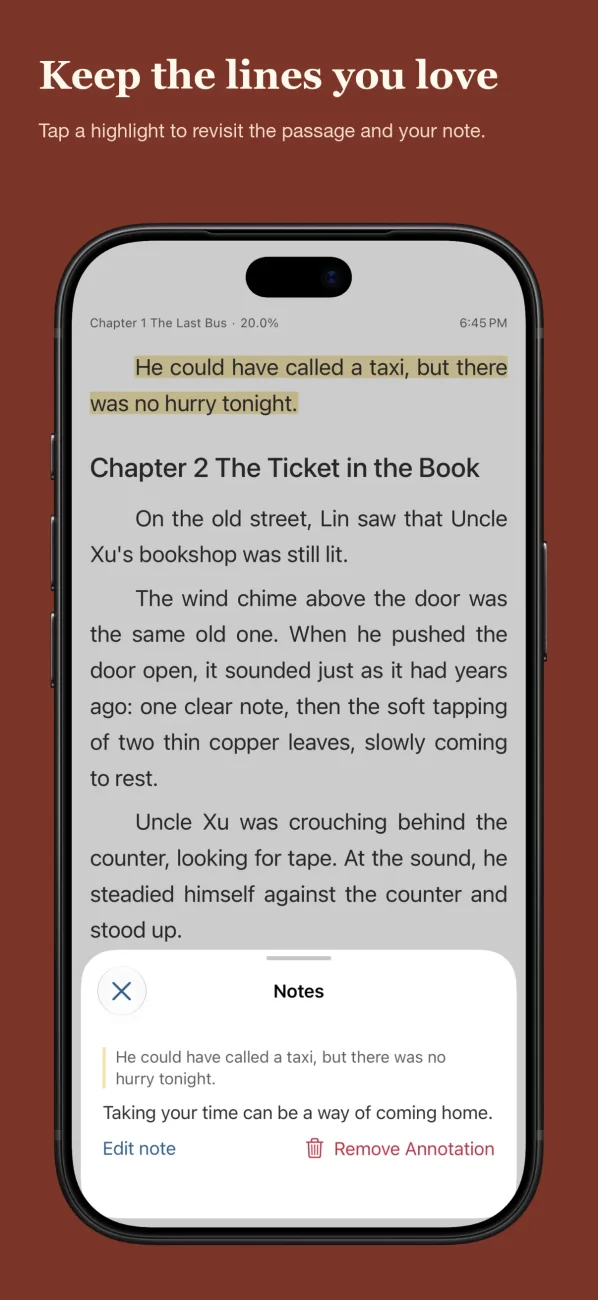
Highlight a line and leave a note. The next time you come across it, tap the highlight to read what you wrote. You can also search for a phrase, share an excerpt with its source, or export a book’s notes as Markdown or plain text.
Pick up where you left off
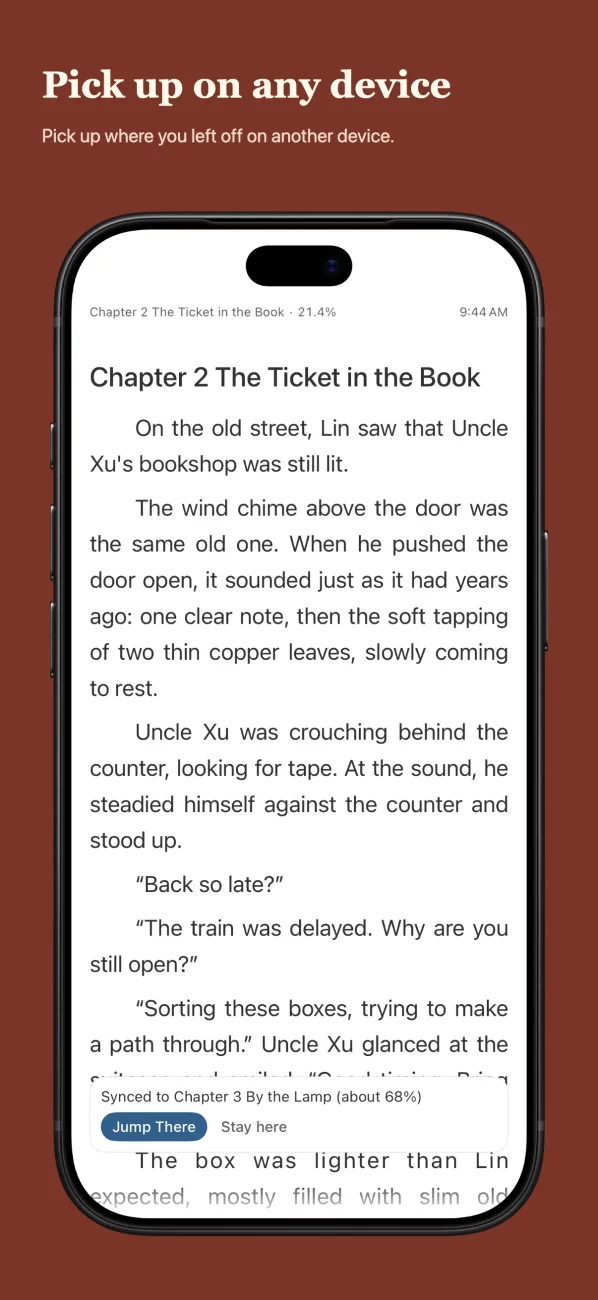
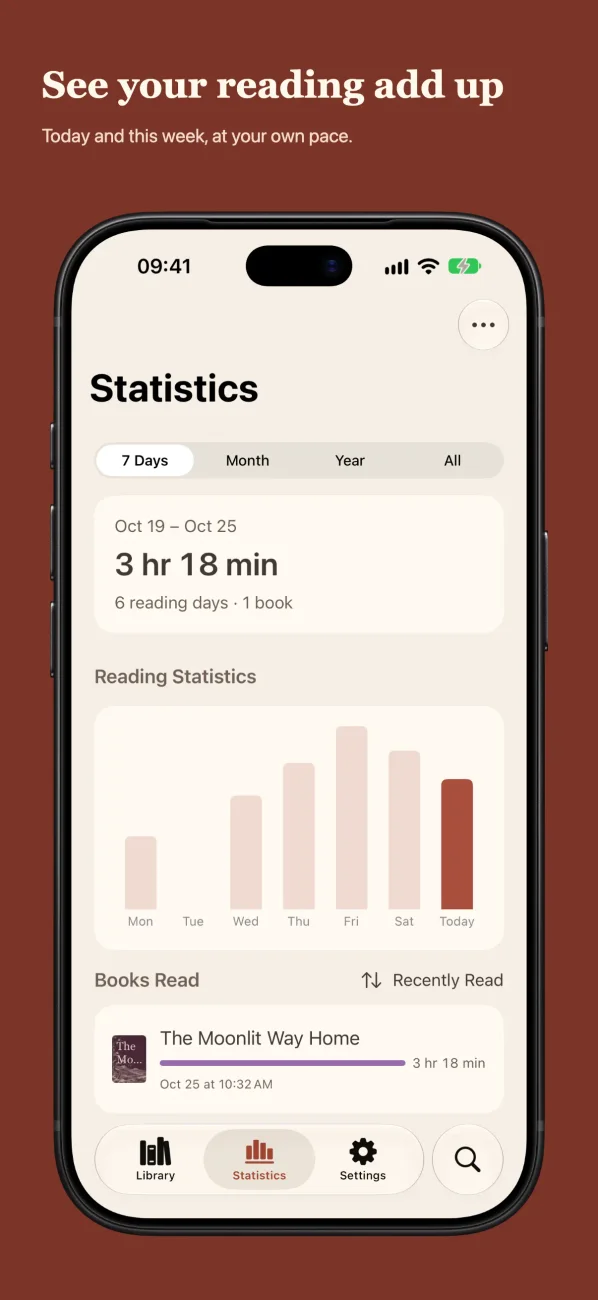
Tap Continue Reading on Home to get back to your book. Turn on iCloud sync to carry your place across devices. Reading statistics show what you’ve read and how much time you’ve spent with your books. You can also back up your reading records and color palettes and restore them when you move to another device.
Talk about your books
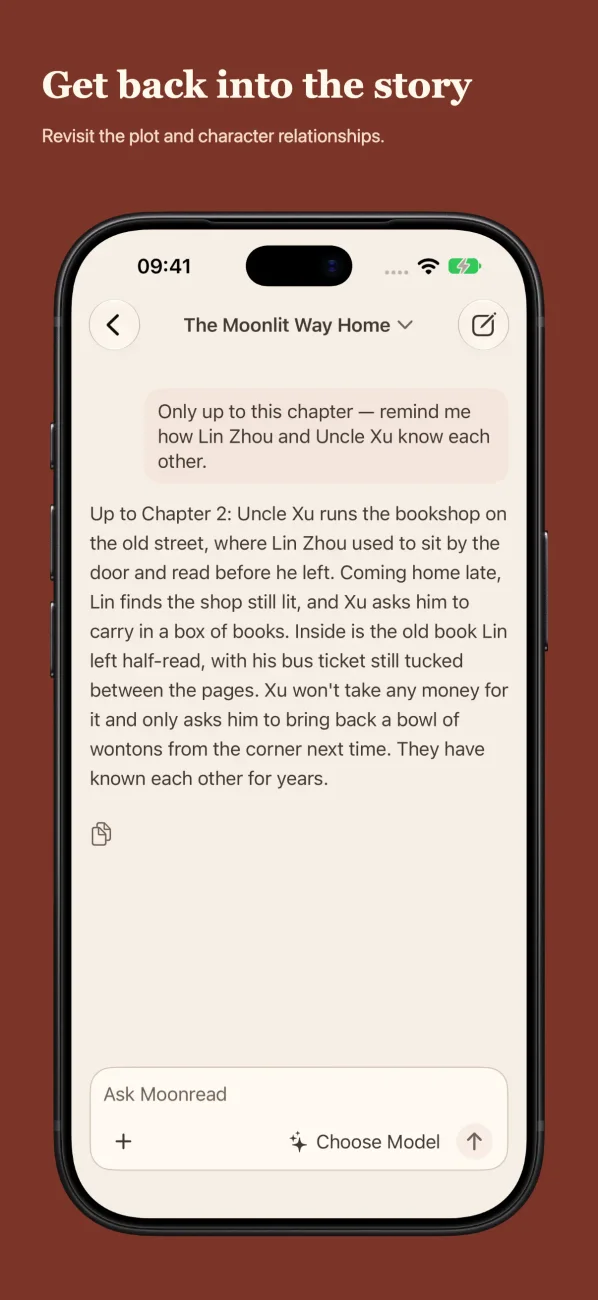
The AI reading assistant is optional and off by default. Connect your own AI service to discuss a plot, untangle character relationships, or ask “Which mysteries am I reading?” Tap the suggested filter in chat to see the matching books on your shelves.
Moonread is open source and requires no Moonread account. Reading is free, and tips are entirely optional. AI features are available in select regions.
新機能
バージョン 1.8 · 2026/11/23
• Tap a passage you highlighted to see the note you wrote, right where you’re reading. No need to dig through your notes list. Close it and keep reading.
• Save a search filter as a virtual shelf. Keep the mysteries you’re reading together, for example, with your most recently read book first. Open the shelf from Home to see what matches now. Your files stay in their folders.
• Browse tags by category when filtering your library or editing a book’s details. To leave certain books out, choose Exclude beside a condition.
• Tap anywhere on the Continue Reading card on Home to return to your book.
• Before restoring a reading backup, see which books have changes and which already match. Once you start the import, you can close the progress view and keep reading. Check the result later in Data Management.
• The optional AI reading assistant is off by default. With your own service connected, describe what you’d like to find in chat, then tap the suggested filter to see matching books in your library.
アプリのプライバシー
このアプリのデータの取り扱いについて、炜杰 苏がApp Storeで申告している内容です。
-
ユーザーに関連付けられたデータ
収集され、ユーザーの識別情報に関連付けられる場合があります。
- ユーザーコンテンツ
- 検索履歴
- ID
- 使用状況データ
プライバシーの取り扱いは、ご利用の機能やお客様の年齢などに応じて異なる場合があります。
情報
- 販売元
- 炜杰 苏
- カテゴリ
- ブック
- バージョン
- 1.8
- 更新日
- 2026/11/23
- リリース
- 2026/10/19
- サイズ
- 63.6 MB
- 必要条件
- iOS 18.0以降
- 対象年齢
- 12+
- 価格
- 無料
- アプリ内課金
- あり
- 言語
- 英語, 簡体字中国語, 繁体字中国語
- 著作権
- © 2026 suxiaoshao