- 対象年齢4+
- カテゴリビジネス
- 開発元Kbbs
- 言語英語ほか2言語
- サイズ63.7 MB
App Storeの公式ページにリンクしています
Download.orgはMowinのファイルを一切ホストしていません。ボタンを押すと、Kbbsが公開しているApp Storeのアプリページが開きます。ページの最終確認:2026/11/21。
スクリーンショット


概要
開発元はこのテキストをお使いの言語で提供していません。
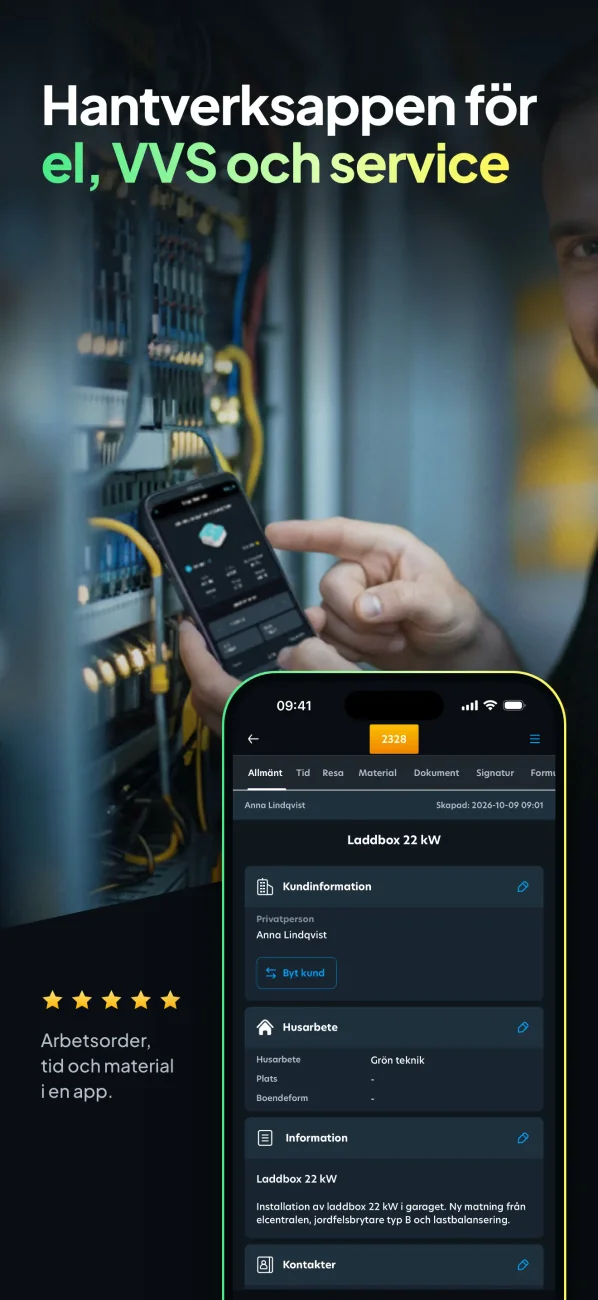
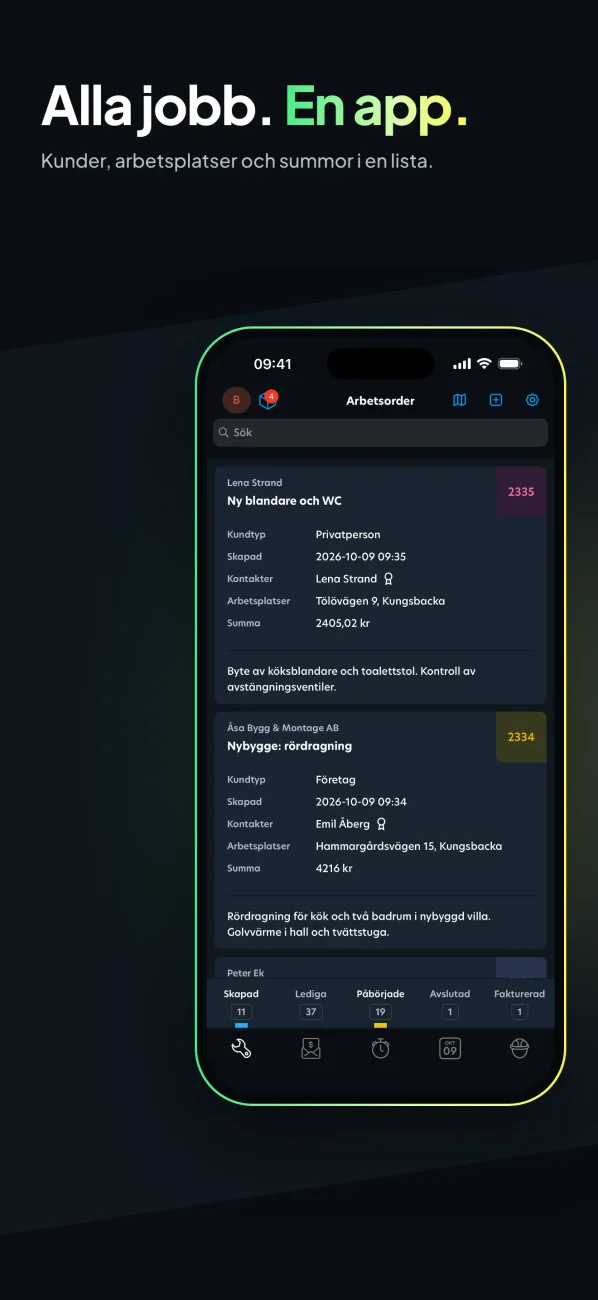
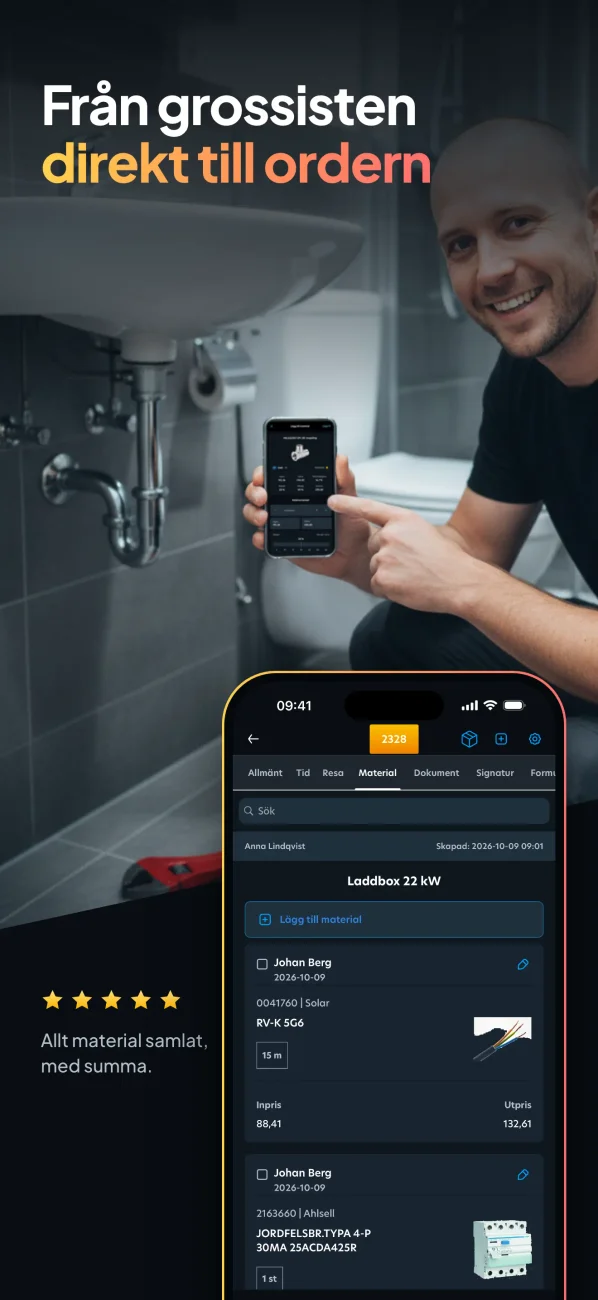
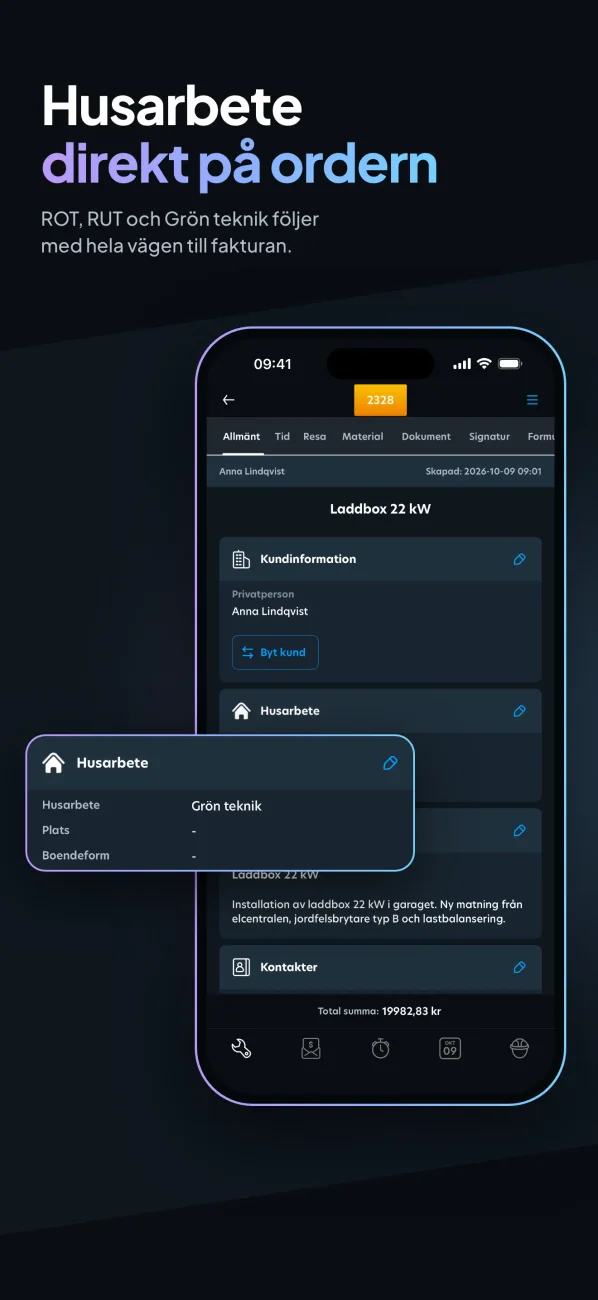
With Mowin, you get a smart and digital tool for work orders, time reports, and materials management, specially created for electrical, plumbing, and similar service professions. Whether you have staff in the field, or manage a large number of work orders and items, Mowin can help you keep track of everything. Our goal is to halve your administrative time, with no binding period and always with free support.
The Mowin app is available for devices, enabling instant synchronization between all users and devices. With our app in your pocket, you get lightning-fast access to all important information no matter where you are.
Our user-friendly app allows you to easily streamline your workdays - from work orders, materials management, and time reporting to invoicing. All data is saved in the cloud, updated lightning fast, and all employees get the latest information. With Mowin, there are no more misplaced papers and you don't have to spend the weekend on invoicing.
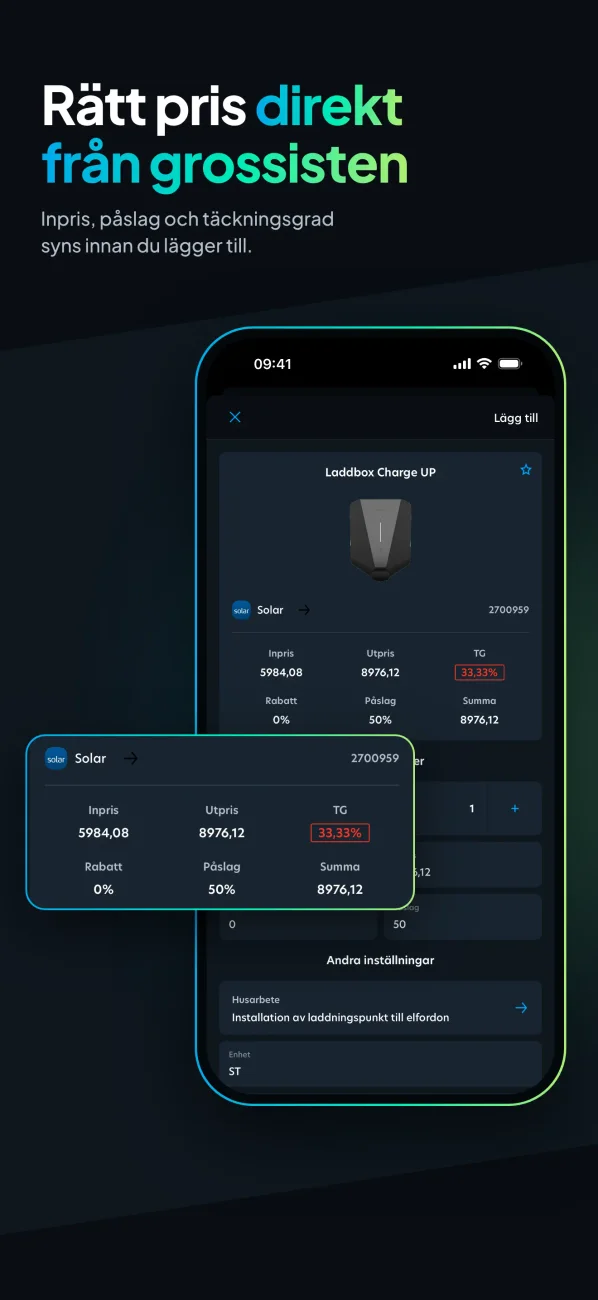
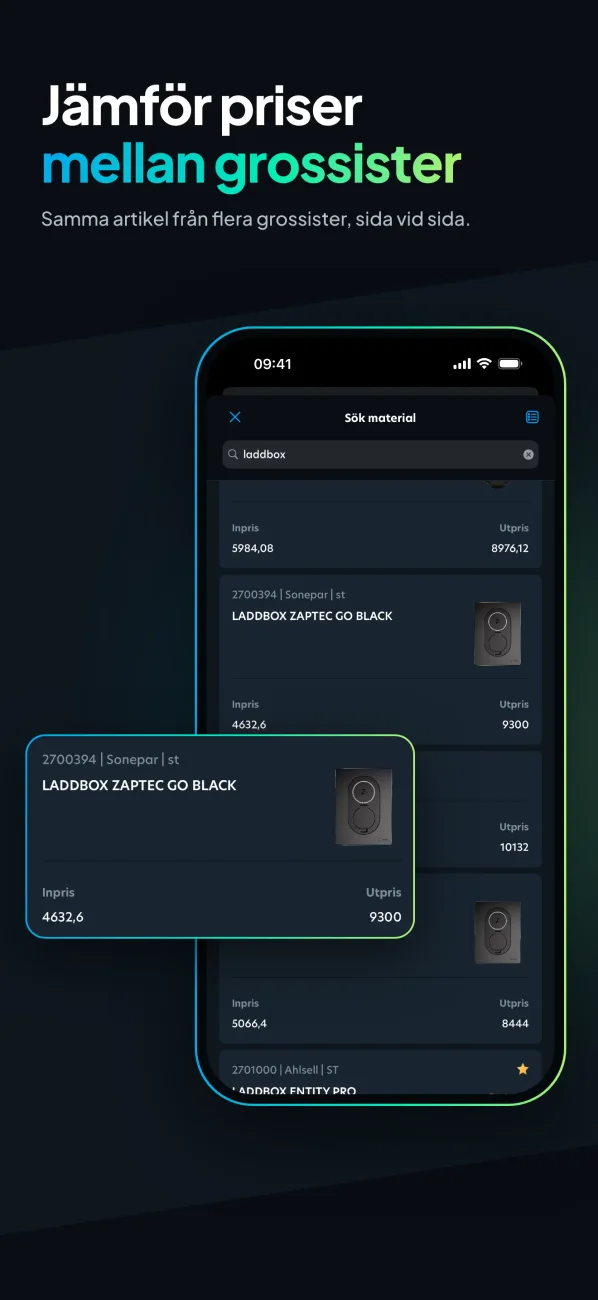
Mowin is easy to integrate with both ERP systems and electrical wholesalers (EDI), which means that you reduce your administration and get full control of all assignments and projects. You can create your order directly in the queue at the wholesaler, and all purchased materials become immediately visible on the work order. Always with price comparisons and updated price lists.
Download Mowin today and simplify your everyday life!
新機能
バージョン 1.7.36 · 2026/11/16
What's new in 1.7.36
• Timers. Start a timer when you begin a job instead of entering the time afterwards. Pause and stop it in the app or on the Lock Screen, and log the time on the work order when you're done. You can have up to five timers running at once.
• The work order's result. The overview shows the order's contribution margin in kronor (TB) and as a percentage (TG), calculated as on the web. The card shows for those allowed to see cost and margin.
• Duplicate invoices. Scan the same supplier invoice twice and it is marked as a duplicate, and Add all asks first so the cost isn't booked twice on the work order.
• A customer shows by its company name everywhere, including the customer picker, the calendar and Lots, and by its alias when there is no company name.
• Chats show the work site's address, so you can tell which order it is when a customer has several.
• The housing association's org. no. in an address suggests your organisation's associations and is checked with Bolagsverket.
• A worker can remove themselves from a work order or a quote, as on the web.
• An uploaded file keeps its file name, and if the name is taken it becomes "name (1)". This also applies to attachments you save from a chat, so no document is overwritten.
• A form tells you which required field is missing when you tap Done, even if the field is on another page.
• Personal identity number fields accept coordination numbers (samordningsnummer).
• Quick form stores a private customer's personal identity number on the customer, and the quote overview calls it Personnummer.
• Change customer doesn't ask about address or contact when nothing would change, and every tab of the work order shows the new customer at once.
• In the calendar, attendees who don't fit show as +N.
• Purchases: Unhandled and Handled show all their documents, both supplier invoices and EDI, the search can be cleared, and a quick double tap doesn't add a line twice. You archive from inside the document.
• Purchases: an invoice image from Photos or Files is uploaded whole instead of being cropped, and the list no longer crashes when you archive.
• Materials: an empty Quantity can't be saved, − and + never go down to zero, and with a surcharge or discount the net price is saved exactly.
• Workers can no longer be added to or removed from a billed work order.
• Documents: Edit shows the first page of a PDF, the rows on the customer card show the whole title and description, and a video from the photo library is uploaded or tells you it couldn't be read.
• Chat: a search hit in an older message opens where it is, and going back takes you to the newest message.
• A work order or quote without a title shows the customer's name instead of an empty line.
• More small fixes: the app no longer crashes if you tap the launch screen, and a wholesaler without a logo shows no logo instead of another wholesaler's.
アプリのプライバシー
このアプリのデータの取り扱いについて、KbbsがApp Storeで申告している内容です。
-
ユーザーに関連付けられたデータ
収集され、ユーザーの識別情報に関連付けられる場合があります。
- 位置情報
- 連絡先情報
- ユーザーコンテンツ
- ID
- 使用状況データ
- 診断
- その他のデータ
-
ユーザーに関連付けられないデータ
収集される場合がありますが、ユーザーの識別情報には関連付けられません。
- ユーザーコンテンツ
プライバシーの取り扱いは、ご利用の機能やお客様の年齢などに応じて異なる場合があります。
情報
- 販売元
- Kristofer Brigelius
- カテゴリ
- ビジネス
- バージョン
- 1.7.36
- 更新日
- 2026/11/16
- リリース
- 2022/5/4
- サイズ
- 63.7 MB
- 必要条件
- iOS 17以降
- 対象年齢
- 4+
- 価格
- 無料
- 言語
- 英語, ノルウェー語 (ブークモール), スウェーデン語
- 著作権
- © Mowin AB