- 対象年齢4+
- カテゴリミュージック
- 開発元Sebastian Sygulla
- 言語英語
- サイズ35.7 MB
App Storeの公式ページにリンクしています
Download.orgはMultitrackerのファイルを一切ホストしていません。ボタンを押すと、Sebastian Sygullaが公開しているApp Storeのアプリページが開きます。ページの最終確認:2026/11/17。
スクリーンショット
概要
開発元はこのテキストをお使いの言語で提供していません。
Multitracker is a live player that allows you to play multiple audio files and midi files comfortably and flexibly with the help of playlists.
If a USB audio interface is connected to the iPad, the audio tracks (stems) of a song can be routed to any of the outputs of the interface. At the same time, the headphone output can also be used as an additional routing destination, so that you have two additional channels available.
To play midi songs, Multitracker provides a midi player that allows each MIDI track to be assigned to any existing Midi device (whether via USB or iPad instrument such as Sound Canvas).
Of course a midi song can be played in sync with audio tracks.
If necessary, a metronome with 9 different click sounds and freely selectable time signature can be added to your song or be played alone.
It has never been easier to play multitrack and midi songs on stage!
Features:
- supports any class compliant audio interface
- Headphone output selectable as additional routing destination (2 additional channels)
Audio Player:
- unlimited number of audio tracks (stems) depending on the performance of your iPad
- Supports wav, mp3, flac, aac, ac3 (also mixed in one song)
- Each audio track (Stem) can be routed to any output
- Audio tracks can also be routed to outputs that are not currently connected
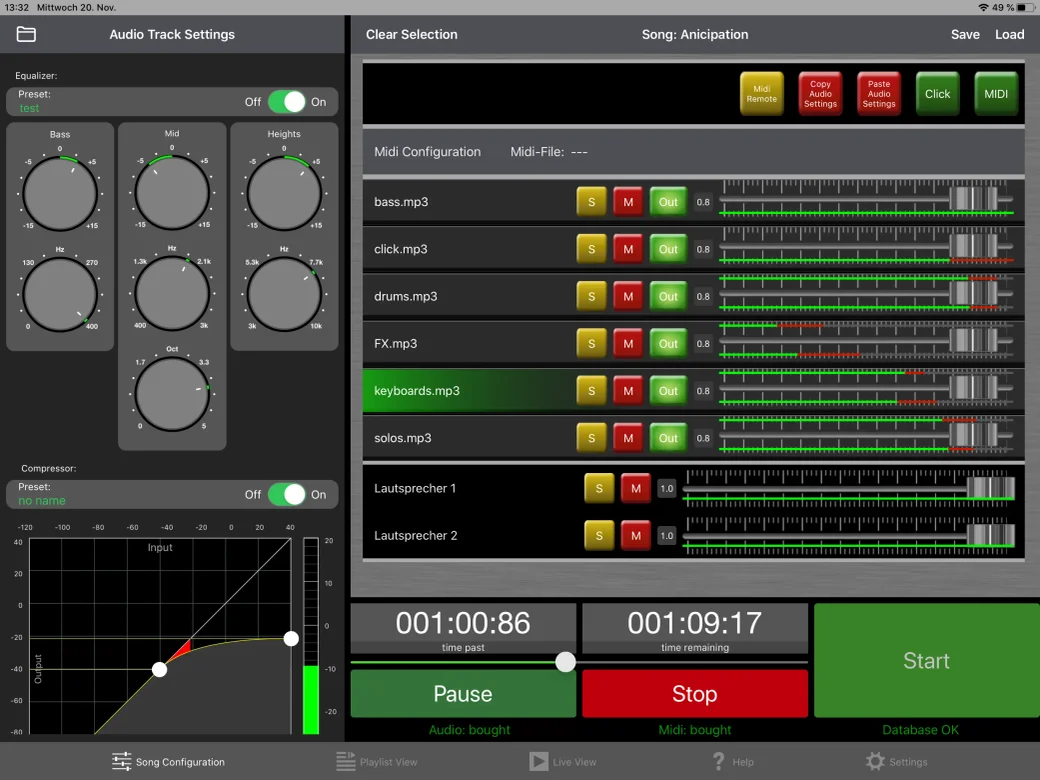
- equalizer per track
- compressor per track
- Volume fader per track
- Solo and mute buttons per track
- Copy / Paste function for routing and volume for faster configuration
- List of all audio routings
- Output channel busses with faders and listing of all assigned stems
Midi Player:
- Supports MIDI Format 0 and 1
- Each MIDI track can be assigned any MIDI locations (external / internal) - at the same time
- Transpose for each track separately or for the entire song
- Midi Clock Send in sync with the Midi Song (without Song Position Pointer)
- Switchable automatic metronome
- changeable Tempo
- Program change commands adjustable for each channel and midi device
- Prgogram Changes can be sent when the song is started or loaded
- You can also save songs that contain only Program Change messages but no Midi Song
- sends MIDI Time Code (MTC Master)
- sends MIDI Machine Code (MMC)
Metronome:
- can be played with or without Midi Song
- Choice of 9 different click sounds
- Time signature can be set arbitrarily
- Adjustable Click Duration
- Midi Clock synchronous to the metronome
Playlist:
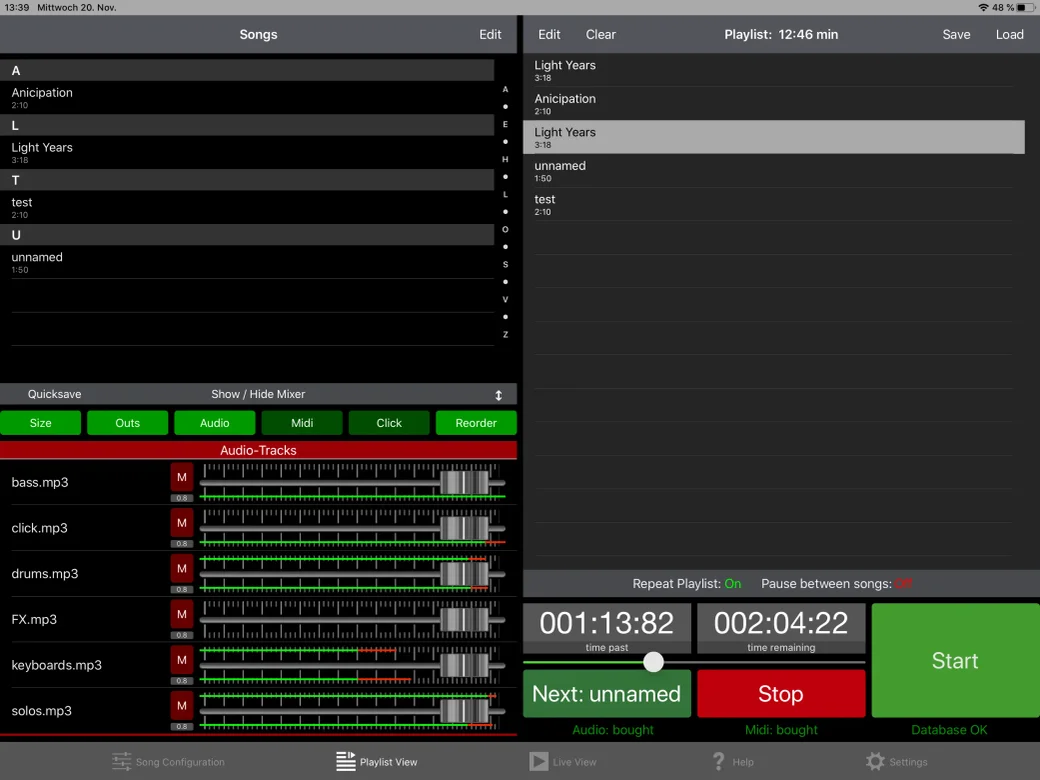
- Playlist is easy to create with pre-configured songs
- Pause between songs on / off switchable
- Quicksave-option
- Display of faders configurable
- Size of faders configurable
- Playlists can be saved
- Playlists can be adjusted while playing
- FastForward / Rewind
- Pause
- Start / Stop / Pause / Skip / VolumeFader controllable via Midi (Midi Learn)
- Songs selectable by MIDI Program Change commands
Live View:
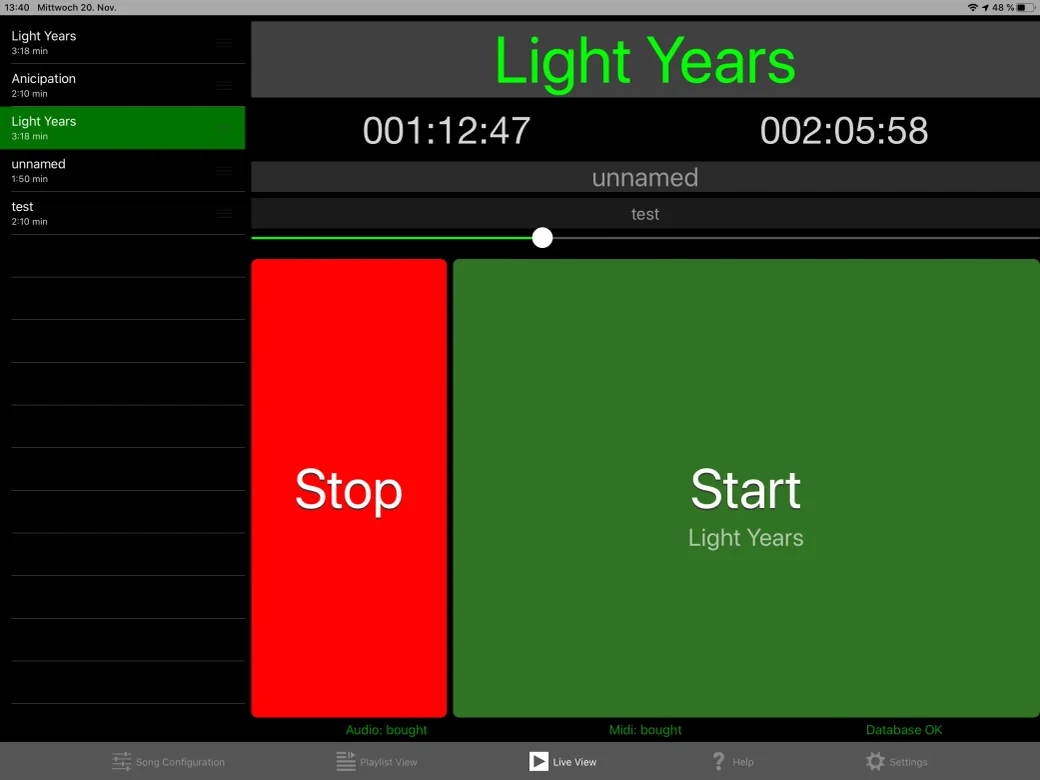
- extra large song title (as well as next titles)
- extra large transport buttons
- Playlist View can be faded in
- Pause / Start Next Buttons can be faded in
Fast Forward / Rewind
general:
- works in background
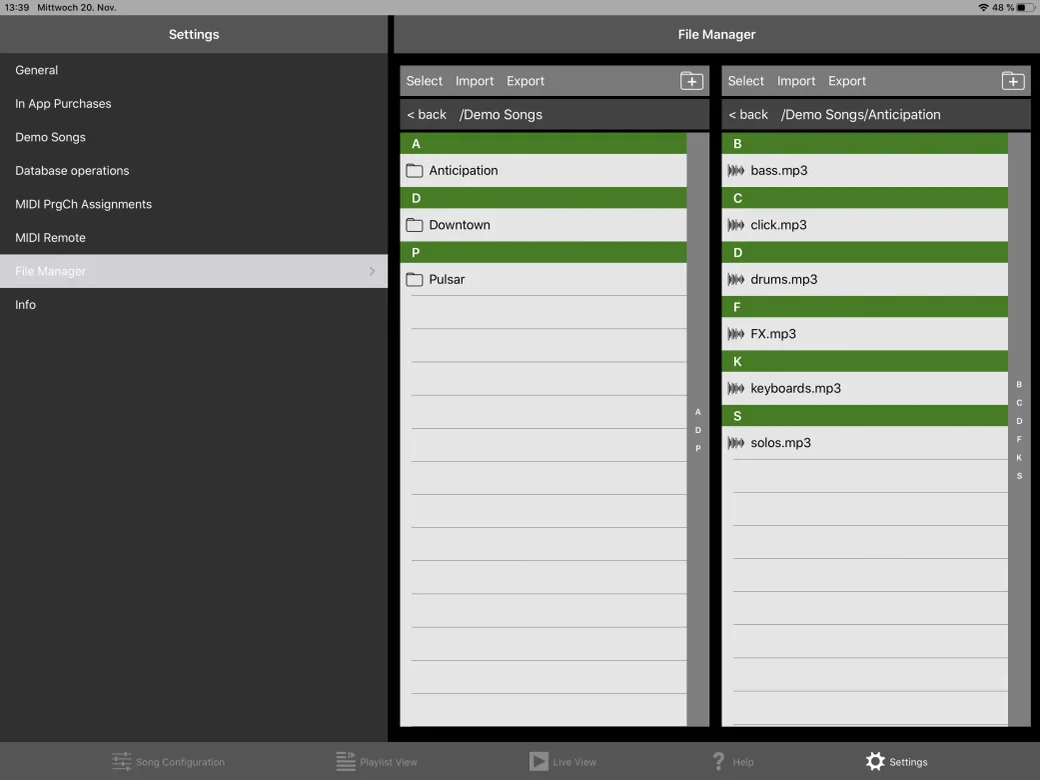
- import / export all song settings and playlists for backups and migration
- import / export audio data from / to cloud services (iCloud, Dropbox etc. )
- share audio files between apps
- 3 free demo songs to download
- Multitracker is permanently extended and improved!
System Requirements:
- iPad with iOS 9 or later
Optional:
- USB-Audio Interface (Class Compliant)
- Lightning to USB-Cable or Camera Connection Kit (if you want to provide your iPad with power when connected to USB Interface)
新機能
バージョン 2.2.10 · 2024/3/20
- fixed a few compatibility issues with iPad OS 17.4
- fixed Multitracker stopping when Bluetooth connection is interrupted
アプリのプライバシー
このアプリのデータの取り扱いについて、Sebastian SygullaがApp Storeで申告している内容です。
-
データの収集なし
開発元はこのアプリからデータを収集しません。
プライバシーの取り扱いは、ご利用の機能やお客様の年齢などに応じて異なる場合があります。
情報
- 販売元
- Sebastian Sygulla
- カテゴリ
- ミュージック
- バージョン
- 2.2.10
- 更新日
- 2024/3/20
- リリース
- 2016/11/14
- サイズ
- 35.7 MB
- 必要条件
- iOS 9.0以降
- 対象年齢
- 4+
- 価格
- 無料
- アプリ内課金
- あり
- 言語
- 英語
- 著作権
- © Sebastian Sygulla