- 対象年齢4+
- カテゴリユーティリティ
- 開発元Mengke WANG
- 言語英語ほか4言語
- サイズ3.0 MB
App Storeの公式ページにリンクしています
Download.orgはMute FSDのファイルを一切ホストしていません。ボタンを押すと、Mengke WANGが公開しているApp Storeのアプリページが開きます。ページの最終確認:2026/11/17。
スクリーンショット


概要
開発元はこのテキストをお使いの言語で提供していません。
Have you ever taken over from FSD when the road suddenly changed, only to see a dark feedback survey cover the camera view on the car’s screen?
That is a moment to watch the road, not decide which feedback option to tap.
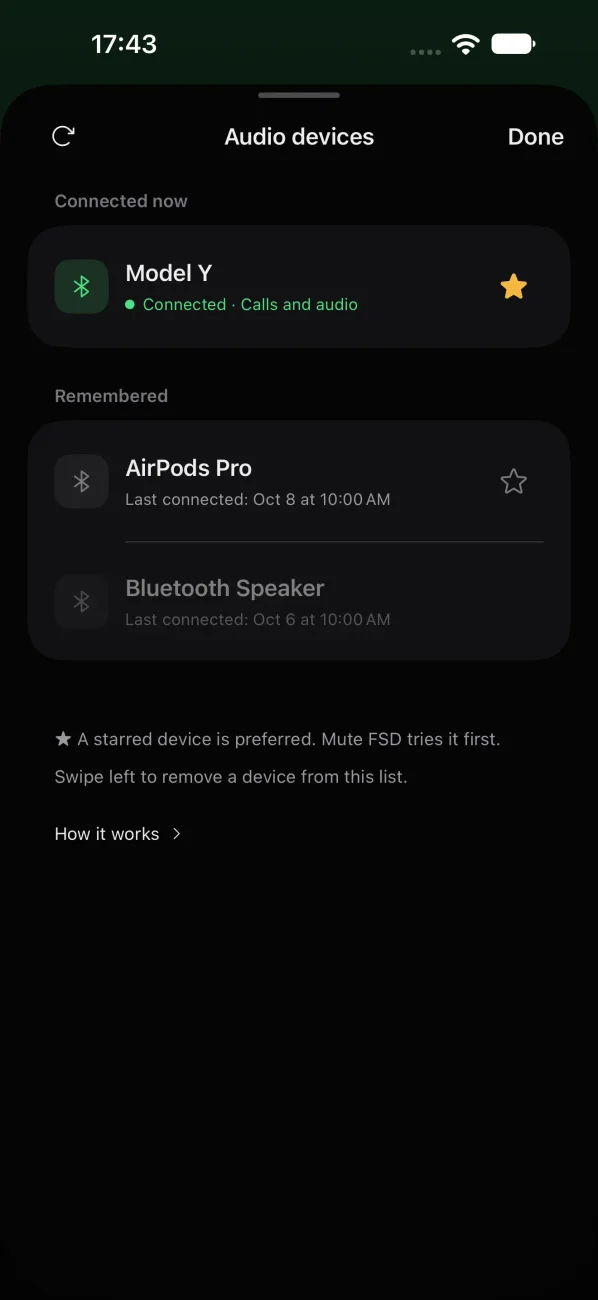
Mute FSD keeps the car’s Bluetooth hands-free audio connection active to help prevent feedback surveys after an FSD takeover, with fewer interruptions while driving. Results depend on the vehicle’s software version.
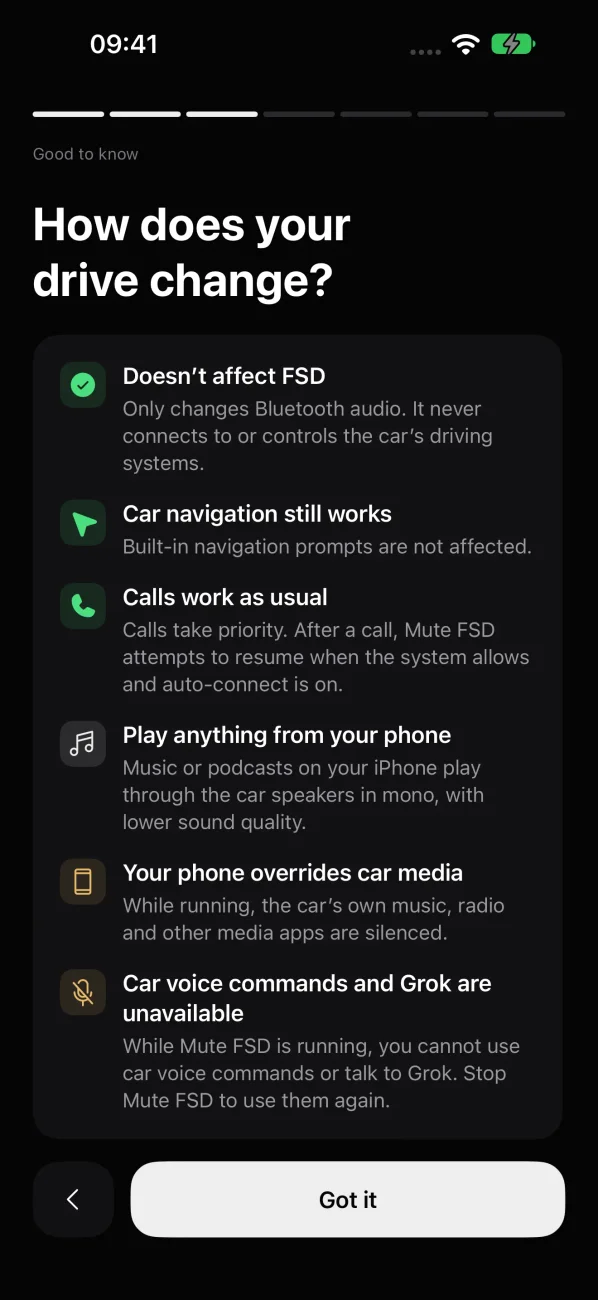
How does your drive change?
Doesn’t affect FSD: Only changes Bluetooth audio. It never connects to or controls the car’s driving systems.
Car navigation still works: Built-in navigation prompts are not affected.
Calls work as usual: Calls take priority. After a call, Mute FSD attempts to resume when the system allows and auto-connect is on.
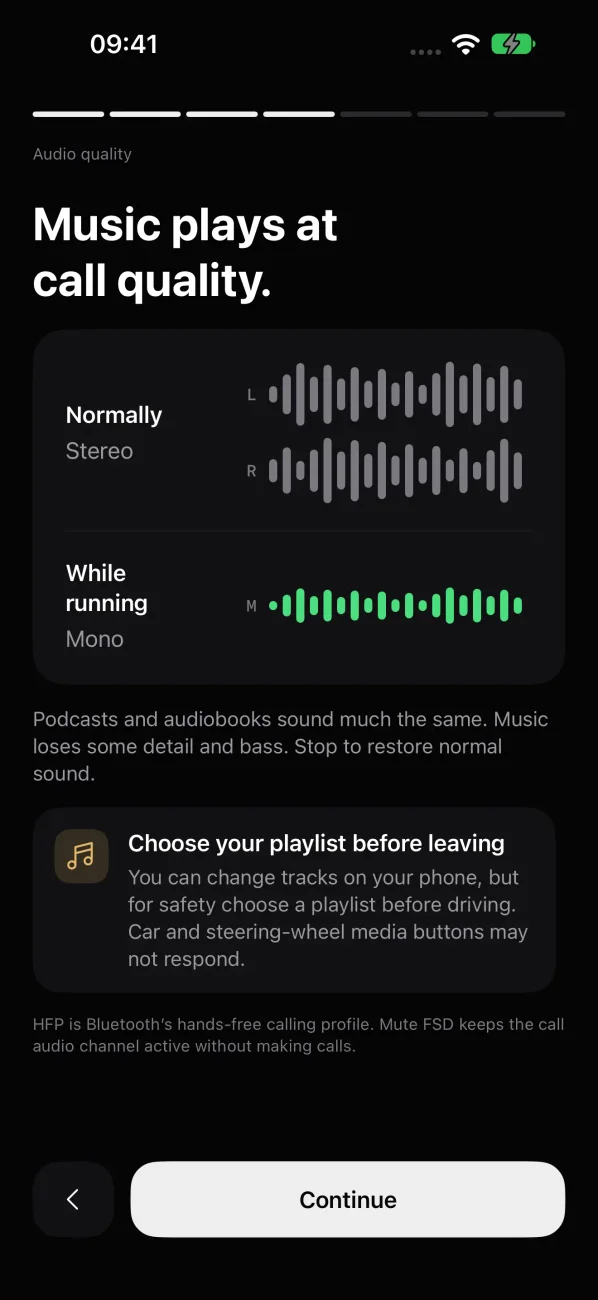
Play anything from your phone: Music or podcasts on your iPhone play through the car speakers in mono, with lower sound quality.
Your phone overrides car media: While running, the car’s own music, radio and other media apps are silenced.
Car voice commands and Grok are unavailable: While Mute FSD is running, you cannot use car voice commands or talk to Grok. Stop Mute FSD to use them again.
ONE SIMPLE CONNECTION
Connect from the home screen. Auto-connect is enabled by default and keeps trying when the hands-free connection is unavailable. Pause whenever you want.
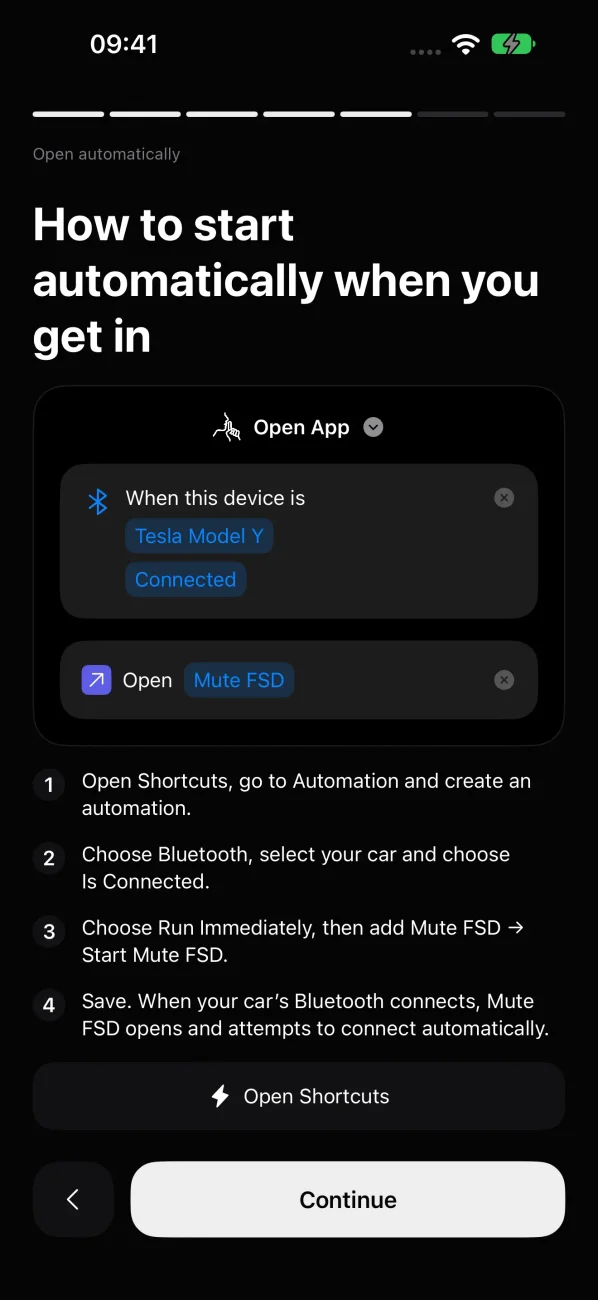
OPEN AUTOMATICALLY WHEN YOU GET IN
Set up a Bluetooth automation in Apple Shortcuts to open Mute FSD when your phone connects to your car. Mute FSD then attempts to connect automatically.
KEEP YOUR NAVIGATION AND MEDIA APPS
Continue using spoken directions from your phone’s navigation apps. The vehicle’s built-in navigation guidance remains available. Listen with the media apps you already use.
KNOW THE AUDIO TRADE-OFF
Mute FSD uses HFP, the Bluetooth Hands-Free Profile. Expect reduced audio quality and mono sound. Vehicle media buttons may not control your media apps. Incoming calls take priority.
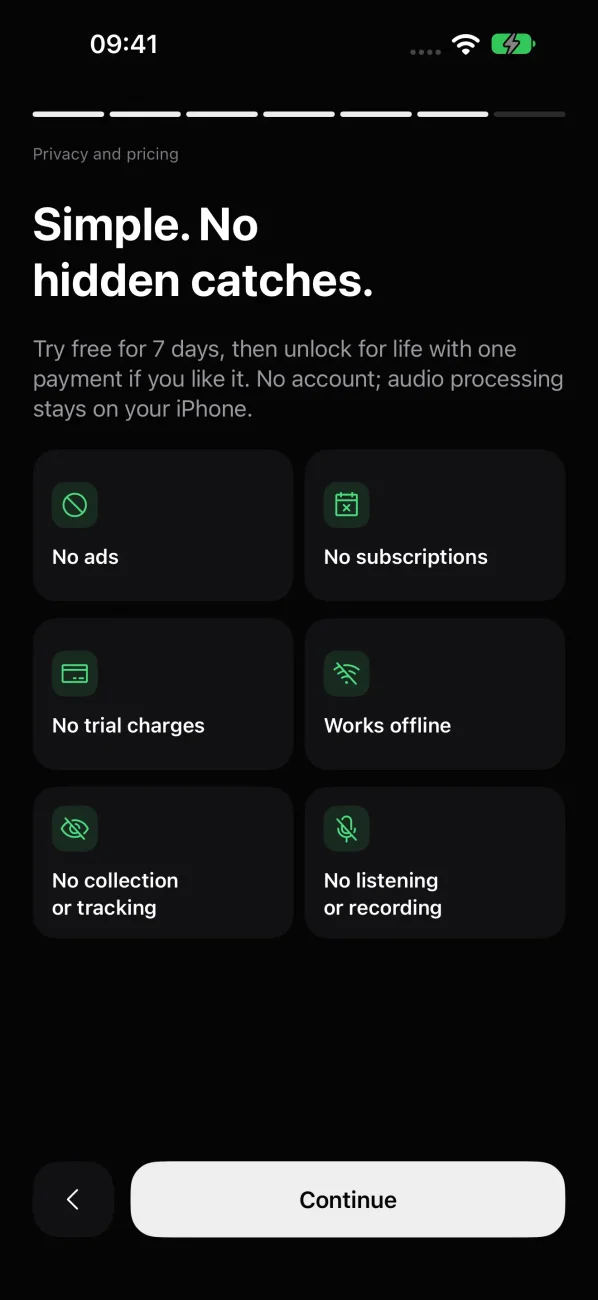
SIMPLE, WITH NO HIDDEN CATCHES
No ads, account, analytics or tracking. Microphone permission activates the hands-free audio channel; Mute FSD does not record audio. Audio runs locally over Bluetooth. Apple’s purchase and verification services may use the internet.
TRY BEFORE YOU UNLOCK
Audio features require activating the free 7-day trial or purchasing the lifetime unlock. The trial does not renew or charge automatically. A lifetime purchase has no subscription or recurring fee.
Compatibility and questionnaire suppression depend on your vehicle’s software. Use the trial to confirm compatibility. Mute FSD is an independent app and is not affiliated with or endorsed by Tesla. It does not alter FSD driving behavior or safety alerts. Do not operate the app while driving.
SEND FEEDBACK YOUR WAY
Write to us from Settings using an installed email application. Device and application versions are included in the draft; a diagnostic attachment is optional. You choose what to share and send.
Terms of Use (EULA): https://www.apple.com/legal/internet-services/itunes/dev/stdeula/
アプリのプライバシー
このアプリのデータの取り扱いについて、Mengke WANGがApp Storeで申告している内容です。
-
データの収集なし
開発元はこのアプリからデータを収集しません。
プライバシーの取り扱いは、ご利用の機能やお客様の年齢などに応じて異なる場合があります。
情報
- 販売元
- Mengke WANG
- カテゴリ
- ユーティリティ
- バージョン
- 1.0
- 更新日
- 2026/10/22
- リリース
- 2026/10/22
- サイズ
- 3.0 MB
- 必要条件
- iOS 18.0以降
- 対象年齢
- 4+
- 価格
- 無料
- アプリ内課金
- あり
- 言語
- 英語, フランス語, 韓国語, 簡体字中国語, スペイン語
- 著作権
- © 2026 CocoaBob