- 対象年齢4+
- カテゴリ仕事効率化
- 開発元OAKSTUDIO
- 言語英語
- サイズ9.6 MB
App Storeの公式ページにリンクしています
Download.orgはMyPDFEditorのファイルを一切ホストしていません。ボタンを押すと、OAKSTUDIOが公開しているApp Storeのアプリページが開きます。ページの最終確認:2026/11/17。
スクリーンショット

概要
開発元はこのテキストをお使いの言語で提供していません。
MyPDFEditor is your all-in-one PDF solution designed to make document management simple, fast, and powerful.
Whether you want to view, edit, scan, or convert PDFs, MyPDFEditor provides all the essential tools in one clean and easy-to-use app.
KEY FEATURES
• View and read PDF files
• Scan documents using your camera
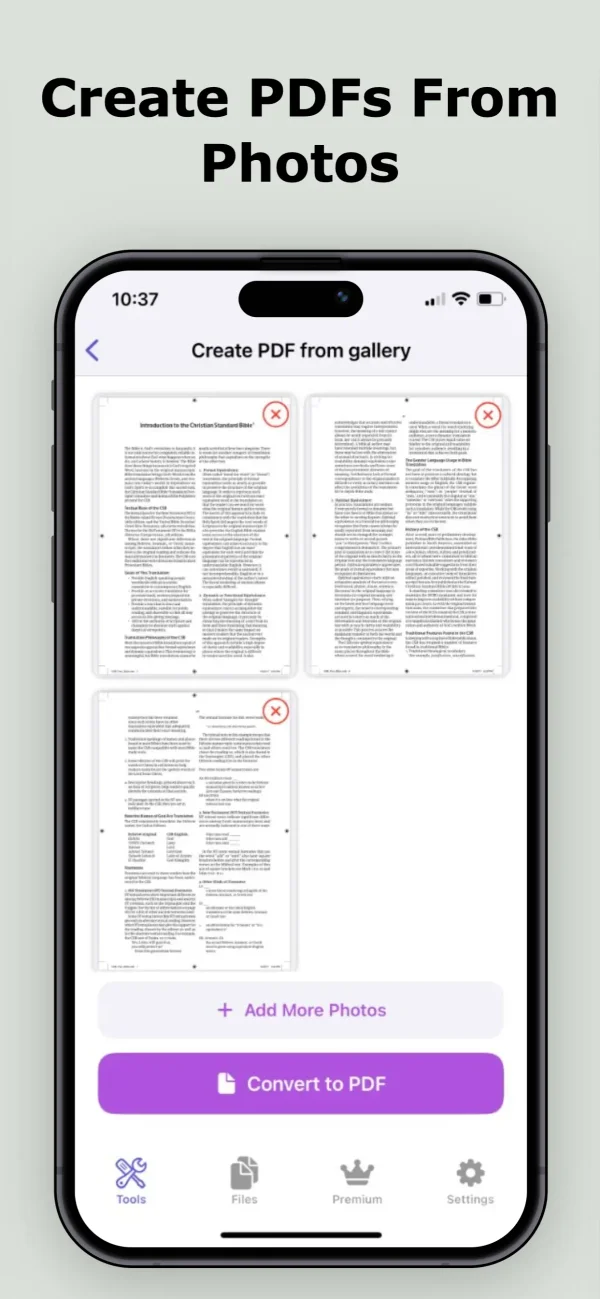
• Create PDFs from gallery images
• Merge multiple PDFs into one file
• Split PDFs into separate documents
• Compress PDF files to reduce file size
• Convert JPG to PDF
• Convert PDF to JPG
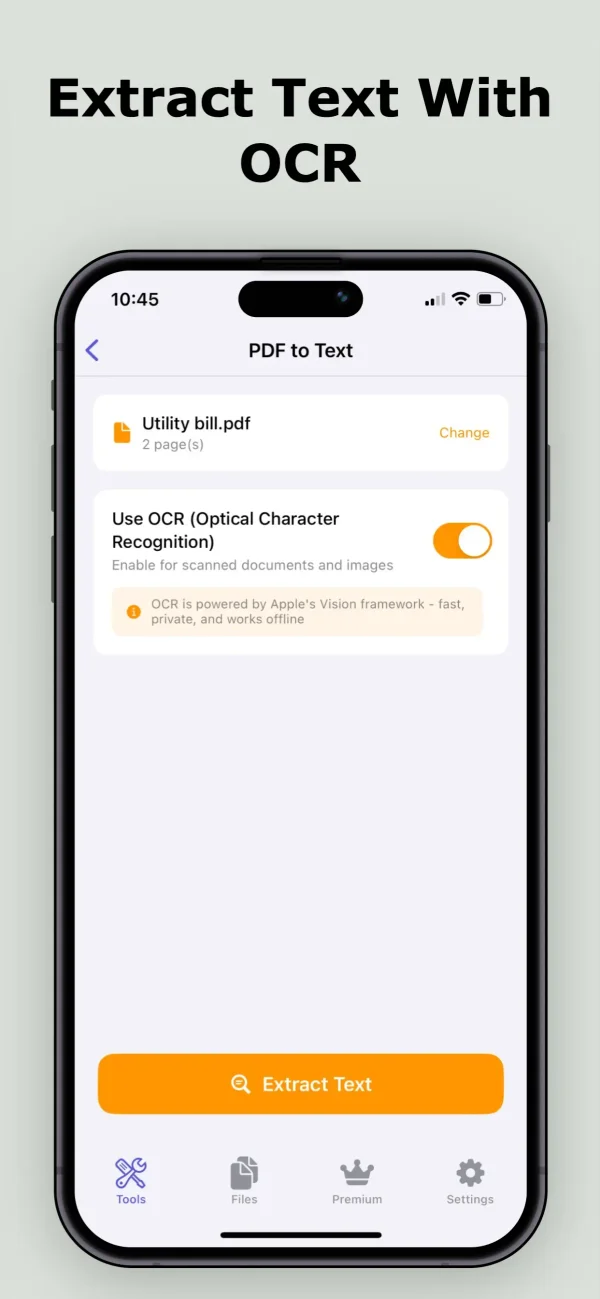
• Convert PDF to text
• Rearrange PDF pages easily
• Add watermarks to PDFs
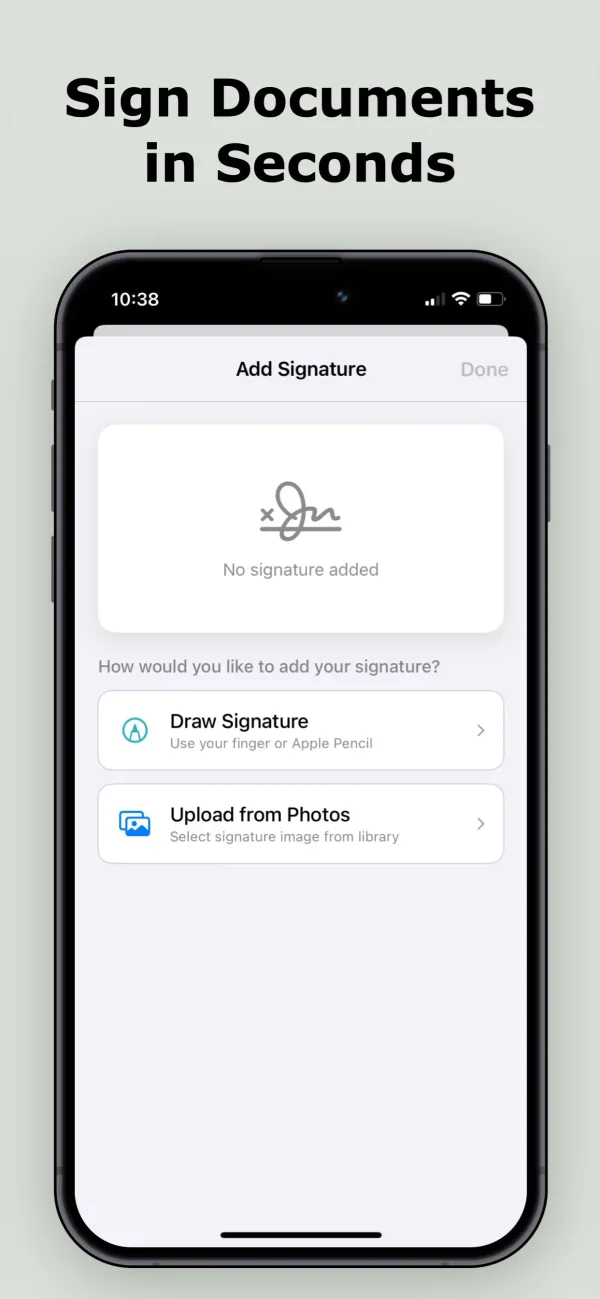
• Add digital signatures to documents
PREMIUM FEATURES
• Unlimited PDF conversions
• High-quality document scanning
• Batch file processing
• iCloud sync and storage
• Ad-free experience
新機能
バージョン 3.0 · 2026/5/17
• Improved Scan Document feature
• Improved Create PDF from Gallery feature
• Performance improvements and bug fixes
アプリのプライバシー
このアプリのデータの取り扱いについて、OAKSTUDIOがApp Storeで申告している内容です。
-
データの収集なし
開発元はこのアプリからデータを収集しません。
プライバシーの取り扱いは、ご利用の機能やお客様の年齢などに応じて異なる場合があります。
情報
- 販売元
- OAKSTUDIO
- カテゴリ
- 仕事効率化
- バージョン
- 3.0
- 更新日
- 2026/5/17
- リリース
- 2026/3/24
- サイズ
- 9.6 MB
- 必要条件
- iOS 17.0以降
- 対象年齢
- 4+
- 価格
- 無料
- アプリ内課金
- あり
- 言語
- 英語
- 著作権
- © 2026 OakStudio
こちらもおすすめ
-
 SnapPDF: Pic Scanner Converter仕事効率化
-
 PDF Editor : EditorPDF Editor Scan, Merge PDFs
-
 CalibratedNotes仕事効率化
-
 Folio: Scanner ID & PDF Editor仕事効率化
-
 PDFをWord・JPGに変換 - Mr PDF署名作成・フォーム入力
-
 PDF Editor - No Ads, Read Scan仕事効率化
-
 iScan Pro: PDF Scanner & OCR仕事効率化
-
 PDF Tools Pro — Scanner仕事効率化
-
 Carry: A Vault仕事効率化
-
 PDFLove: PDFスキャナー&OCRスキャン・OCR・PDF